Food Business | Restaurant & Cafe Management System (In-Game Admin UI, 10+ Locations)

ShowCase
TGIANN Food Business
🍔 Business & Management
- Over 10 default pre-configured locations ready to use.
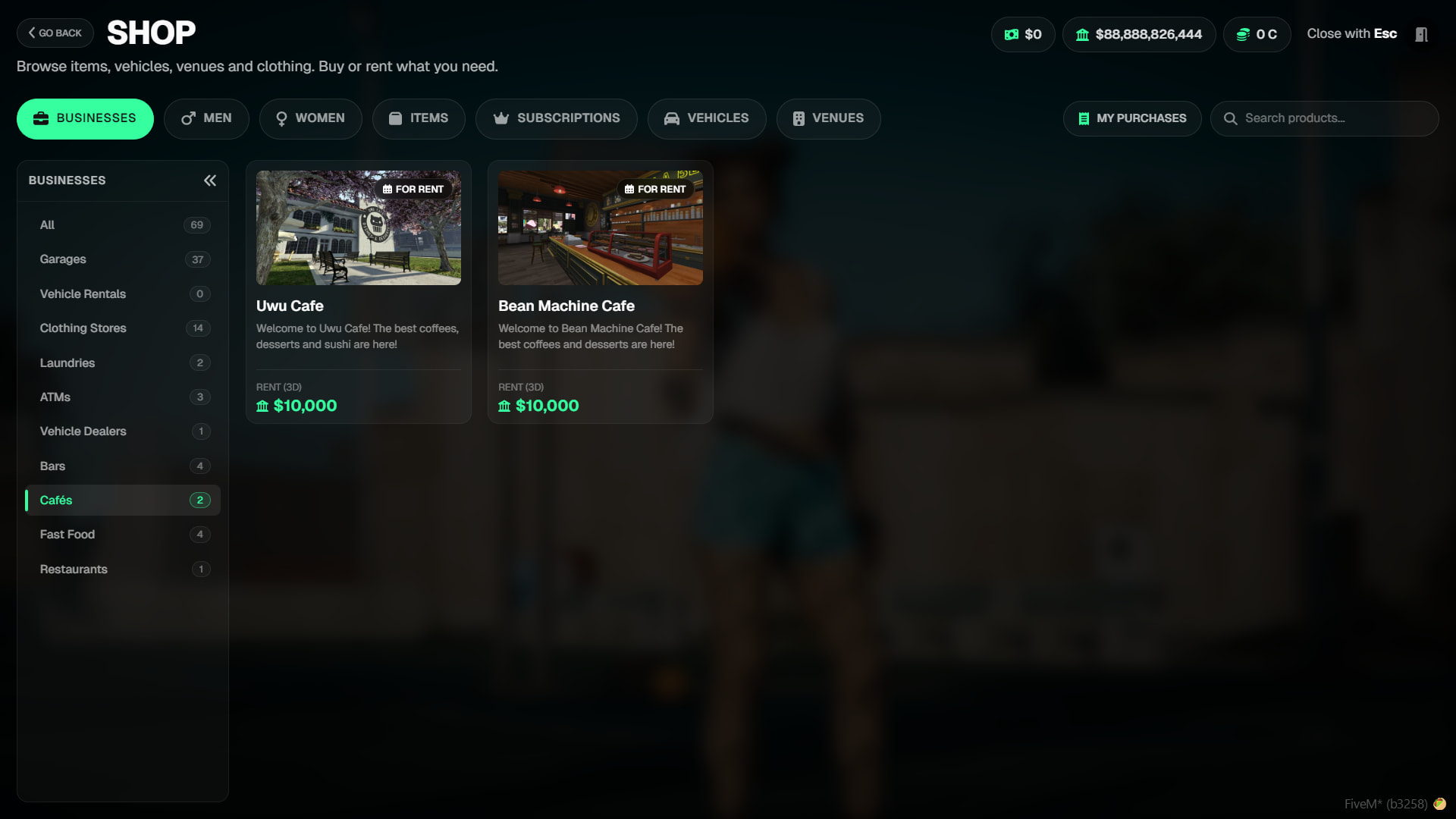
- Renting system instead of purchasing to keep the economy dynamic.
- Detailed statistics dashboard for business owners.
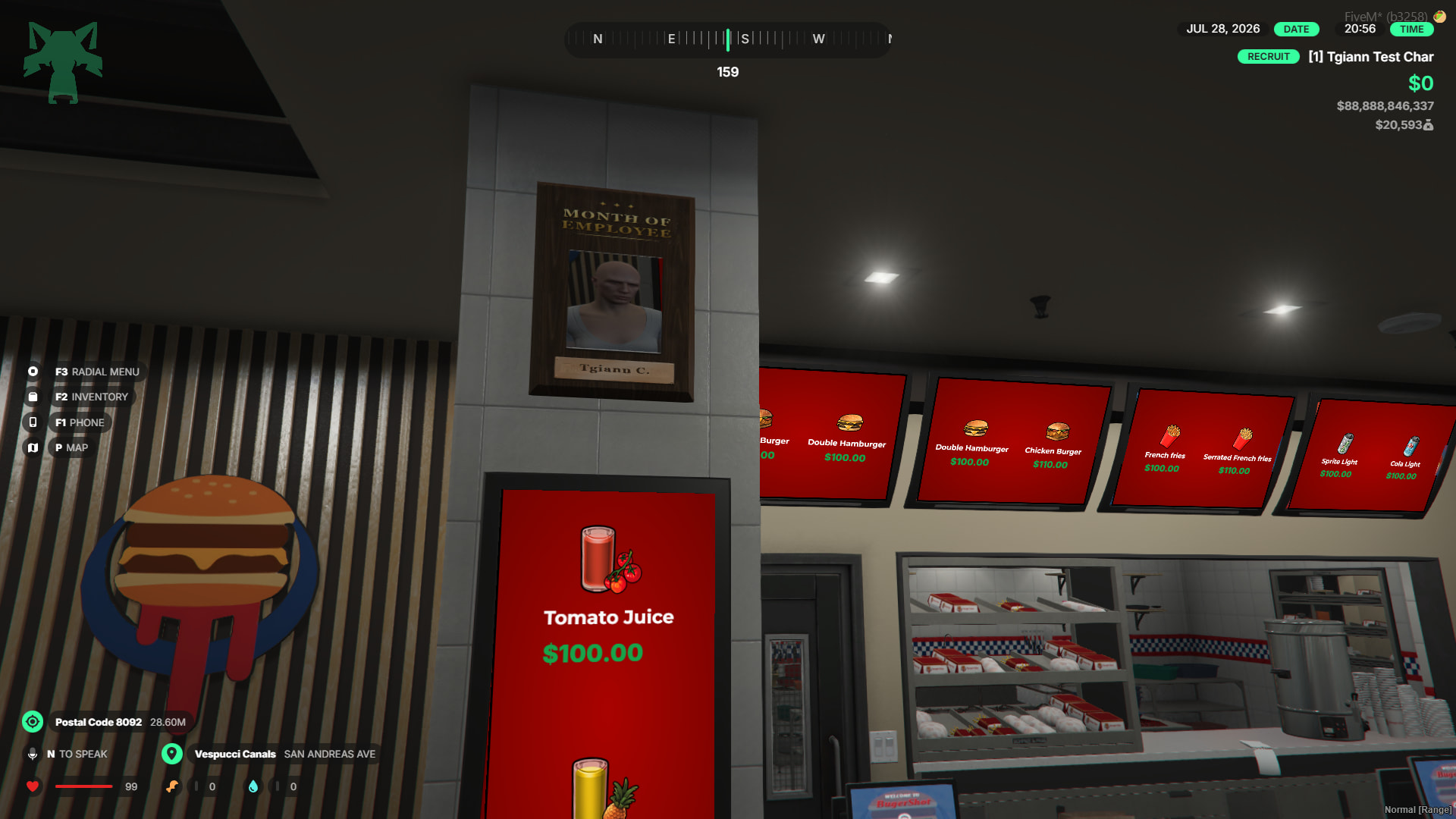
- Customizable 3D “Employee of the Month” board.
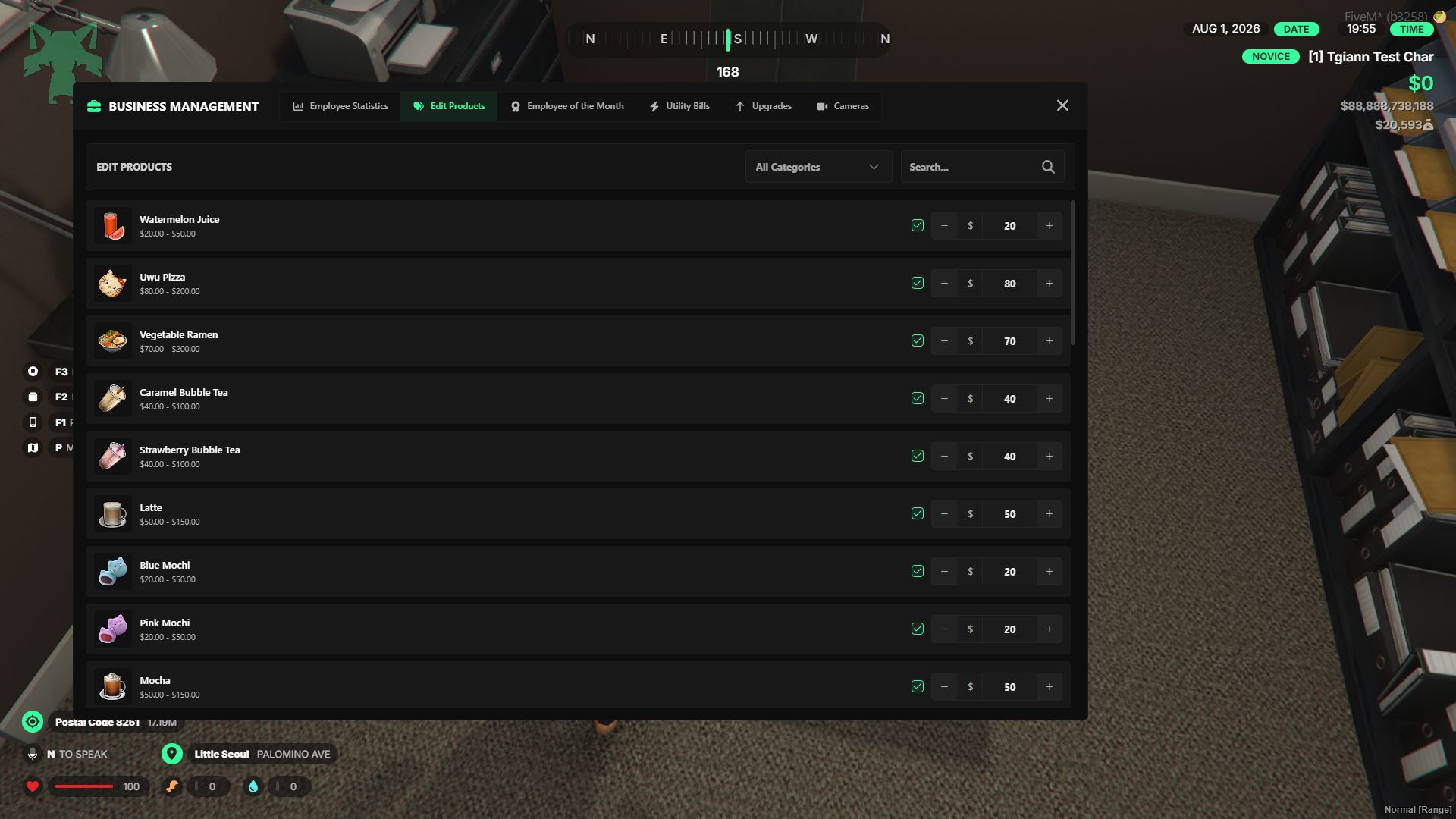
- Admin-configurable minimum and maximum price limits for products.
- Extra income opportunity through a dedicated delivery job for the businesses.
⚙️ Mechanics & Systems
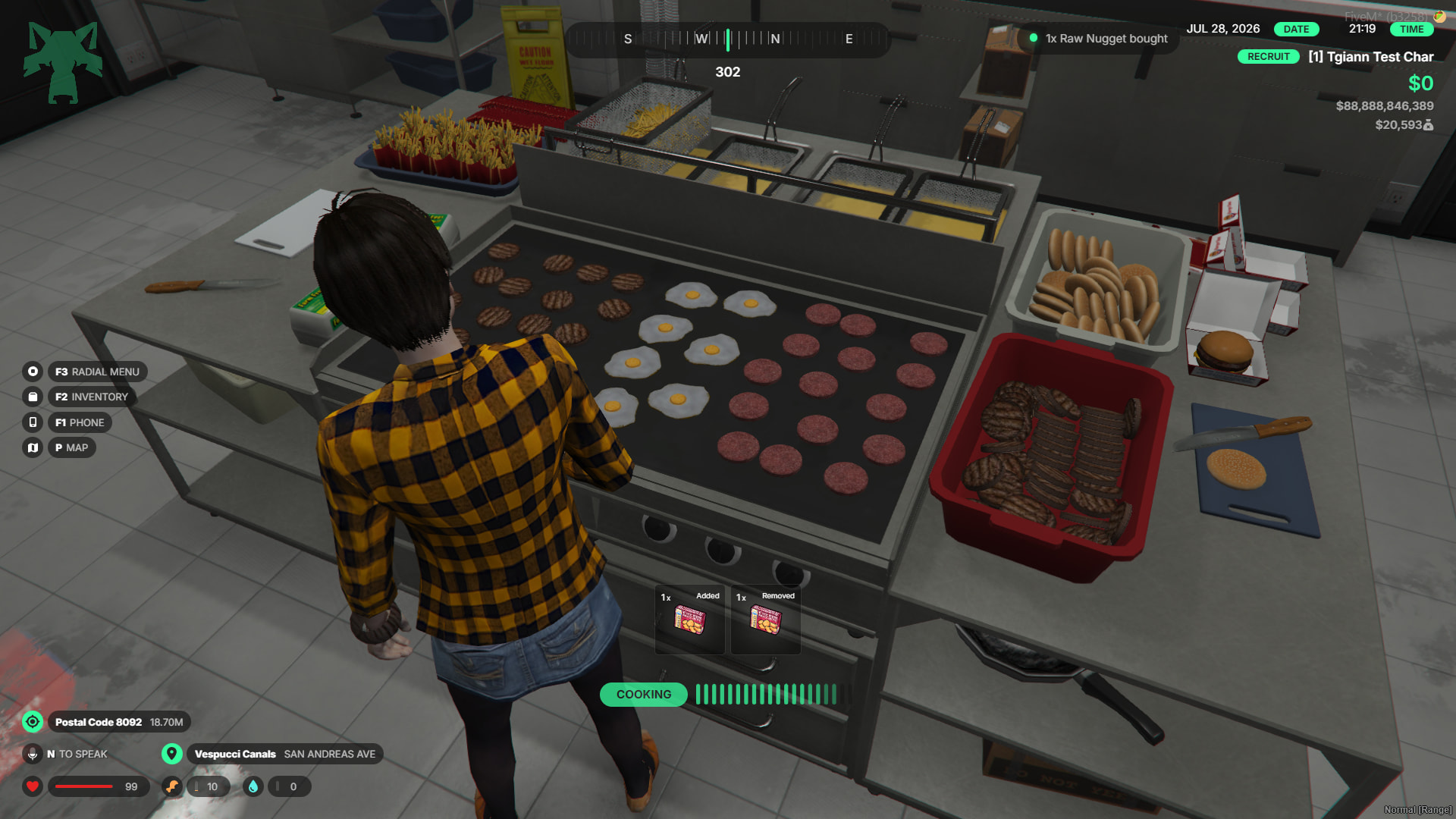
- Various interactive food production systems.
- Food packaging and a detailed cash register system.
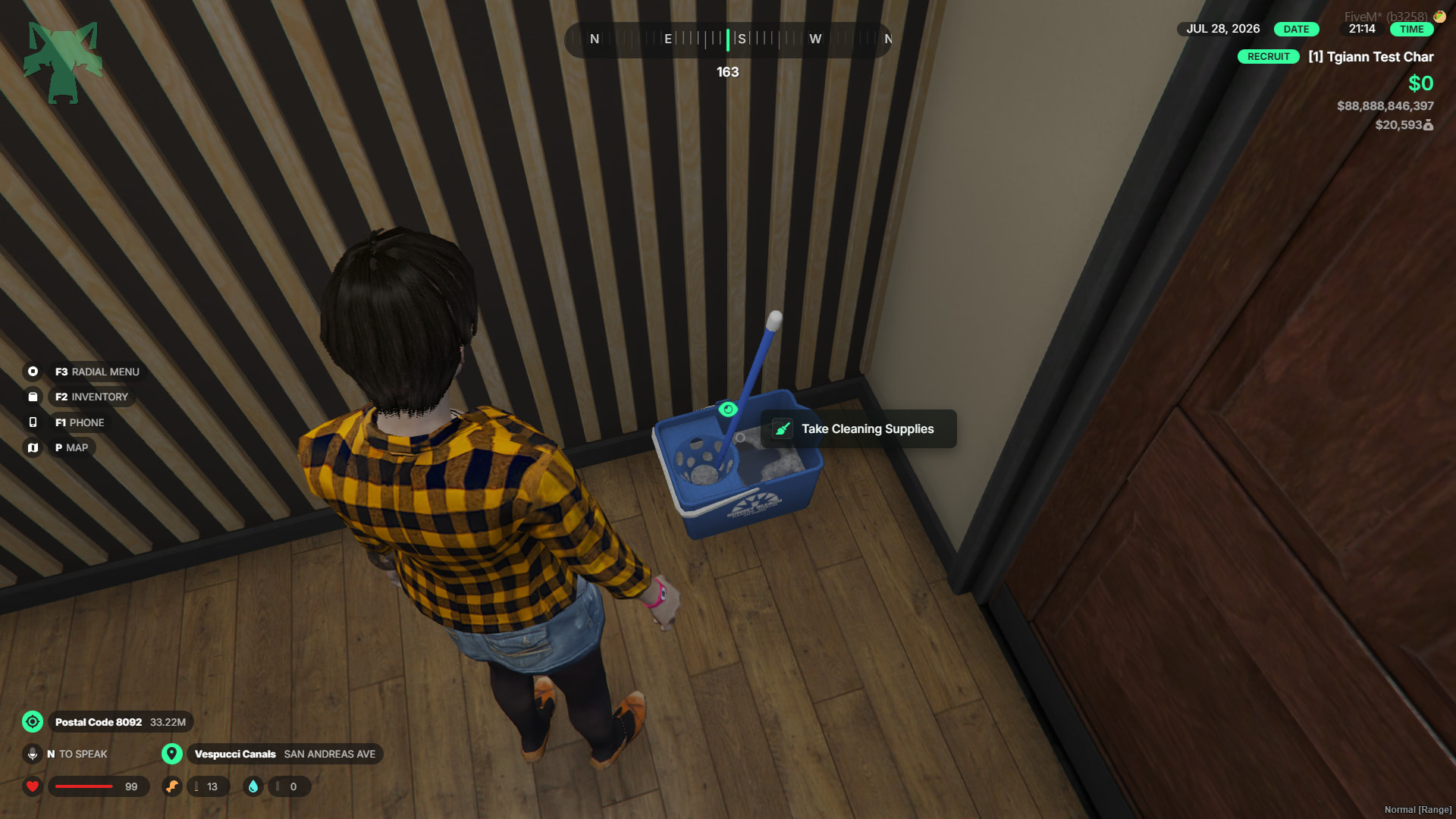
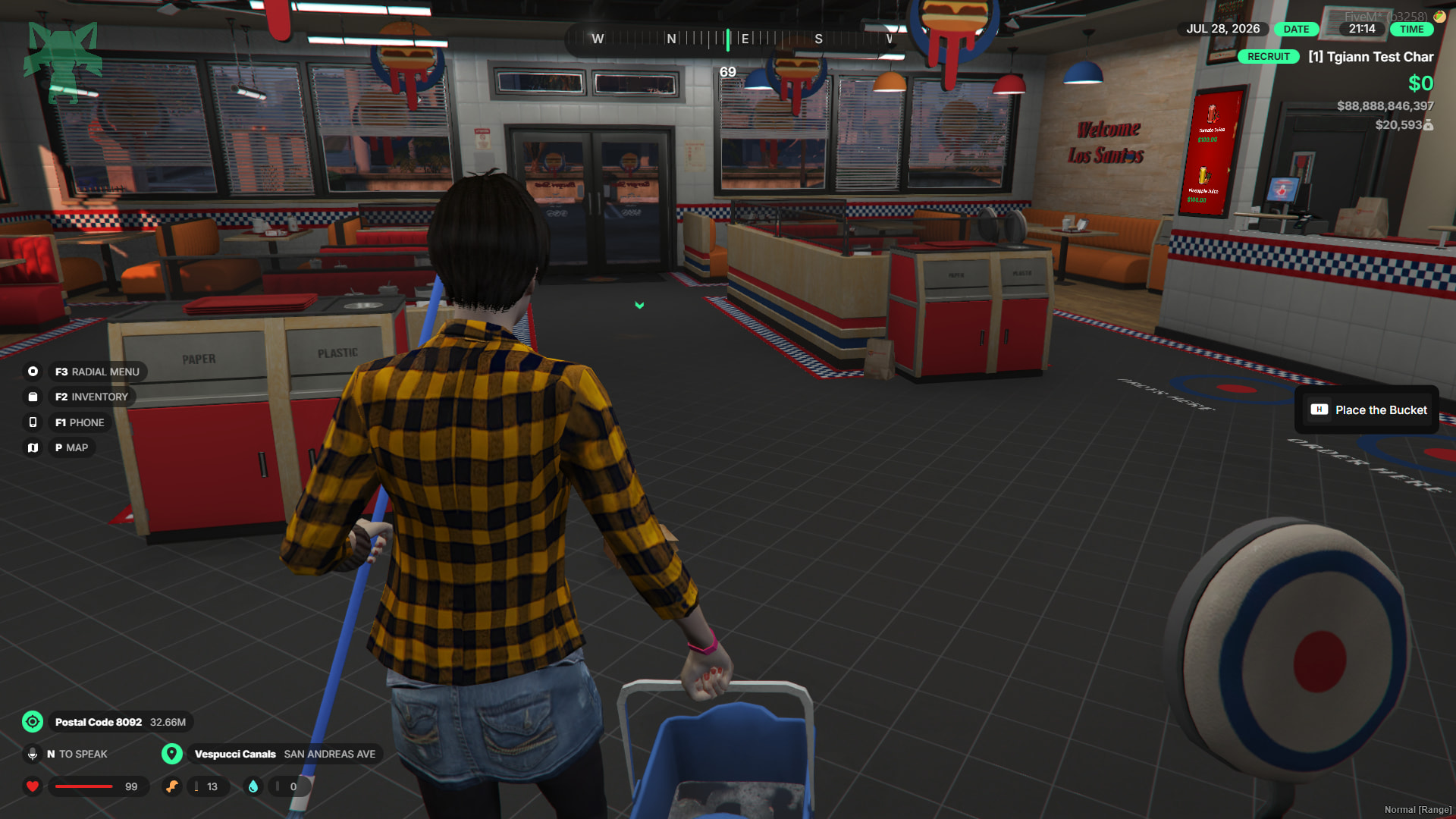
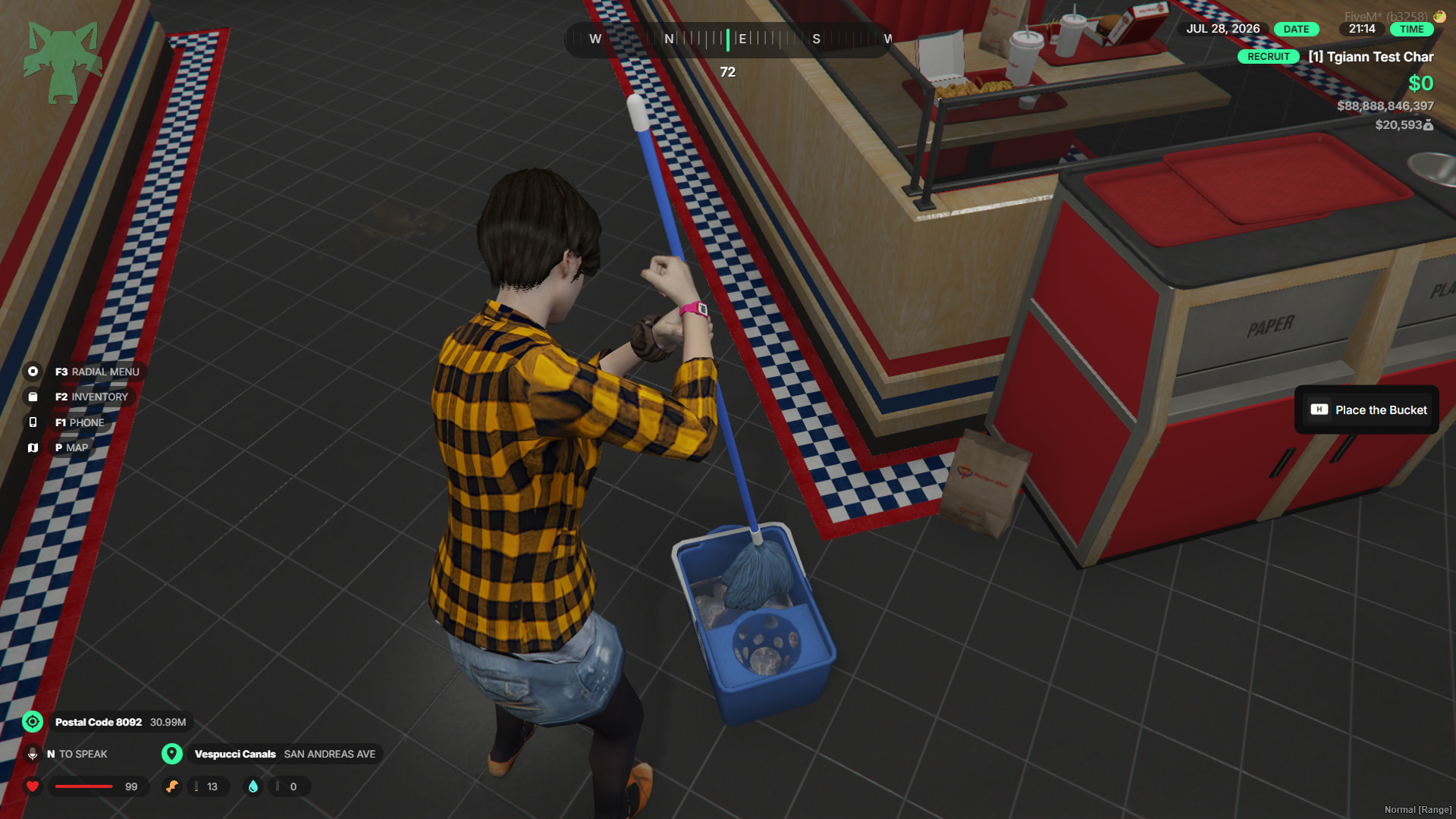
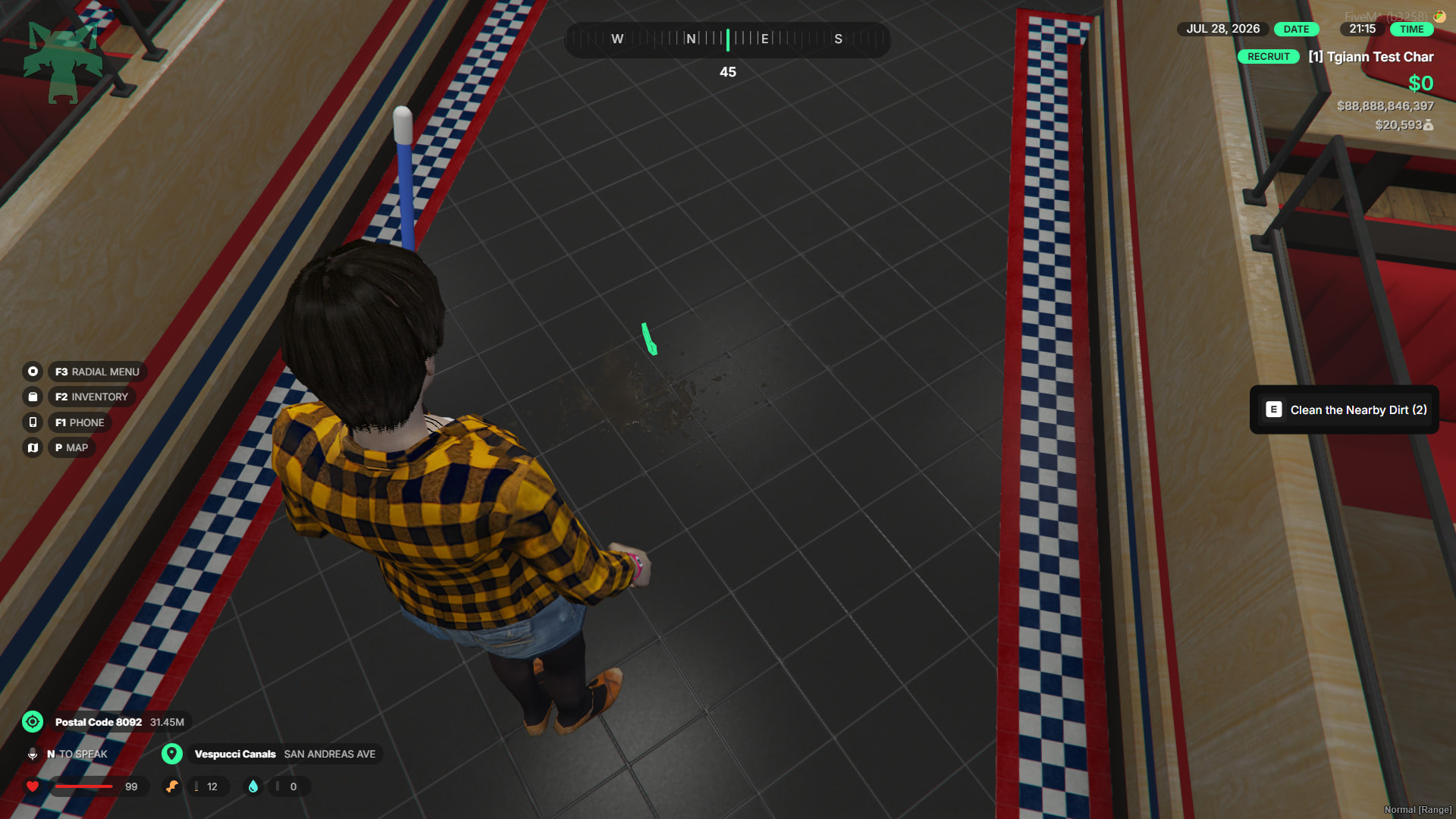
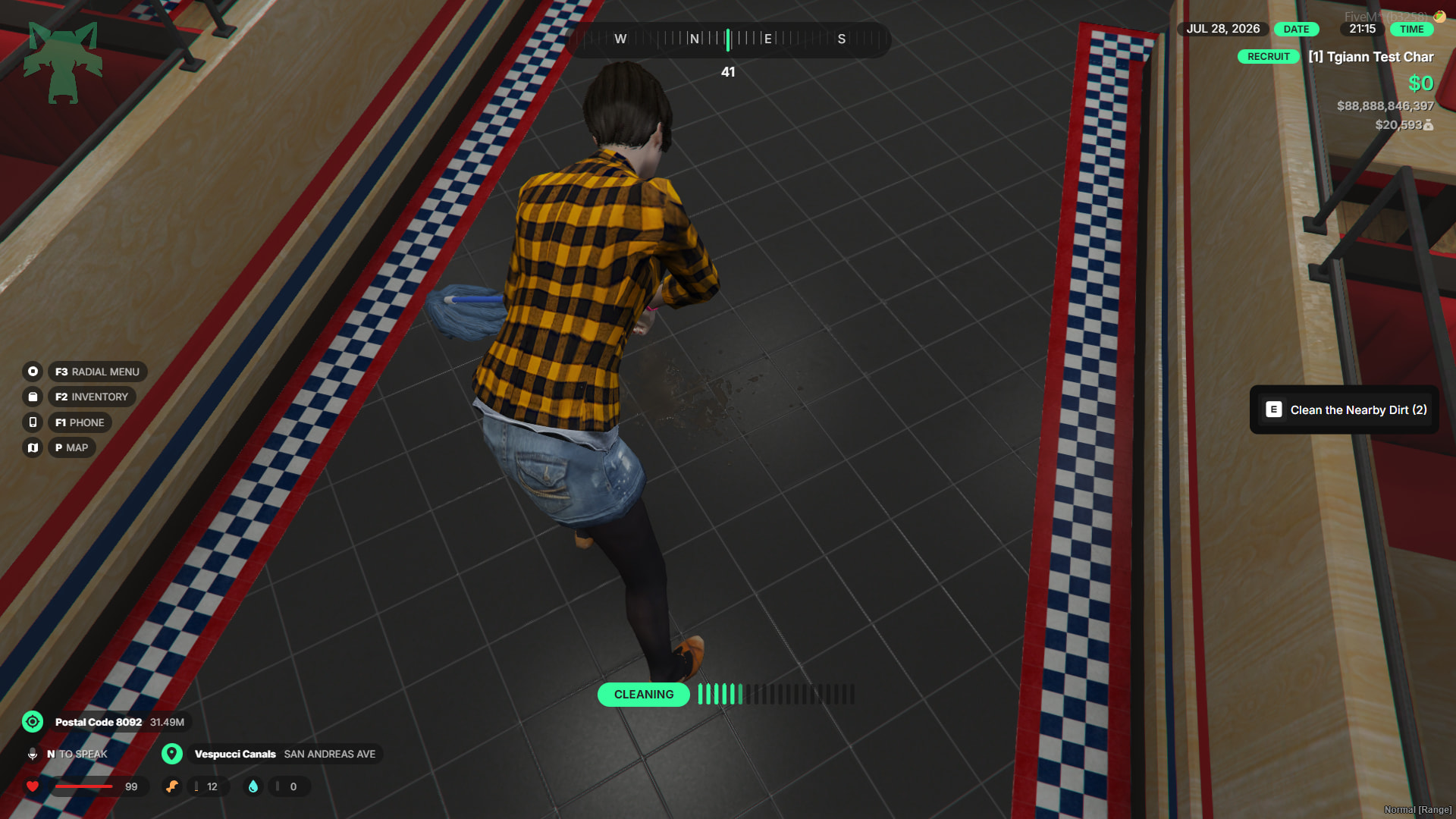
- Business dirtying and cleaning mechanics.
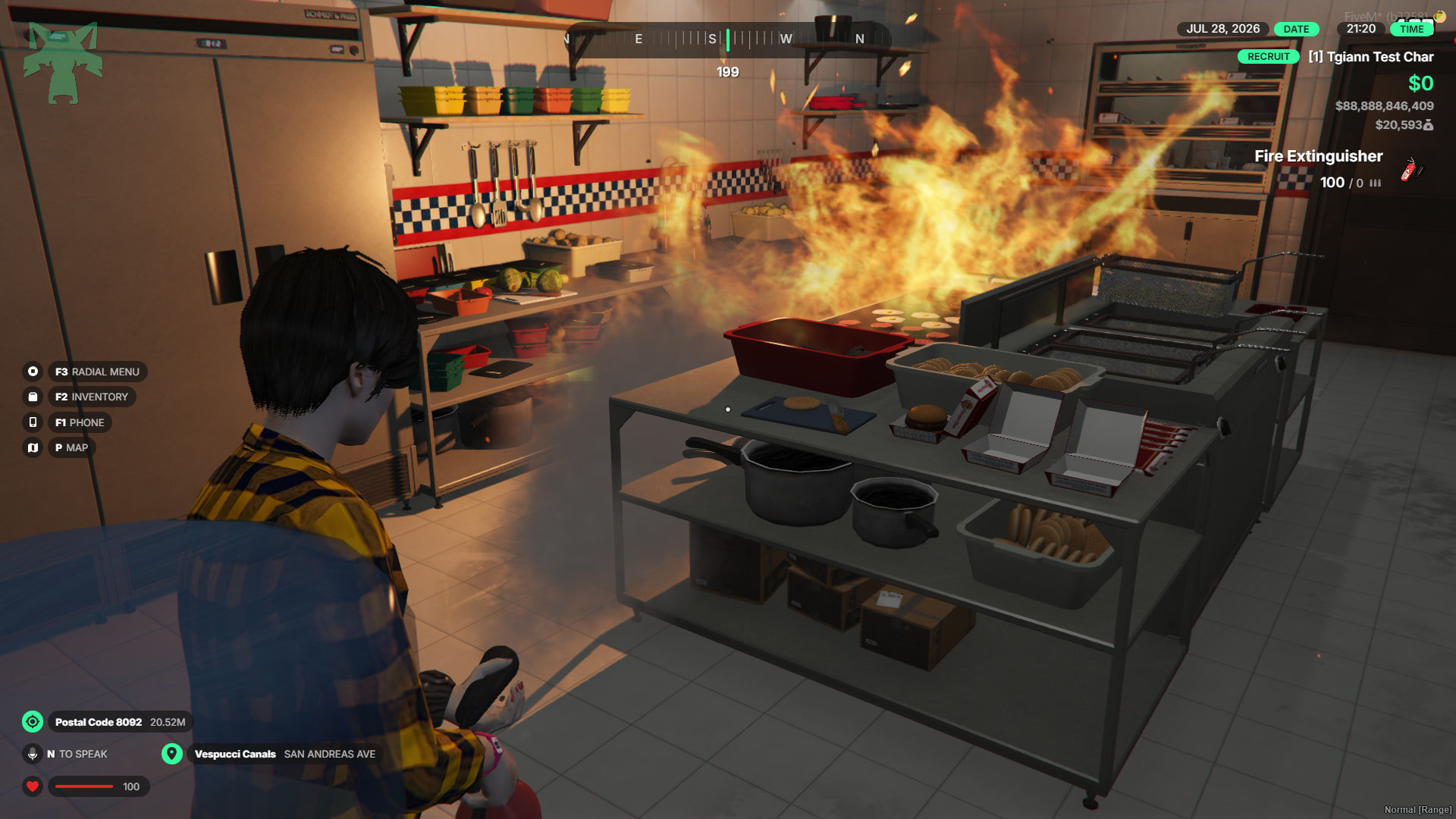
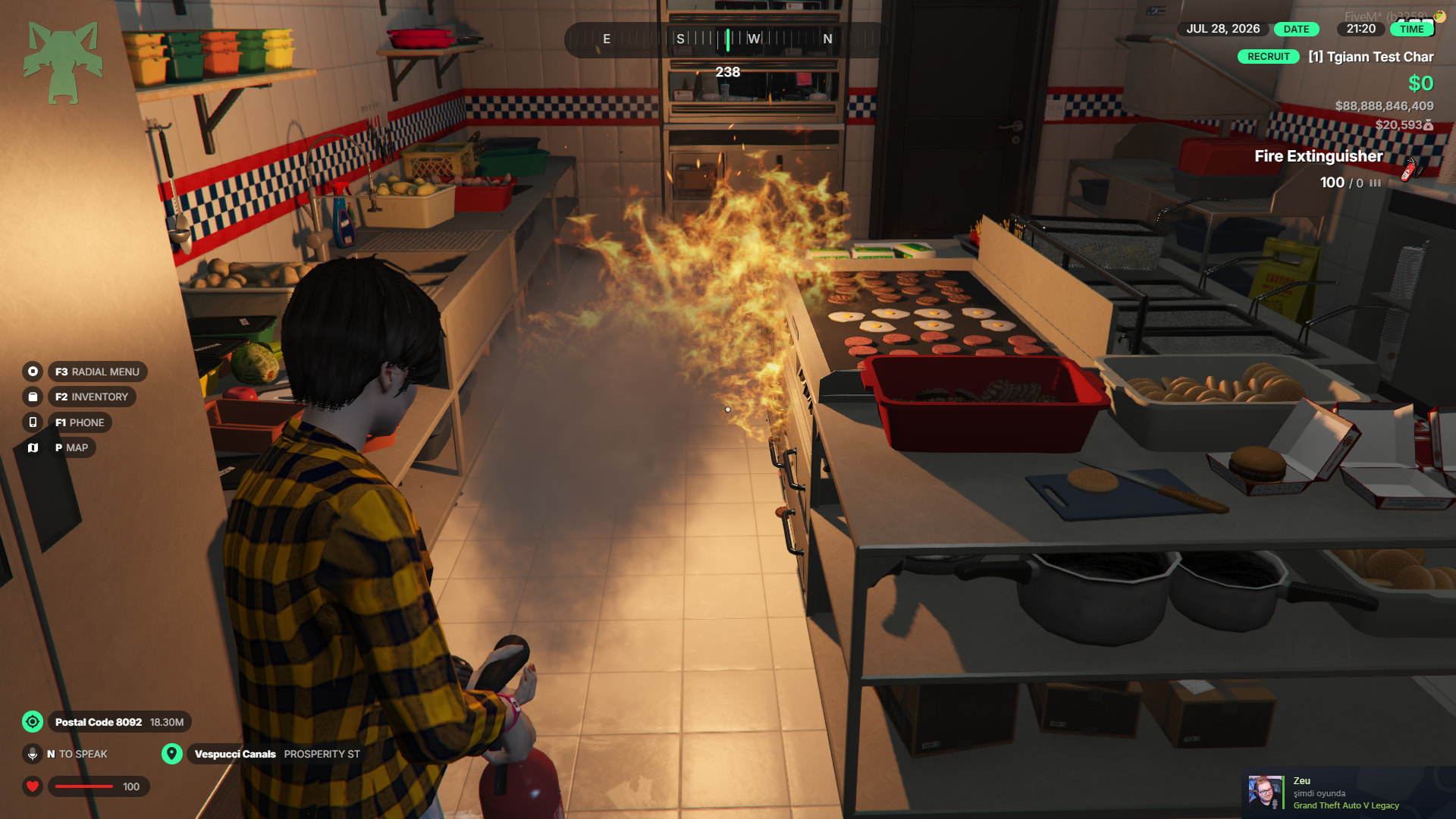
- Fire breakout system for unexpected emergencies.
- Food spoilage system fully integrated with
tgiann-inventory. - Full compatibility with
tgiann-shop.
🎭 Advanced Roleplay Experience
- Realistic “biting” system instead of consuming food in one go.
- Custom props and animations for every single food item.
- Stylish 3D animated menu screens.
- Immersive RP interactions, including washing hands, sitting on chairs, and using toilets.
- Custom blip categorization specifically for the script.
Admin Menu & Management
- Edit, delete, or add new locations via a simple in-game UI without touching a single config file.
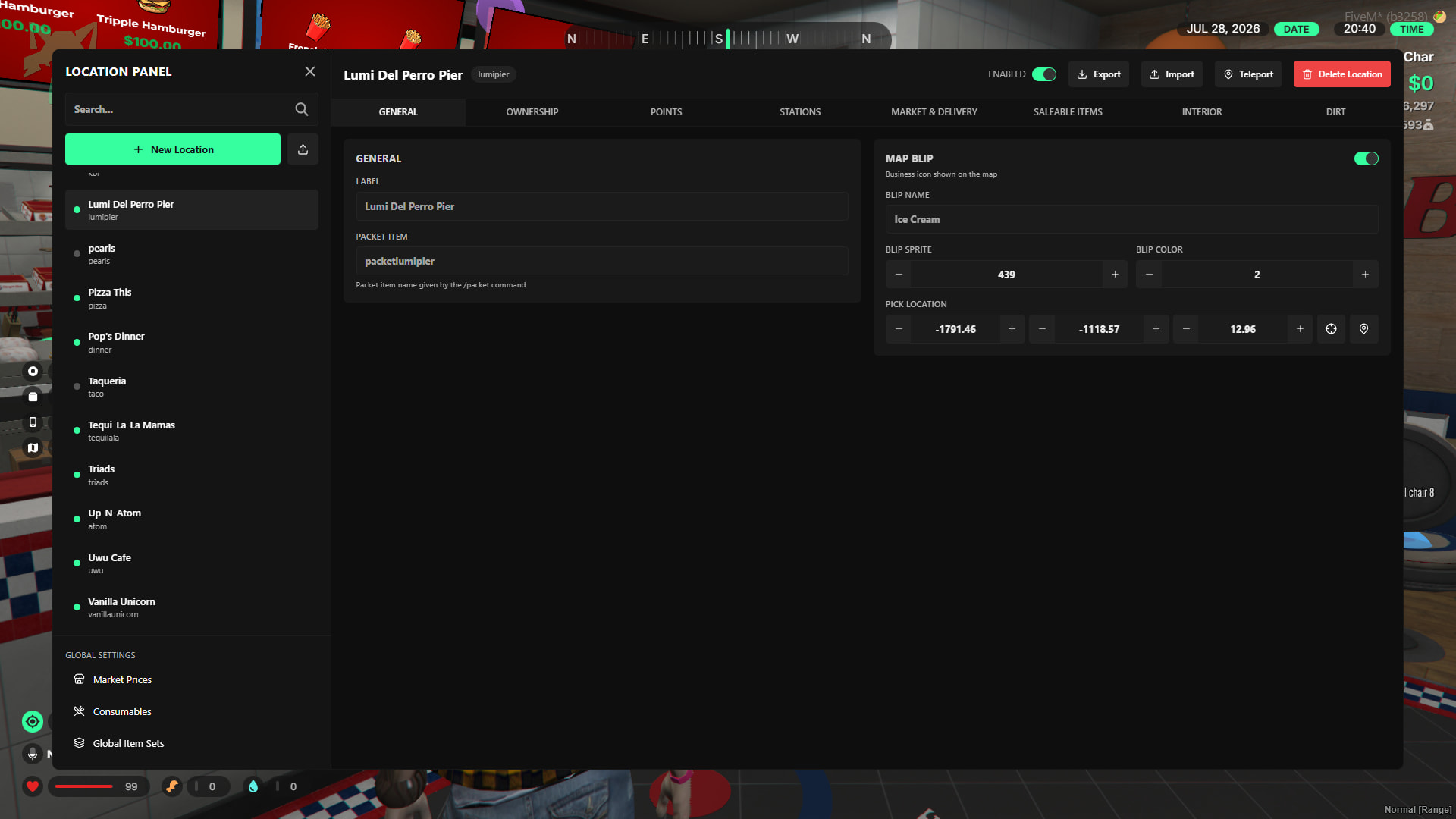
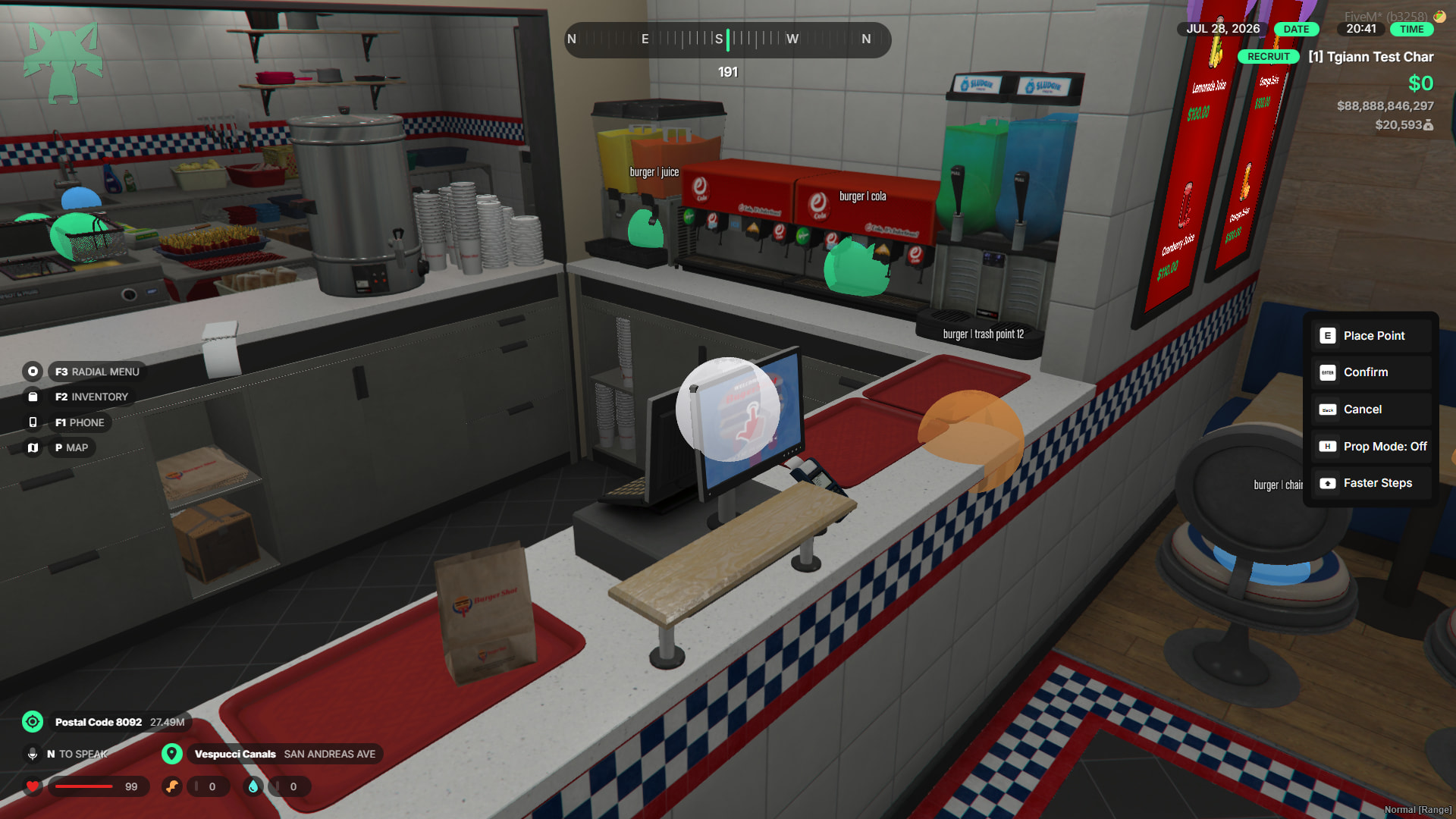
- Easily adjust coordinates and positions using a built-in freecam mode.
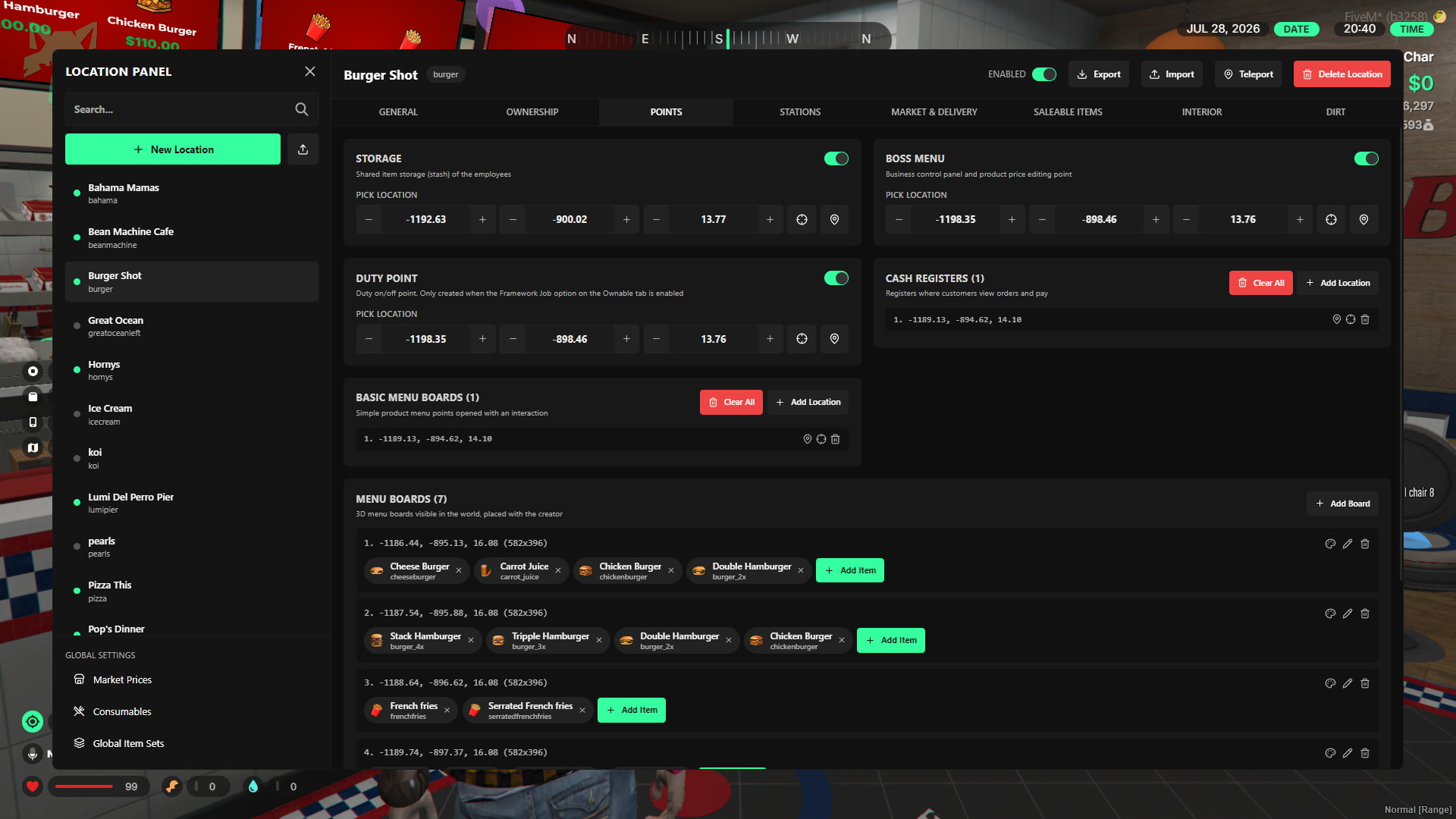
- Configure sellable and craftable foods to your liking and test them instantly.
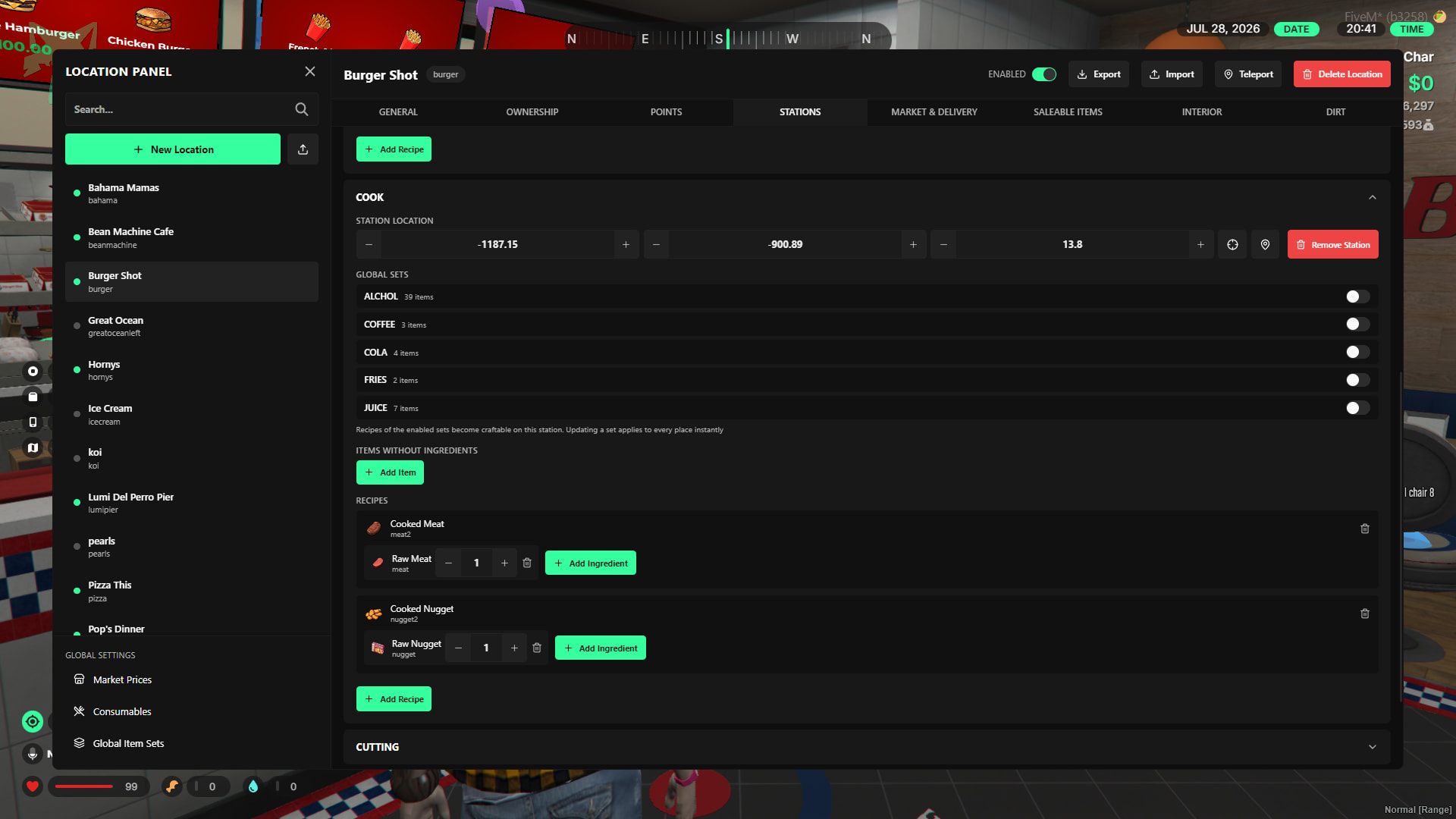
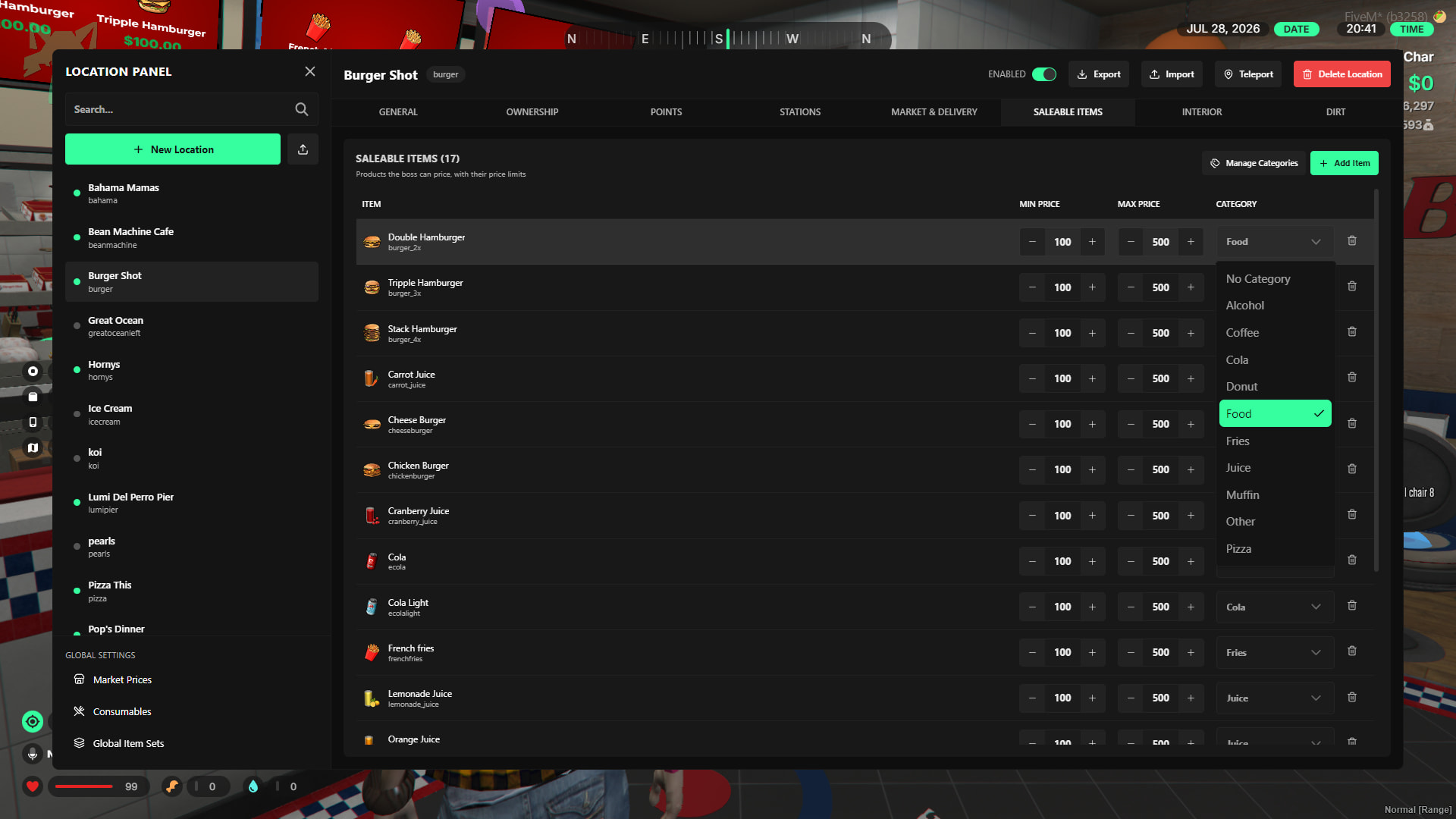
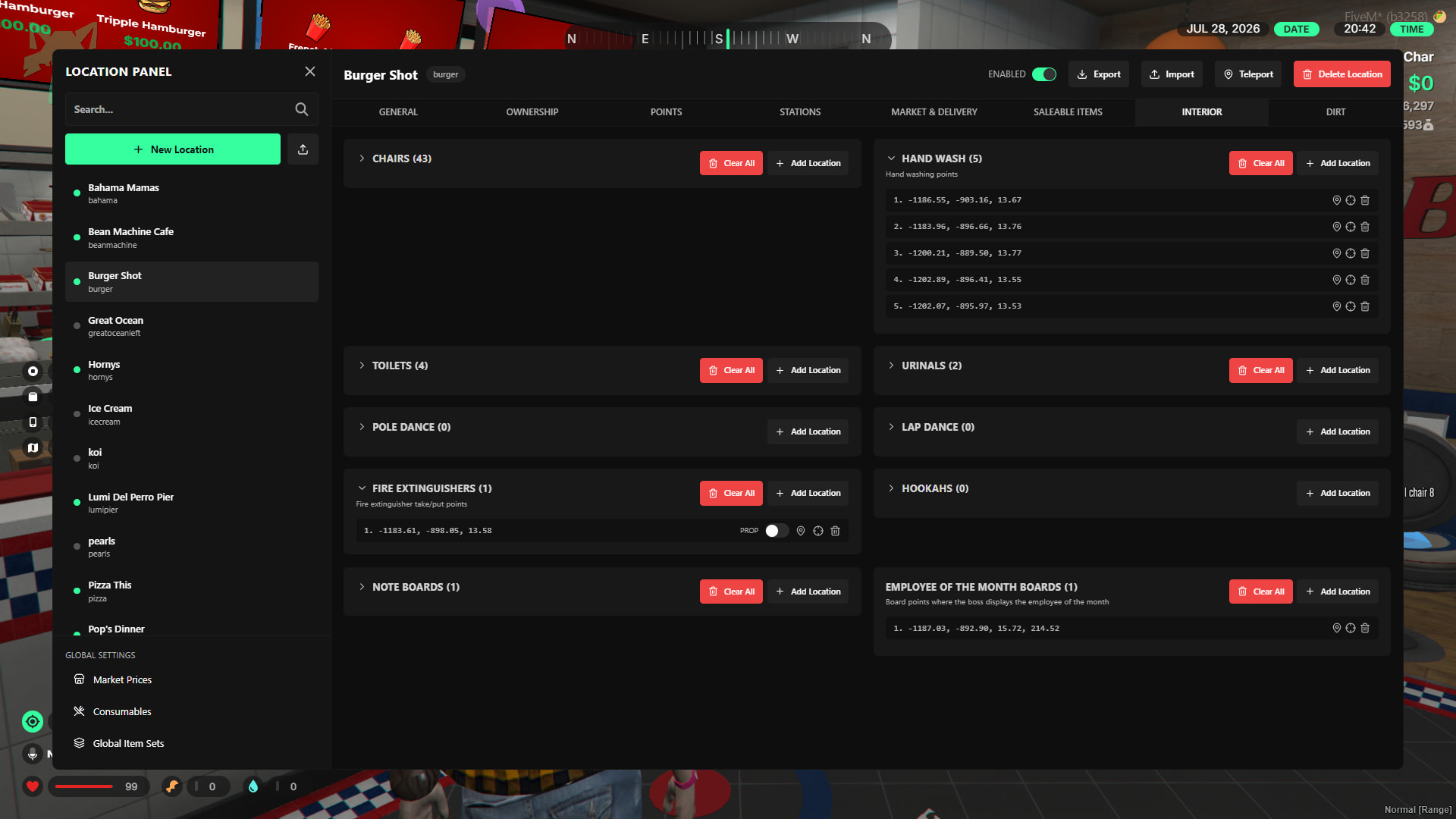
- Set up and manage every interactable point within the business.
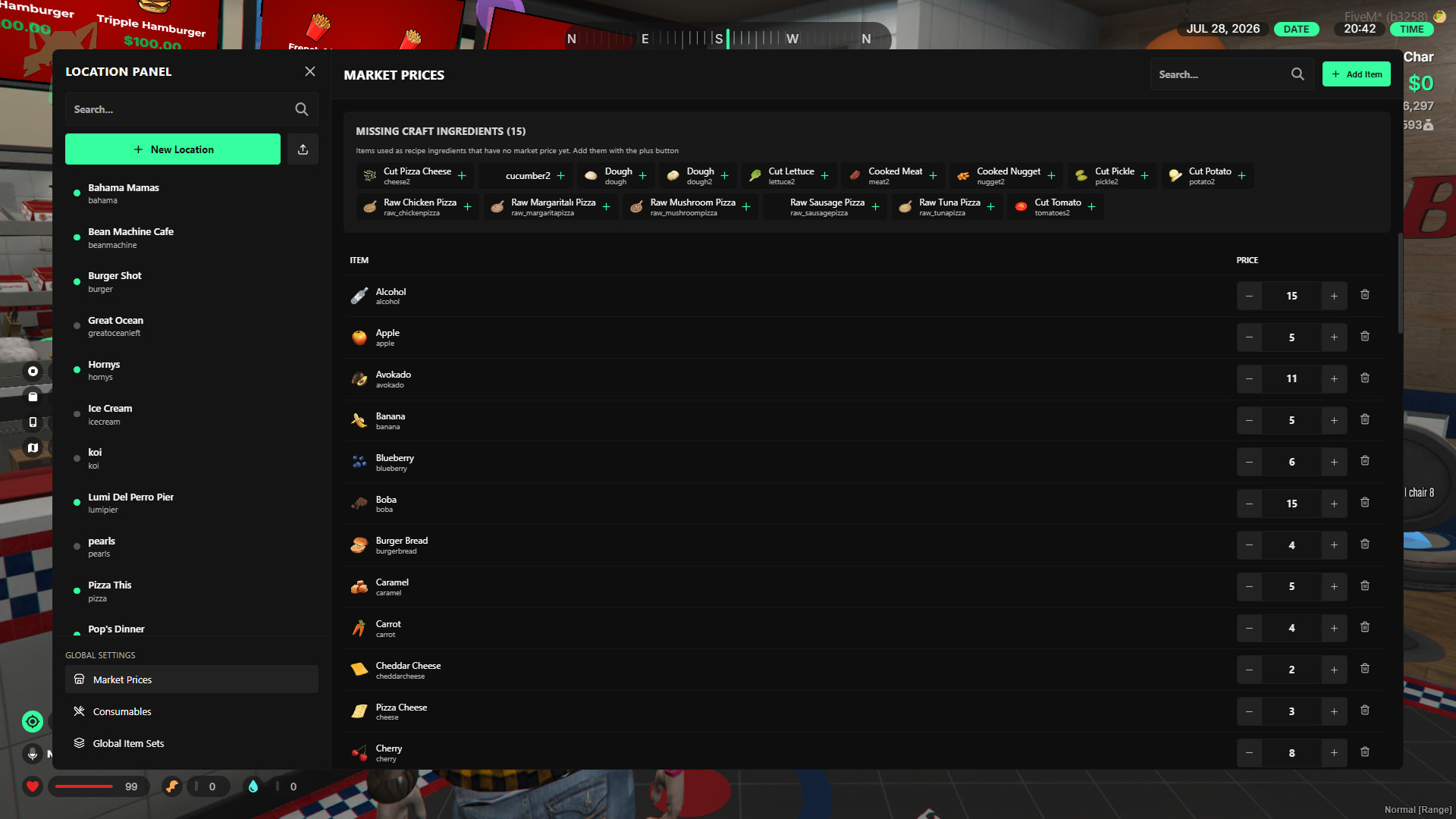
- Freely adjust the market prices of crafting materials.
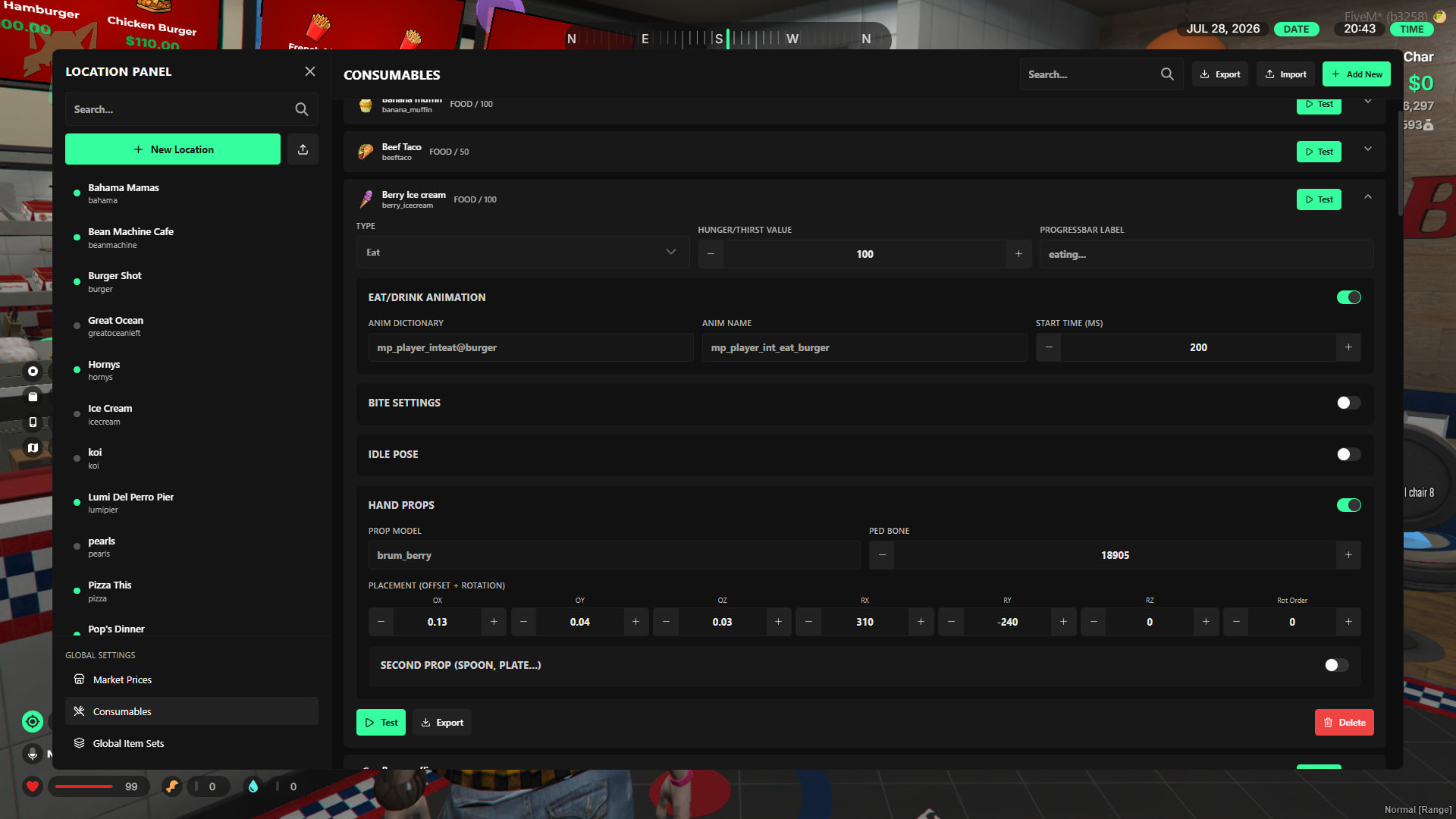
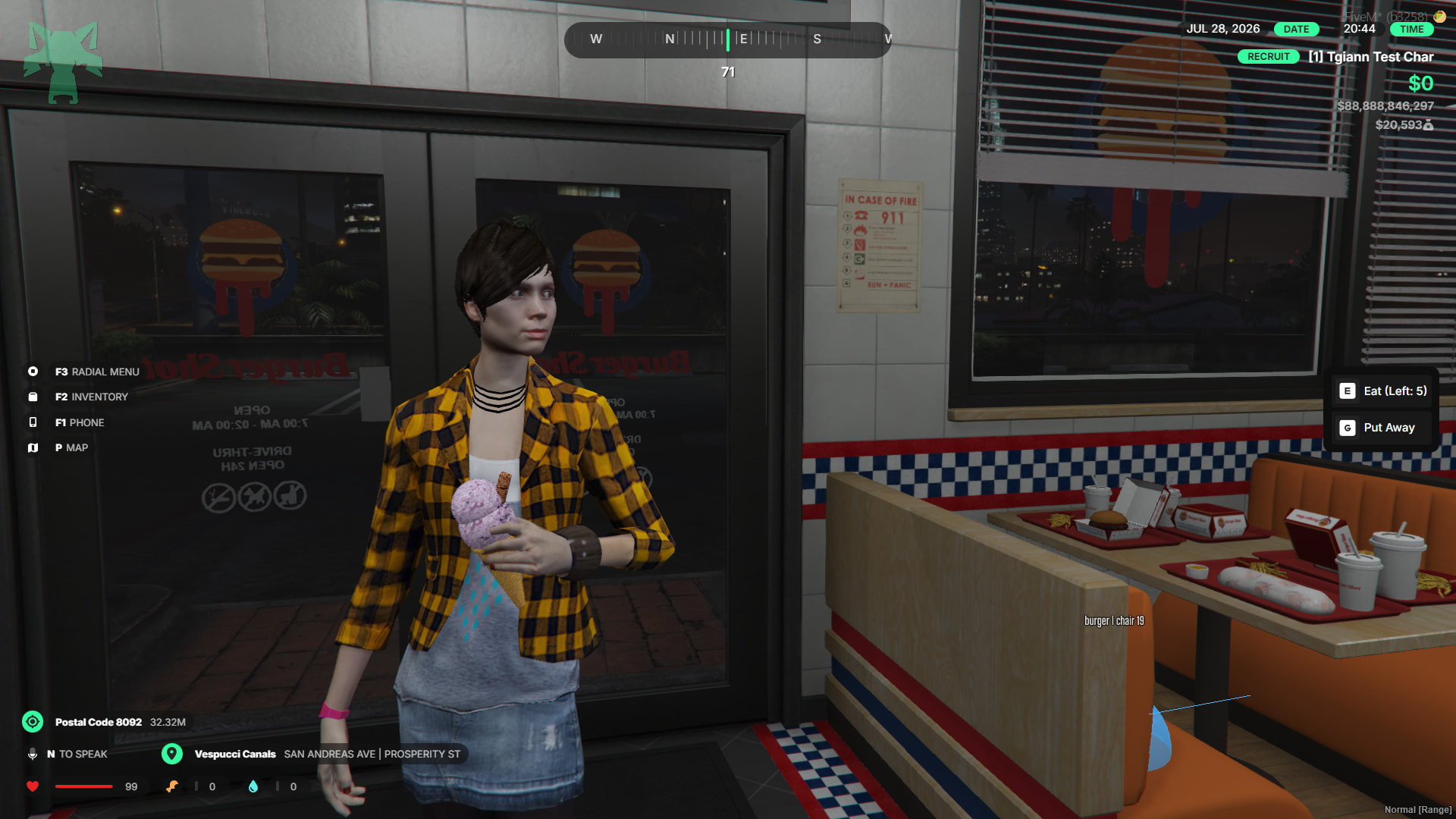
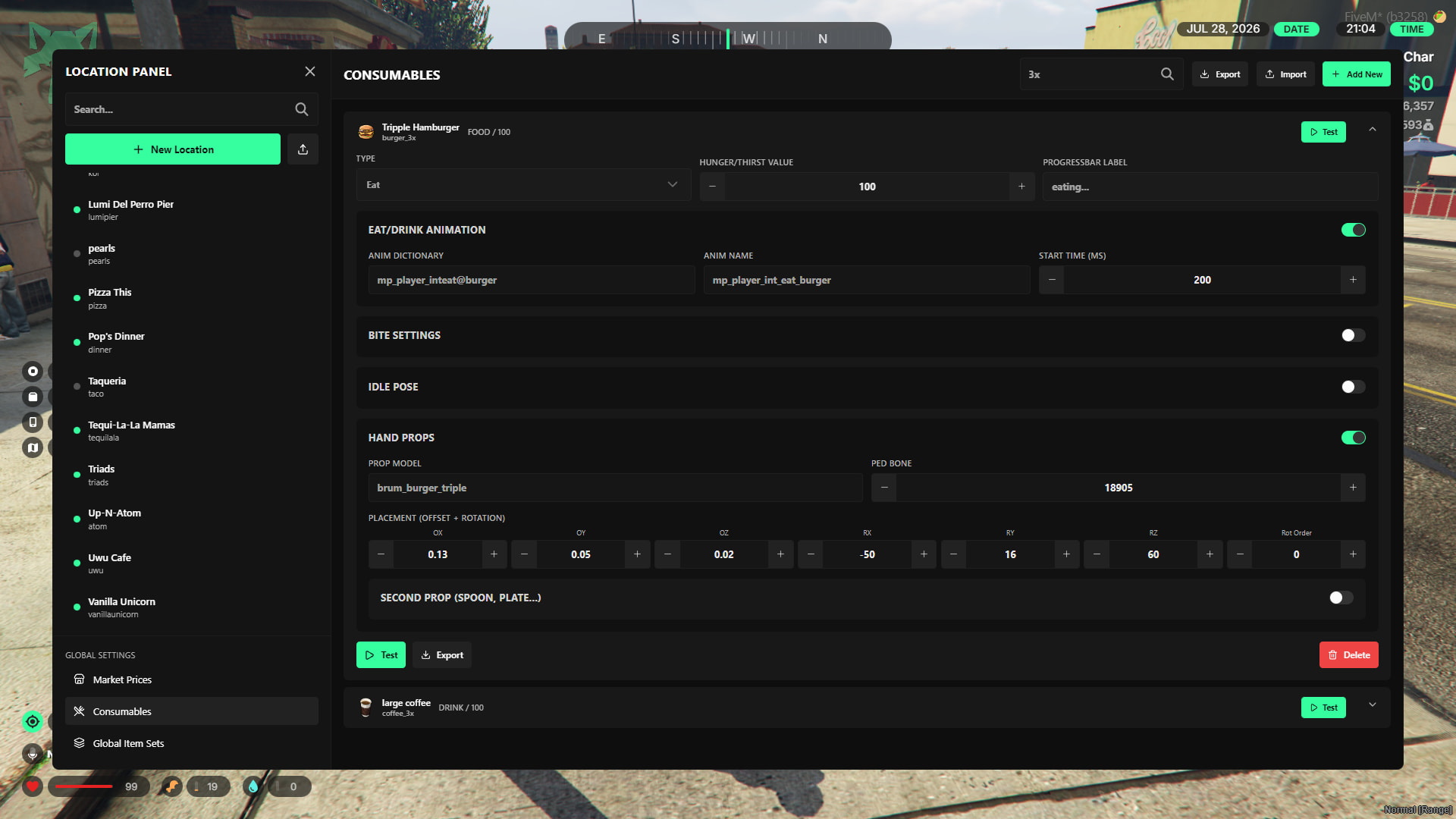
- Configure props and animations for consumable items and test them live without needing a script restart.
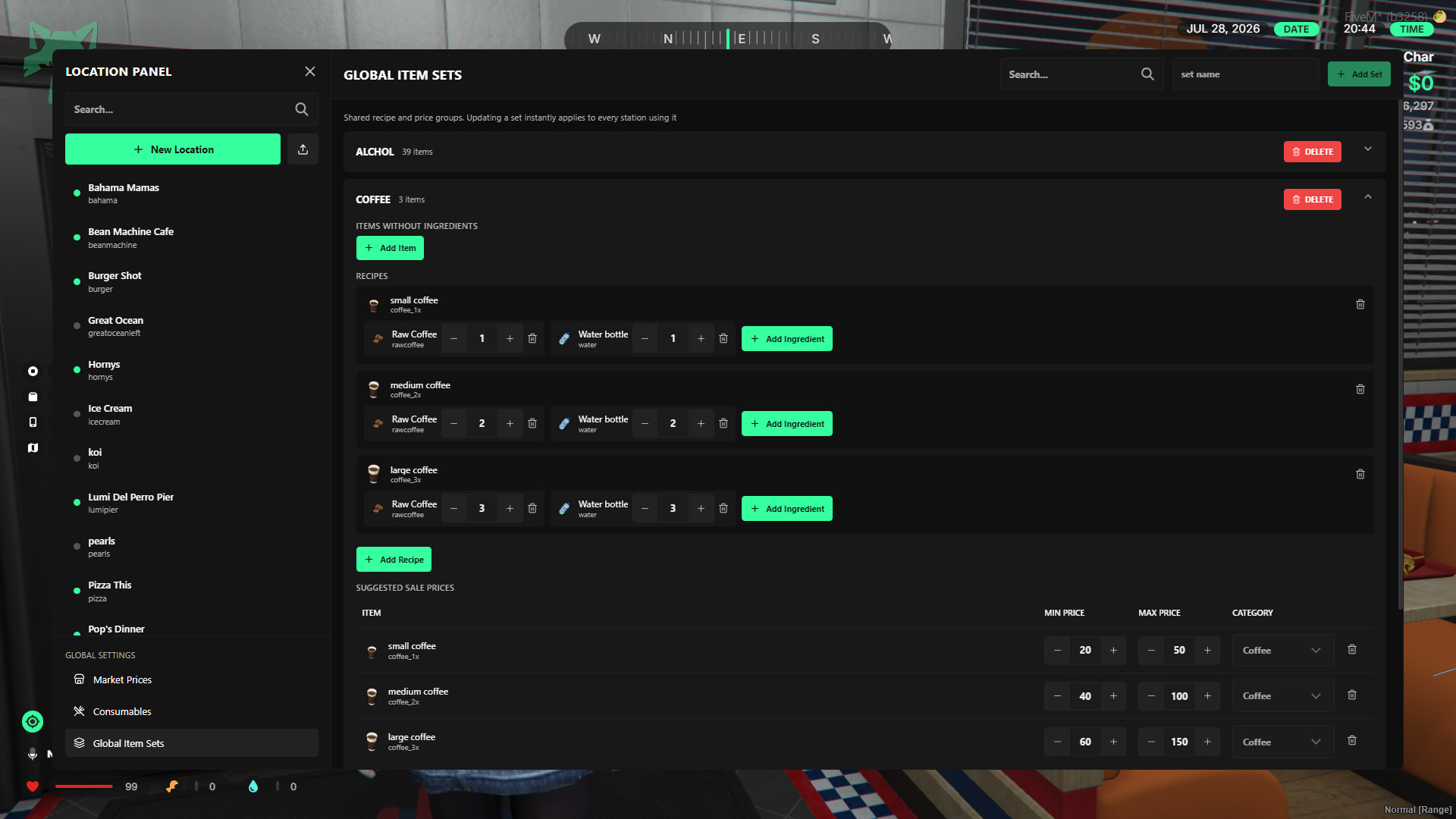
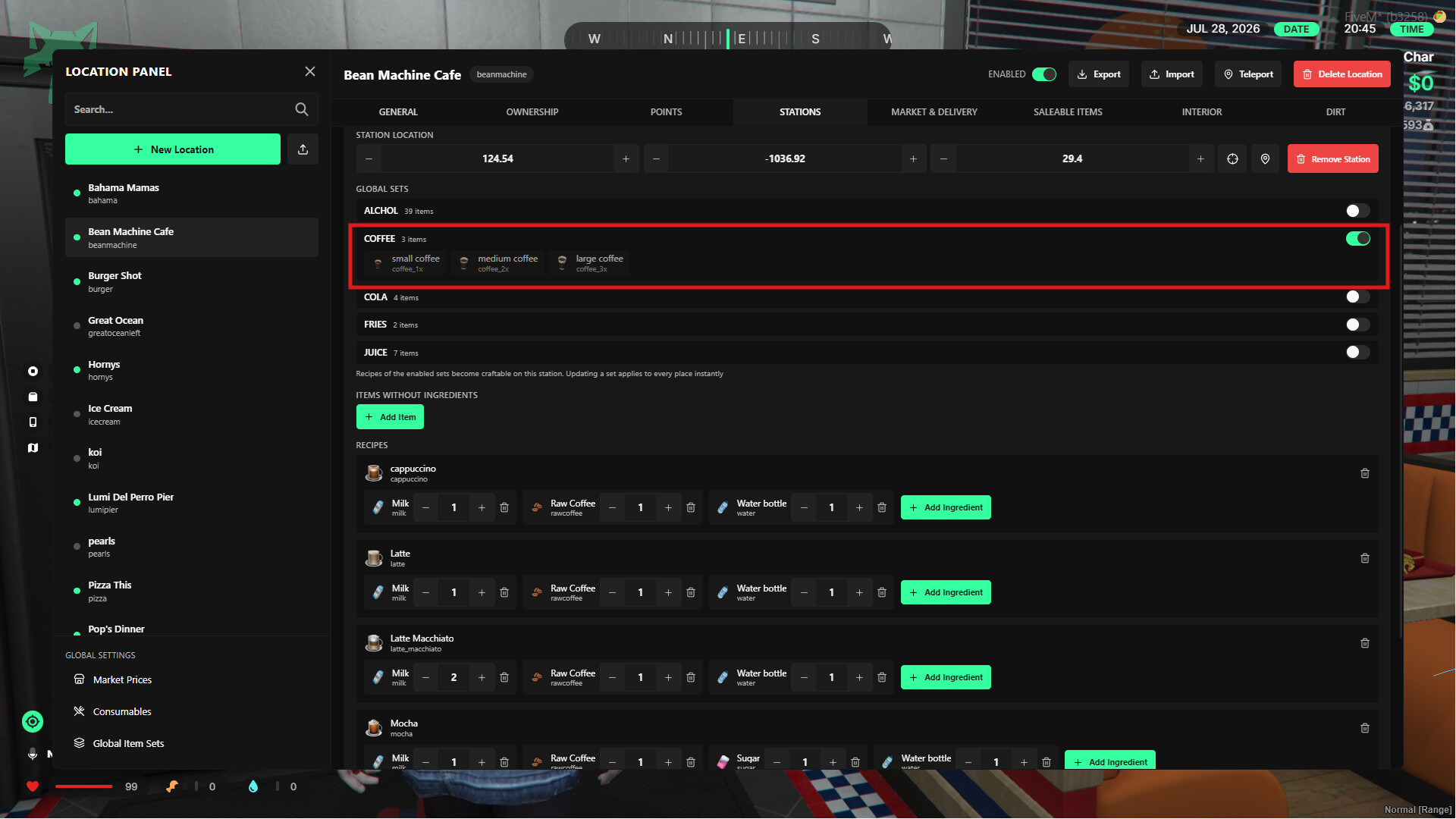
- Manage shared items across multiple businesses from a single source using global item sets. This allows you to apply changes to all relevant locations by modifying just one configuration.
Renting System
- Instead of purchasing a shop, players rent it. Rent durations, initial rental fees, and the cost of recurring rent payments are fully customizable.
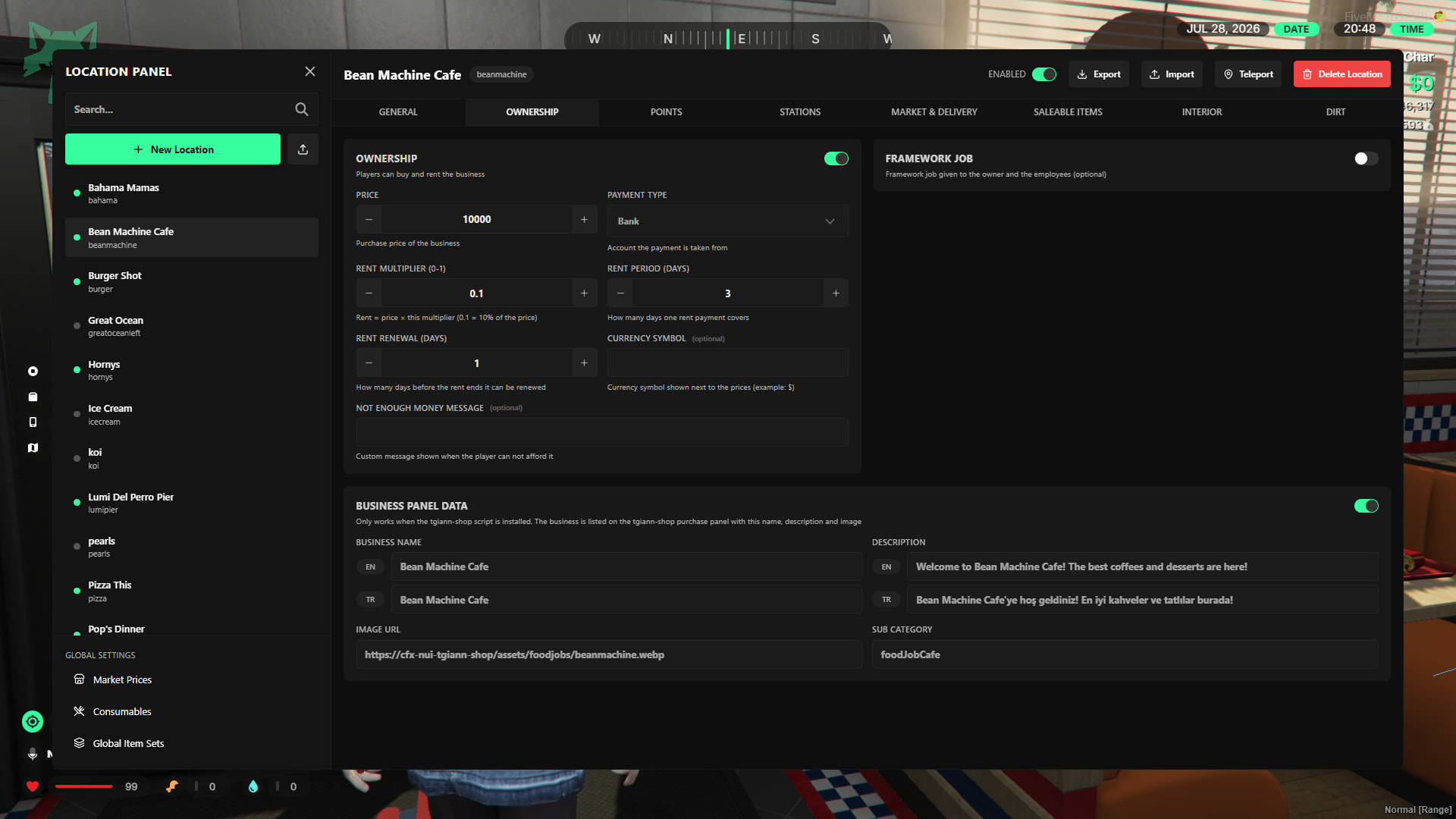
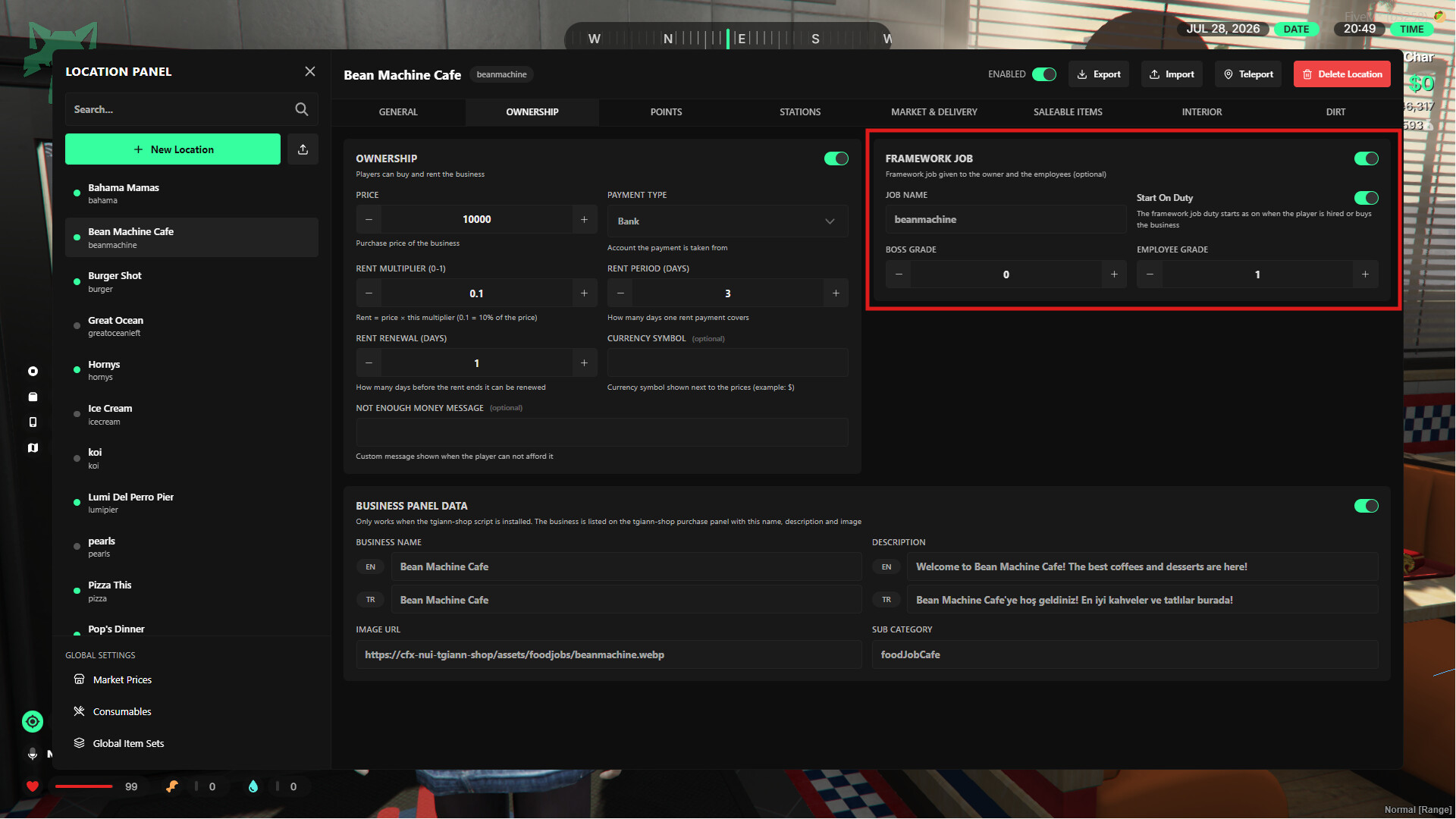
- The system is completely independent of jobs by default. However, if desired, you can enable a setting via the admin menu to assign specific jobs to the business owner and their employees.
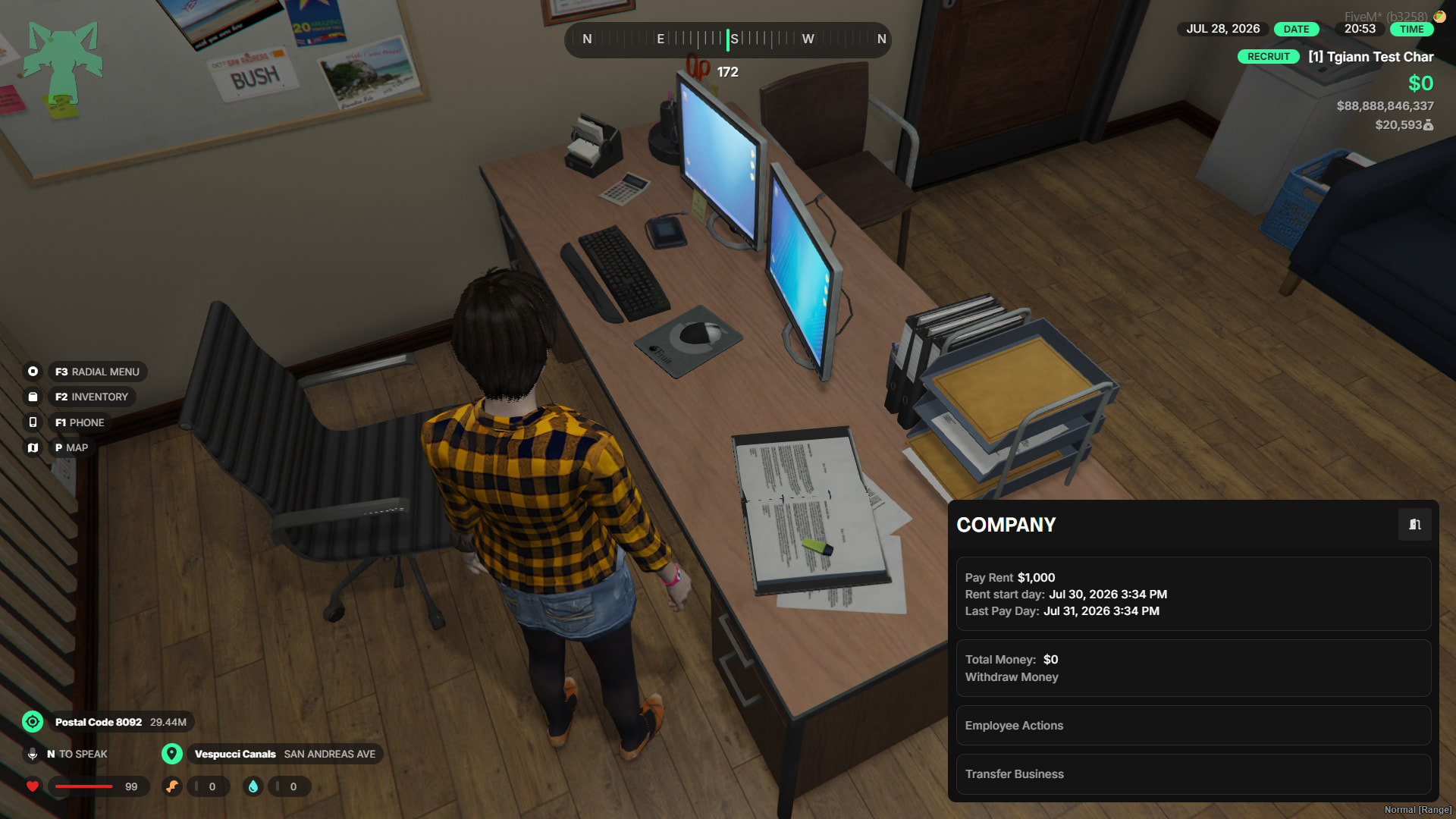
- If a player fails to pay their rent and the rental period expires, their ownership of the business is automatically revoked.
Boss Menu
- Manage employees and withdraw accumulated funds from the cash register directly through the menu.
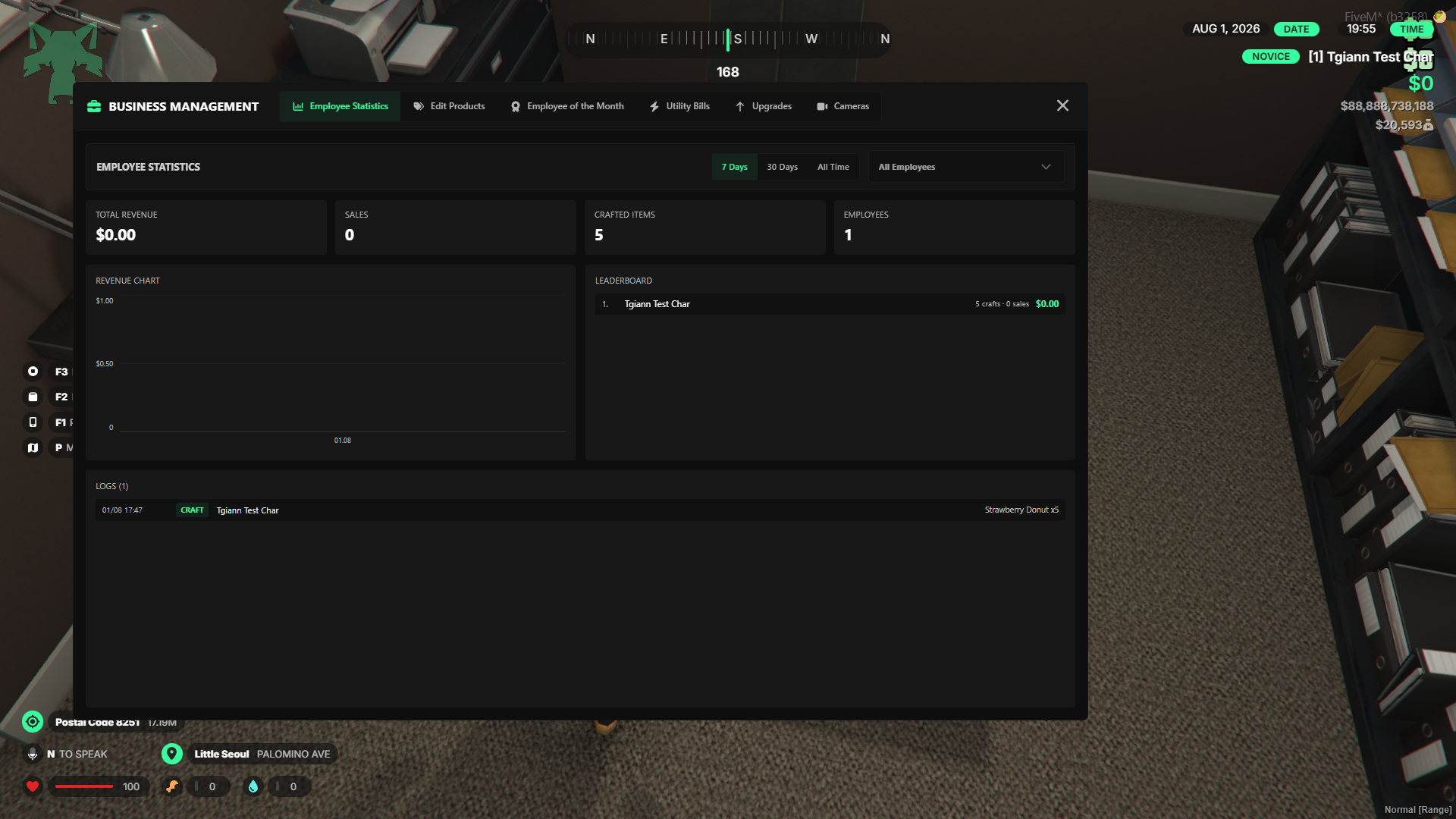
- View detailed business statistics categorized by the last 7 days, 1 month, and all-time.
- Display the picture of your hardest-working employee on the wall for everyone to see.
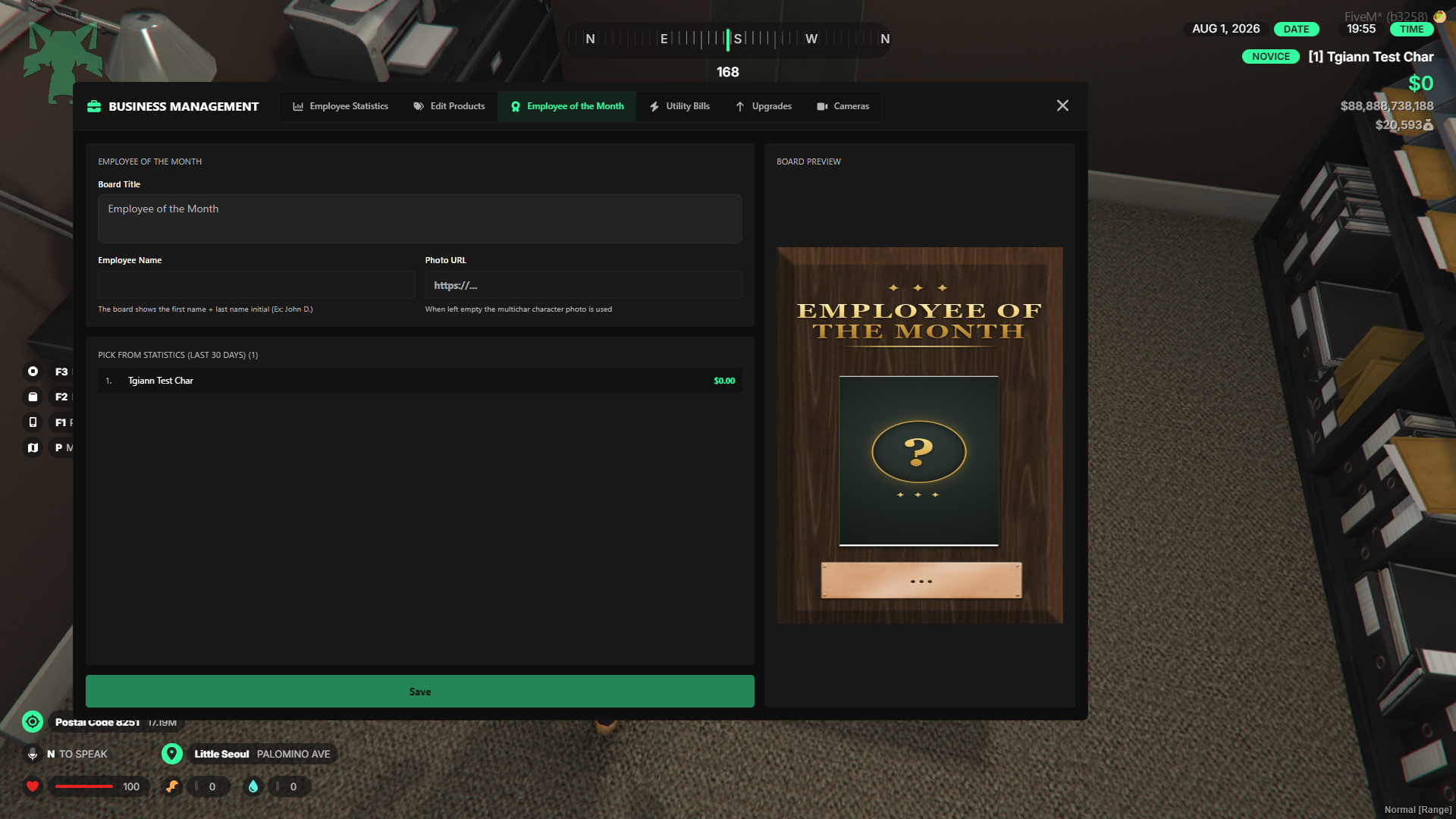
- Adjust product prices freely within the minimum and maximum limits configured via the admin menu.
Food System
- Unlike traditional systems, food and drinks are not consumed in one go. You can configure the specific number of bites or sips required to finish each item. For example, players can take a few bites of a burger, save the rest in their inventory, and finish it later.
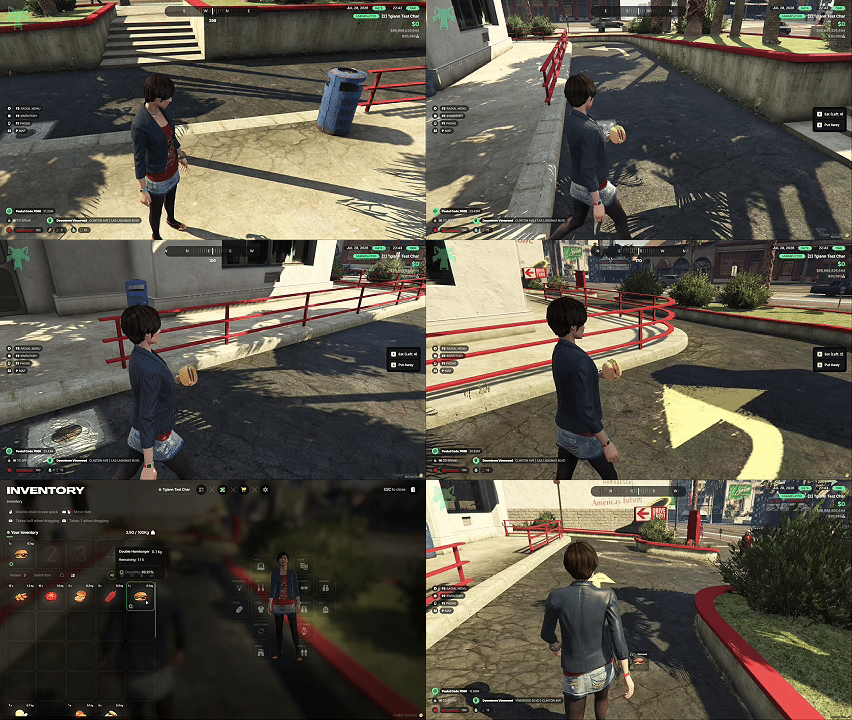
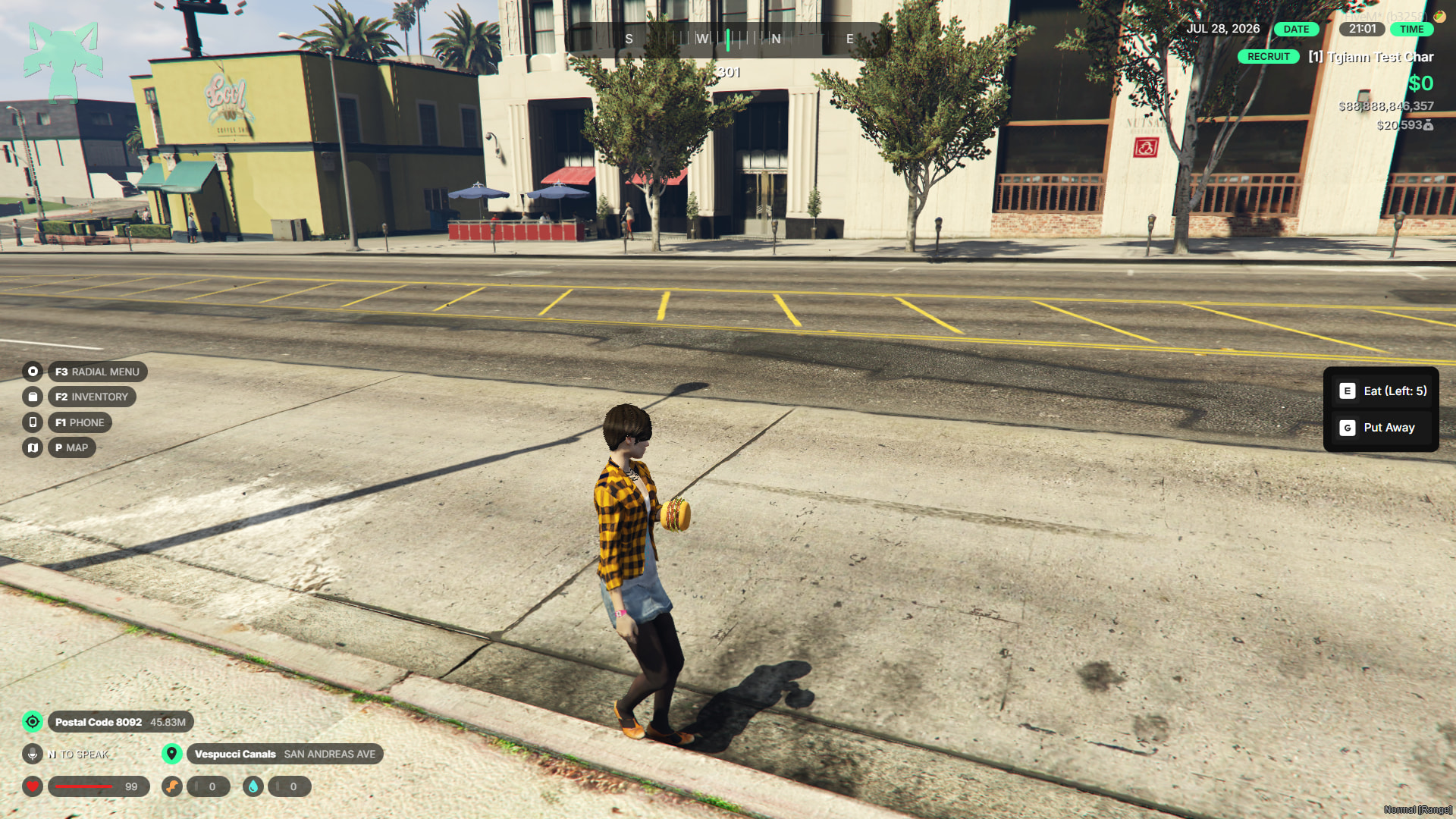
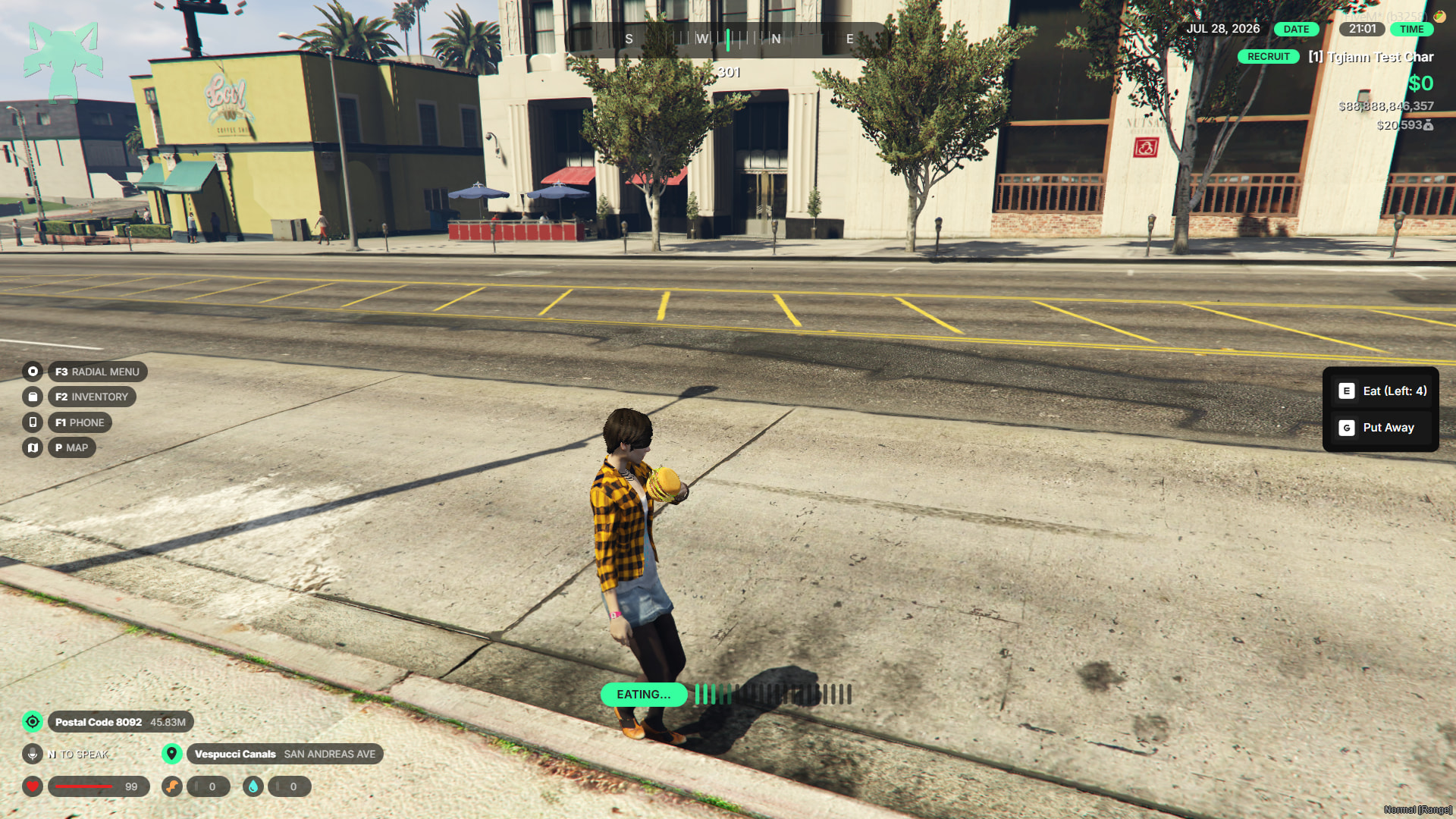
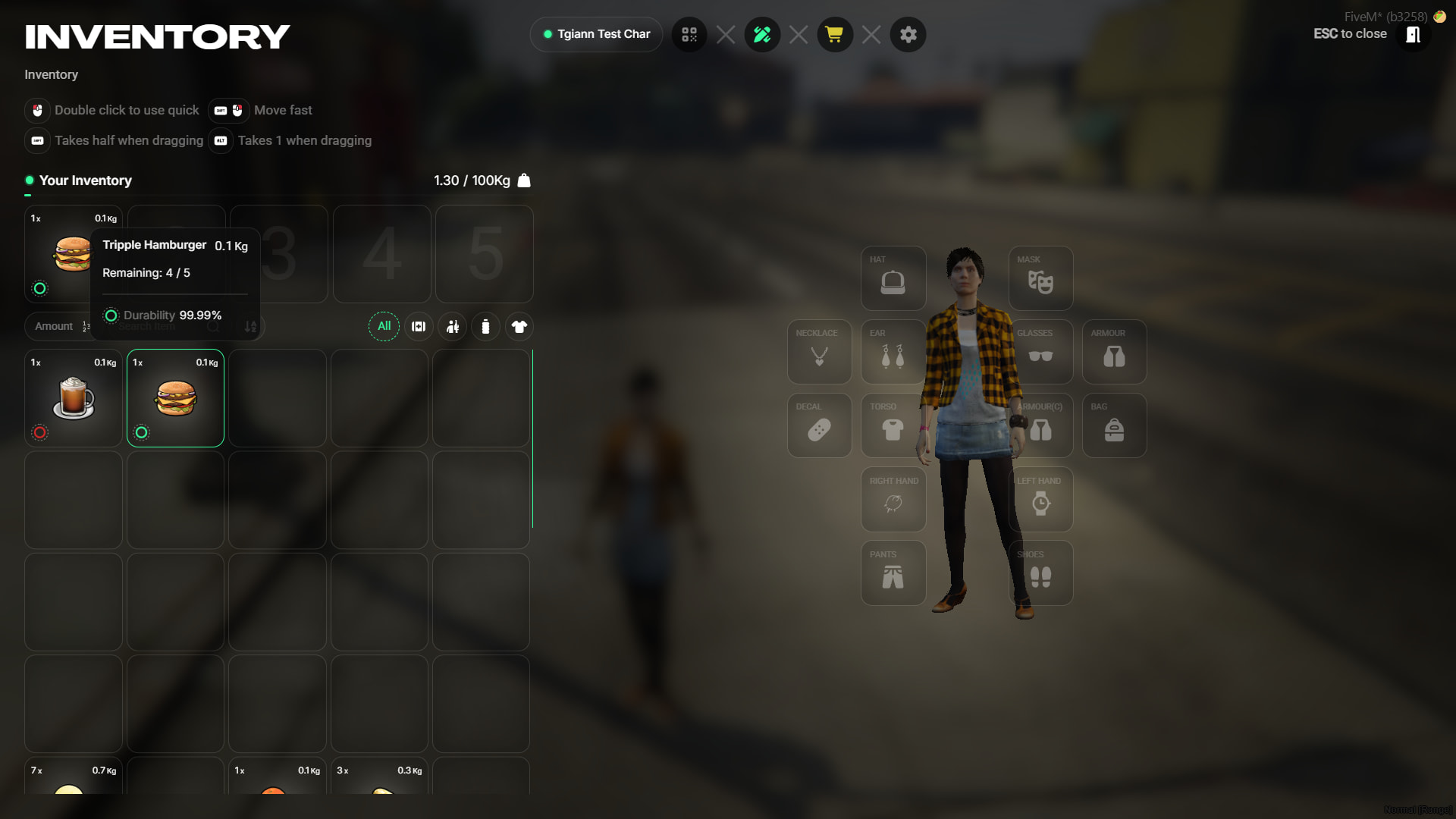
- If you are using
tgiann-inventory, crafted food items feature an expiration system and will spoil after a certain amount of time.
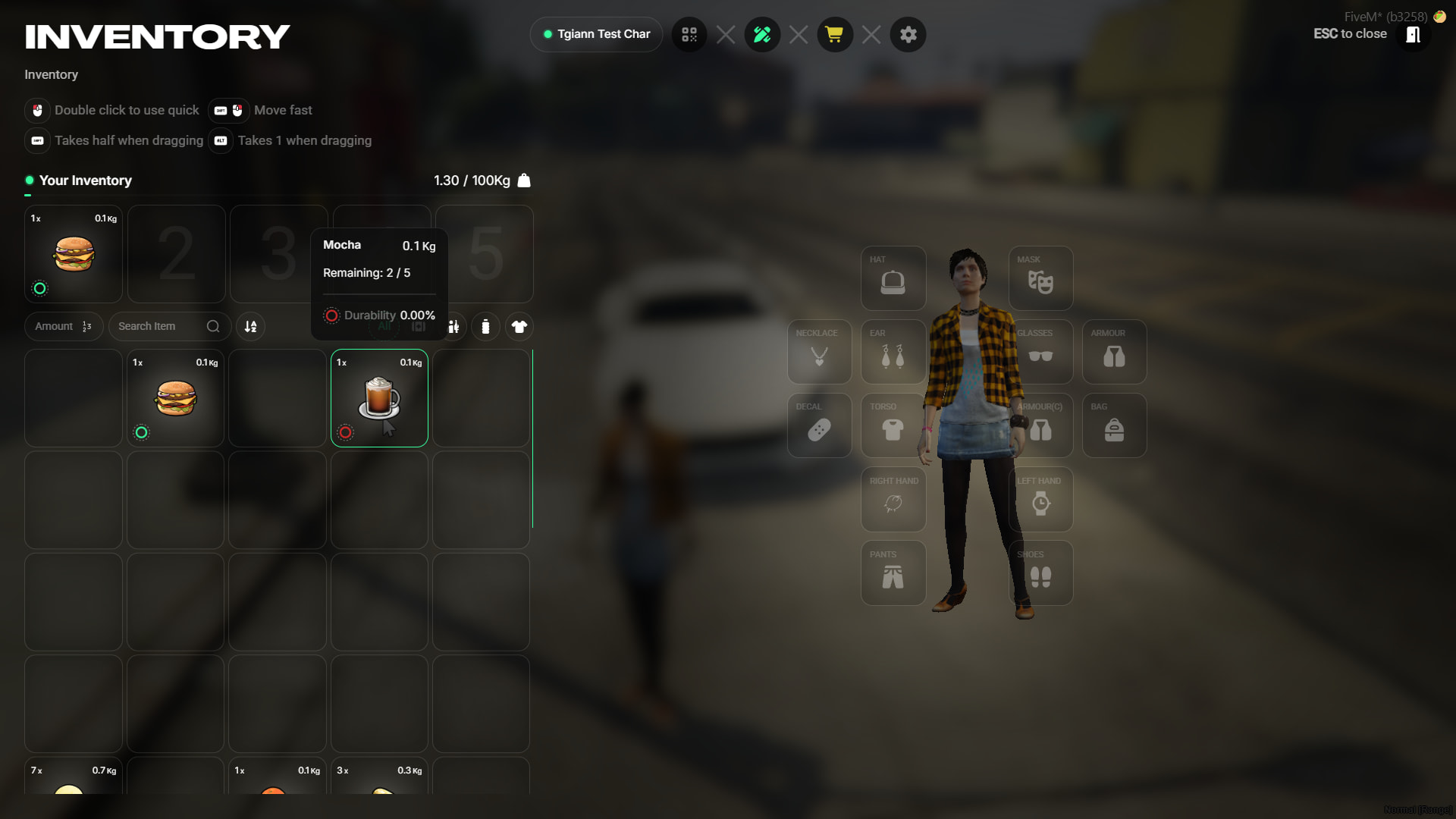
- Every single food item can be fully customized, configured, and modified directly through the admin menu.
Food Packaging & Cash Register System
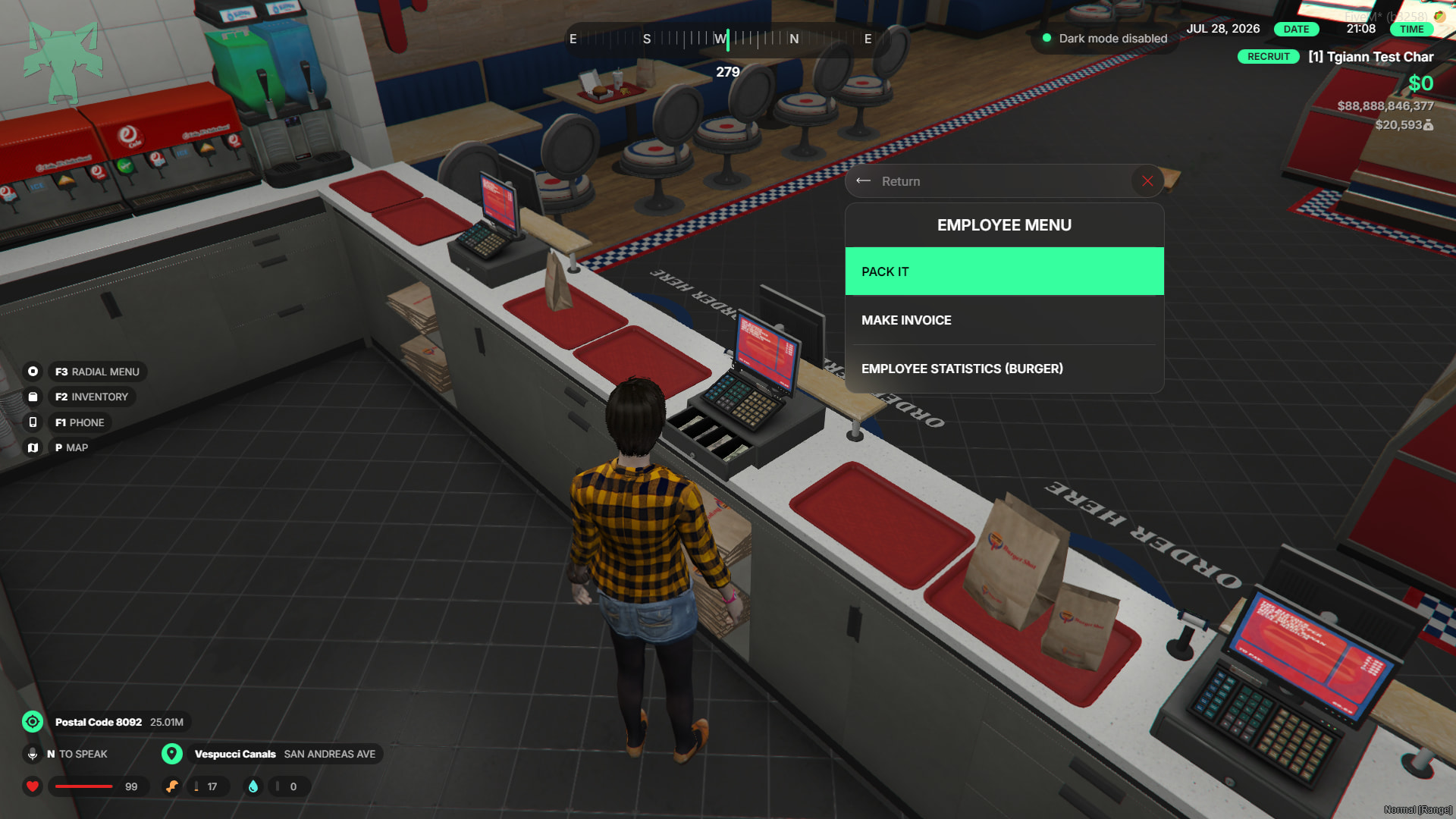
- You can package the food items located in your first 5 inventory slots using the F4 menu or the
/packetcommand.
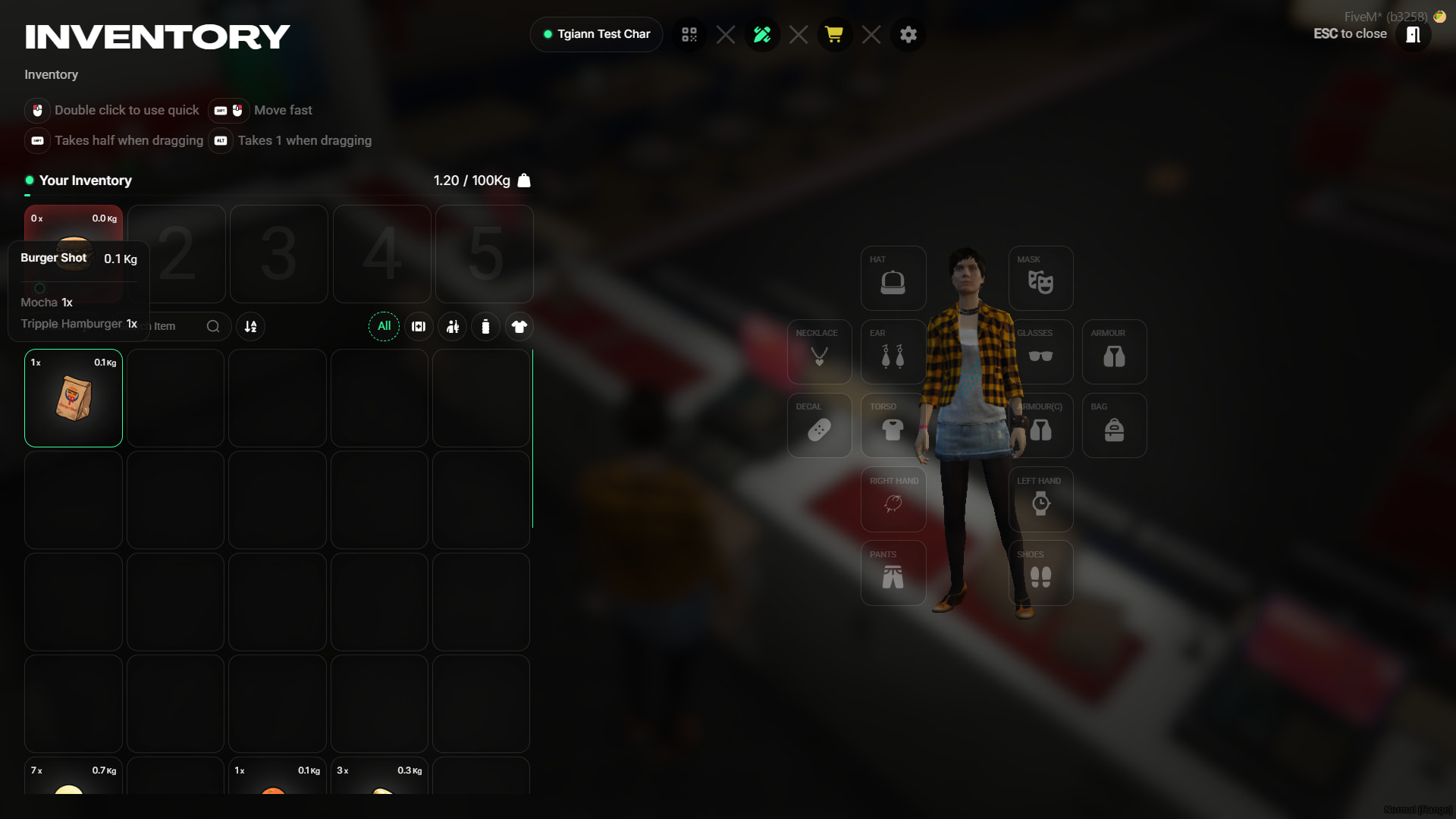
- Packaged meals appear as a distinct packaged item inside the inventory.
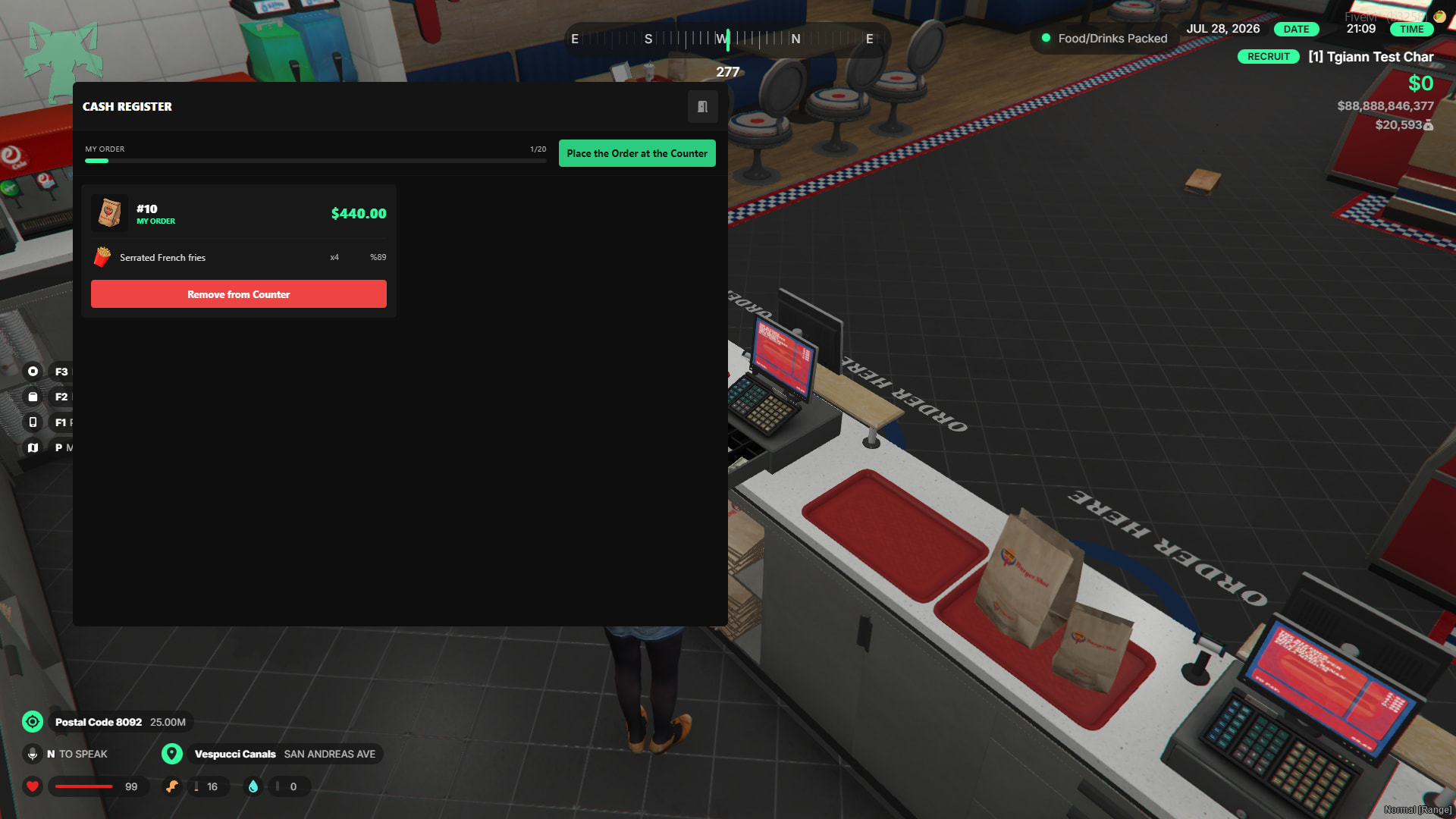
- Employees can place packaged orders into the cash register. The total price is automatically calculated based on the contents, utilizing the prices configured in the boss menu. Each employee can place a specific, limited number of packages into the register.
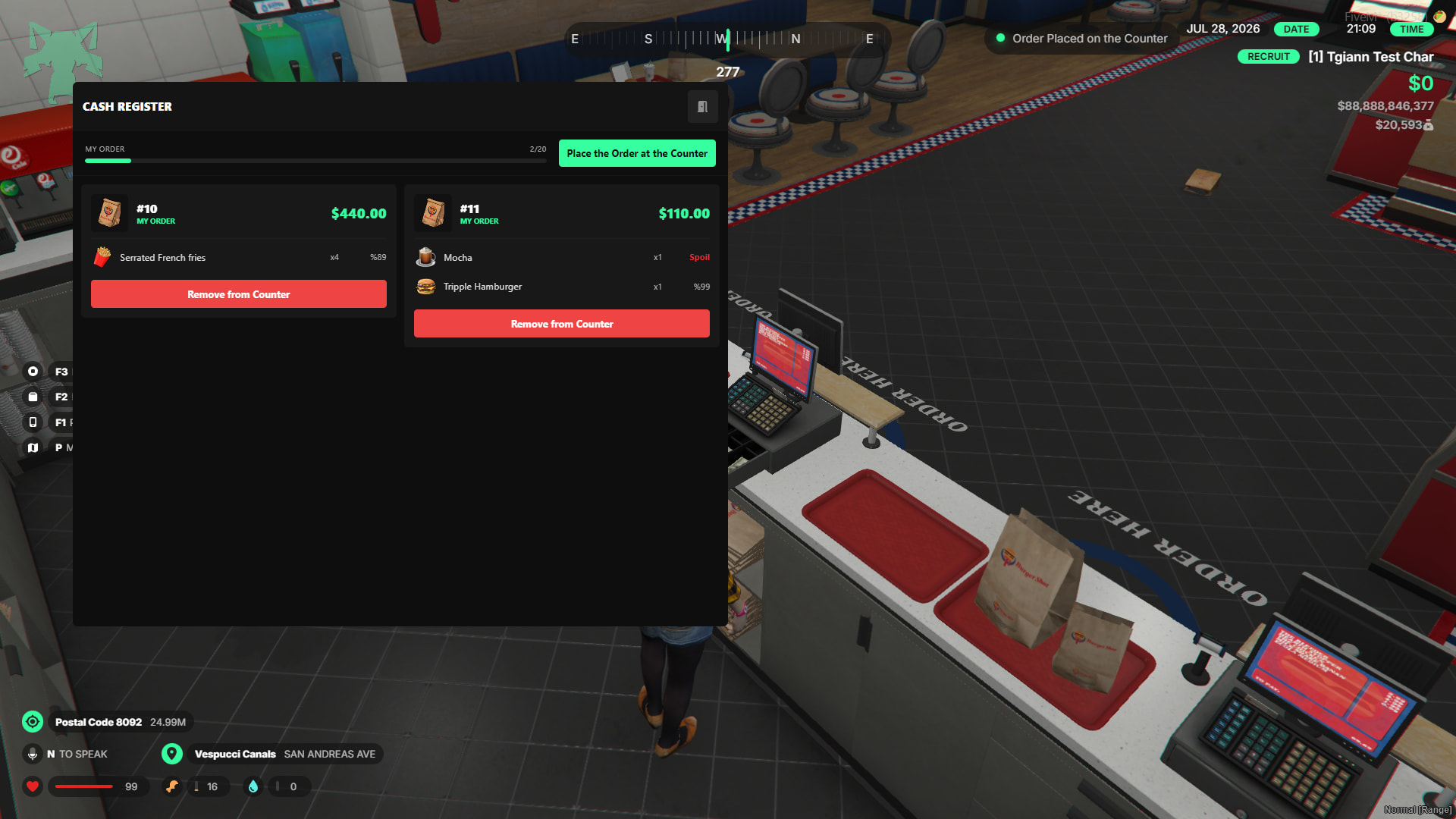
- When items are sold from the register, a configurable percentage of the revenue goes into the business safe, while the remaining cut is deposited directly into the employee’s account.
Cleaning & Dirtying System
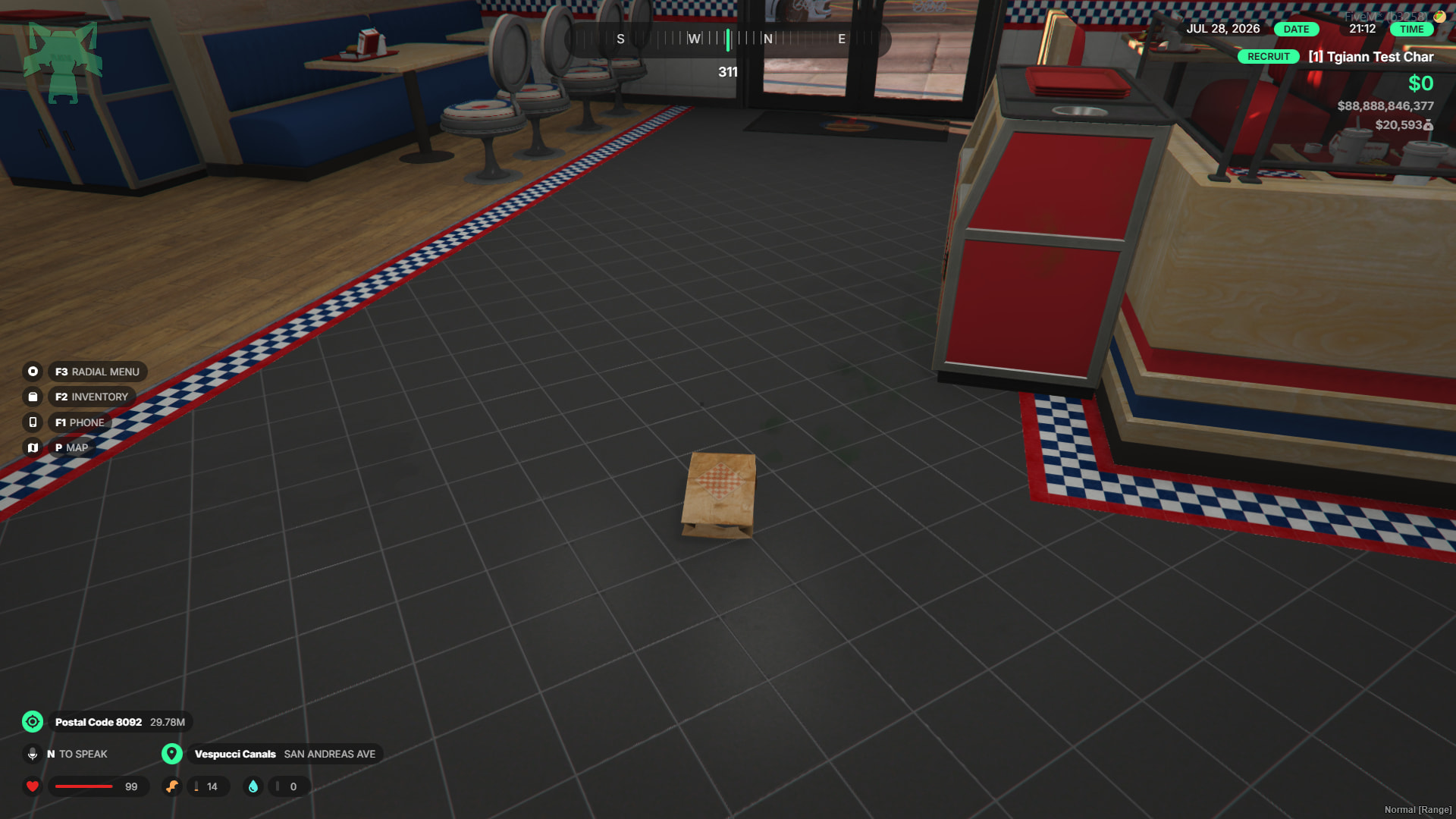
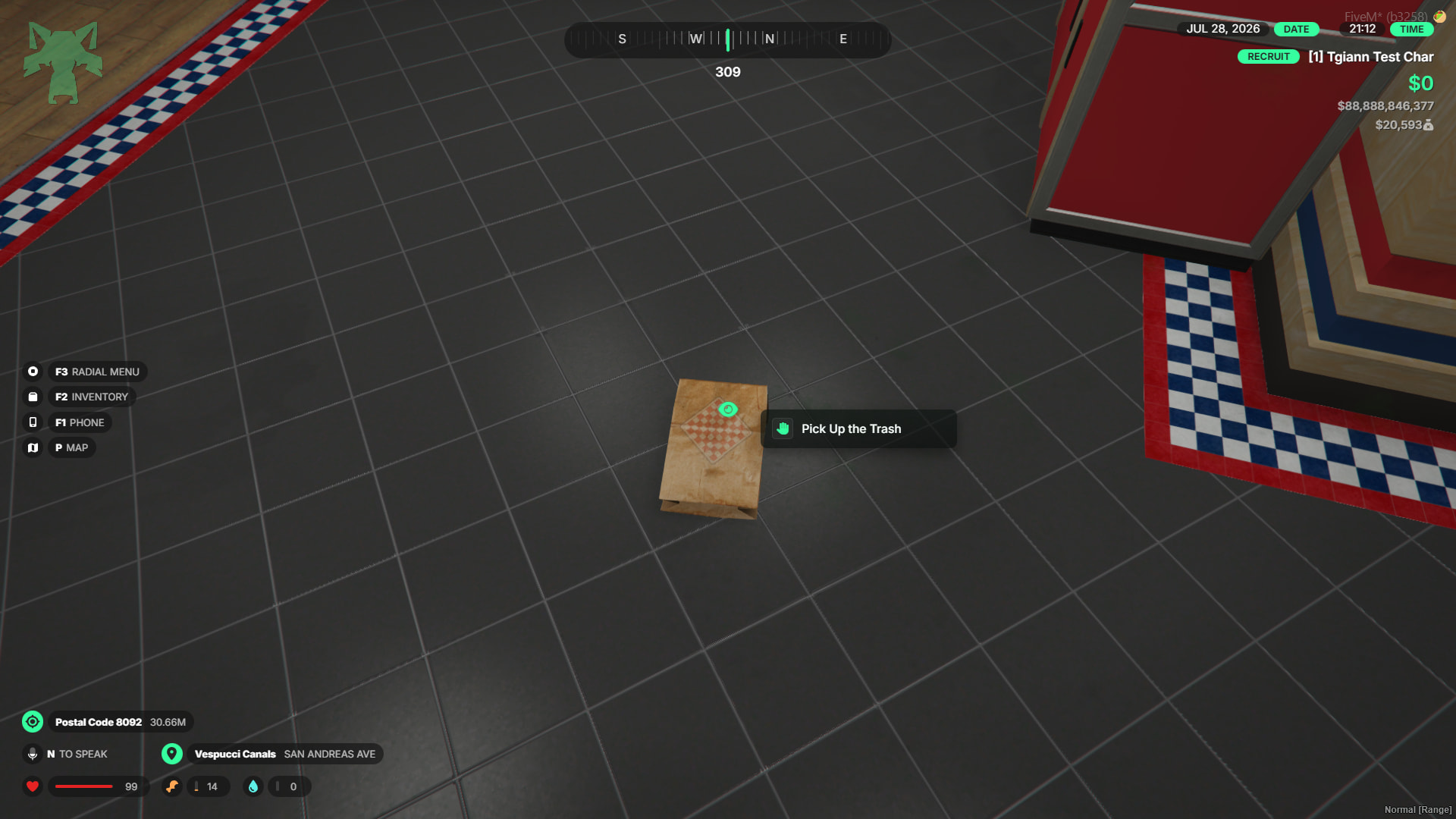
- Trash spawns on the floor at regular intervals, which can be collected by anyone.
- As people walk around inside the business, mud and dirt can accumulate on the floor.
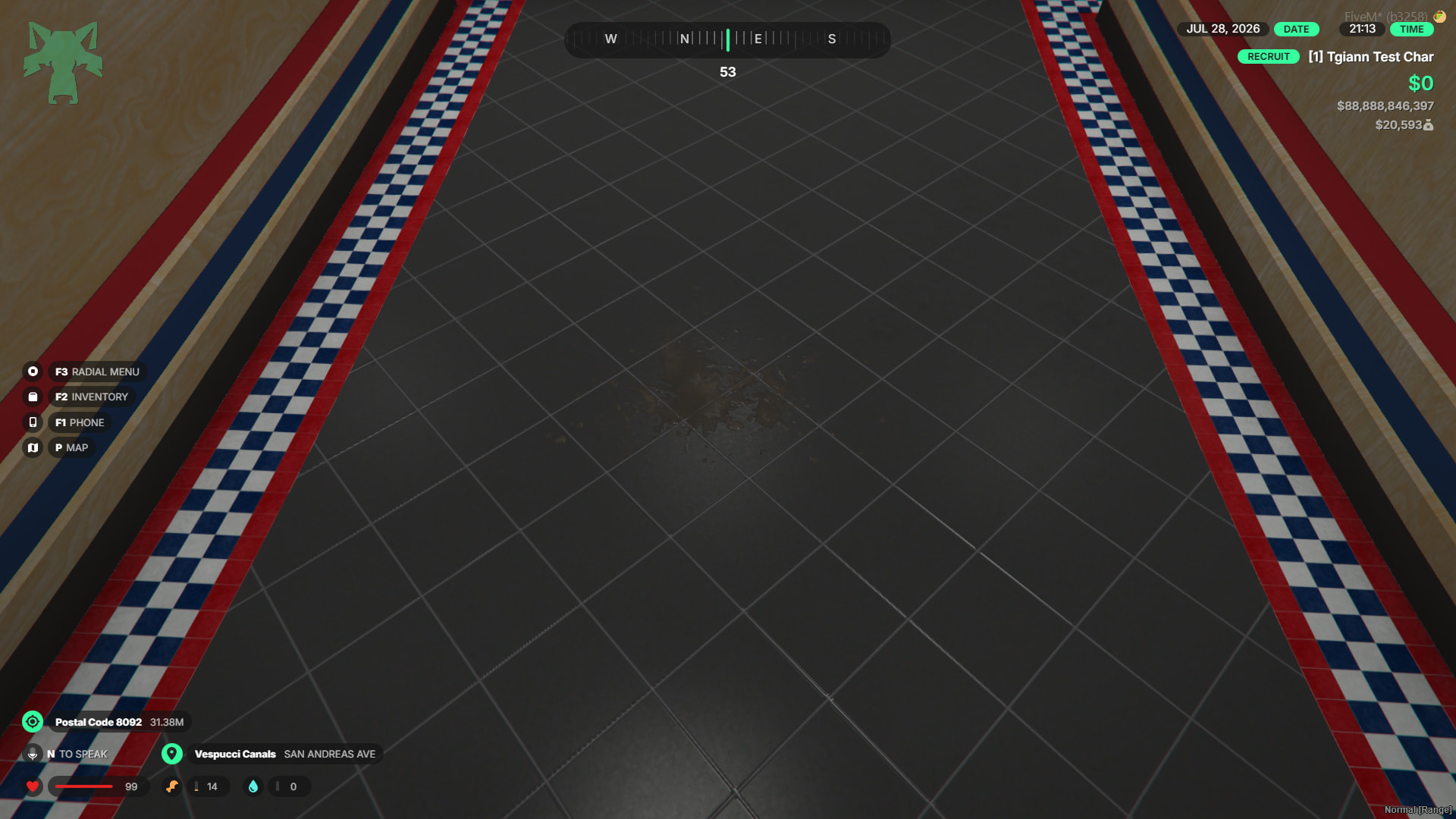
- To clean the mud, players can grab the mop and bucket placed in each location to mop the floors.
Fire System
- Fires can randomly break out while preparing food.
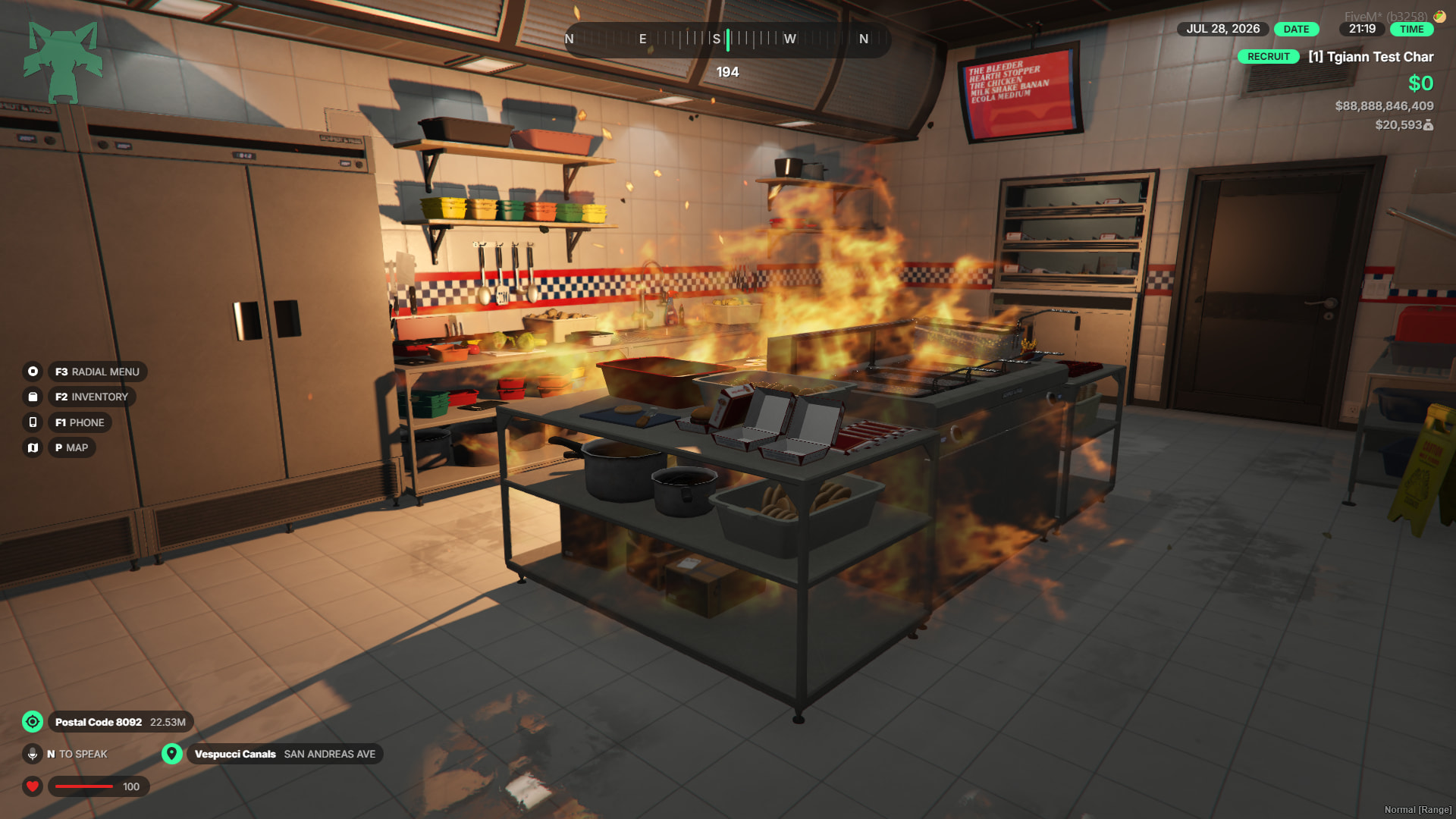
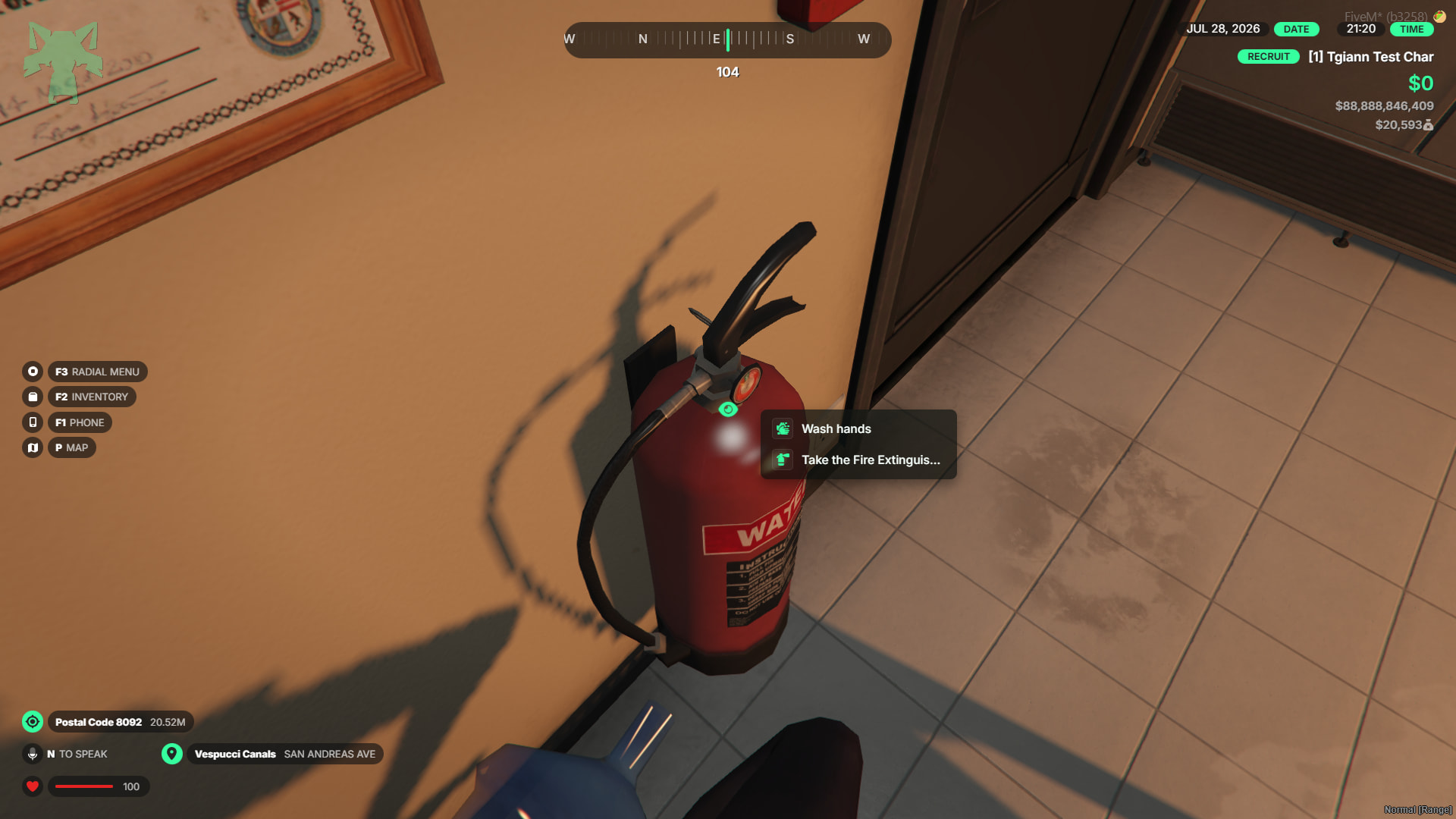
- These fires can be easily put out by using the fire extinguishers placed throughout the business.
3D In-Game Customizable Boards
- Detailed customization of the board’s design and the specific information it displays directly through the admin menu.
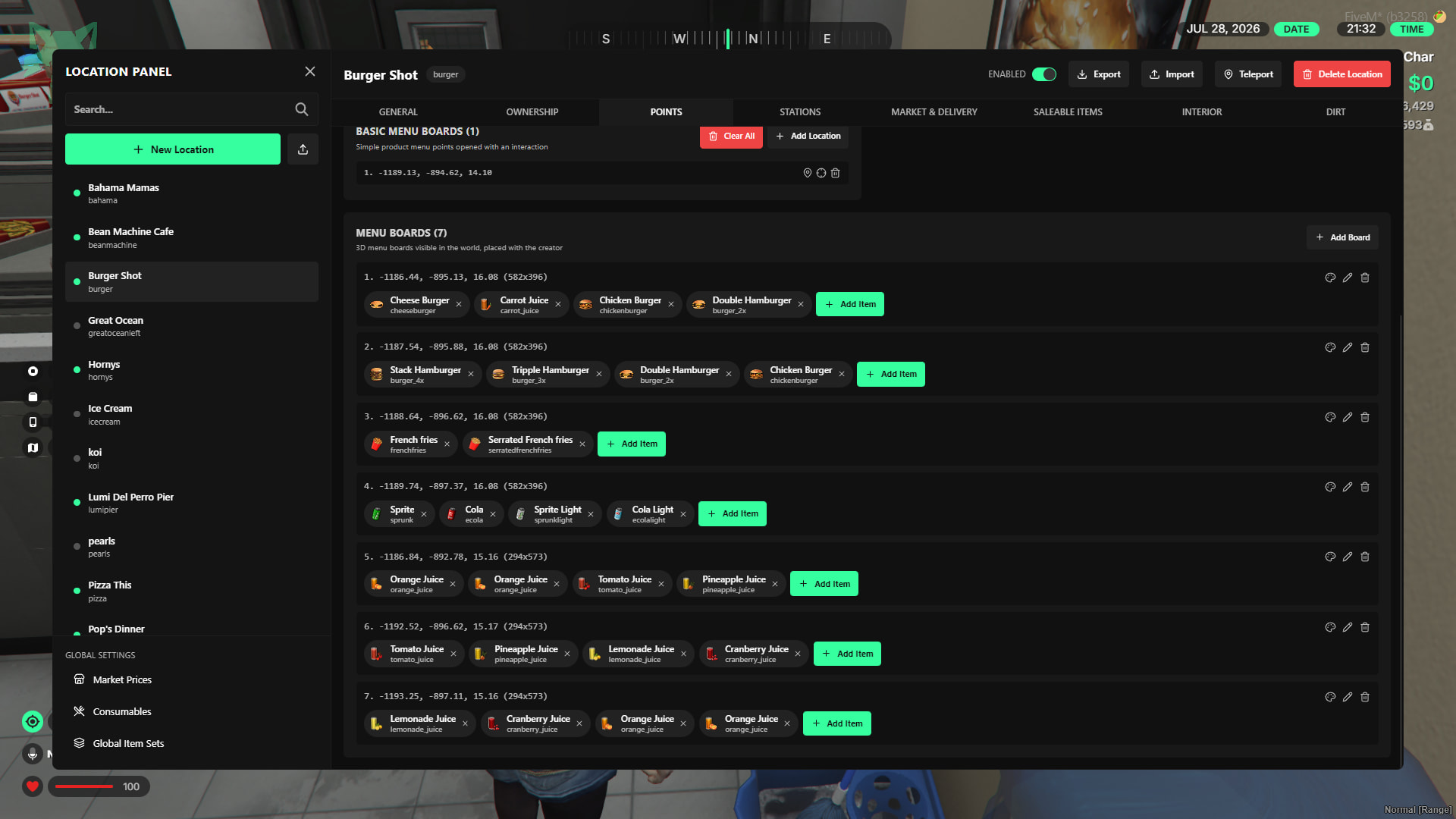
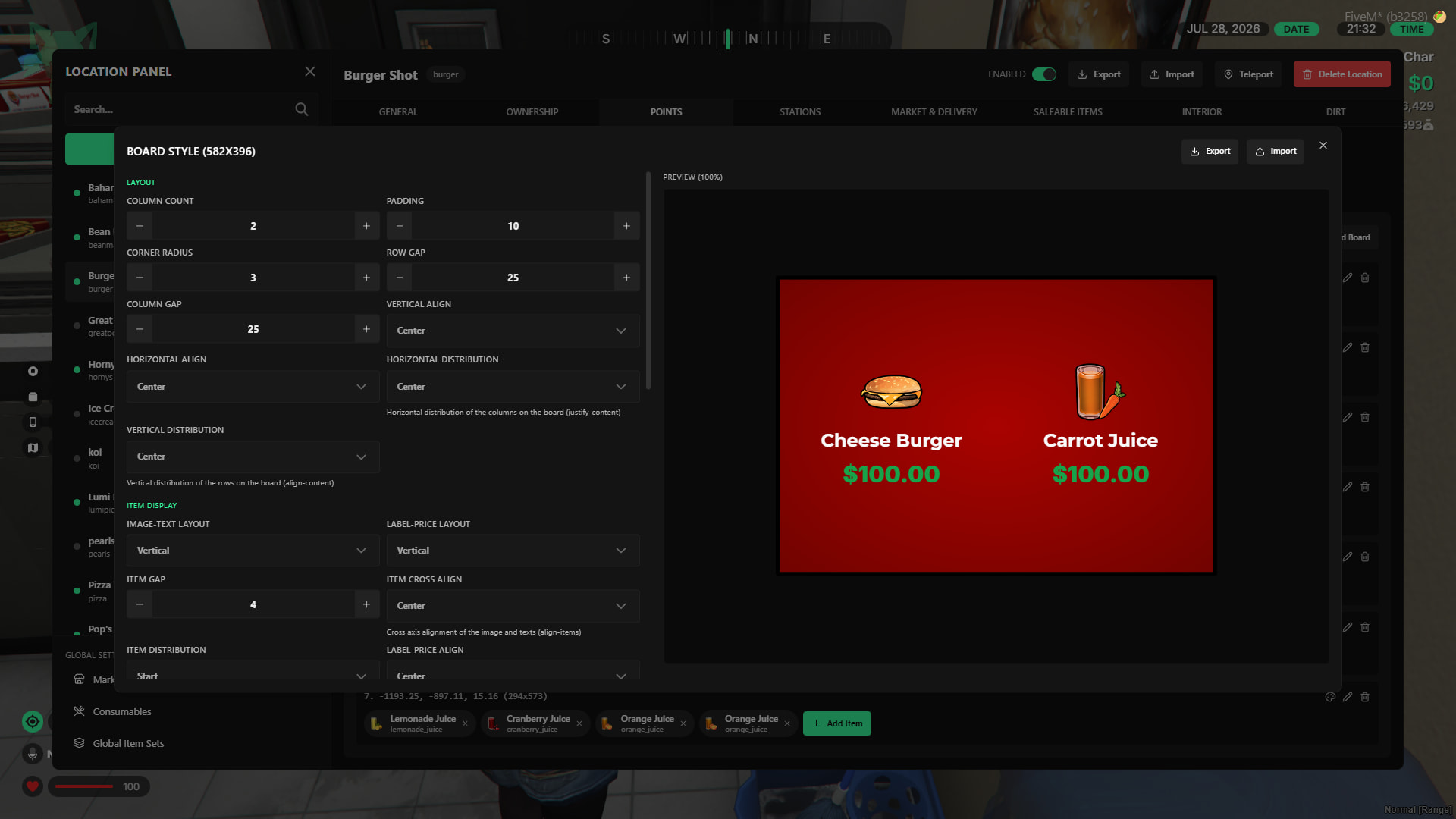
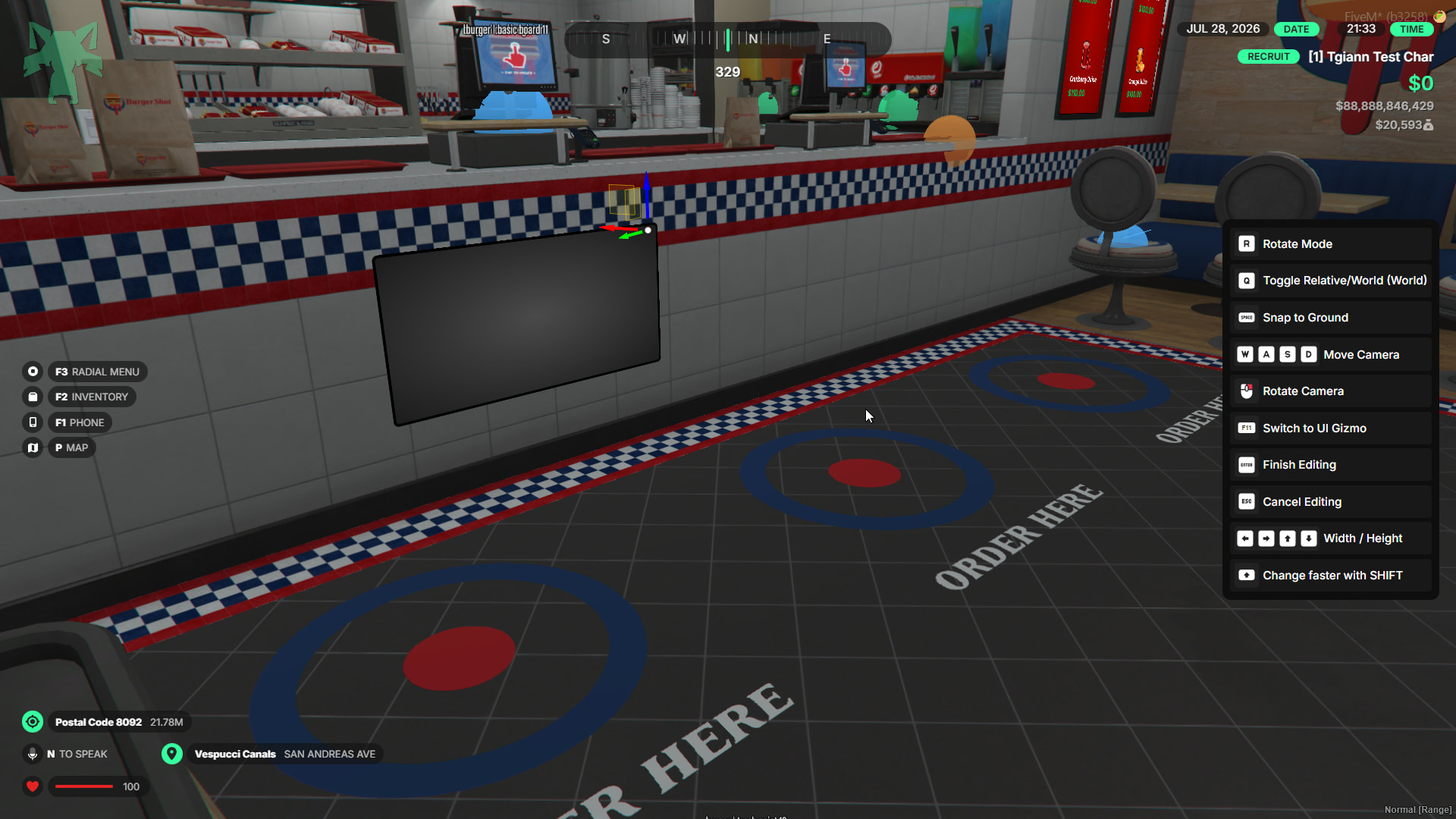
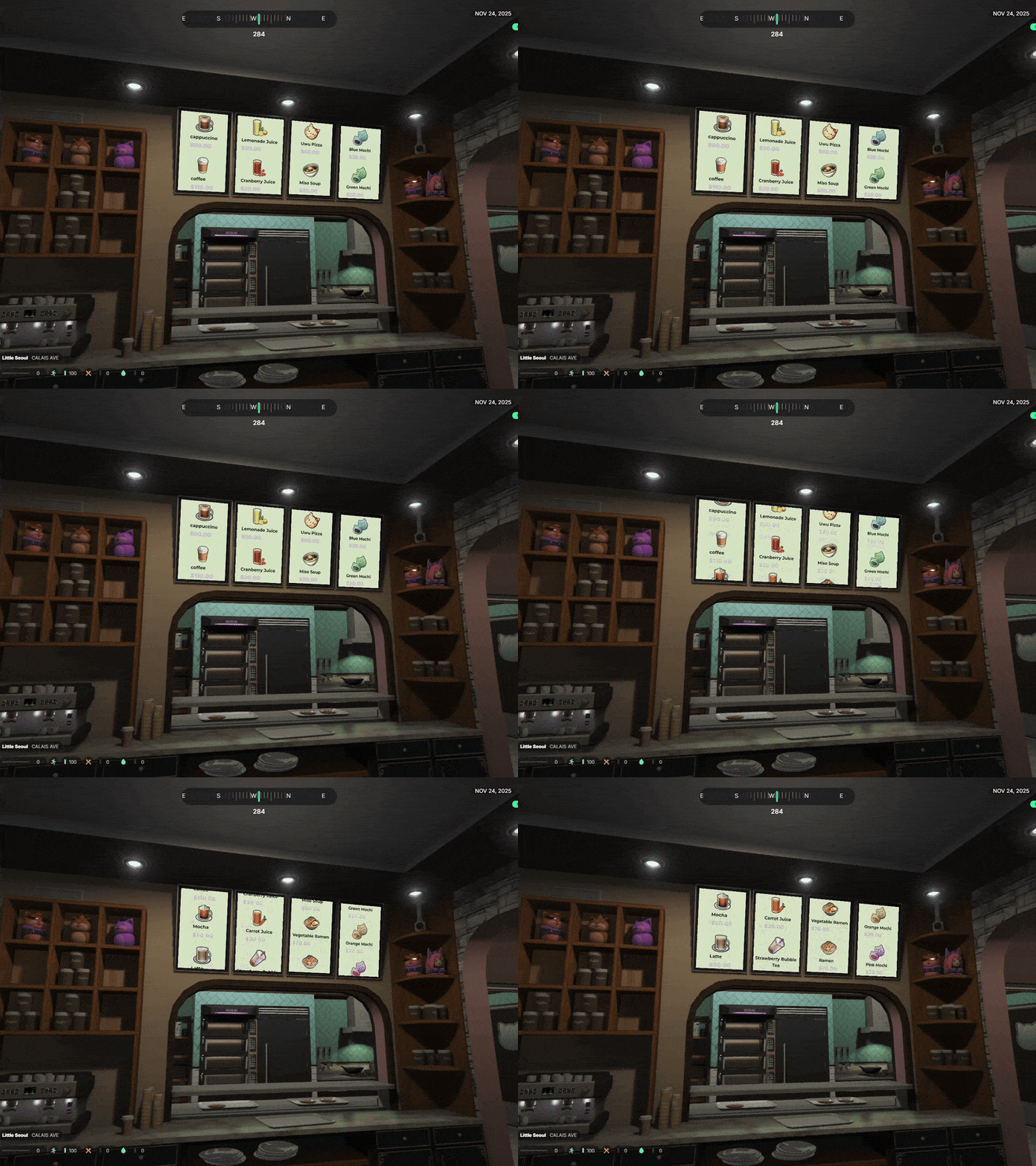
- Easily adjust its position, scale, and rotation using the in-game gizmo tool inside the admin menu—allowing you to place it exactly where you want without writing a single line of code.
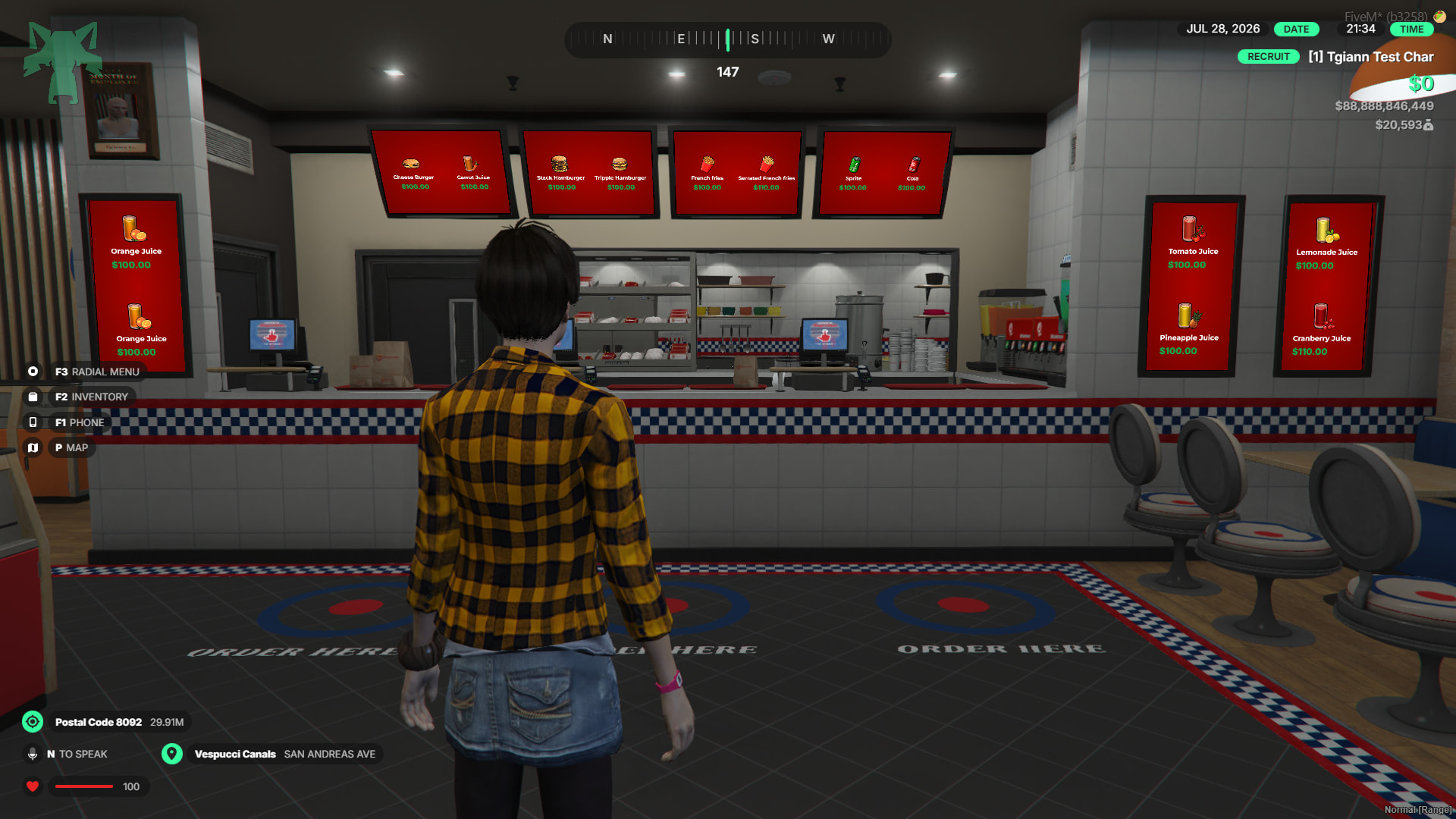
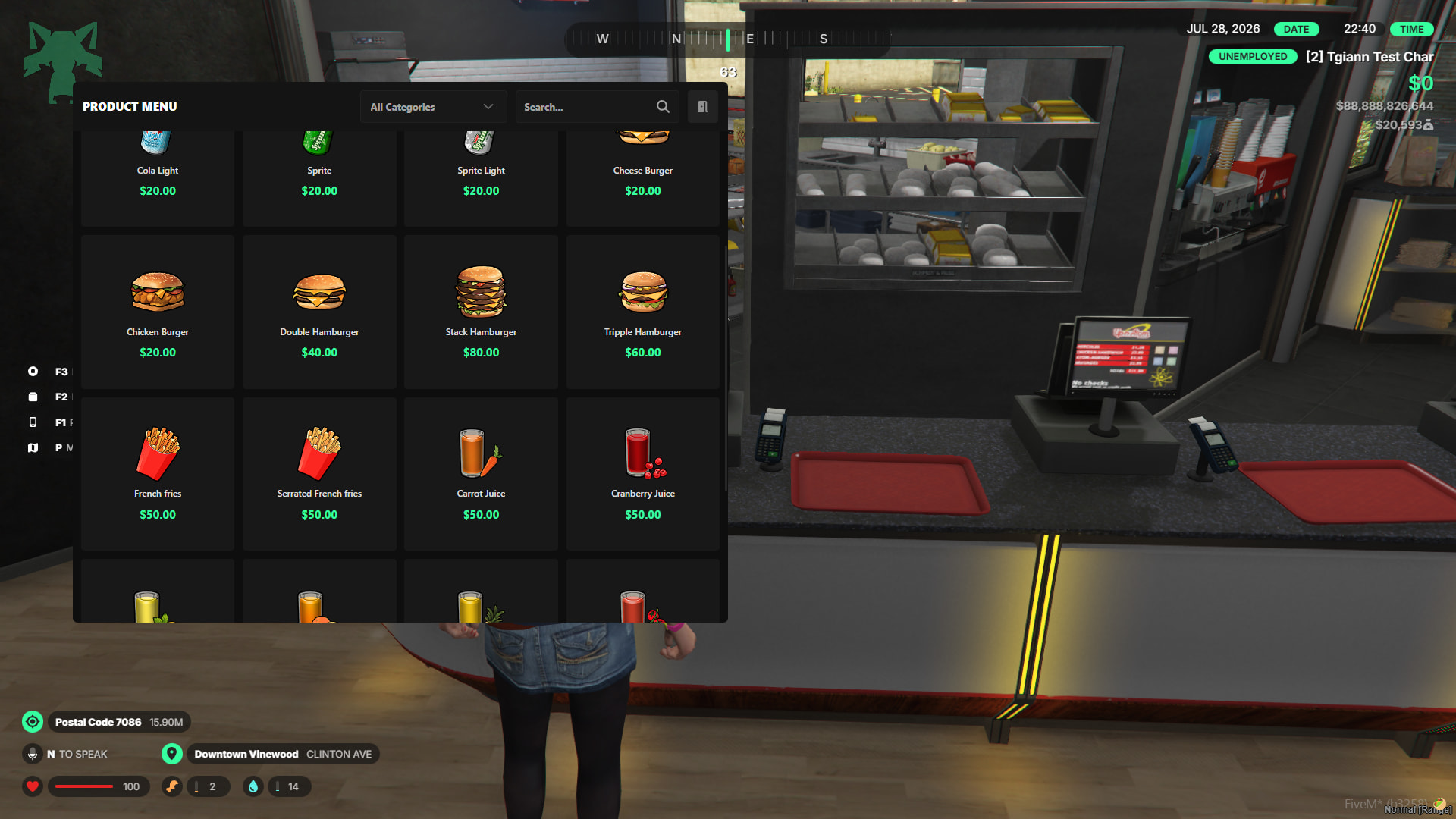
- In addition to the immersive 3D animated menus, you also have the option to add and utilize standard UI menus to suit your server’s interface preferences.
Notepad System
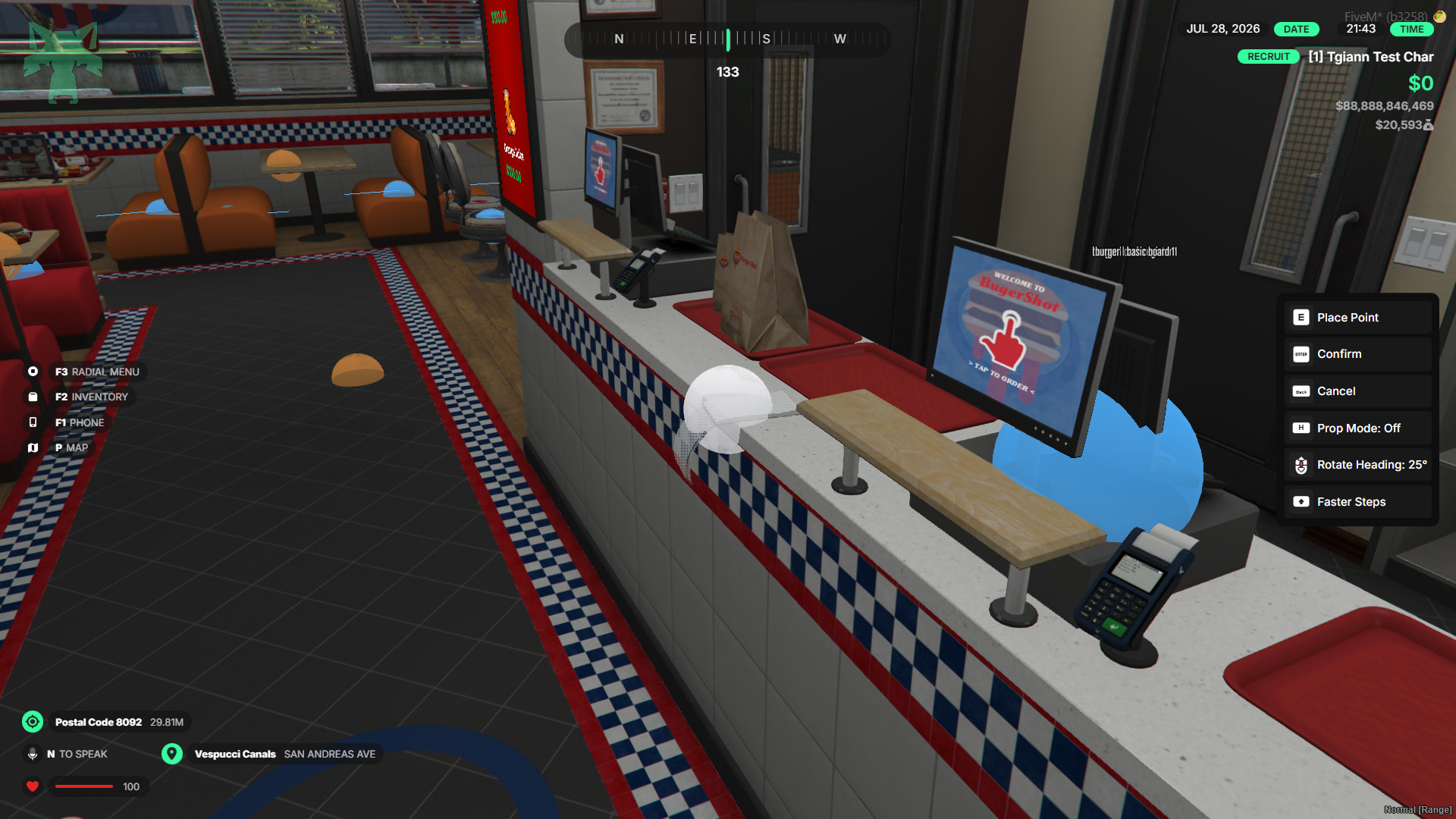
- Admins can easily place an interactive notepad anywhere within the business using the admin menu.
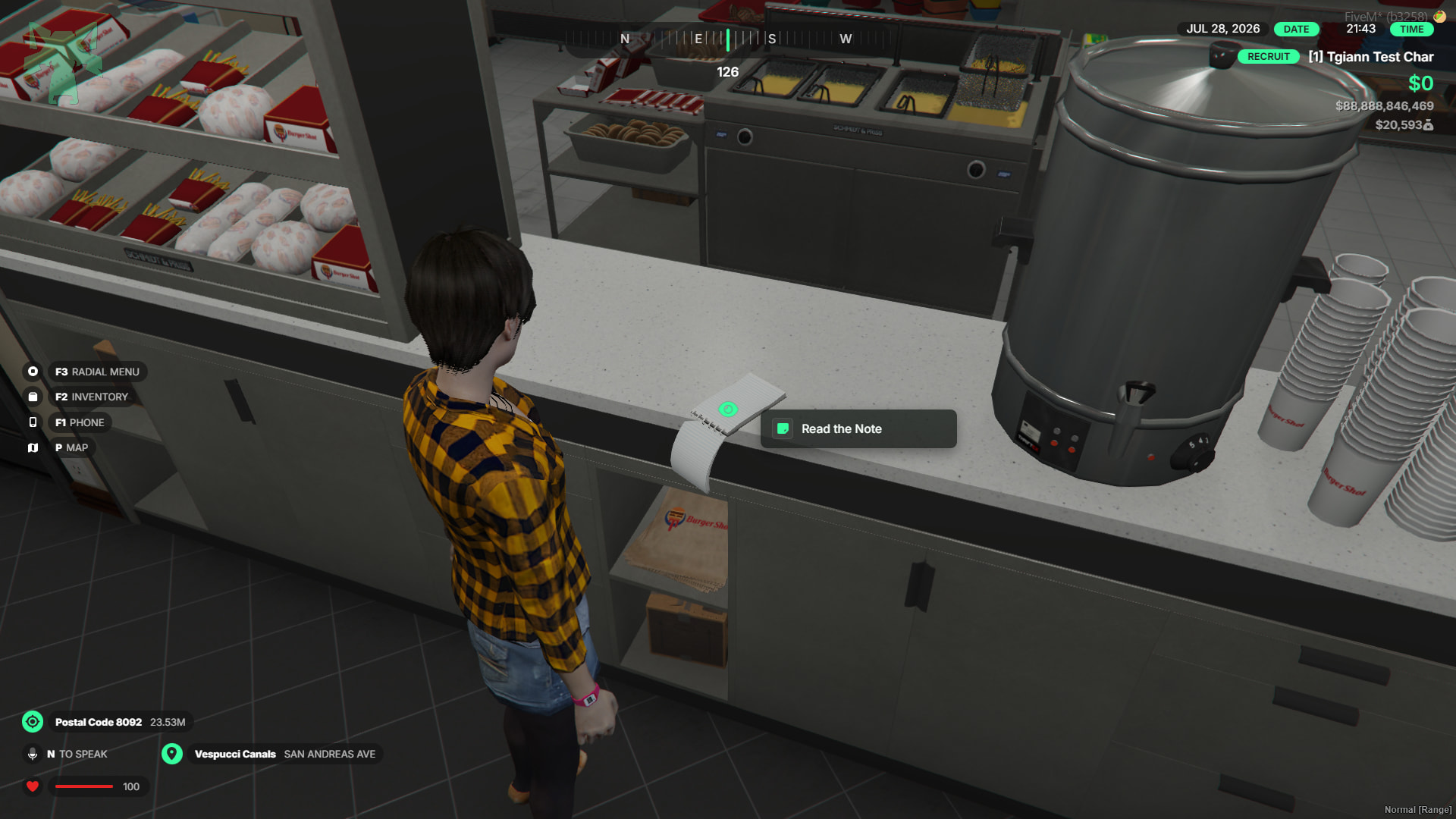
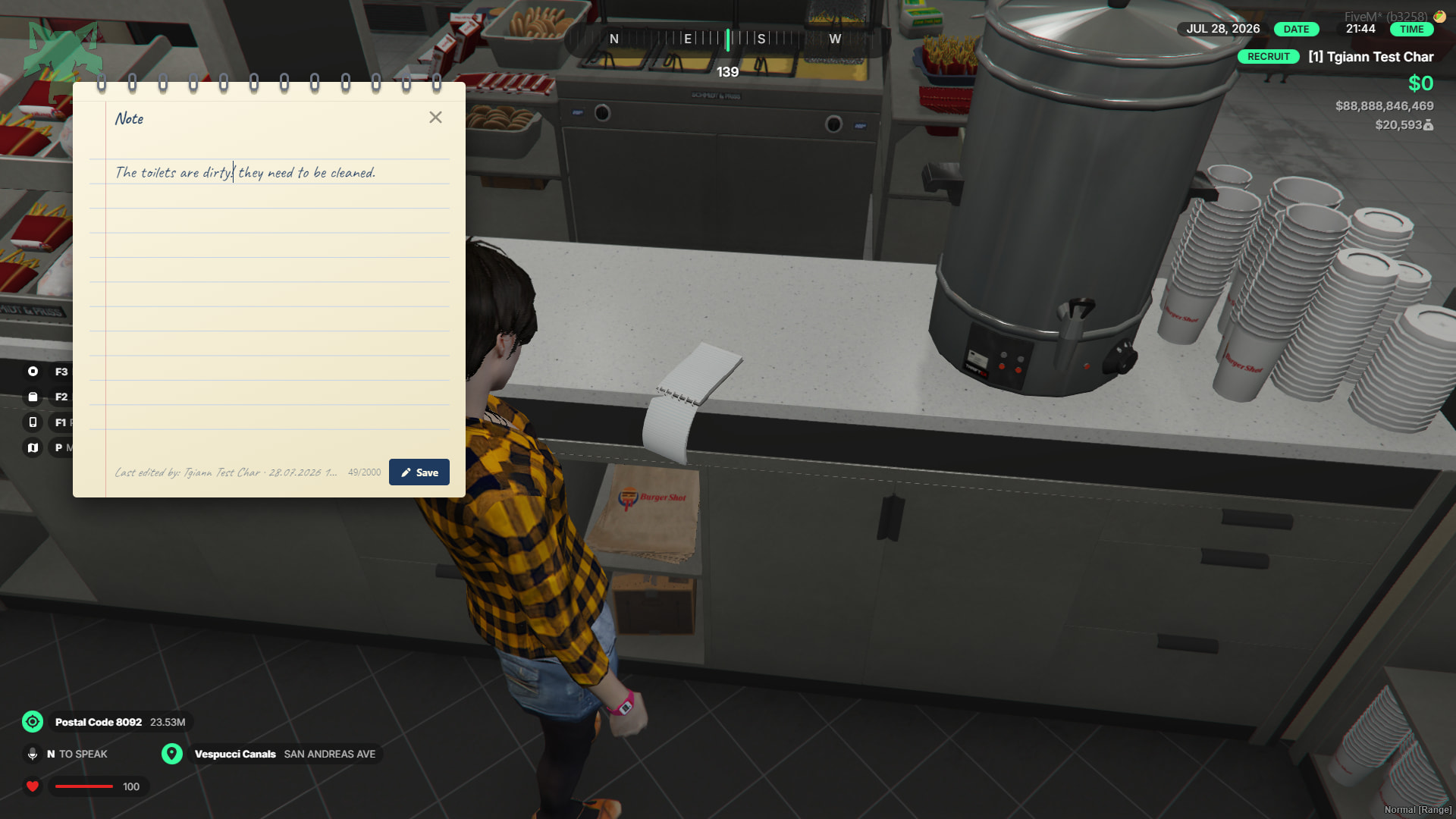
- Business owners (bosses) can use this notepad to write down tasks, rules, or general notes for the team.
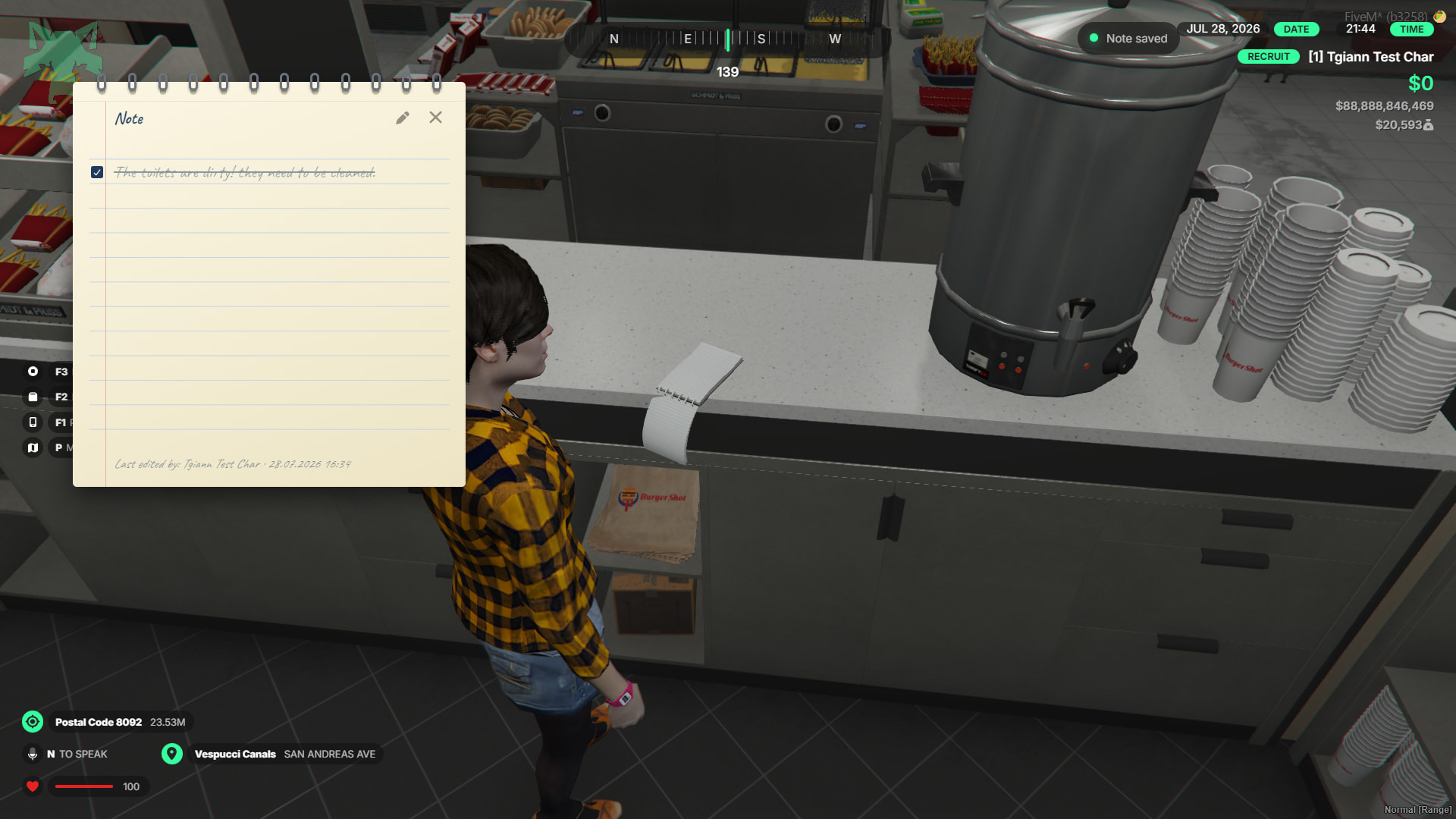
- Employees can interact with the notepad to scribble on or cross out the written notes.
Custom Roleplay Animations & Interactions
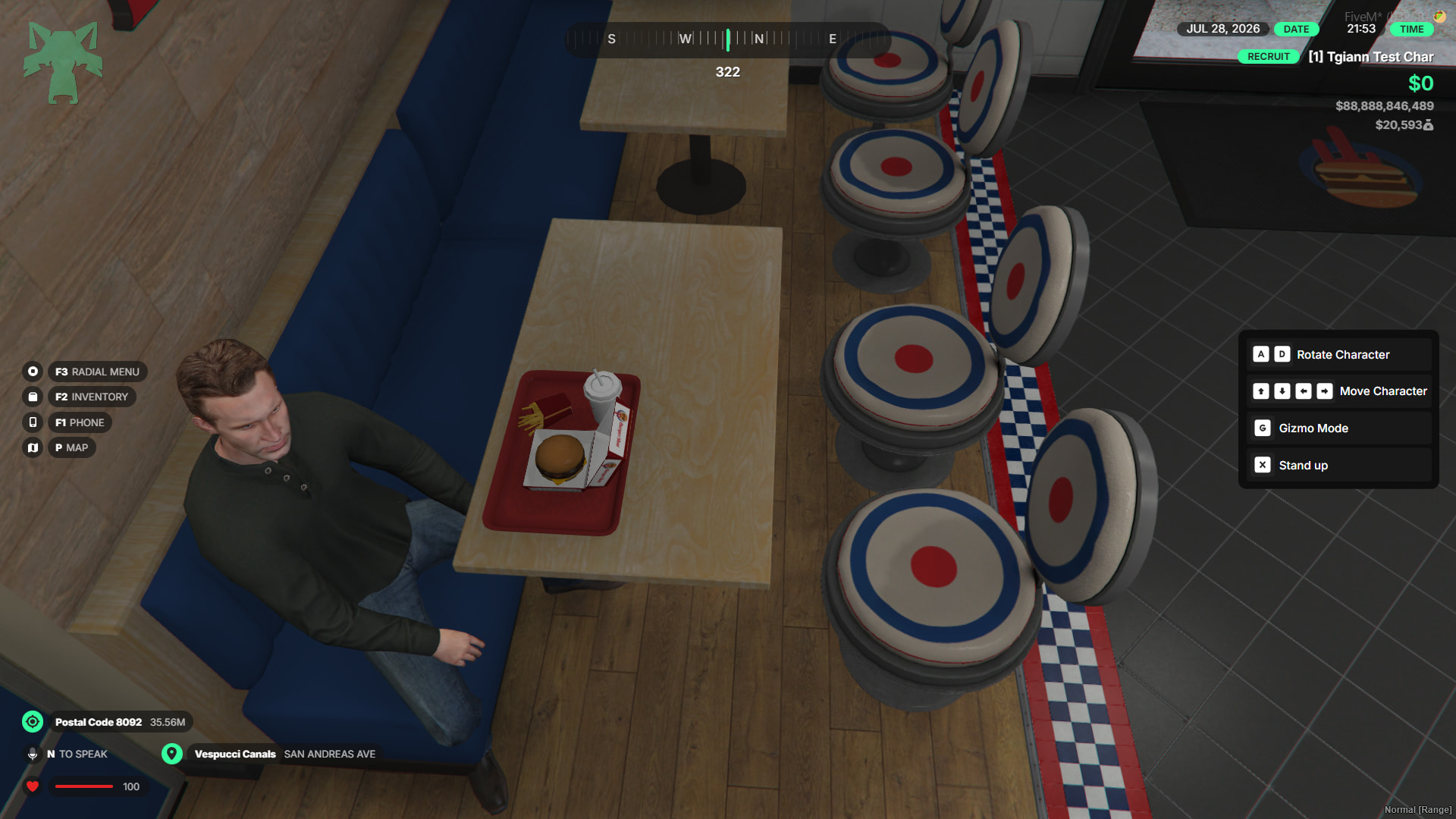
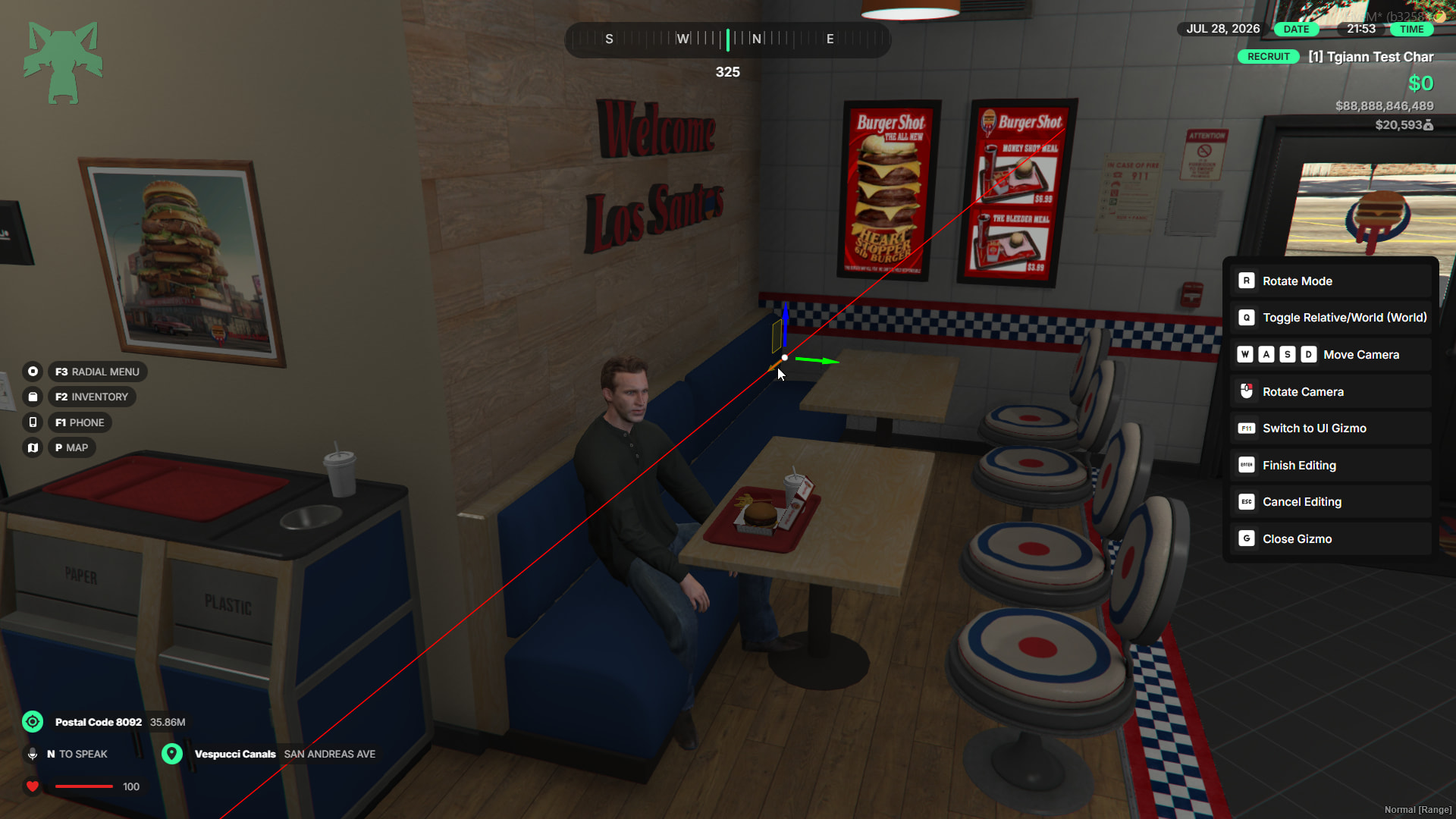
- Sitting Locations: Interactive seating where players can adjust their exact position (sliding left/right, etc.) using the gizmo tool or arrow keys while seated.
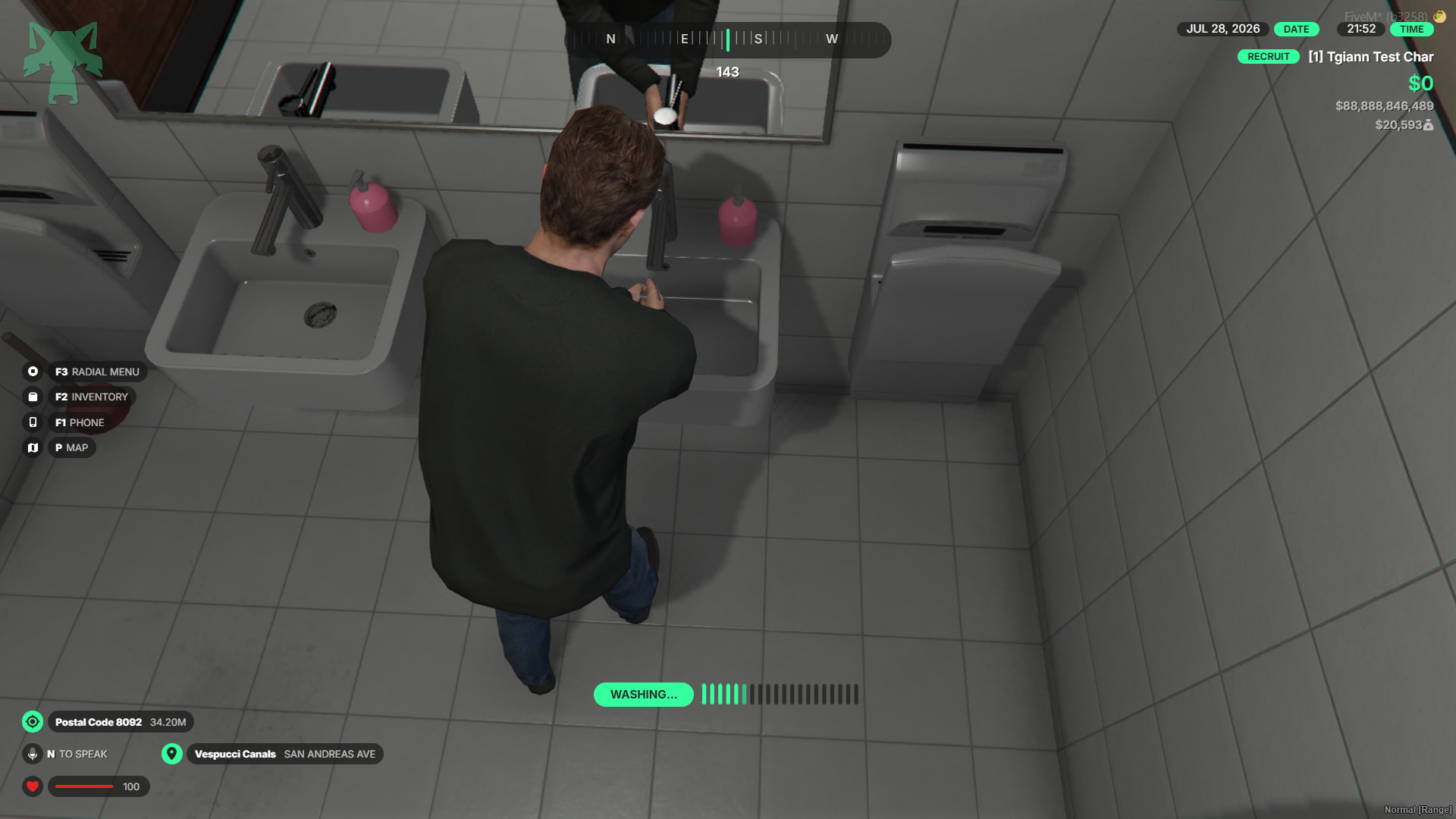
- Hand Washing Stations: Dedicated spots for players to wash their hands.
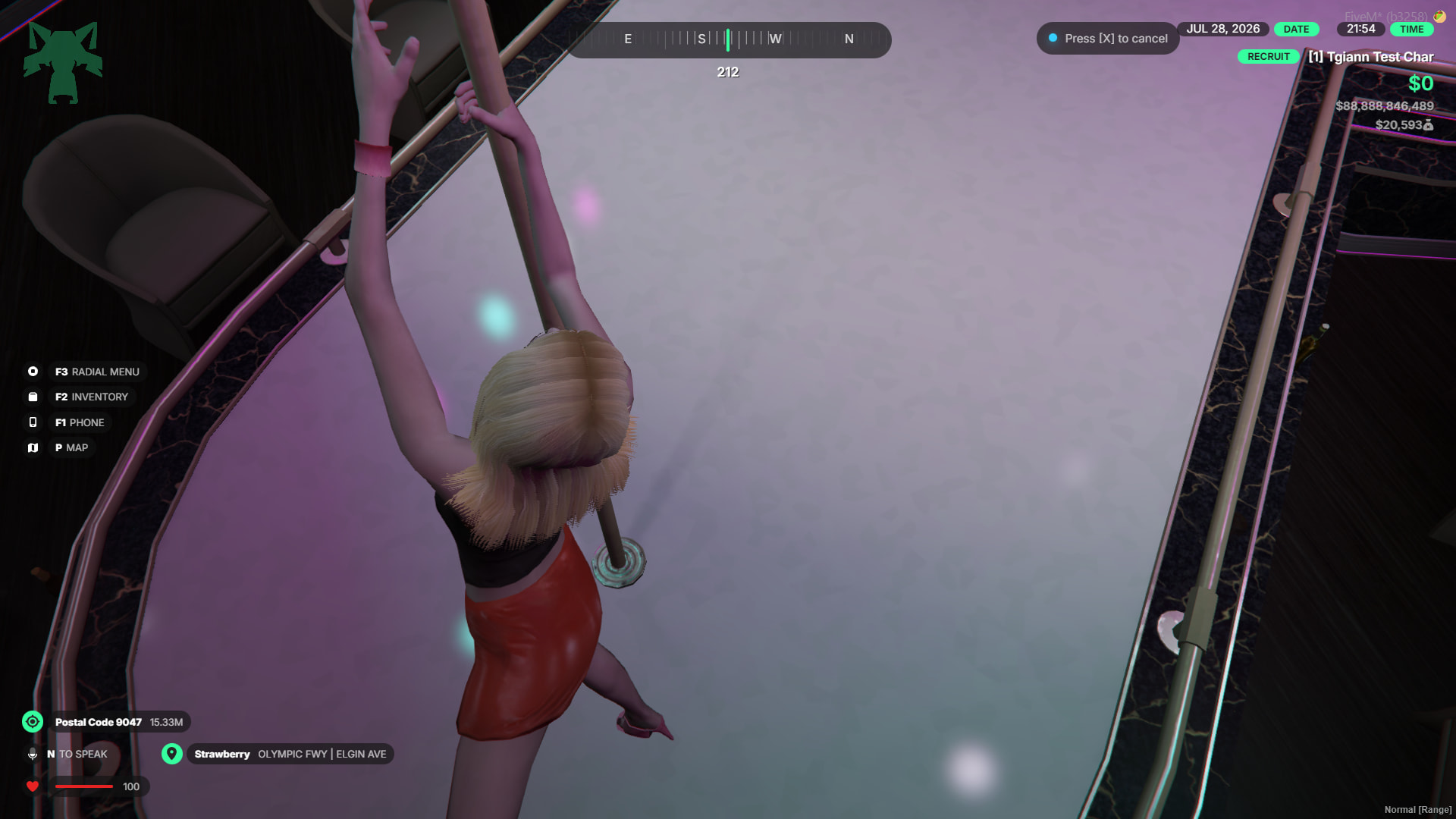
- Pole Dance Locations: Specific interaction points set up for pole dancing.
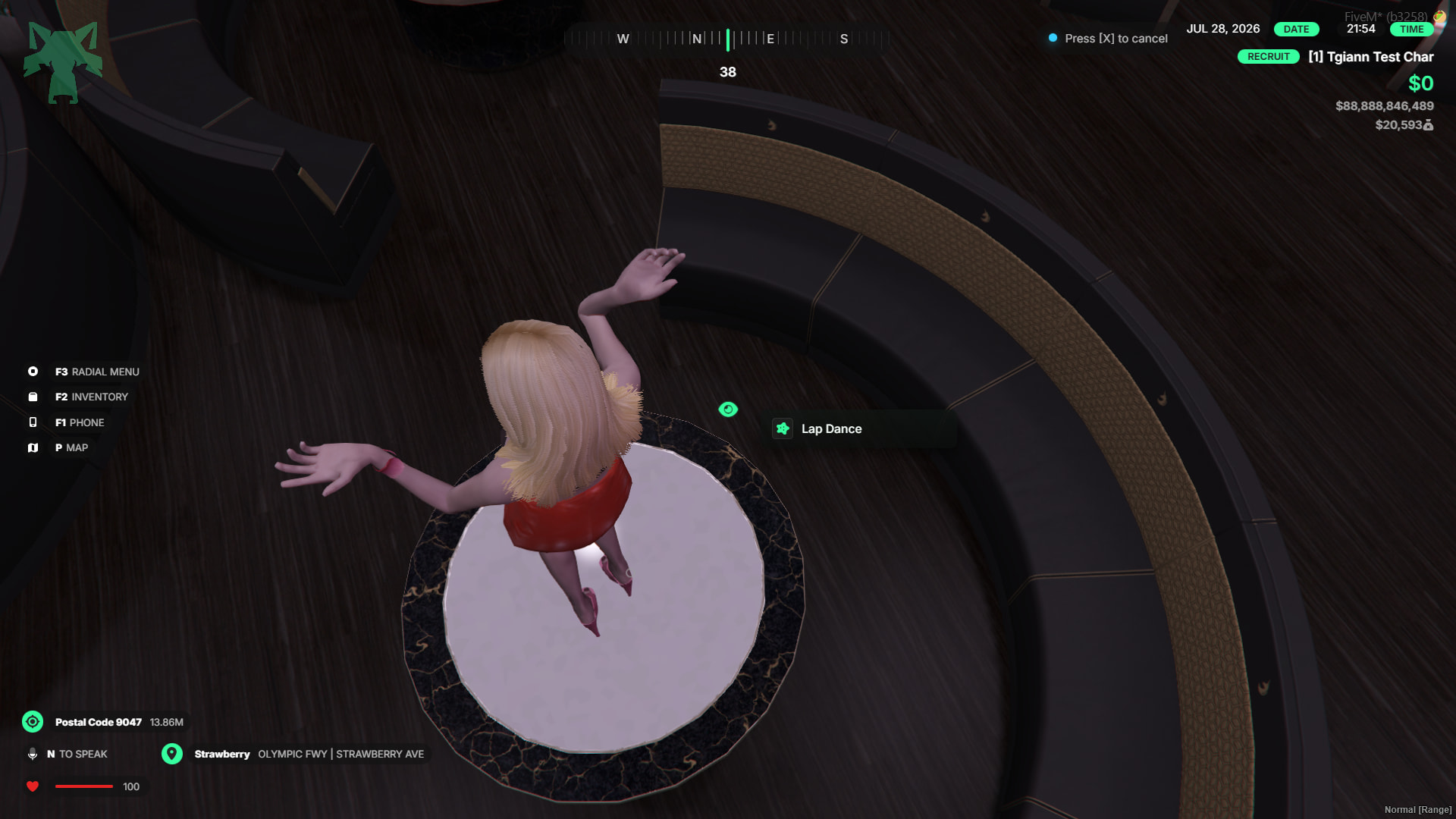
- Lap Dance Locations: Designated spots for lap dance animations.
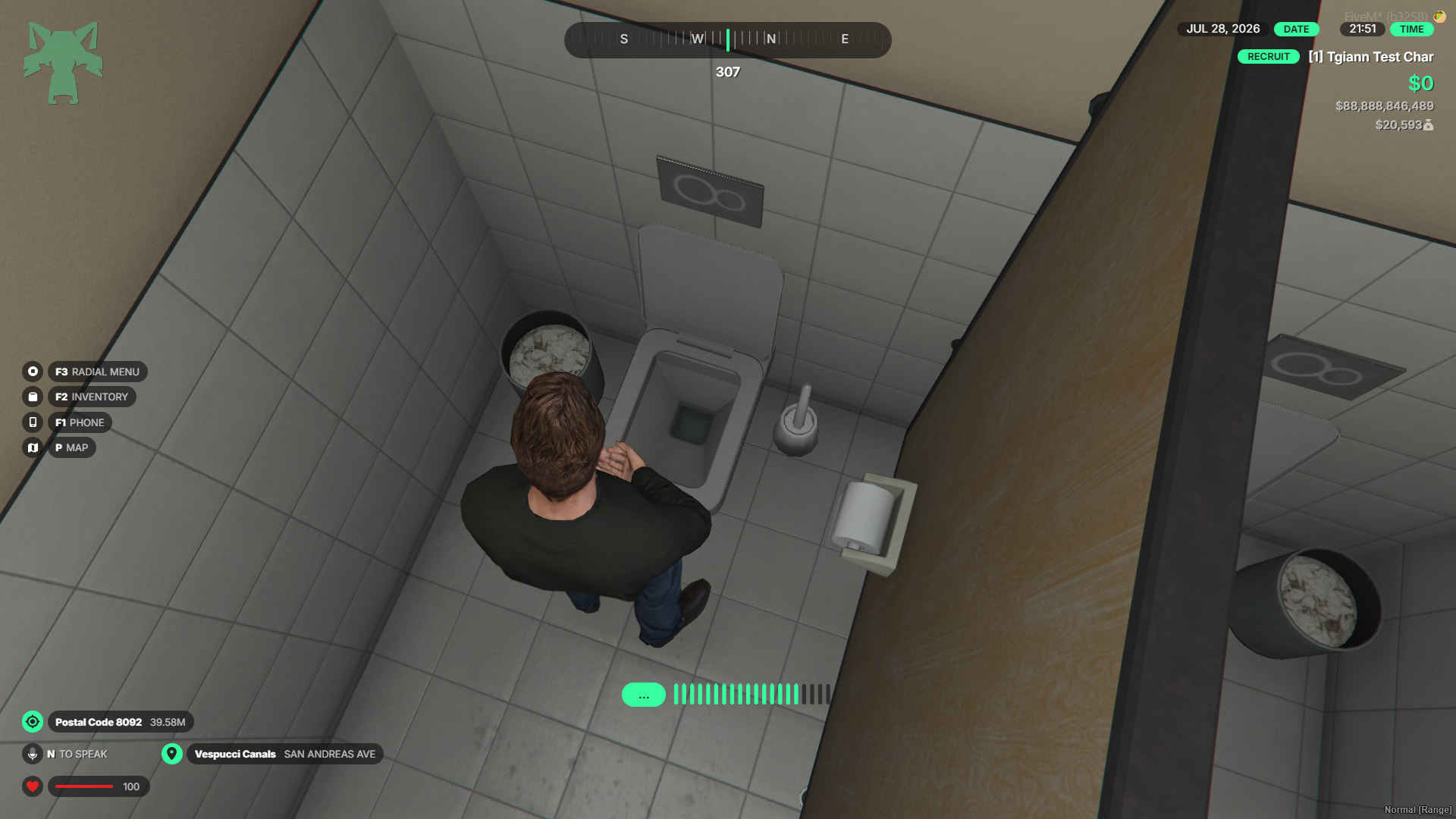
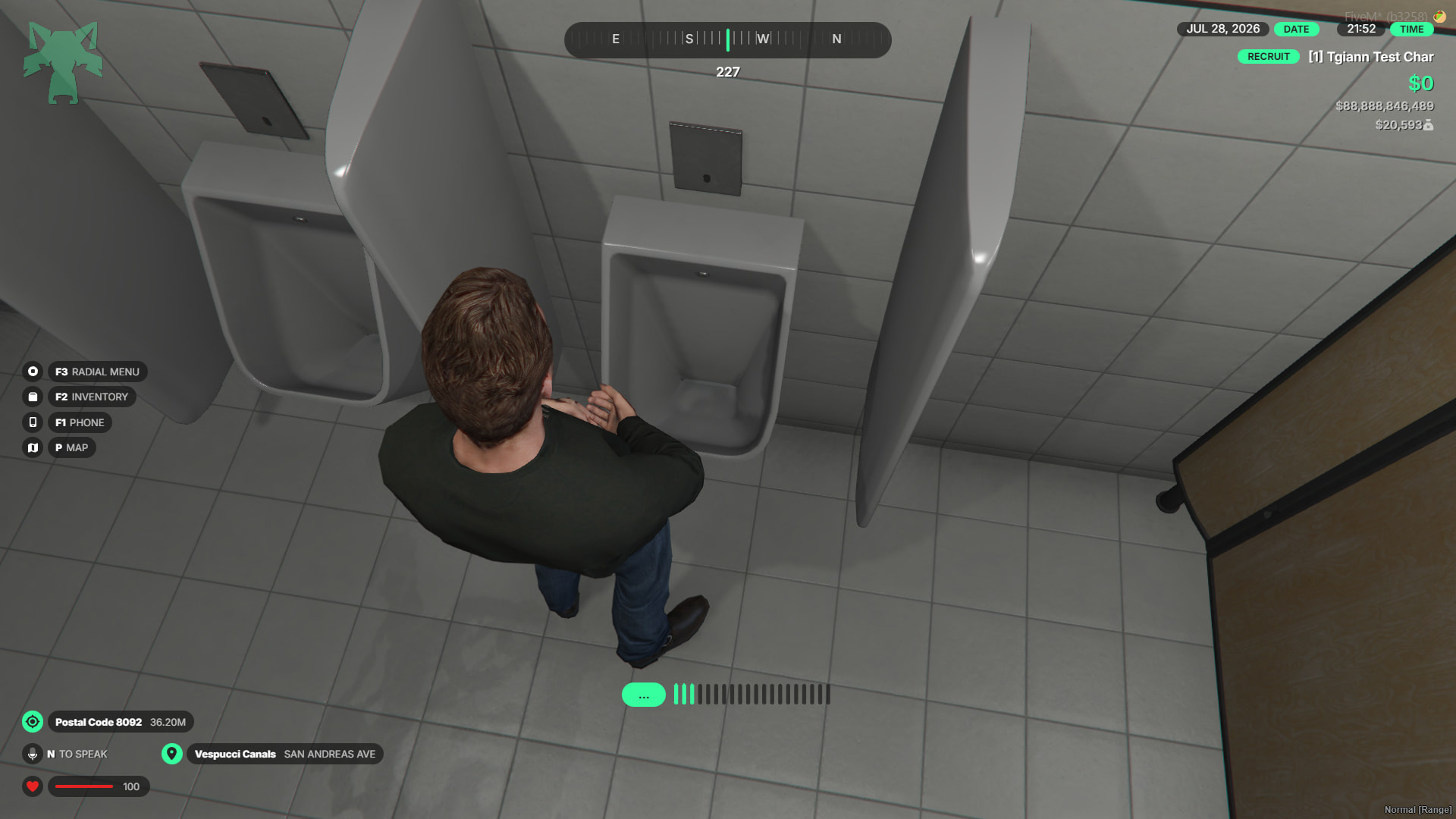
- Toilets: Fully usable toilets to enhance immersion and everyday roleplay realism.
Custom Blip System
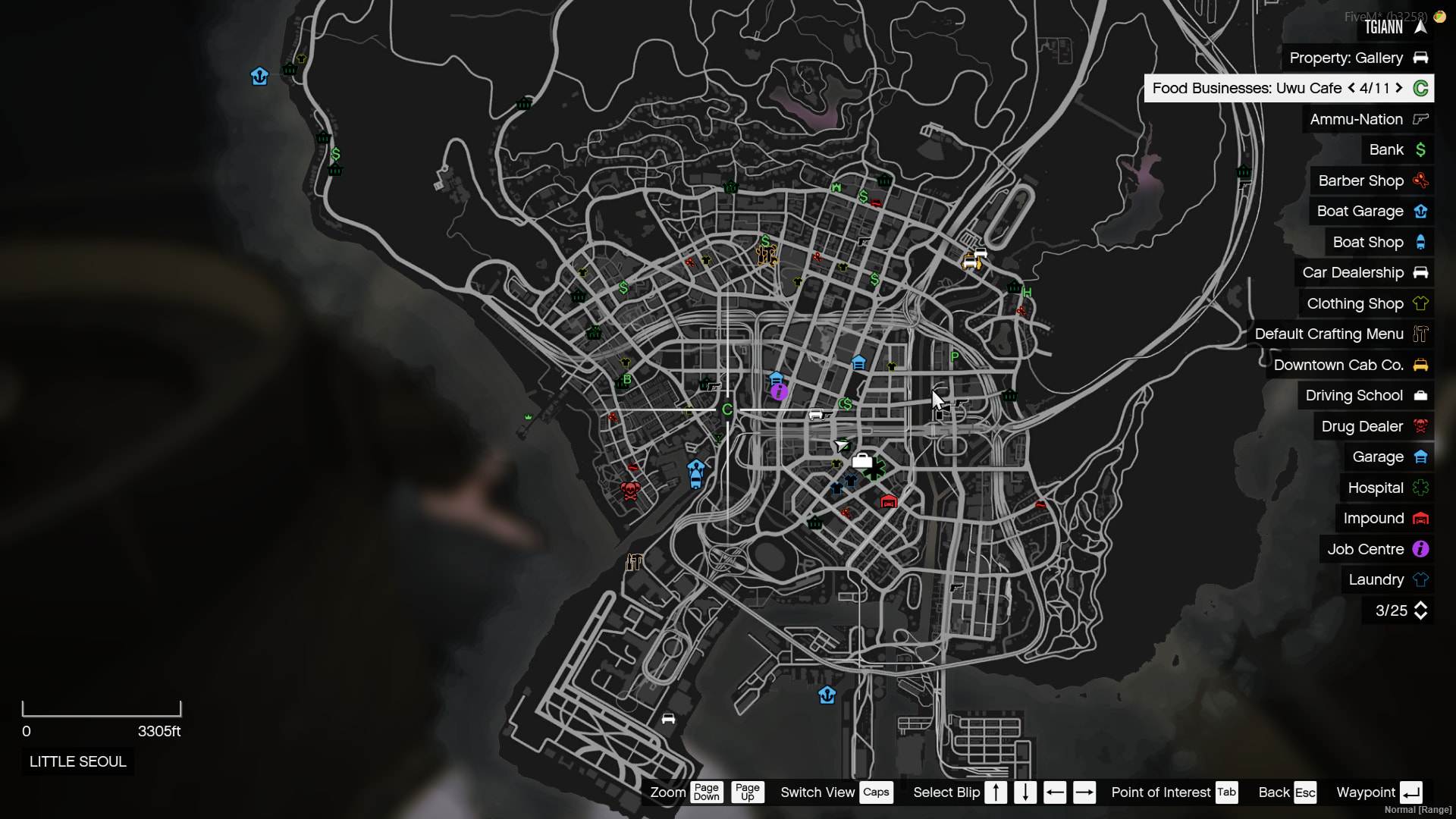
- All business locations are neatly grouped and displayed under a single category on the map, keeping the player’s map clean and preventing blip clutter.
Hookah System
- Admins can easily add hookahs to any business location.
- Employees can pick up these hookahs and place them freely anywhere they want.
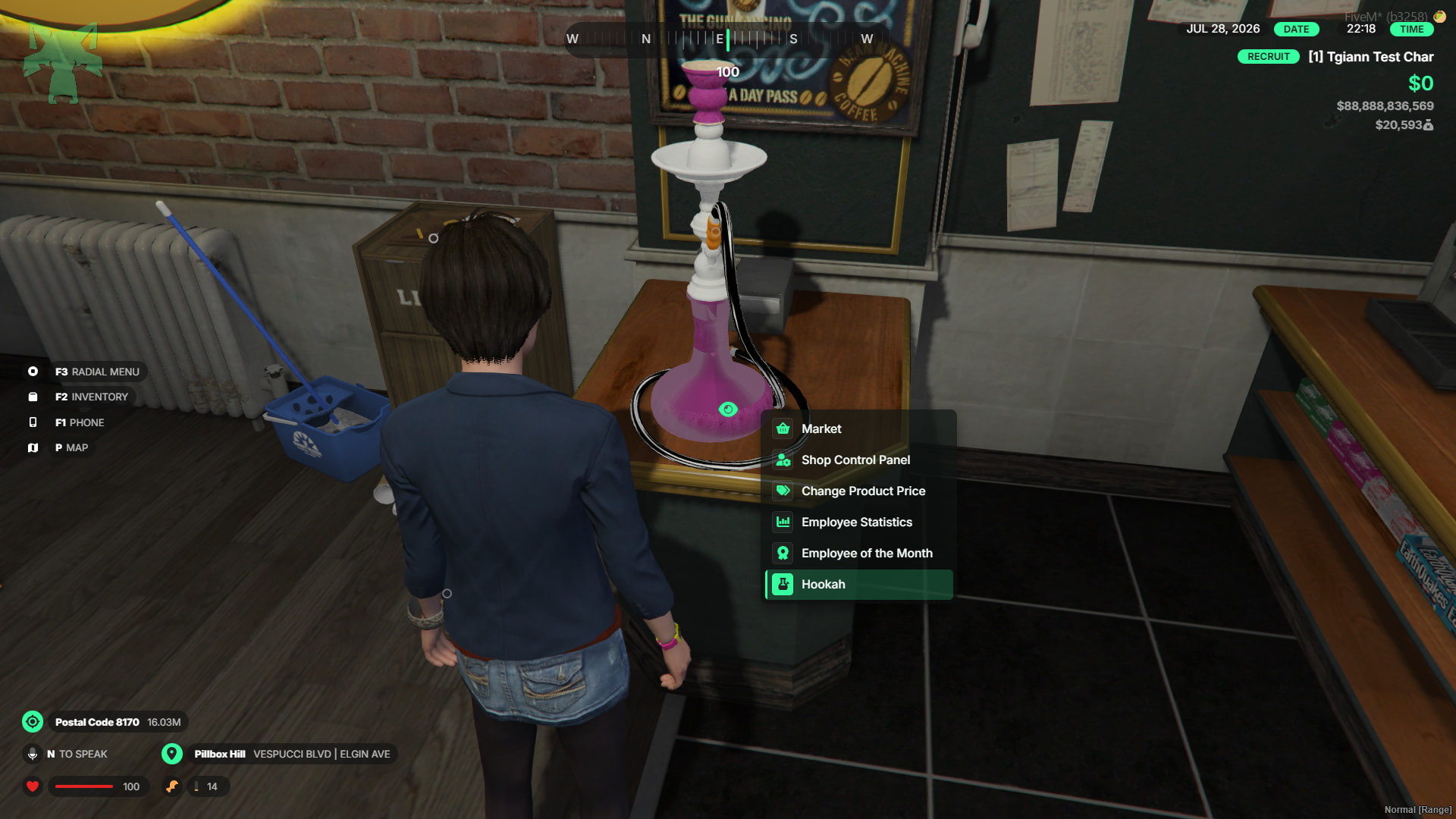
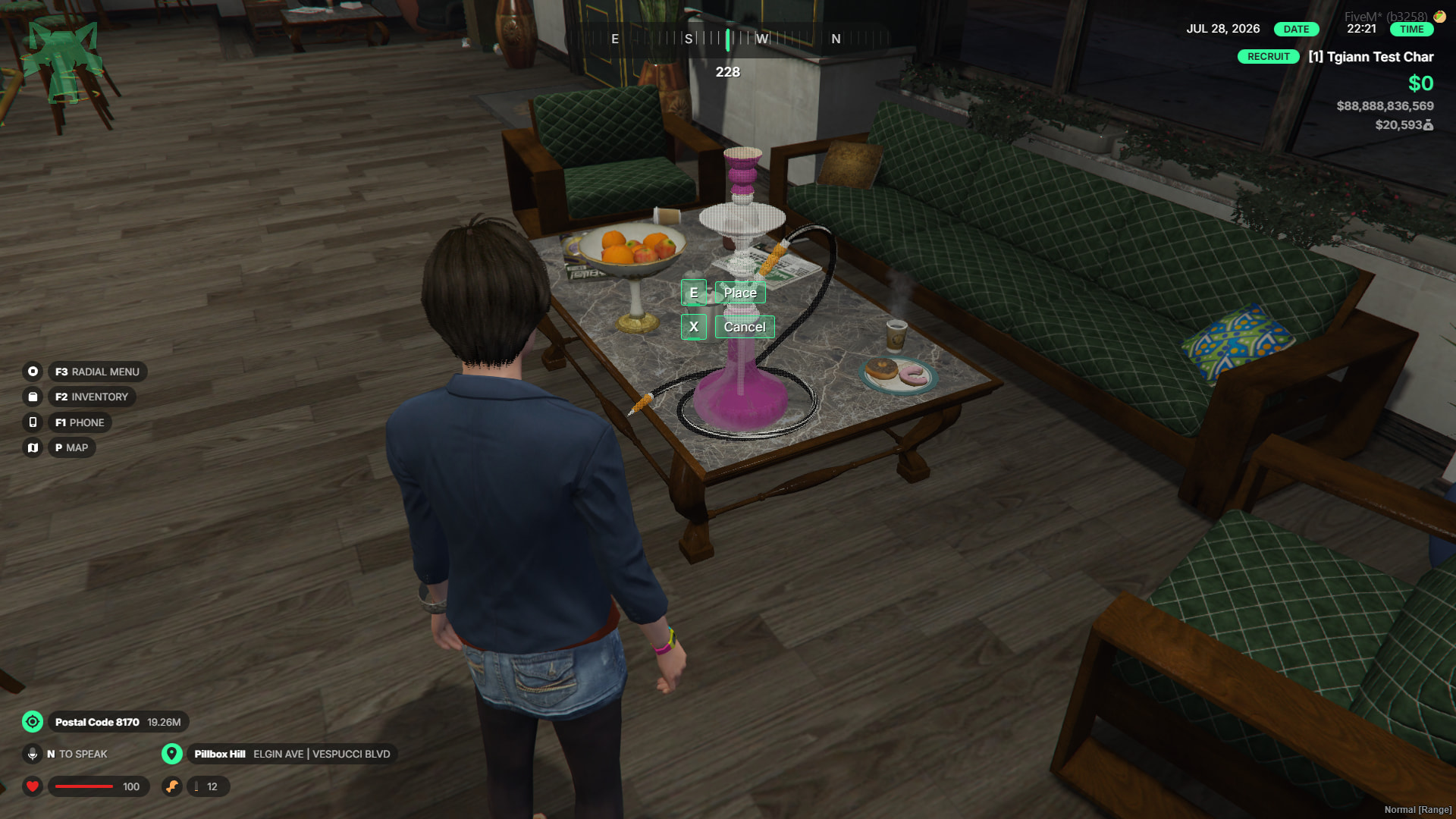
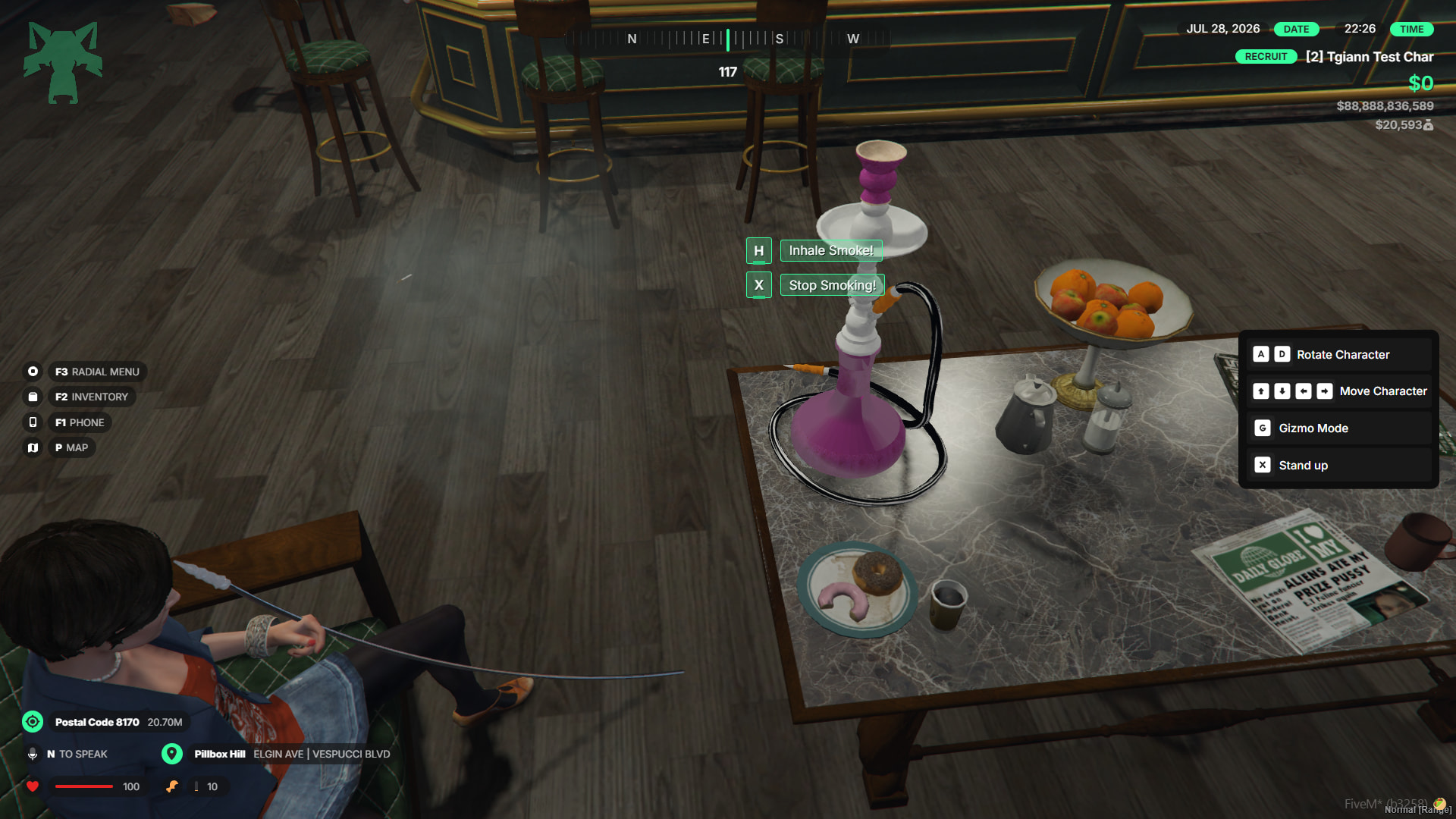
- Once placed, any player can interact with and use the hookahs.
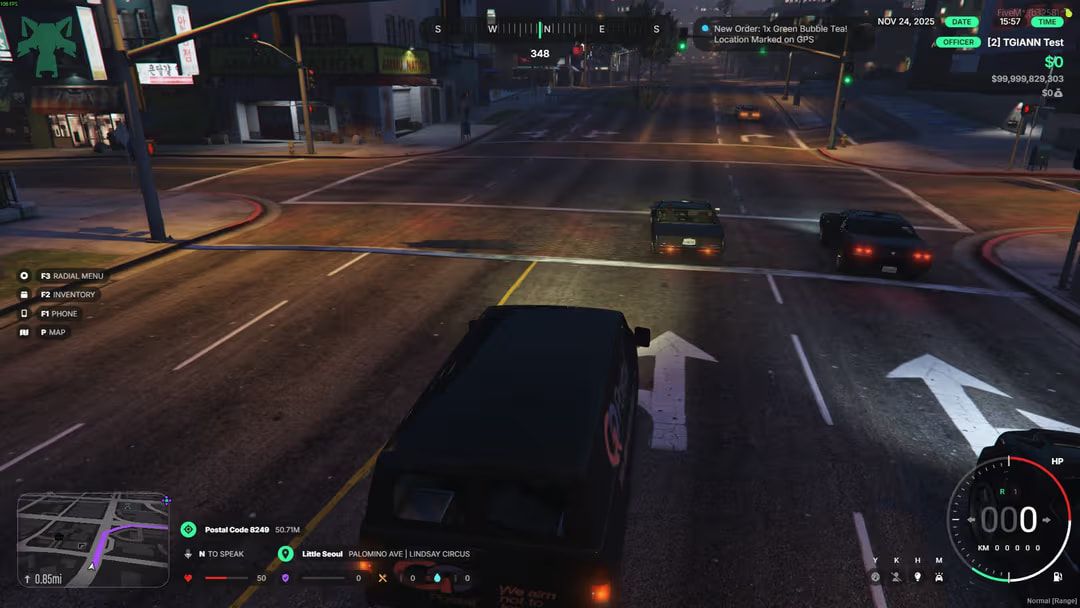
Extra Passive Income – Delivery Job
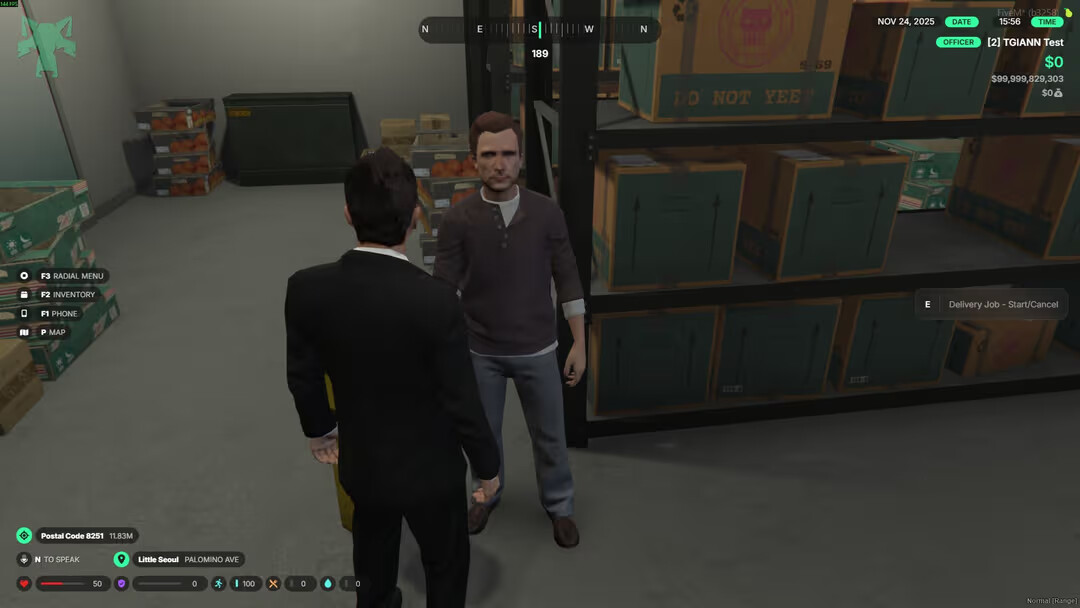
- Business owners can optionally take on delivery jobs to earn extra passive income.
- When a delivery job starts, the player receives a delivery vehicle, and new orders will appear periodically.
- Deliver the order to the required location within the given time to receive payment, then wait for the next order to arrive.
Upgrade System
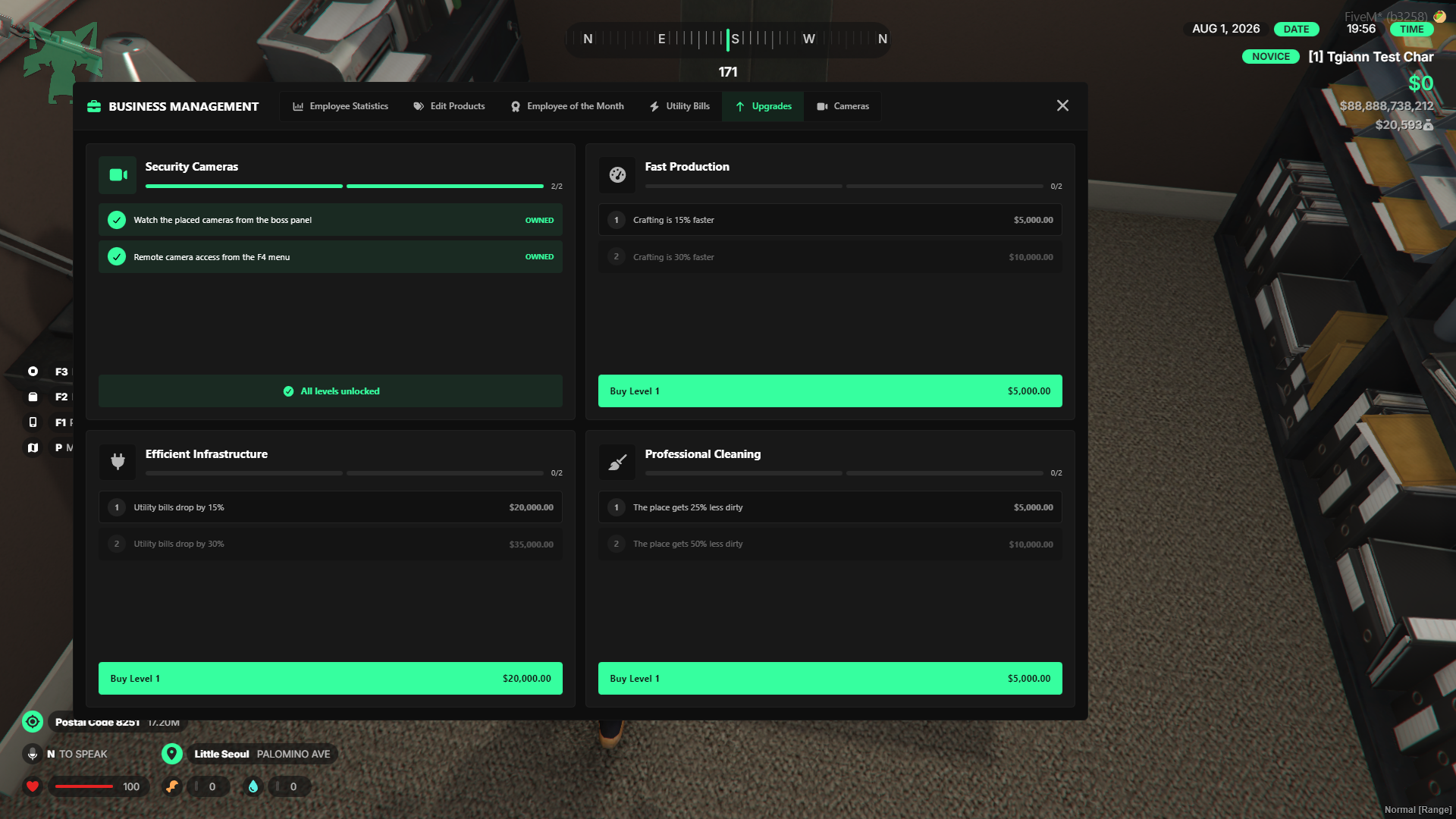
- Business owners can purchase various business enhancements directly from the boss menu.
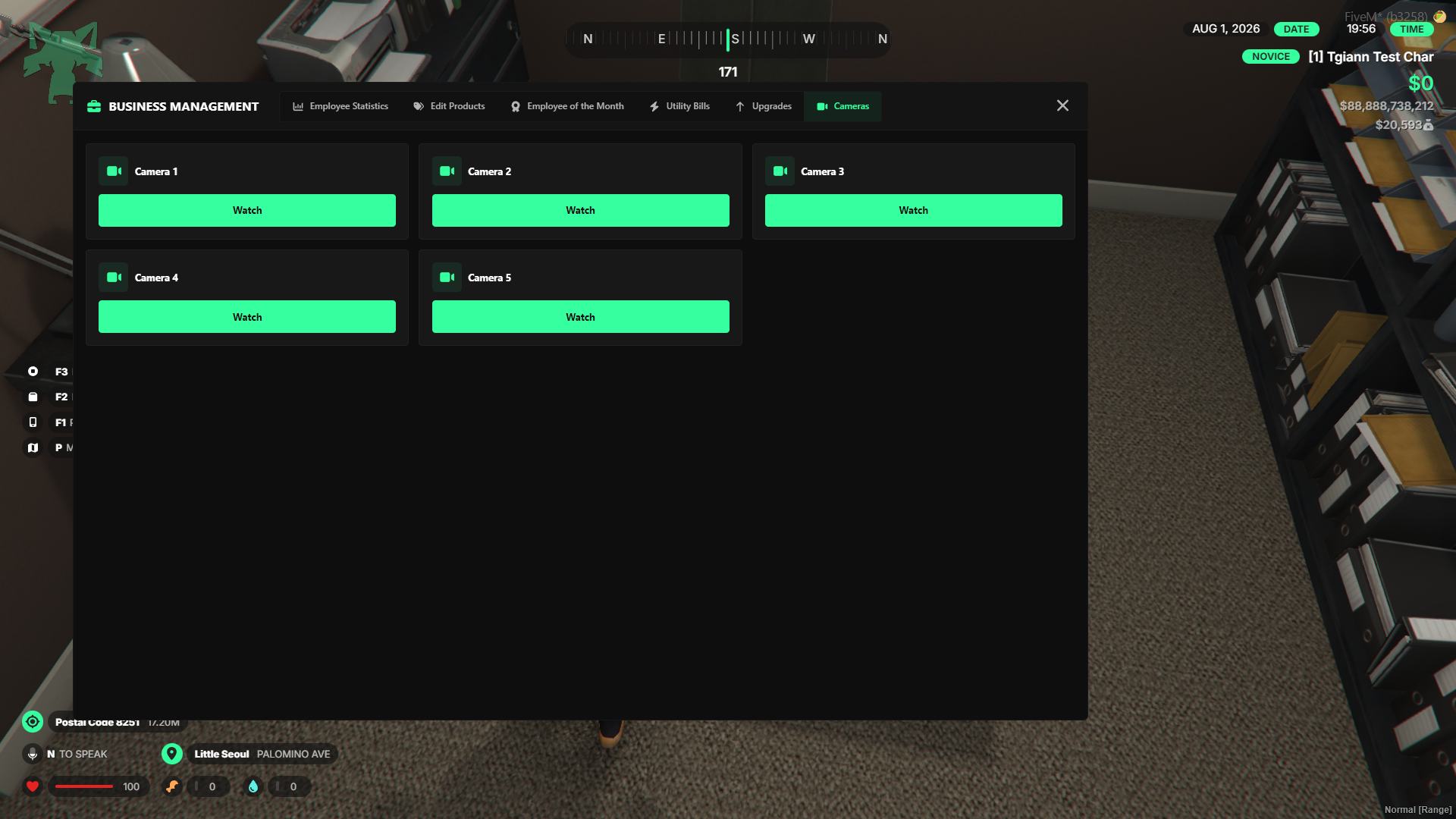
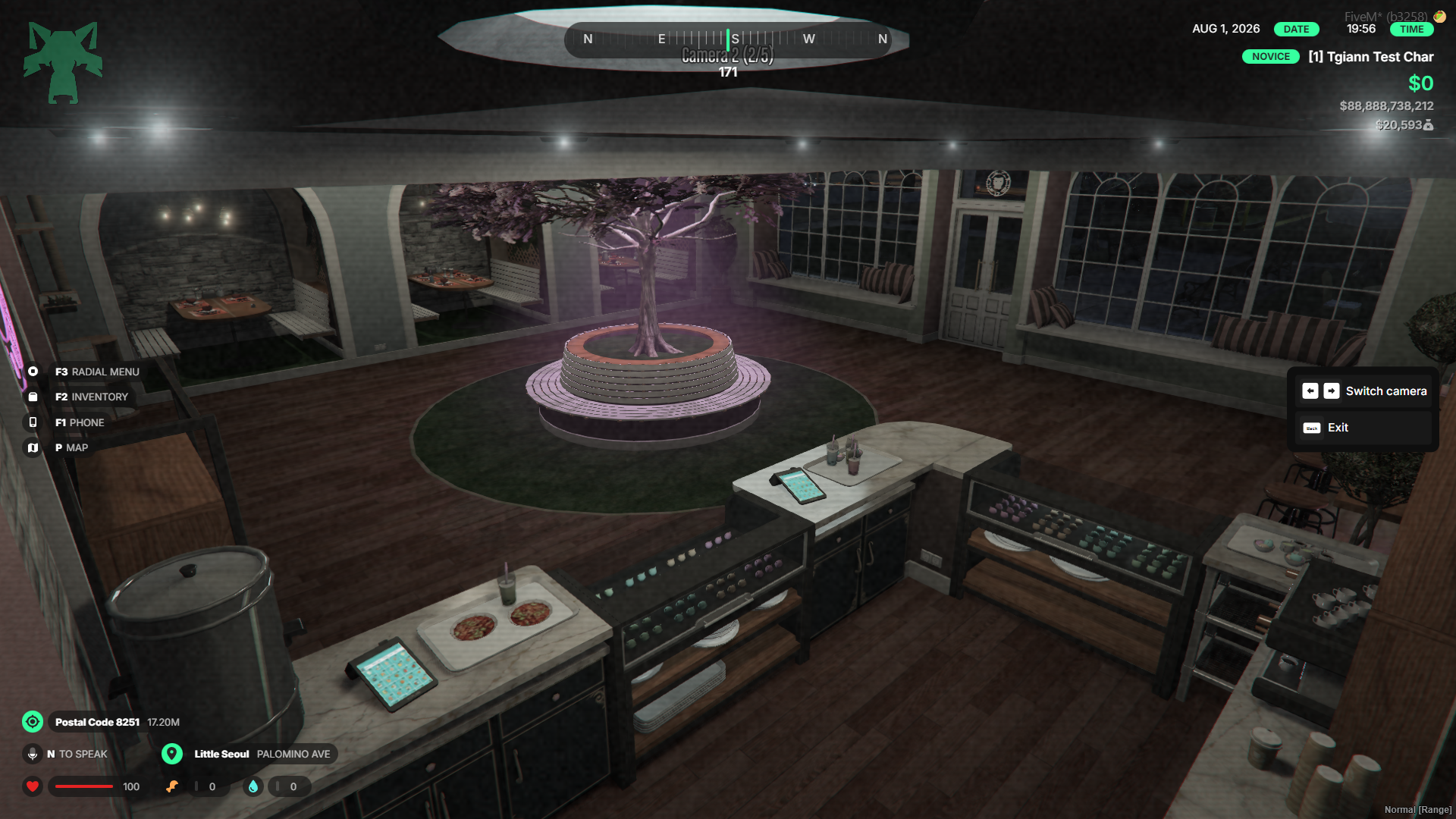
- Available upgrades provide benefits such as faster cooking speeds, a reduced chance of the environment getting dirty, discounts on bills, and access to a security camera system.
- Each upgrade has its own specific cost and can be leveled up for increased effectiveness.
Debt & Billing System
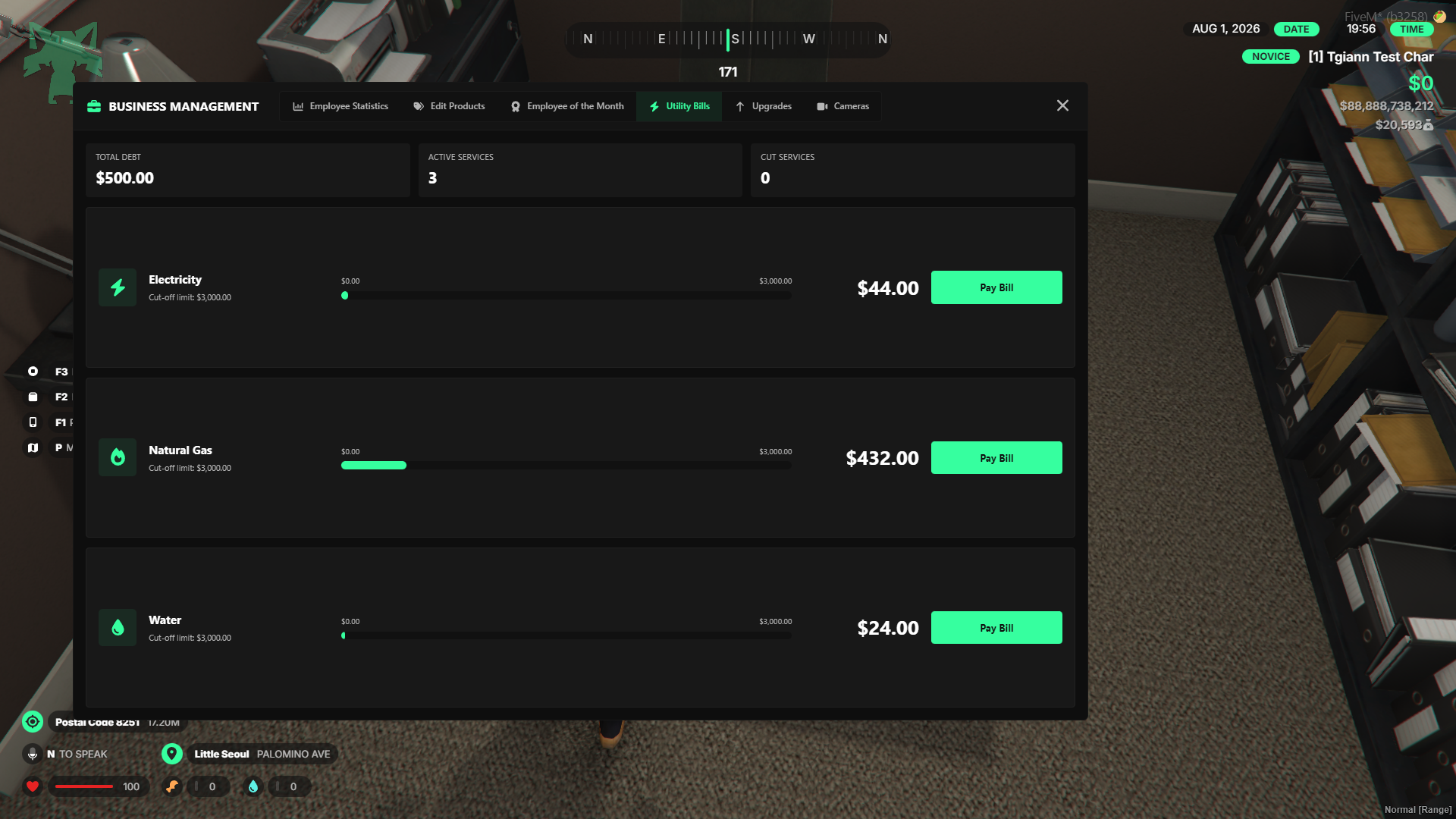
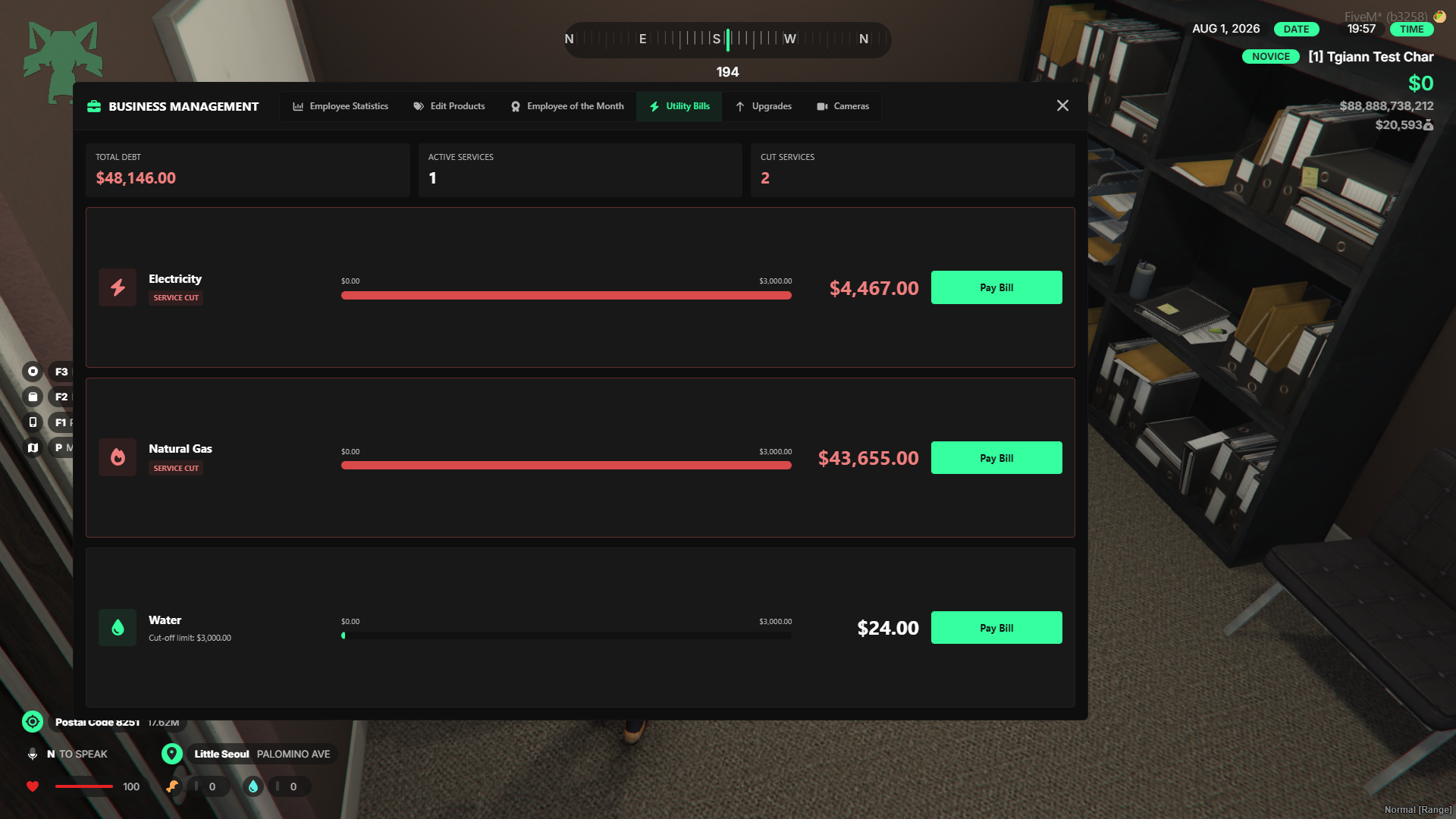
- Business utility bills increase passively over time, as well as actively whenever food is produced.
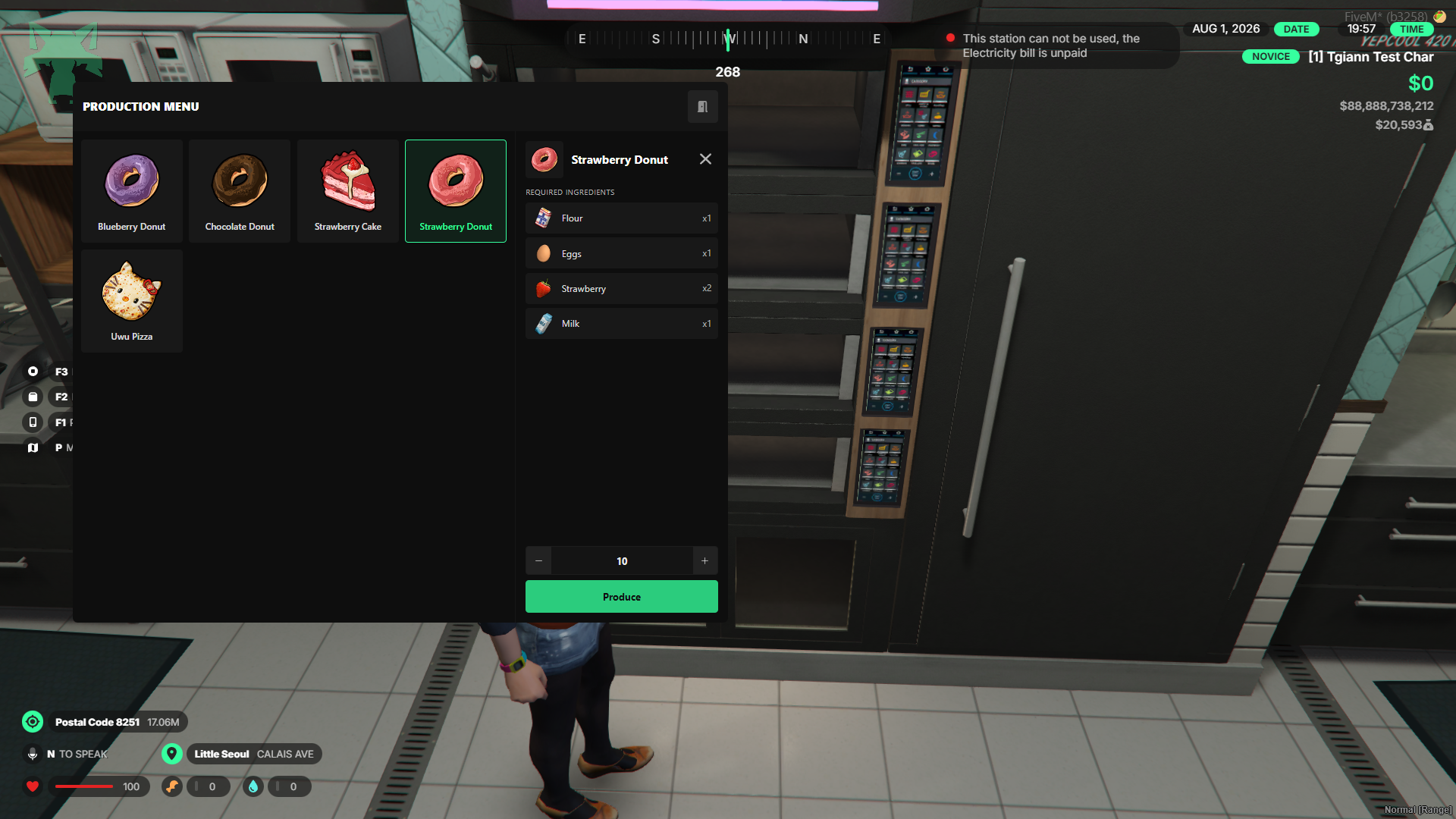
- Each type of bill has a specific maximum limit. If a bill reaches its limit, the associated production machines will become disabled and unusable until the debt is paid.
Advanced Food Production System
- Features a wide variety of food preparation methods including cutting, cooking, frying, baking, stovetop cooking, and dough making—each complete with its own unique animations.
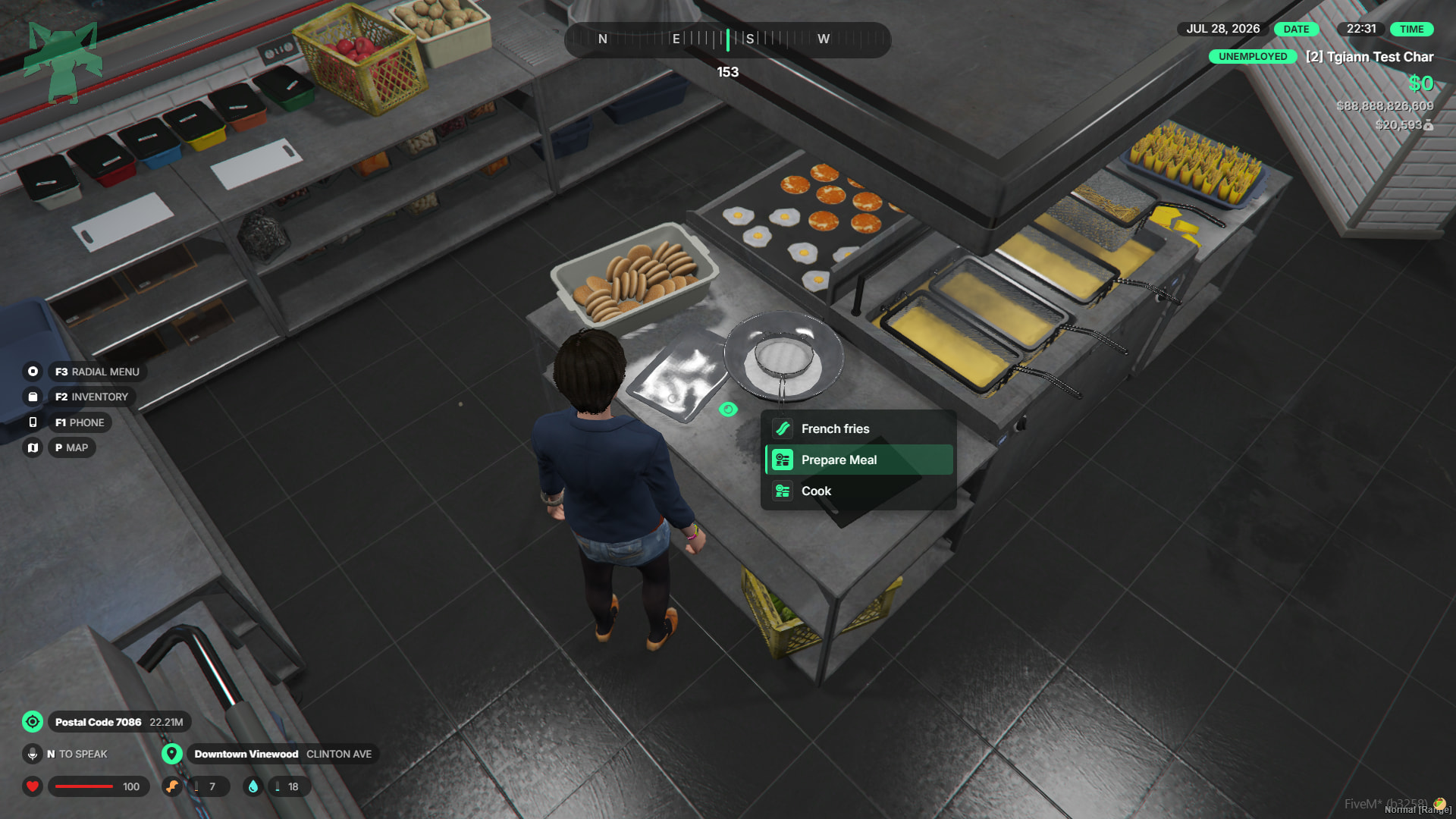
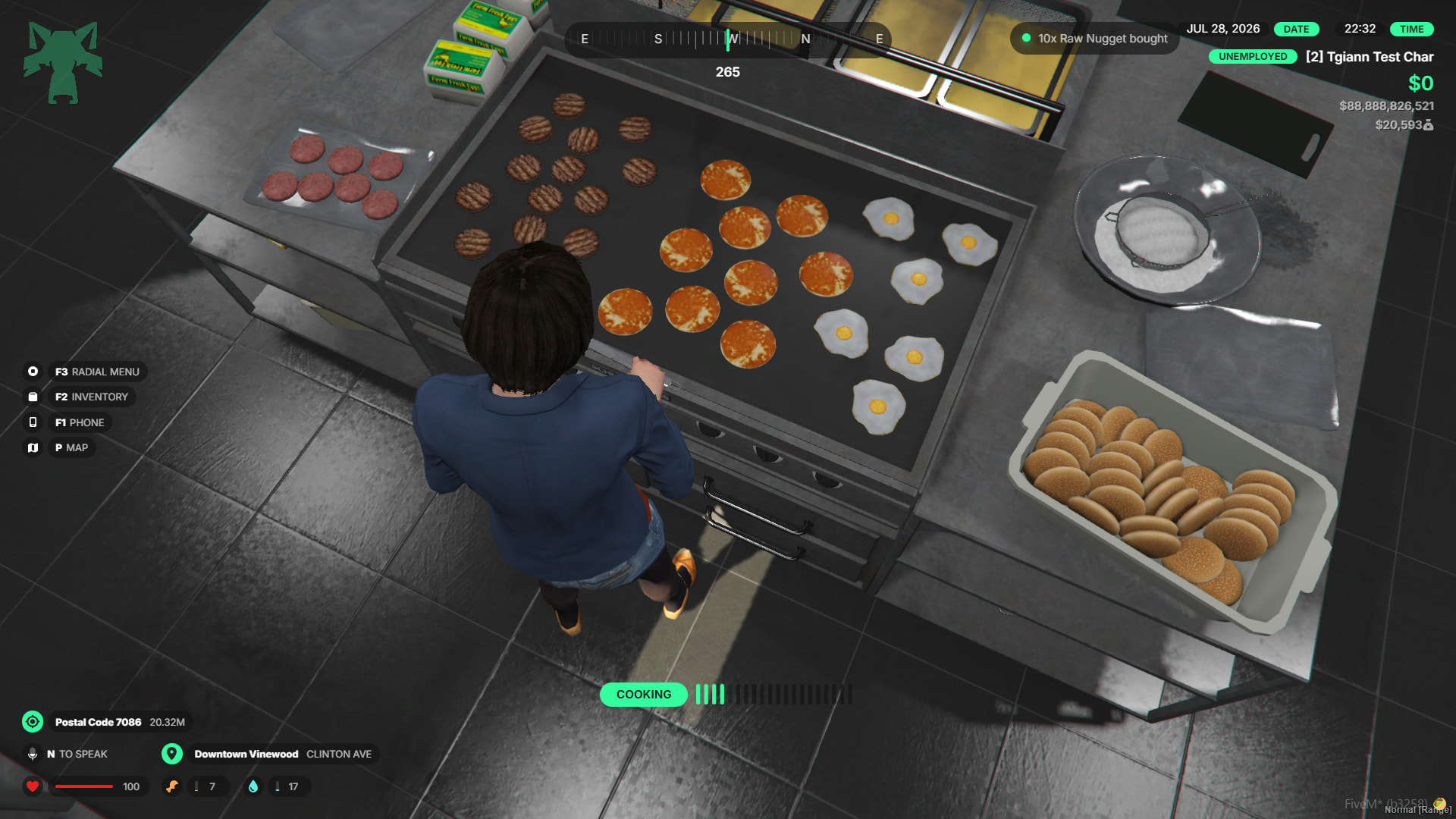
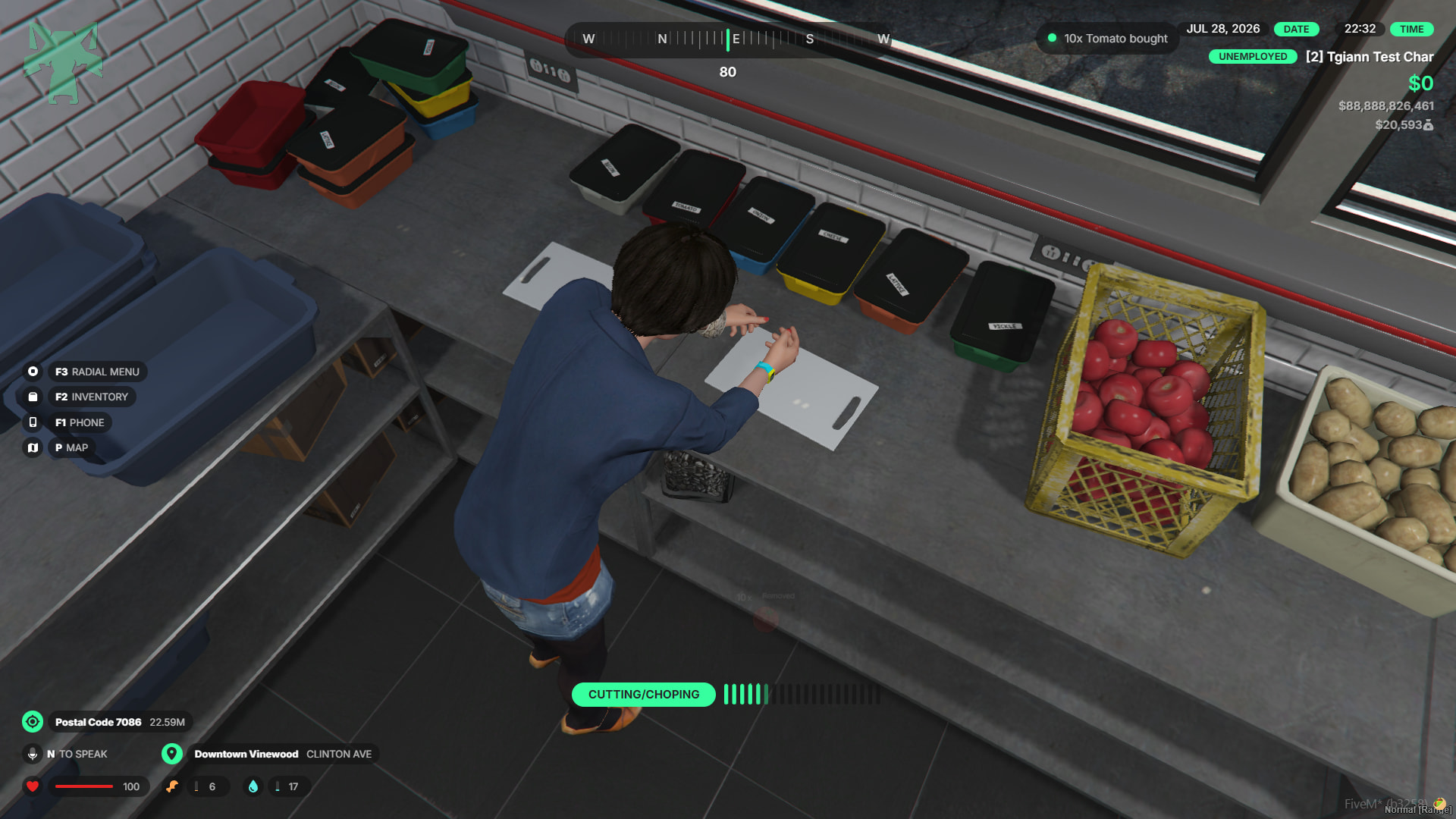
- Crafting recipes are fully customizable; you can set main dishes or prep ingredients to require specific items, or configure them to be produced without needing any materials.
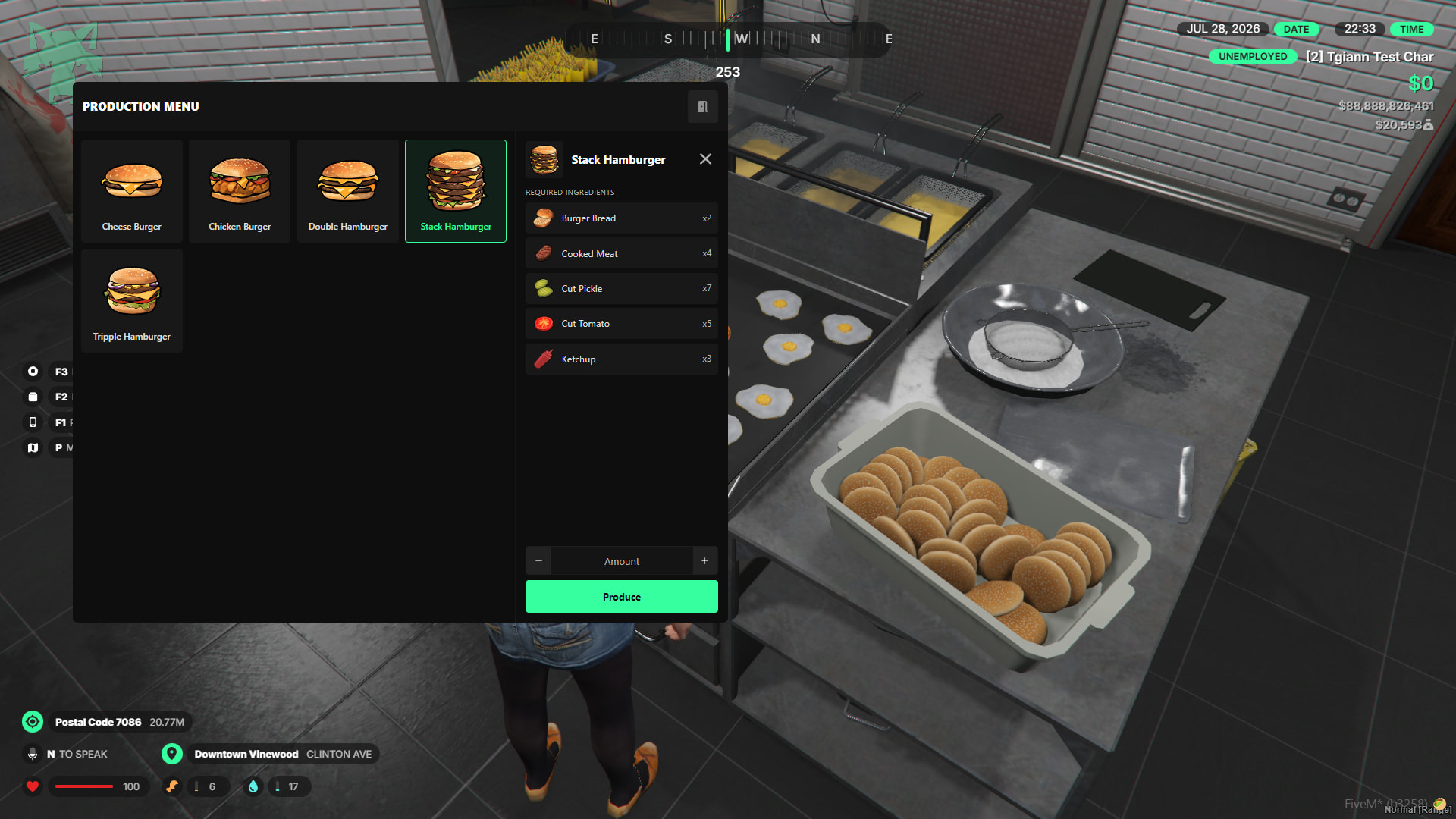
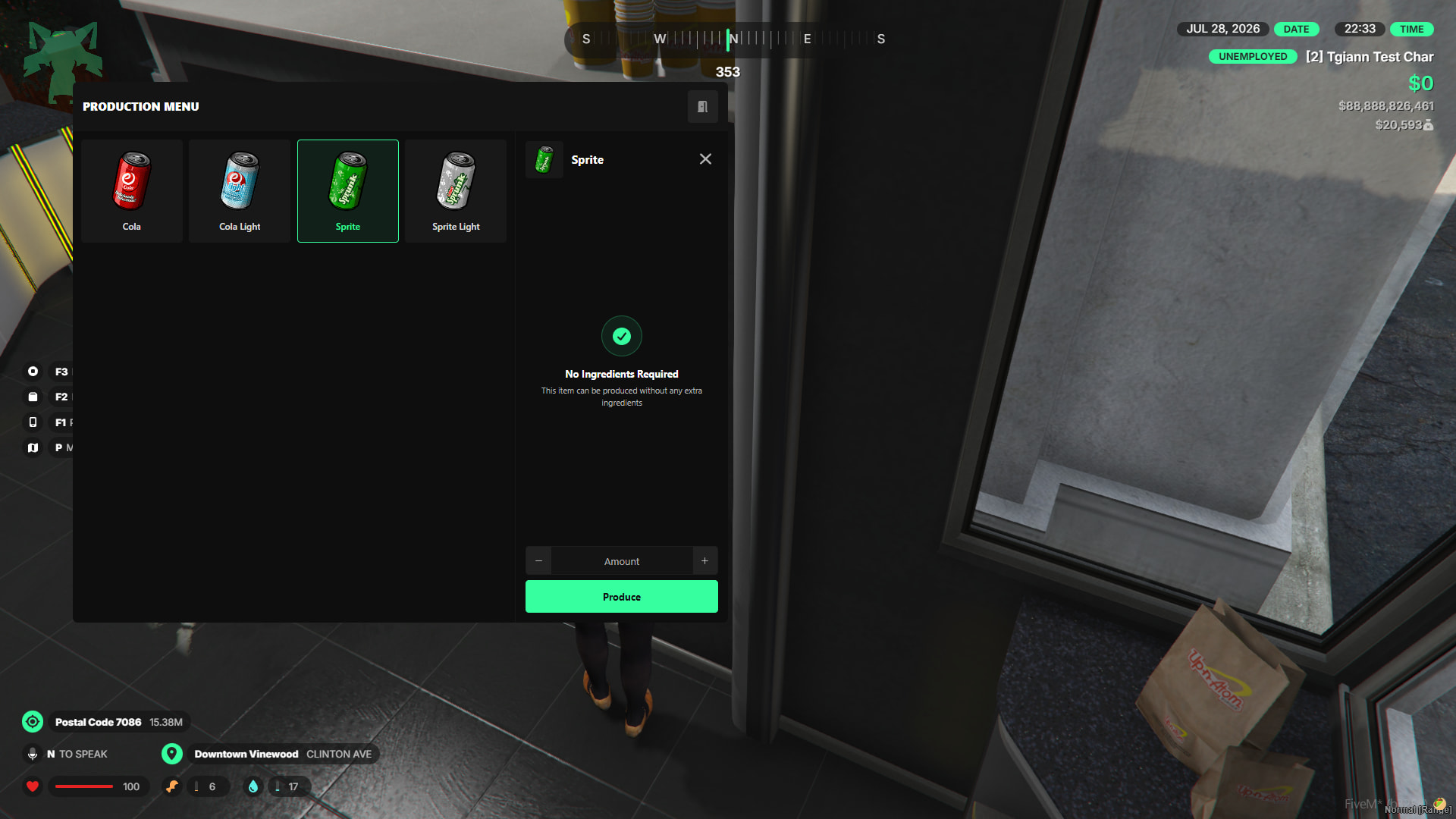
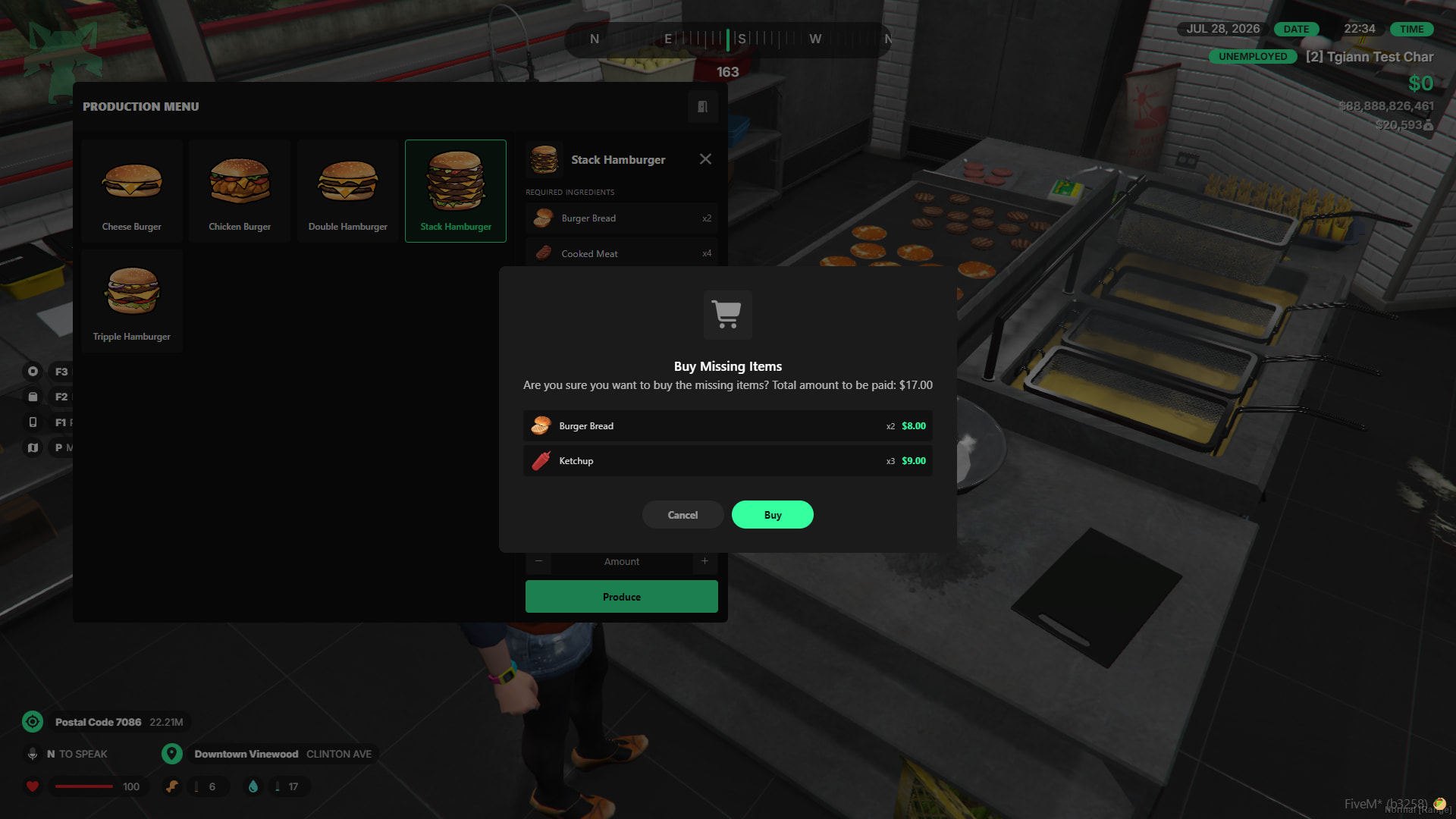
- If a player lacks the required ingredients but they are sold in the shop, a convenient pop-up appears, allowing them to purchase the missing items on the spot and immediately start crafting.
- If supported by your inventory system, crafting materials are automatically consumed directly from the business’s stash/storage instead of the player’s personal inventory.

Full tgiann-shop Integration
- If you have the
tgiann-shopscript installed, players can seamlessly view every business location and make purchases directly through the integrated shop menu.