Clothing

ShowCase
Core Features
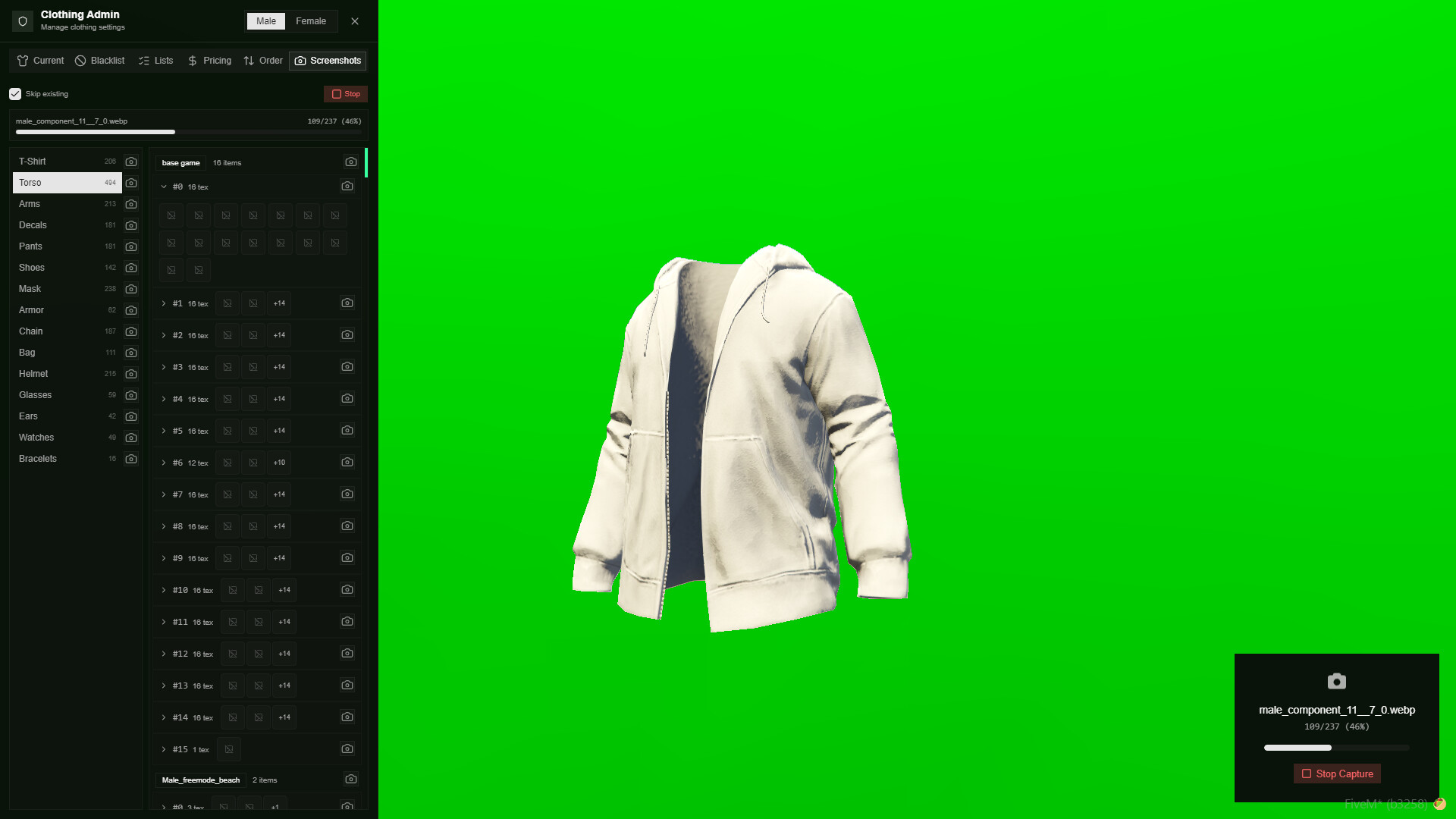
- Clothing Thumbnails: Visual image previews for clothing items, making it easy for players to find what they want.
- Advanced Camera Controls: Smooth, fully controllable, and detailed camera movements during character customization.
- Player-Owned Stores: Players can purchase, manage, and earn money from their very own clothing stores.
- Tattoo & Ped Menus: Fully integrated tattoo shop menu and custom Ped support all within the same interface.
- Modern FiveM Collections: Written utilizing FiveM’s newest collection system for ultimate performance and optimization.
- Custom Store Creation: Admins can easily create and place brand new clothing stores anywhere on the map via the config.
- Clothing Blacklist: Easily restrict specific clothing items (like LEO/EMS gear or invisible body parts) from public access.
- Save & Share Outfits: Players can save their favorite outfits and hairstyles, and easily share them with friends.
- Portable Customization Items: Includes two separate usable items allowing players to change clothes or hairstyles anywhere on the map.
- Adjustable Parent Limits: Easily configure and increase the maximum mother/father ped values to support custom head models.
- Individual Clothing Prices: Set specific, custom prices for every single piece of clothing or accessory instead of flat rates.
- Custom Wardrobe Locations: Easily define specific coordinates (like motel rooms or personal houses) where players can access their saved wardrobes.
- Realistic Armor System: Visual armor completely syncs with the player’s actual armor status.
- Hair Tie Feature: Advanced logic for hair accessories and tying up hair.
- Job Outfits: Dedicated outfit sections and preset uniforms for specific jobs and gangs.
- Hair Overlays: Full support for advanced hair textures, overlays, and gradients.
- Anti-Clipping Mask System: Automatically adjusts or hides facial features and hair to prevent them from clipping awkwardly through masks.
- Clothing as Items: Fully integrated with tgiann-inventory to support using individual clothing pieces as physical inventory items.
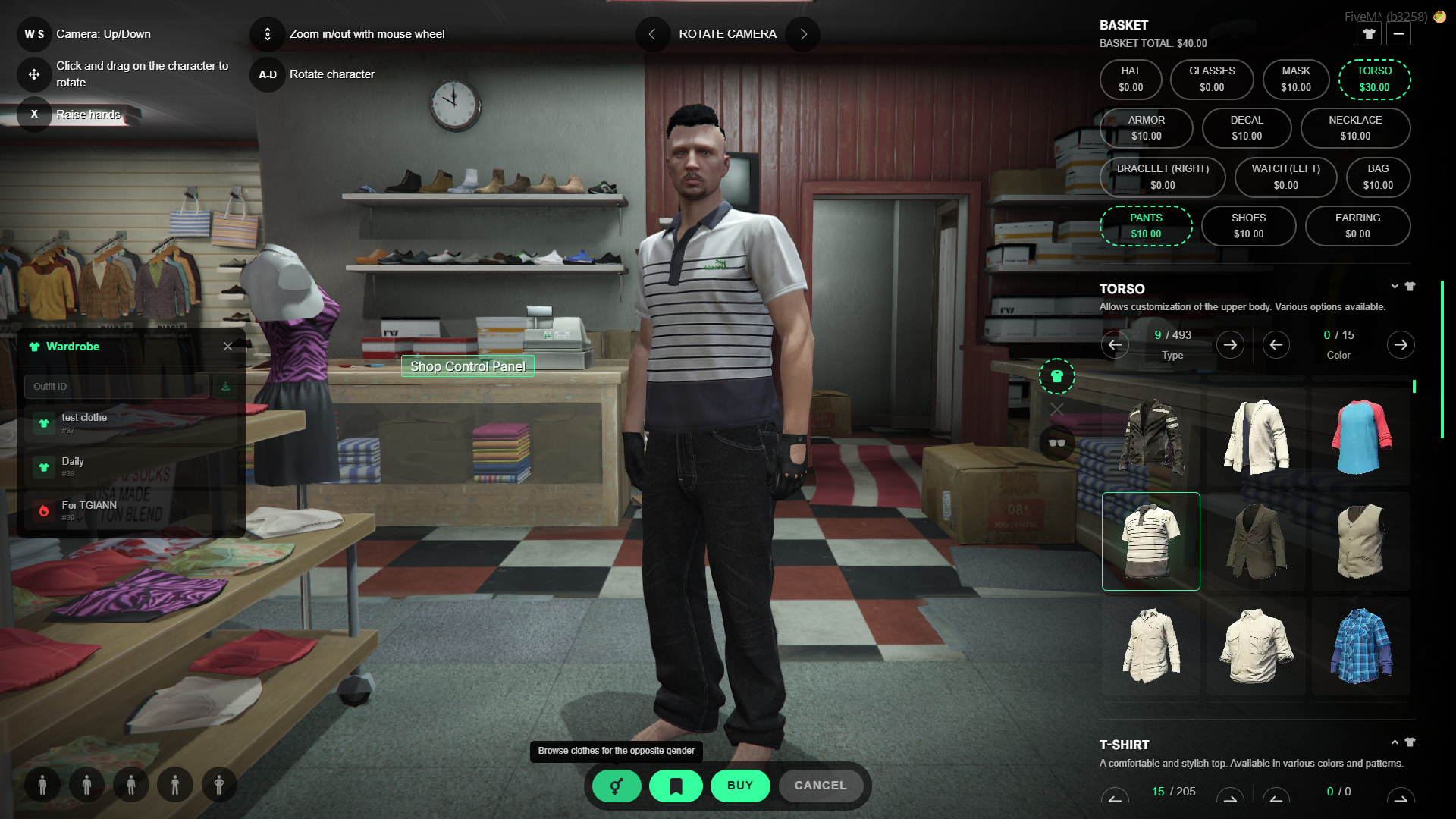
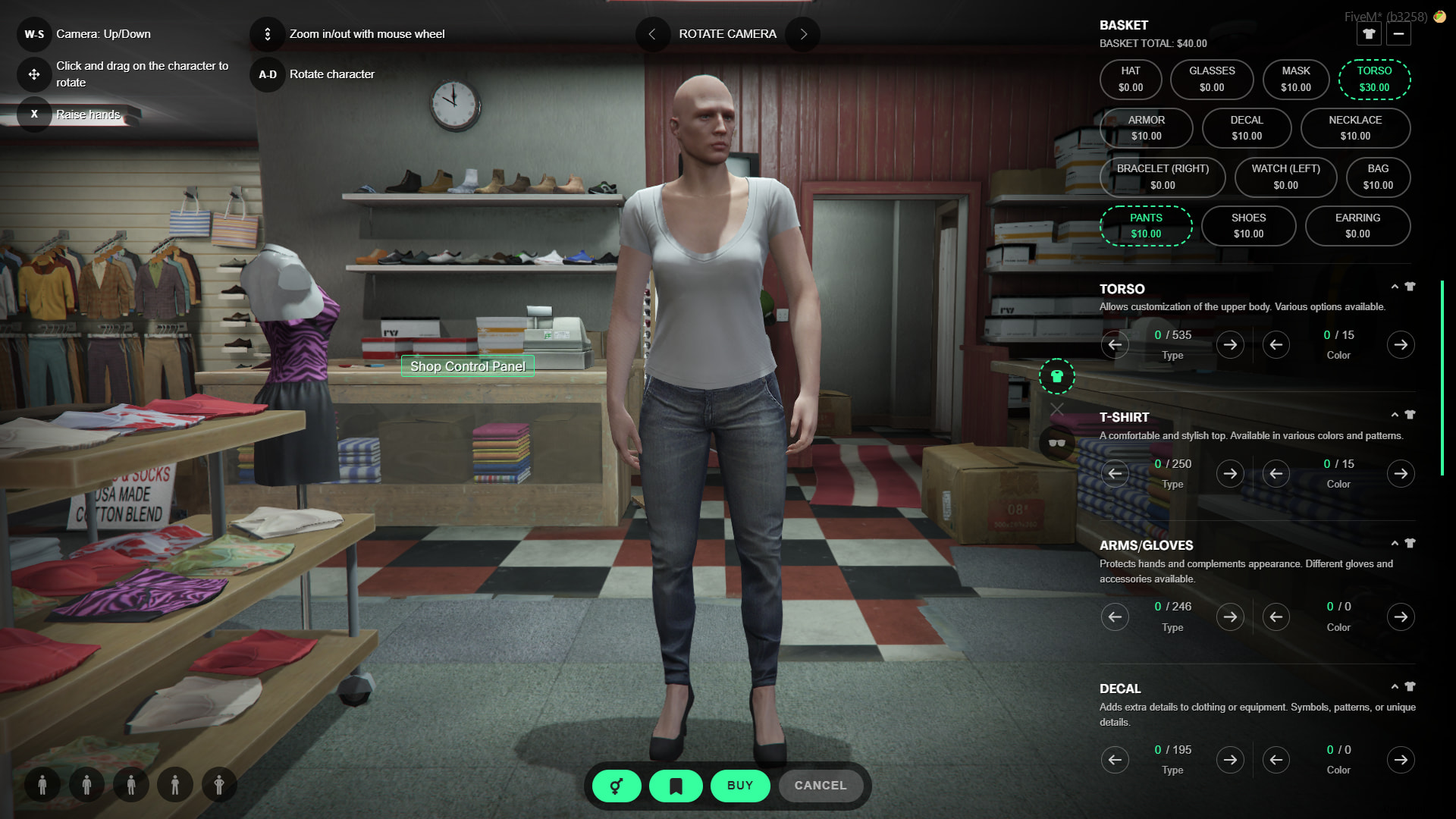
- Cross-Gender Purchasing: When used with tgiann-inventory, players can browse and purchase clothing items meant for the opposite gender (e.g., a male character can buy female clothes to store in their inventory).
Clothing Thumbnails (Image Previews)
- Admin Control: Server admins have full control over this feature. You can choose to display clothing images in the UI or completely disable the system globally.
- Visual Selection: When enabled, players can click the clothing icon next to a specific category to open an image menu, allowing them to browse and select clothing visually rather than guessing by numbers.
- Configurable Defaults: As an admin, you can set the default state in the configuration so that the image previews are open for every category upon launching the menu.
- Saved Player Preferences: The UI automatically saves player preferences to local storage. If a player toggles the image menu open or closed, the script will remember their choice and load that exact layout the next time they open the wardrobe.
- Image Generation via Admin Menu: Easily generate clothing thumbnails directly from the in-game admin menu. You can choose to capture items one by one, or simply press a single button to automatically generate images for all clothing items in bulk with zero extra effort.
(config.showClotheImg = true)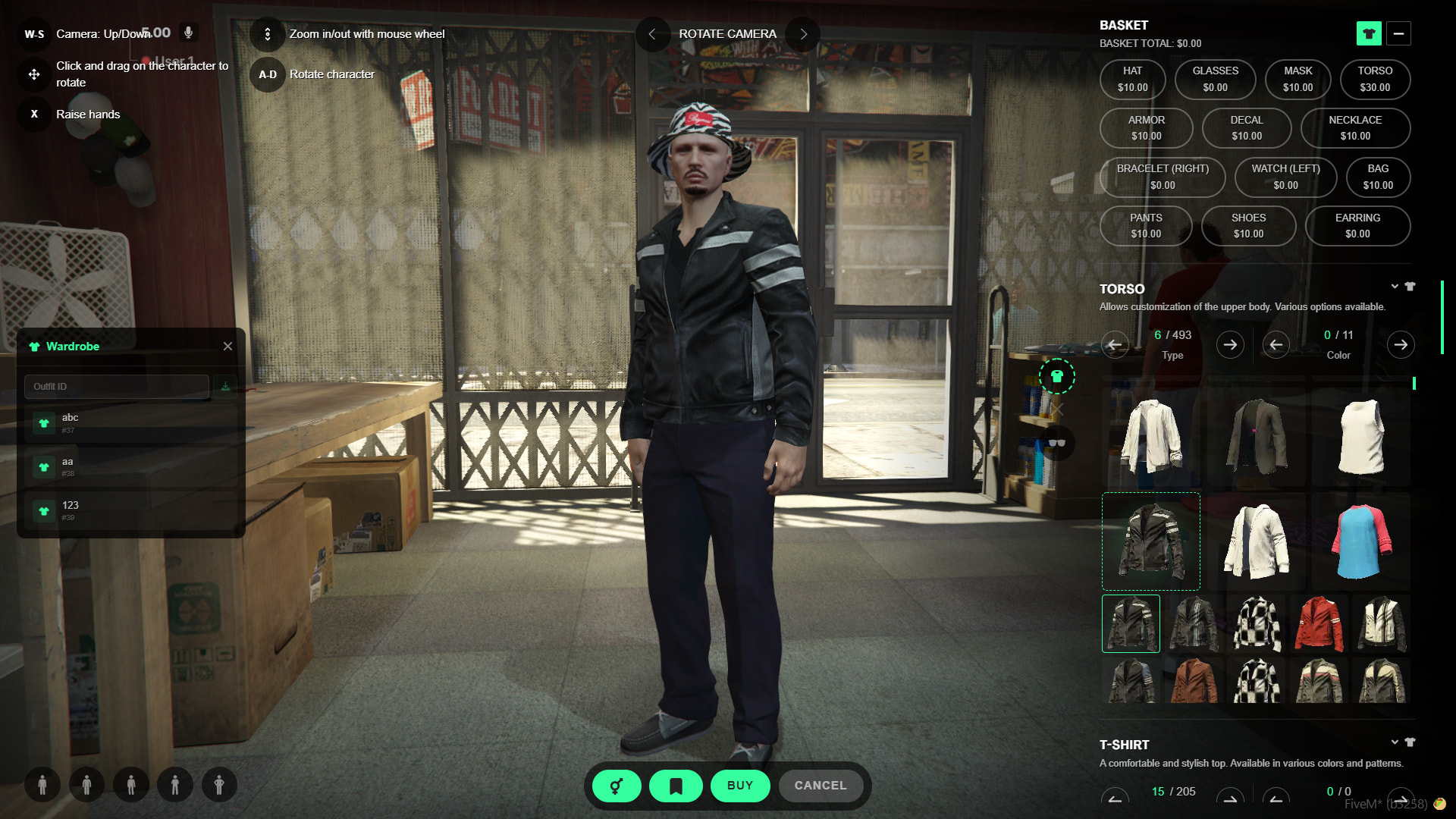
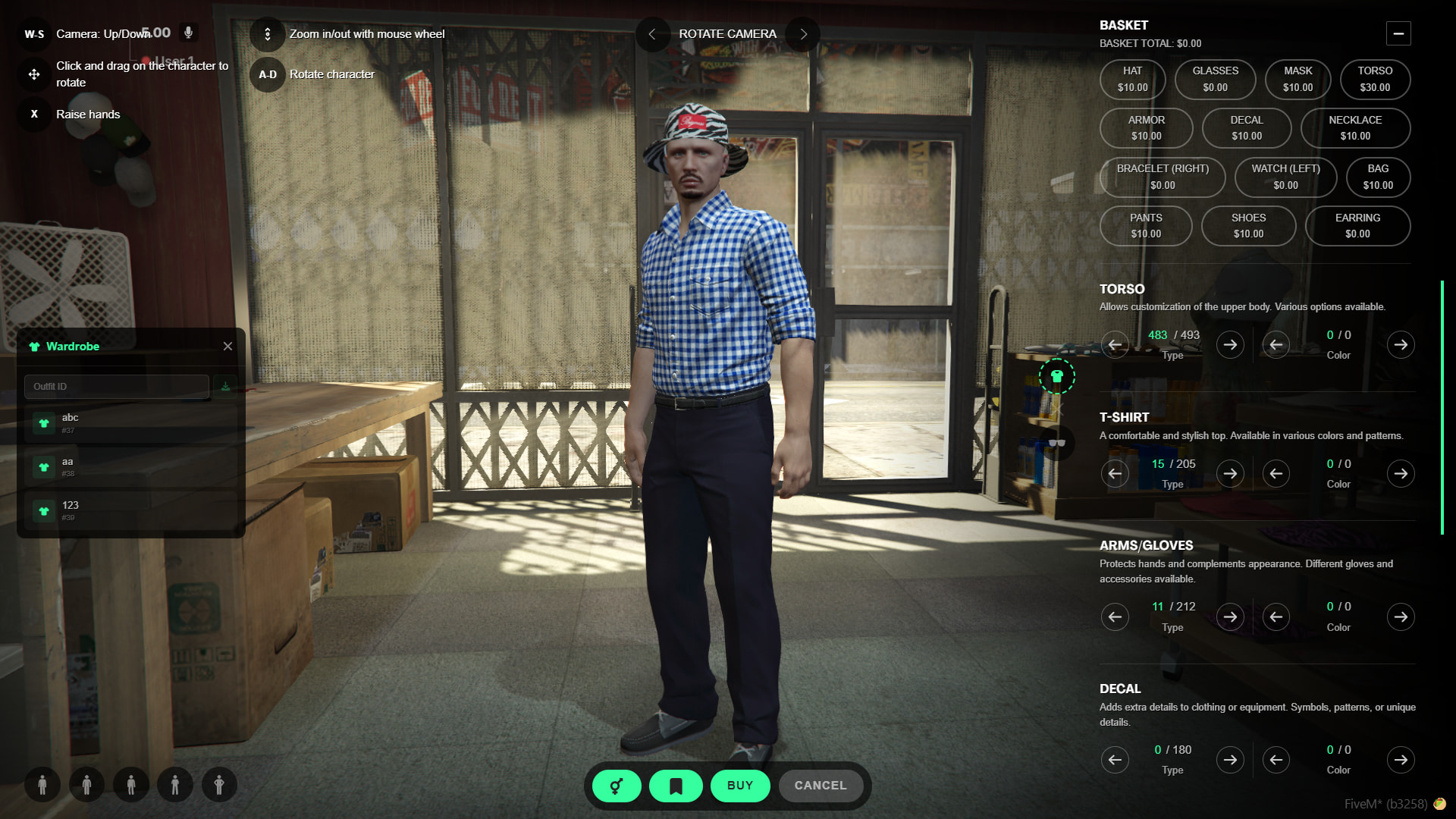
(config.showClotheImg = false)
Advanced Camera & Animations
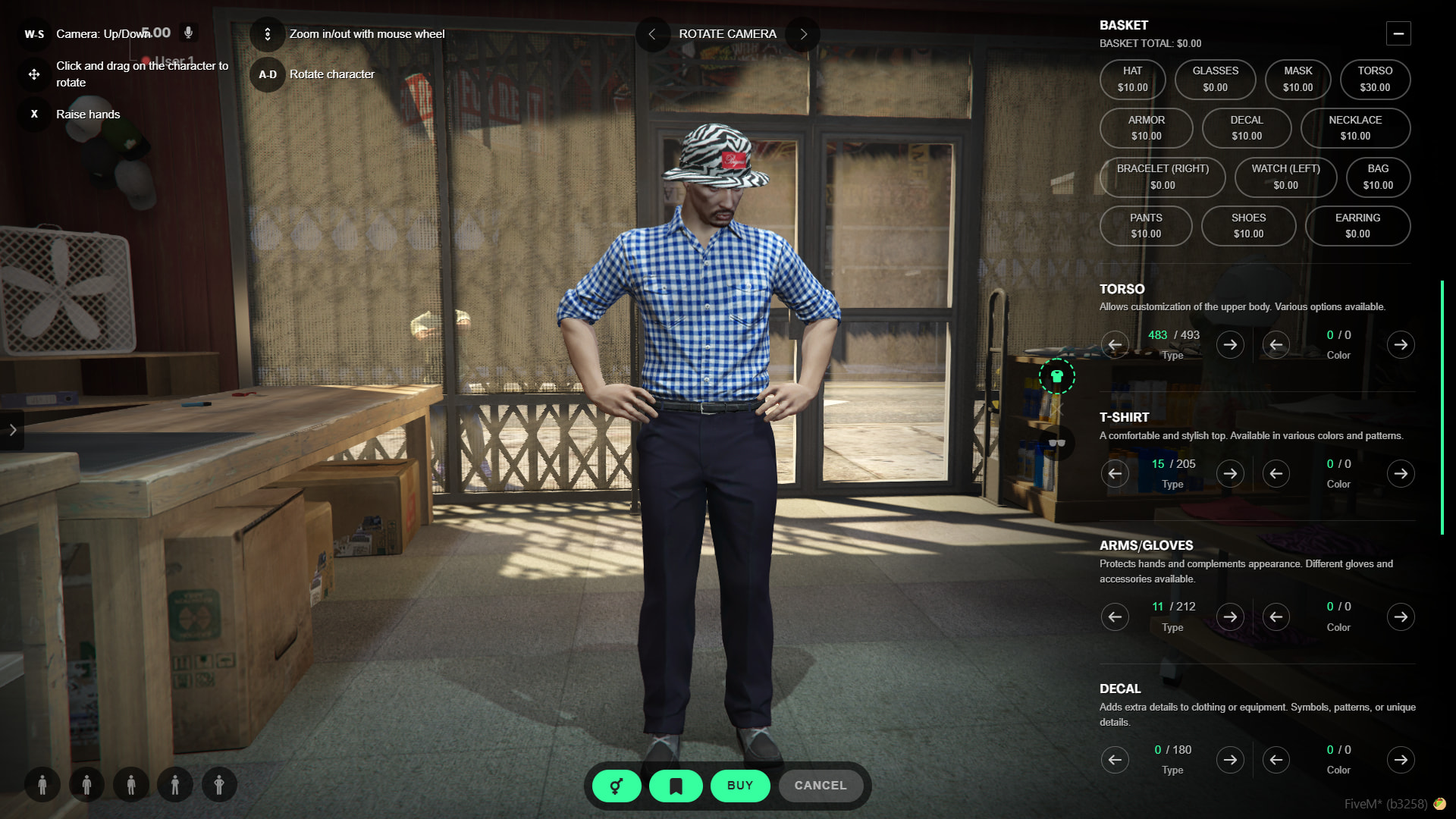
- Free Camera Control: Easily zoom in and out using your mouse, and freely rotate the camera around your character for a complete 360-degree view.
- Idle Head Fix & Custom Poses: TGIANN Clothing automatically prevents the annoying default GTA behavior where the character’s head constantly looks left and right. If you prefer a different stance, you can select various custom idle animations from the bottom left of the menu while designing your outfit.
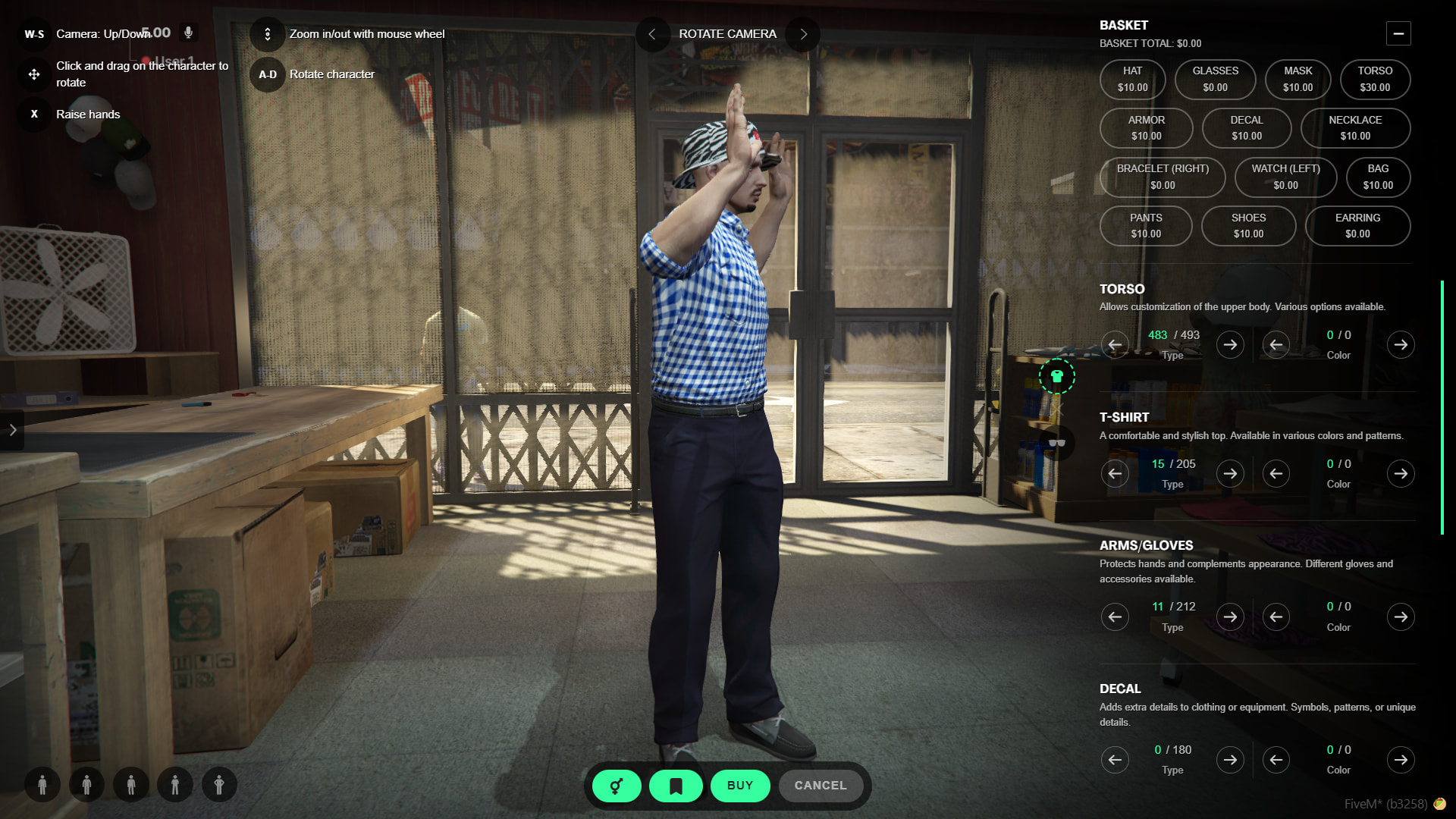
- Clipping Check (Hands Up): Press the ‘X’ key to make your character raise their hands. This allows players to easily inspect their selected clothing from all angles to ensure there are no clipping issues or glitches under the arms.
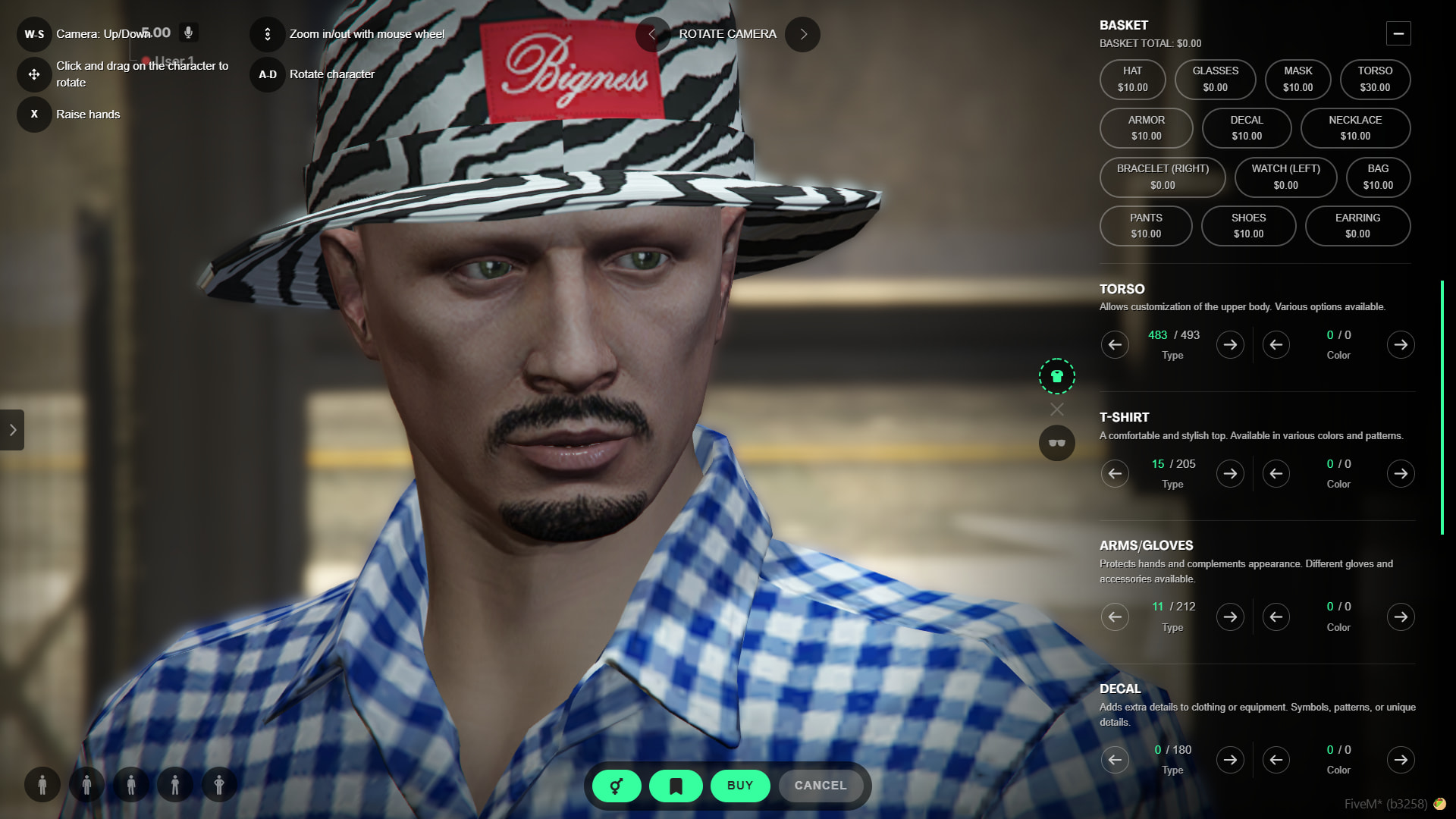
- Dynamic Depth of Field: As you zoom the camera in very close to your character, the background will automatically blur, keeping the visual focus entirely on your clothing details.
Player-Owned Stores
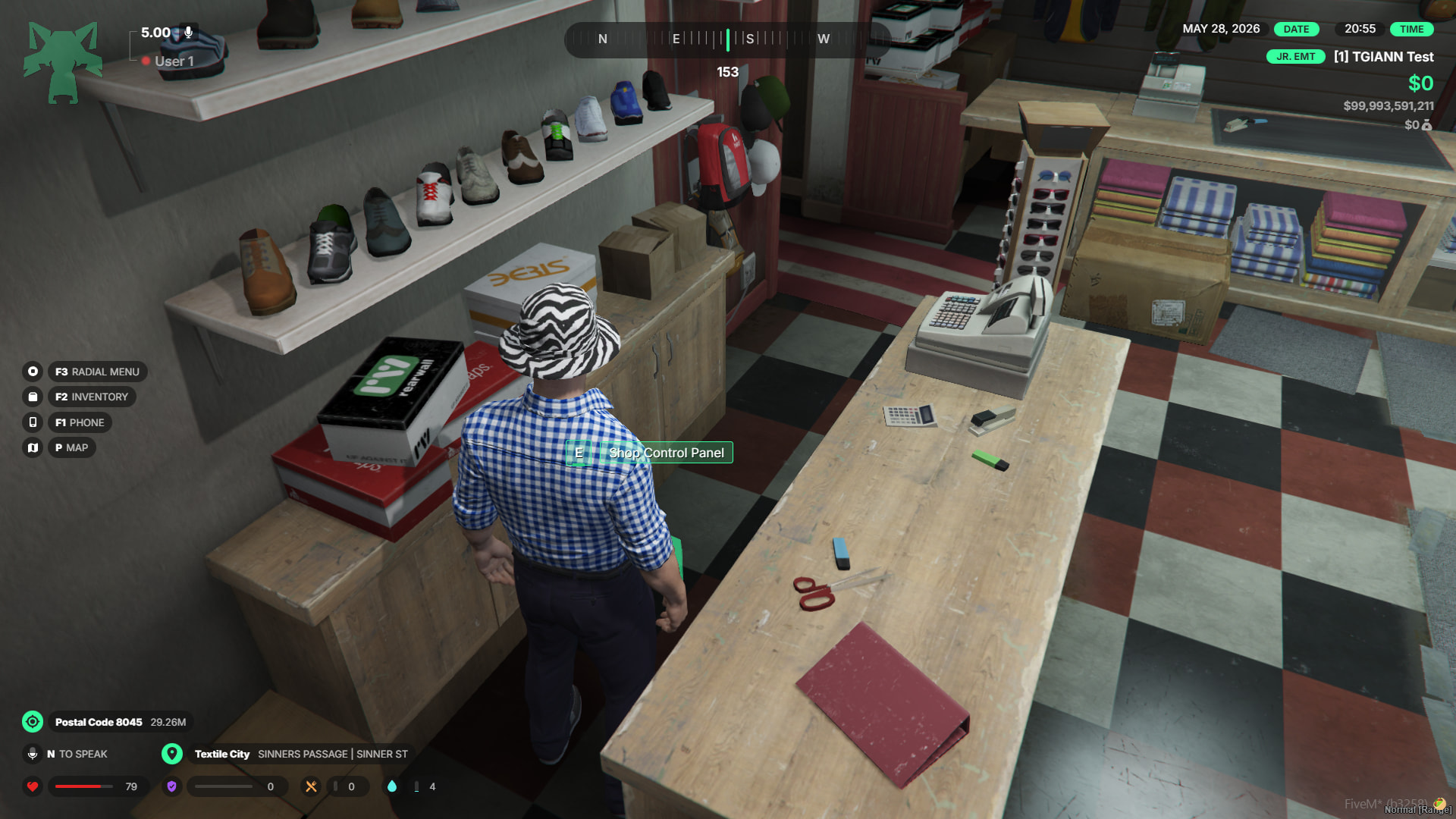
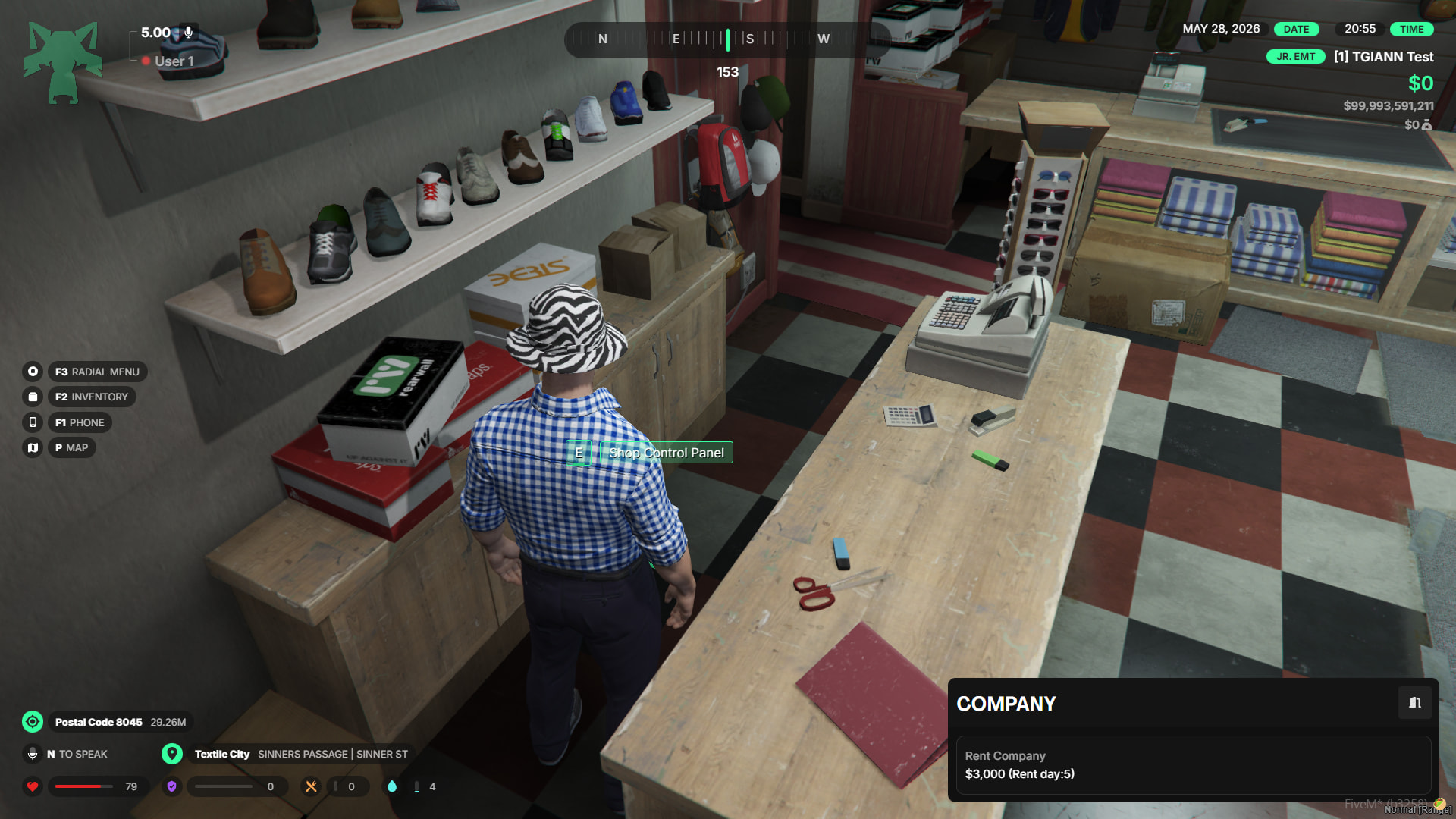
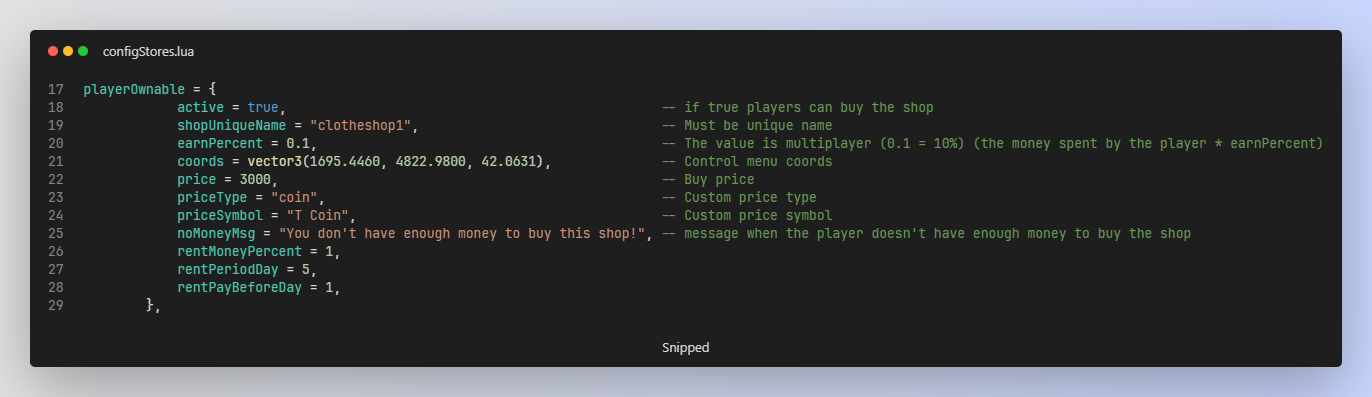
- Rentable Businesses: This feature allows players to rent and take ownership of physical clothing store locations across the map.
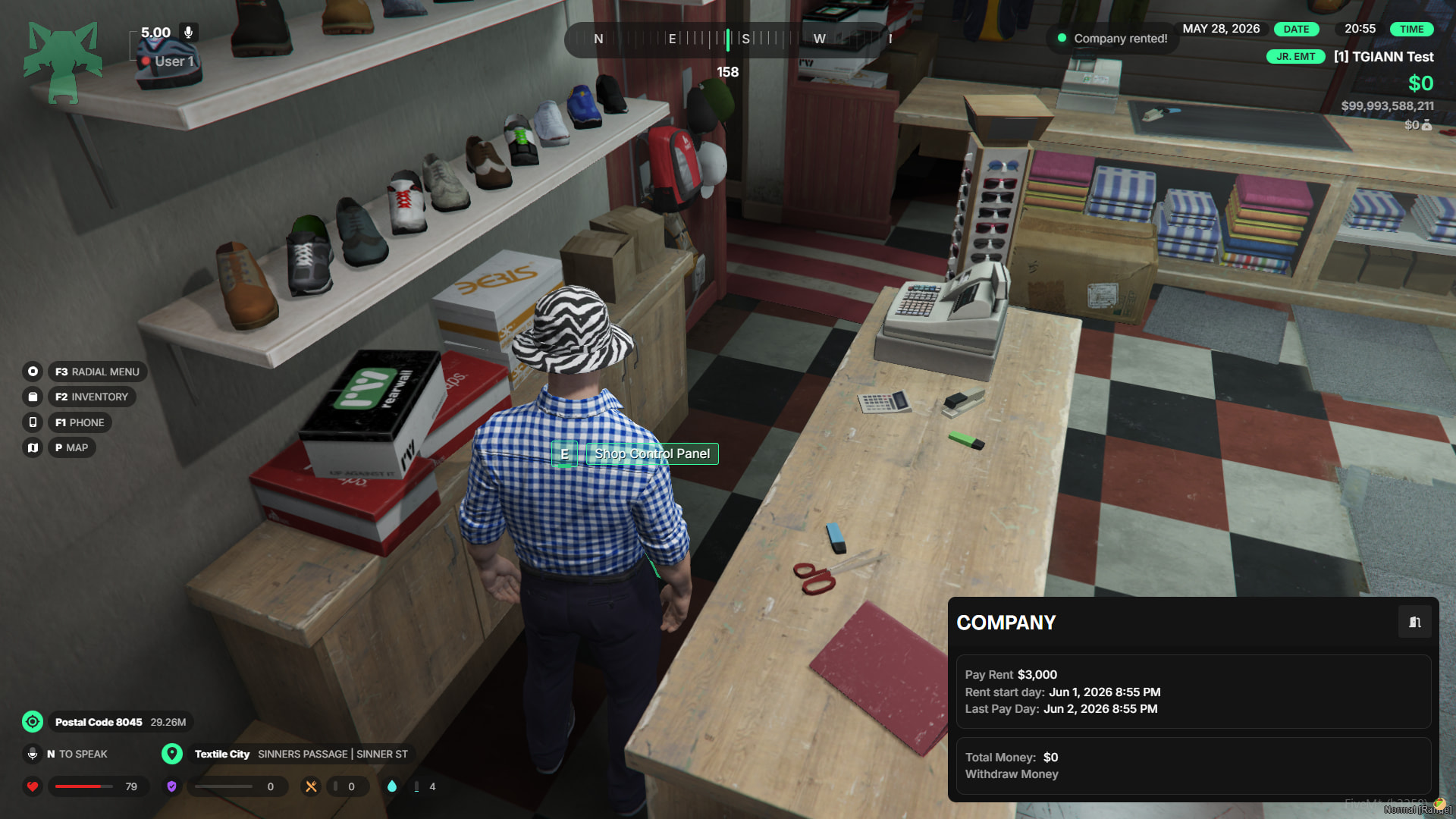
- Recurring Rent System: Once a store is rented, the owner must pay a recurring rental fee at specific intervals (e.g., every few days). If they fail to pay the rent on time, the store will be automatically reclaimed by the system.
- Admin Customization: Server administrators have full control over this mechanic. You can choose to disable the rentable feature entirely for all stores, or turn it off for specific, individual locations as you see fit.
- Profit Sharing: A specific, configurable percentage of every purchase made by customers is automatically deposited into the store owner’s business safe.
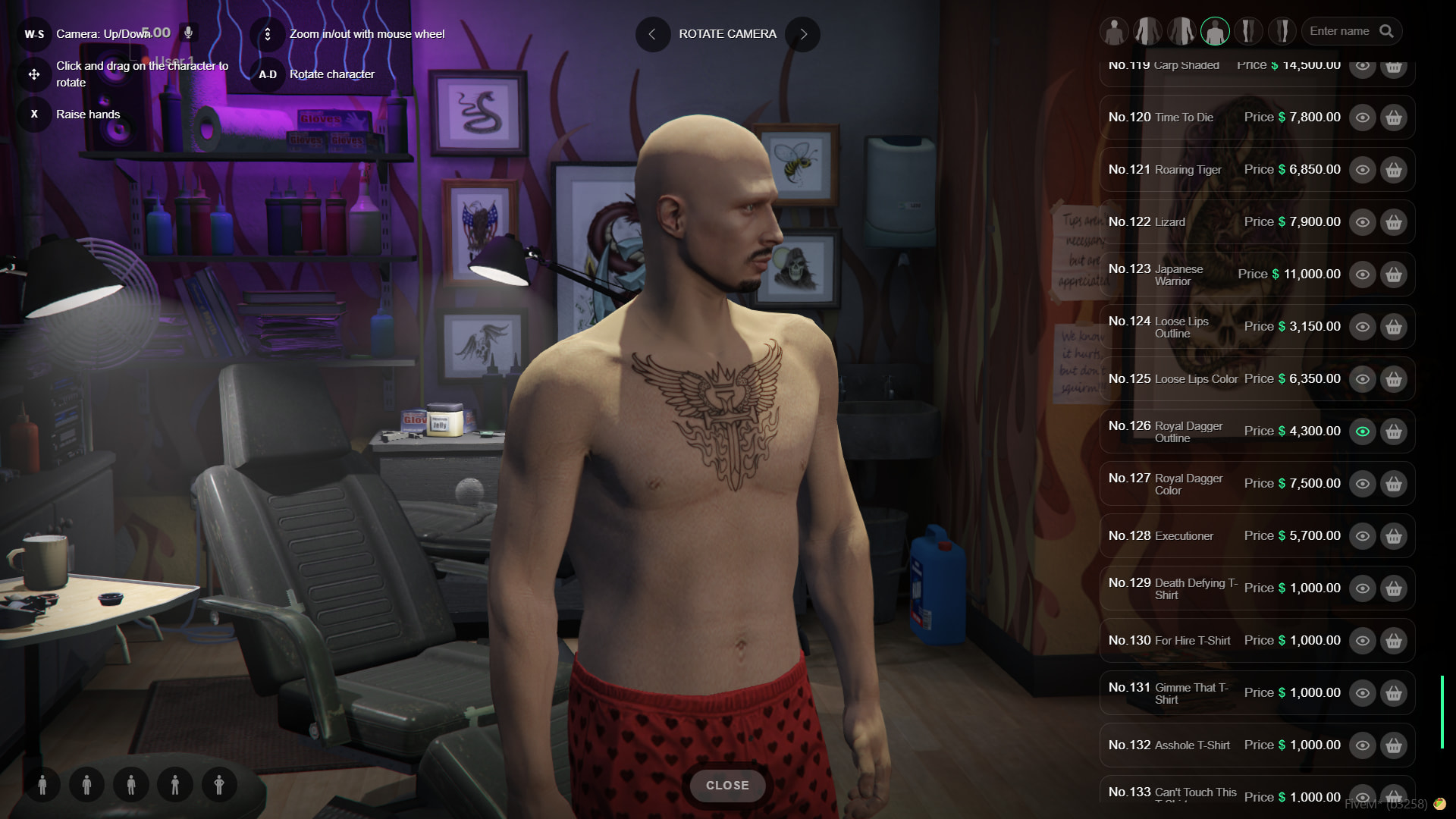
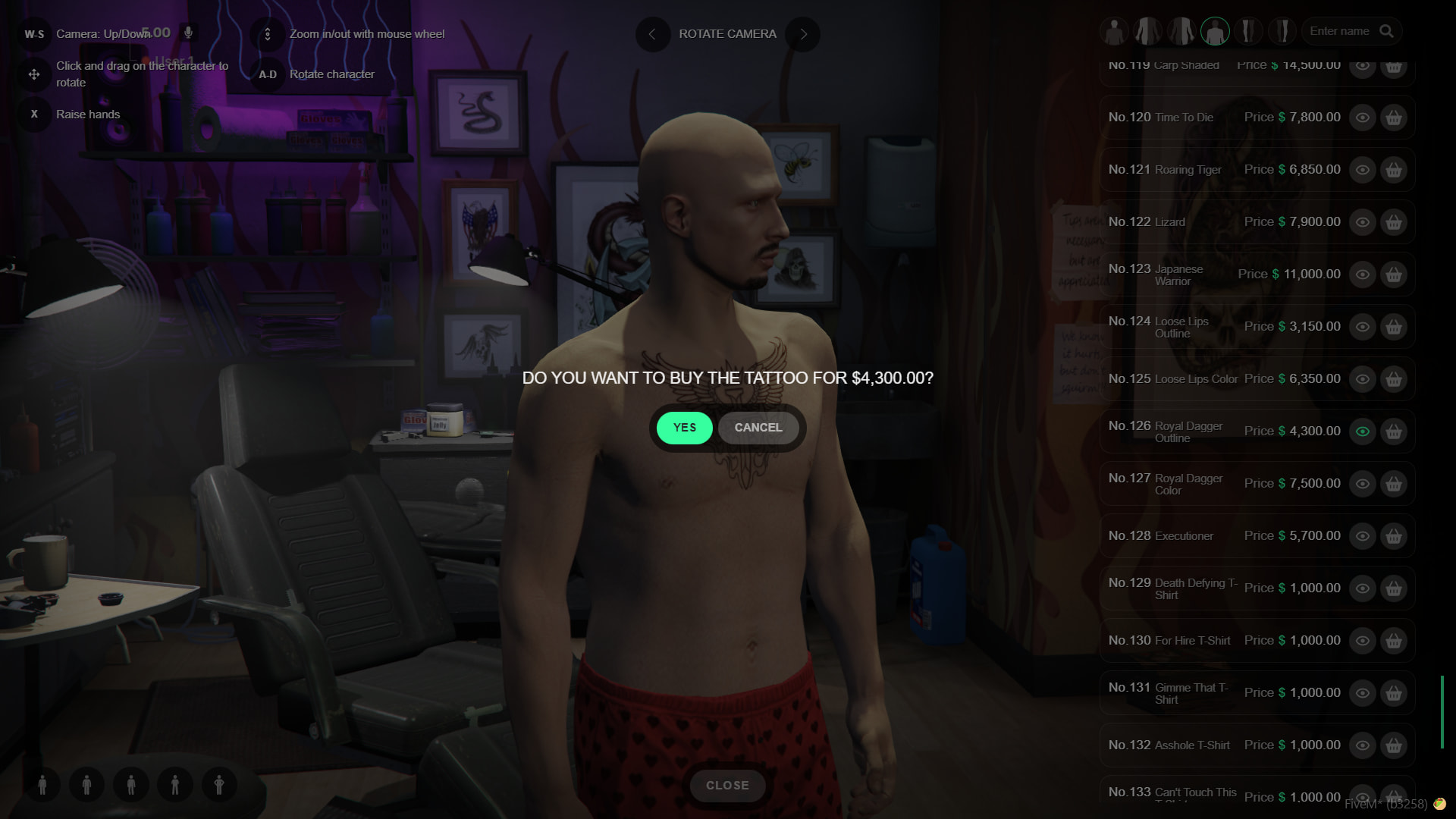
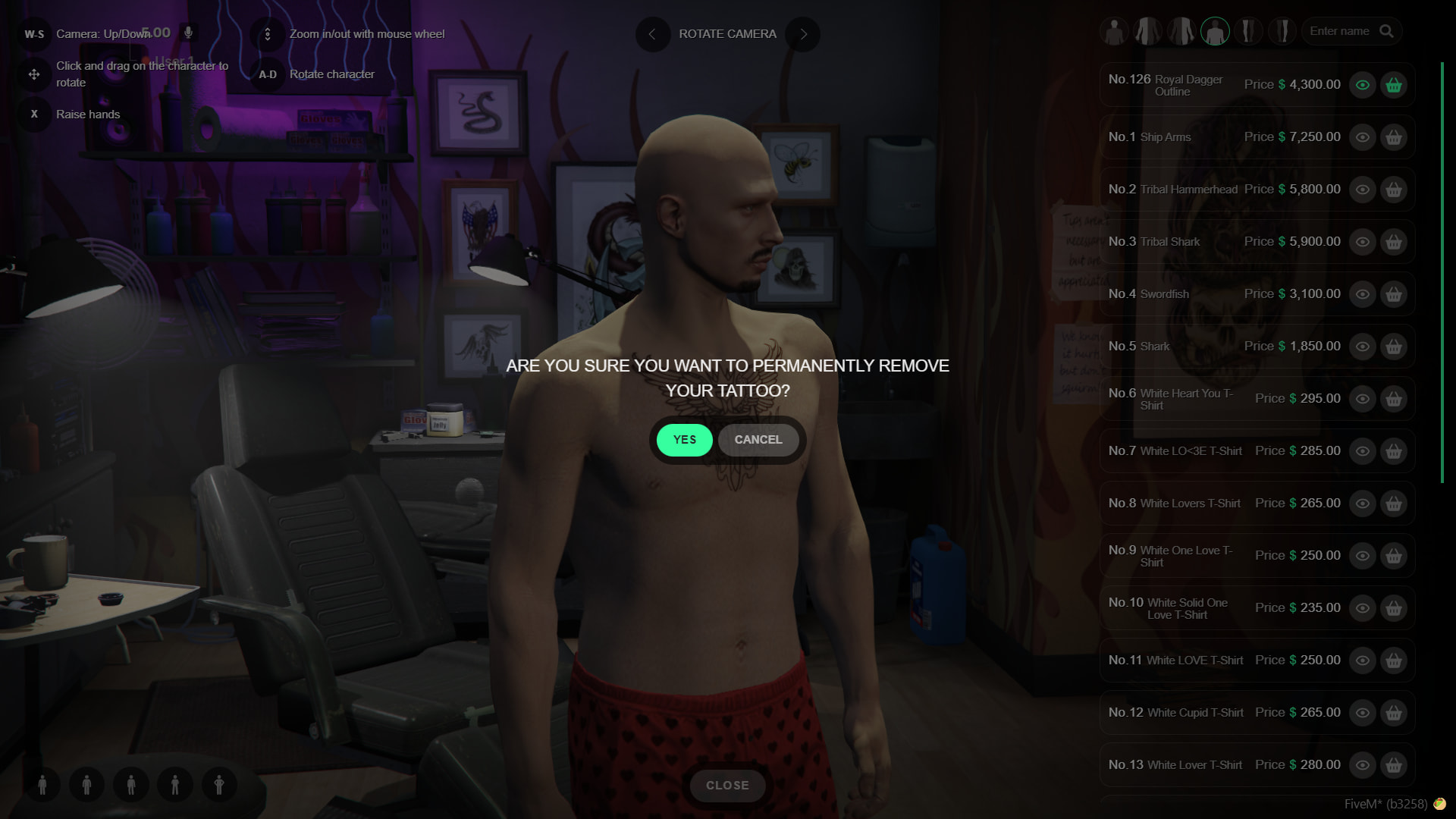
Tattoo Menu
- Custom Tattoos & Pricing: Easily configure individual prices for every tattoo and seamlessly integrate brand-new custom tattoos into your server.
- Tattoo Removal: Players are not permanently stuck with their choices. If they purchase a tattoo and later change their mind, they have the option to easily remove it.
- Auto-Strip Feature: When a player opens the tattoo shop interface, their clothing is automatically removed to provide an unobstructed view of their body for tattoo placement.
Ped Selection
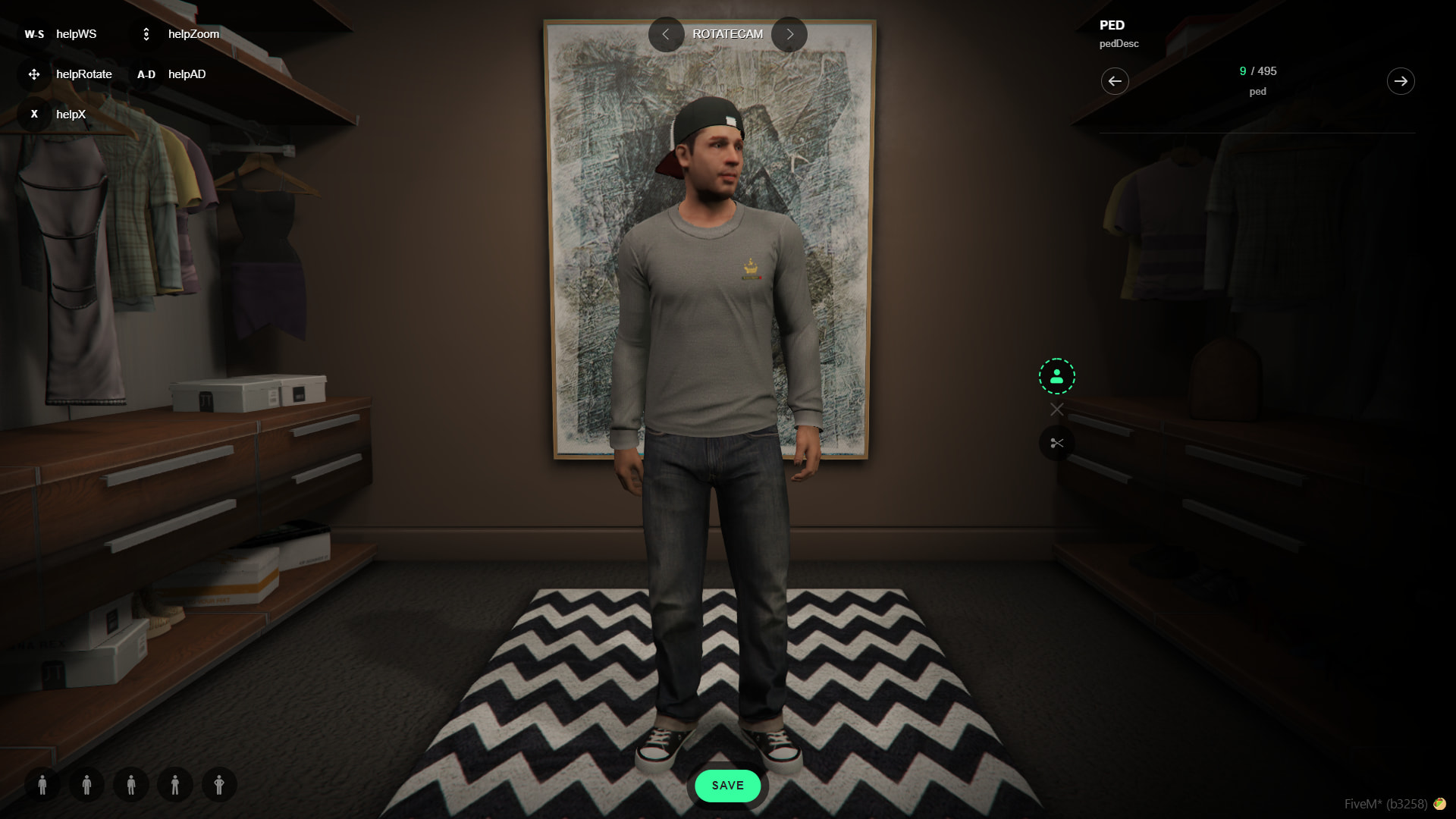
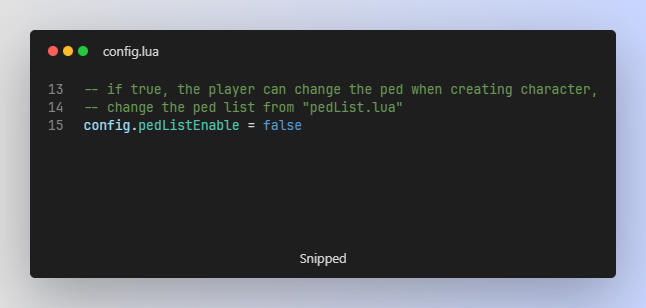
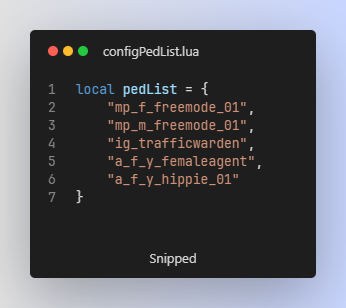
- Character Creation Peds: As a server admin, you can allow players to choose a specific Ped model during character creation. The list of available Peds is fully customizable through the config file.
- Manual Ped Assignment: If you prefer not to use the automated selection feature, you can manually assign or change a player’s Ped model at any time using the
/pedadmin command. - Dynamic Ped Menus: When a player is using a custom Ped, the clothing menu automatically adapts to their specific model. Unnecessary or incompatible clothing categories are hidden, keeping the UI clean and relevant.
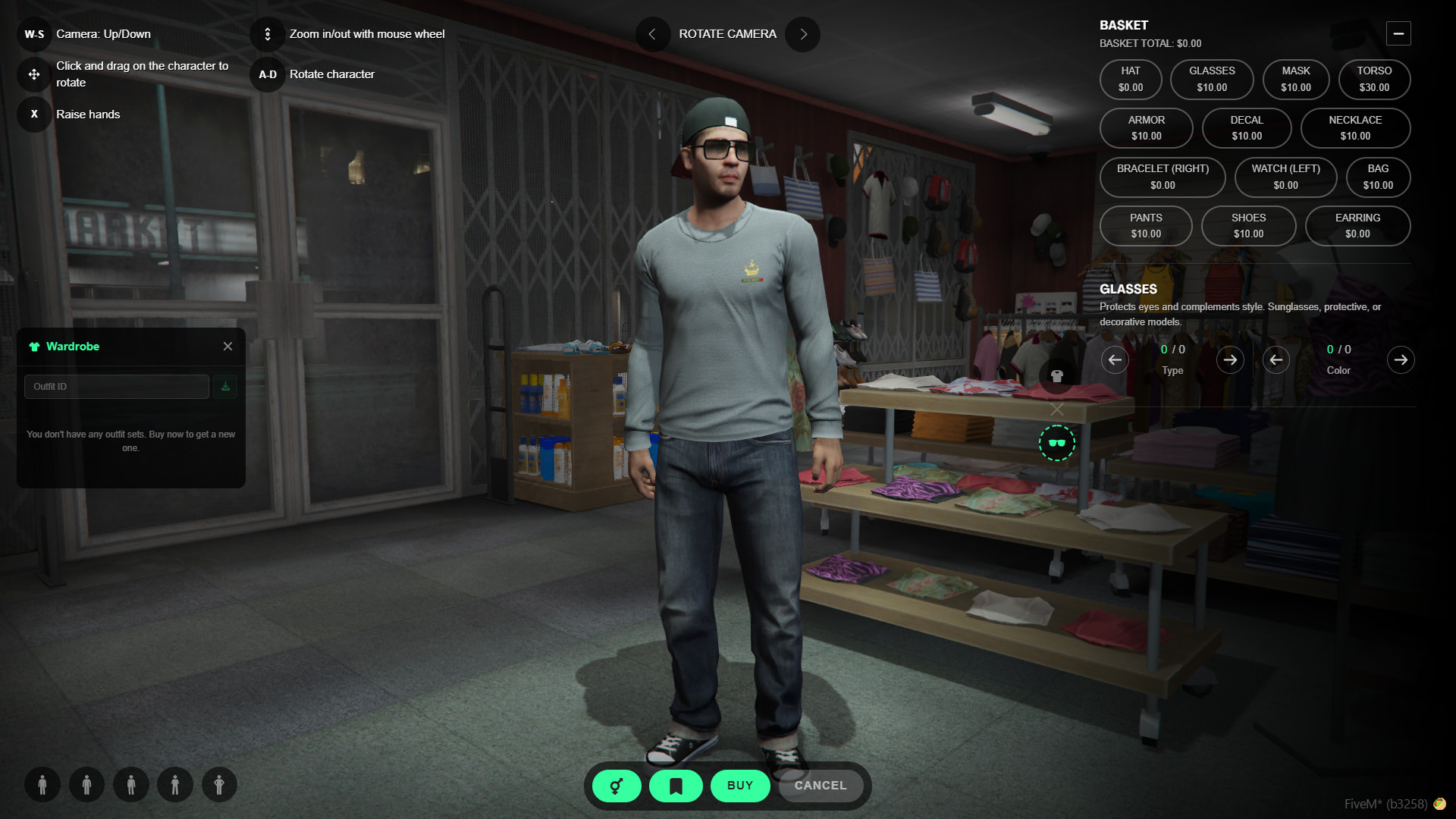
(Charecter Creation Menu)
Modern Collection System
- Seamless Additions: Built using FiveM’s new collection system. This means that adding a brand-new clothing pack to your server will no longer alter or shuffle the outfits players are currently wearing.
- Thumbnail Stability: Thanks to this system, all of your previously generated clothing thumbnails will stay perfectly synced with the correct items, even when new clothing add-ons are introduced.
- Important Note: If you completely remove or delete an existing clothing pack from your server, the collection names will naturally change, which will inevitably break the saved clothing data for those items.
- Technical Details: For more in-depth information on how this works, you can read the official FiveM Documentation on Collection-Based Natives.
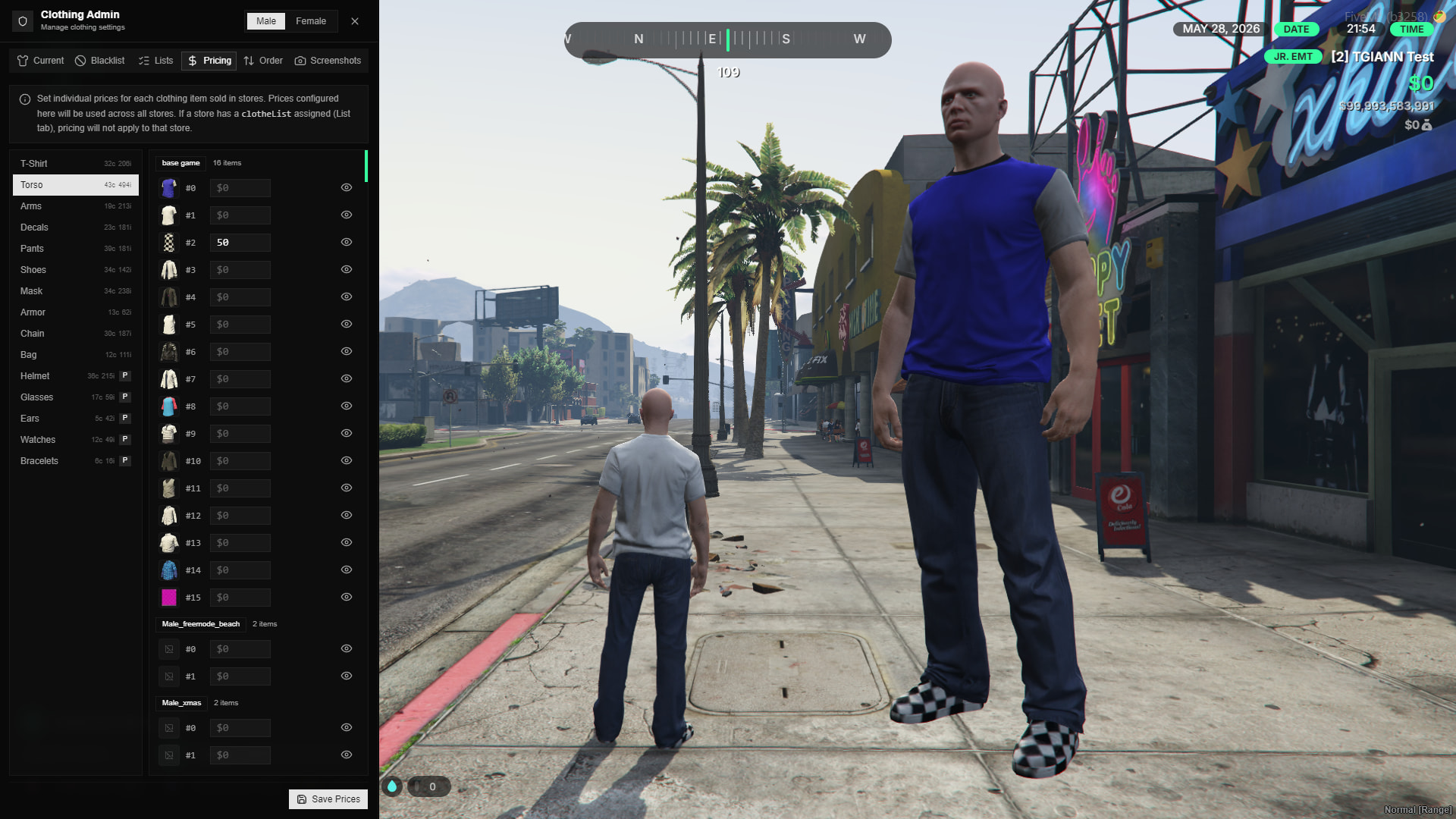
Clothing Prices
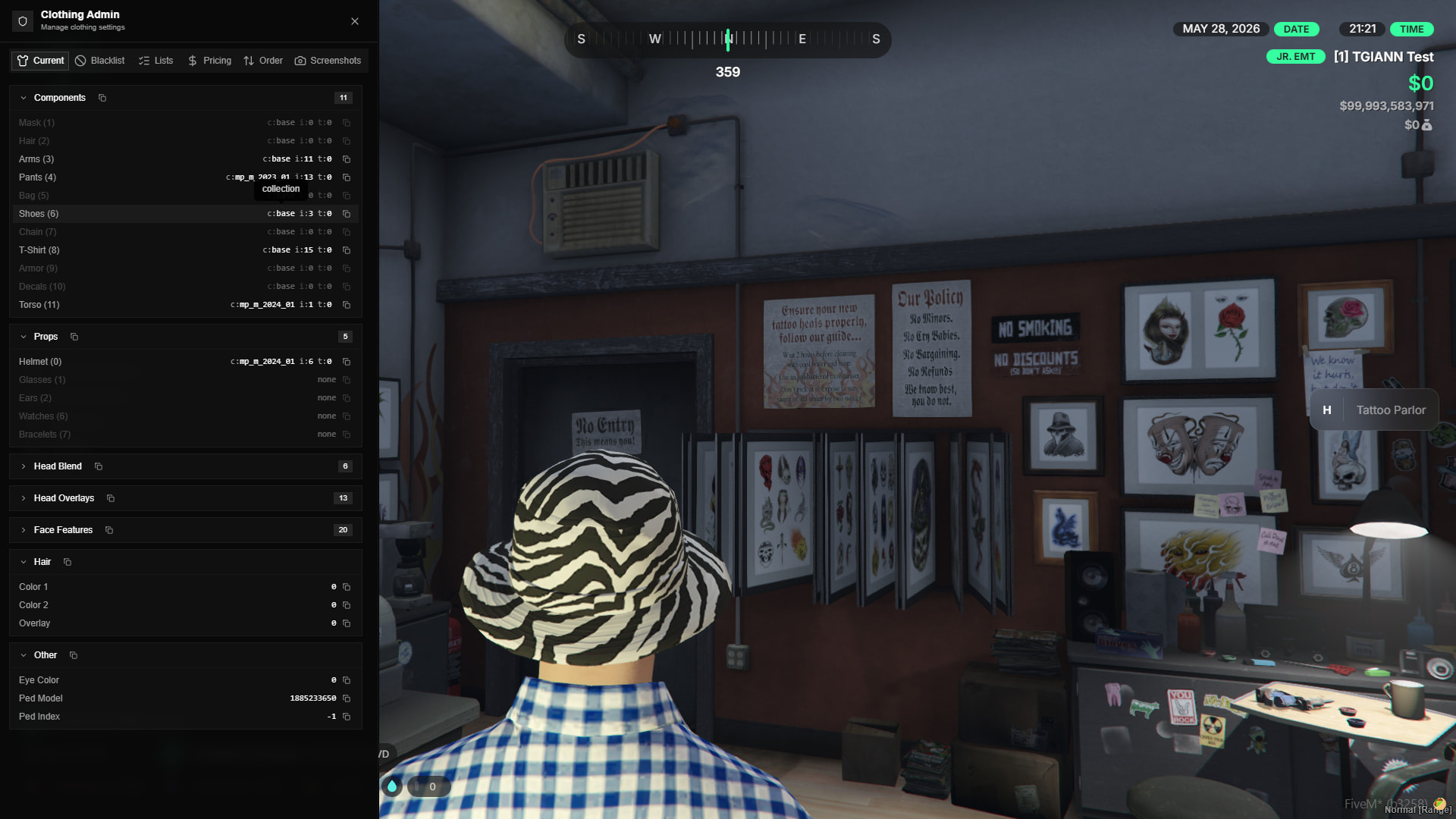
- In-Game Price Management: Easily adjust and set a specific price for every individual piece of clothing directly through the admin menu, giving you complete control over your server’s fashion economy.
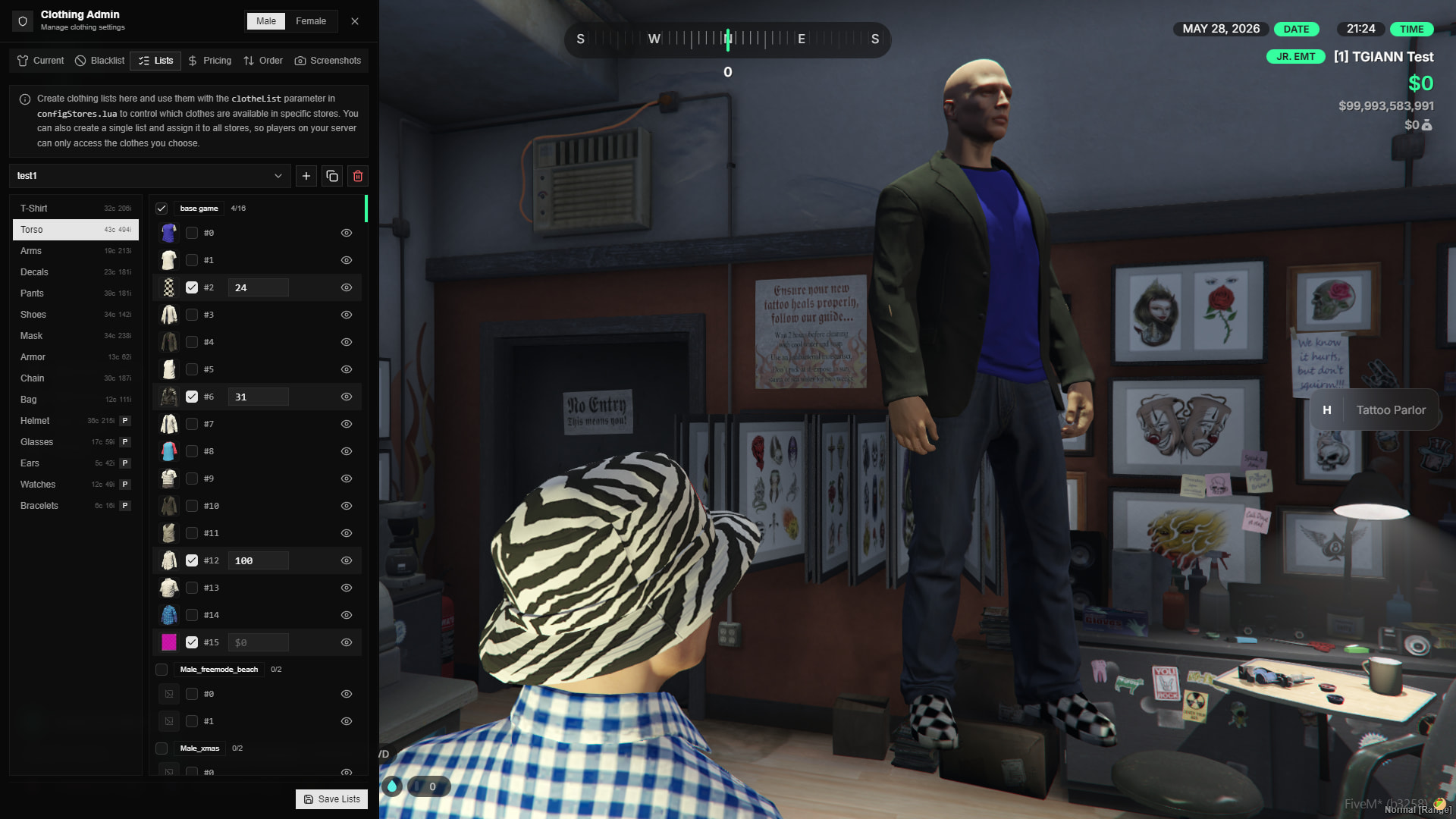
Custom Store Creation
- In-Game Store Builder: Easily create custom clothing stores directly from the admin menu and specifically curate which clothing items are available for purchase in each location.
- Thematic Boutiques: You have total creative freedom. For example, you can set up a specialized tactical shop that exclusively sells police gear, or a beachside store offering only summer clothing. The possibilities are limited only by your imagination.
- Customizable Pricing: You can also individually adjust the price for every single clothing item available in these customized stores.
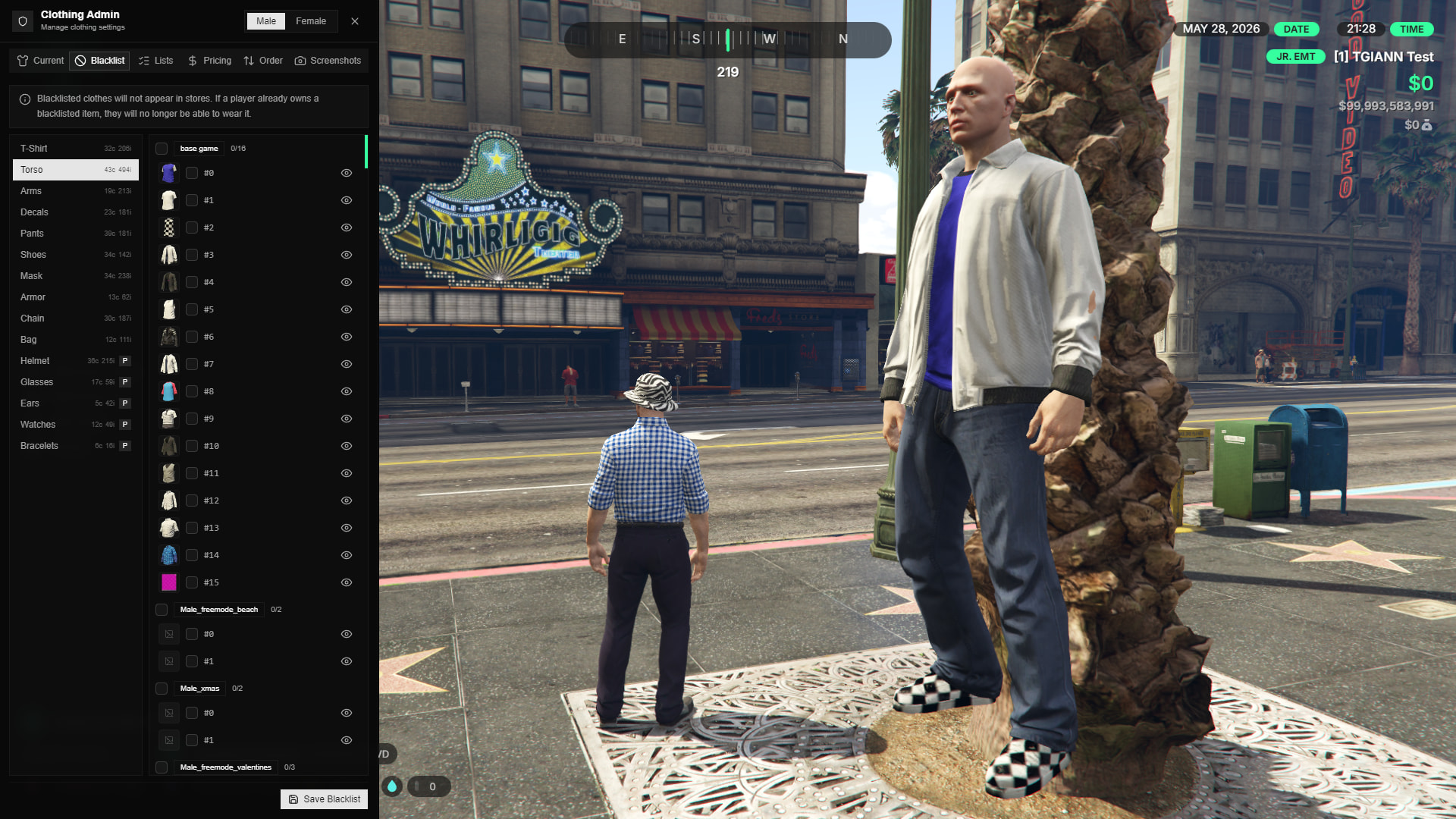
Clothing Blacklist
- In-Game Management: Easily designate specific clothing items as blacklisted directly through the in-game admin menu.
- Store Hiding: Once an item is blacklisted, it is completely removed from the UI and will not appear in any clothing store across the server.
- Render Prevention: If a player previously owned or is currently wearing a newly blacklisted item, the script will automatically prevent that specific clothing piece from rendering on their character.
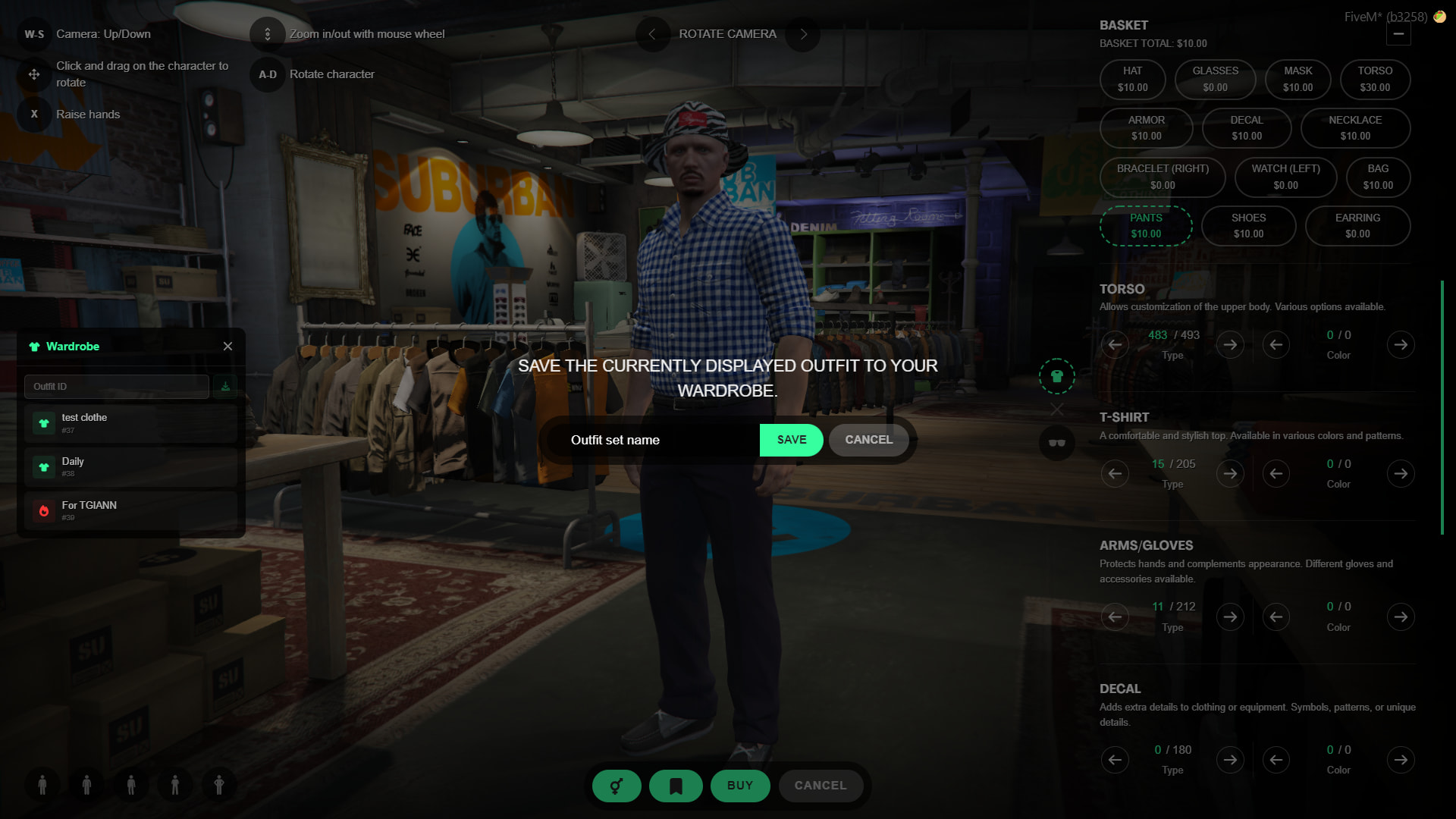
Saving & Sharing Outfits, Hair, and Makeup
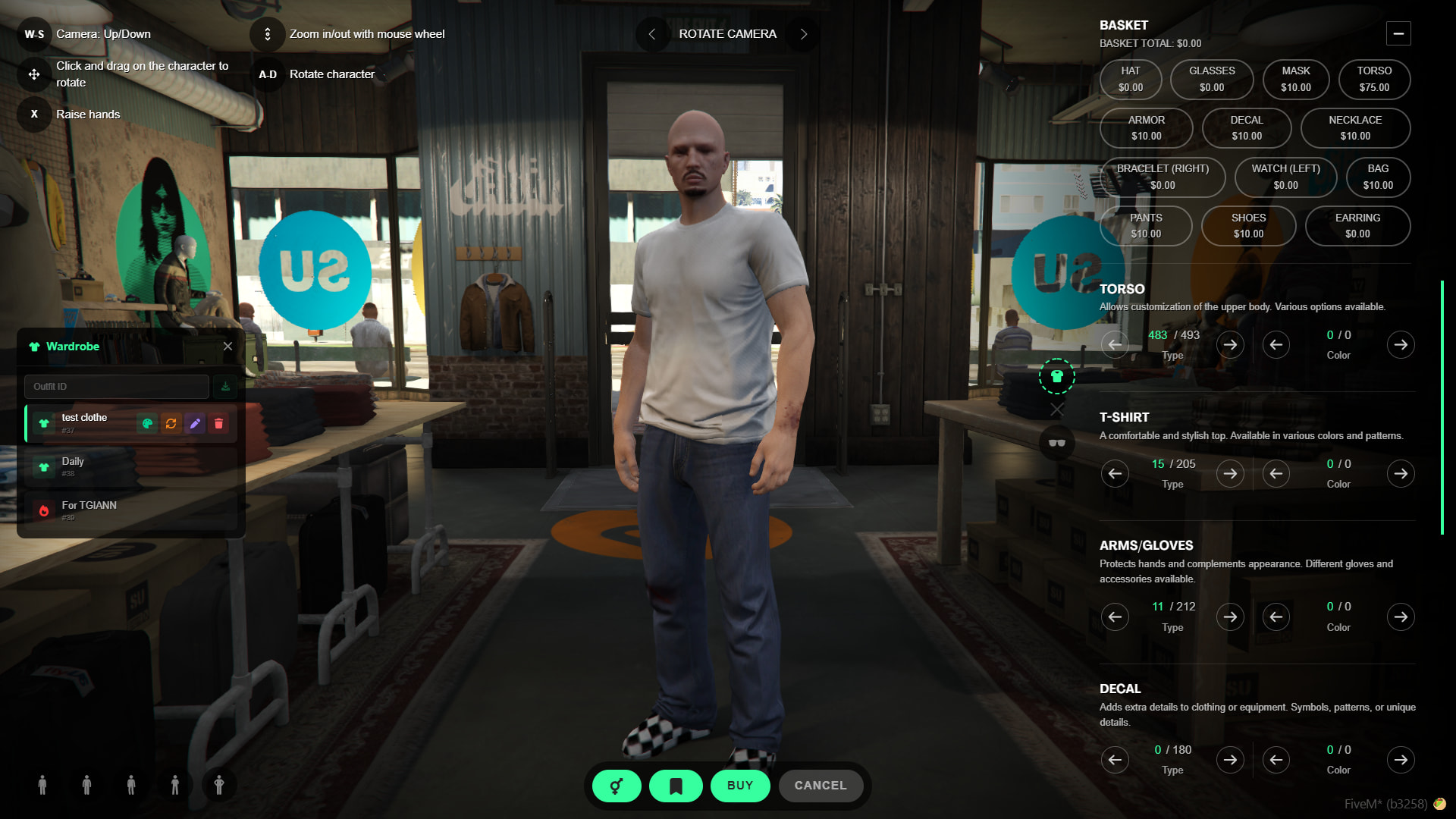
- Save at Purchase: Players have the option to save their complete look (clothing, hair, or makeup) directly while making a purchase at a clothing store or barbershop.
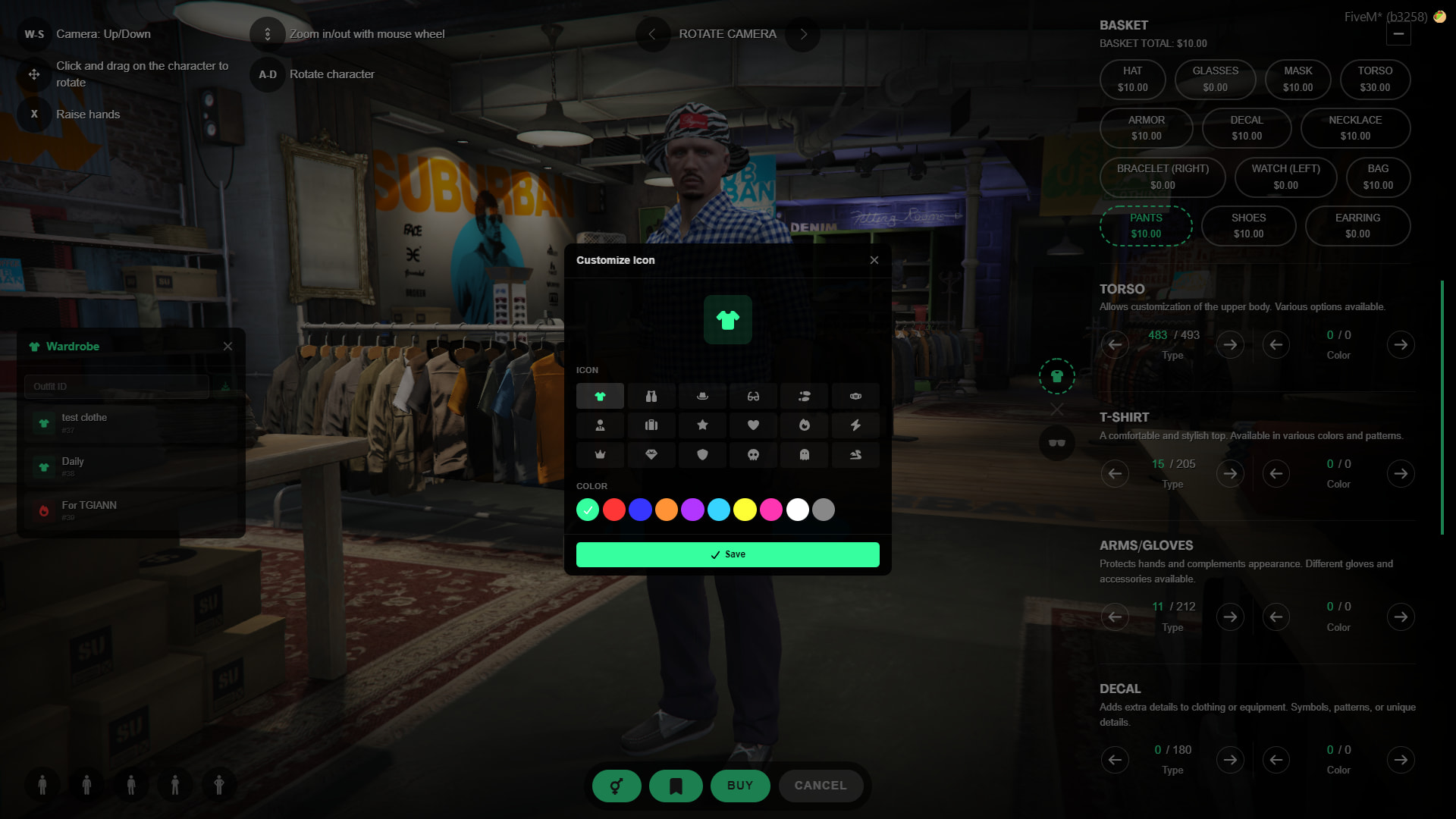
- Customizable Saves: You can easily rename your saved outfits and change their display icons at any time for better organization.
- Import via ID: Players can easily share their styles! You can import another player’s custom outfit directly to your own character using a unique outfit ID.
Bag and Mirror Items
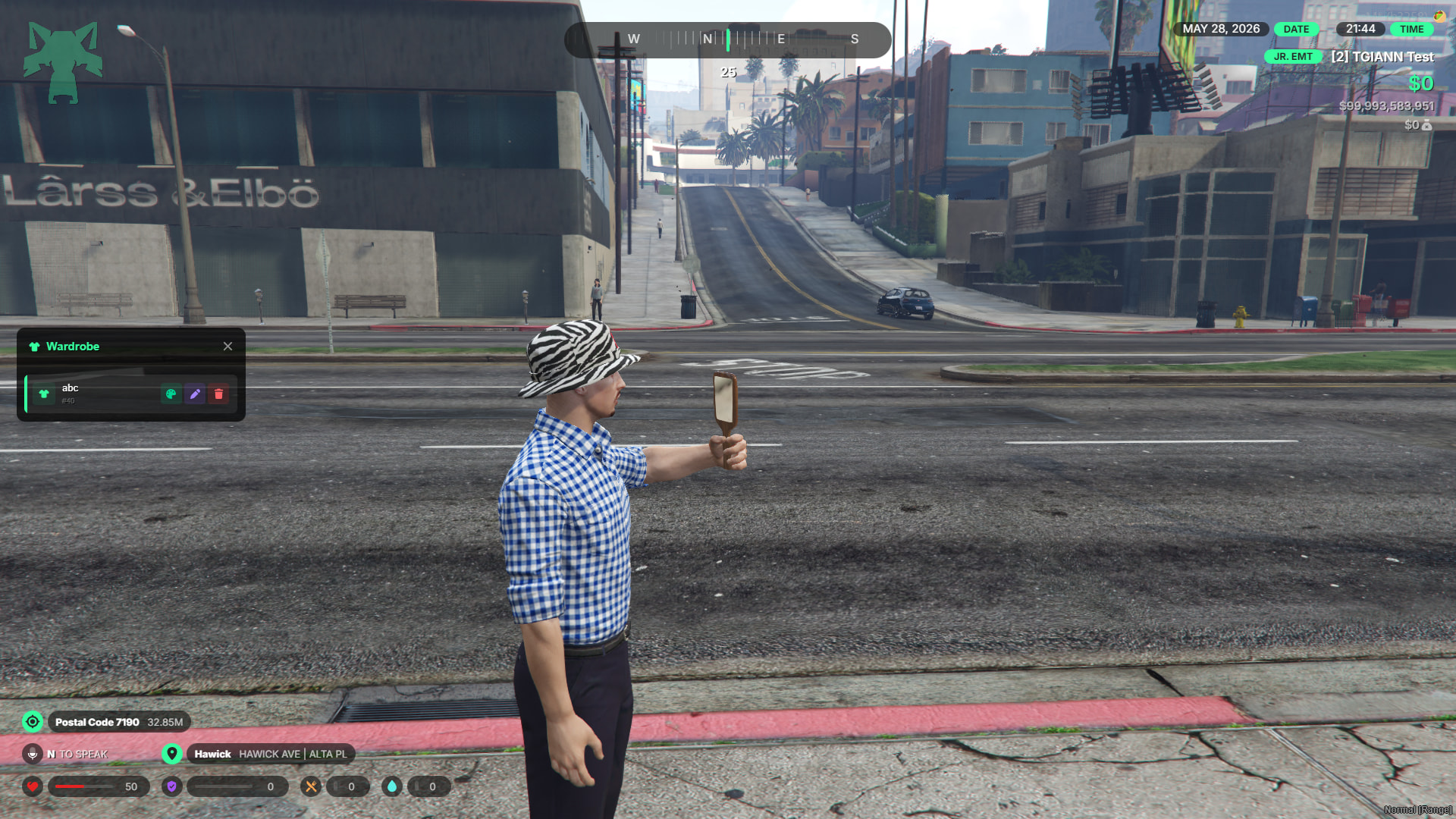
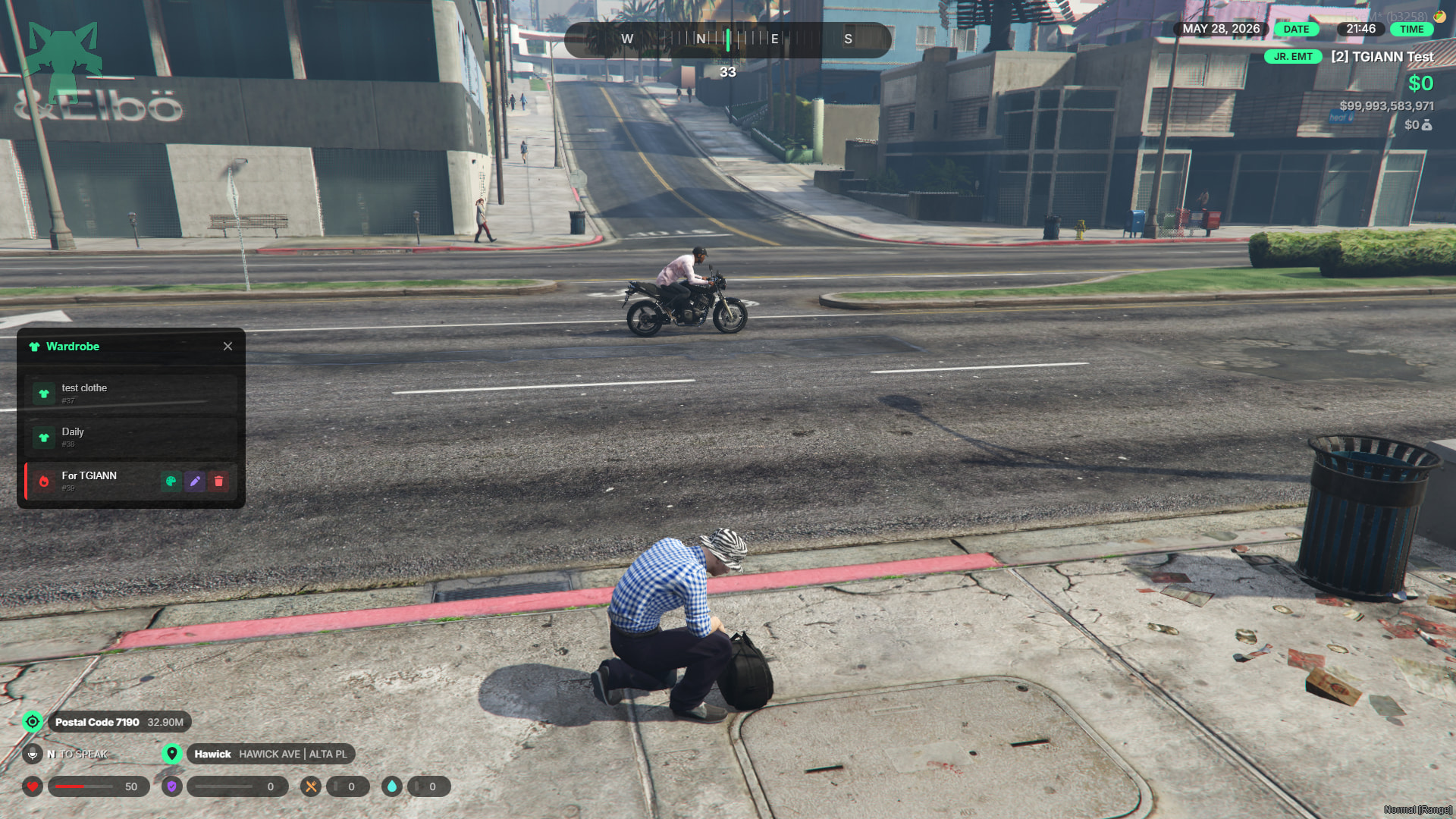
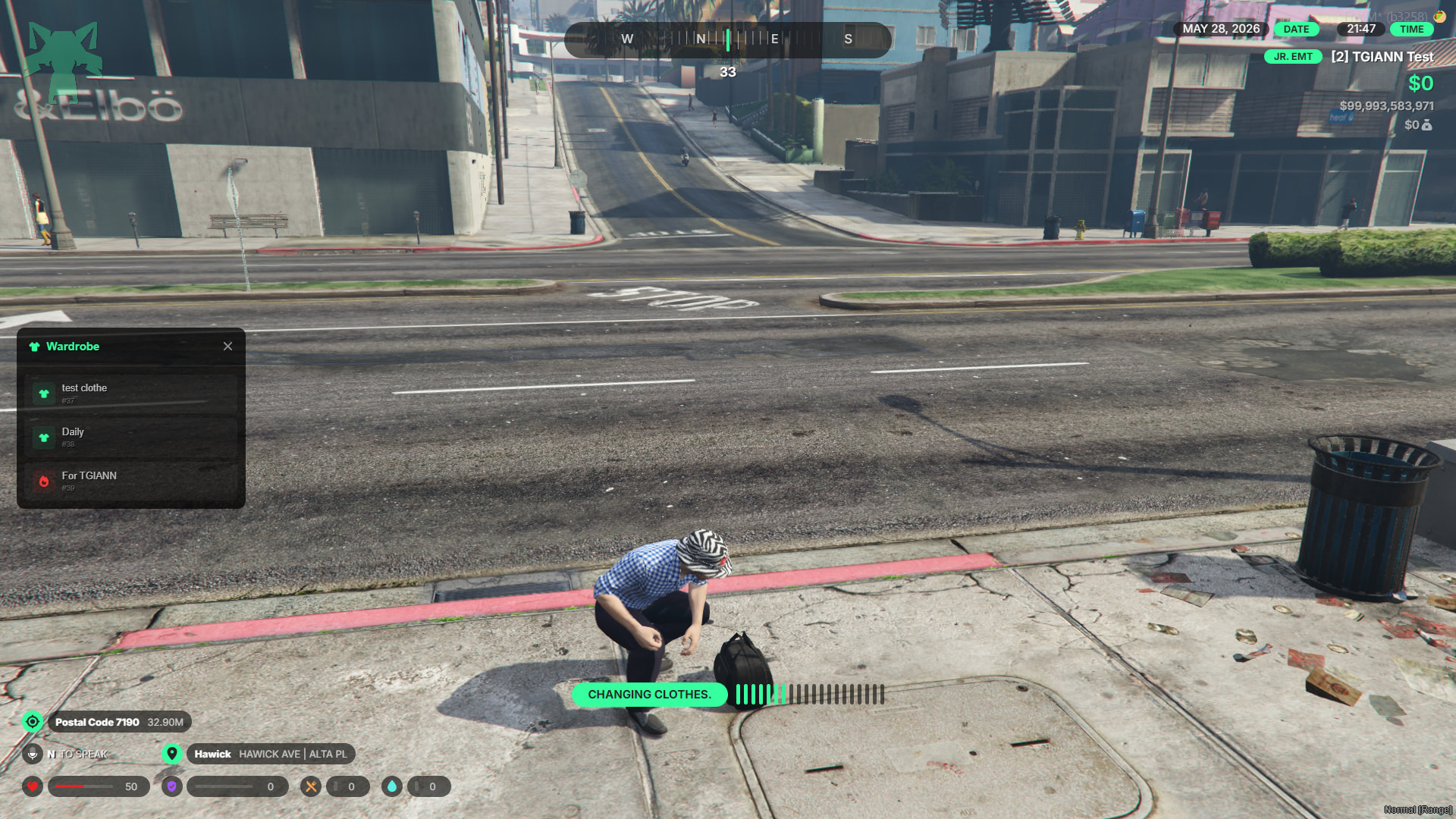
- Portable Clothing Bag: Using the usable bag item, players can access their previously saved outfits and easily change their clothes from anywhere on the map.
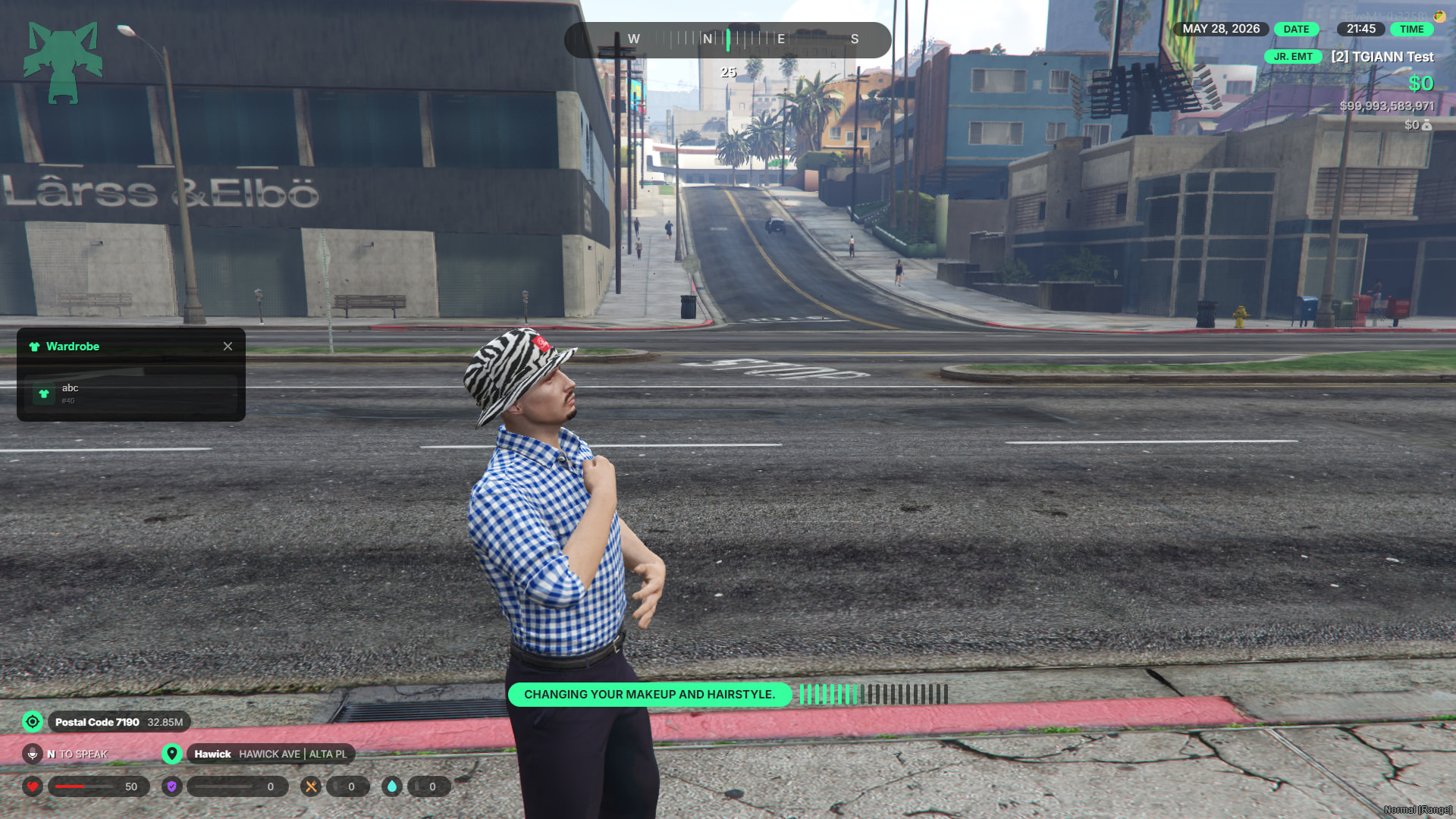
- Handheld Mirror: The mirror item allows players to access and apply their saved hairstyles and makeup on the go.
- Roleplay Enforcement: Changing outfits or hairstyles via these items triggers specific animations and a progress bar. This prevents instant, non-RP (Out of Character) changes and keeps immersion intact.
Adjustable Parent Limits
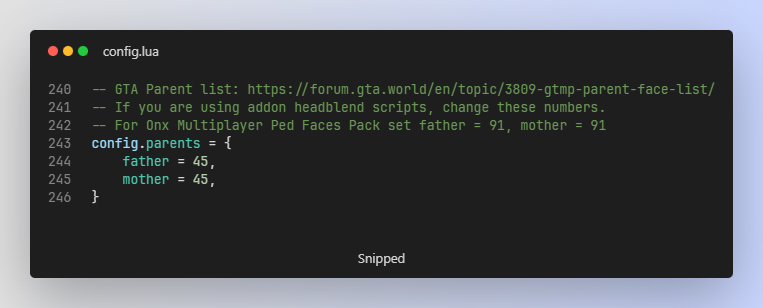
- Configurable Maximums: Easily adjust the maximum limits for mother and father heritage options directly from the configuration file.
- Custom Ped Support: This allows for seamless integration if your server utilizes custom mother/father head models or add-on packs, giving you the flexibility to accommodate the expanded values.
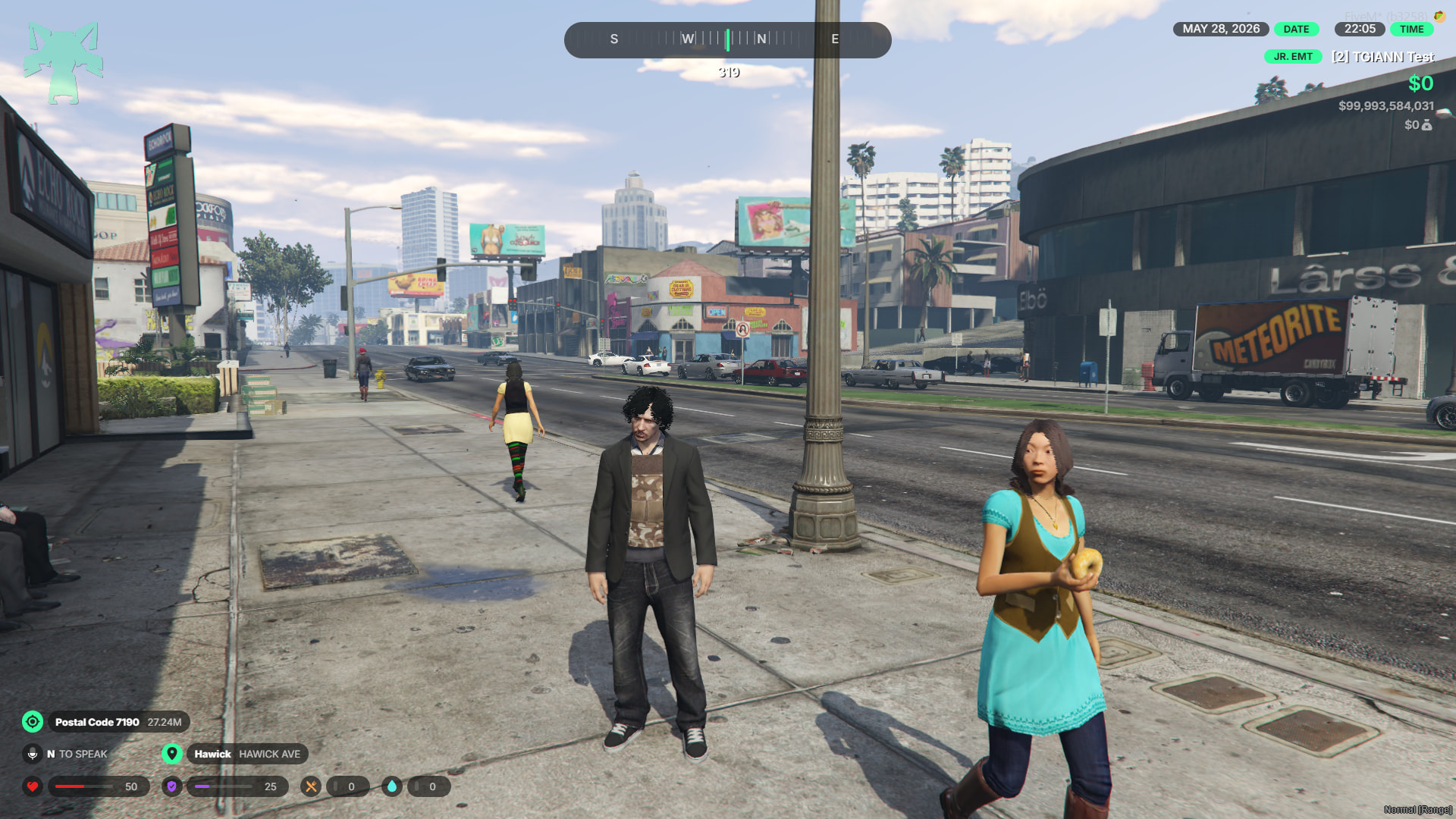
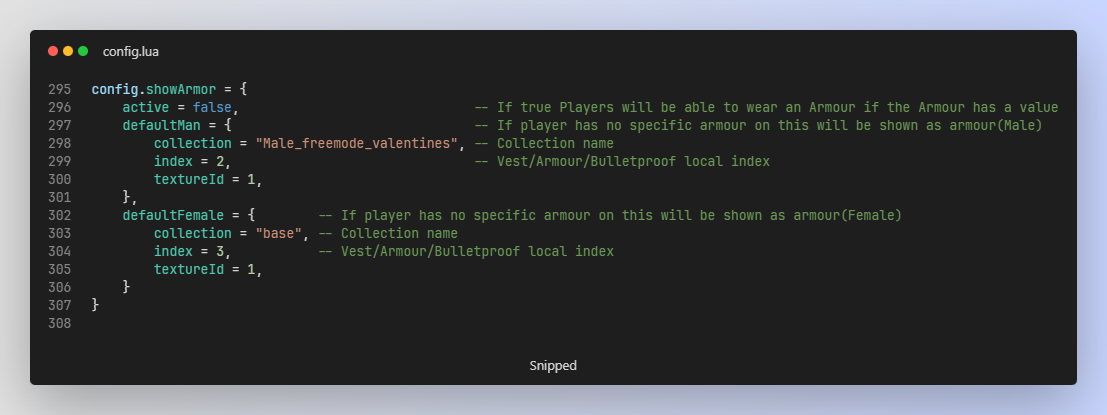
Realistic Armor System
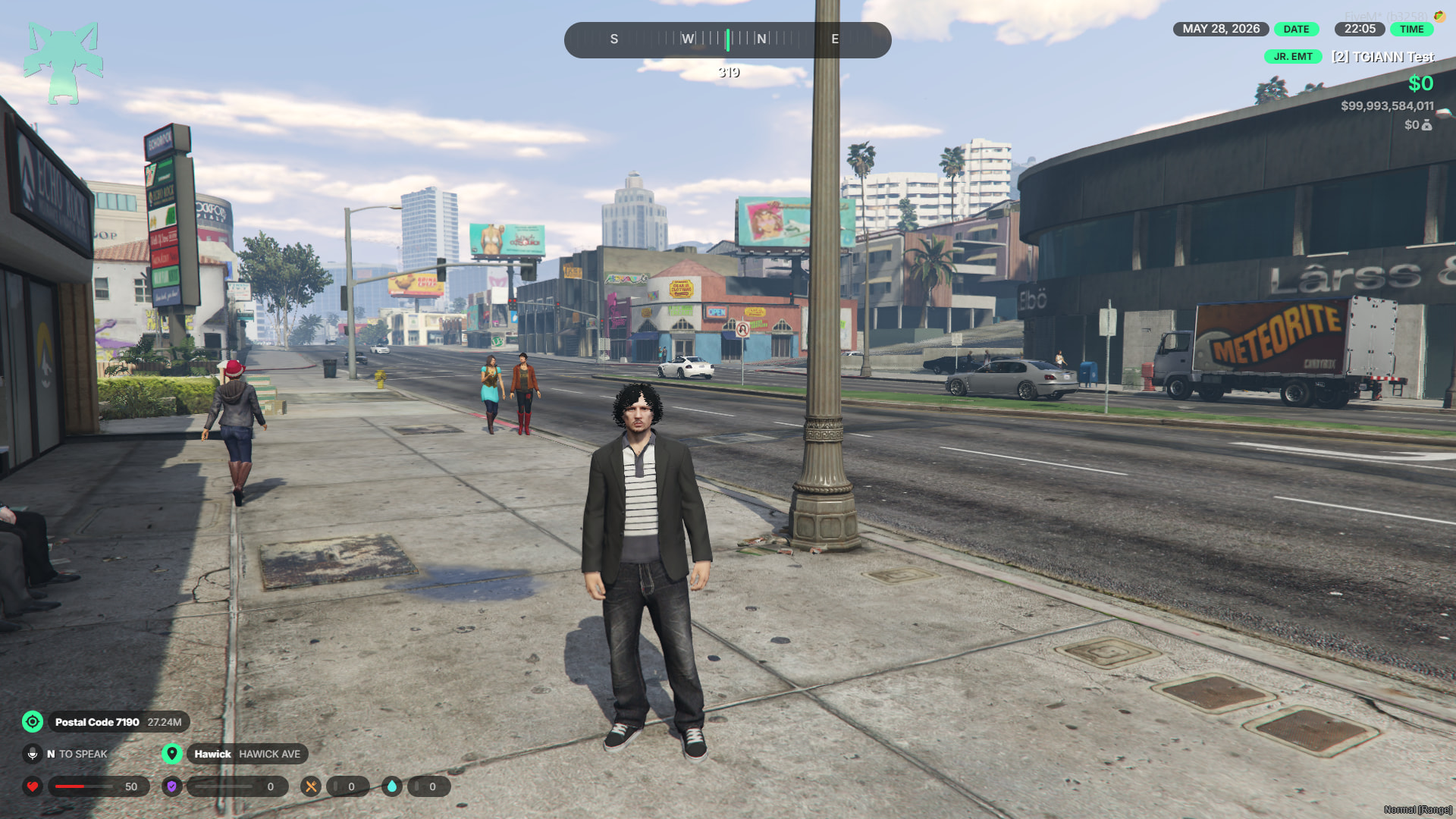
- Dynamic Visuals: If a player’s armor stat is greater than 0, a visible armor vest will automatically appear on their character. This will either be a default vest defined in your config or a specific vest the player has already purchased.
- Automatic Removal: As soon as the player’s armor value depletes and drops to 0, the visible armor clothing is automatically removed from their character, ensuring their visual appearance is always perfectly synced with their actual stats.
Hair Tie & Enhancements
- Barbershop Upgrades: Players can add extra hair extensions or overlays directly at the barbershop. This allows for vastly improved customization, ensuring your character’s hair looks more detailed and better than ever before.
(Without Hair Tie)
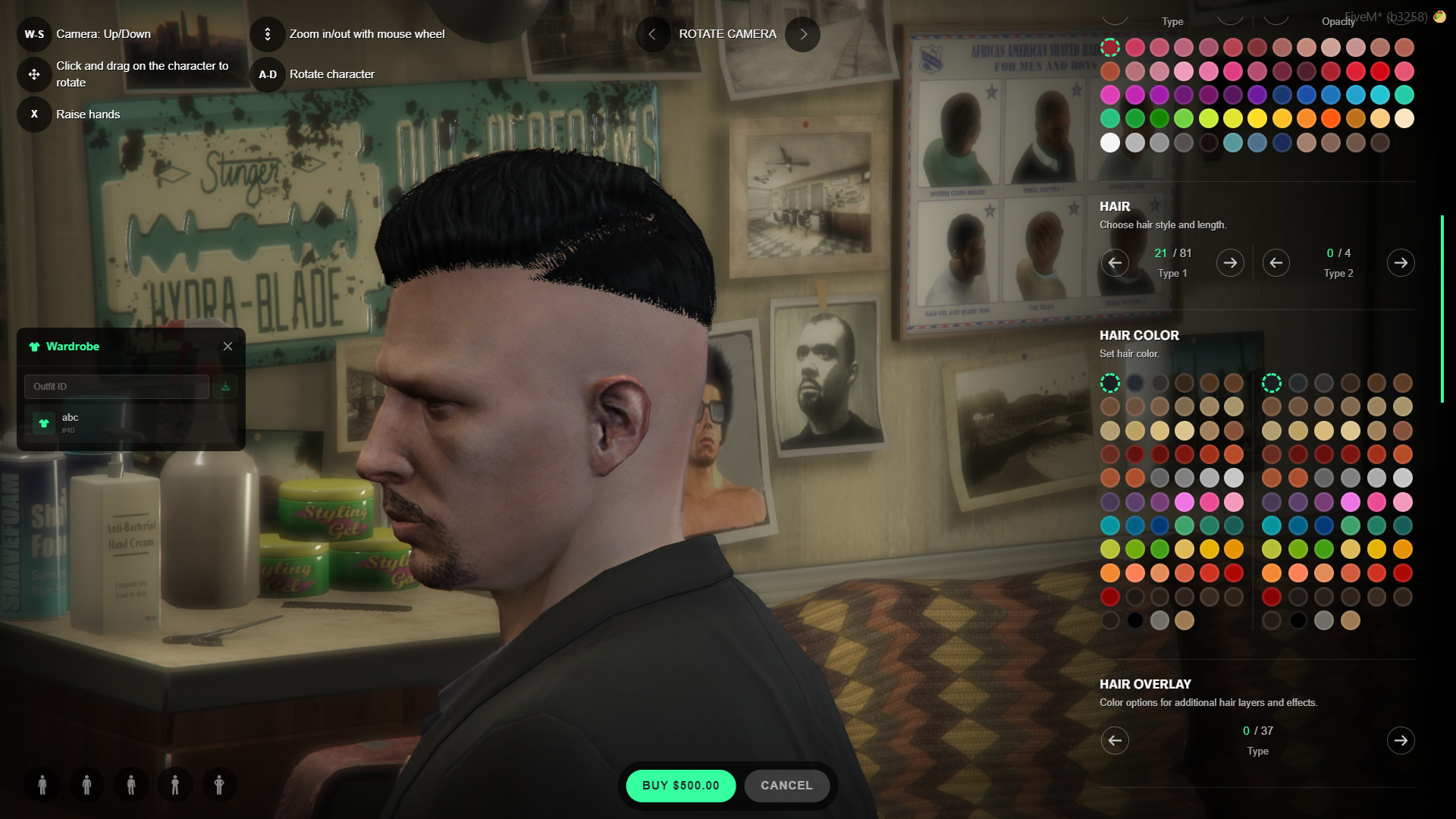
(With Hair Tie 1)
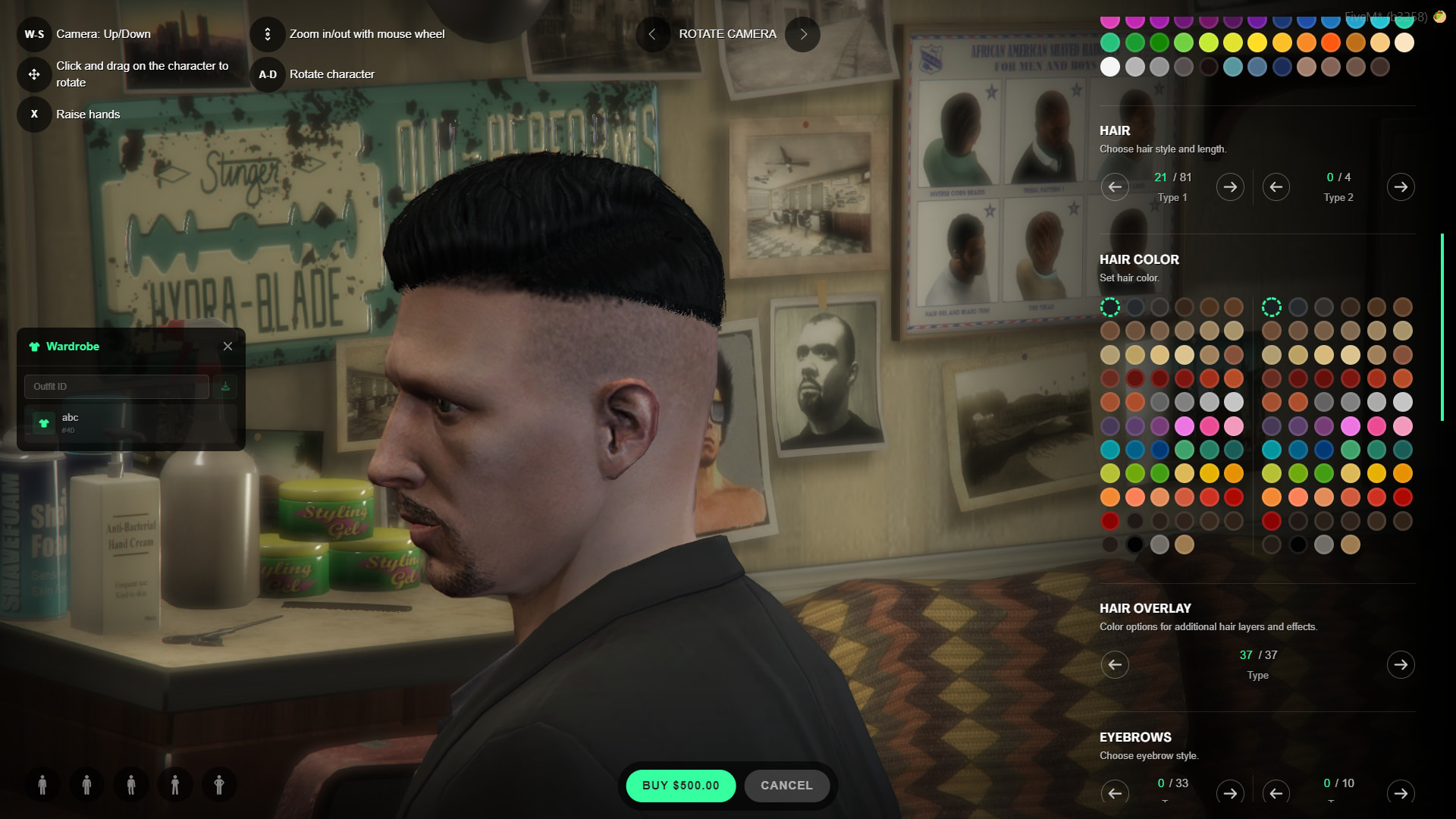
(With Hair Tie 2)
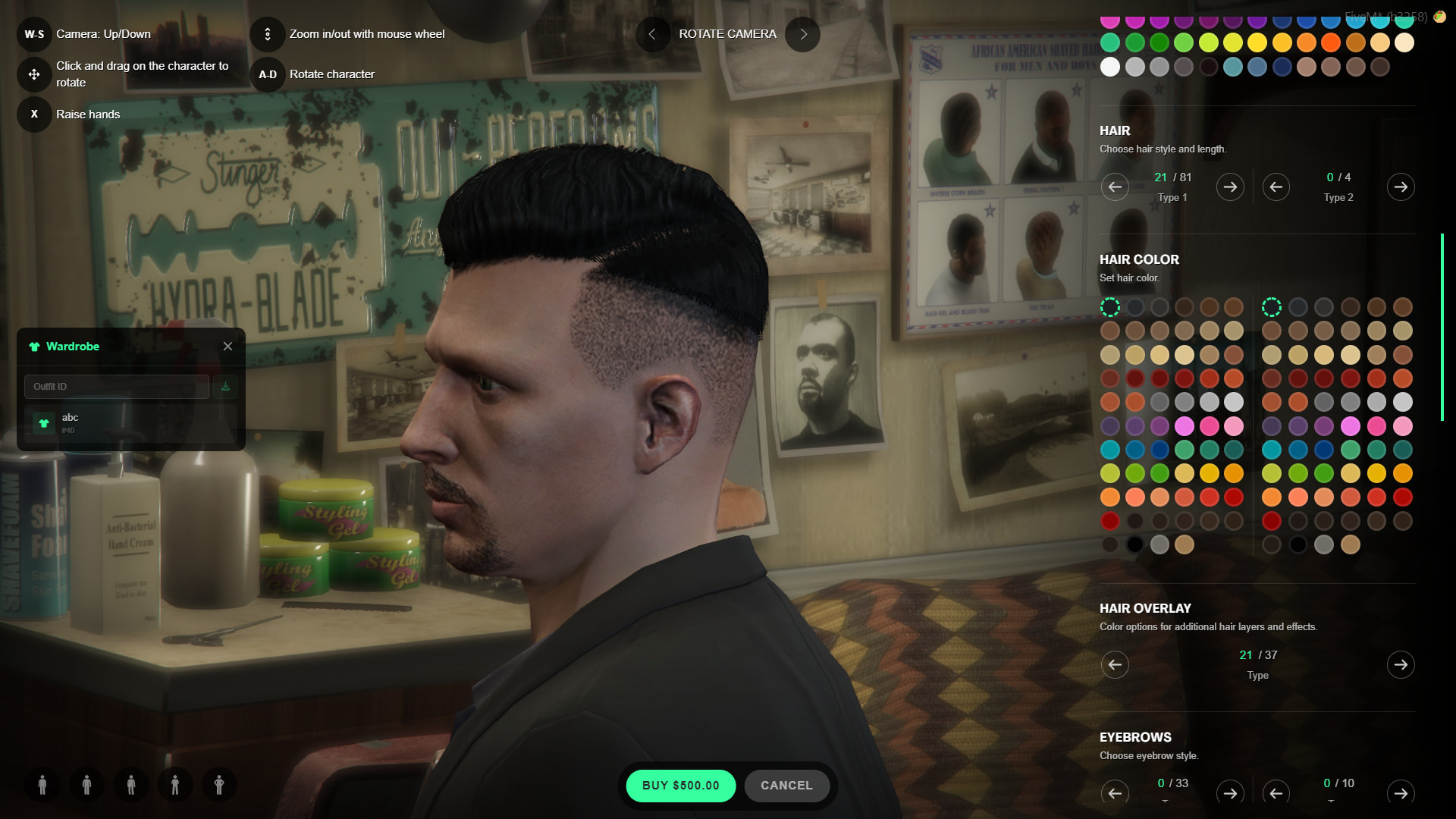
Job Outfits
- Preset Job Uniforms: You can easily set up ready-to-wear outfits for any specific job through the job outfits menu. You also have the flexibility to define multiple different outfit options for every single job grade.
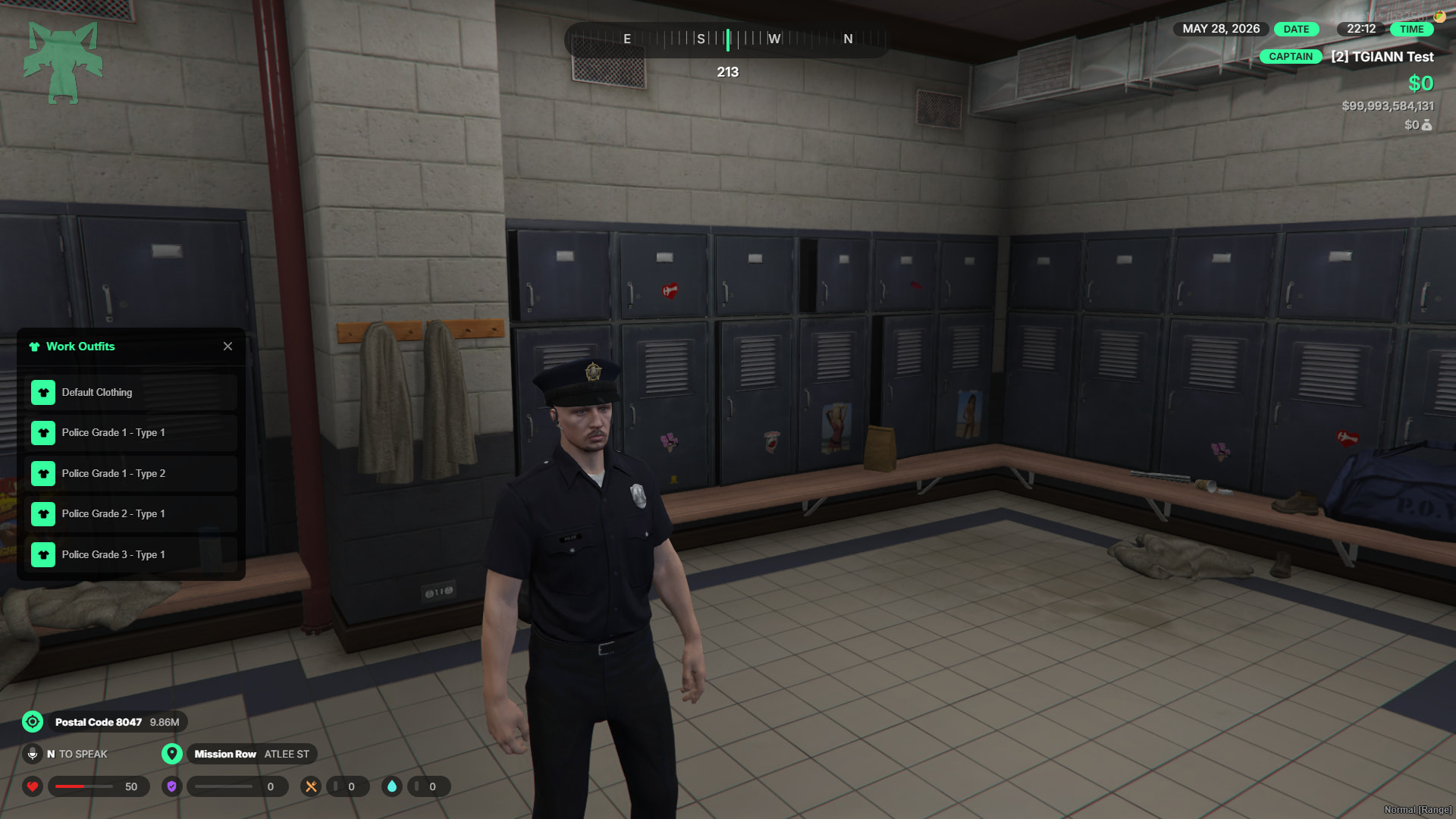
TGIANN Inventory Integration
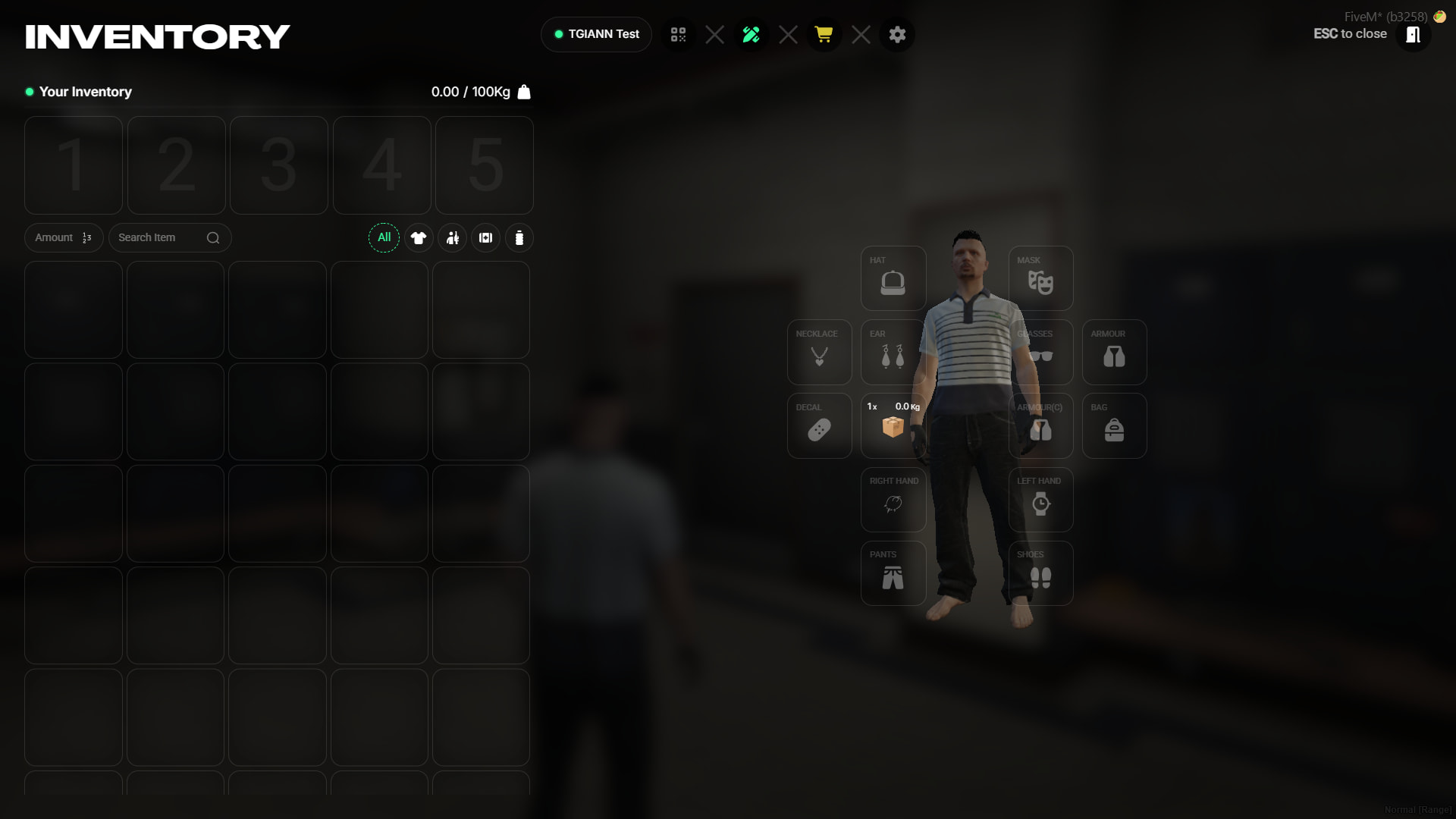
- Clothing as Items: When paired with TGIANN Inventory, all clothing can function as physical items. This means you can keep previously purchased clothes in your inventory and easily equip or unequip them at any time.
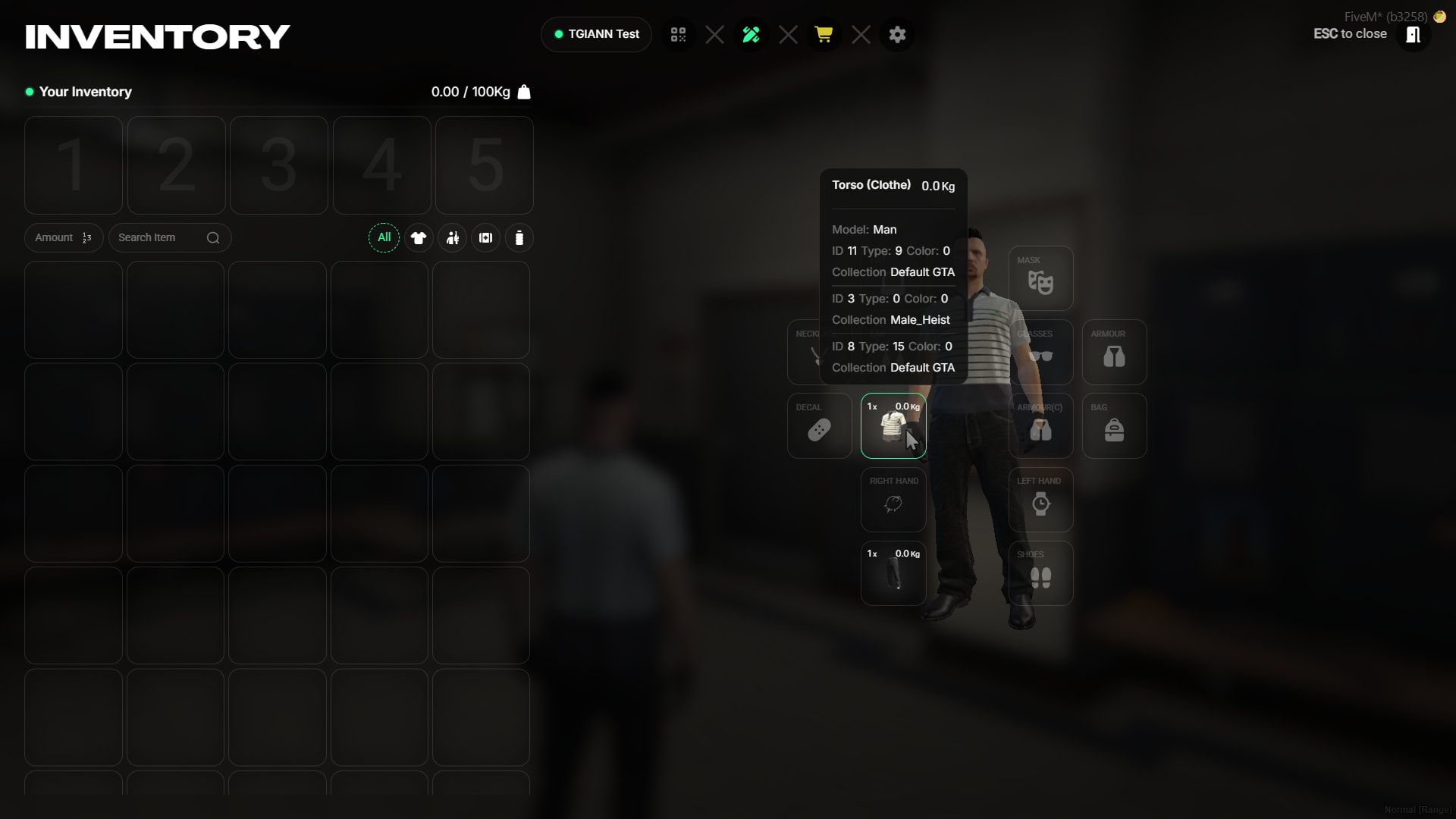
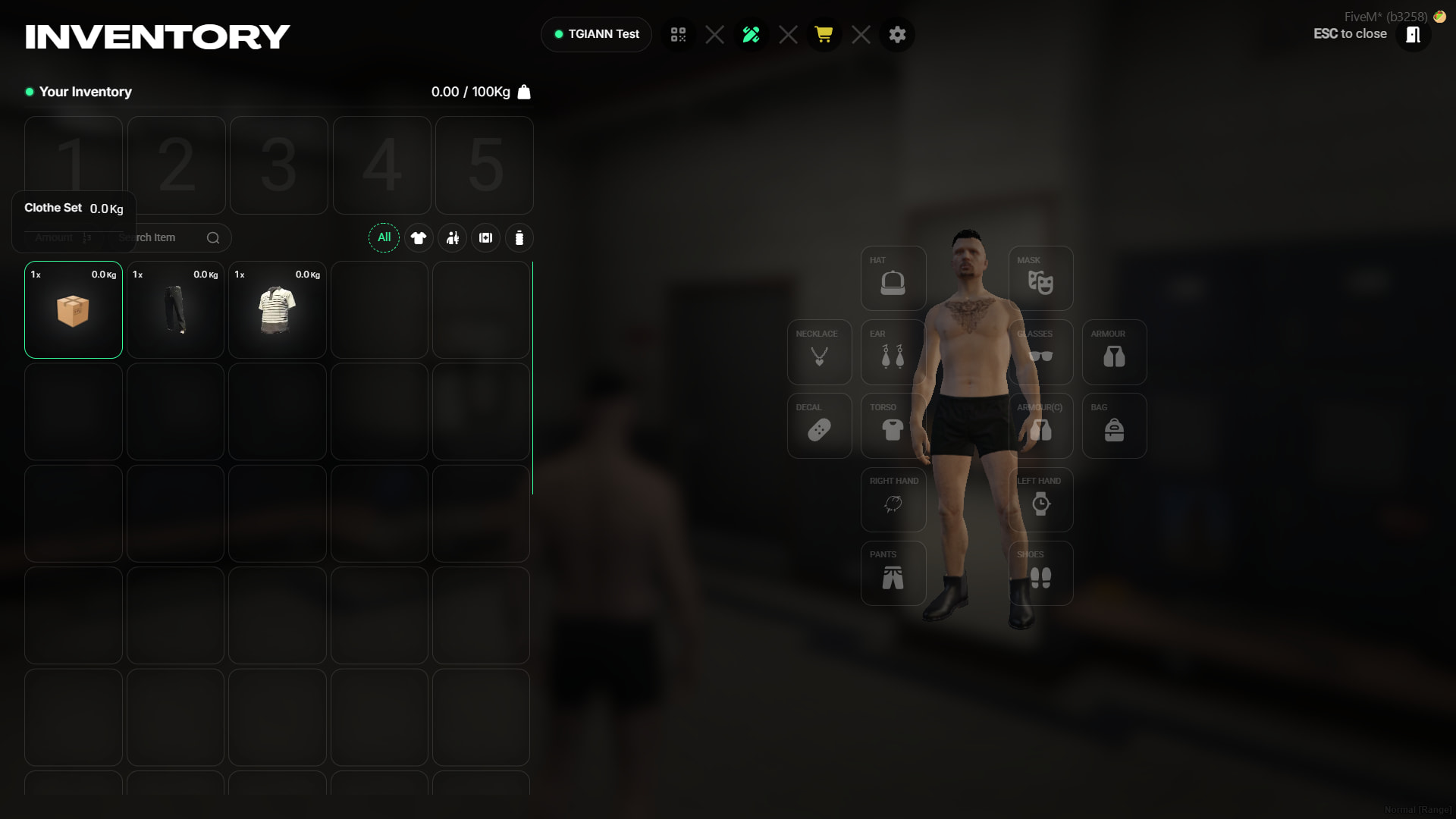
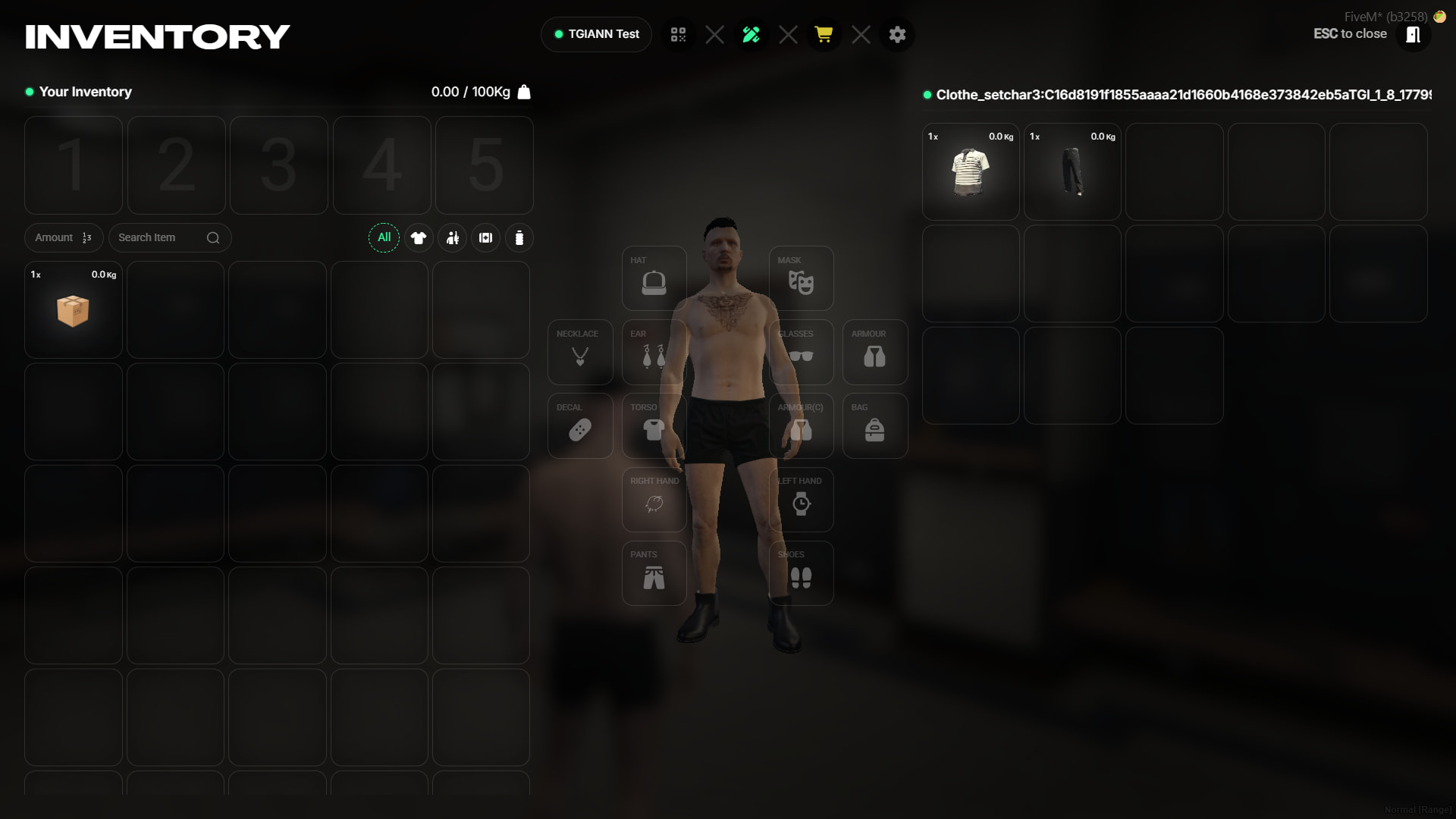
- Outfit Bundles: Utilizing the ‘clothing set’ item, you can combine specific pieces of clothing into a single outfit bundle, allowing you to equip or remove a full set of clothes with just one click.
- Cross-Gender Purchasing: Easily browse and purchase clothing meant for the opposite gender with a single button press in the menu. Because the clothing is stored as a physical inventory item, you can then give, trade, or sell these clothes to other players.
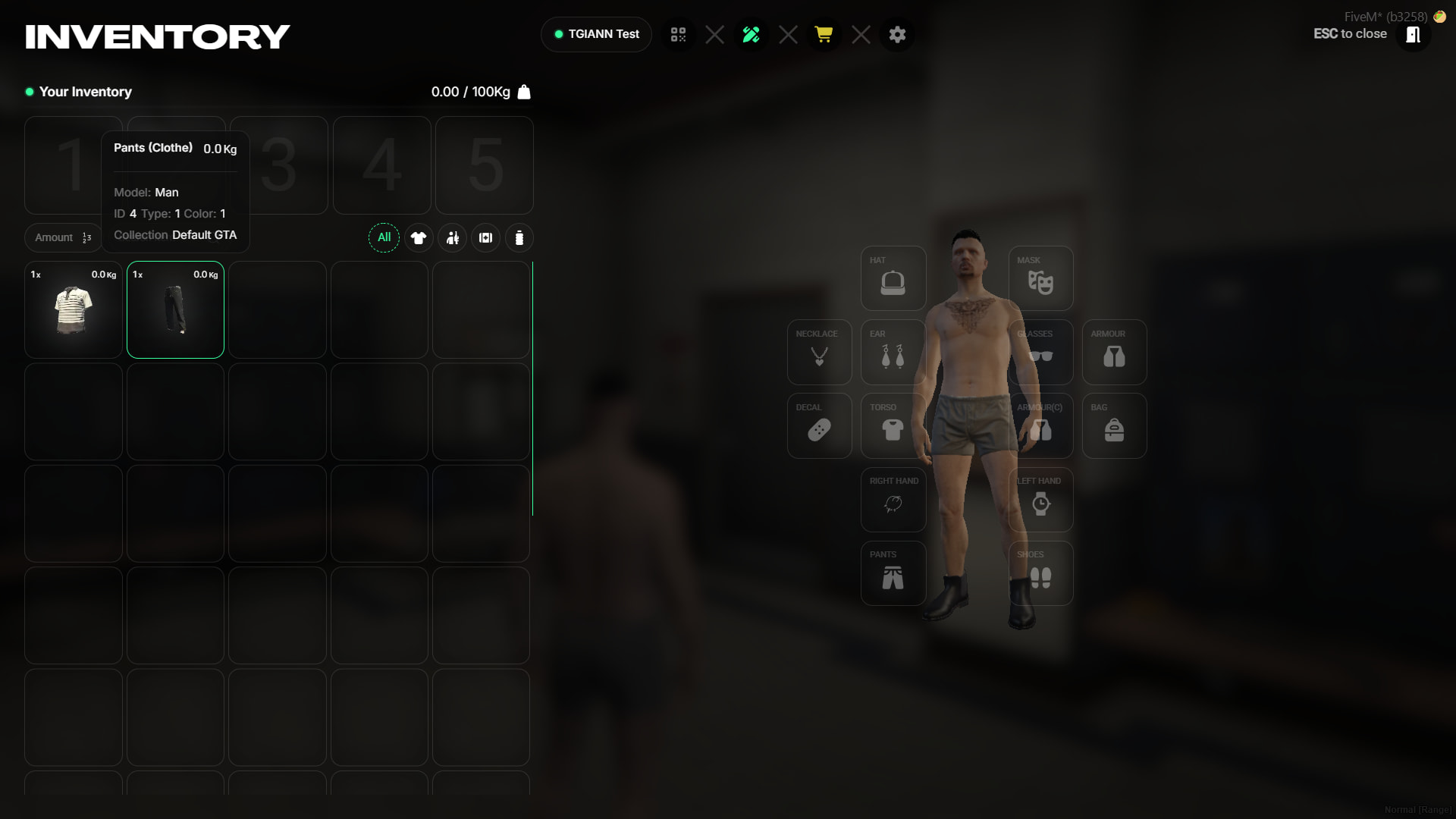
(clothe set item)
(clothe set item usage)
(Cross-Gender Purchasing)