Weapons On Back

ShowCase
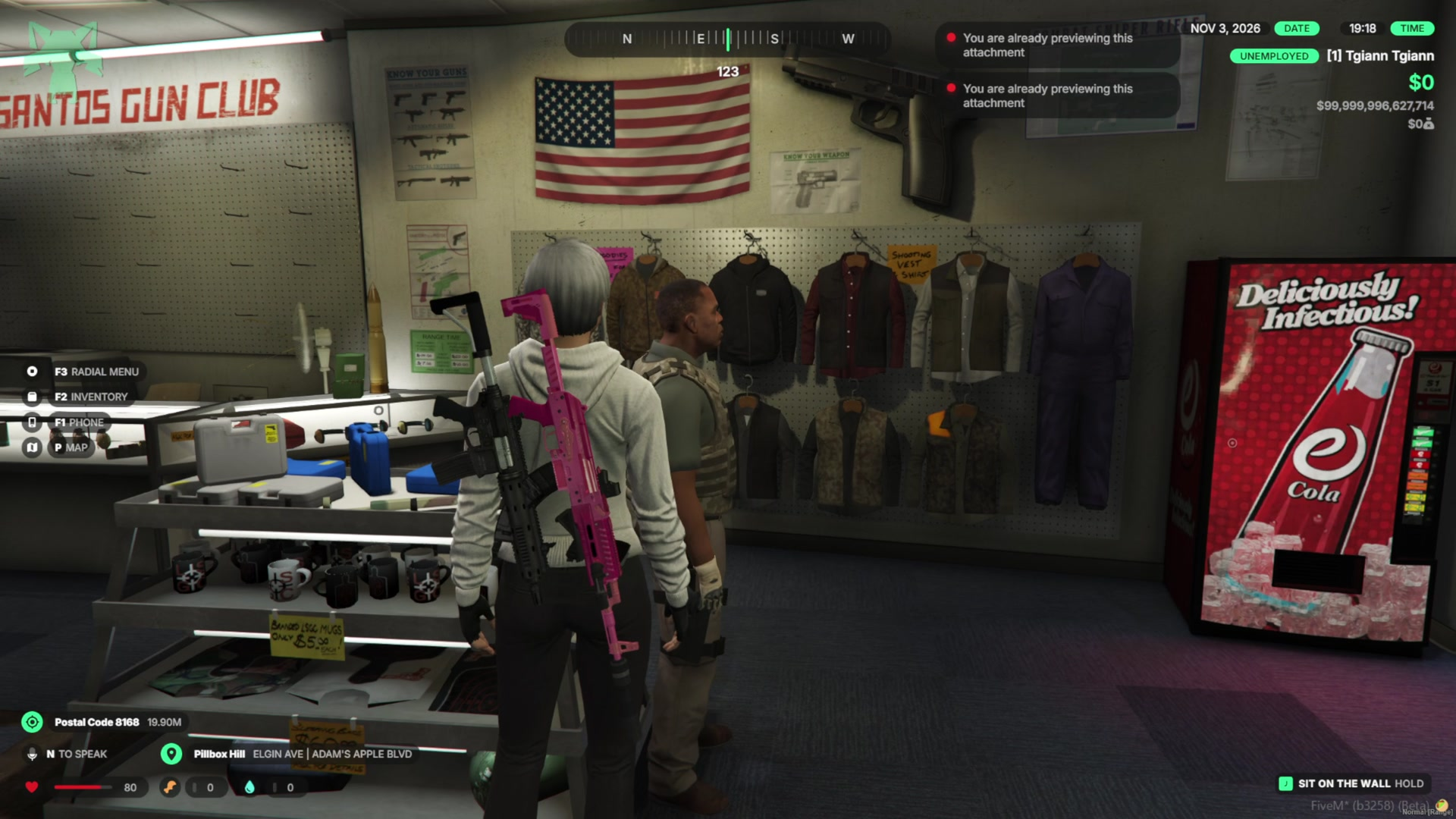
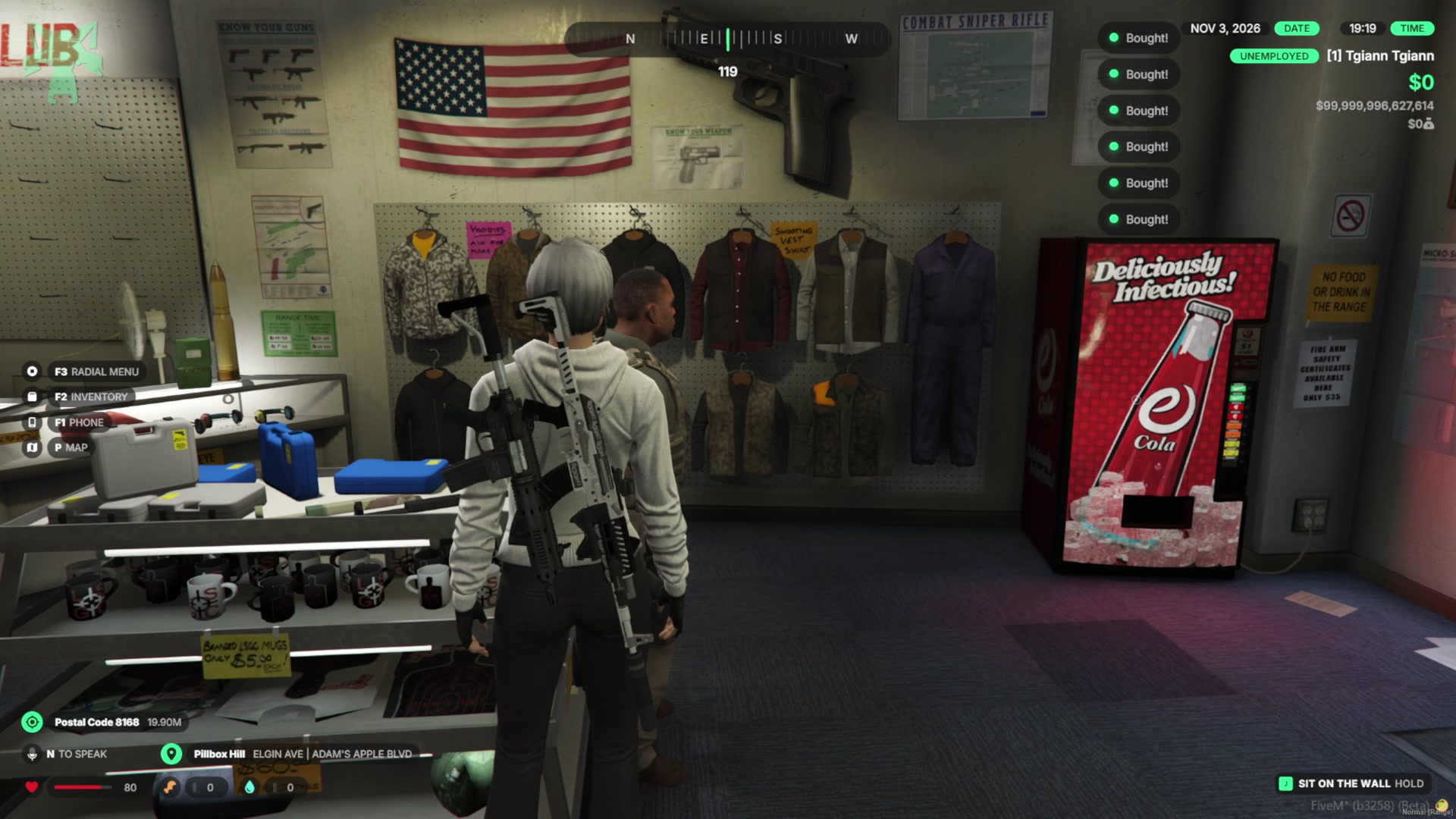
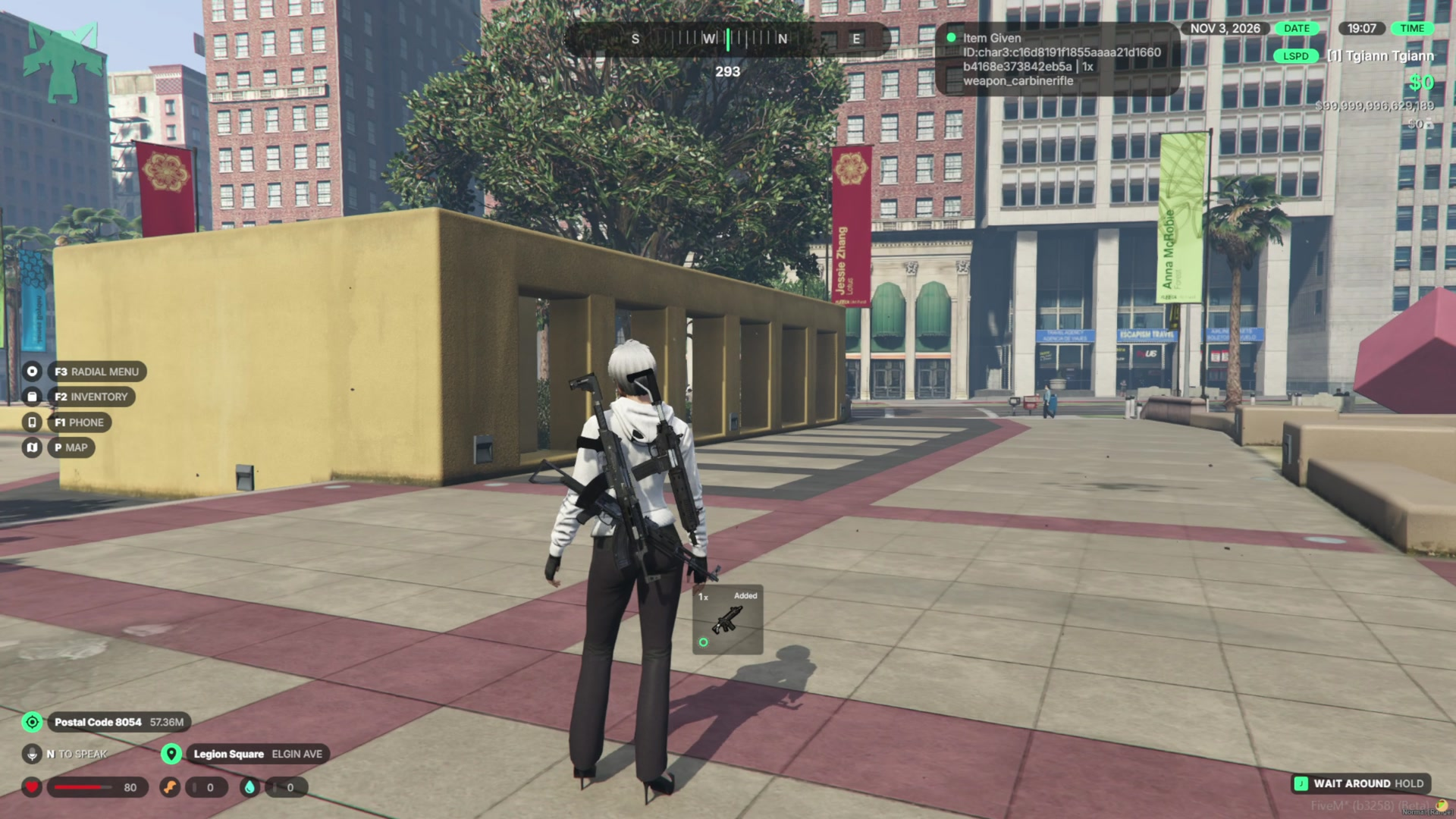
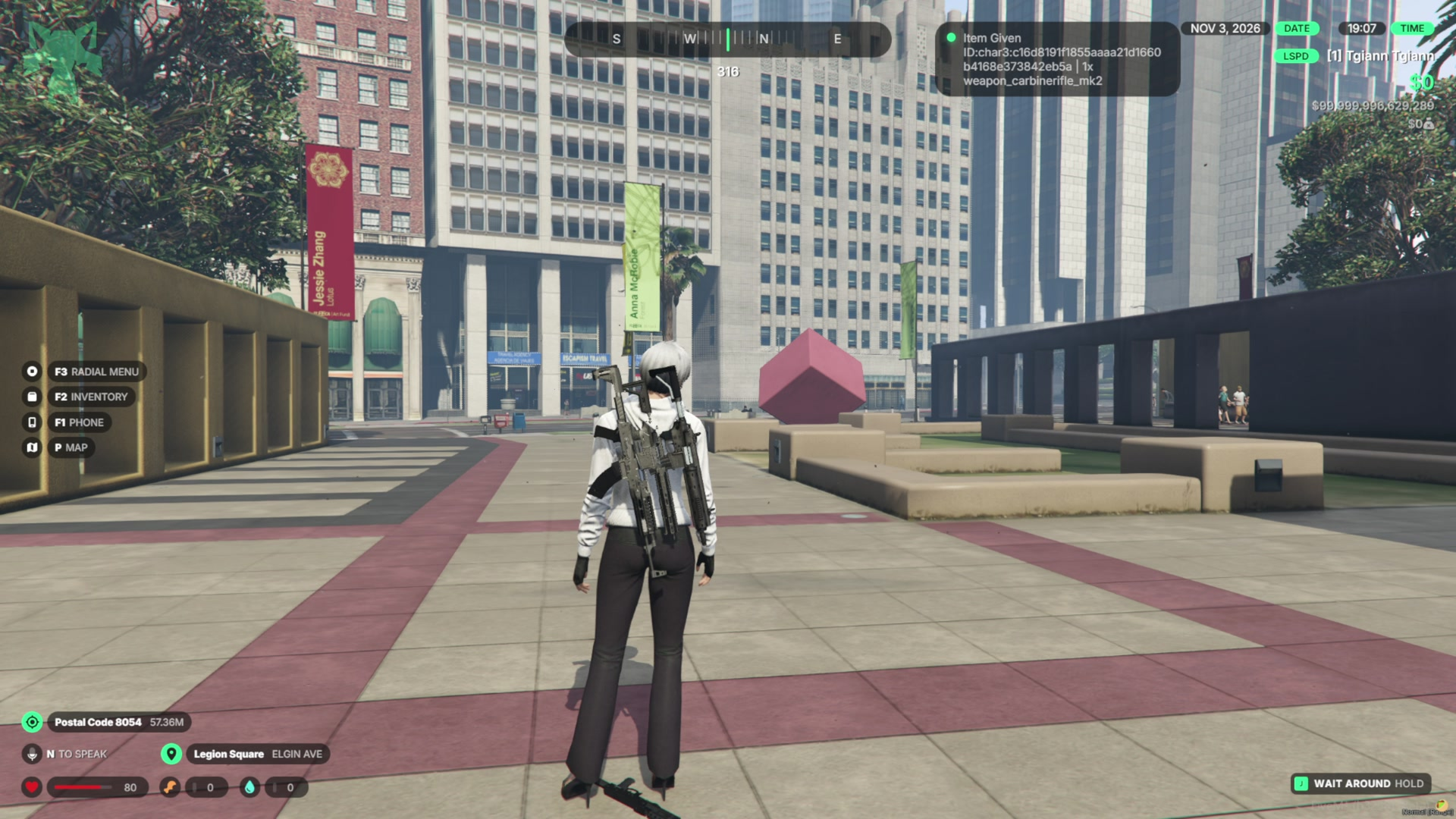
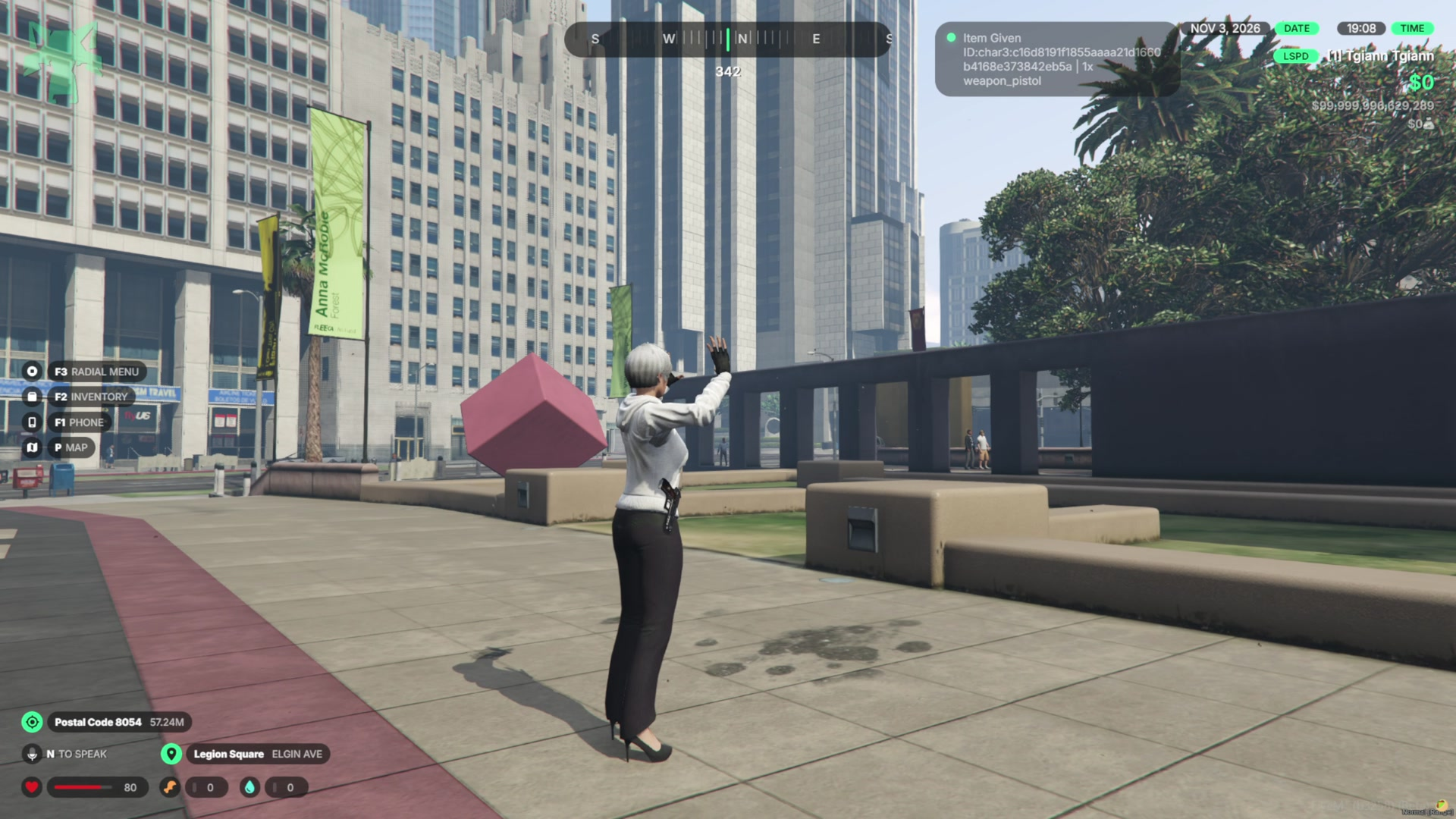
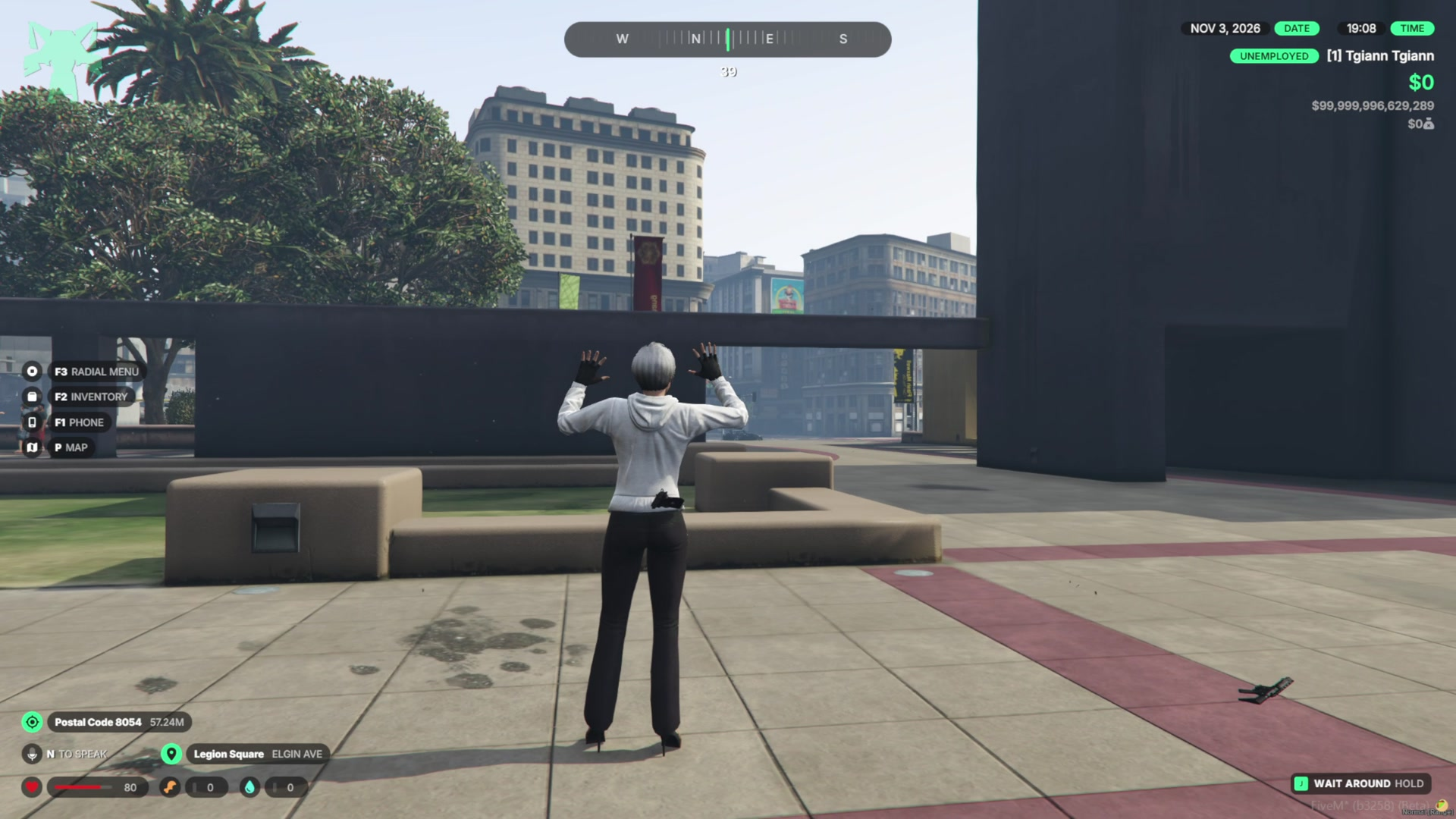
tgiann-weapons-on-back shows the weapons a player carries right on their character: rifles on the back, SMGs on the chest, pistols in a hip holster, with every attachment they have.
Instead of editing offsets in a config file and restarting the server, every position, slot and weapon is set up in game through an admin panel. You place each slot with a gizmo on a real character, and the change reaches every player at once.
Unlike most scripts of this kind, the weapons on the back never stop a bullet. The weapon and all of its attachments let bullets pass straight through.
Main Features
- Attachments on the Back - Scopes, suppressors, grips, tints and camos show on the weapon on the back exactly as on the weapon in your hands.
- Bullets Pass Through - Weapons on the back and their attachments never block a bullet.
- Positions & Slots - Back, chest, hip holster, leg and waist positions, each with its own slots. Add as many positions as you like.
- Male & Female Slots - Every position has separate slots for male and female characters.
- Gizmo Placement - Place every slot with a gizmo right on a character while the other slots stay see-through.
- Bone Picking - Choose the bone a slot follows by clicking it on the body.
- Weapon Groups - Decide where each weapon type goes: pistols, SMGs, rifles, shotguns, melee weapons and more.
- Single Weapons - Send one weapon to another position, hide it, or give it its own placement.
- Job Rules - Players with chosen jobs carry weapons somewhere else, such as police with a pistol in the hip holster.
- Weapon in Hand - A weapon taken in the hands leaves its slot and goes back when it is put away.
- Live Changes - Every change in the admin panel reaches all players at once, without a restart.
- Inventory Support - Works with
tgiann-inventory,ox_inventory,qb-inventory,qs-inventory,codem-inventory,core_inventory,origen_inventory,mf-inventory,ai-inventoryand the ESX default inventory. - Light on the Network - Only nearby players receive a player’s carried weapons, and weapons are only drawn within 100 meters.
Attachments on the Back
- The weapon on the back carries every attachment the weapon has: scopes, suppressors, flashlights, grips, tints and camos.
- It works with any attachment menu. Attachments are read from the inventory, or from
tgiann-attachmentwhen it is running. - Modify a weapon while it is on the back, and the weapon on the back changes with it.
- Take the weapon in your hands and put it away, and it goes back to its slot with all of its attachments.
Bullets Pass Through
- In most scripts like this, a rifle on the back acts like a shield. Here bullets go straight through the weapon on the back.
- This also covers every attachment on it, so a scope or a suppressor never saves a player either.
- Shooting a player in the back works exactly as if they carried nothing there.
Positions & Slots
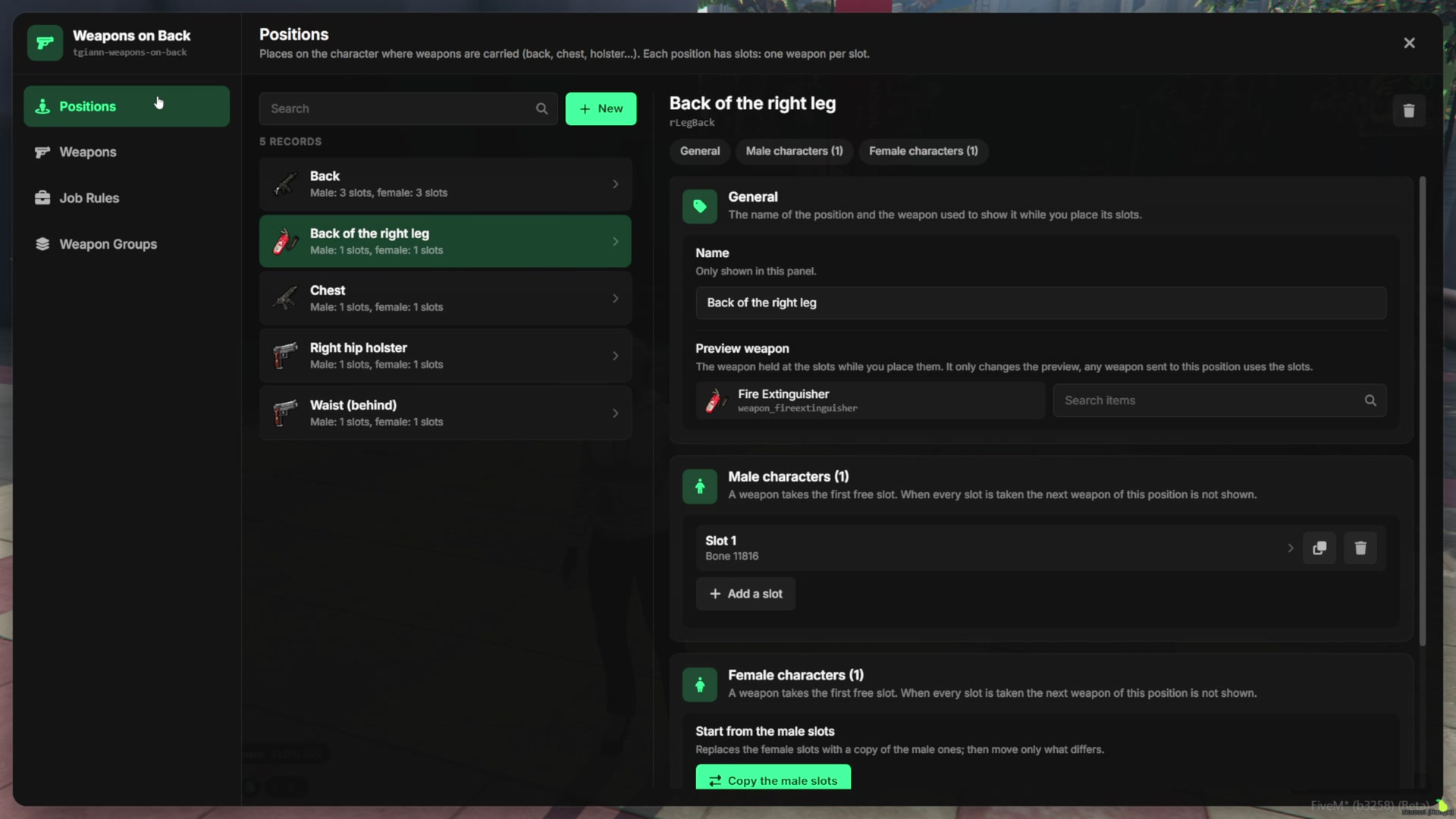
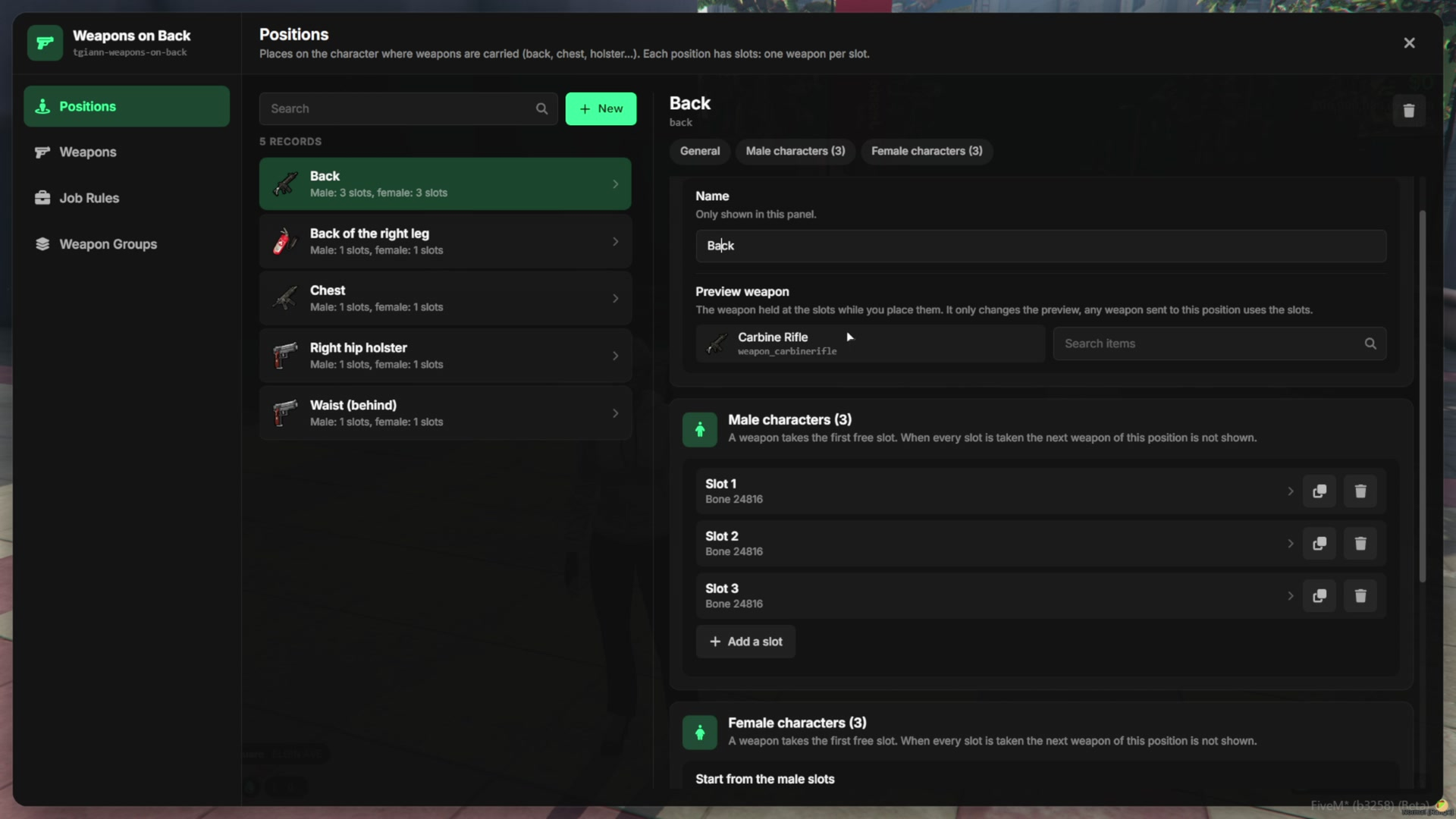
- A position is a place on the character: by default Back, Chest, Right hip holster, Back of the right leg and Waist (behind). You can add your own positions.
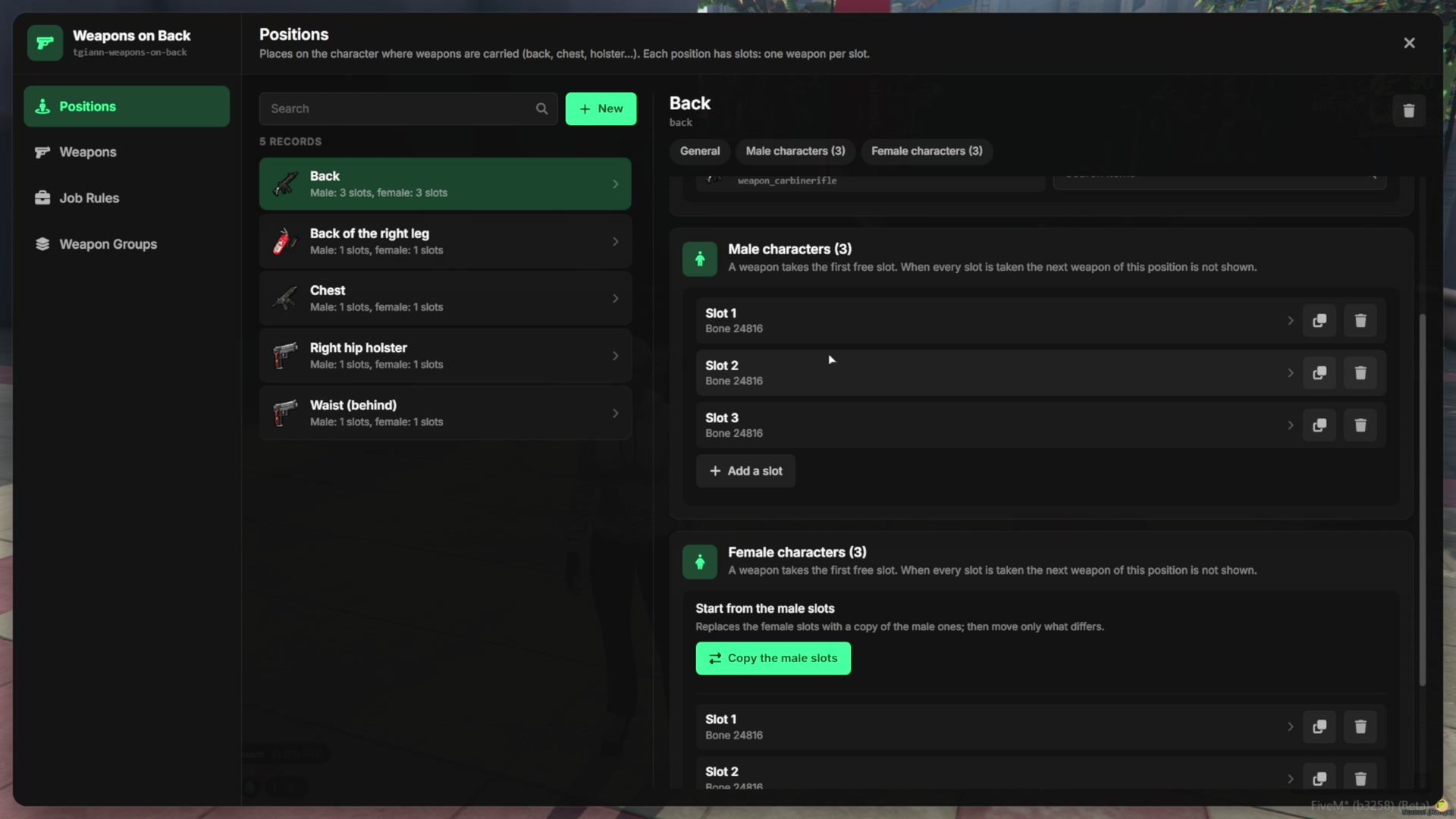
- Every position has slots. The first weapon takes slot one, the next one slot two, and so on. When every slot is full, the next weapon of that position is not shown.
- Male and female characters have their own slots, so a weapon sits right on both body types.
- Set up the male slots first, then copy them to the female slots with one click and move only what differs.
- Each position has a preview weapon, used while you place its slots.
Place Slots on the Character
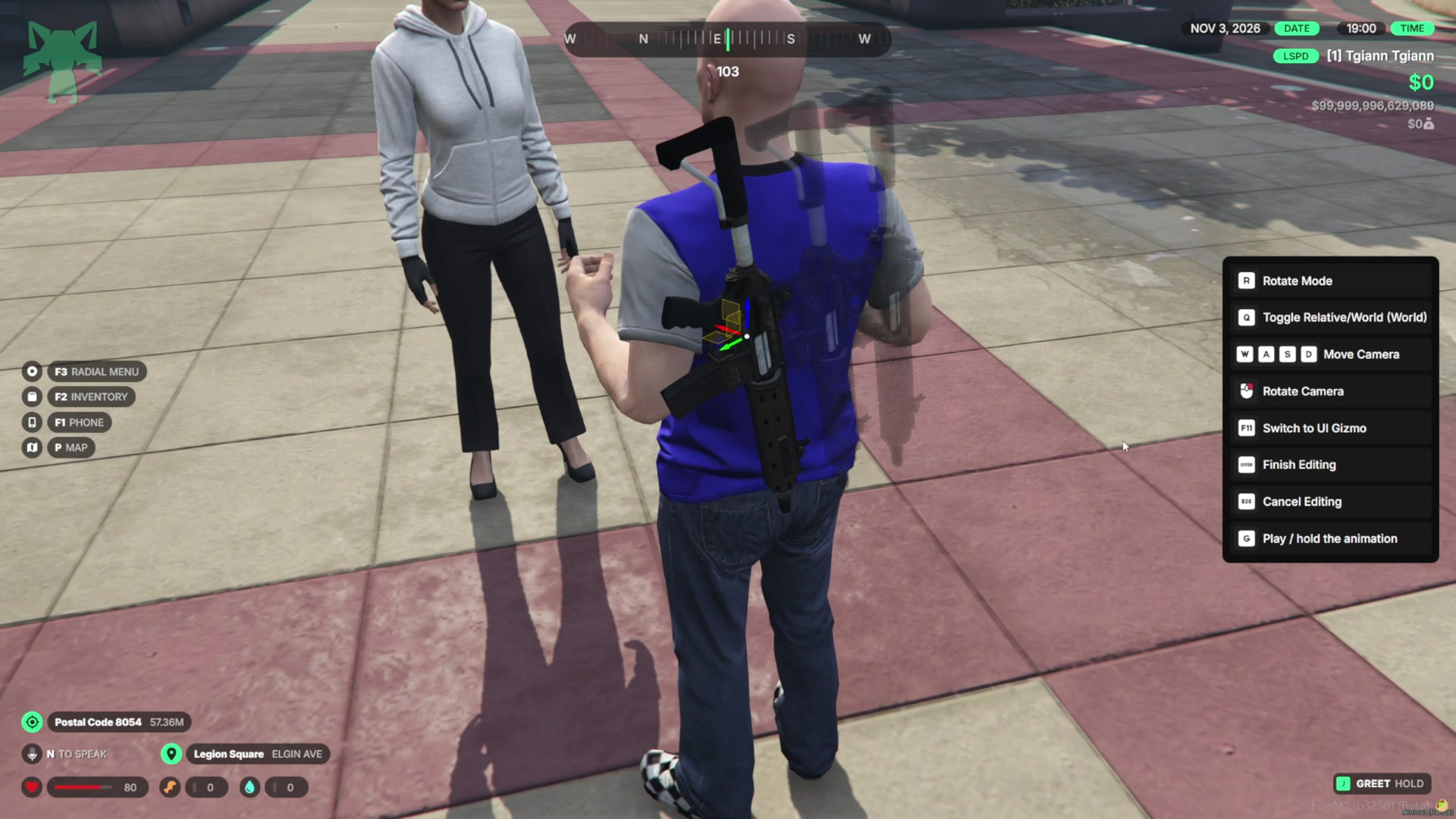
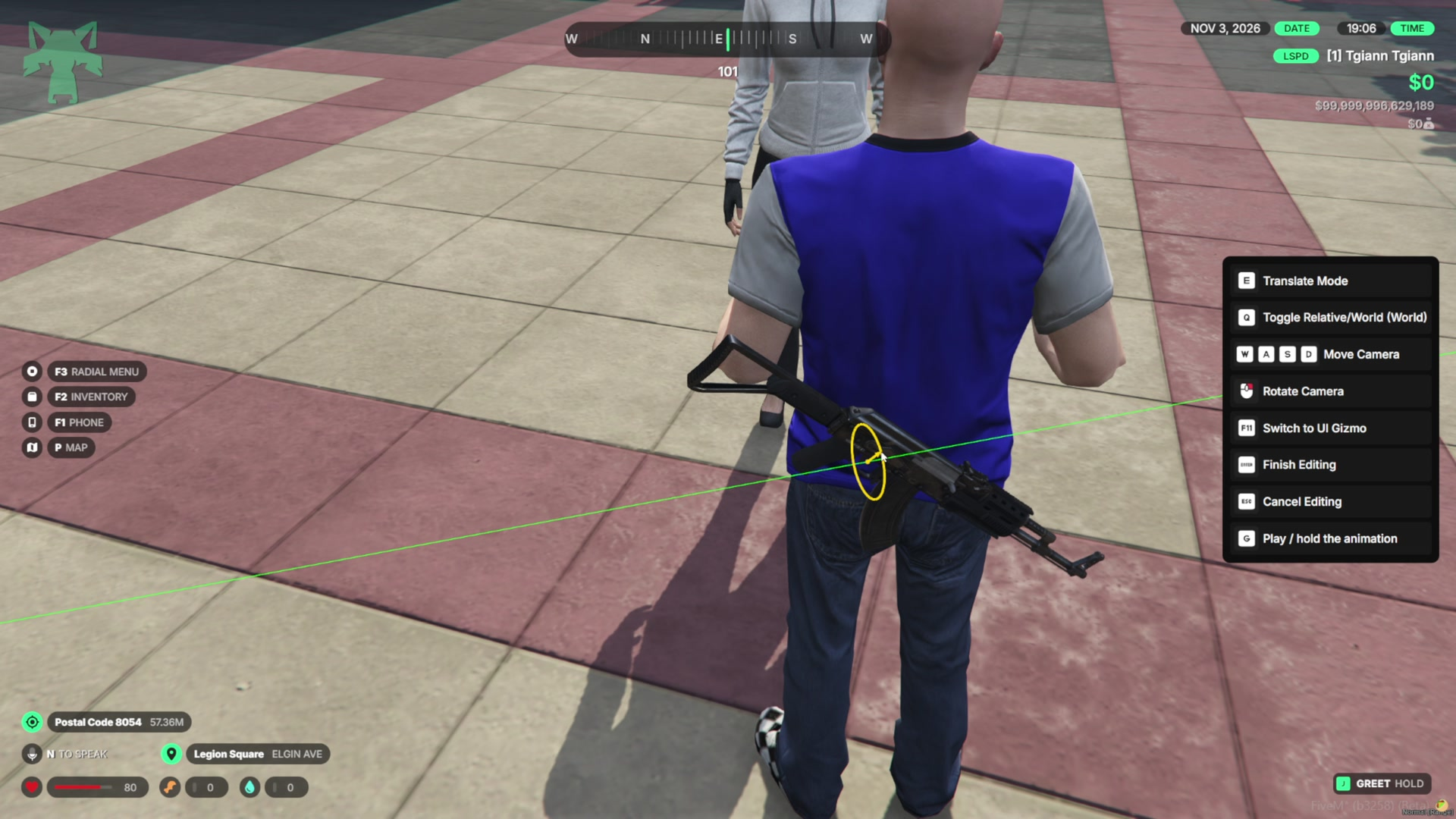
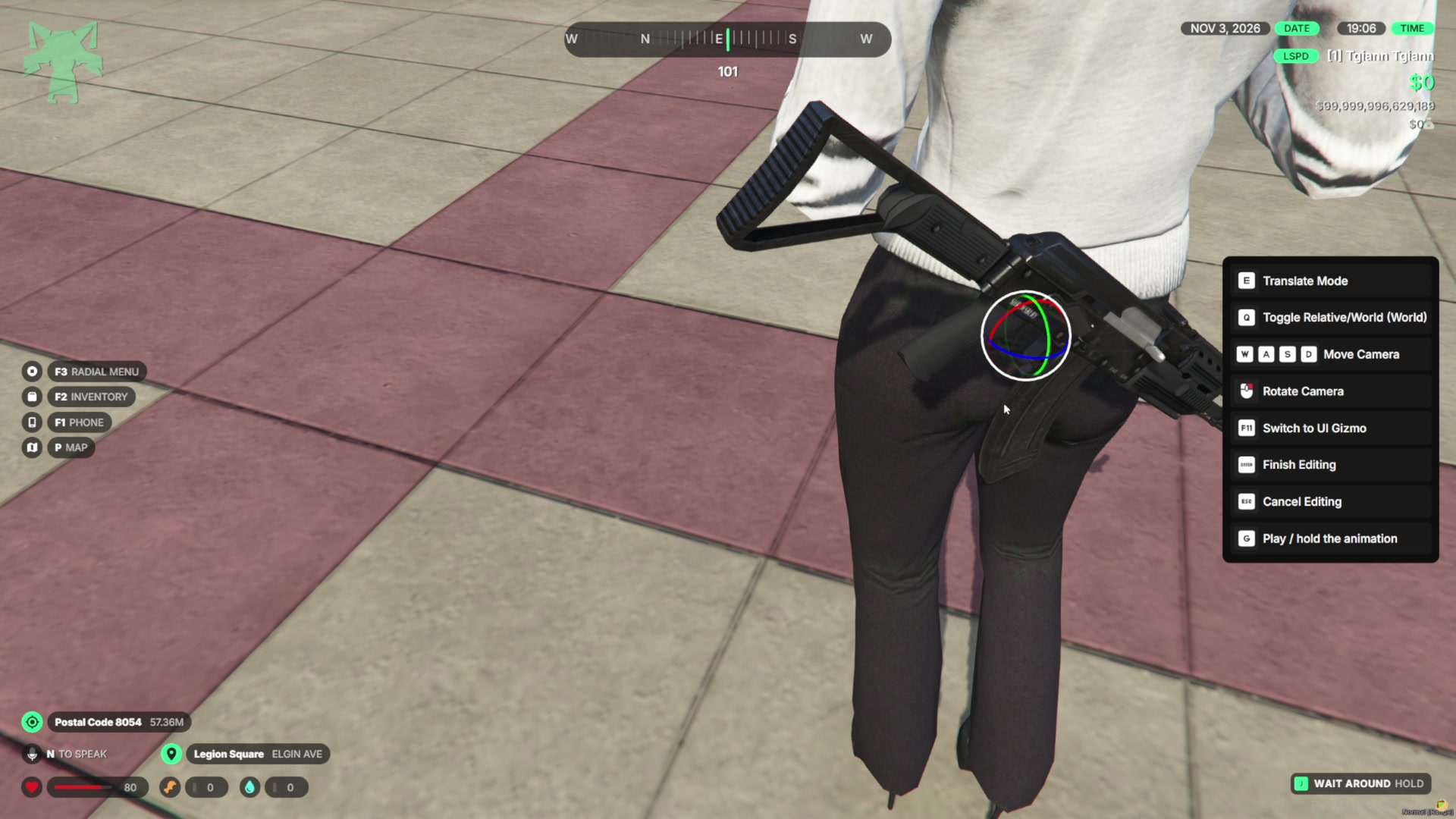
- Press Place on the character, and a gizmo opens on a character of that gender: yourself, or a character standing in front of you.
- The other slots of the position stay see-through while you move one, so nothing overlaps.
- The character holds a still pose while you work. Press G to play the pose and see the weapon move with the body.
- Click Pick the bone to see every bone of the character as a dot and choose the one the slot follows with a click.
- Offsets, rotation and bone ids are still there under Advanced settings for exact values.
Weapon Groups
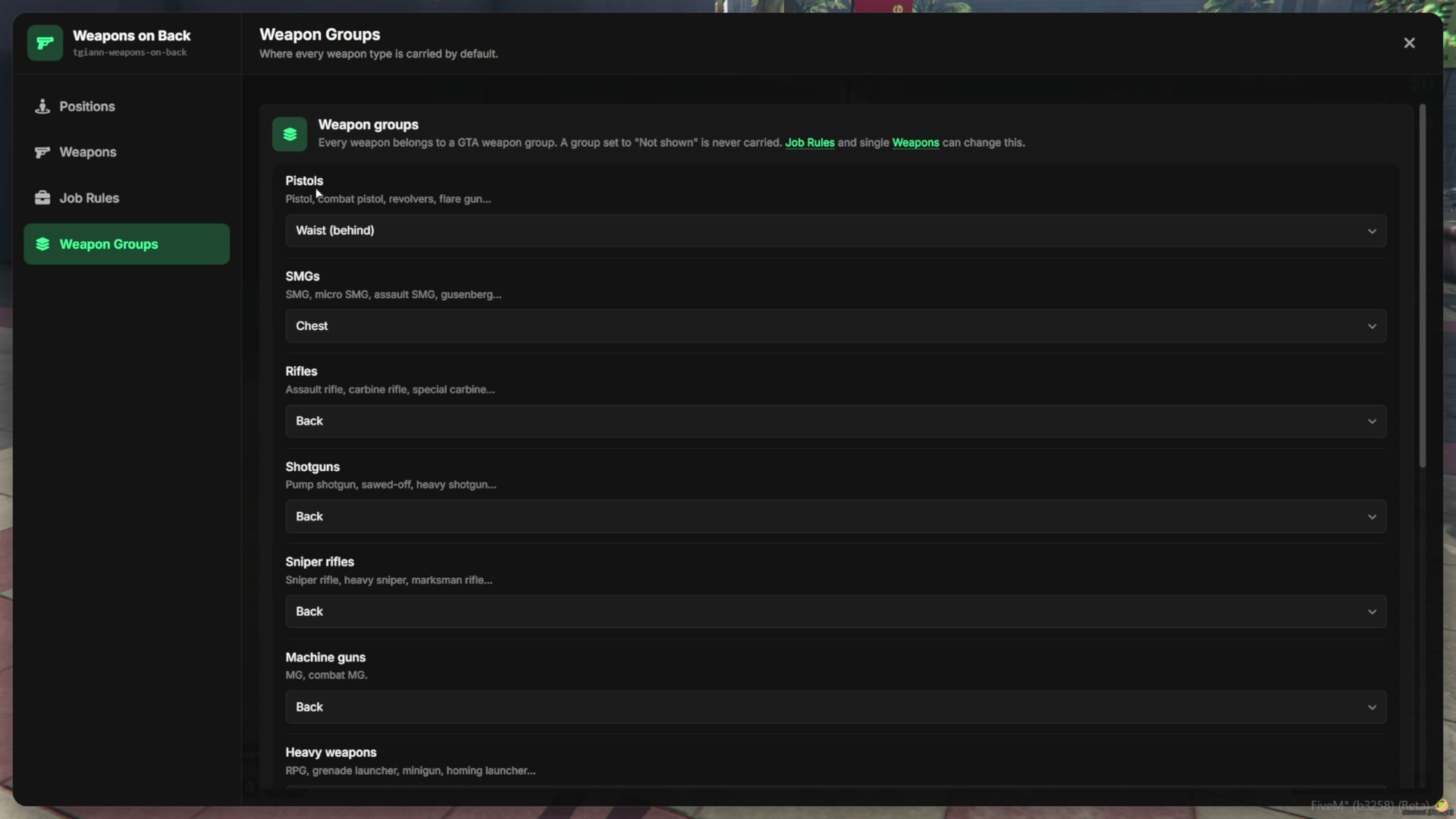
- Every GTA weapon belongs to a weapon group. Choose a position for each one: pistols, SMGs, rifles, shotguns, sniper rifles, machine guns, heavy weapons, melee weapons, throwables and more.
- A group set to Not shown is never carried on the character.
- By default rifles, shotguns, sniper rifles and melee weapons go on the back, SMGs on the chest and pistols at the waist.
Single Weapons
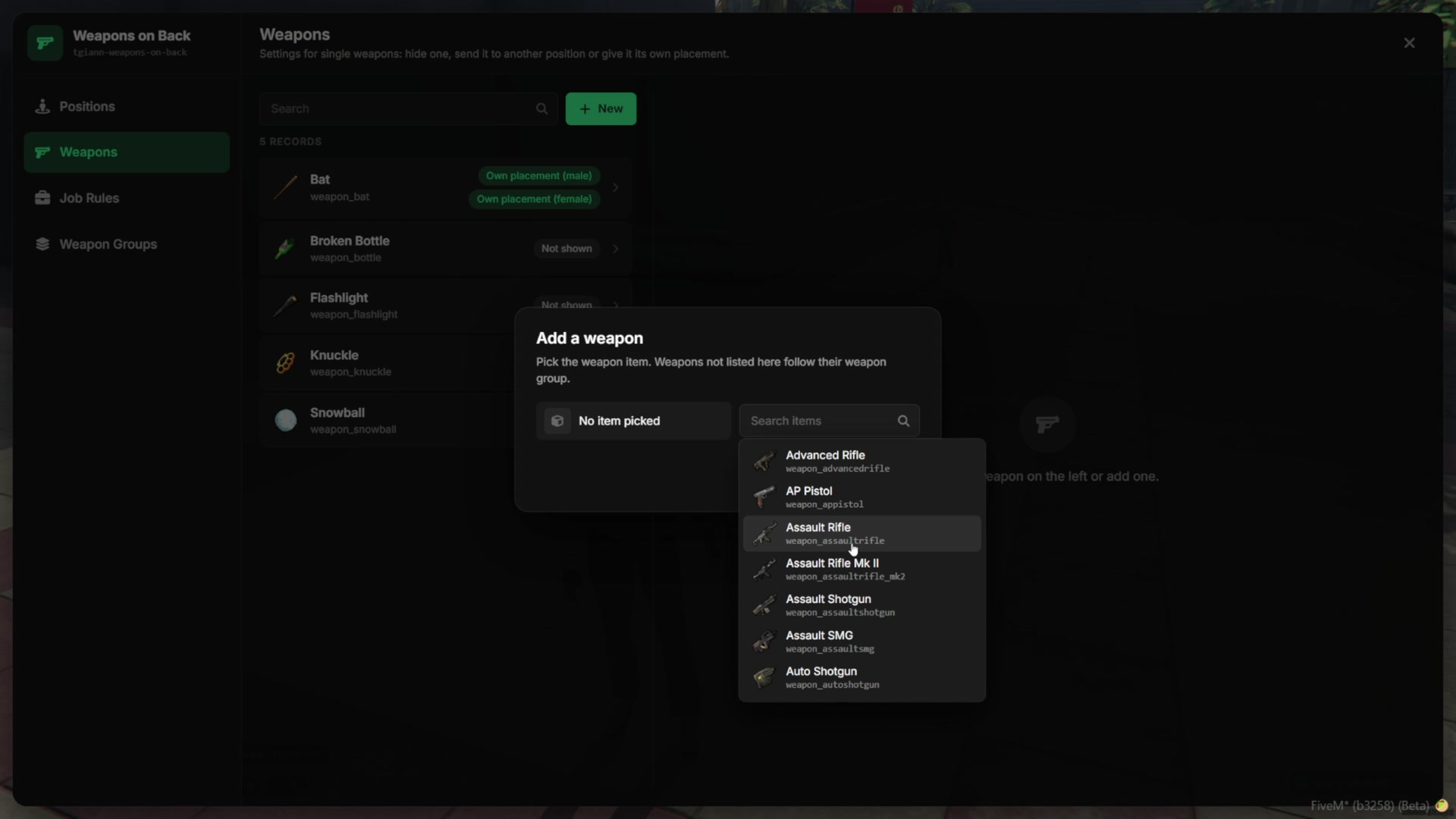
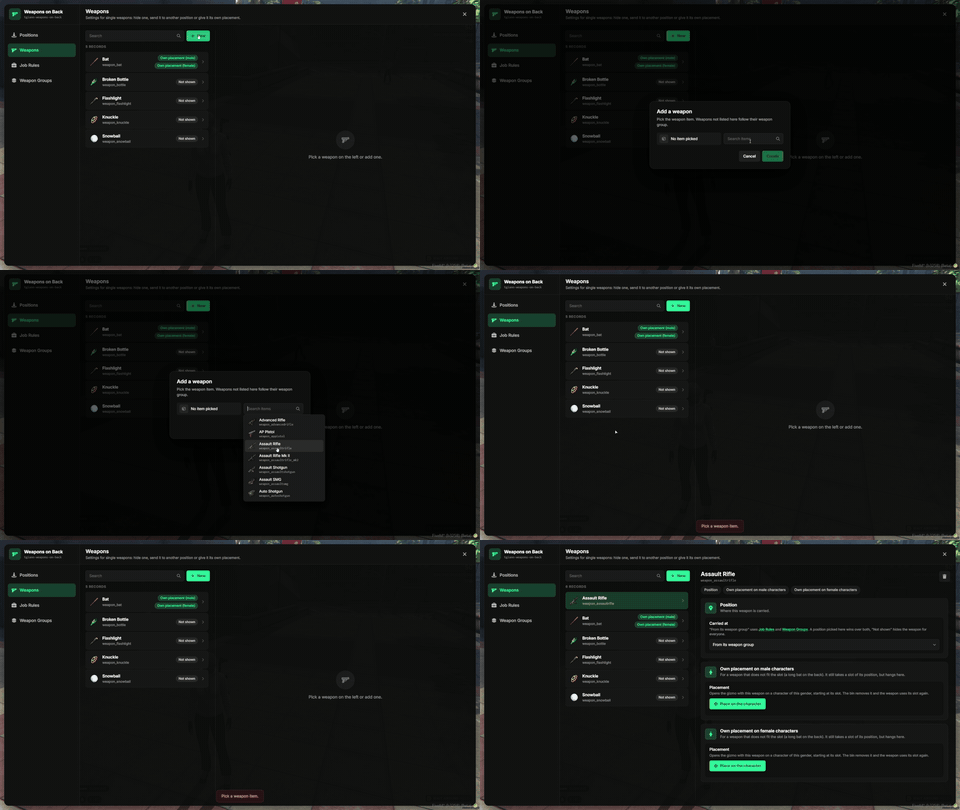
- Add a weapon from your weapon items. The list only shows items whose name starts with
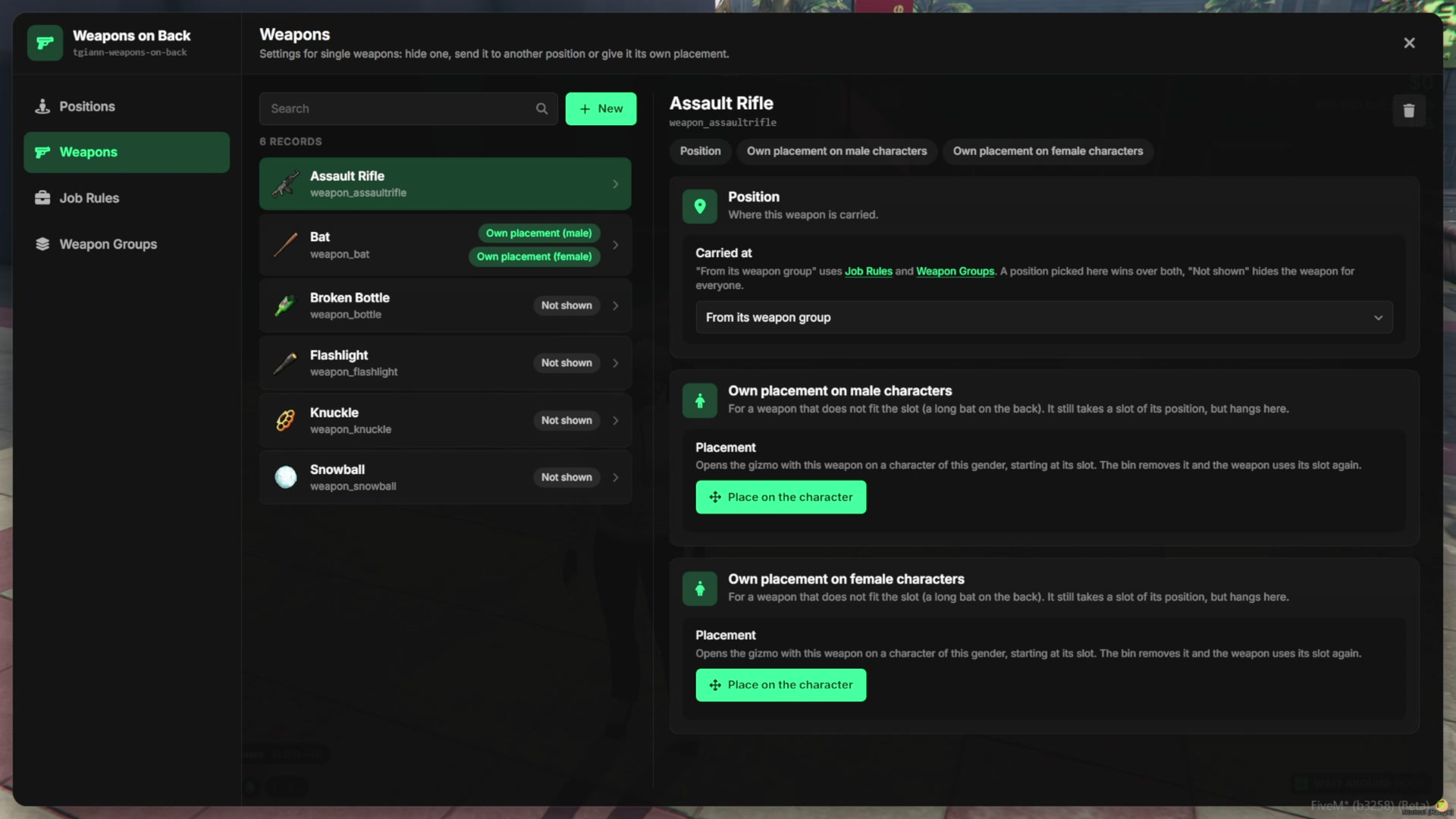
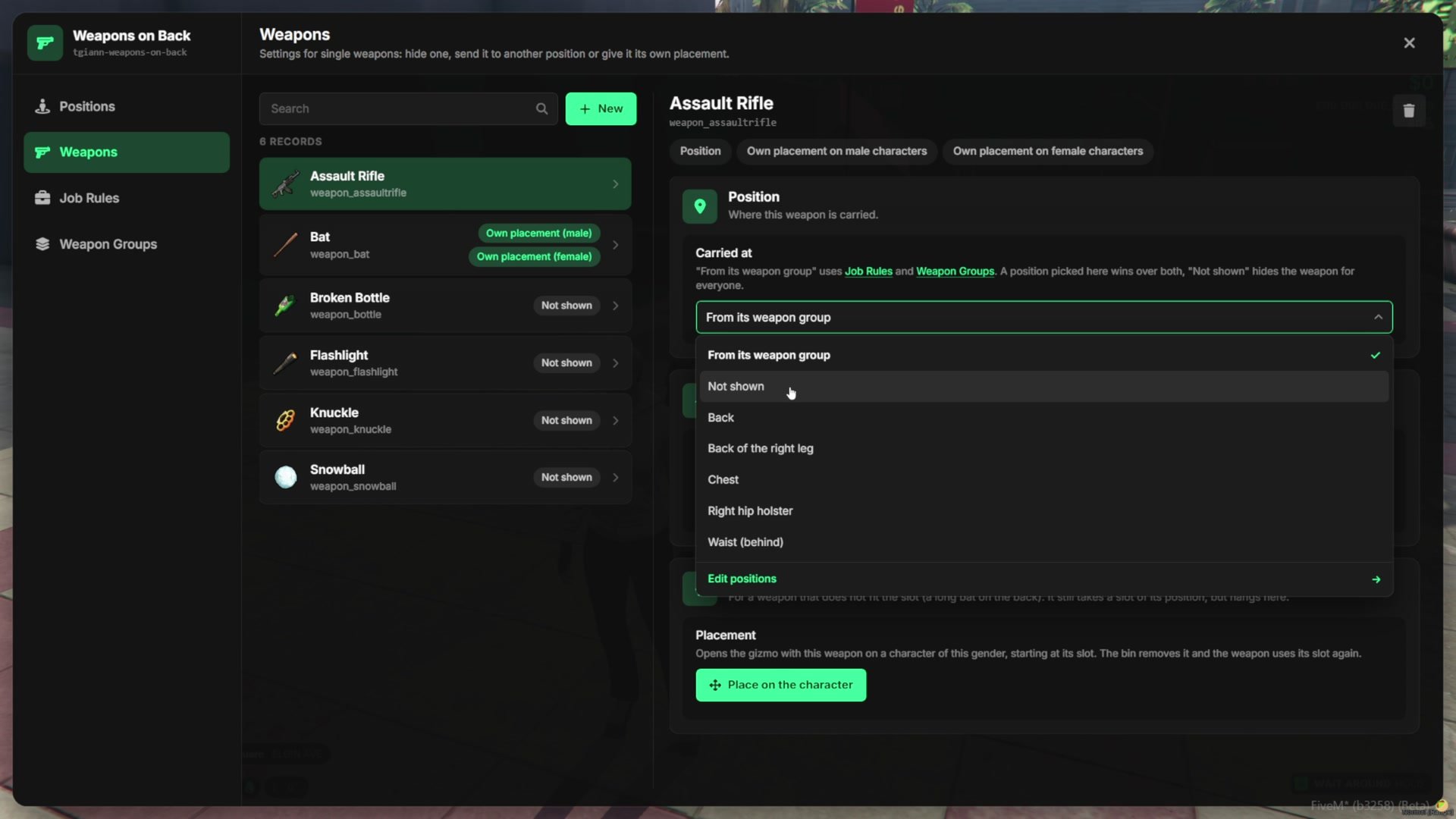
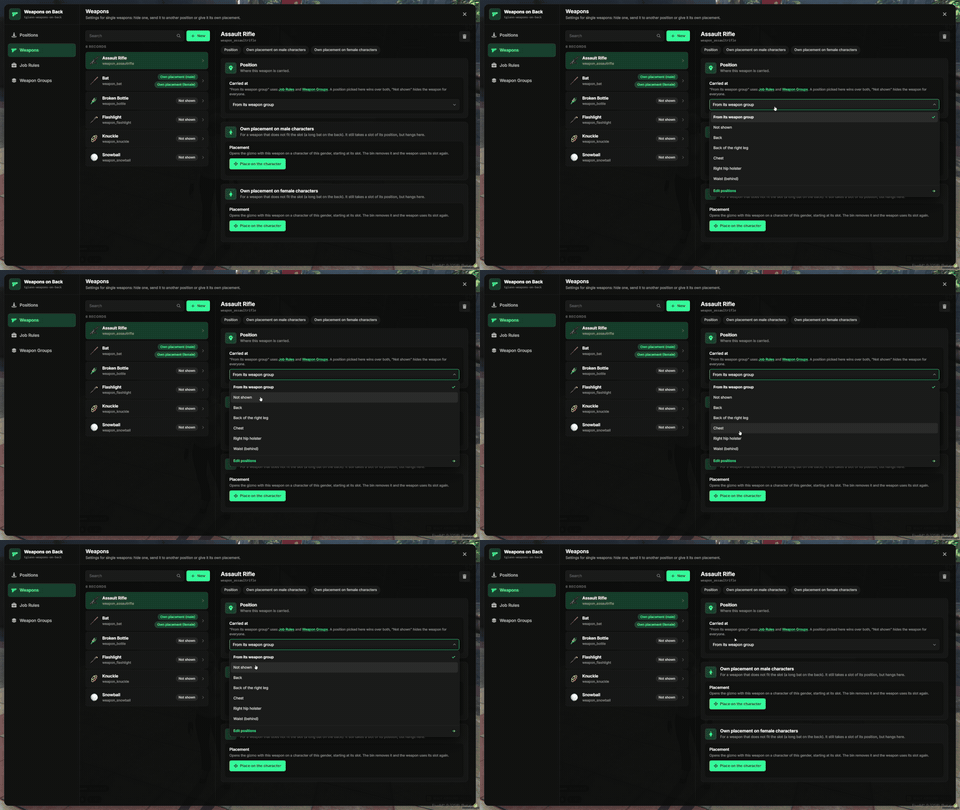
weapon_. - Send it to another position than its group, or set it to Not shown (a flashlight, knuckles or a bottle, for example).
- Give it its own placement for male and female characters, for weapons that do not fit a slot, like a long bat on the back. It still takes a slot of its position, but hangs where you placed it.
Job Rules
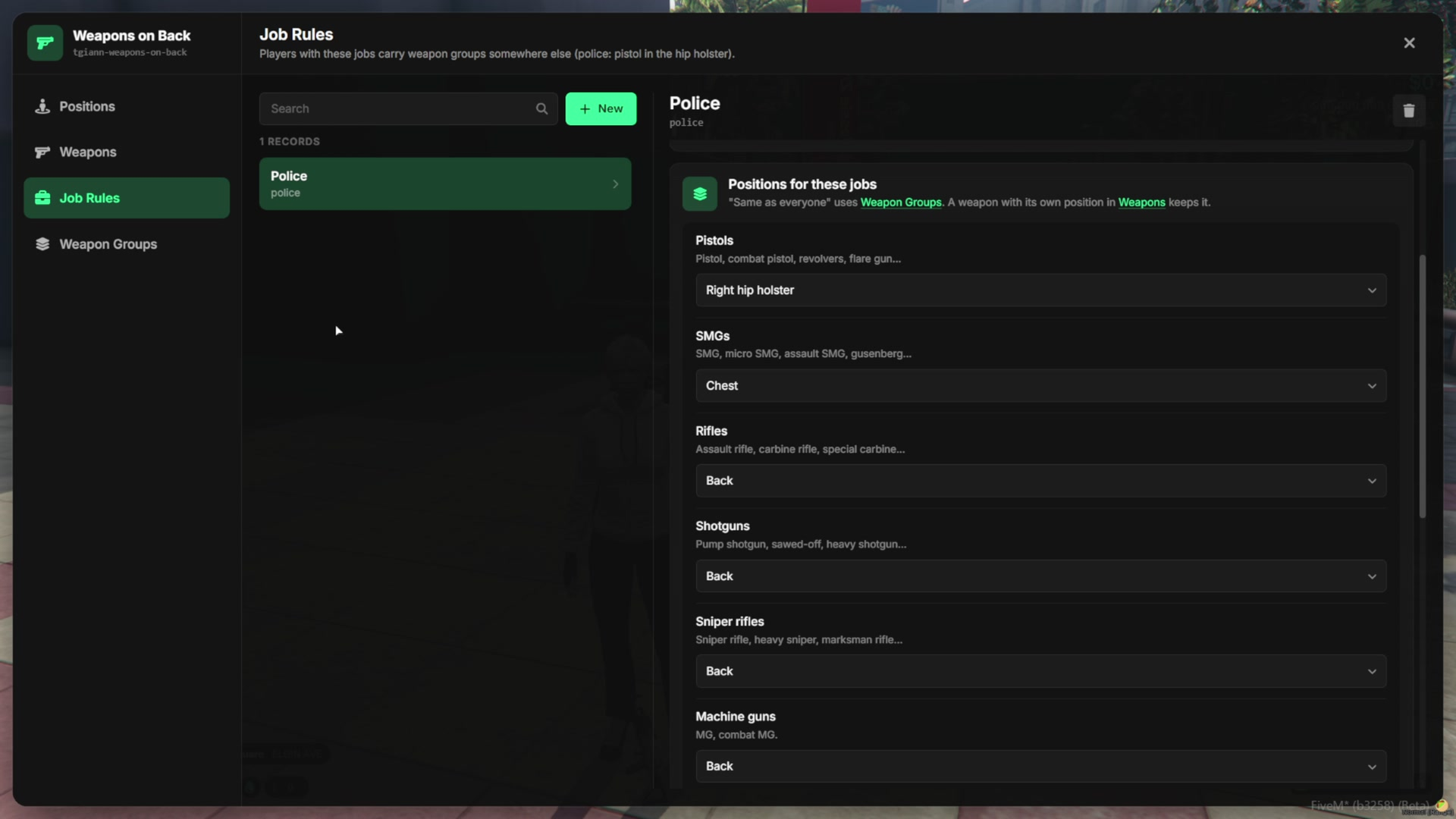
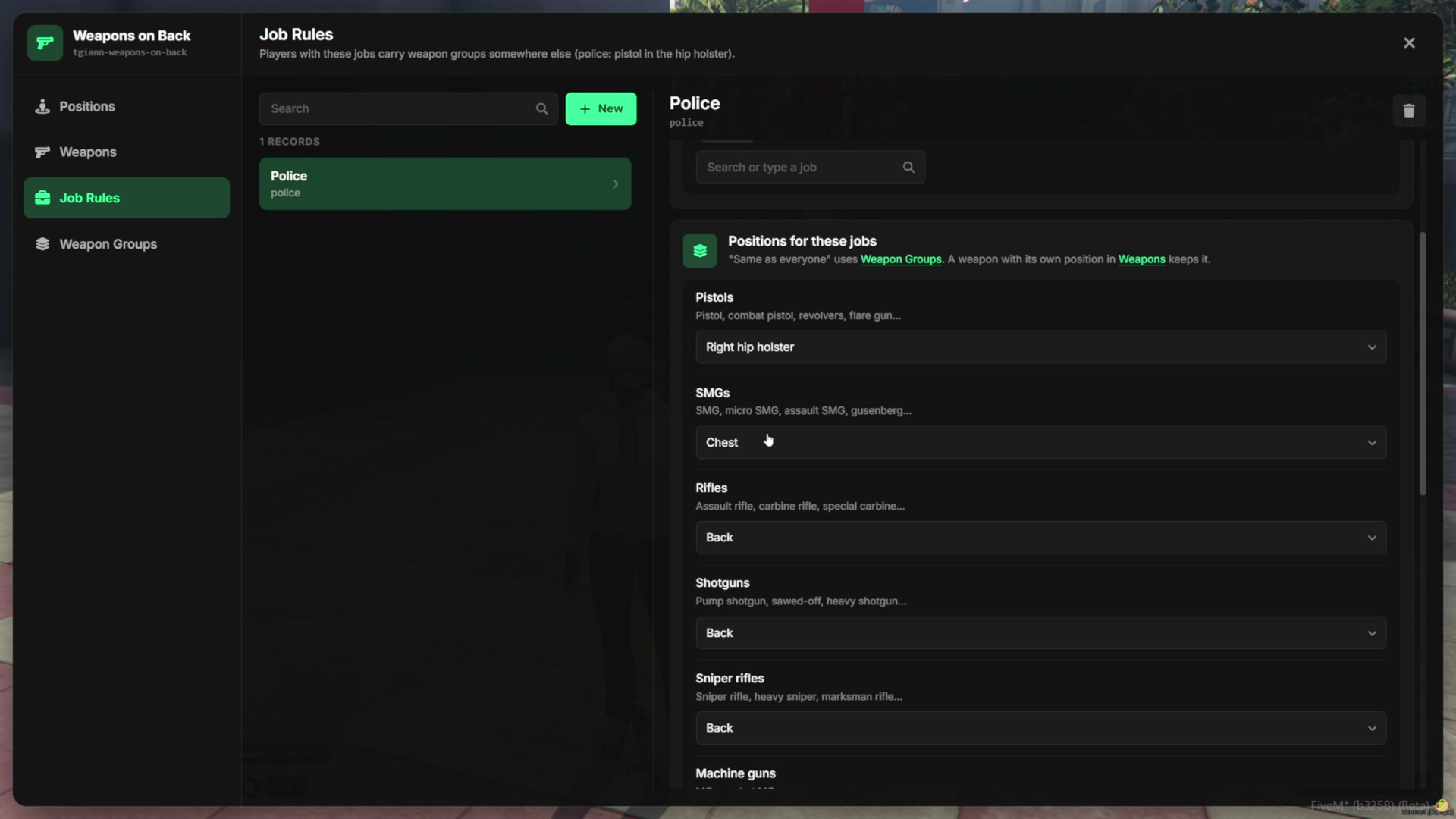
- Job rules change where weapon groups go for the jobs you choose.
- For example, the default rule puts the pistol in the right hip holster for police, while everyone else carries it at the waist.
- Each group can be Same as everyone, Not shown, or any position.
- When a player’s job changes, their weapons move at once.
Inventory Compatibility & Sync
- Works with
tgiann-inventory,ox_inventory,qb-inventory,qs-inventory,codem-inventory,core_inventory,origen_inventory,mf-inventory,ai-inventoryand the ESX default inventory. The installed inventory is detected automatically. - Weapons with a serial number are told apart, so two pistols are two weapons on the body.
- Only nearby players receive a player’s carried weapons, and the server checks every weapon a client sends. Nothing is broadcast to the whole server.
- Weapons are drawn only for players within 100 meters who are visible. Invisible players (noclip) do not show their weapons.
- All settings are saved in
data/*.jsonand are applied live for every player.