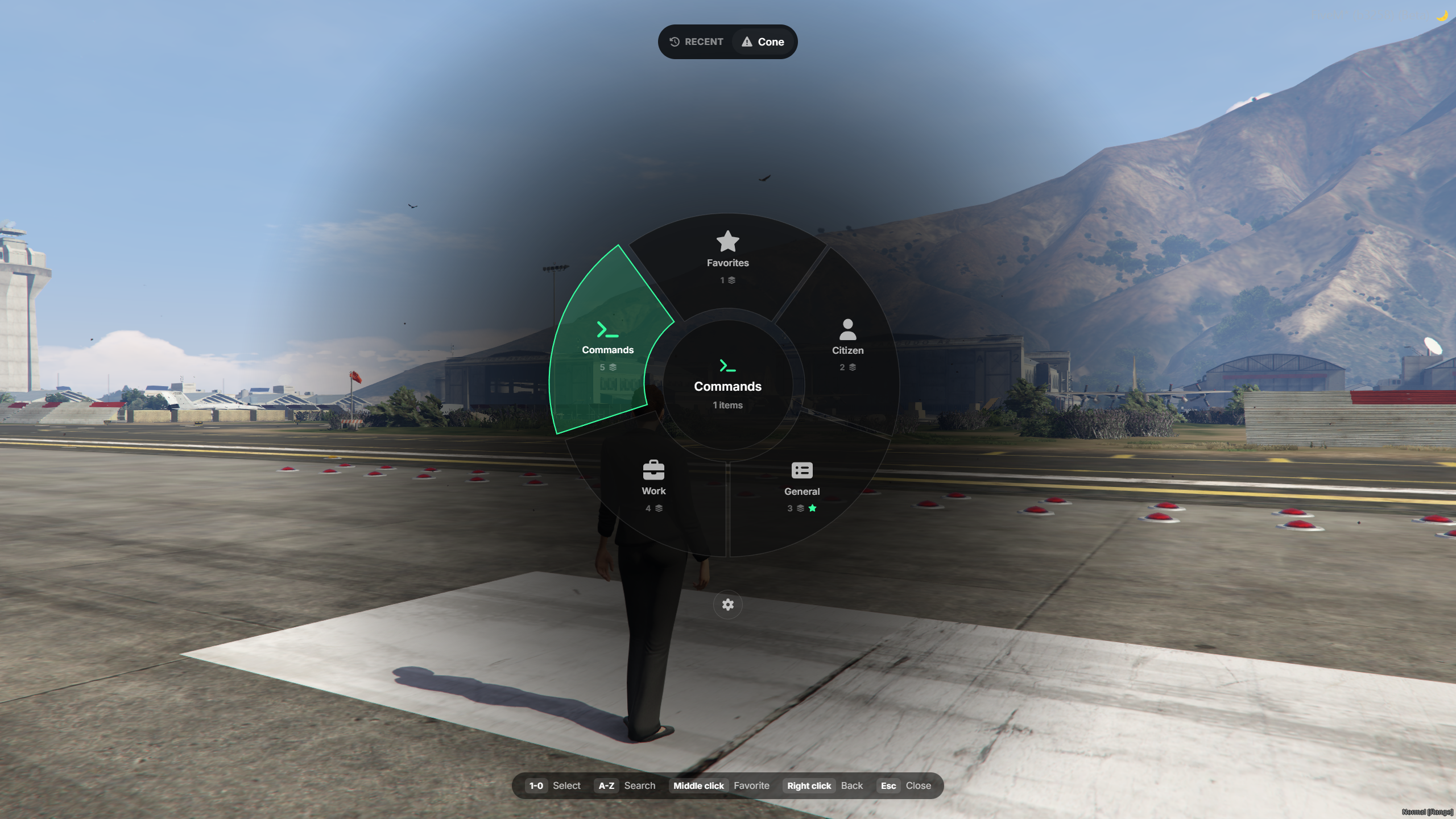
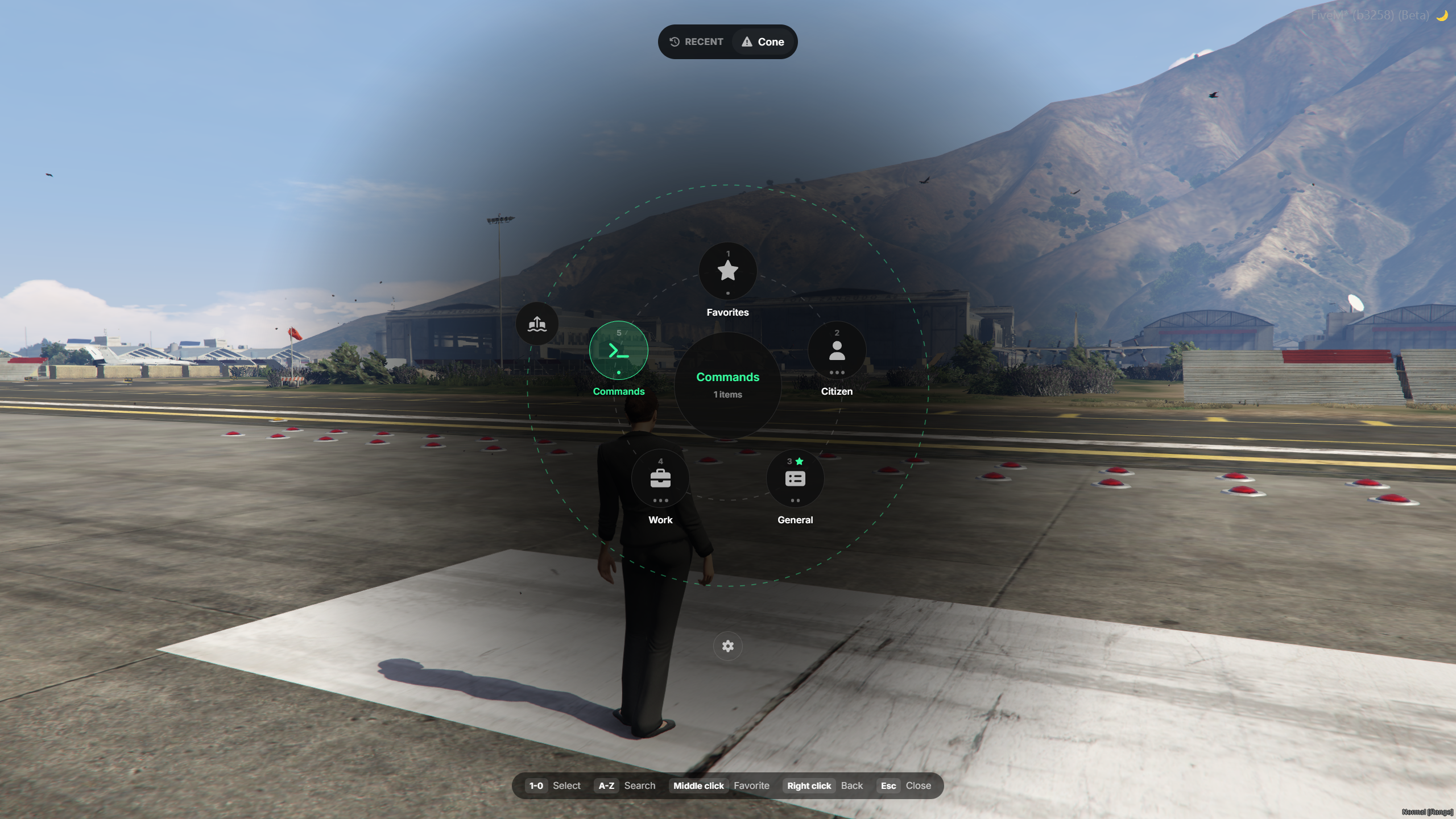
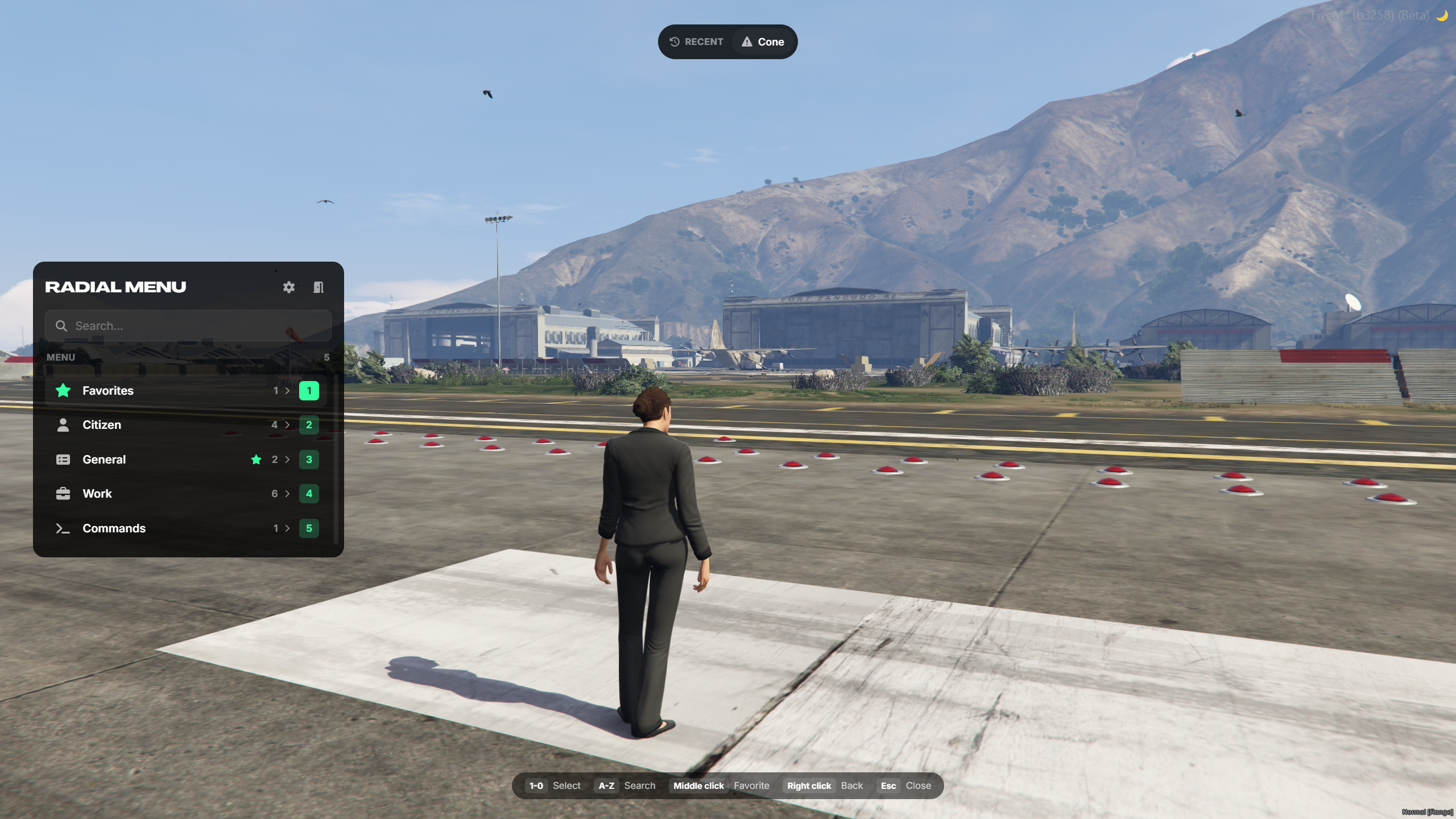
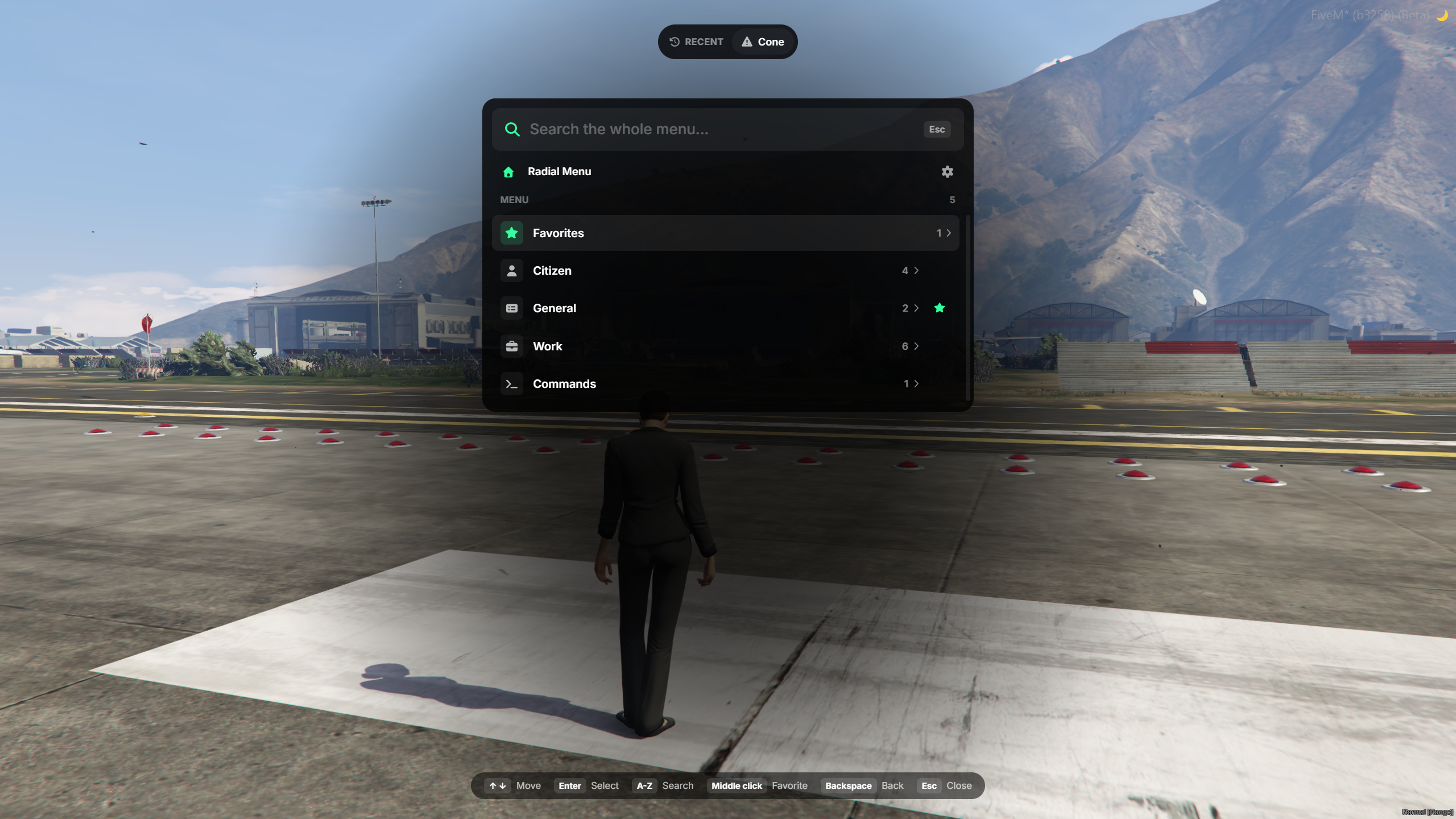
ShowCase
tgiann-radialmenu - Radial Menu & Target System
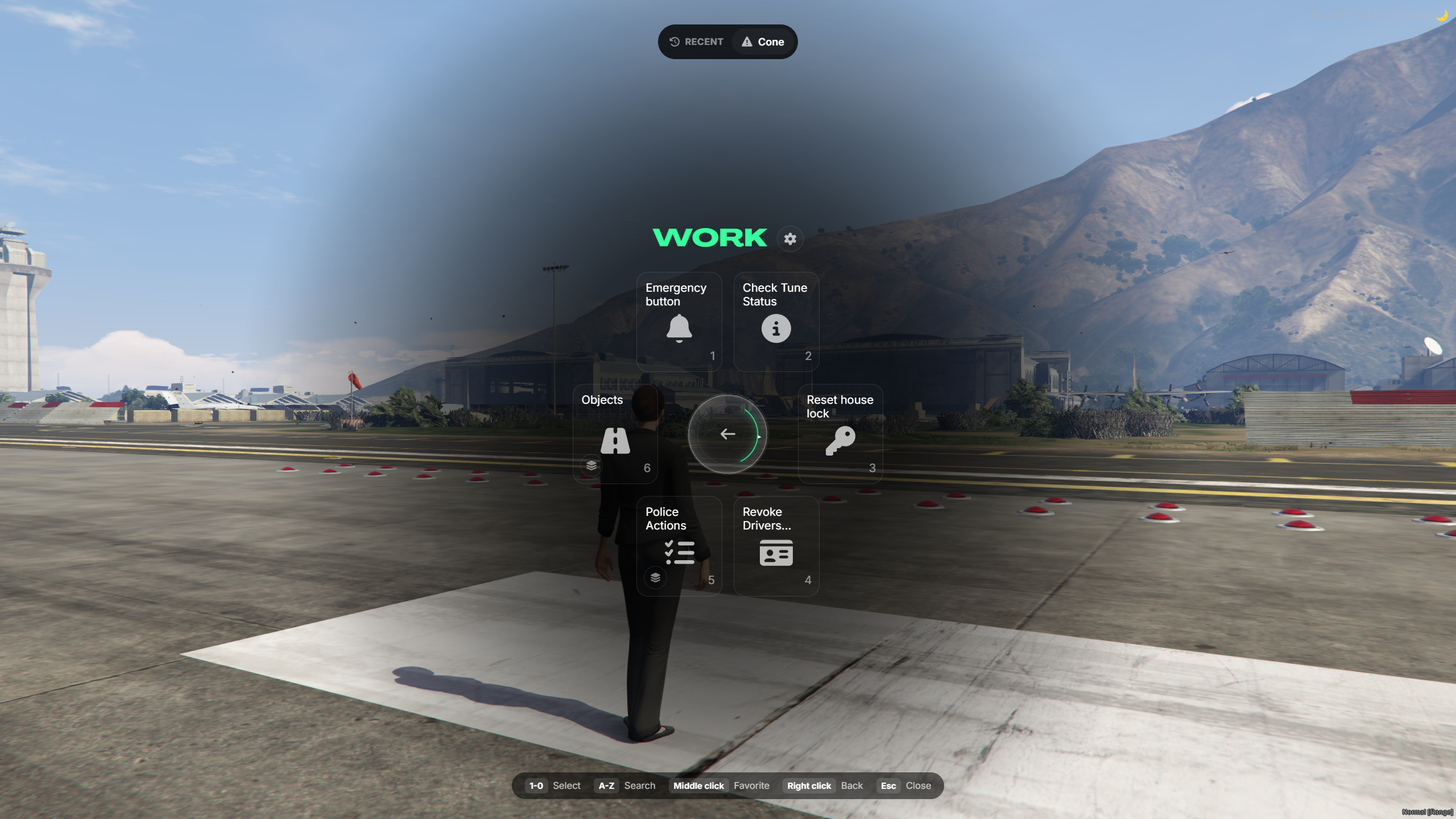
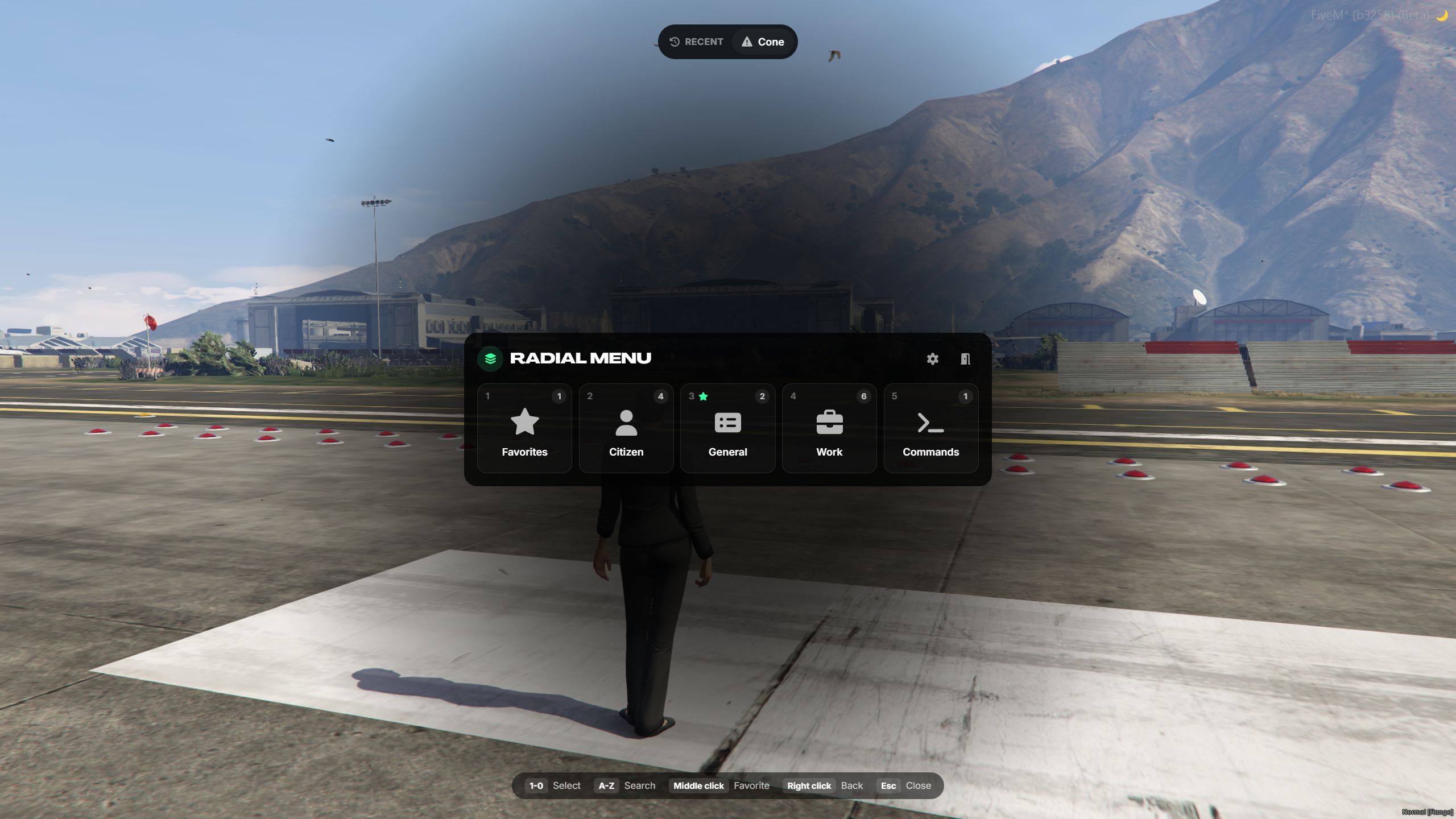
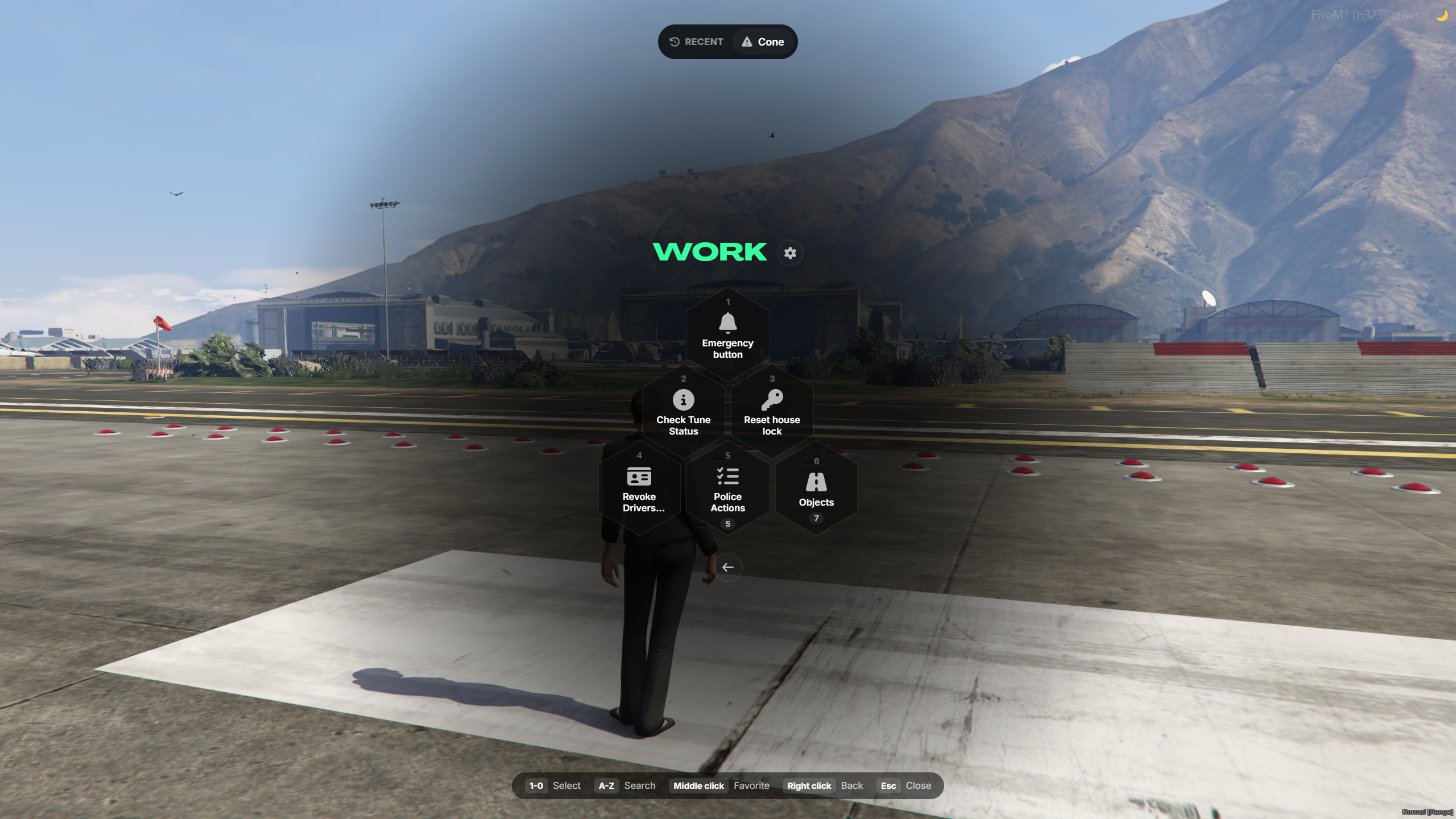
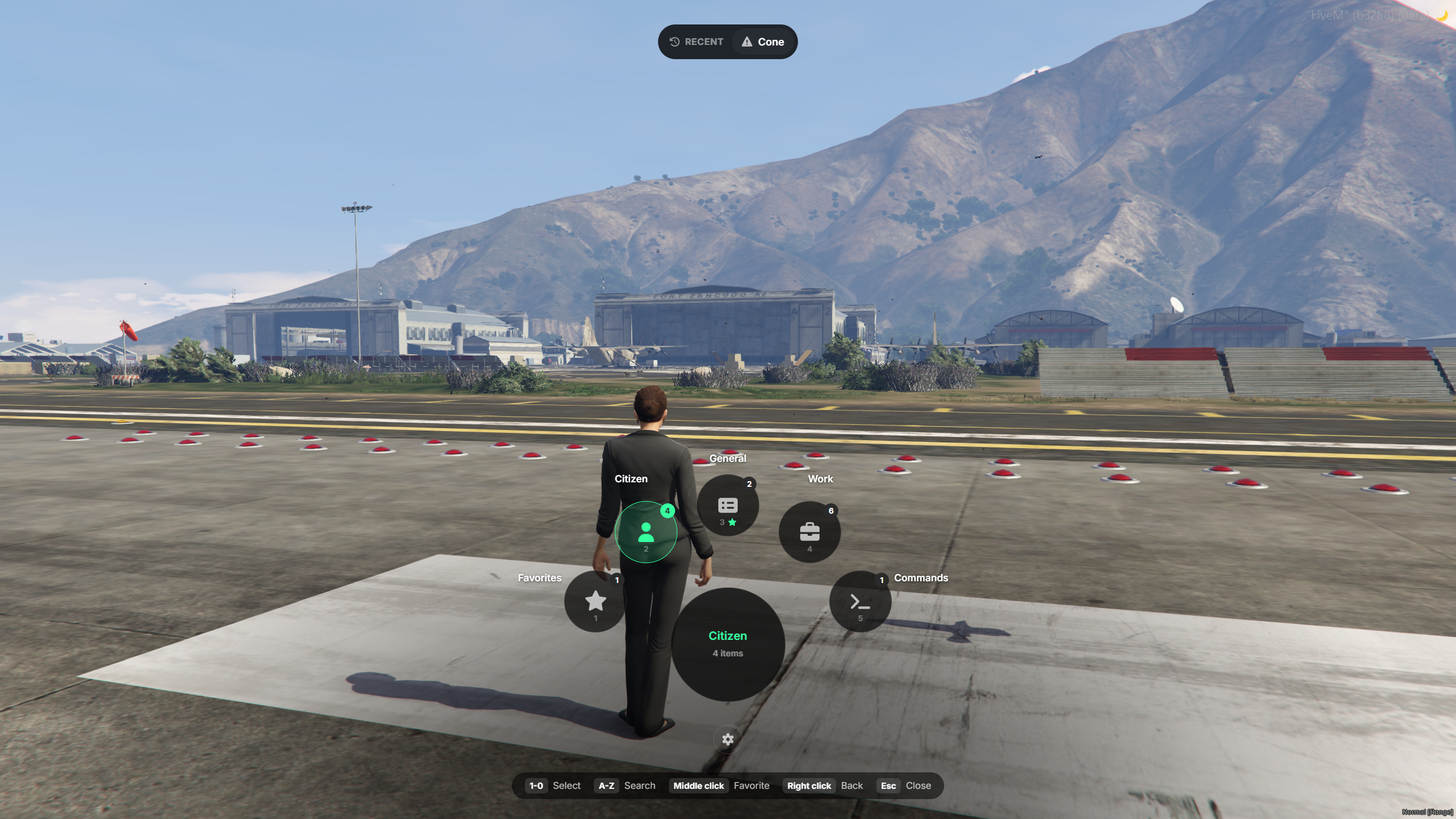
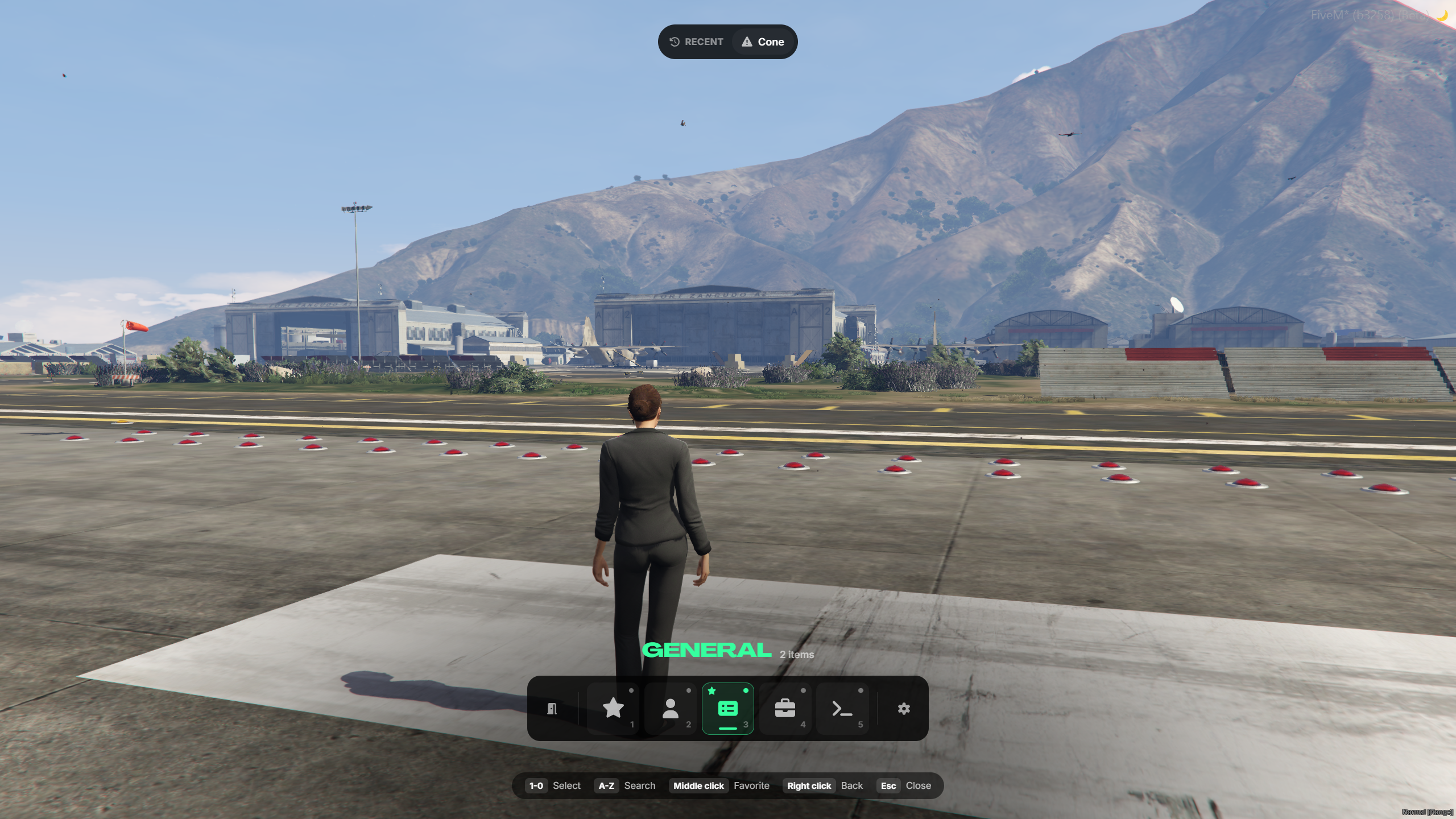
tgiann-radialmenu combines a highly customizable radial menu with an integrated target interaction system.
Players can quickly access actions, commands, favorites, and recent options through multiple menu styles, while developers can create interactions for players, vehicles, objects, and custom zones.
Main Features
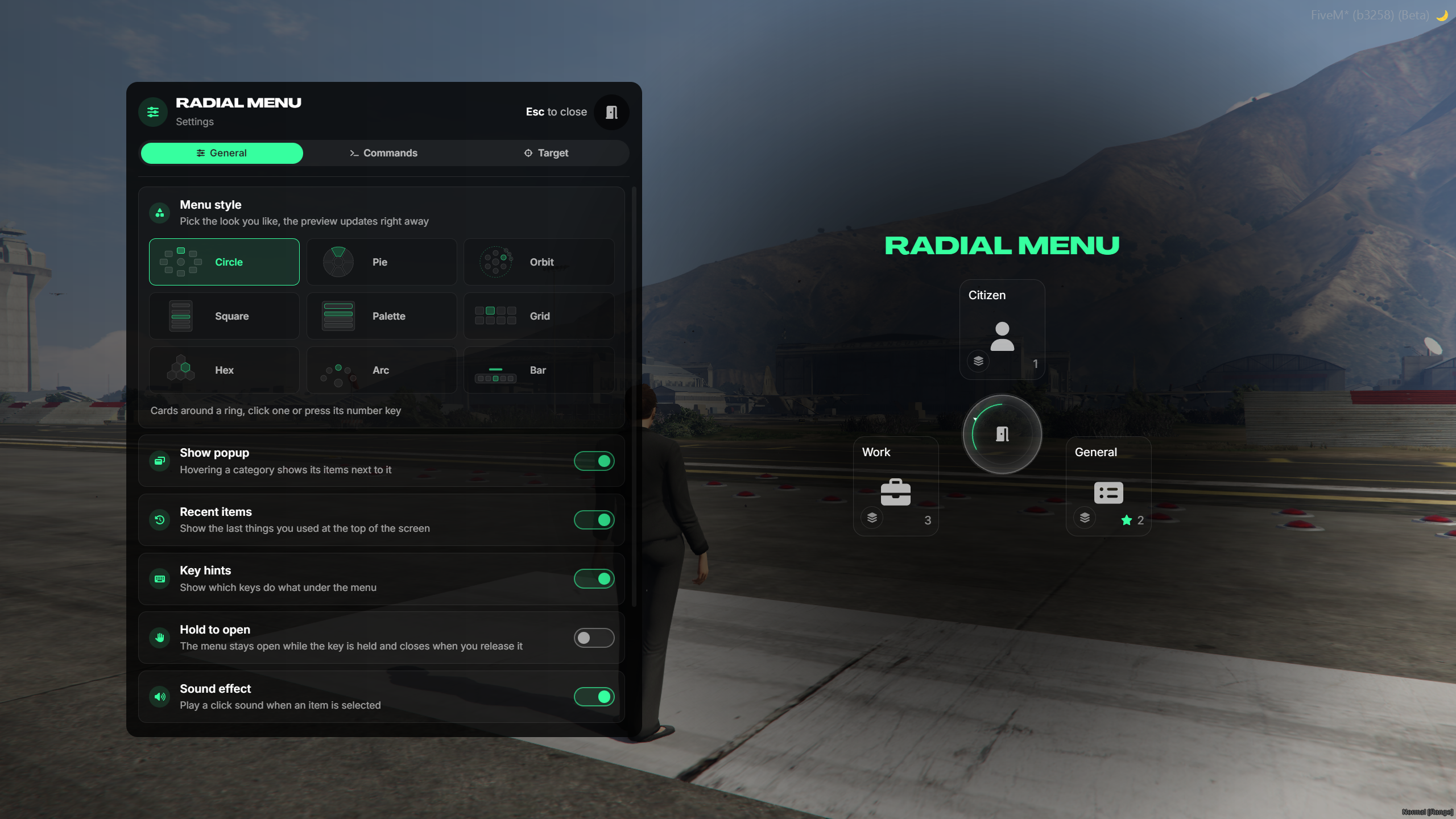
9 Menu Designs - Circle, Pie, Orbit, Square, Palette, Grid, Hex, Arc, and Bar.
Categories & Submenus - Organize actions into categories and nested menus.
Quick Submenu Preview - Hover over categories to quickly view their available actions.
Menu Search - Start typing to instantly find actions.
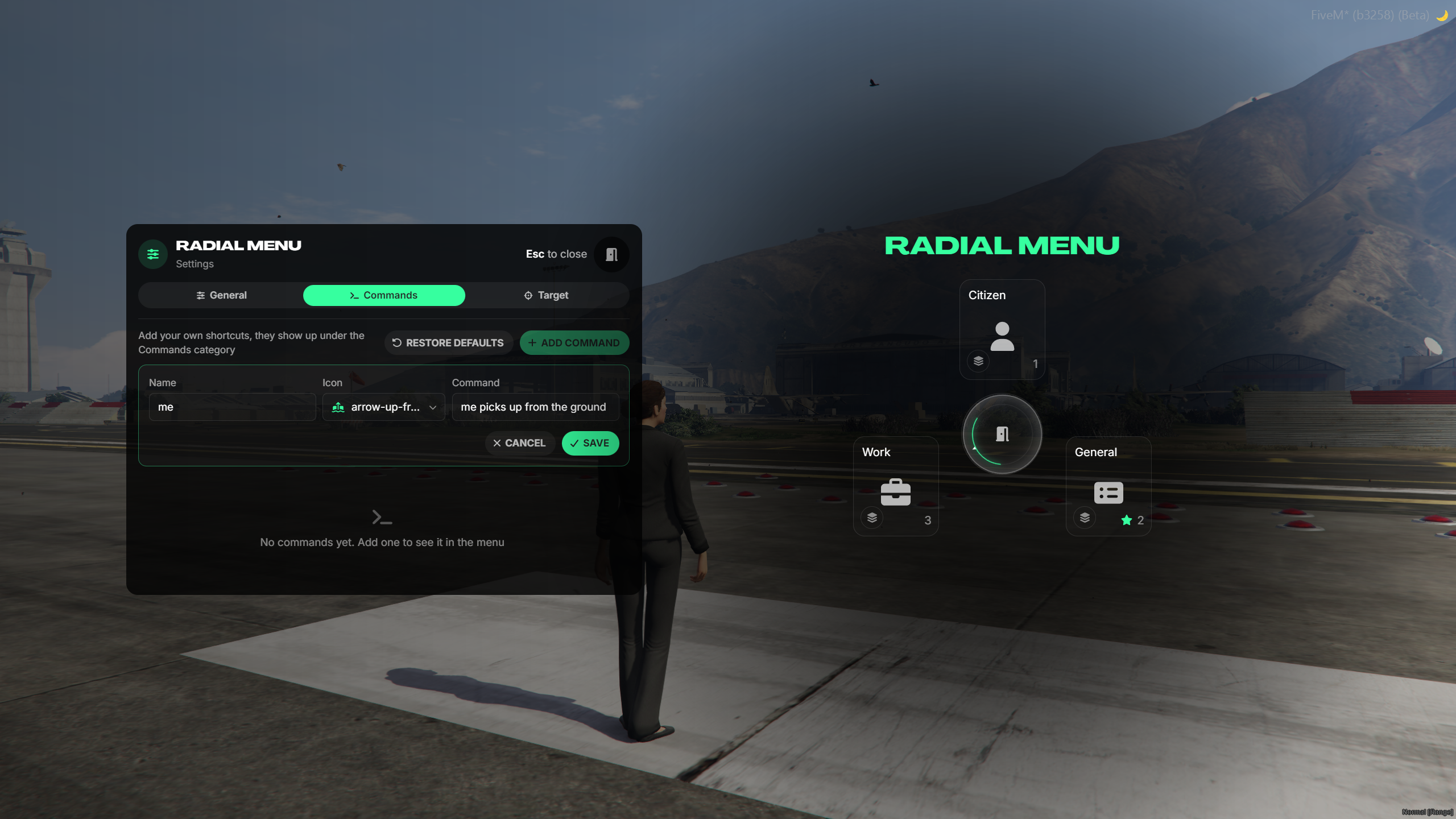
Custom Command Shortcuts - Add, edit, delete, and run custom commands directly from the menu.
Favorites - Add or remove actions from favorites using the middle mouse button.
Recent Actions - Quickly access recently used options.
Mouse & Keyboard Support - Select actions with the mouse or number keys.
Customizable Menu Size - Adjust the menu size to your preference.
Hold-to-Open Mode - Keep the menu open while holding the key and close it when released.
Click Outside to Close - Optionally close the menu by clicking outside it.
Key Hints & Selection Sounds - Enable or disable key hints and interaction sounds.
Live Style Preview - Instantly preview design and size changes.
Integrated Target System - Interact with players, objects, vehicles, and custom zones.
Target-Specific Actions - Define different actions for specific entities or objects.
Conditional Interactions - Control available actions based on player job or other conditions.
Target Submenus - Group target interactions into subcategories.
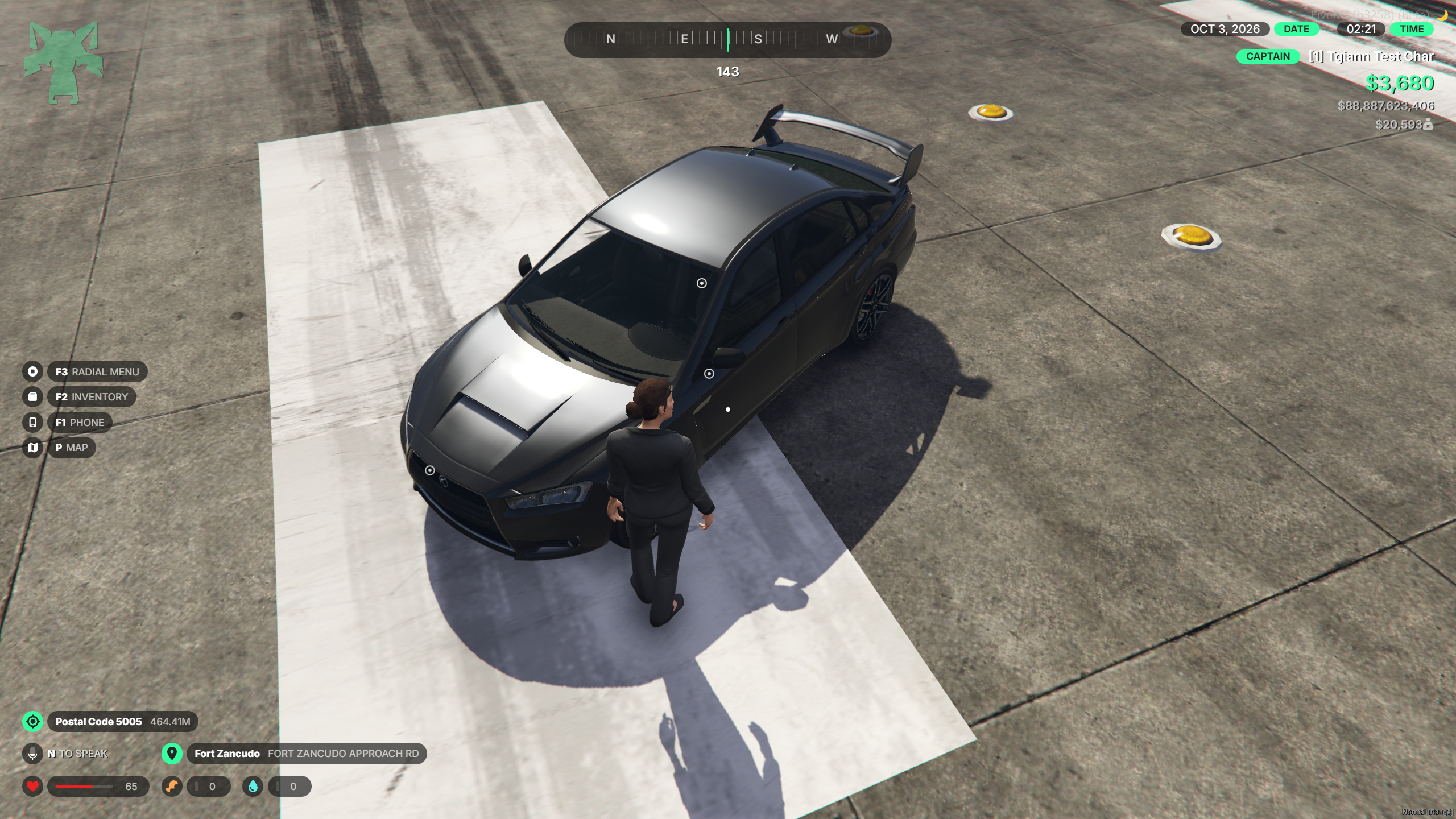
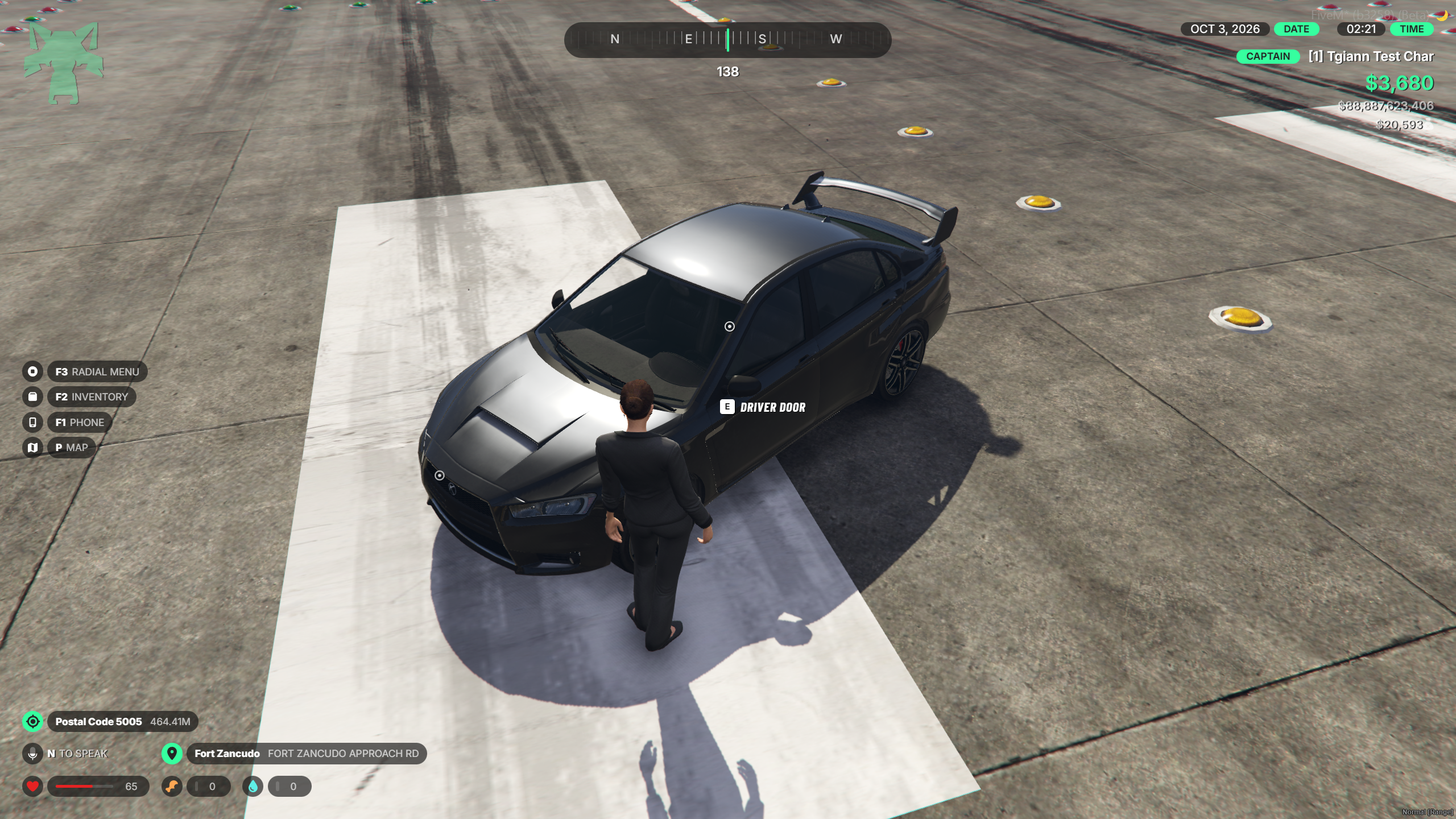
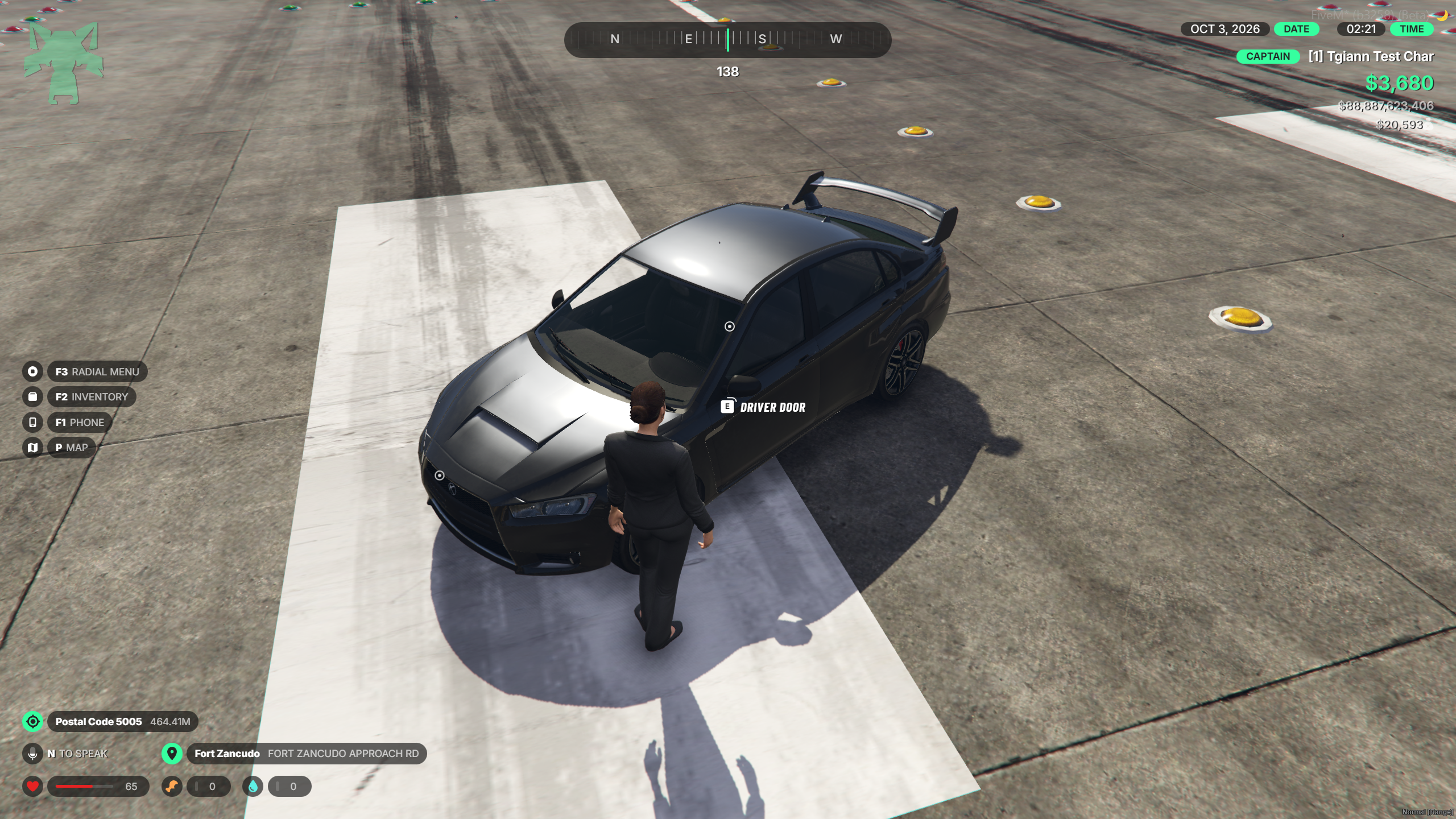
Vehicle Part Interactions - Create separate interaction points for doors, hood, and trunk.
Developer Integrations - Trigger commands, exports, client events, or server events from interactions.
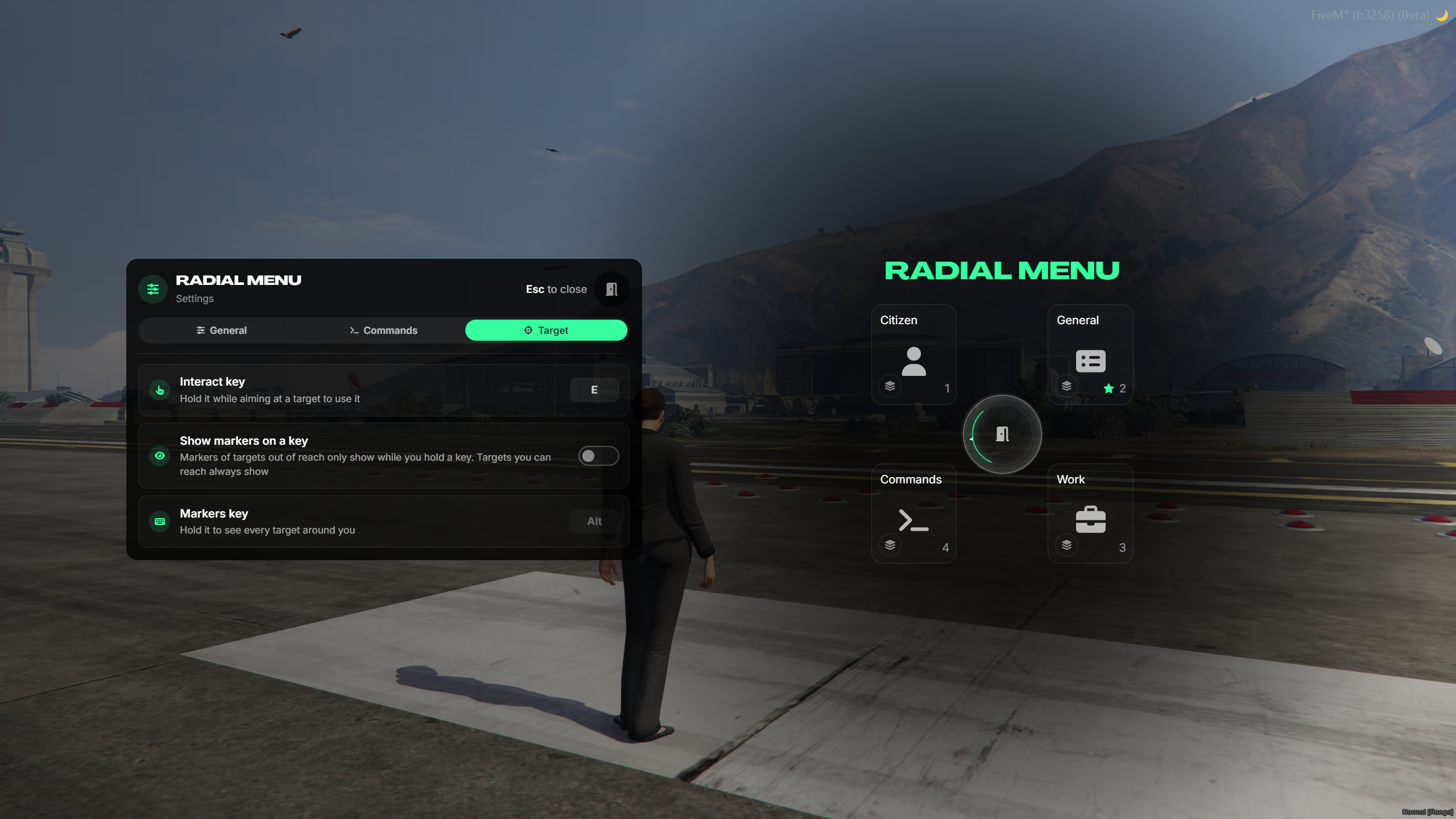
Customizable Interaction Key - Configure the key used for target interactions.
Target Indicator Settings - Control when interaction indicators are visible and whether they appear only while holding a key.