Bodycam & Live Camera System

ShowCase
Main Features – tgiann-bodycam
- Advanced Replay-Based Recording System – Instead of simply recording the player’s screen as a video, the script records events happening around the player and nearby voice conversations, then recreates and plays them back through a simulated replay system.
- Manual & Automatic Recording – Recordings can be started manually or configured to start automatically when specific events are triggered.
- Customizable Bodycam UI – Players can freely adjust the position and size of the Bodycam UI.
- Job & Item-Based Usage – The Bodycam system can be configured to work based on the player’s job or a specific item.
- Bodycam On / Off System – Players can turn their Bodycam on or off through the UI. When turned off, Live Bodycam and recording features are disabled.
- Grade-Based Permissions – Configure which job grades are allowed to access recordings and Live Bodycam features.
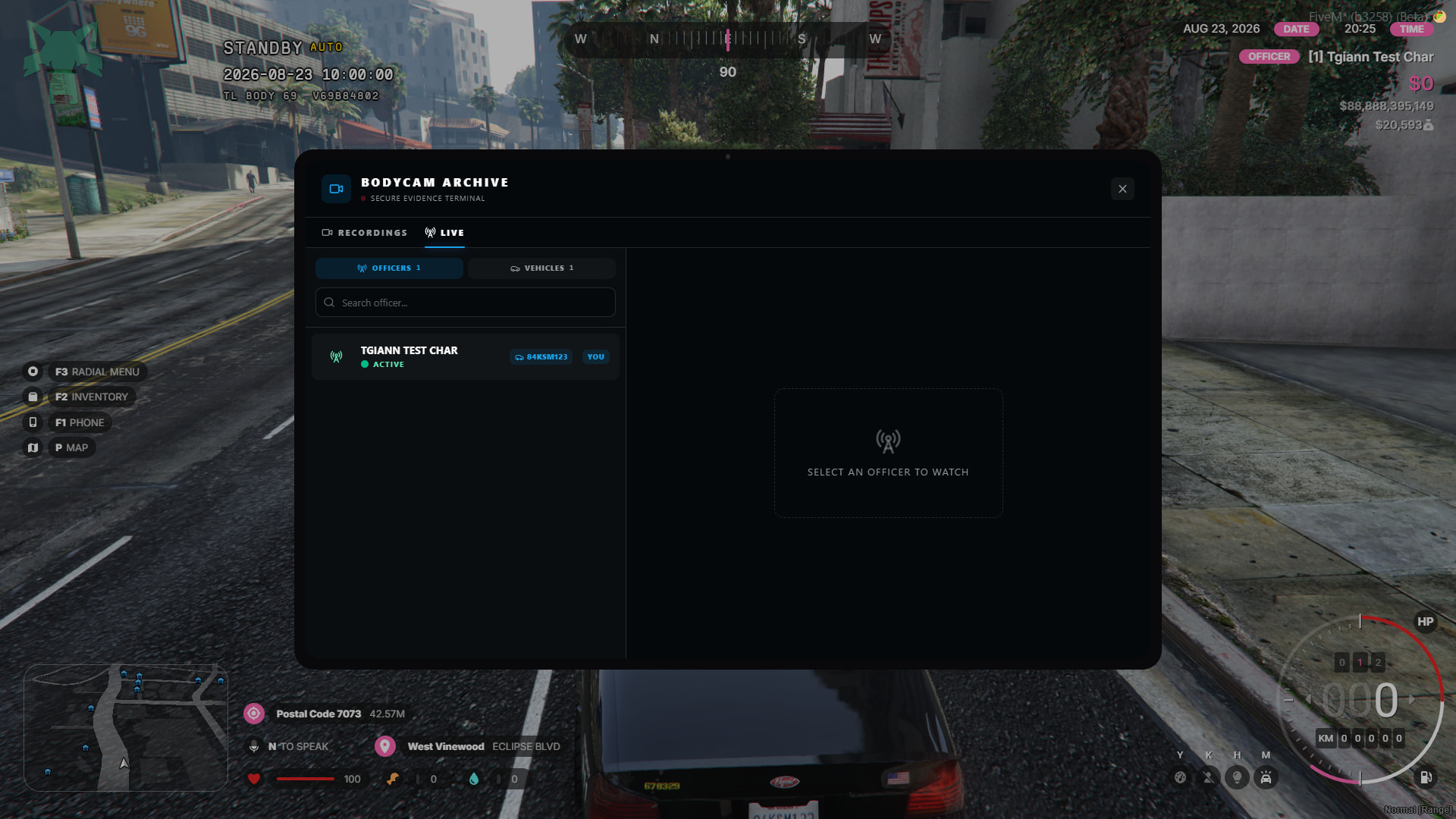
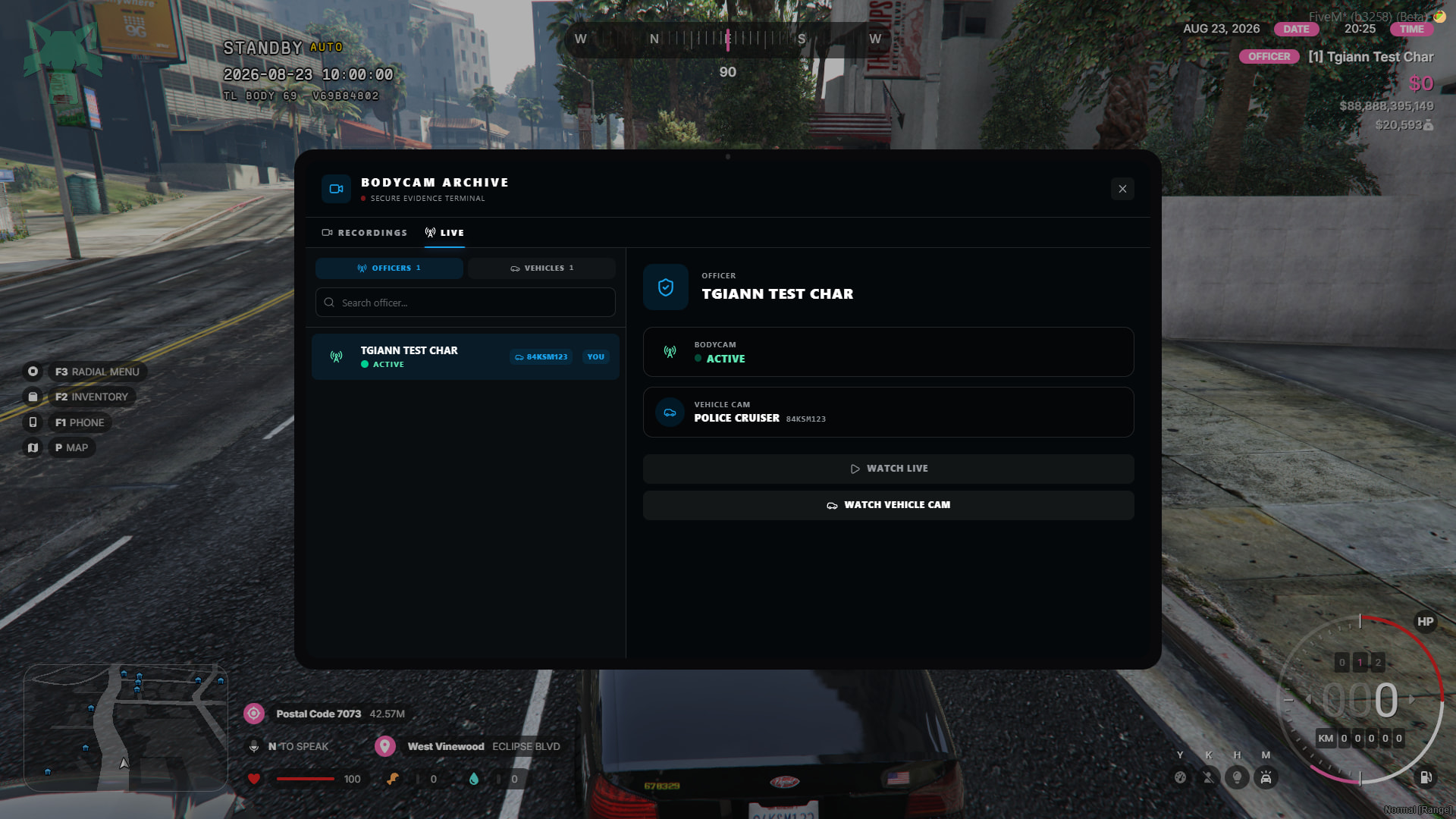
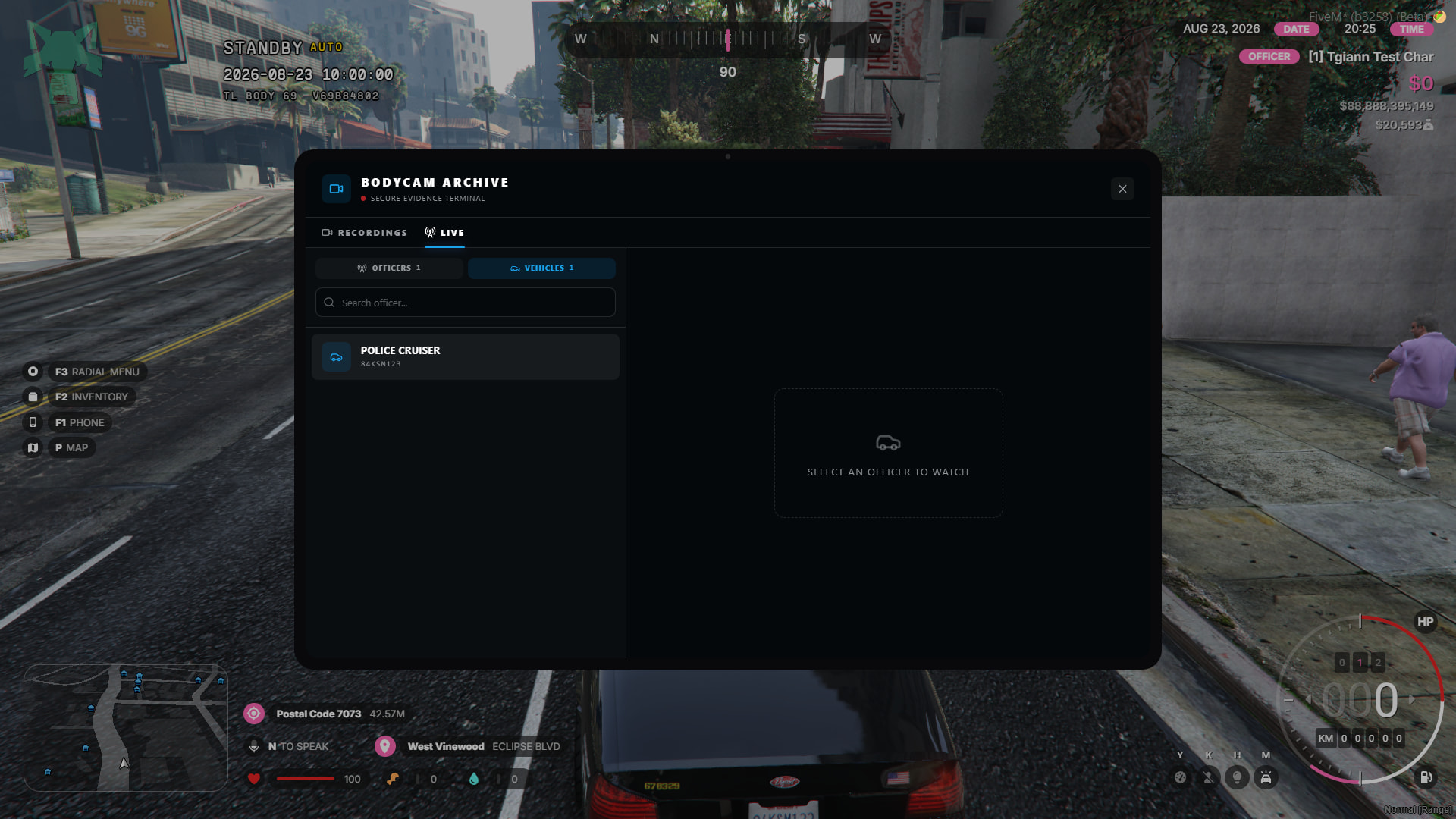
- Live Bodycam & Vehicle Camera Monitoring – Authorized players can watch player Bodycams and vehicle cameras live in real time.
Realistic Recording System
- The script does not record the player’s screen as a video. Instead, it records data about nearby players, peds, vehicles, objects, and the surrounding environment, then recreates them when the recording is played back.
- While the Bodycam is recording, it also captures the voices of nearby players, allowing conversations to be heard during playback.
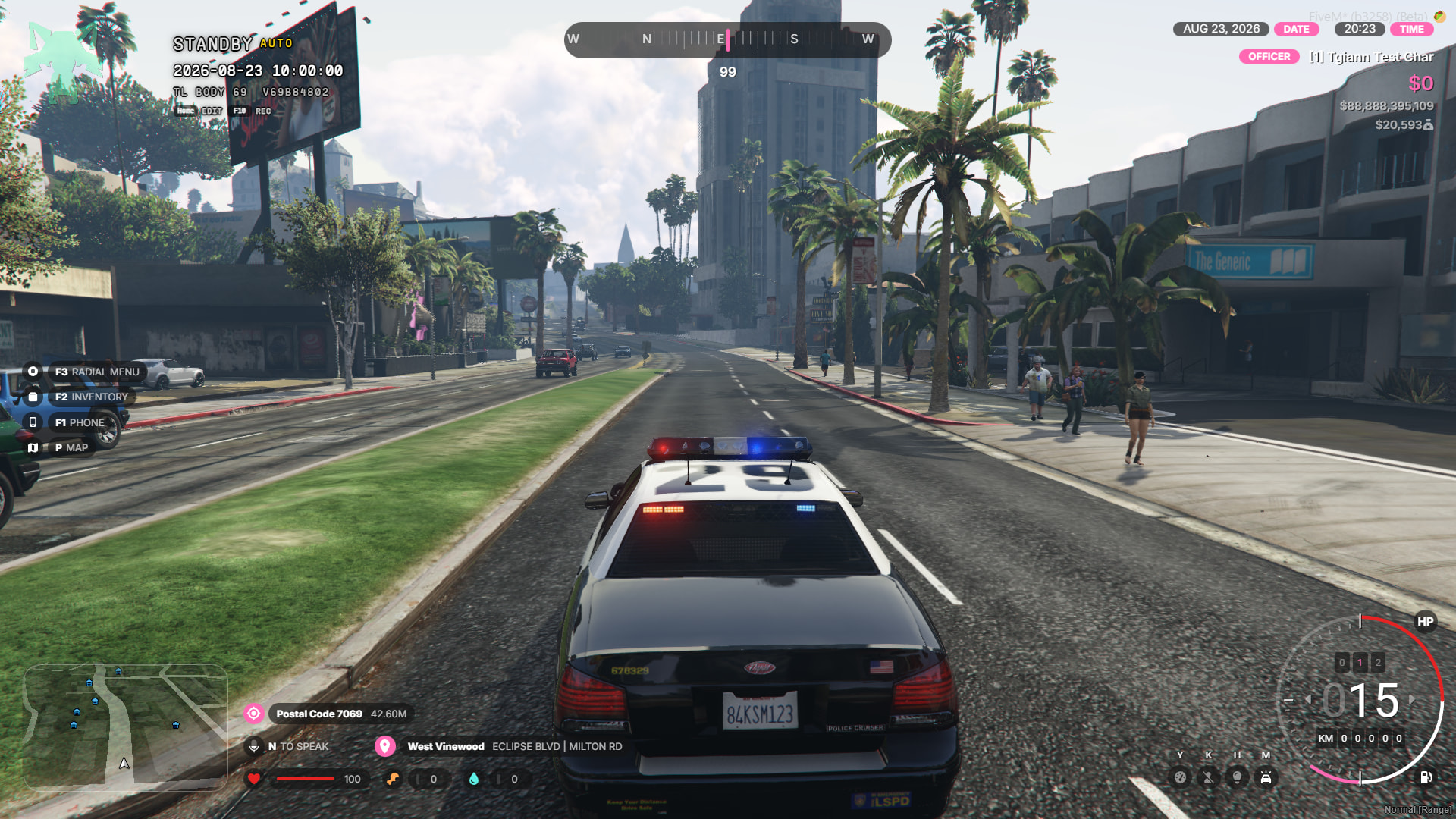
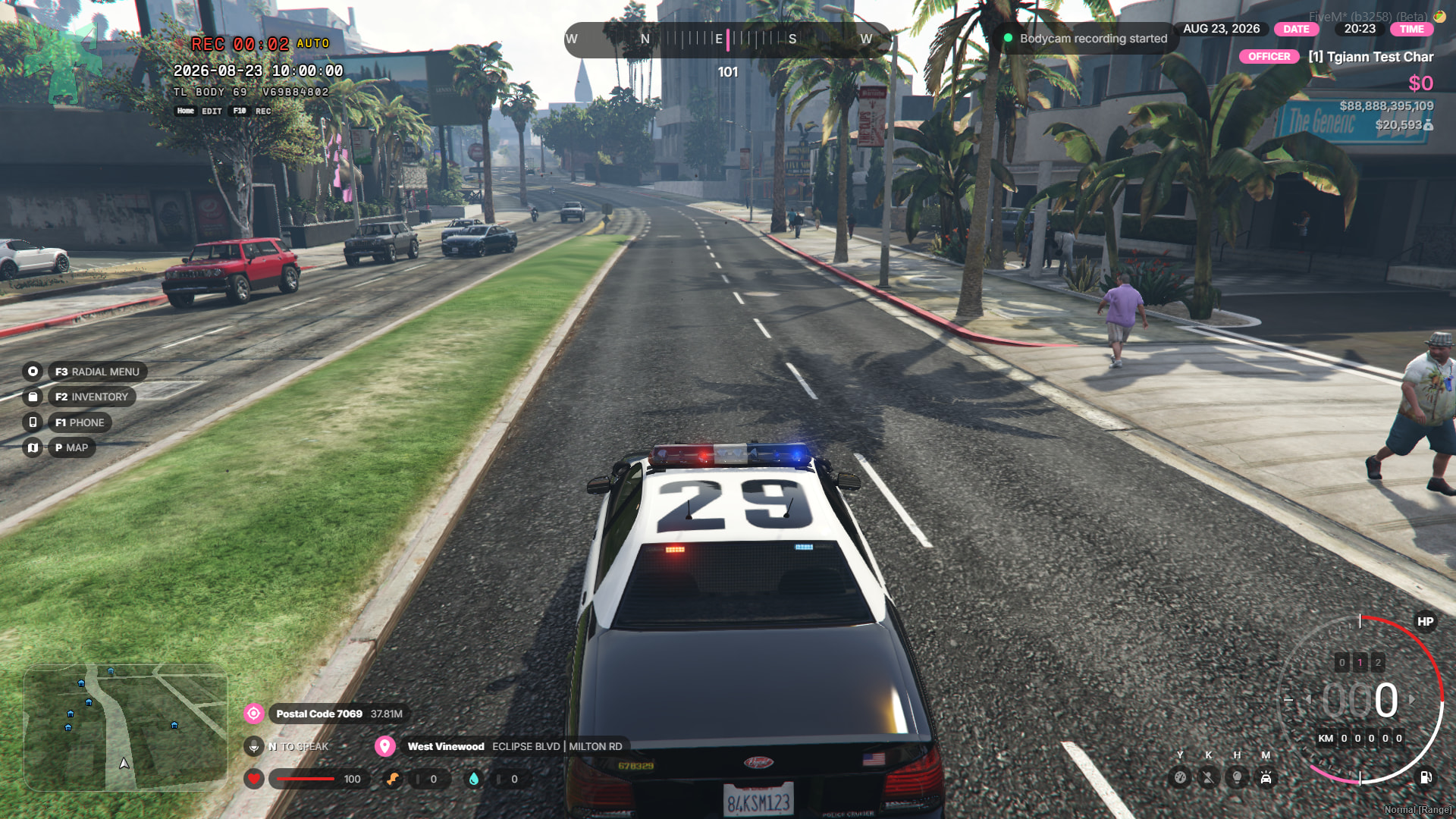
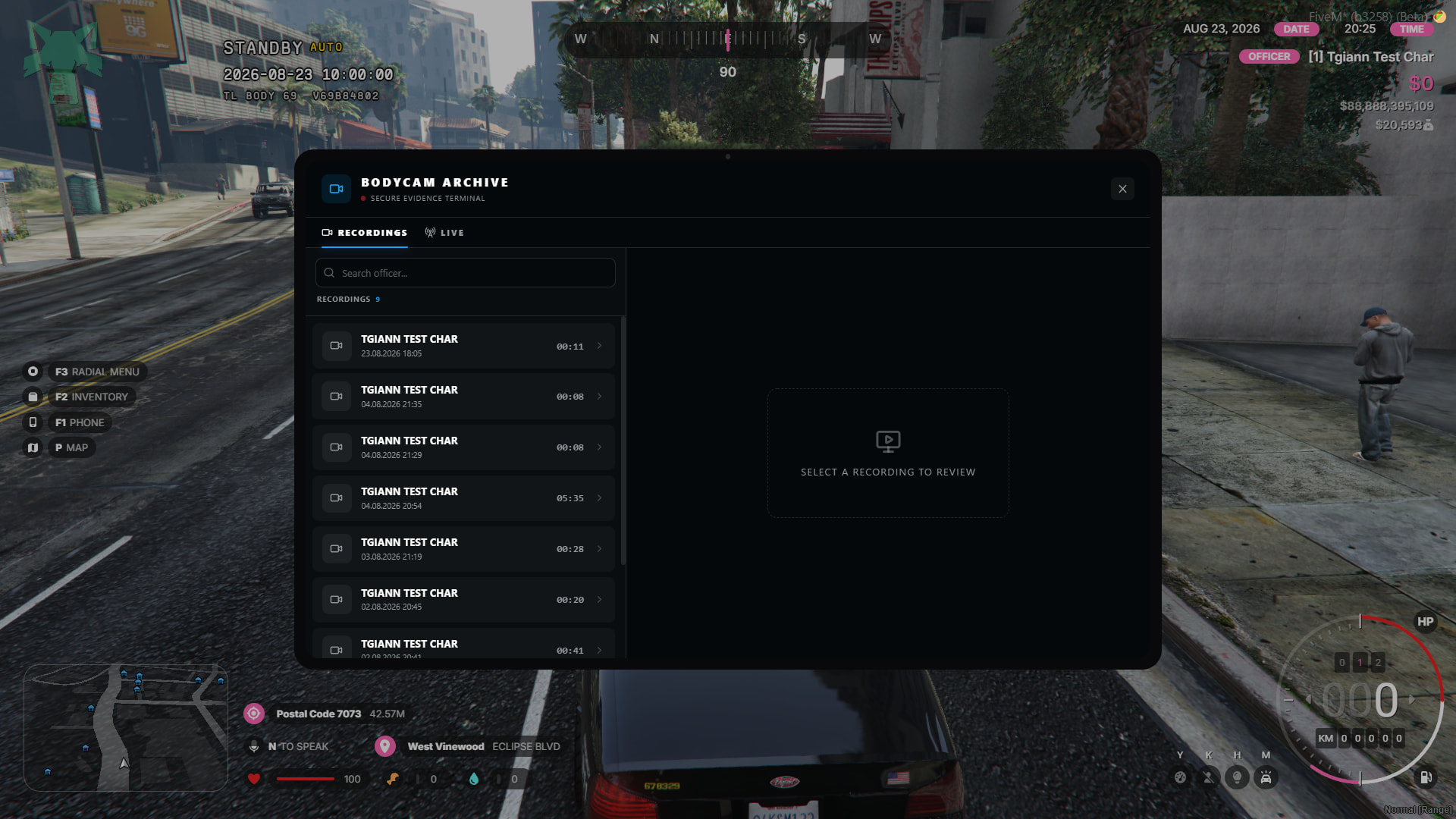
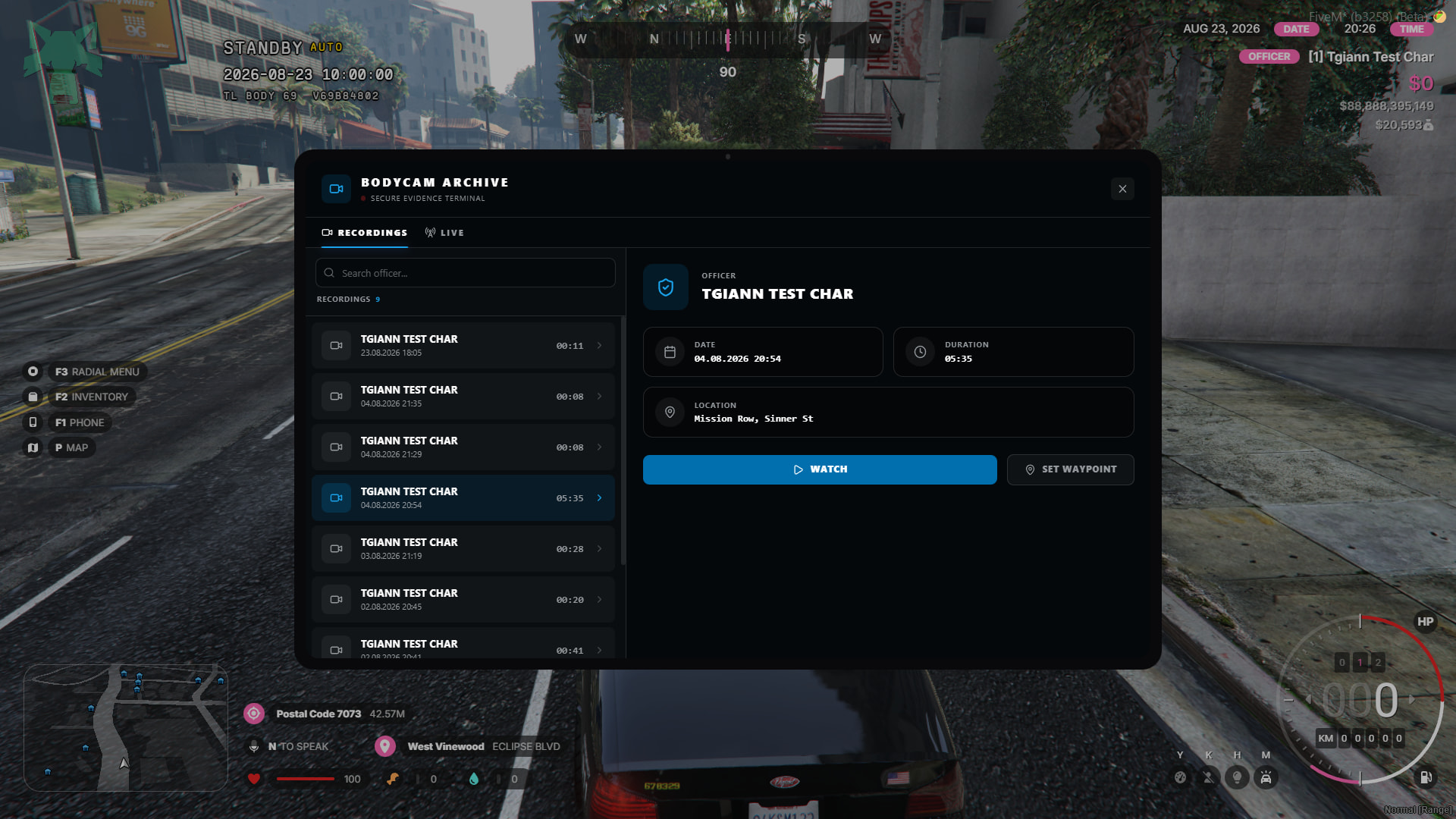
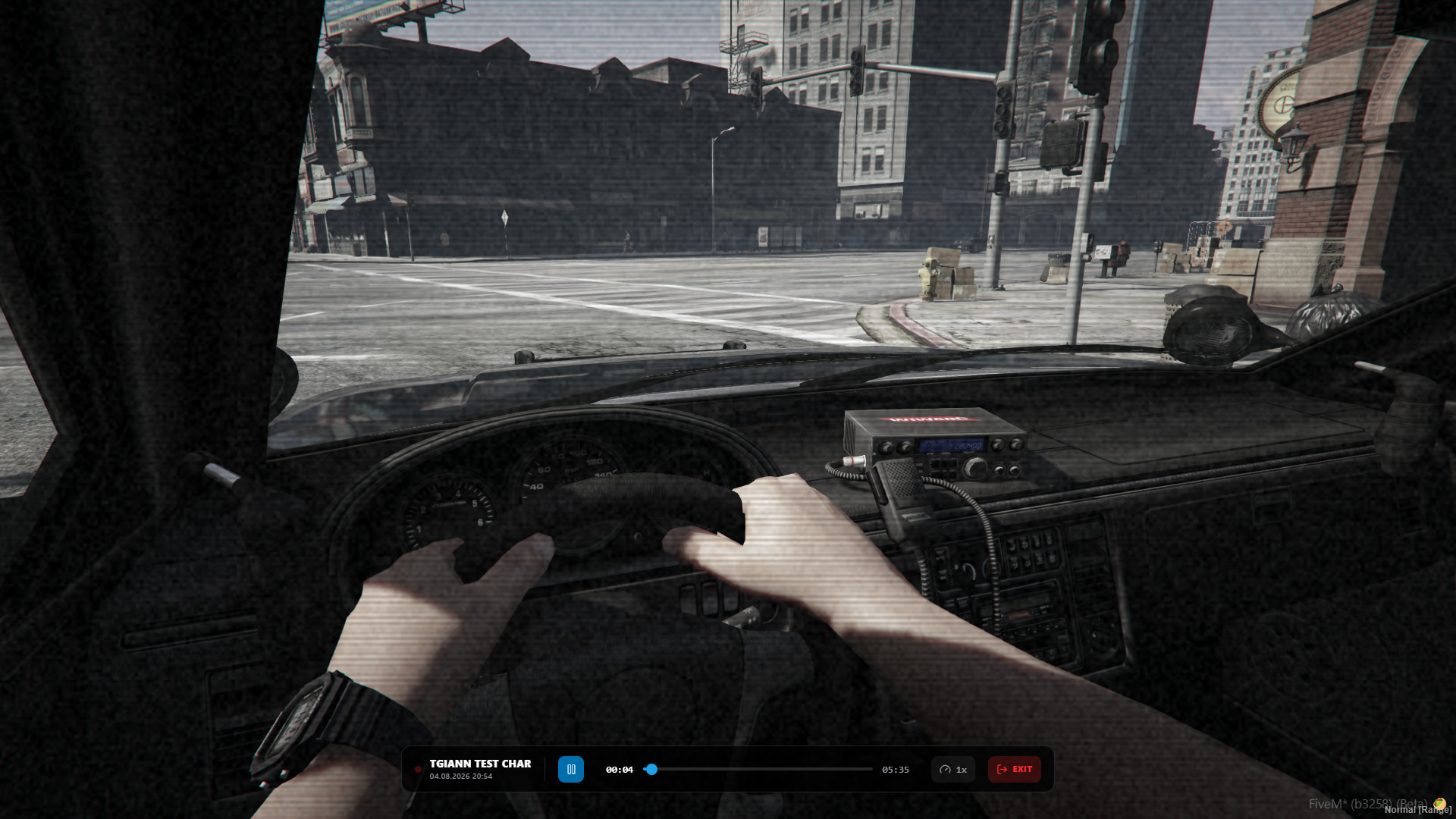
(A video recorded in the beta version)
(Youtube video link; https://youtu.be/9982LK6ElL8)
Customizable Bodycam UI
- Players can freely customize the position and size of the Bodycam UI.
- They can also choose whether the UI buttons are visible or hidden, allowing them to adjust the interface to their preference.
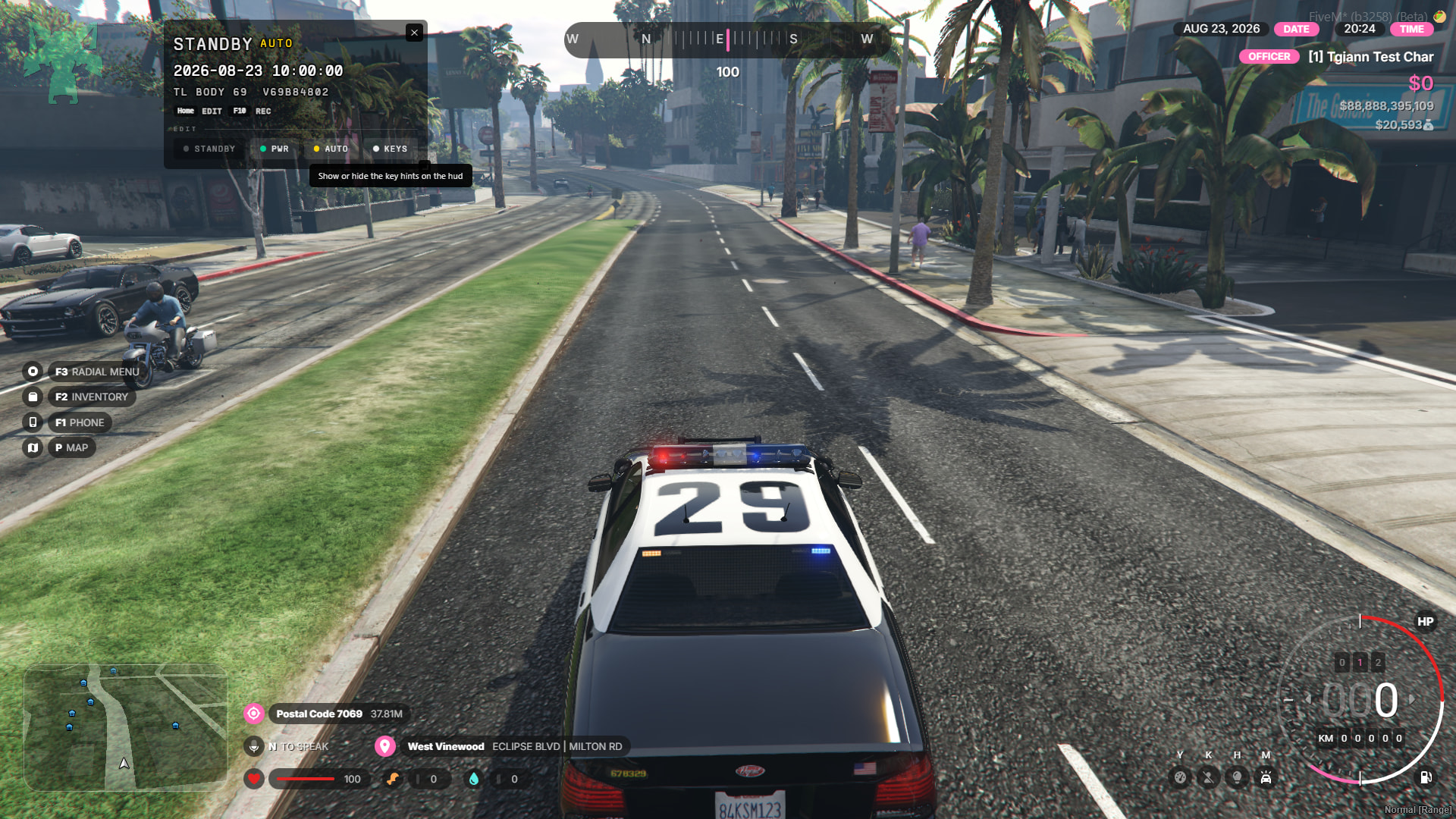
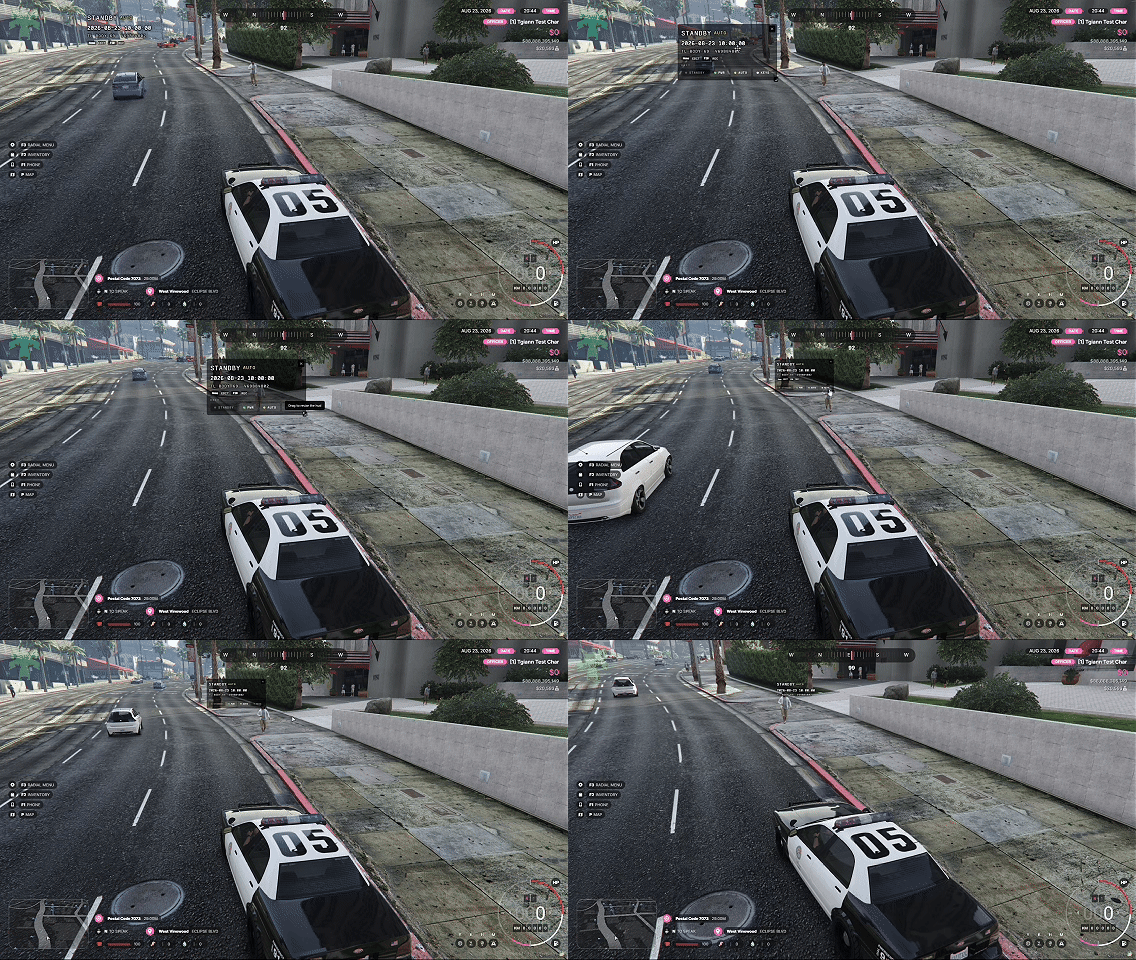
Live Player & Vehicle Cameras
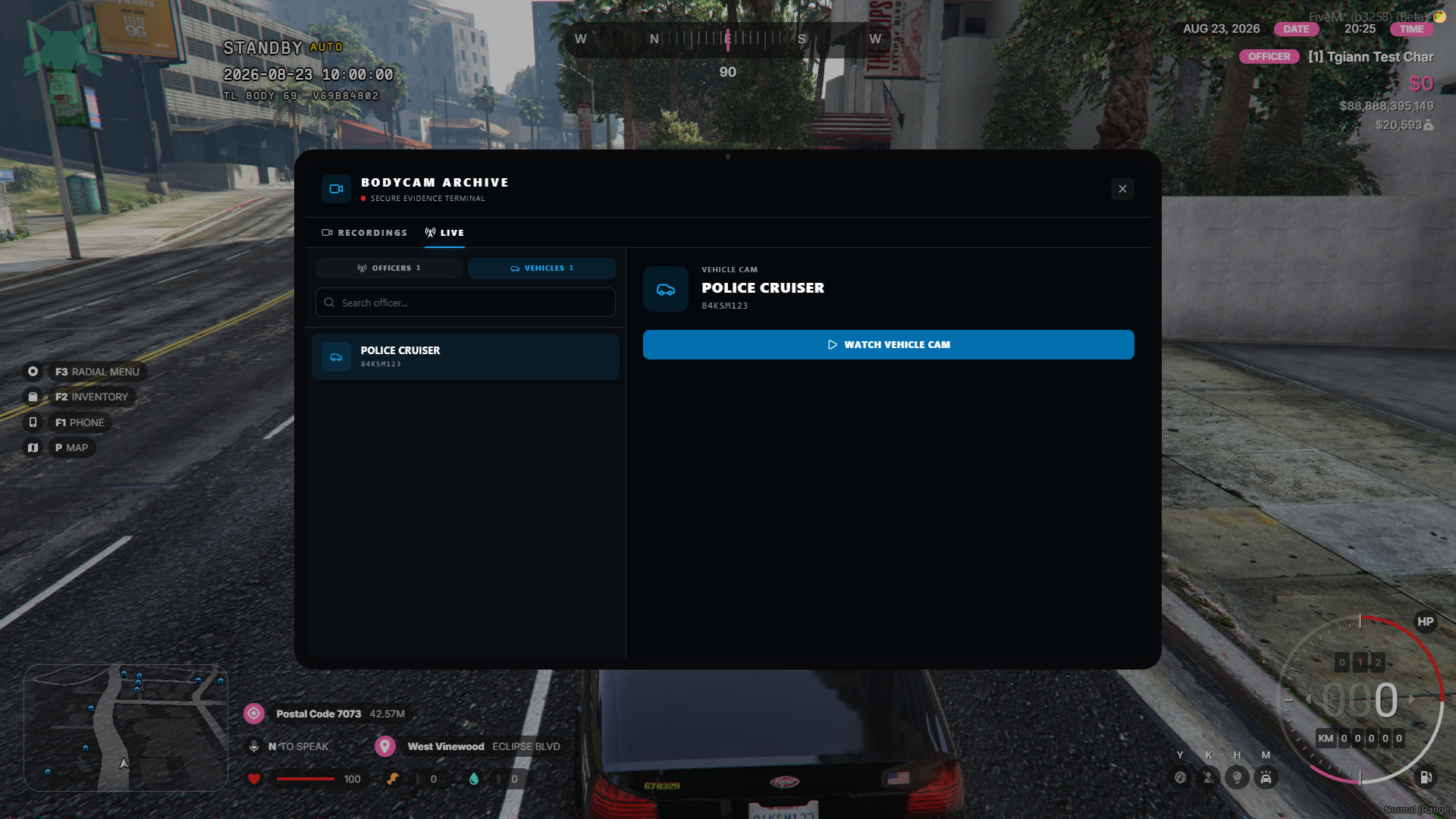
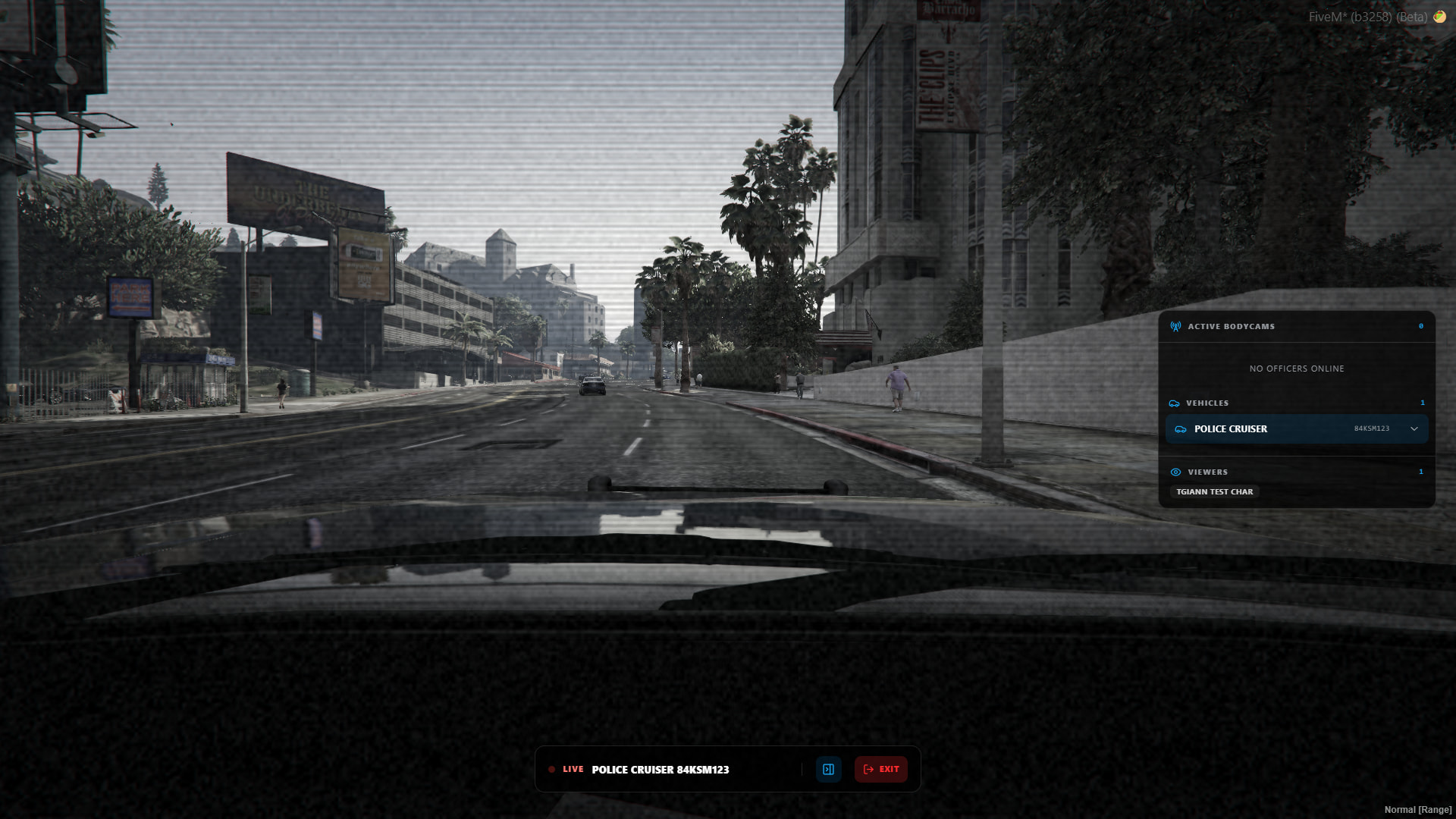
- The system is not limited to Bodycam recordings. You can also watch vehicle cameras live for vehicles defined in the config, even when there is no player inside the vehicle. Player Bodycams can also be monitored live.
- While watching a player who is inside a vehicle, you can switch directly to the vehicle camera. Likewise, while watching a vehicle camera, you can switch to the Bodycams of players inside that vehicle.
- While watching a Bodycam, you can also see who else is currently watching the same camera.
Requirements
- tgiann-core (free)
- ox_lib