Robban Robbery (Boosting & Chopshop)

ShowCase
The Purpose of the Script & Who is Robban?
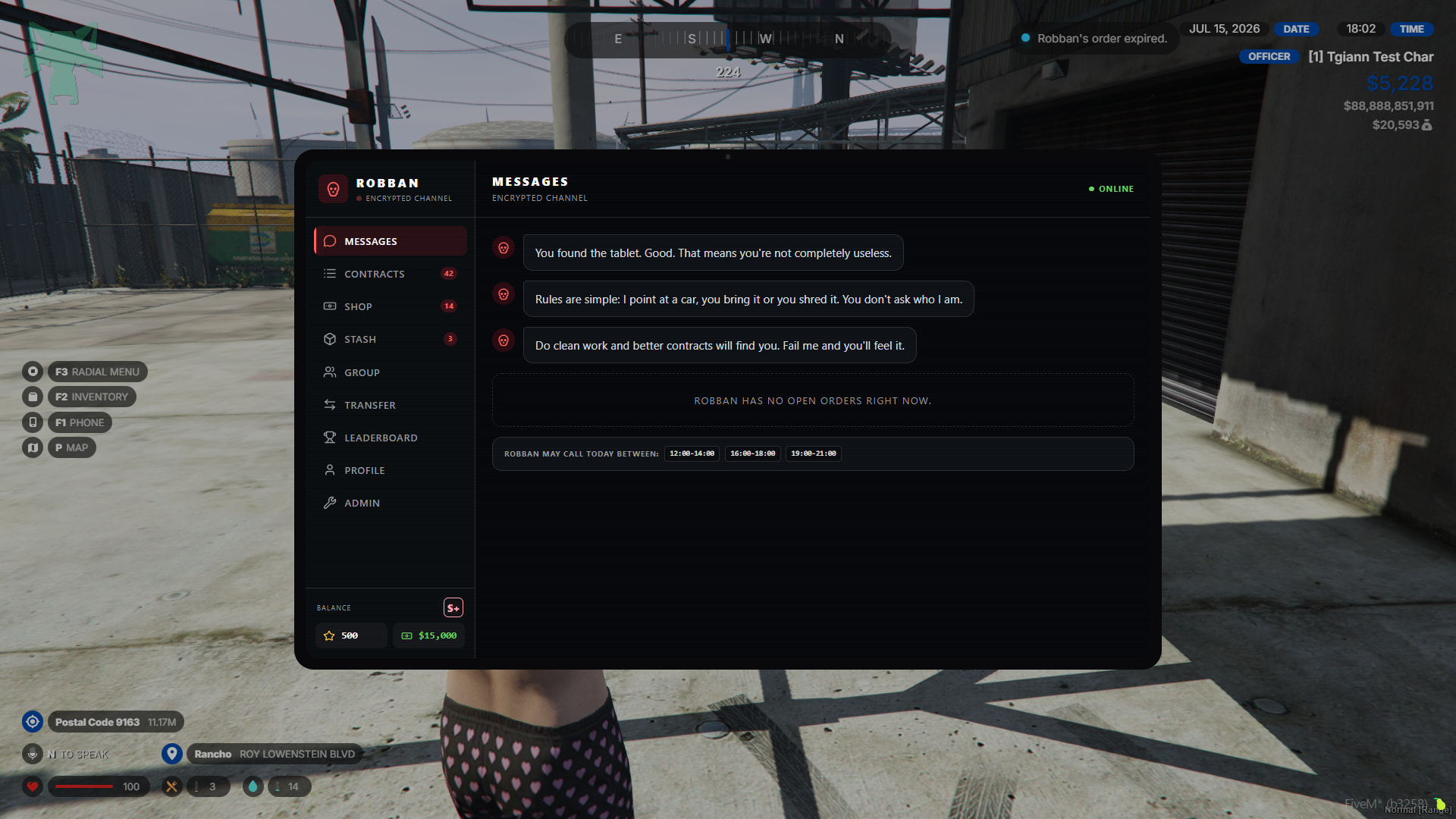
- Robban is a former car smuggler who requests vehicles from people, collects them, and resells them.
- This system is essentially a boosting and vehicle chopping system, reimagined by TGIANN and combined into a single, fantastic system.
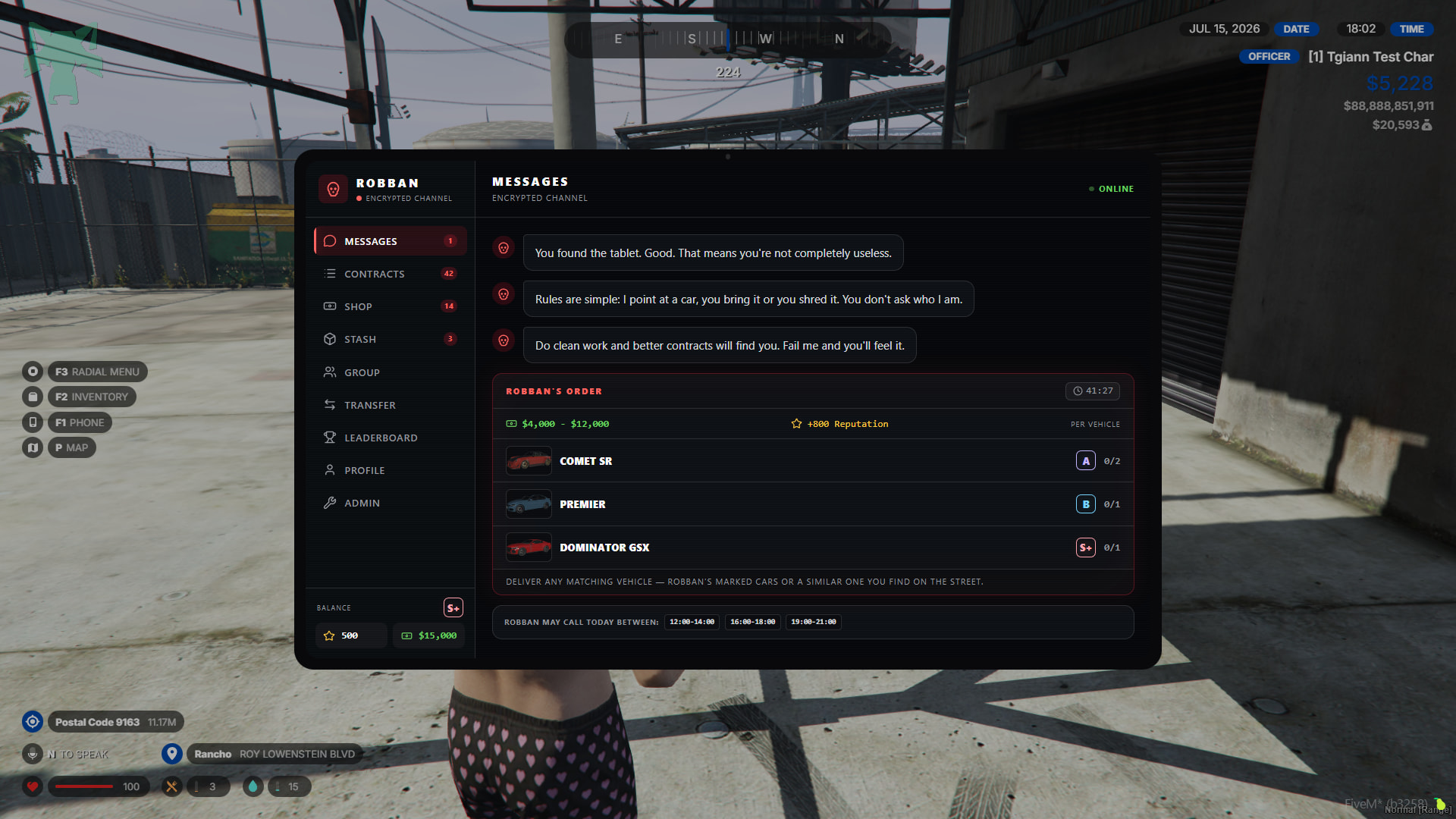
Robban’s mission
- Robban requests specific vehicles to be delivered to him from the entire server a few times during the day at specific hours every day and shows the list of vehicles in the messages section on the tablet. He gives reputation, i.e., rep points, to whoever delivers the vehicles on the list first. These vehicles spawn in specific locations or can also be delivered by stealing them from NPCs.
- Vehicles delivered to Robban appear in the “shop” tab and you can buy these vehicles from here with rep points.
Contracts
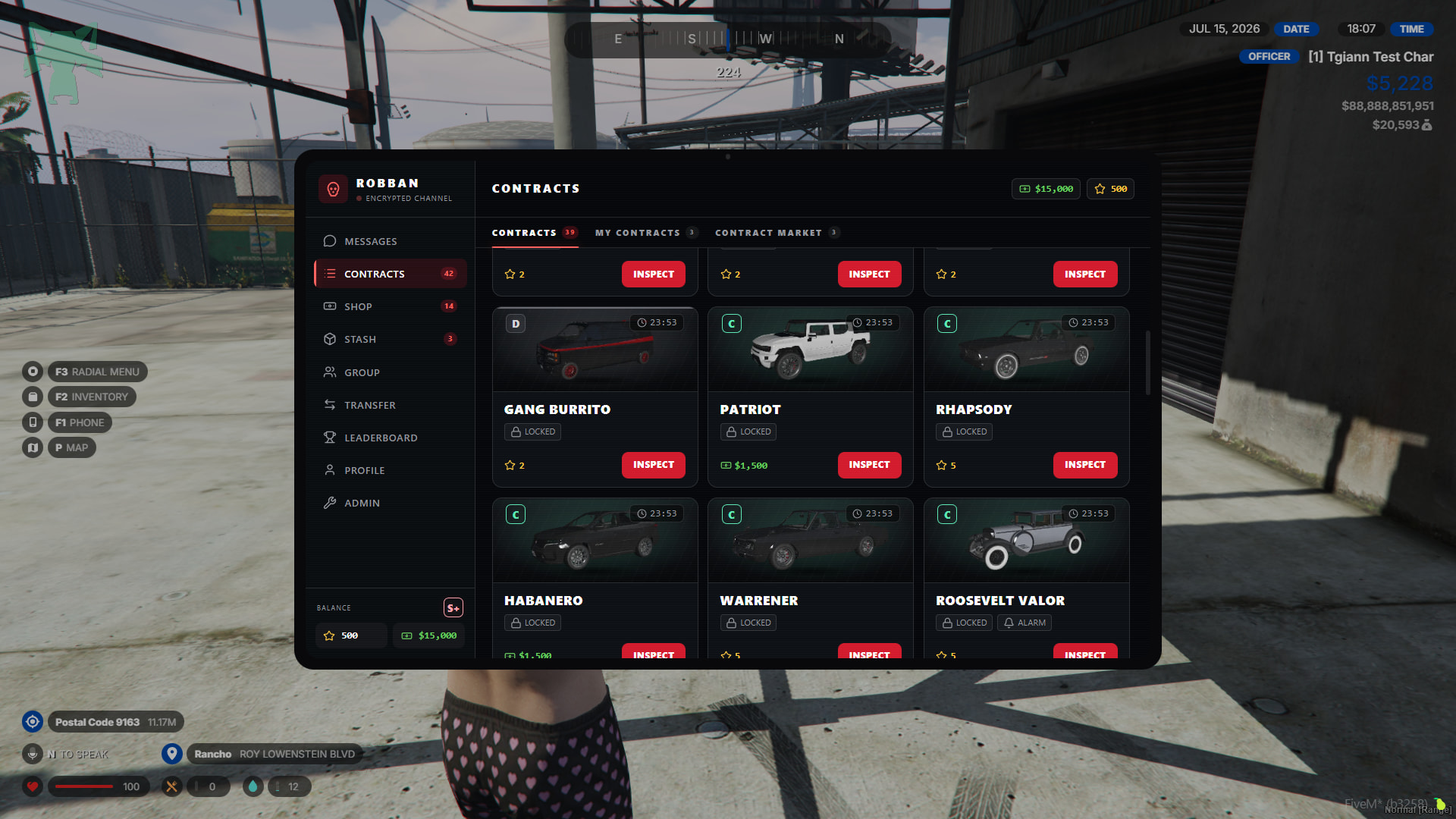
- Robban publishes vehicle contracts for them to be stolen and, after being stolen, chopped or brought to him. On this page, various contracts ranging from D to S+ class appear based on the rep points you have earned by bringing cars to Robban. These contracts are synchronized with the entire server. Only one player can take a contract. The contracts are refreshed at specified time intervals.
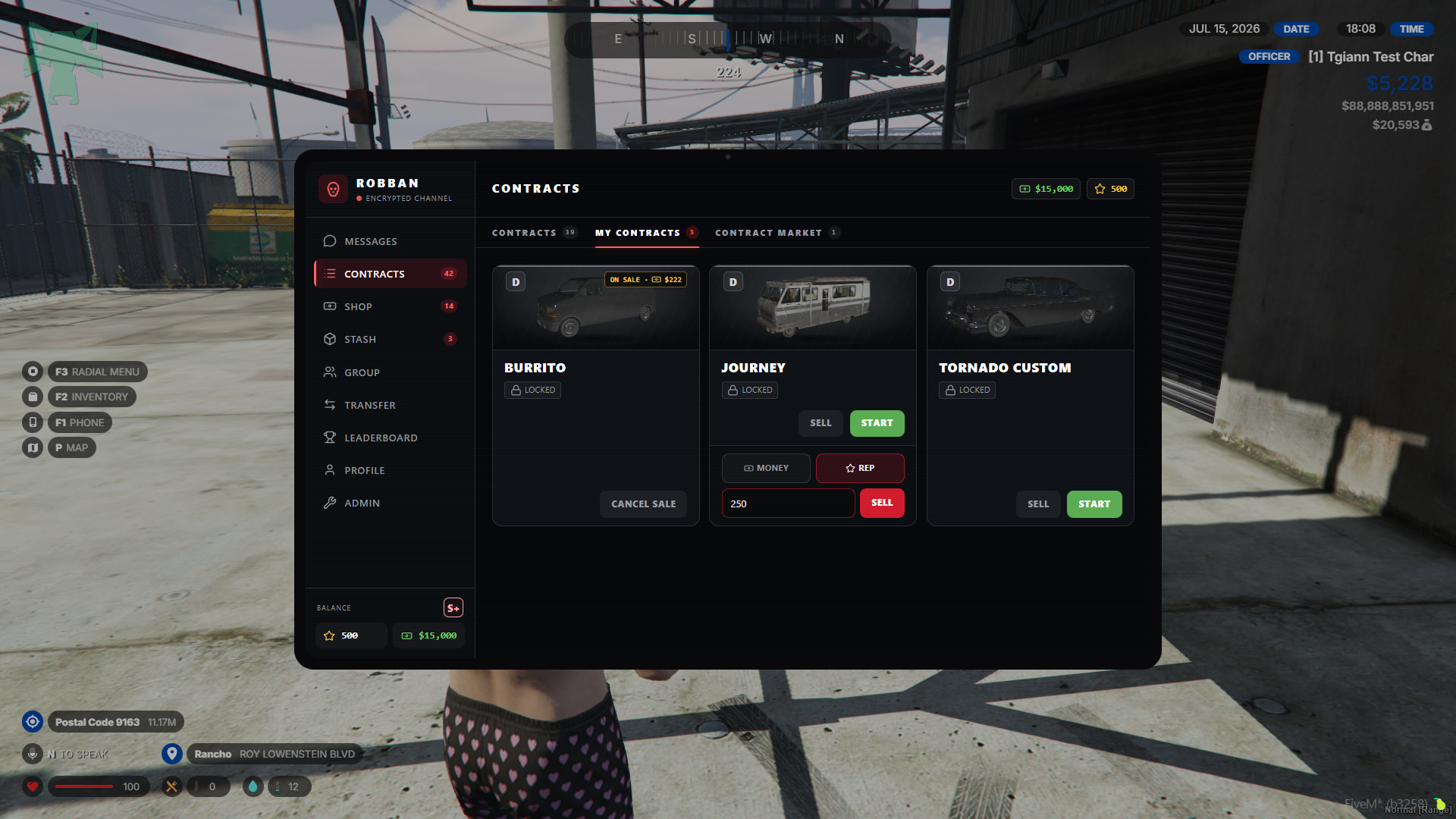
- You can either start the purchased contracts or sell them to other players in exchange for money or rep.
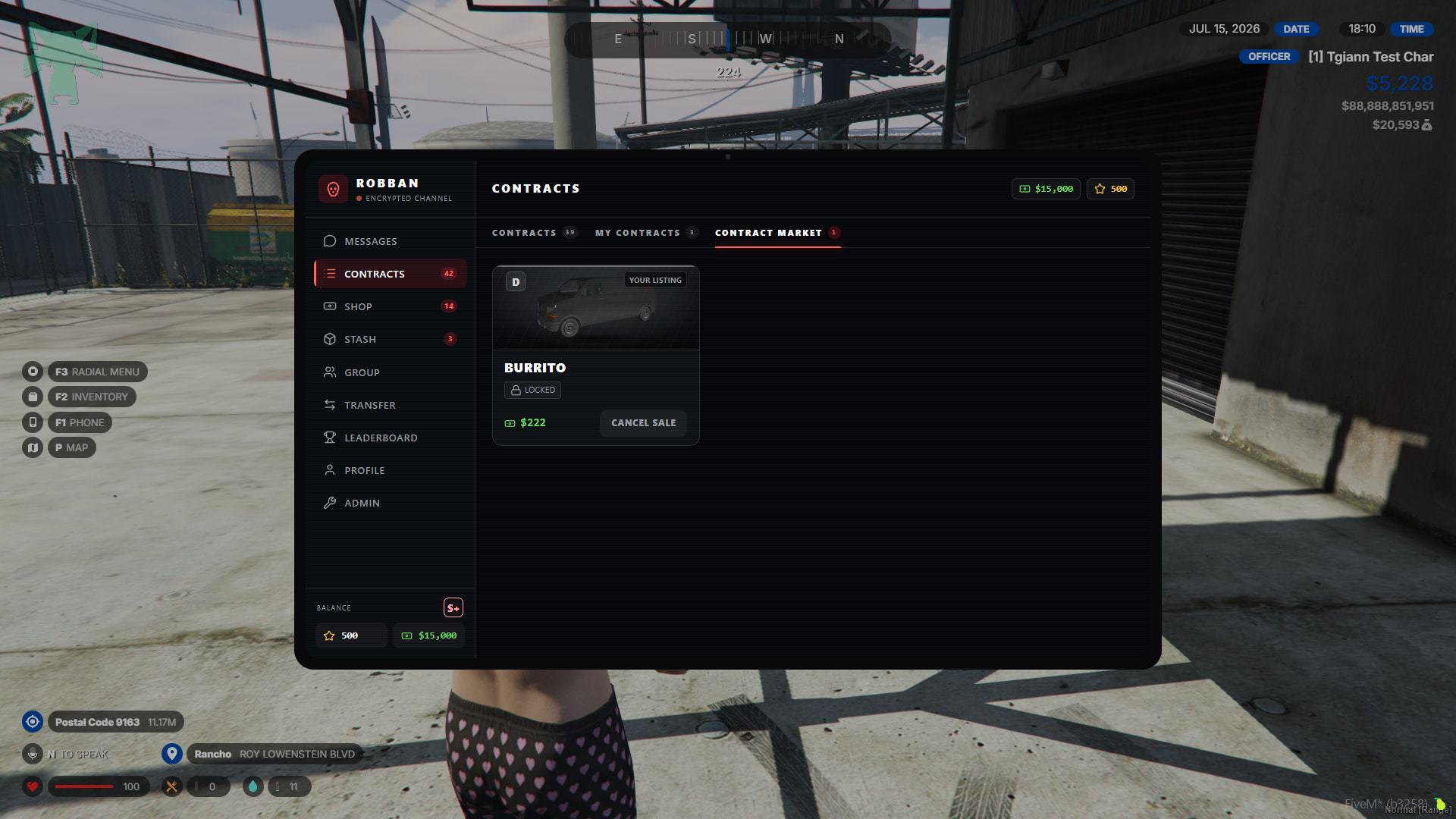
- Contracts put up for sale appear in the contract market section under the contract tab. In this section, you can view and purchase the contracts sold by players. This way, even if your level with Robban is C Class, you can buy an S class contract from here or complete it.
Starting contracts
- Before explaining this, there are a few things we need to explain. You can access detailed information about contract missions further down in the topic.
Shop
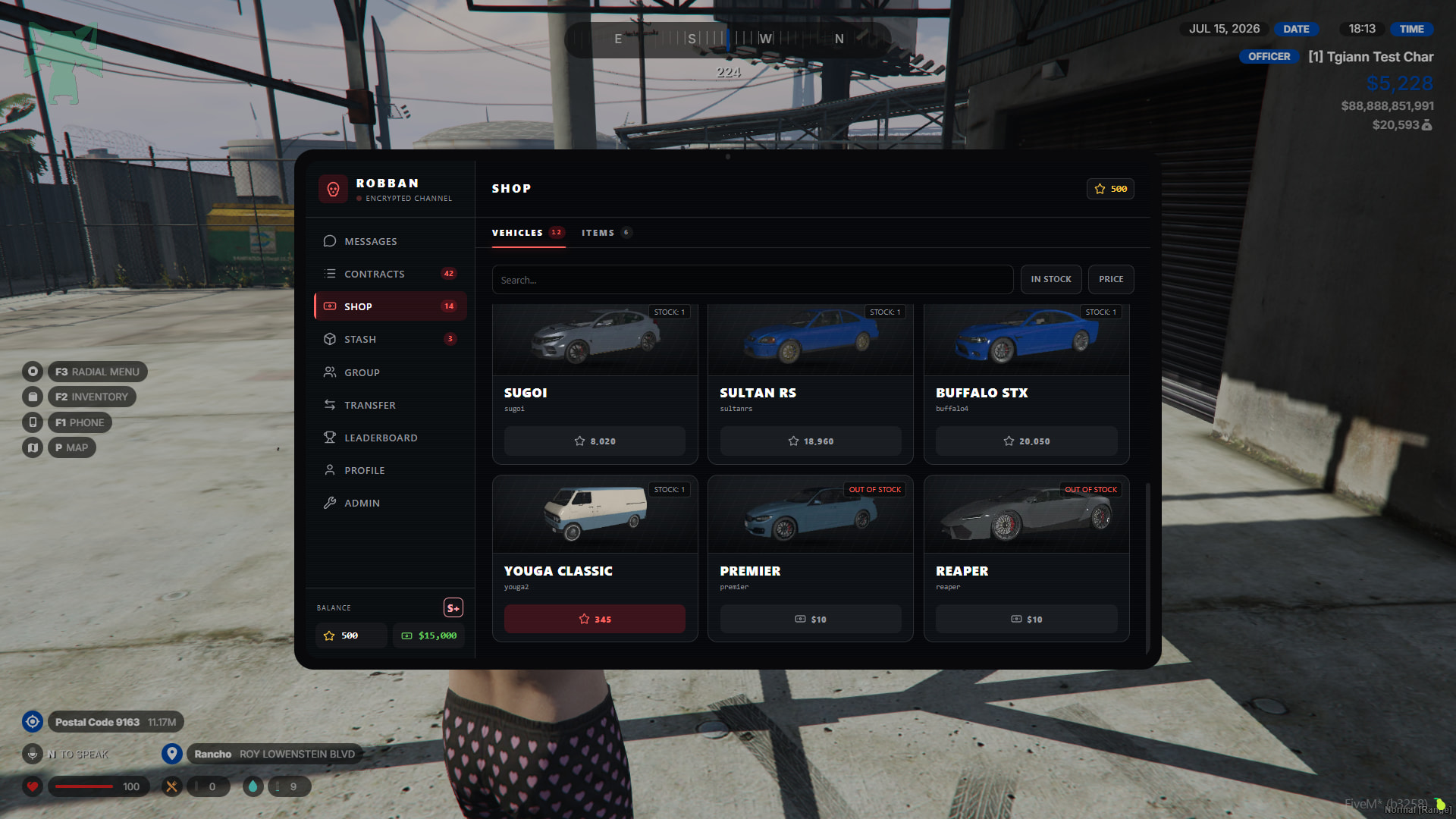
- The shop section is divided into two: vehicles and items.
Vehicles
- Every vehicle delivered to Robban appears here and Robban determines a rep point for these vehicles. You can buy the vehicle you want with these points, but remember that these vehicles have stock. For a vehicle’s stock to be refreshed, a player must deliver that vehicle to Robban.
Items
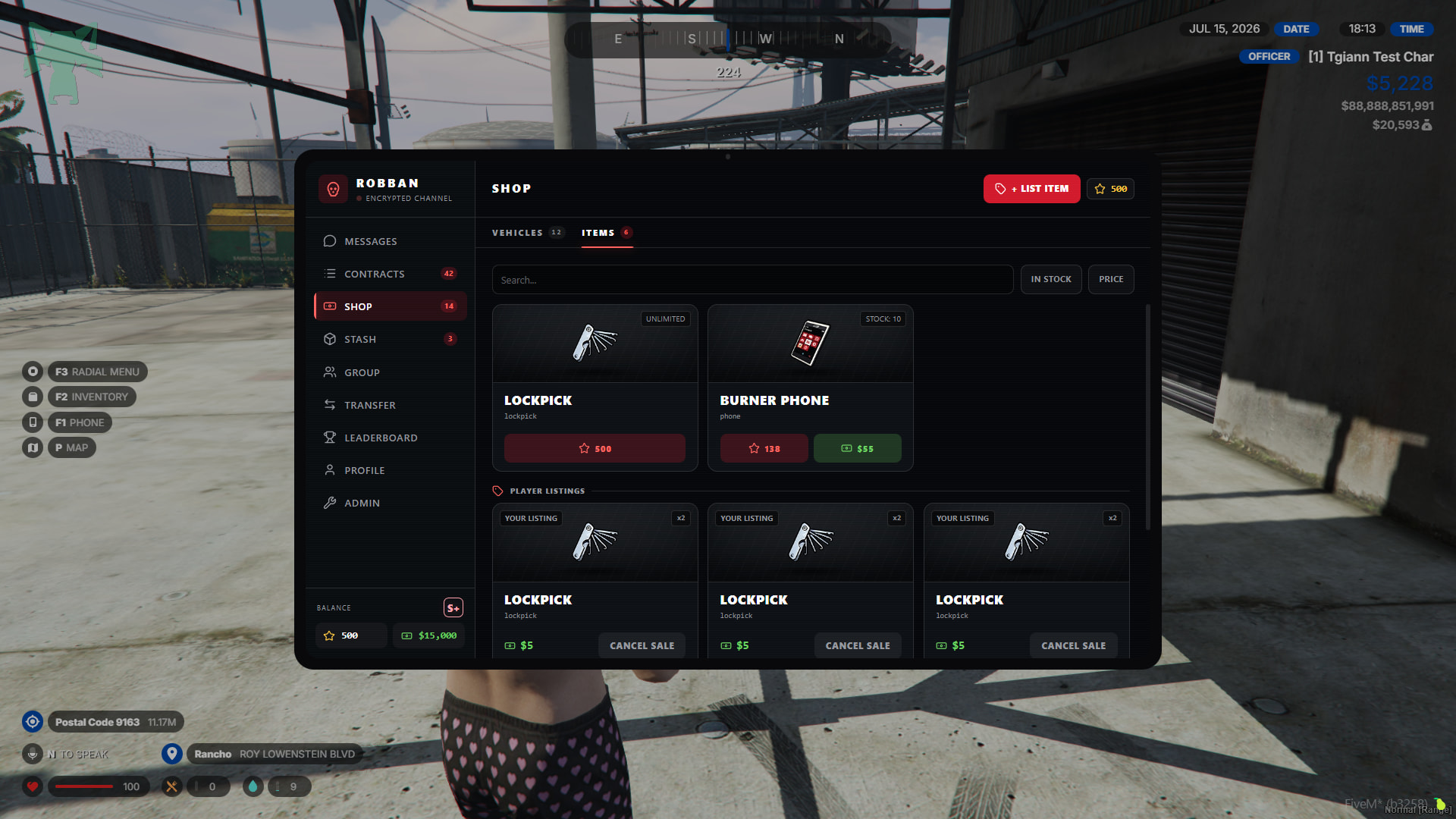
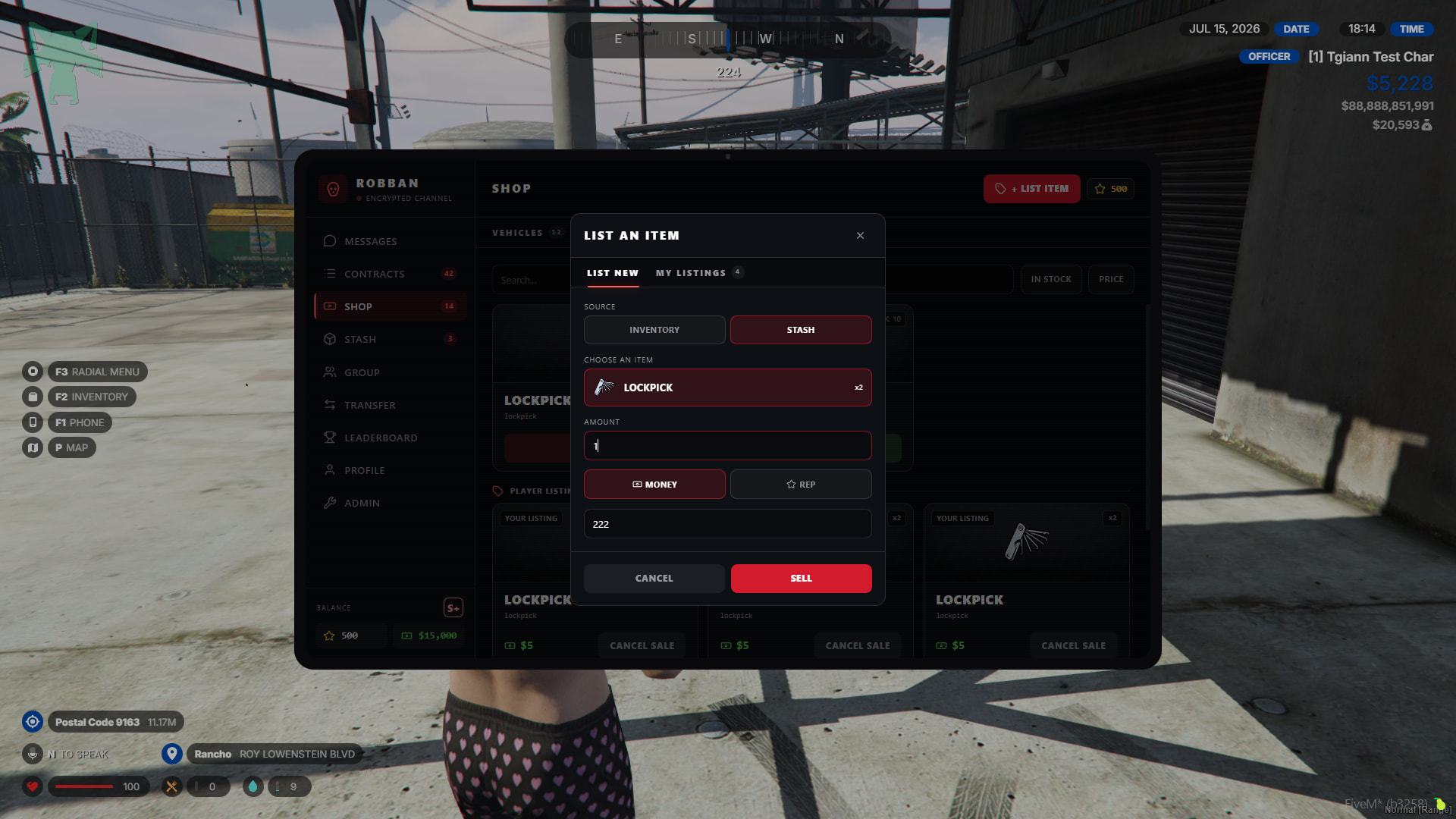
- On the items page, as an admin, you can sell specific items with or without stock.
- Players can also sell the items determined in the config on this item page in exchange for money or rep points.
Group
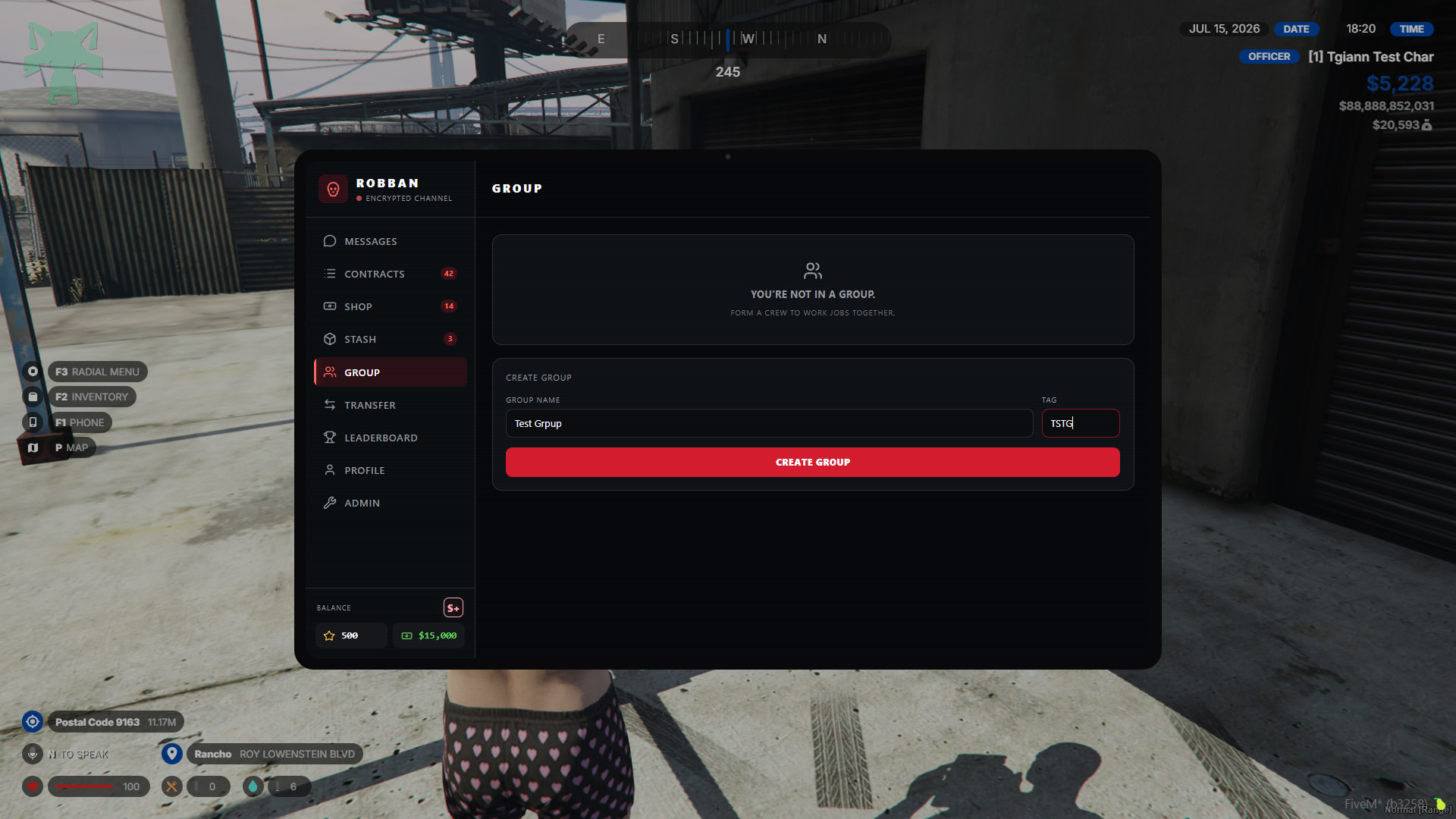
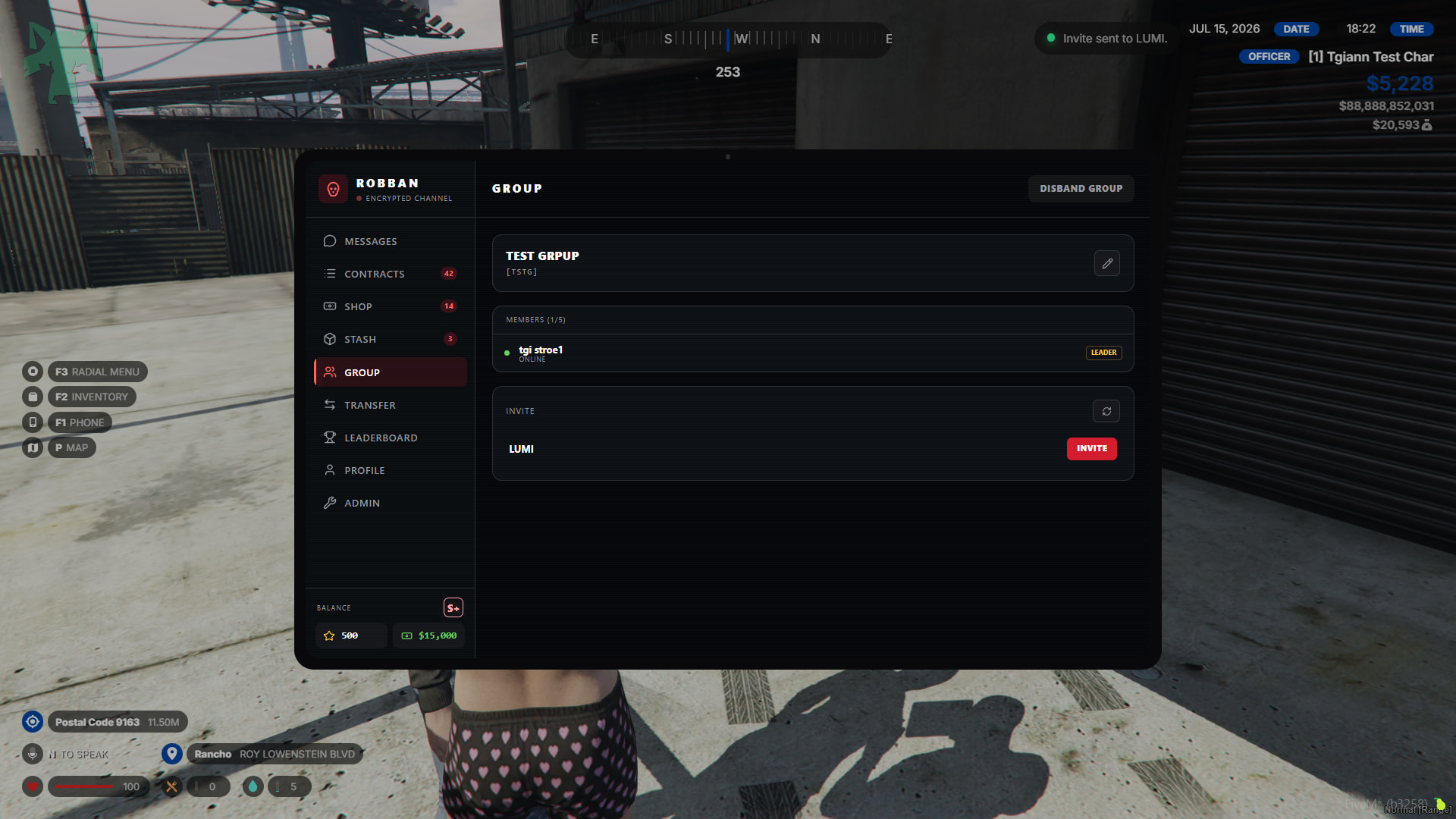
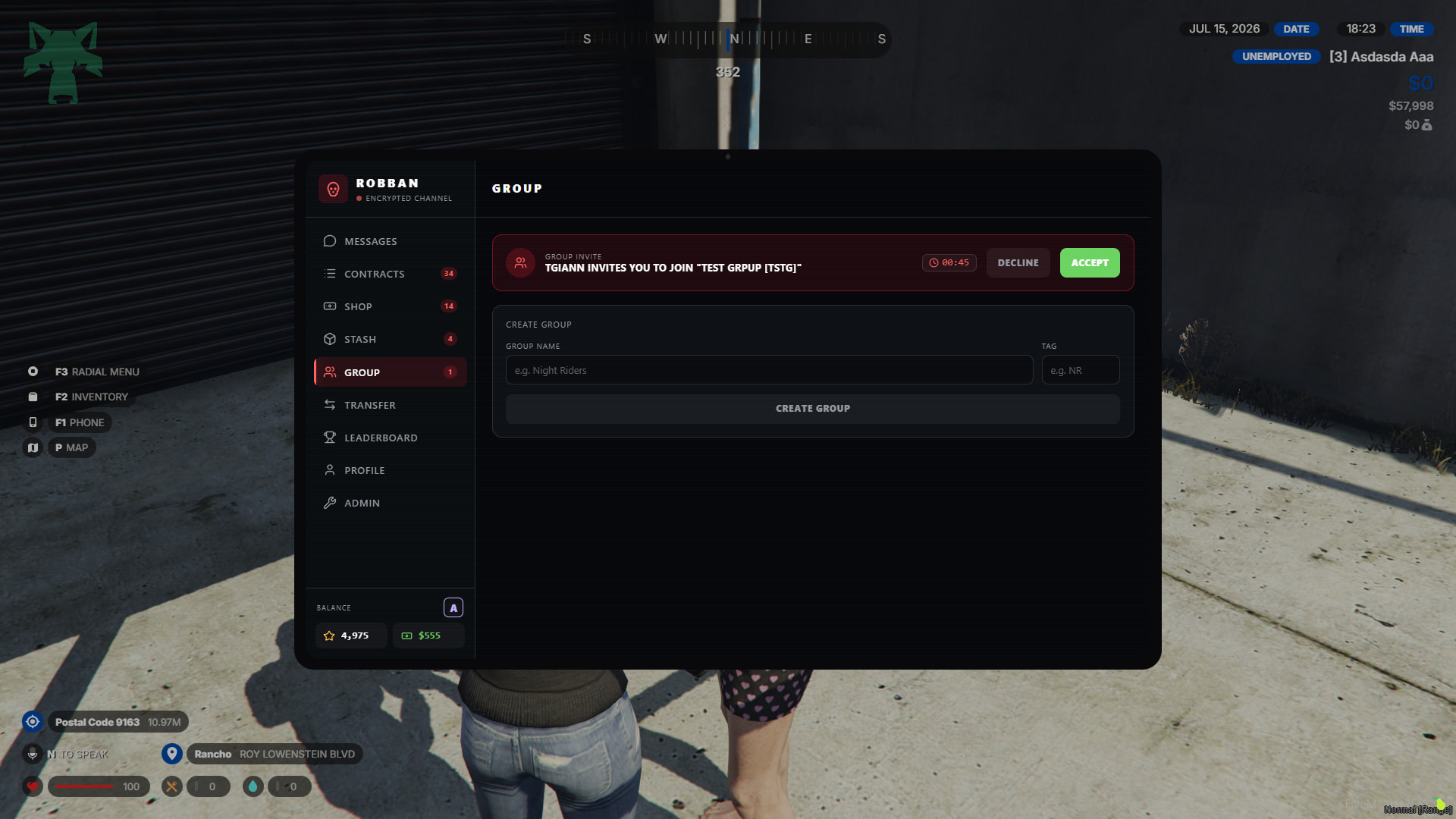
- You can create a group to do contracts. A maximum of 5 members can be added to a group, and when doing a contract, you can select the ones you want from these 5 members and complete it together with them.
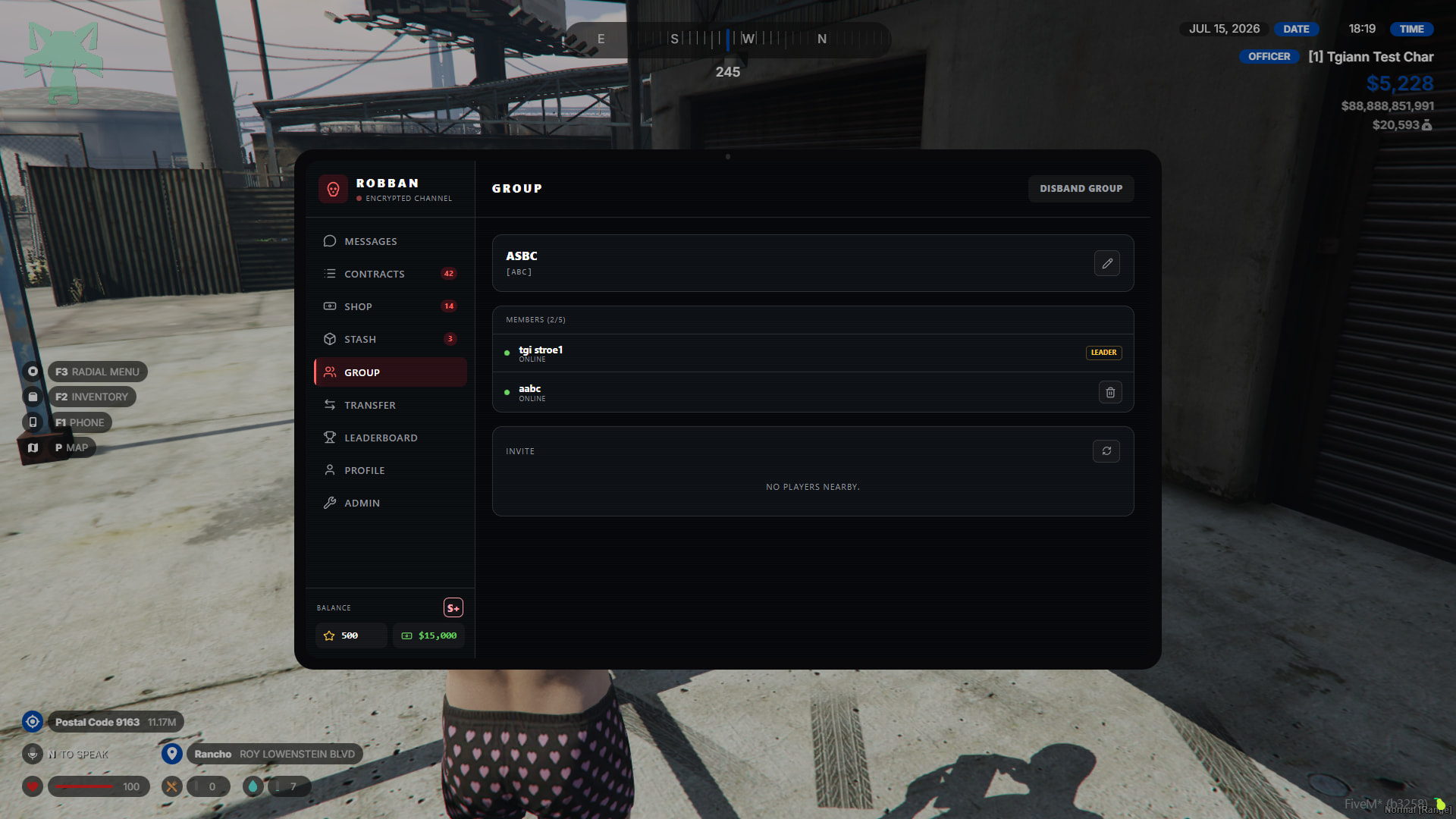
- When creating a group, you need to set a name and an abbreviation. After filling out these requirements, you can directly create the group and invite nearby people to the group.
Starting and completing contracts
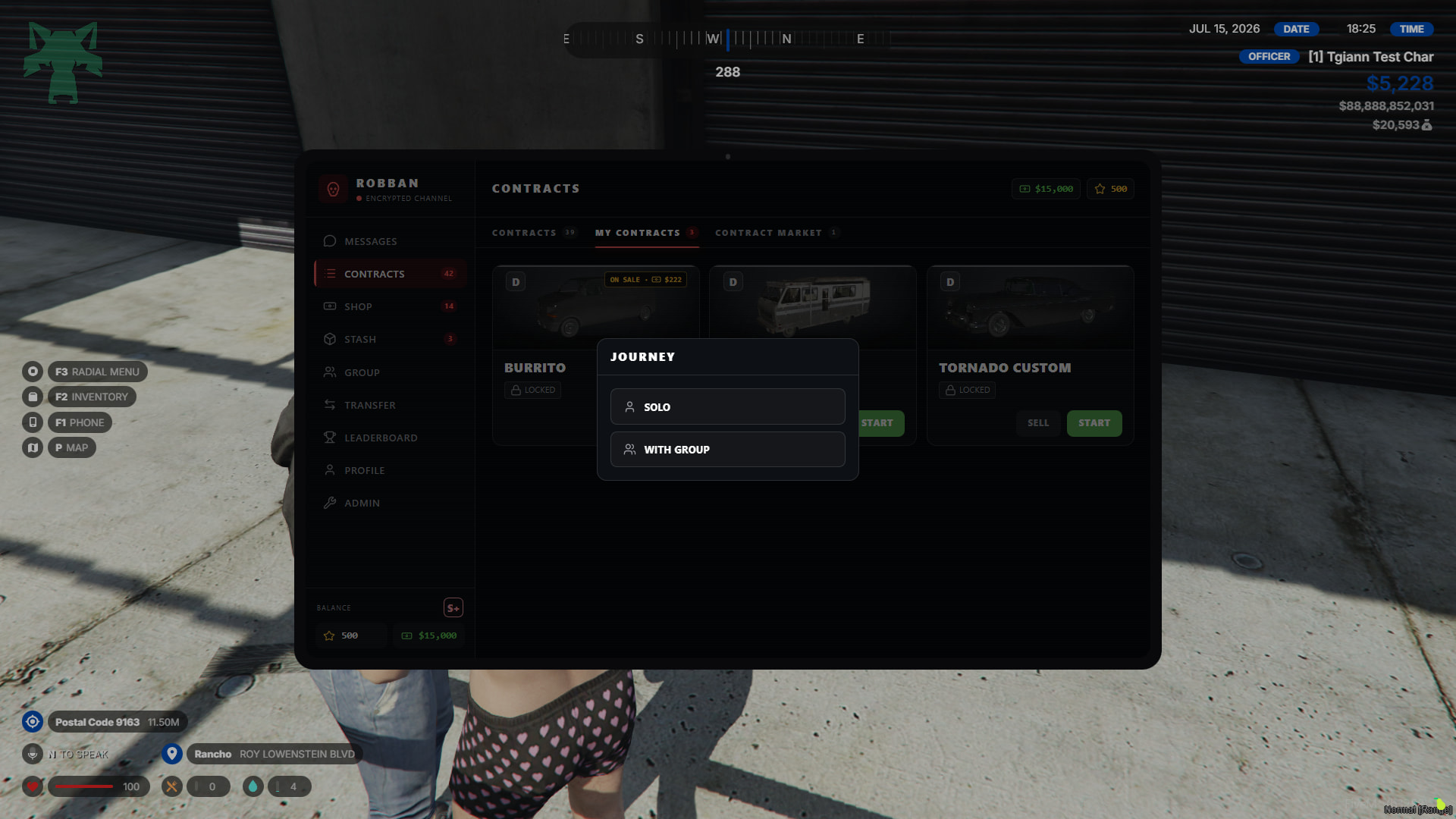
- When the start button is pressed, the option for either solo or with a group appears. When you say with a group, you don’t have to call the whole group, you can do the contract only with the group members you selected.
- There is a time limit to complete each mission. If you fail to complete the mission within this time frame, you will lose rep points with Robban.
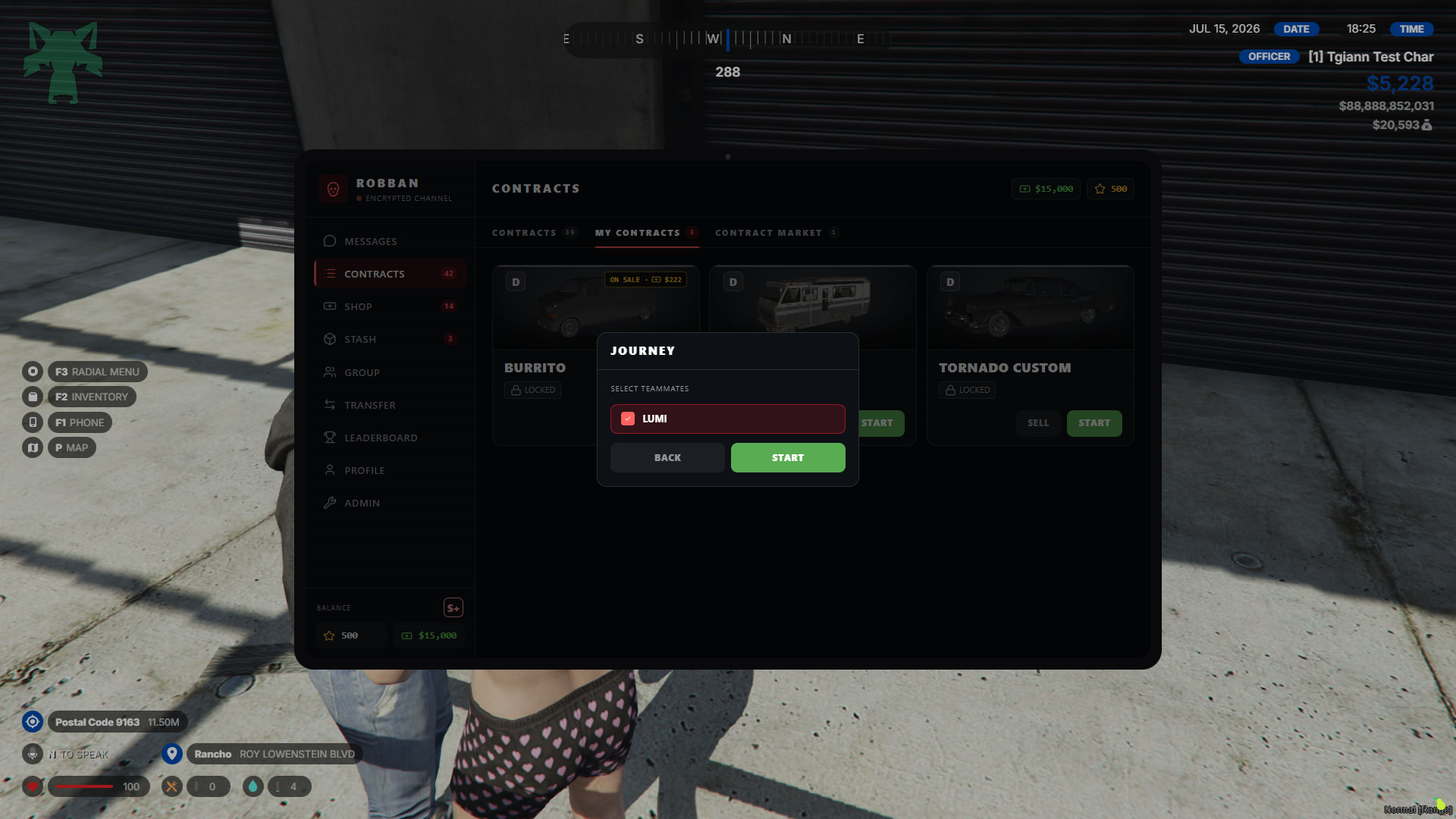
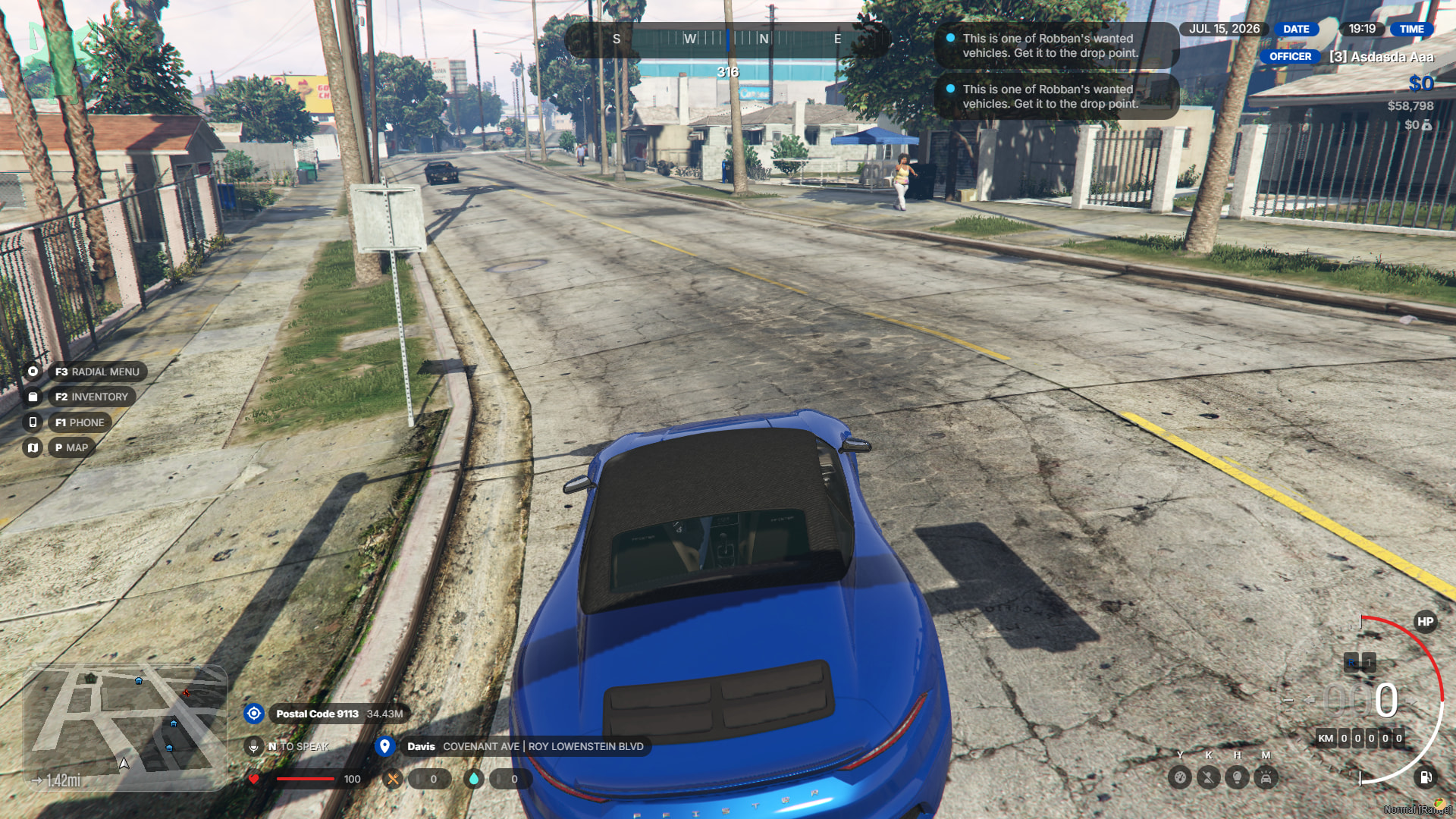
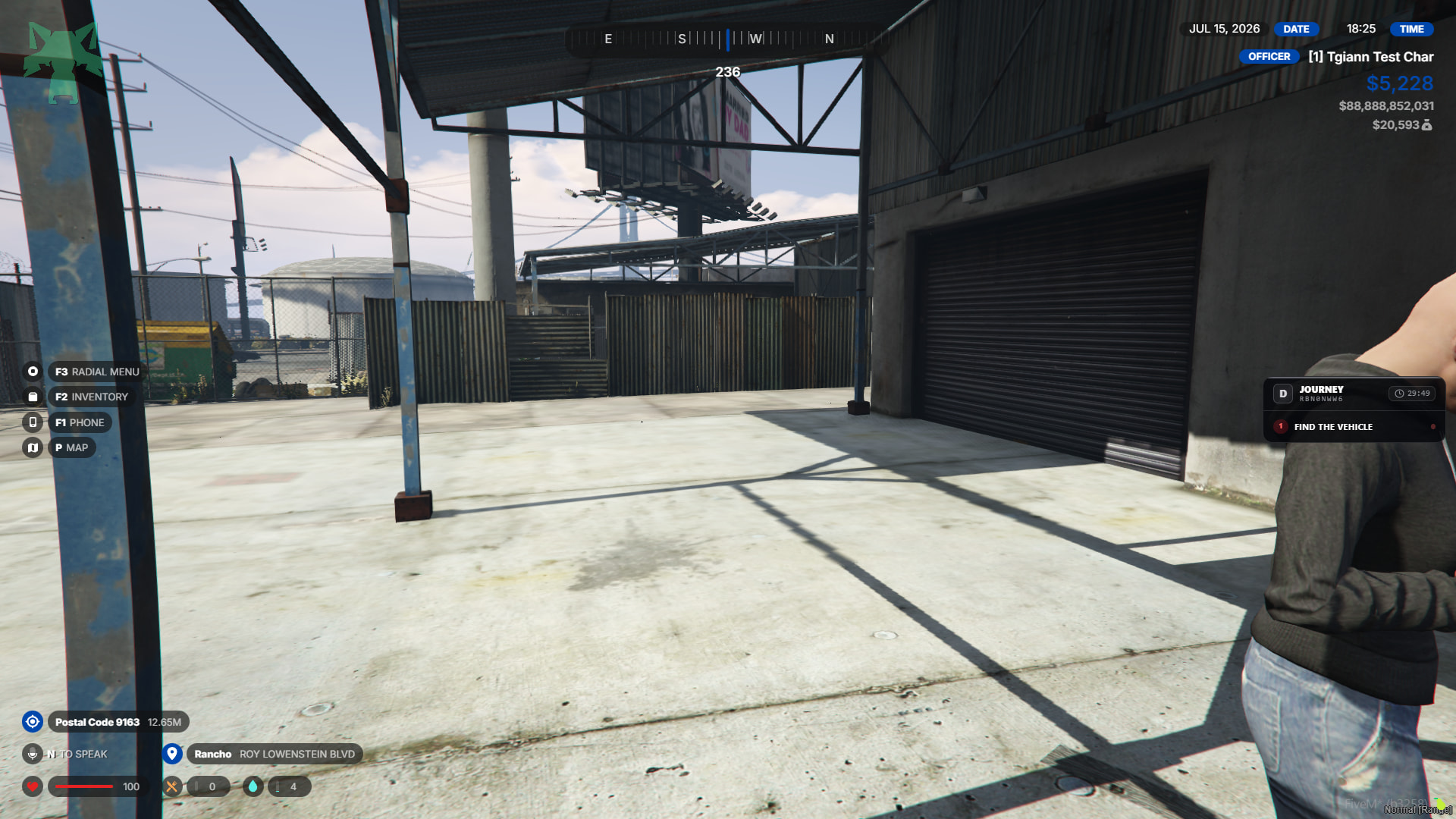
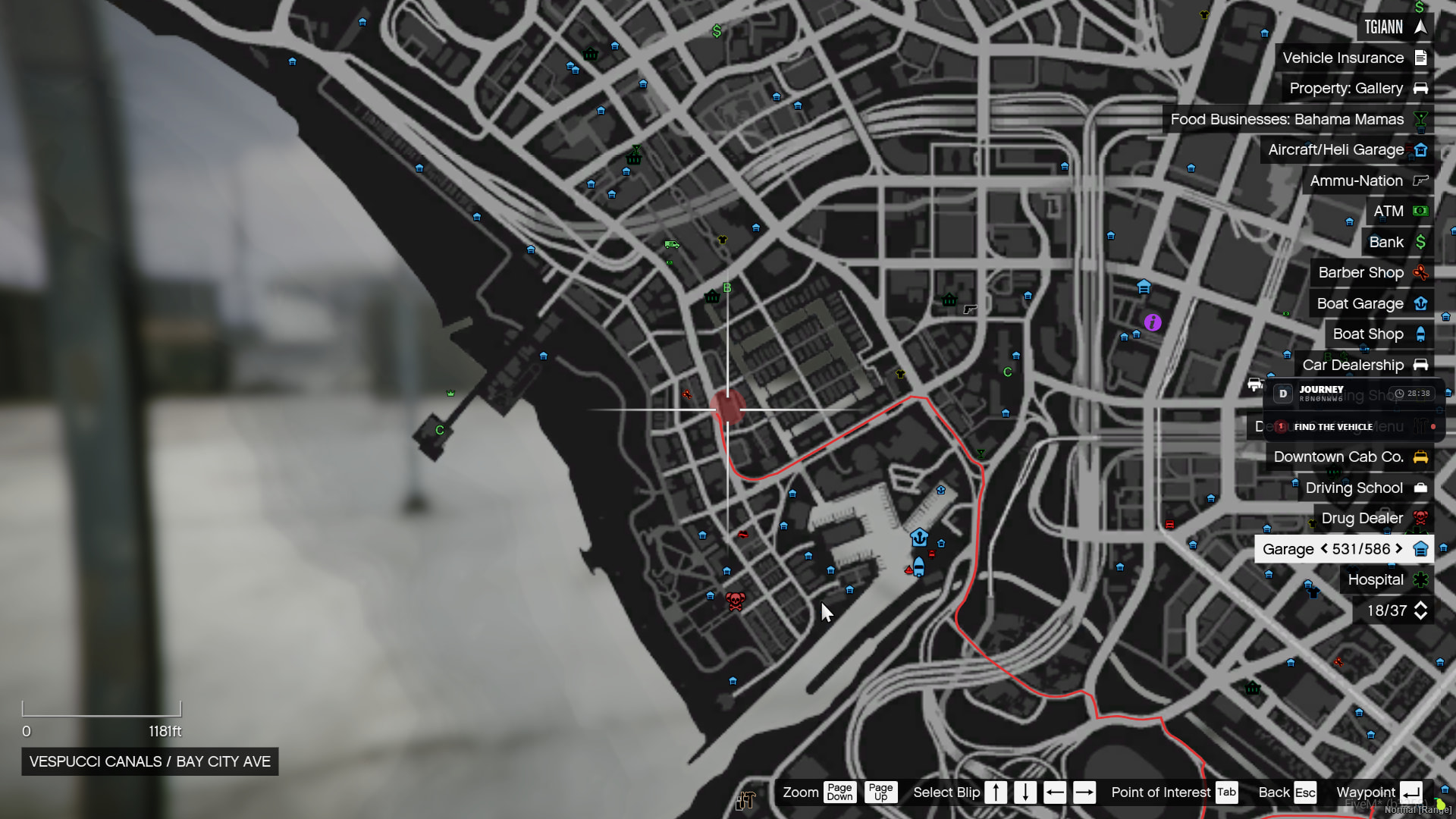
- When the contract starts, Robban gives you a location and asks you to find the vehicle he requested in that area. The size of the red search zone for this location varies depending on the level of the contract.
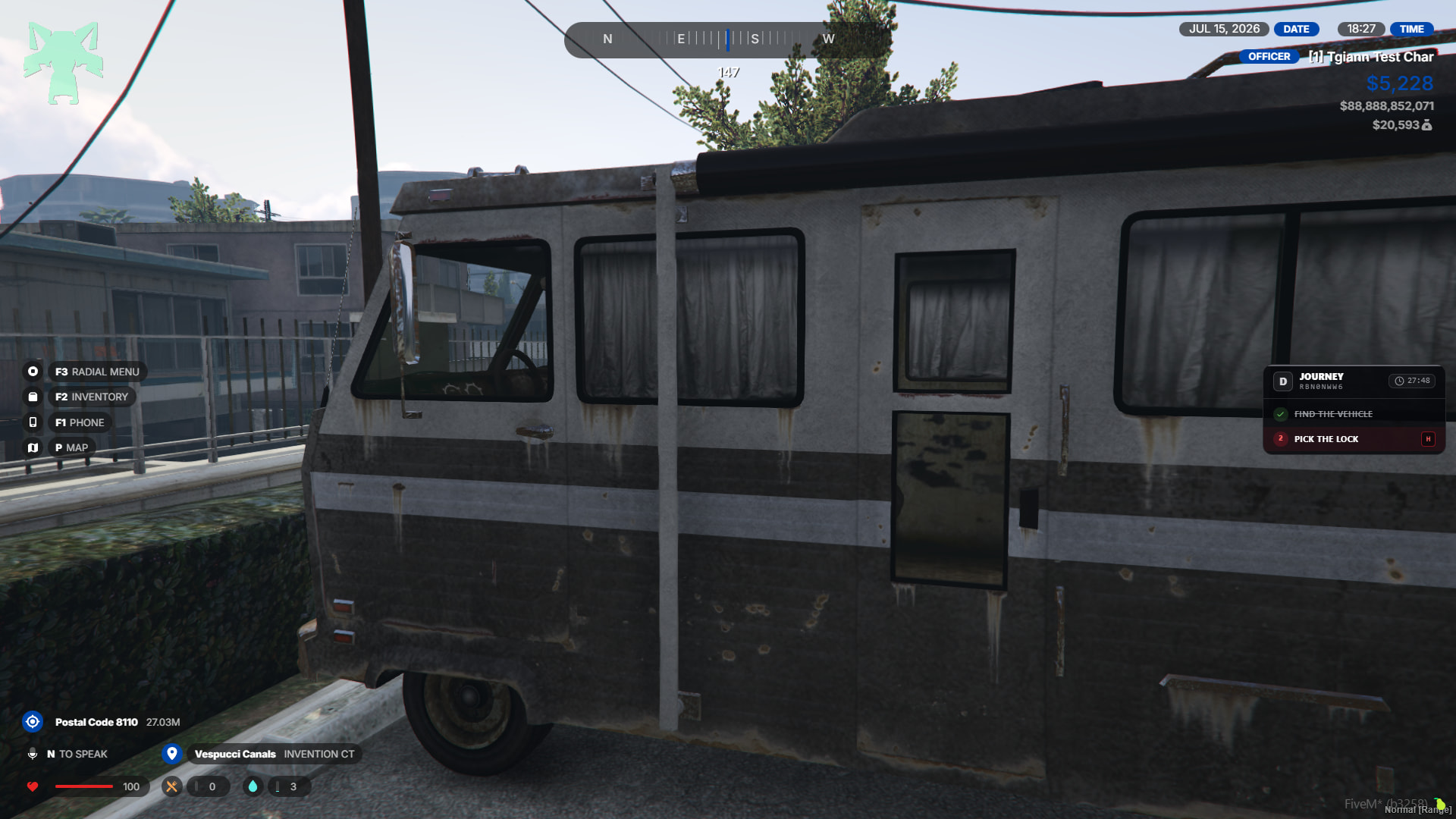
- When you find the vehicle, its doors can be locked or open according to the values set in the config. If its door is locked, you need to break this lock with a minigame.
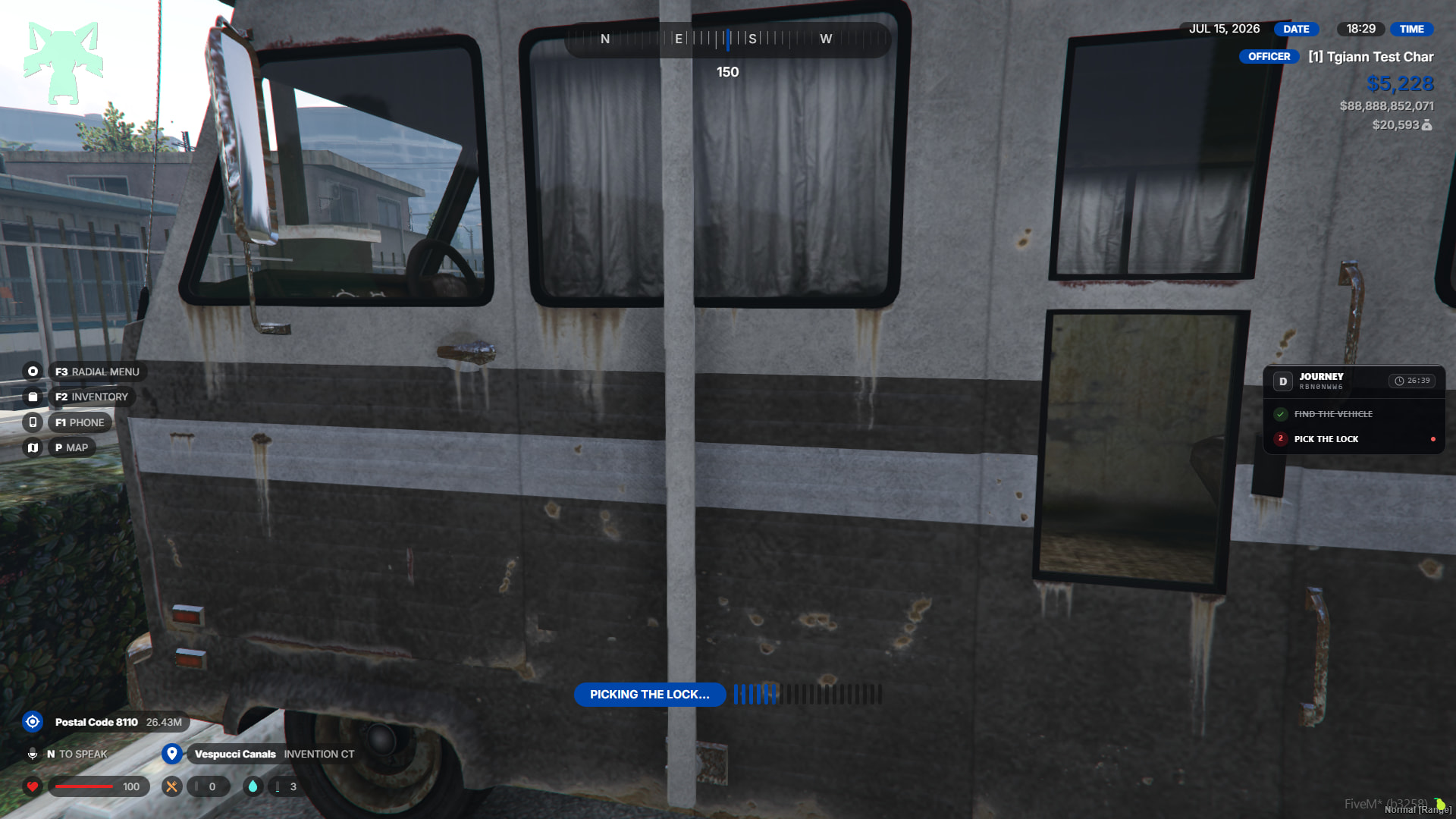
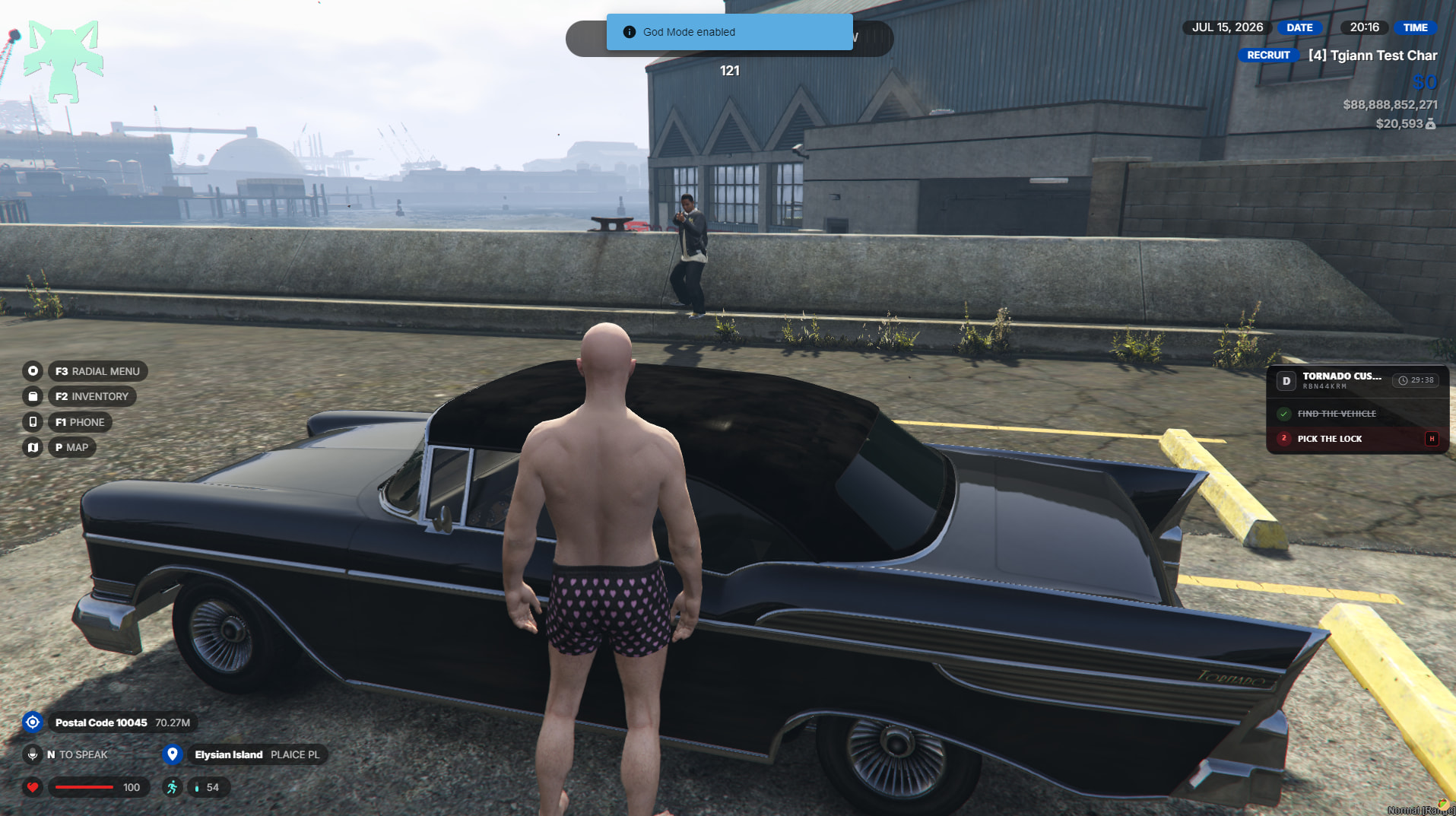
- In high-level contracts, there can additionally be NPCs protecting the vehicle. These NPCs are triggered the moment you approach the vehicle and shoot directly at you.
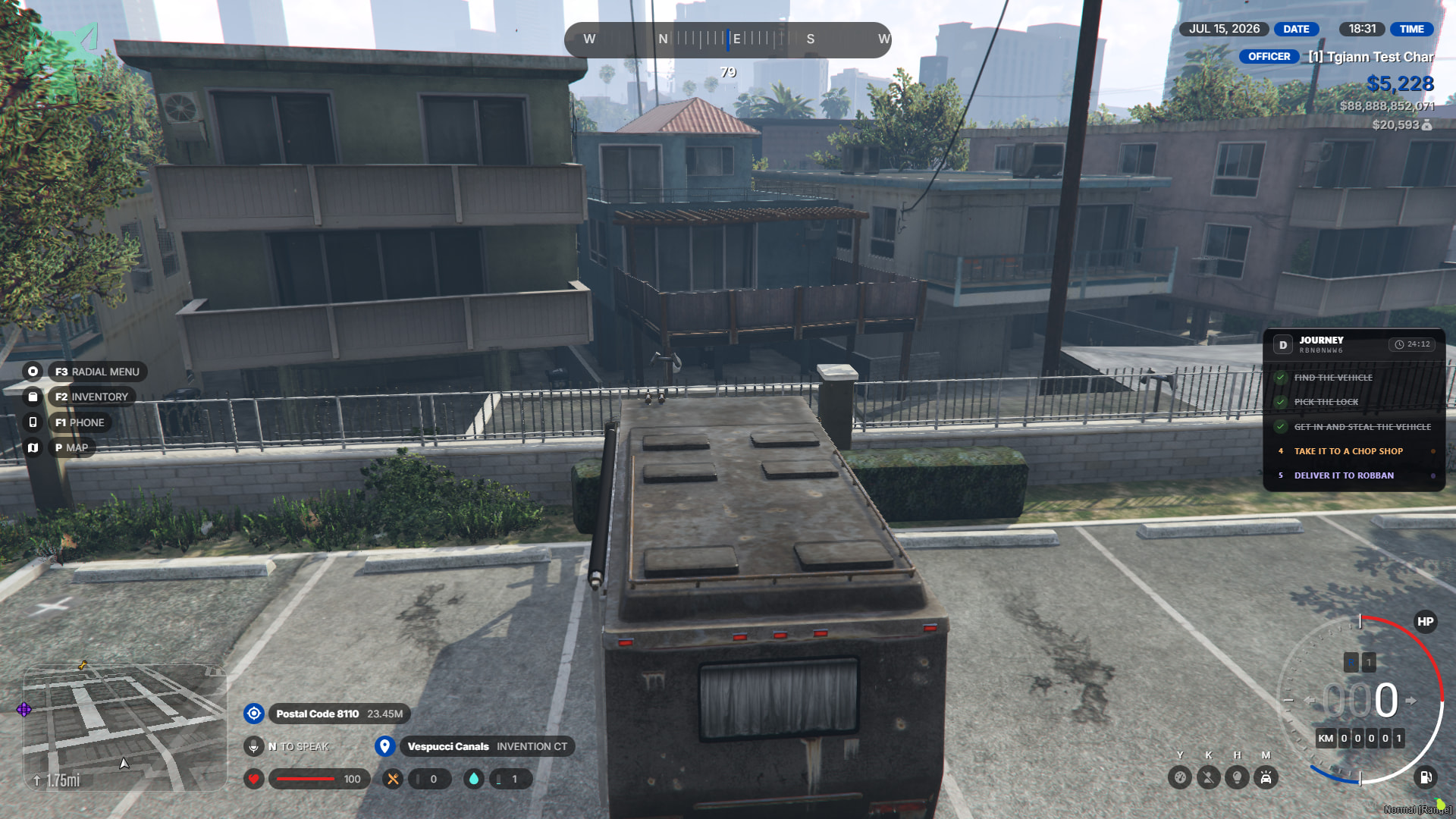
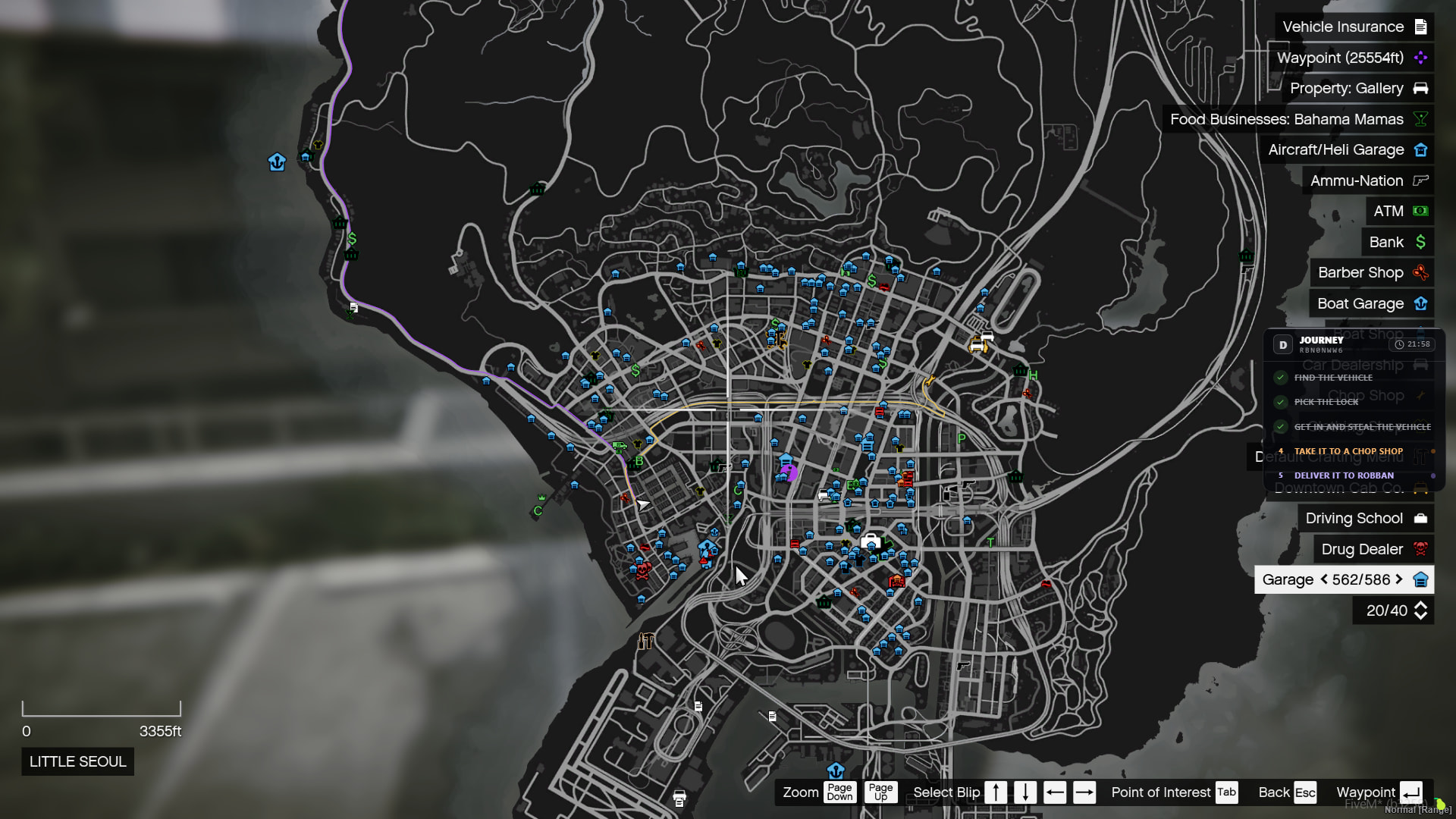
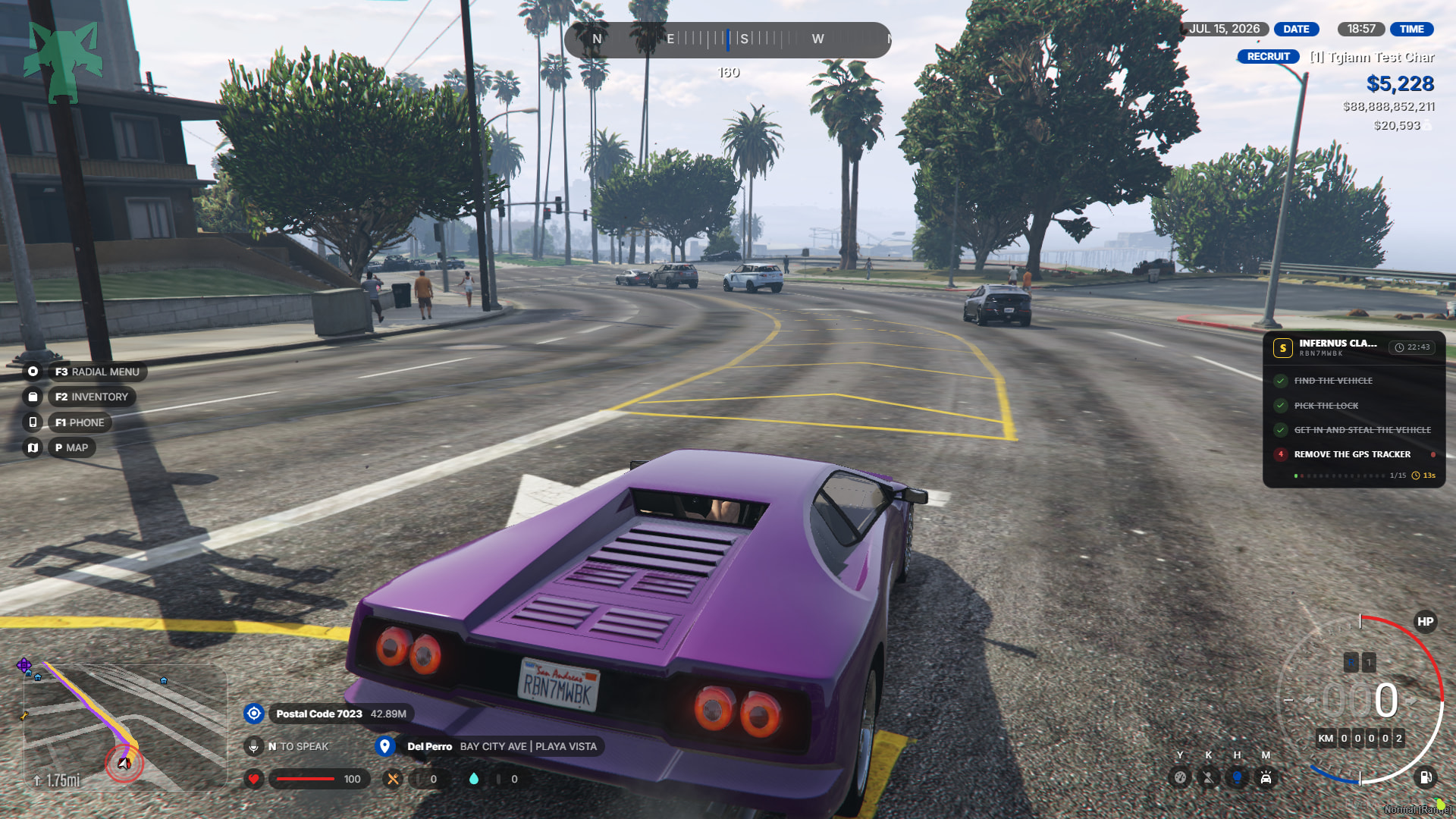
- Once the vehicle’s lock is picked and you get in, depending on the contract level and your luck, there might be a GPS in the vehicle. If the vehicle has a GPS, either you or the person next to you must remove it. Since the GPS is a very separate topic, you can find more information about GPS hacking right below. If the vehicle does not have a GPS, or after the GPS is removed, Robban offers you two options: either take the vehicle to Robban, or chop it.
Taking the vehicle to Robban
- When you take the vehicle to Robban, he gives you rep points and adds the vehicle to the shop. This way, anyone can buy this vehicle with rep points.
Chopping the vehicle
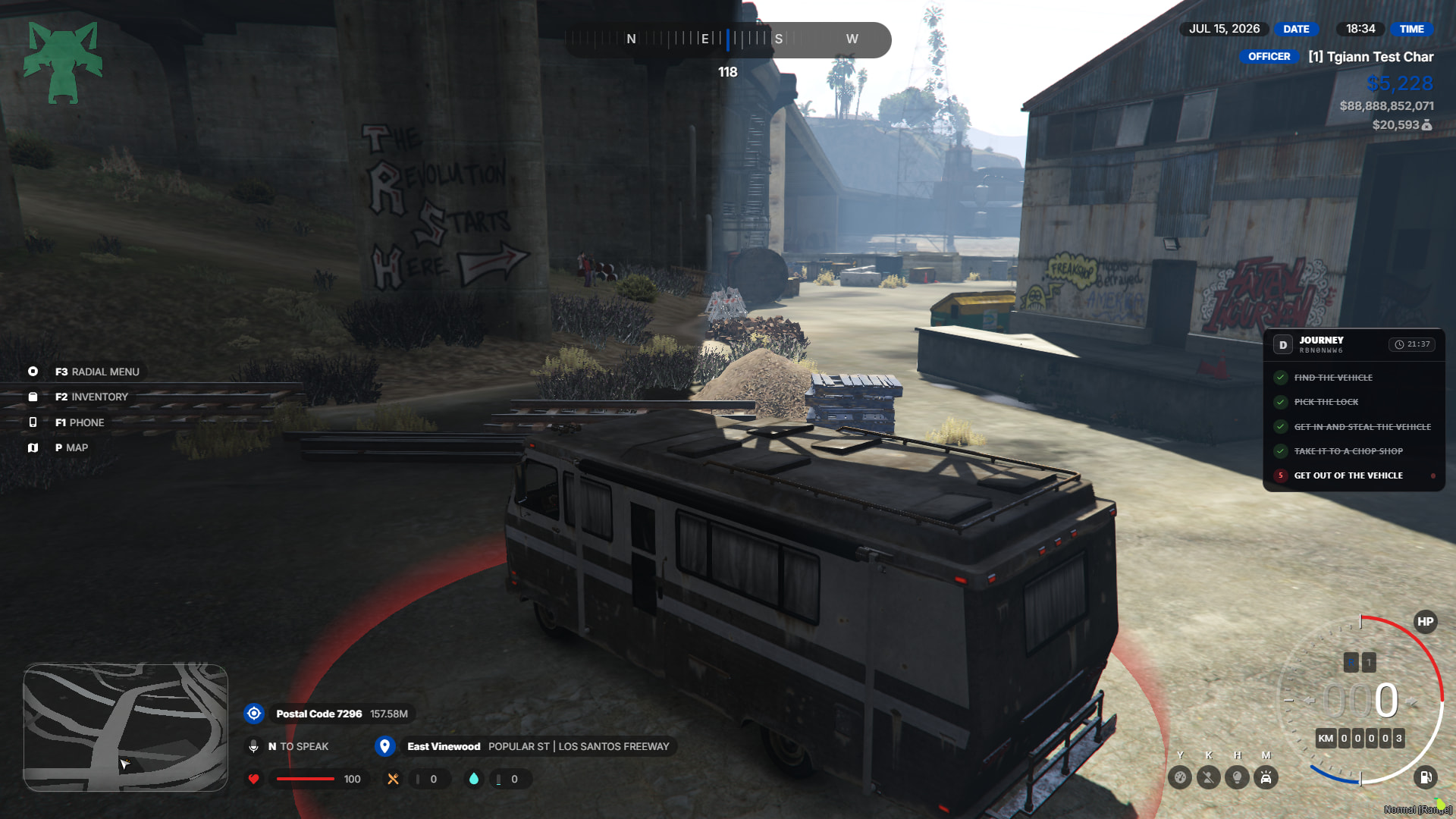
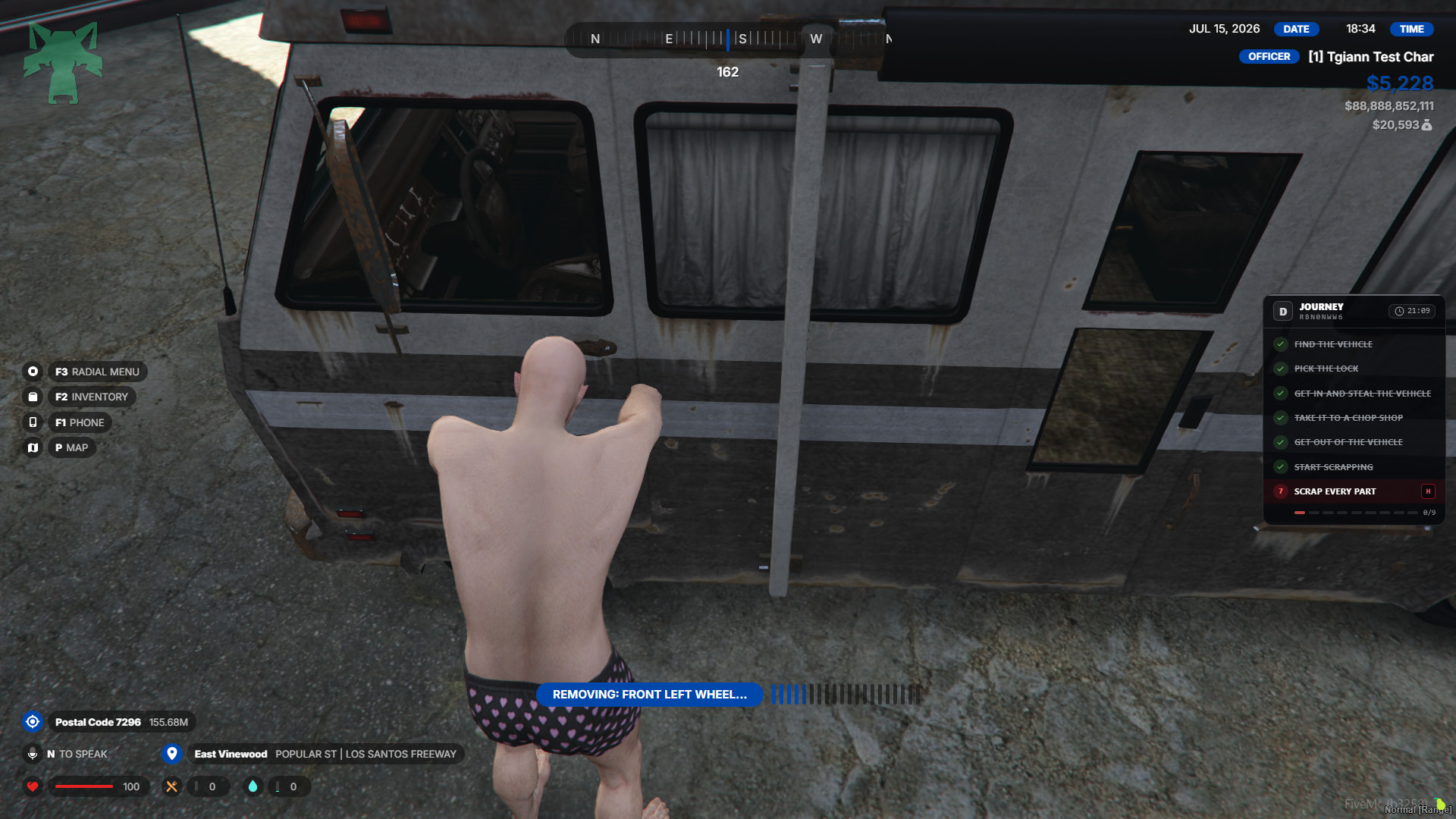
- When you go to the chopping area, you dismantle each of its parts one by one, and you can find various items during these dismantling stages. If you successfully complete the chopping process, Robban gives you a certain amount of money.
GPS Hacking
If a vehicle has a GPS, an alert is sent to the police the moment the vehicle is stolen, and the police can track its location on their maps as the vehicle’s GPS updates at specific intervals.
When the robber or robbers successfully complete all the required hacks, the GPS disappears from the police screens.
The number of hacks required varies depending on the vehicle’s class.
- For example, while a D class requires 3 hacks, this number is 20 for an S+ class.
- After each hack is completed, you must wait a certain cooldown period before attempting the next one. With every successful hack, the vehicle’s location on the police GPS updates less frequently.
- (For instance, the update interval might be 2 seconds when no hacks are done, but it could increase to 30 seconds after the 10th hack).
- If a hack attempt fails, the system enters a cooldown period again, and you must retry the current hack; all your previous successful hacks are not reset.
Once all hacks are successfully completed, Robban will send you the locations.
Police GPS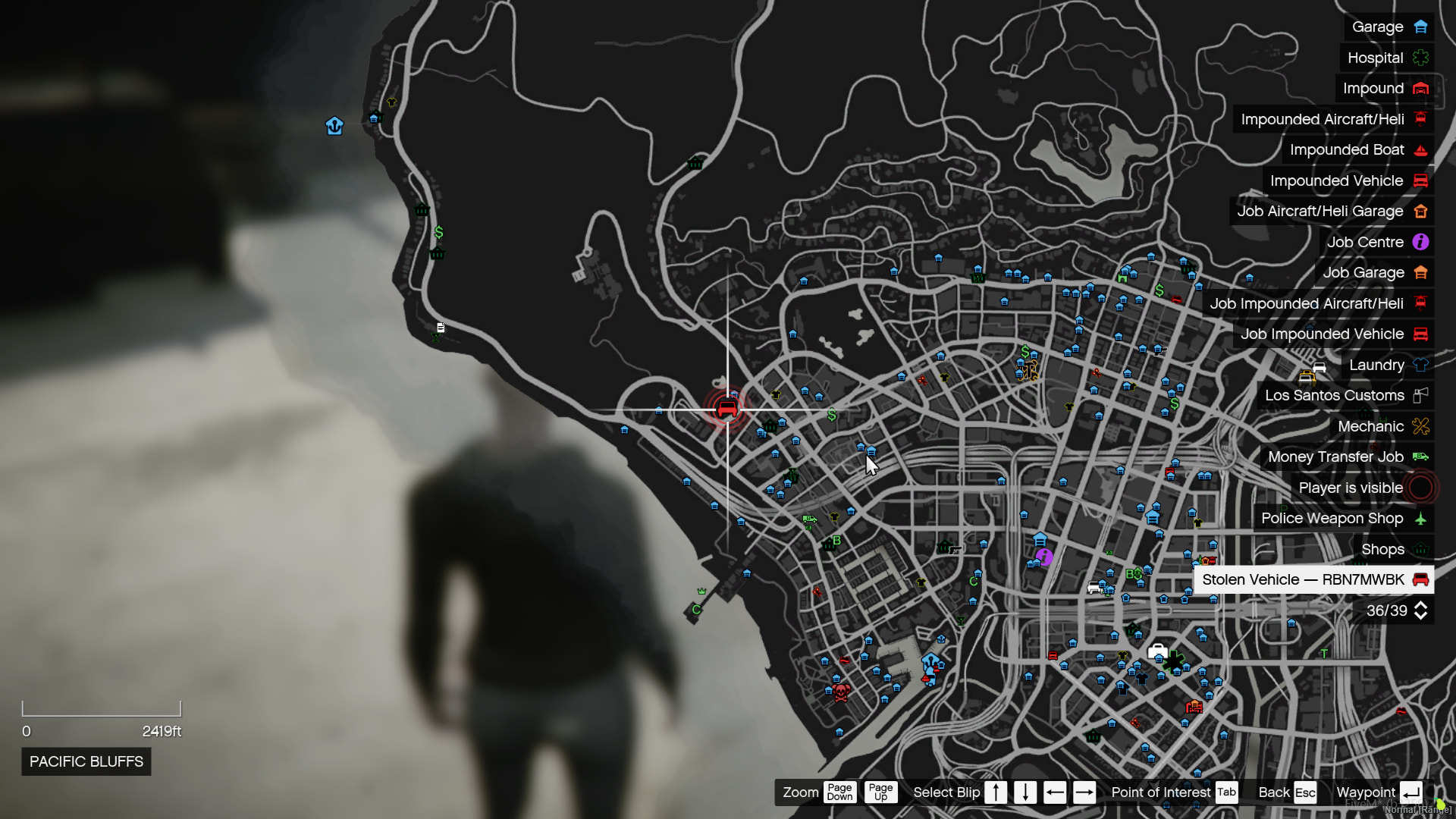
Hacking Starting
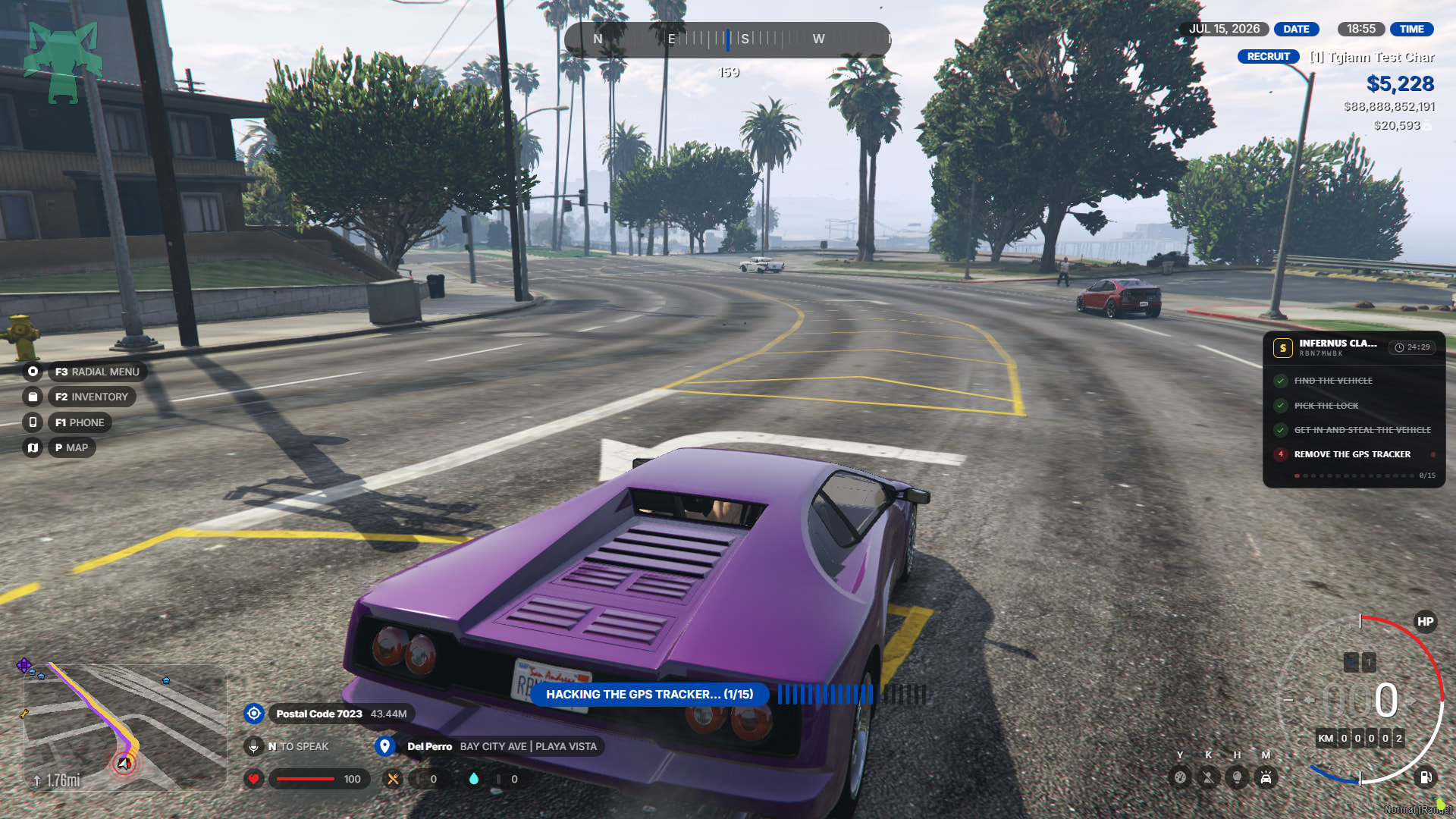
Hacking Cooldown
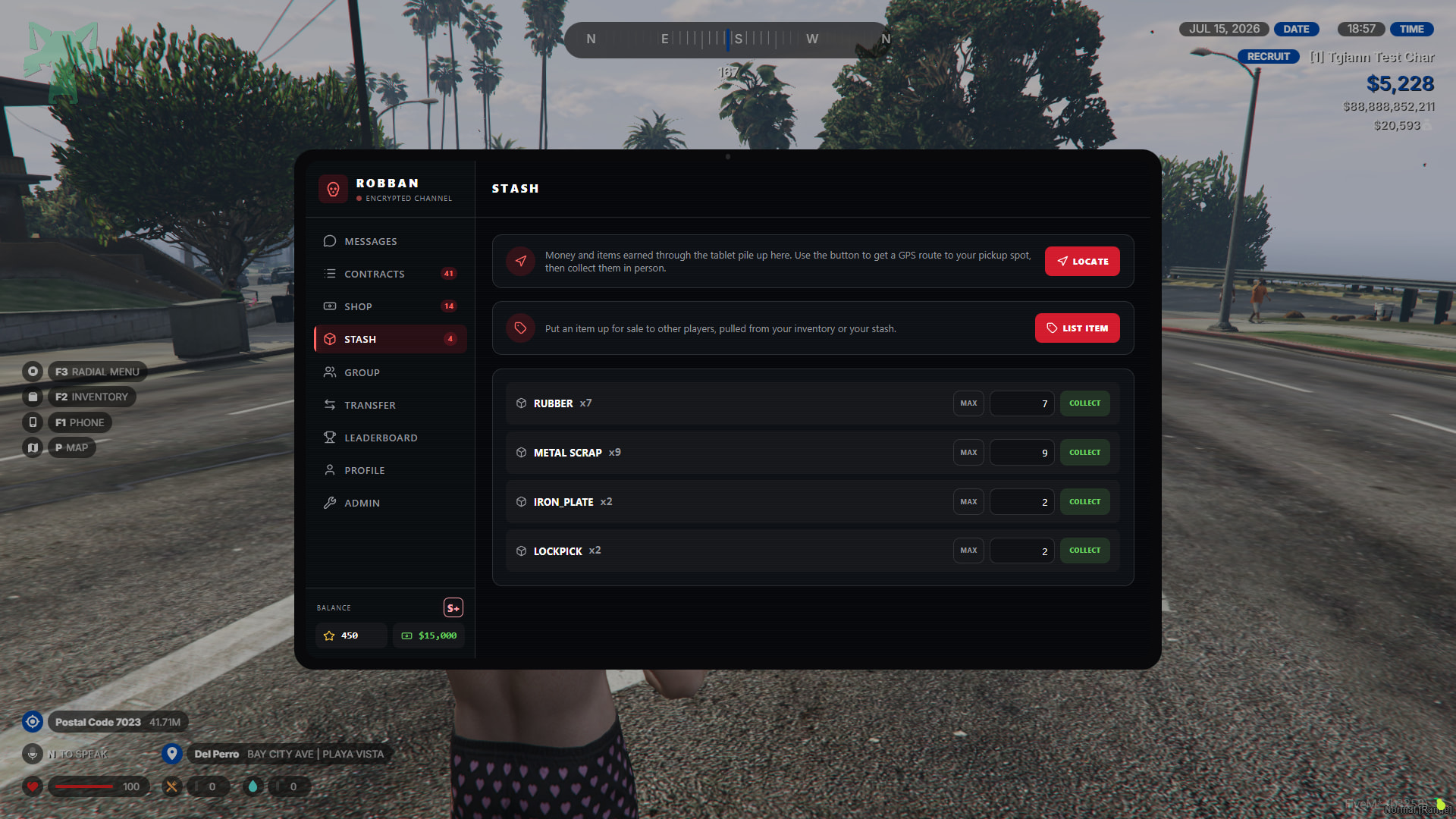
Stash
- Items you earned from chopping vehicles, items you bought from the market, etc., accumulate here. You can go to a specific location on the map and retrieve your items from that location.
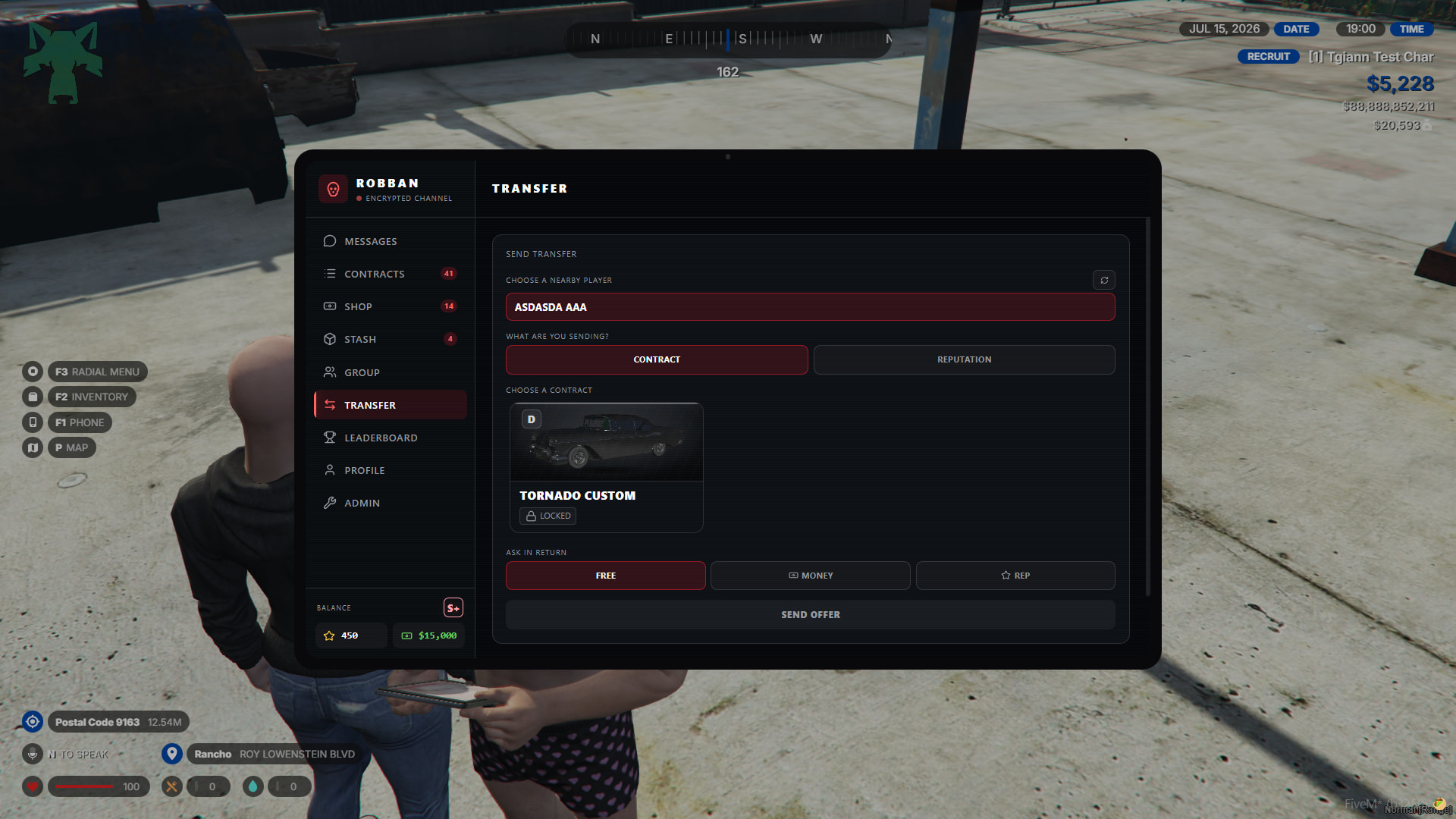
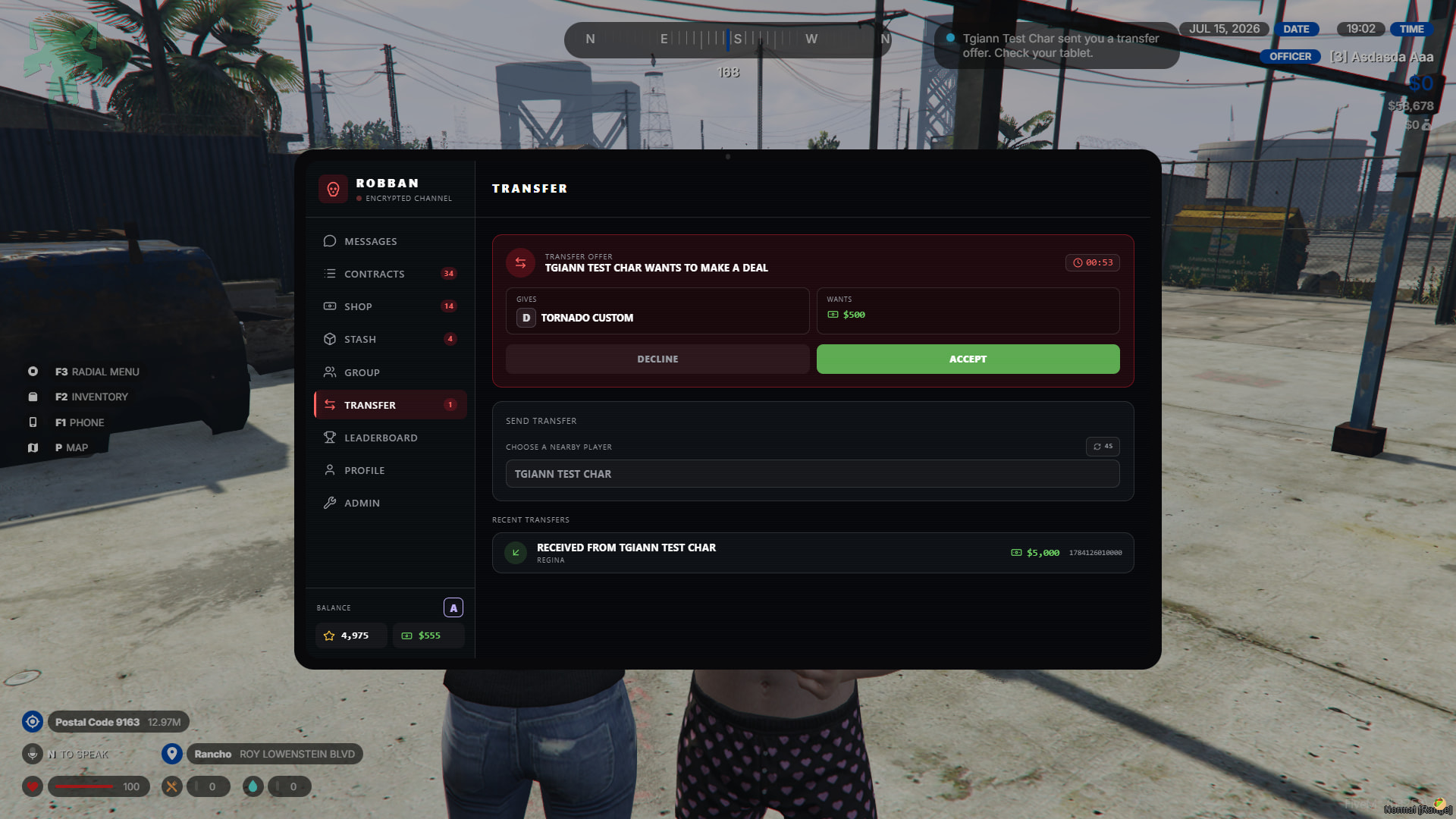
Transfer
- You can transfer your contracts or rep points to nearby players from this tab.
- During the transfer process, you can ask for money or rep, or give it for free.
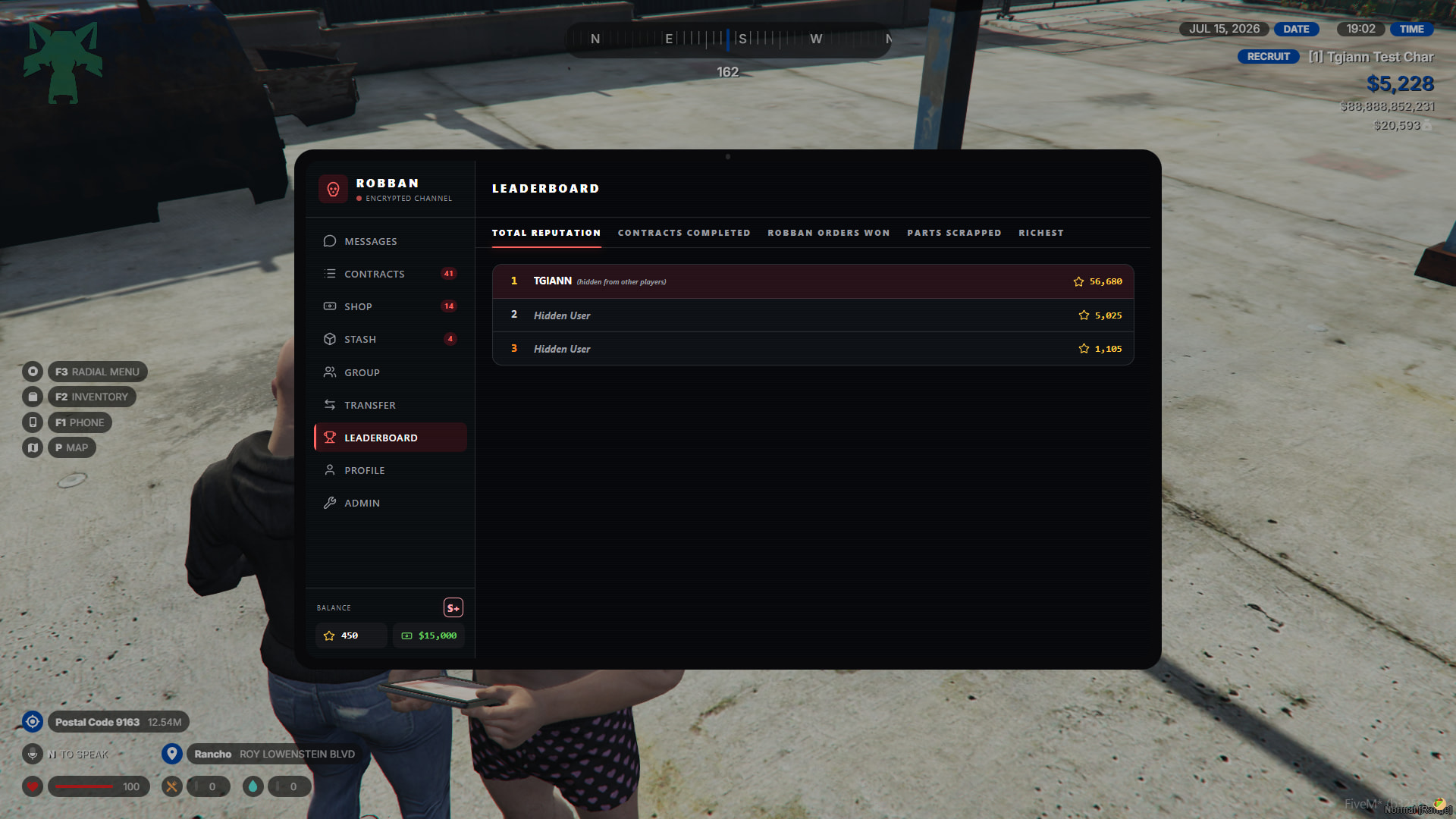
Leaderboard
- From this tab, you can view various rankings. Players who wish to can hide or change their names from the leaderboard section.
Profile
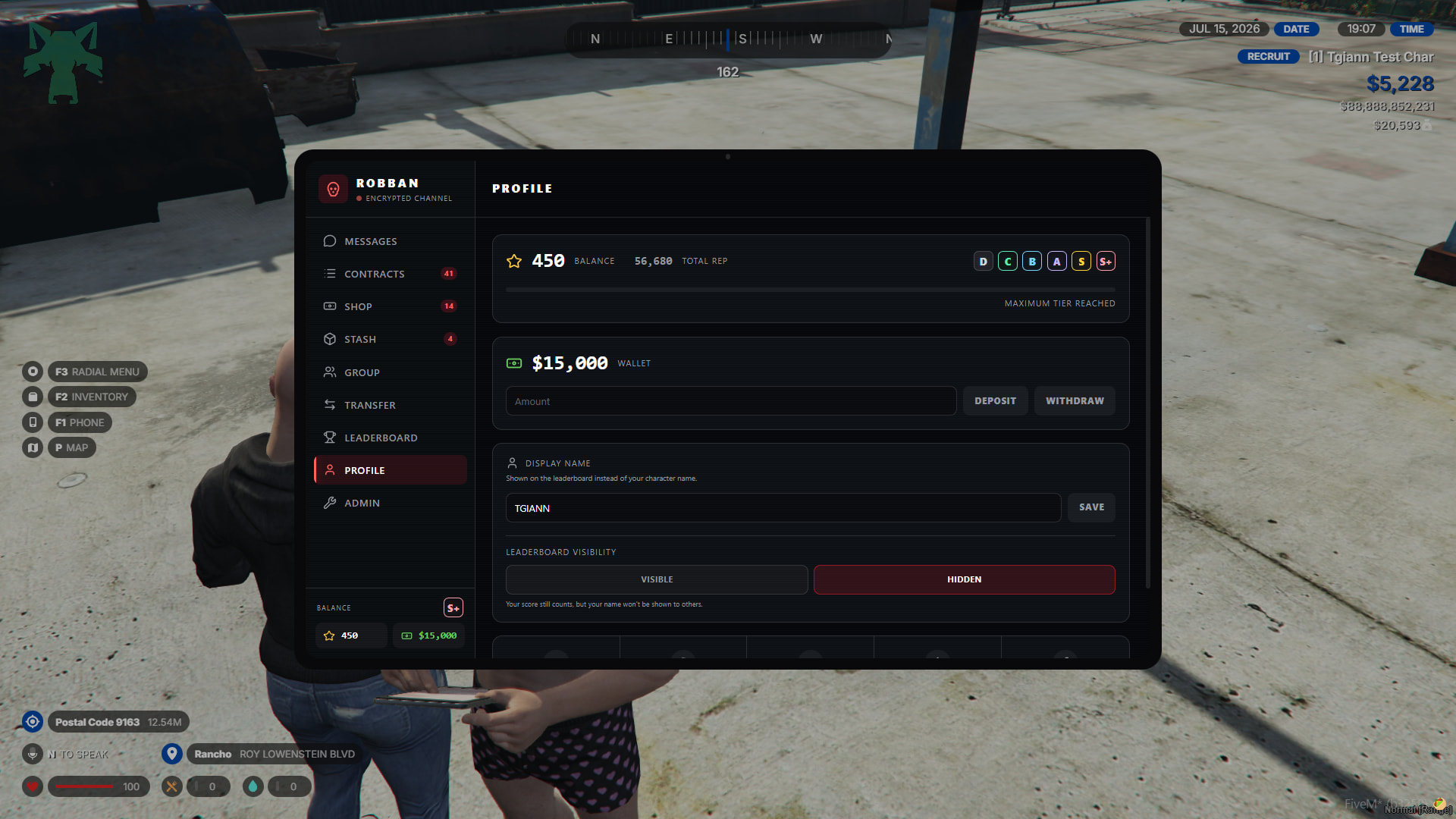
- From your profile, you can view your rep points and the total points you have earned. You can also view the class level you have reached.
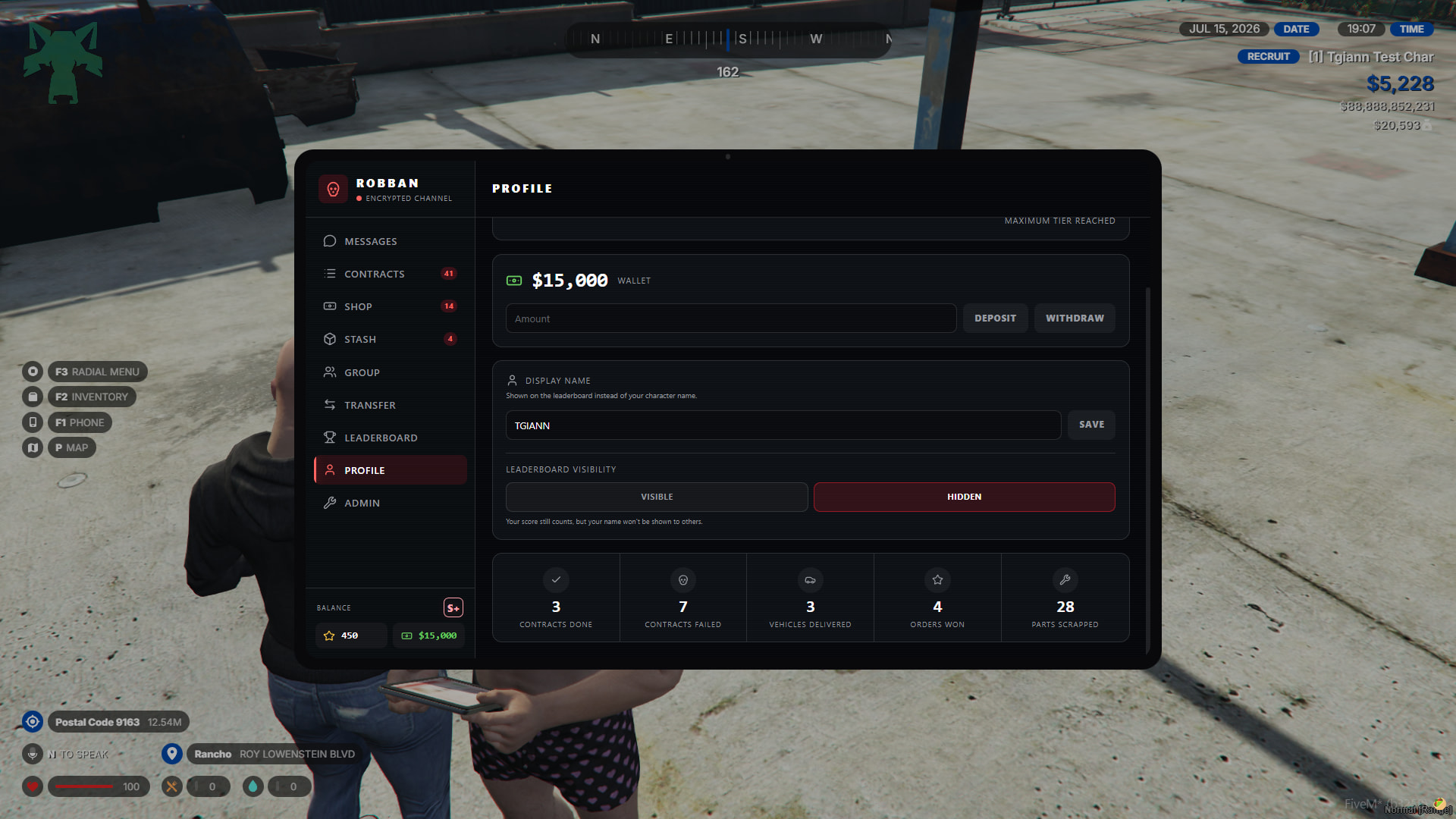
- You can add funds to your wallet to purchase contracts and buy things from the store. As an admin, you can set the maximum money limit for the account; players cannot exceed this limit by making deposits.
- From the display name section, you can change your name on the leaderboard or hide your name.
- Lastly, you can view your overall statistics.
Admin panel
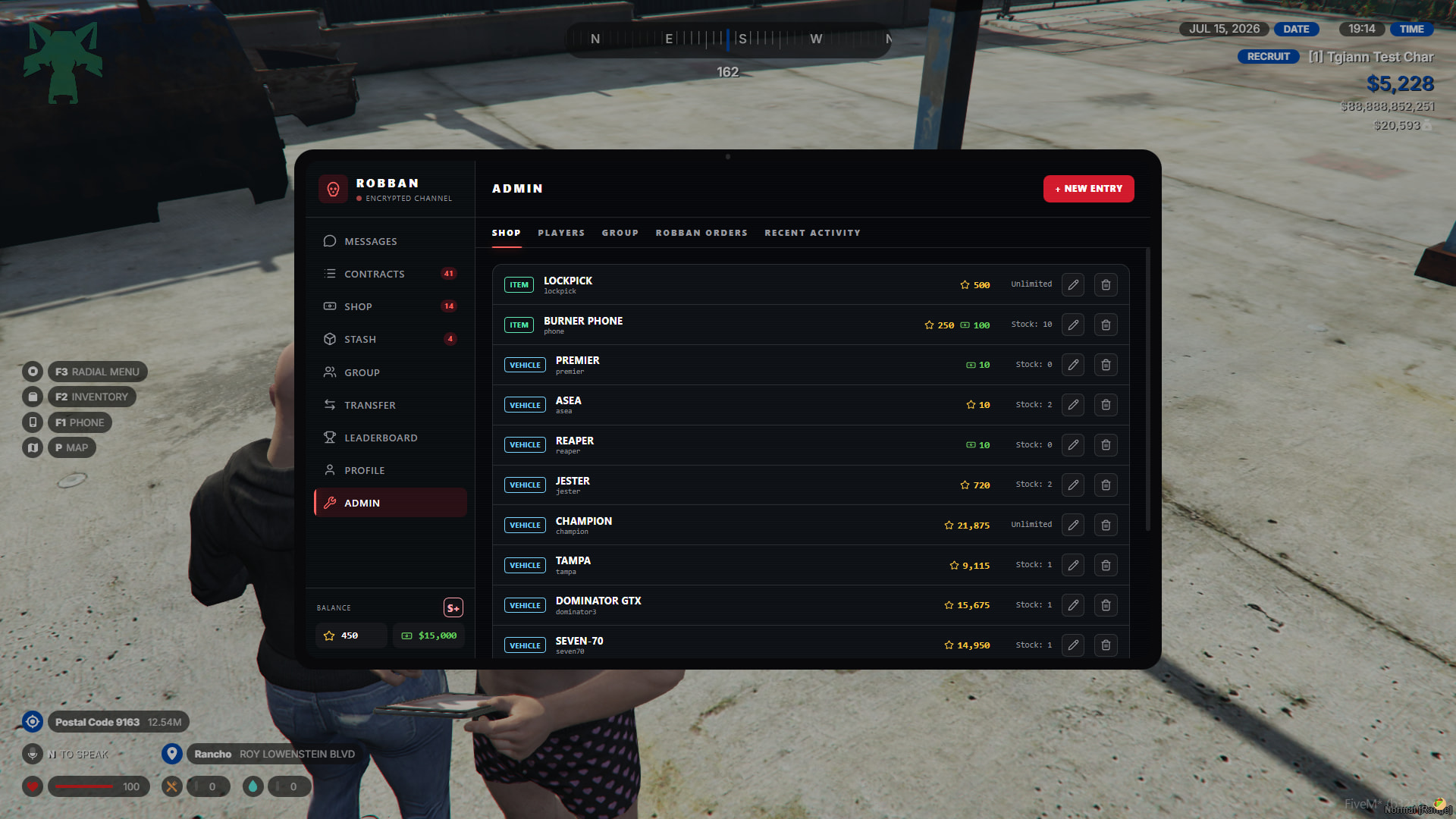
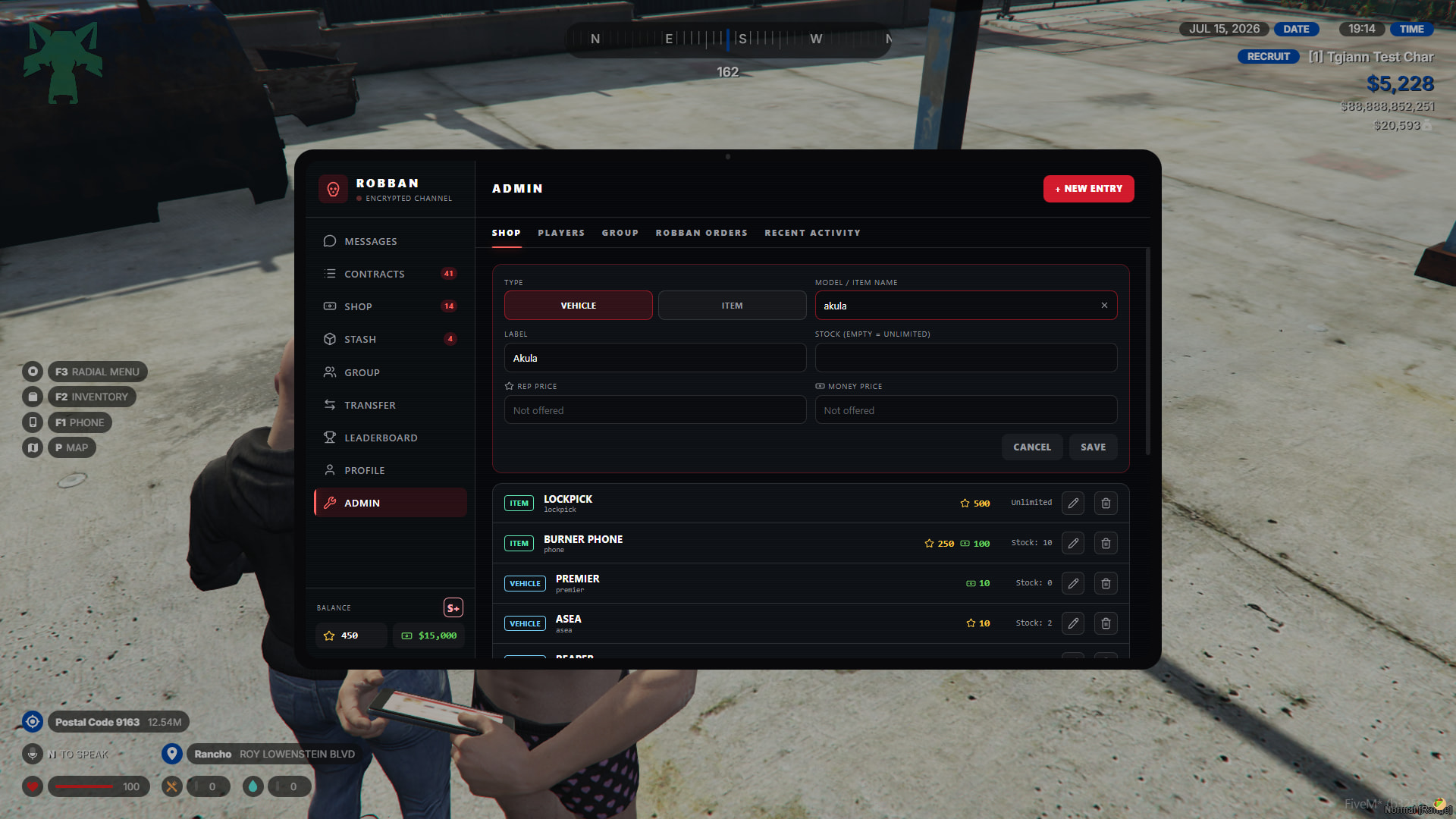
Shop
- From here, you can edit everything in the shop or add new vehicles and items to the shop.
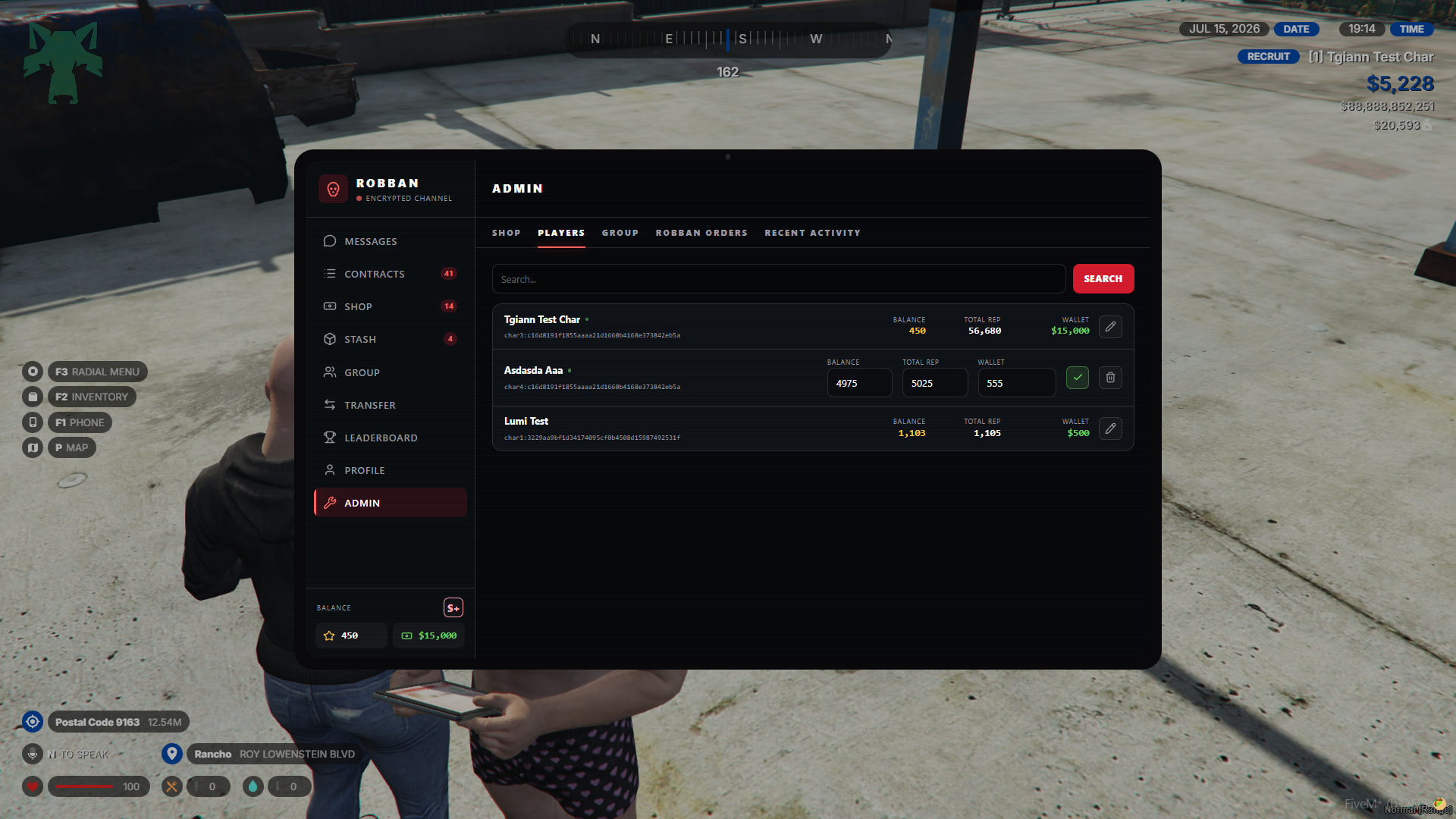
Player
- From this tab, you can view all players and change some of their data.
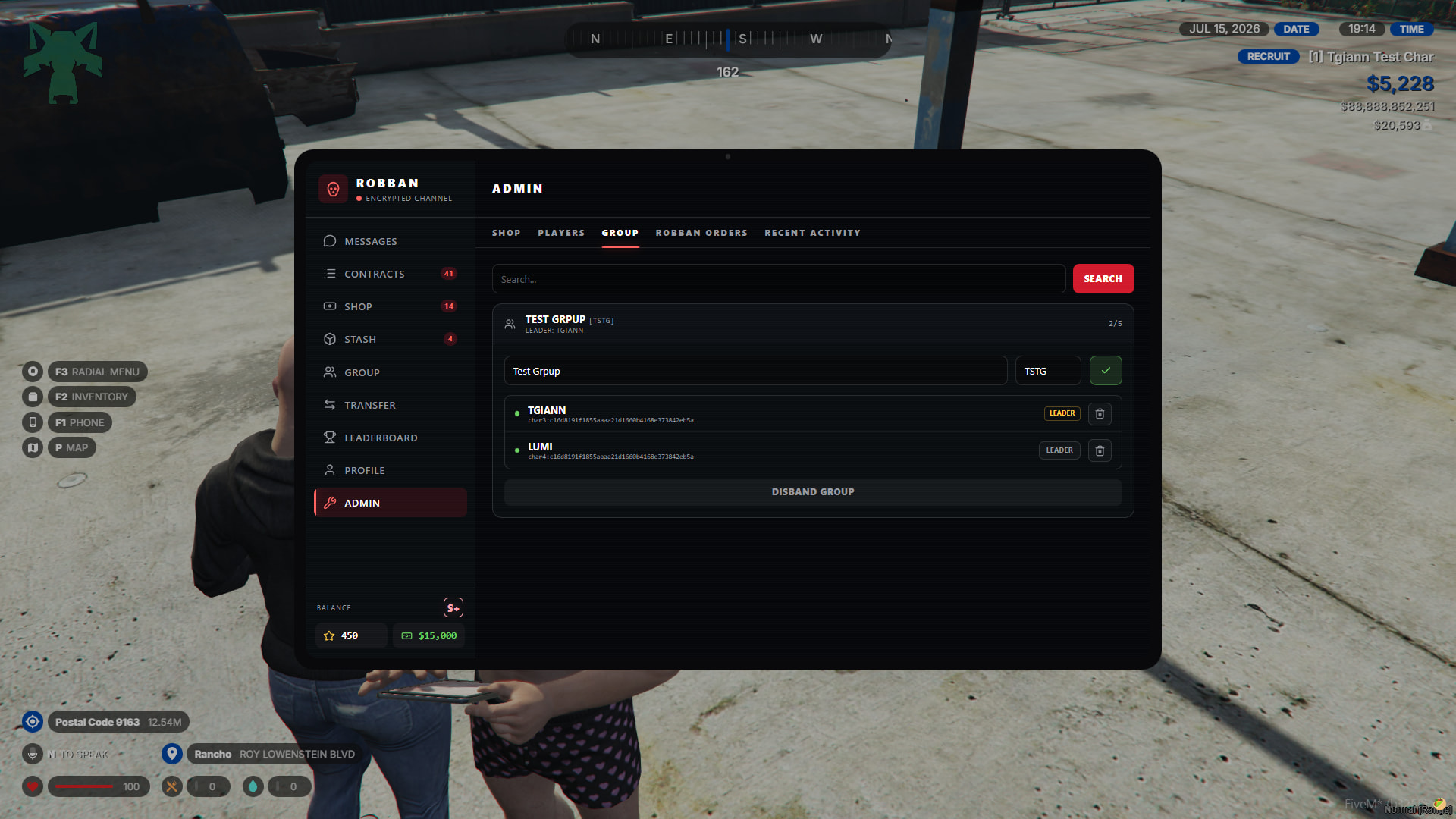
Group
- From this tab, you can view all groups and kick players from the groups or change the leader.
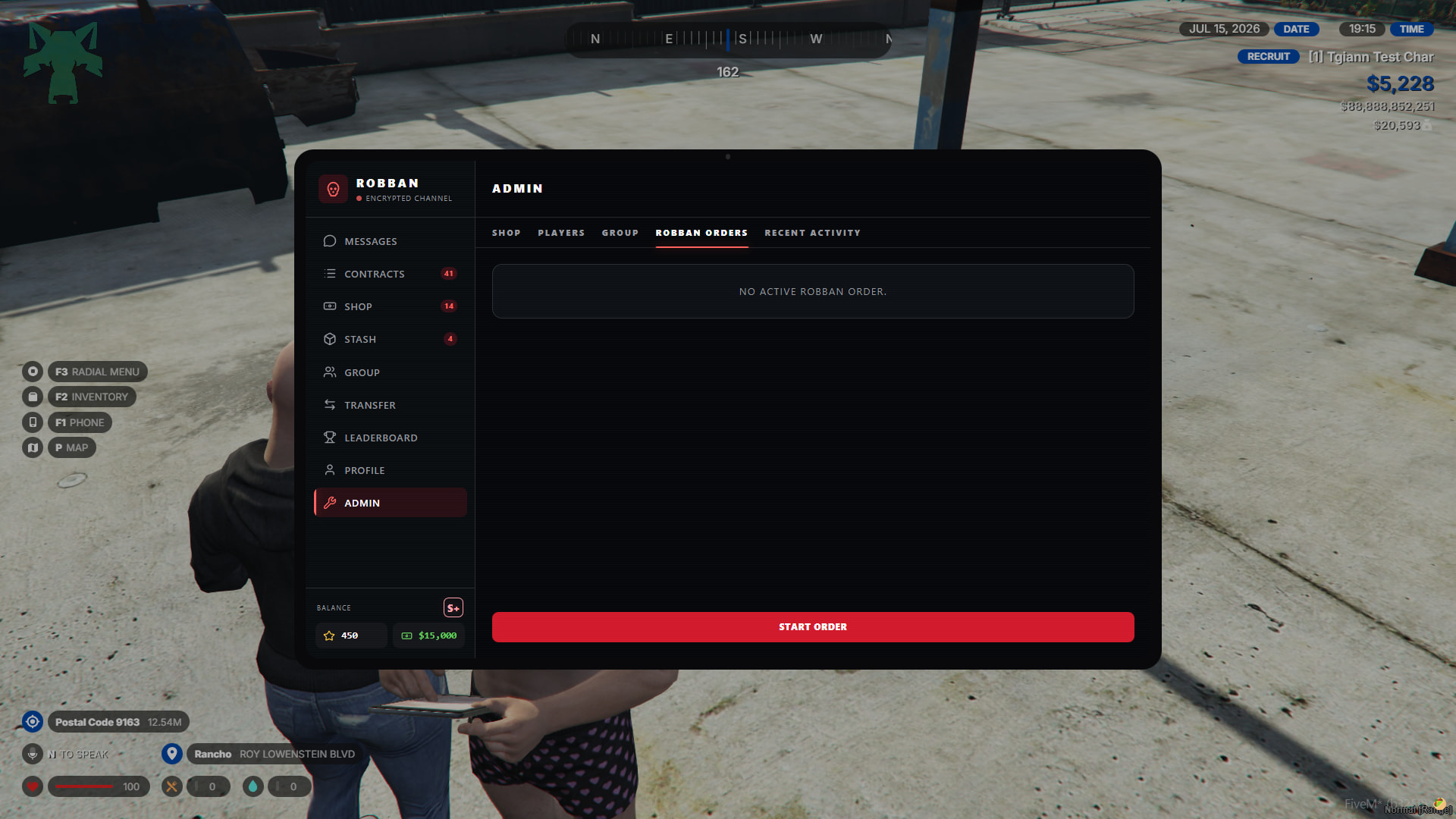
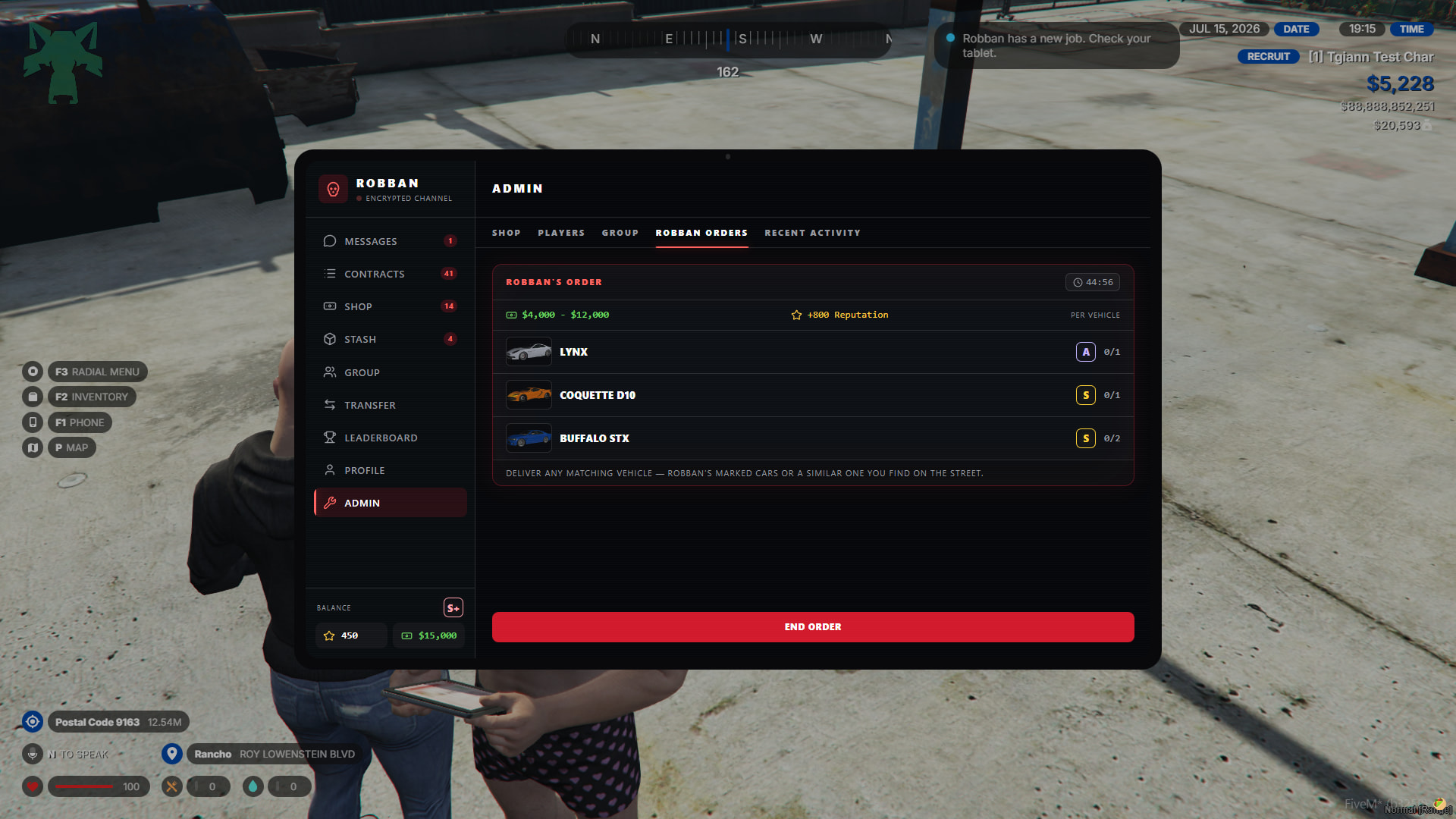
Robban Orders
- From this tab, you can manually start and stop Robban’s vehicle requests.
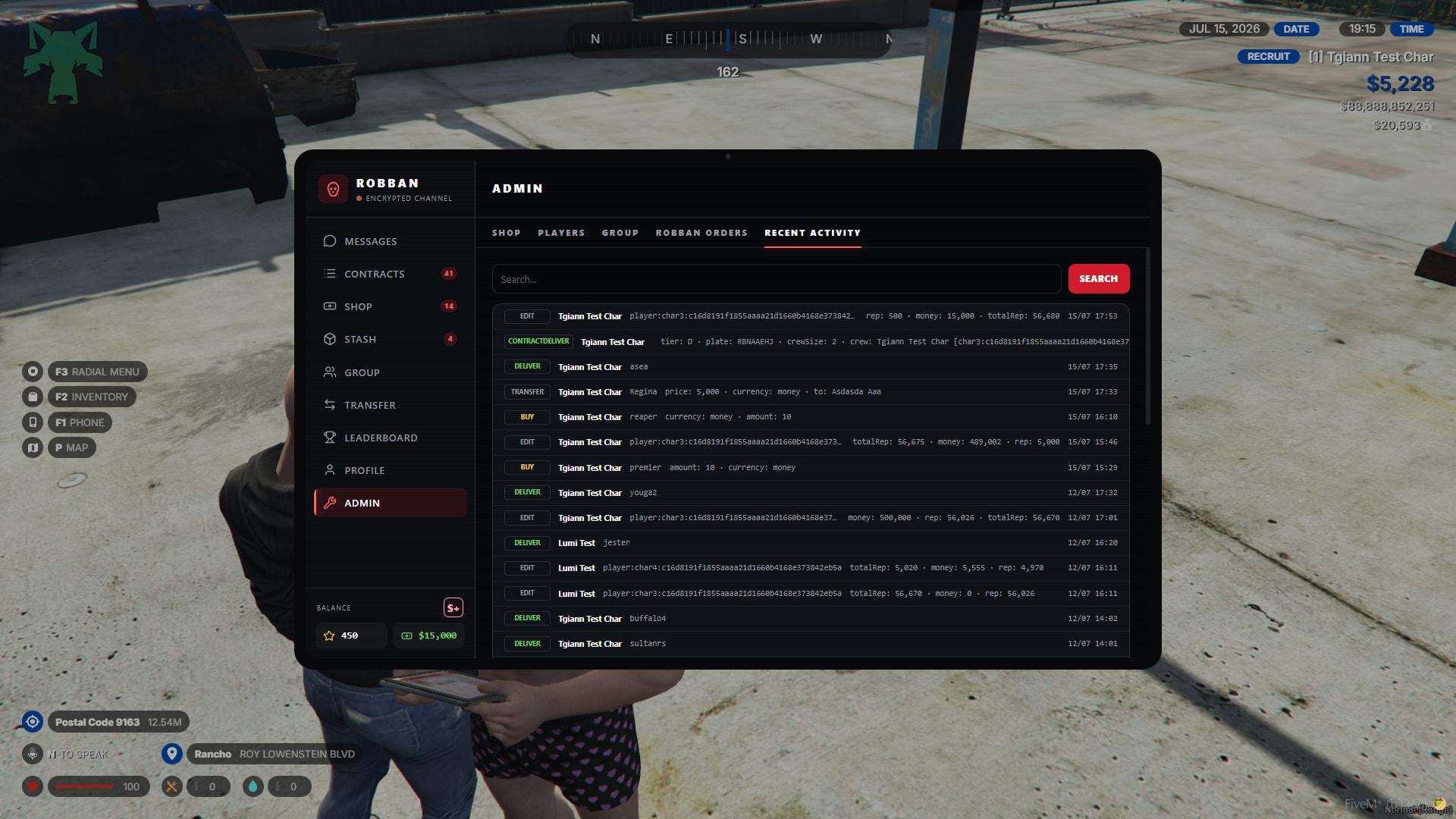
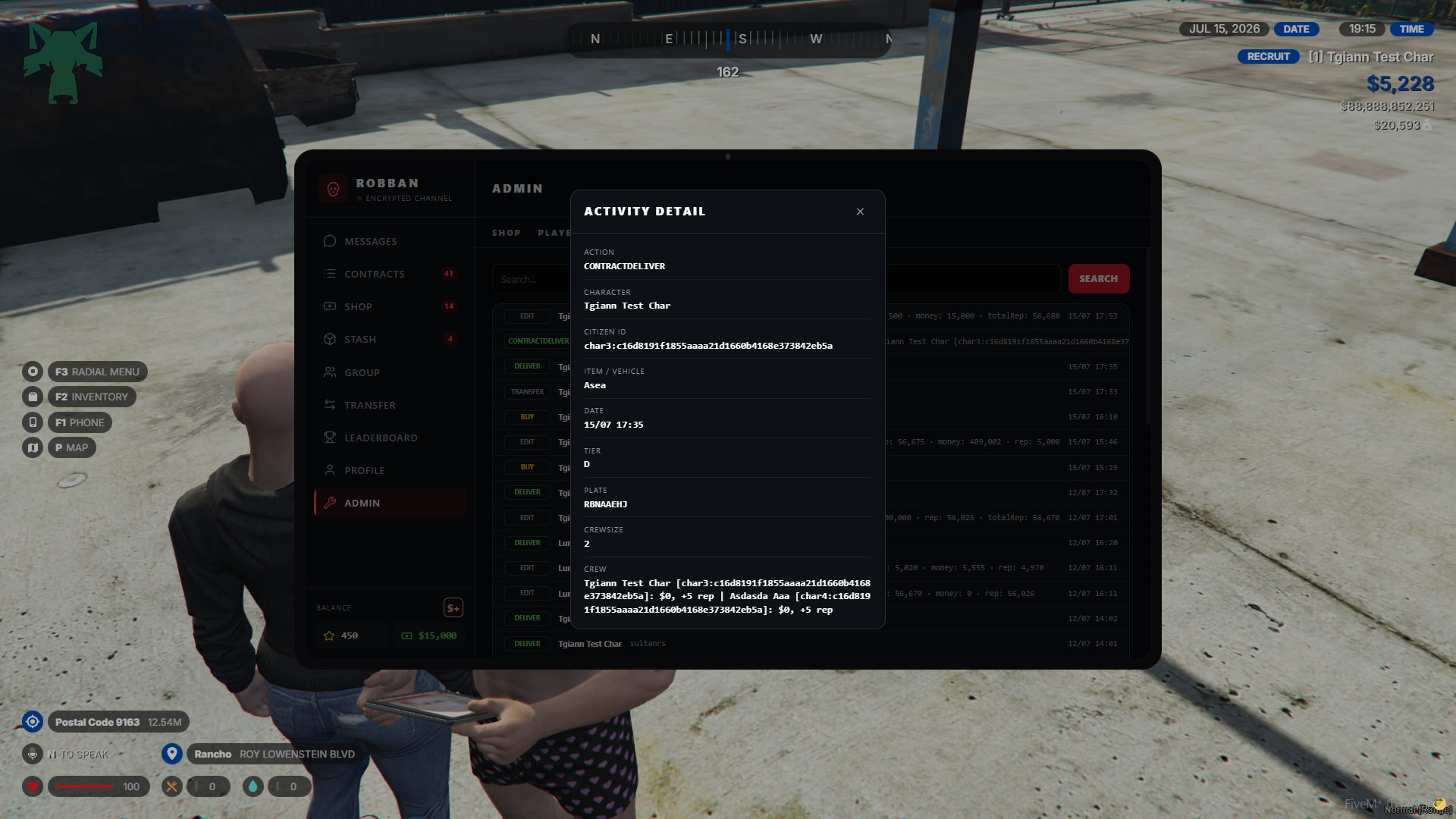
Recent Activity
- This tab is the general log section. You can view and search all logs related to the system.