Escape (ESC) Menu

ShowCase
Main Features – Custom ESC Menu
- Fully redesigned and customizable ESC menu
- Adds a unique and modern look to your server
- Direct access to:
- Map
- Inventory
- In-game commands
- Frequently Asked Questions
- Update / Patch Notes
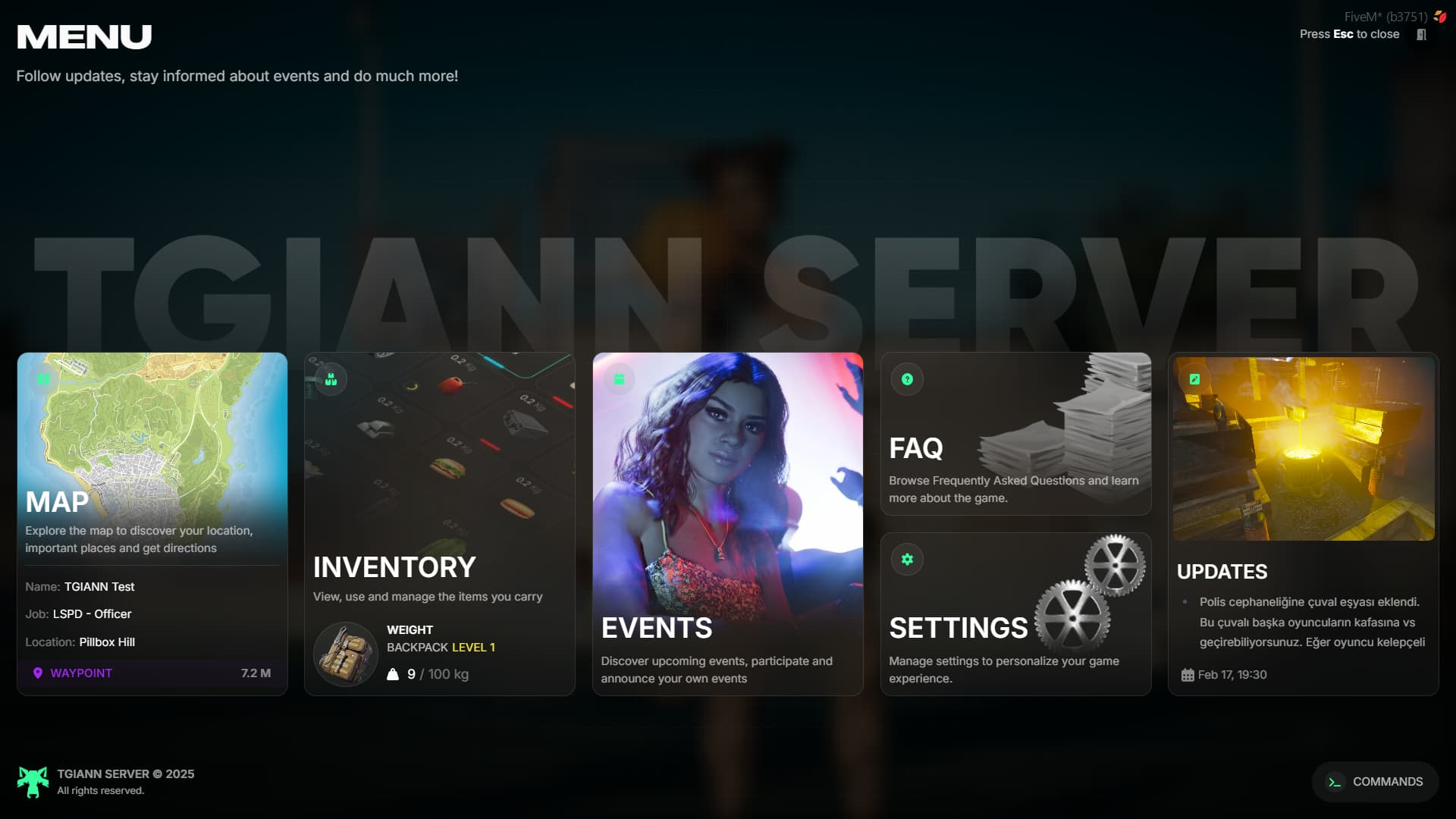
Map Button
- From the Map button, players can view:
- Their character name
- Their job
- Their current location
- The distance to the active waypoint, if one is set
Inventory Button
- Displays the maximum inventory weight and the current carried weight.
- If tgiann-inventory is being used, the player’s inventory level is also shown.
- This feature can be enabled or disabled via the config file.
Settings
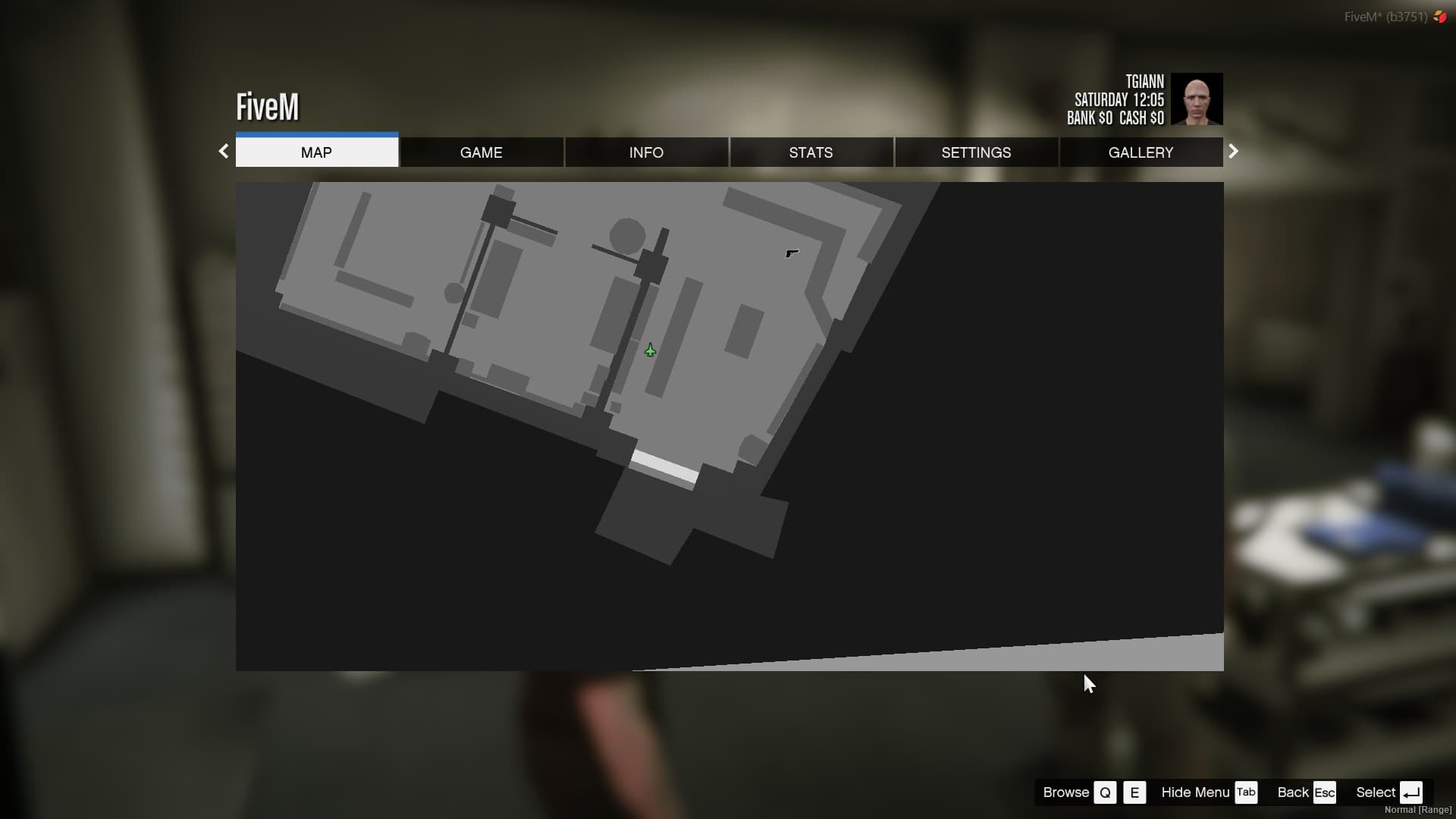
- Opens the default GTA V Settings menu directly from the ESC interface.
- No additional modifications — simply provides quick access to the original game settings.
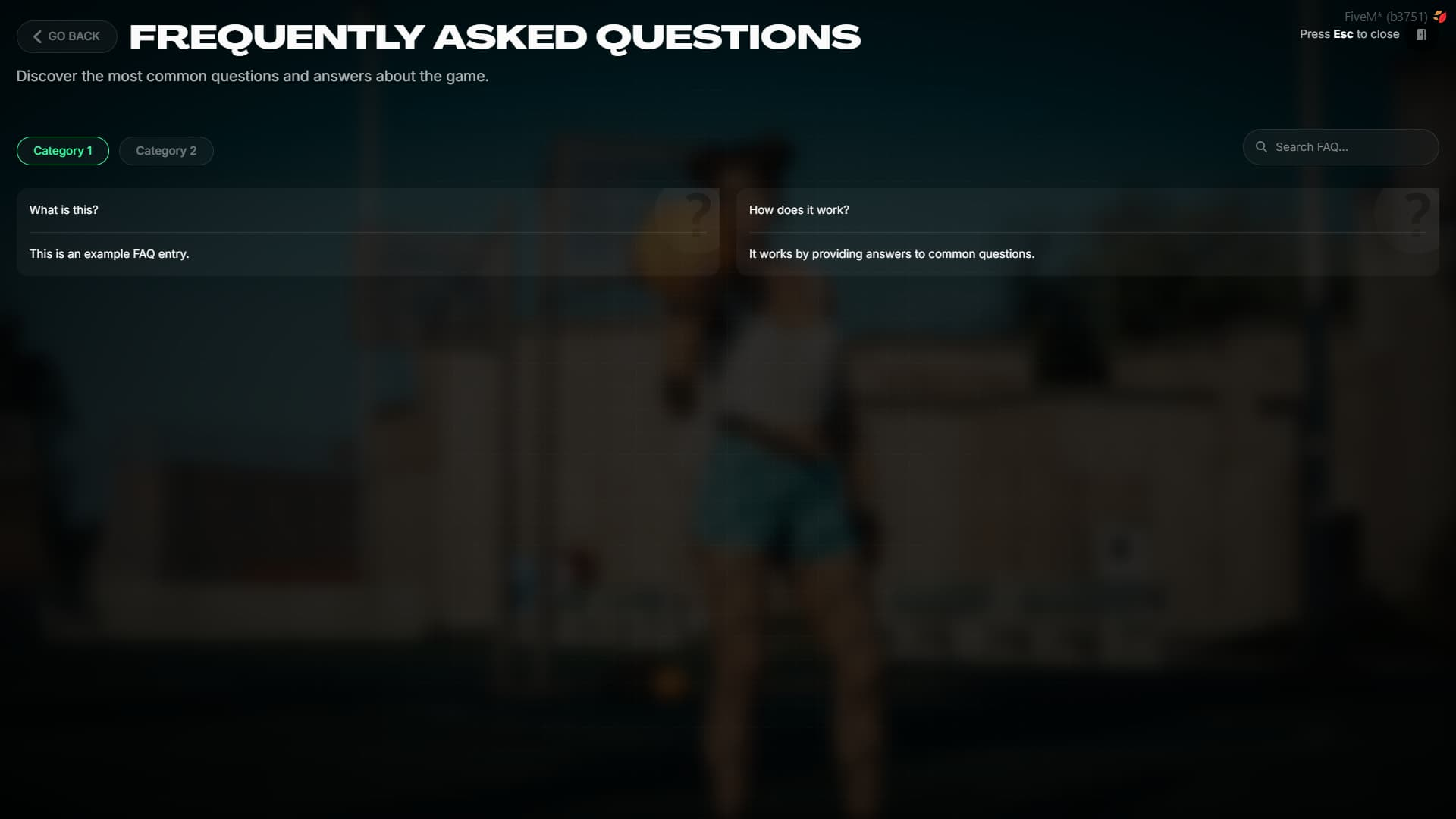
FAQ Page
- Use the FAQ section to provide answers to frequently asked questions about your server.
- Questions can be organized into separate categories, allowing players to easily find the information they need.
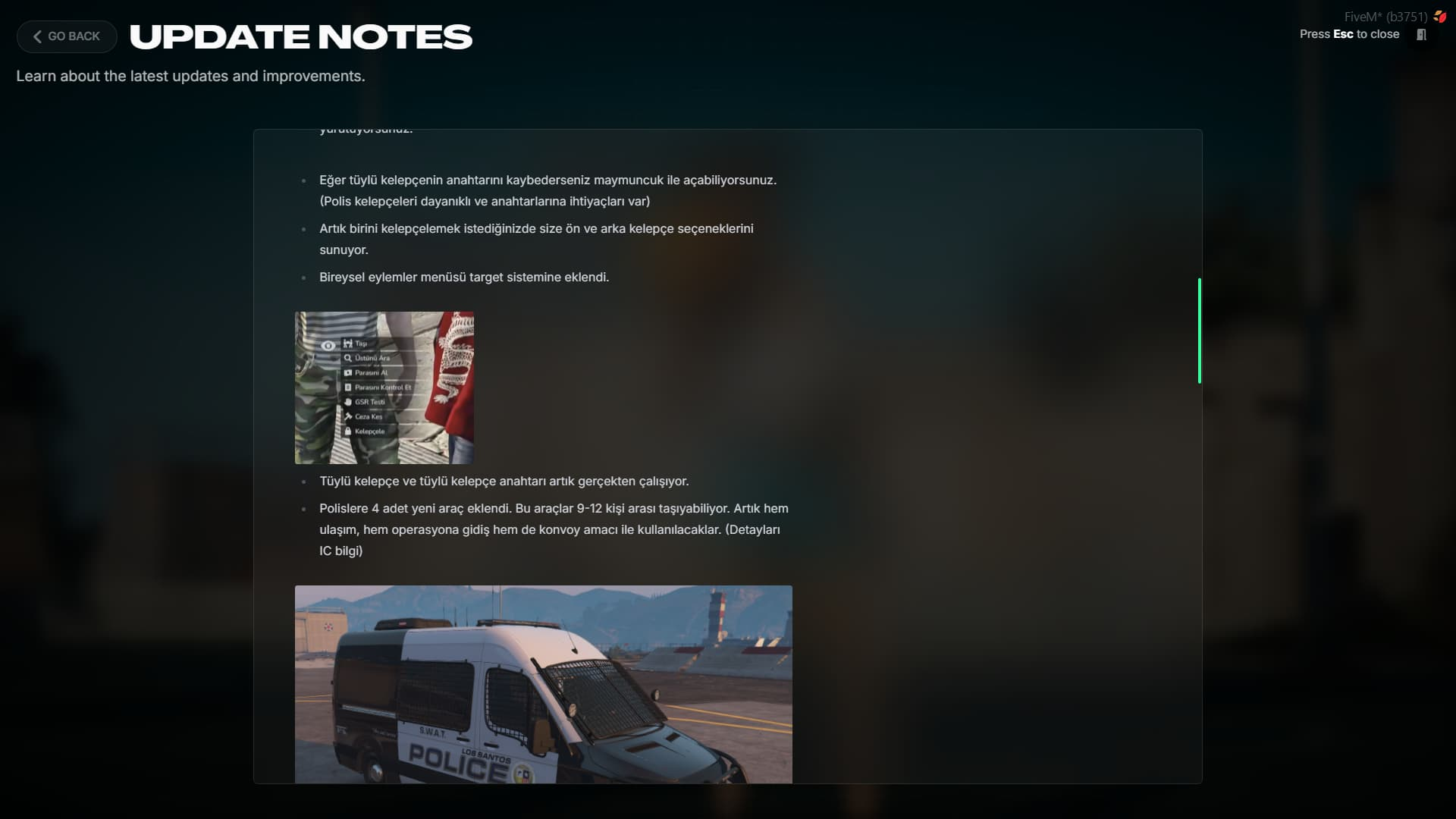
Update Page
- If configured properly, the script automatically fetches updates directly from your designated Discord channel.
- The latest X messages from that channel are automatically pulled and displayed inside the ESC menu.
- No need to manually write update notes inside the script — everything syncs directly from Discord.
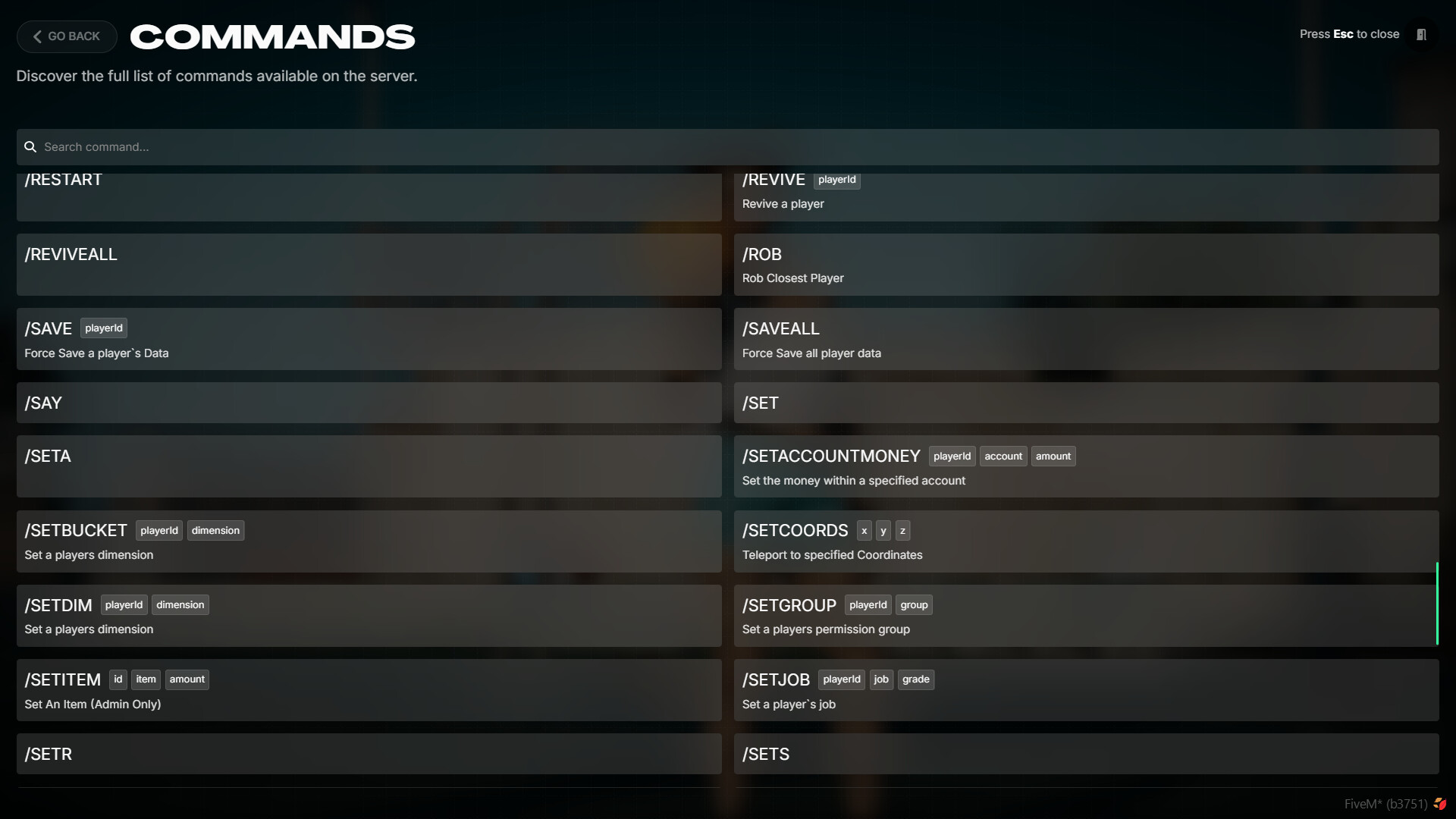
Commands Page
- Displays all available server commands along with their descriptions and parameters.
- If the player is an admin, they will also see admin-specific commands.
- Players only see the commands they are authorized to use, based on their permissions.
Event Button
- This button becomes visible if you own the tgiann-event script.
- When players organize an event on your server, they can announce and promote their event through this page.
- For detailed information, click the provided link.
Requirements
- tgiann-core (free)
- ox_lib
Config Files
Editable Files