Lumi Hud

ShowCase
Transform your GTA5 FiveM experience with our Advanced HUD script, designed to provide an immersive and dynamic interface.
Packed with a wide range of indicators and customization options, our HUD script ensures you have all the vital information at your fingertips, both on foot and in vehicles.
Main Features – HUD System
- Full Customization via /hud Menu:
Personalize every aspect of your HUD directly in-game through the intuitive/hudcommand. - Vehicle-Type Specific Displays:
Different HUD layouts automatically adjust based on the type of vehicle you’re driving. - Advanced Crash & Seatbelt System:
Experience realistic crash effects and a detailed seatbelt mechanic that enhances immersion. - Progress Bar & Notification Indicators:
Integrated progress bars and notifications for a smoother, more informative gameplay experience. - Multiple HUD Styles in One Script:
Switch between various HUD designs instantly—no need for separate scripts. - Shareable HUD Configurations:
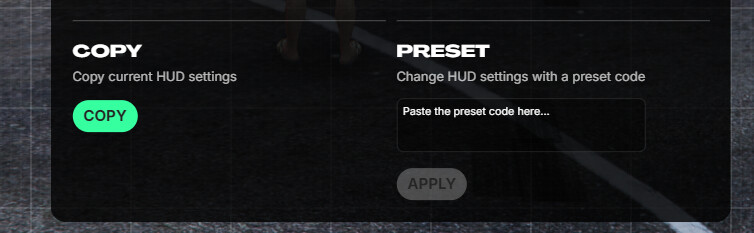
Copy your customized HUD setup and share it with other players for quick and consistent styling.
HUD Customization
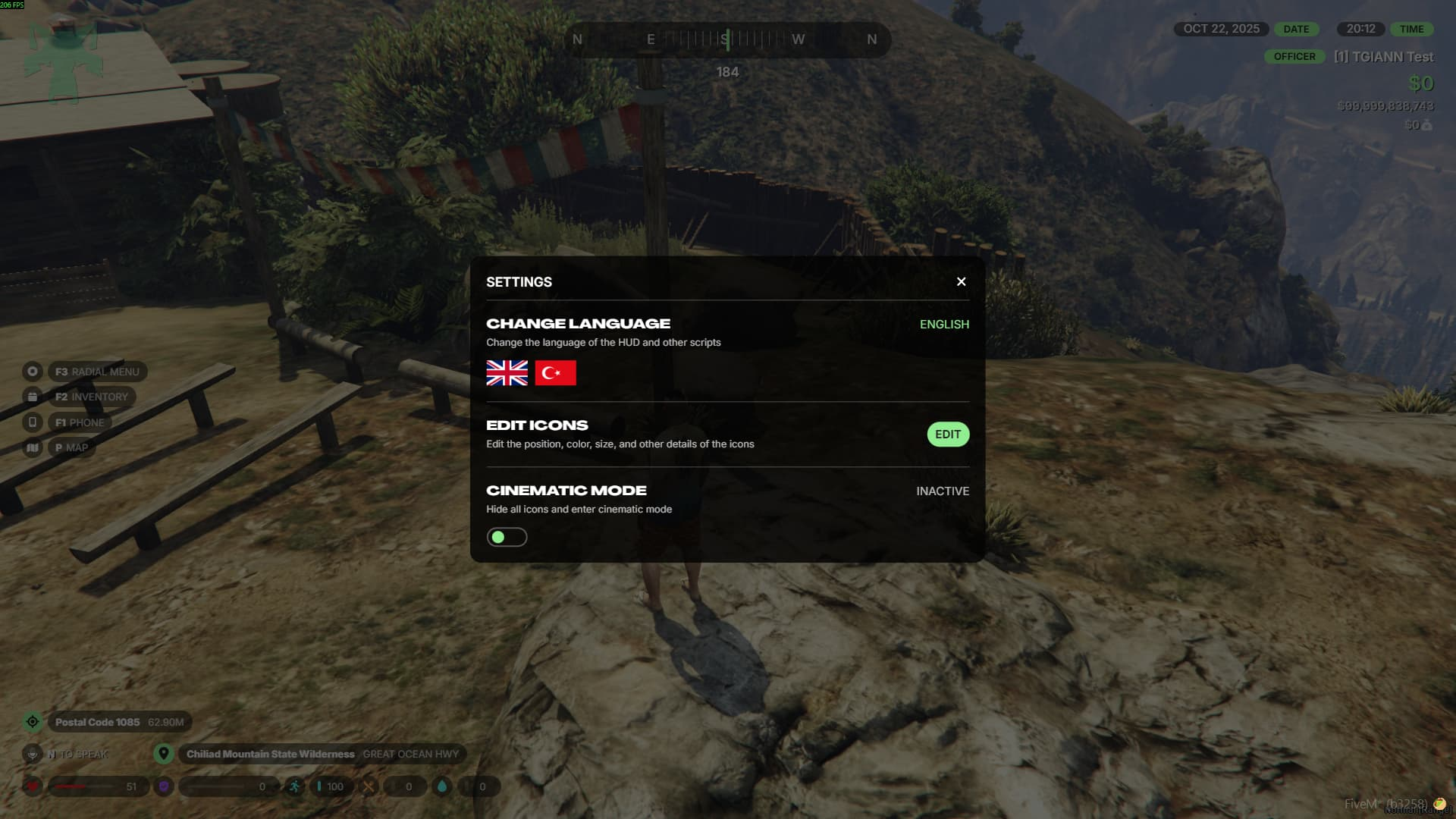
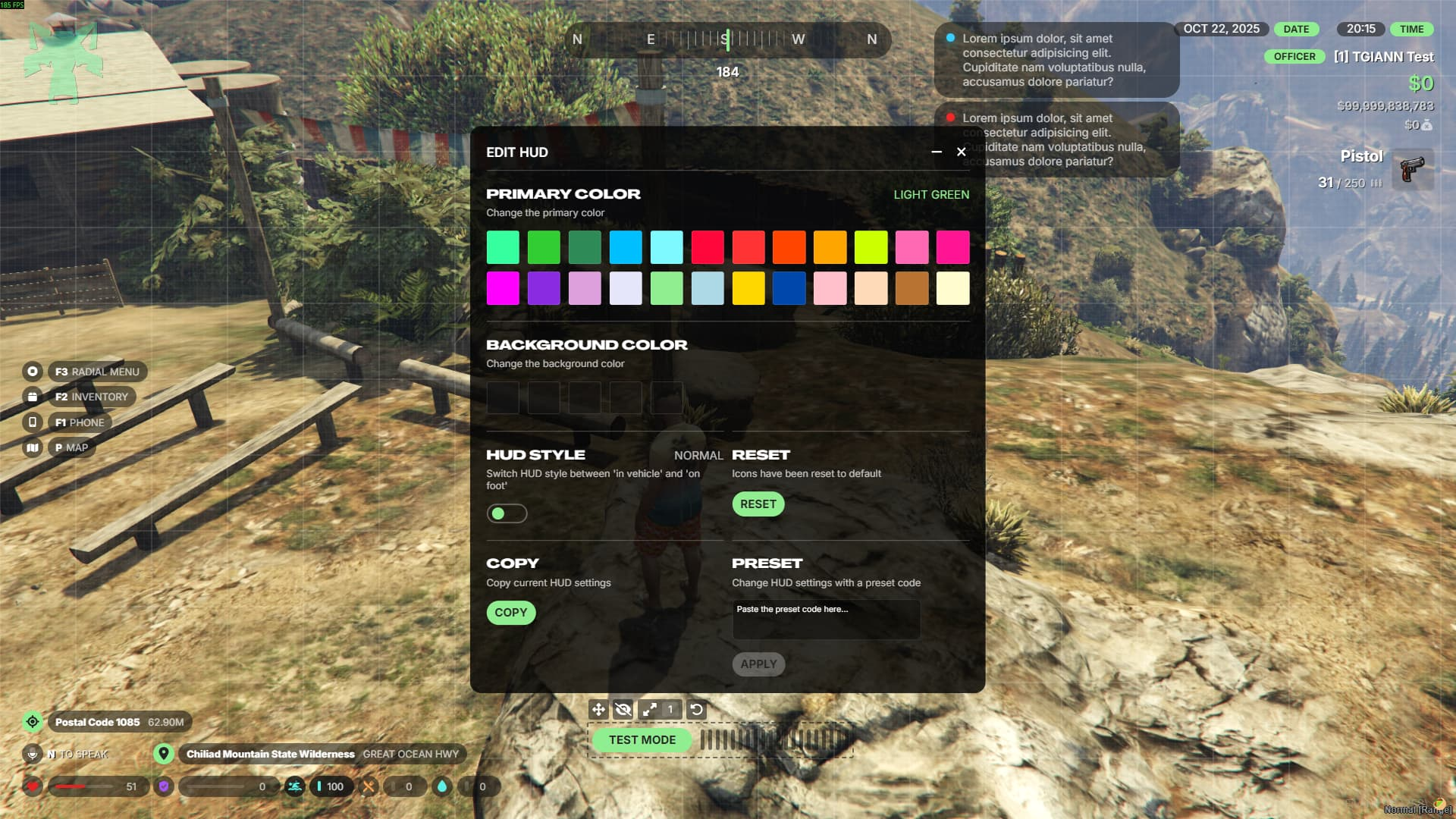
- Access the full HUD settings and customization menu using the /hud command.
- From the settings tab, you can toggle cinematic mode and language preferences.
- When a player changes their language, all TGIANN scripts automatically switch to the selected language.
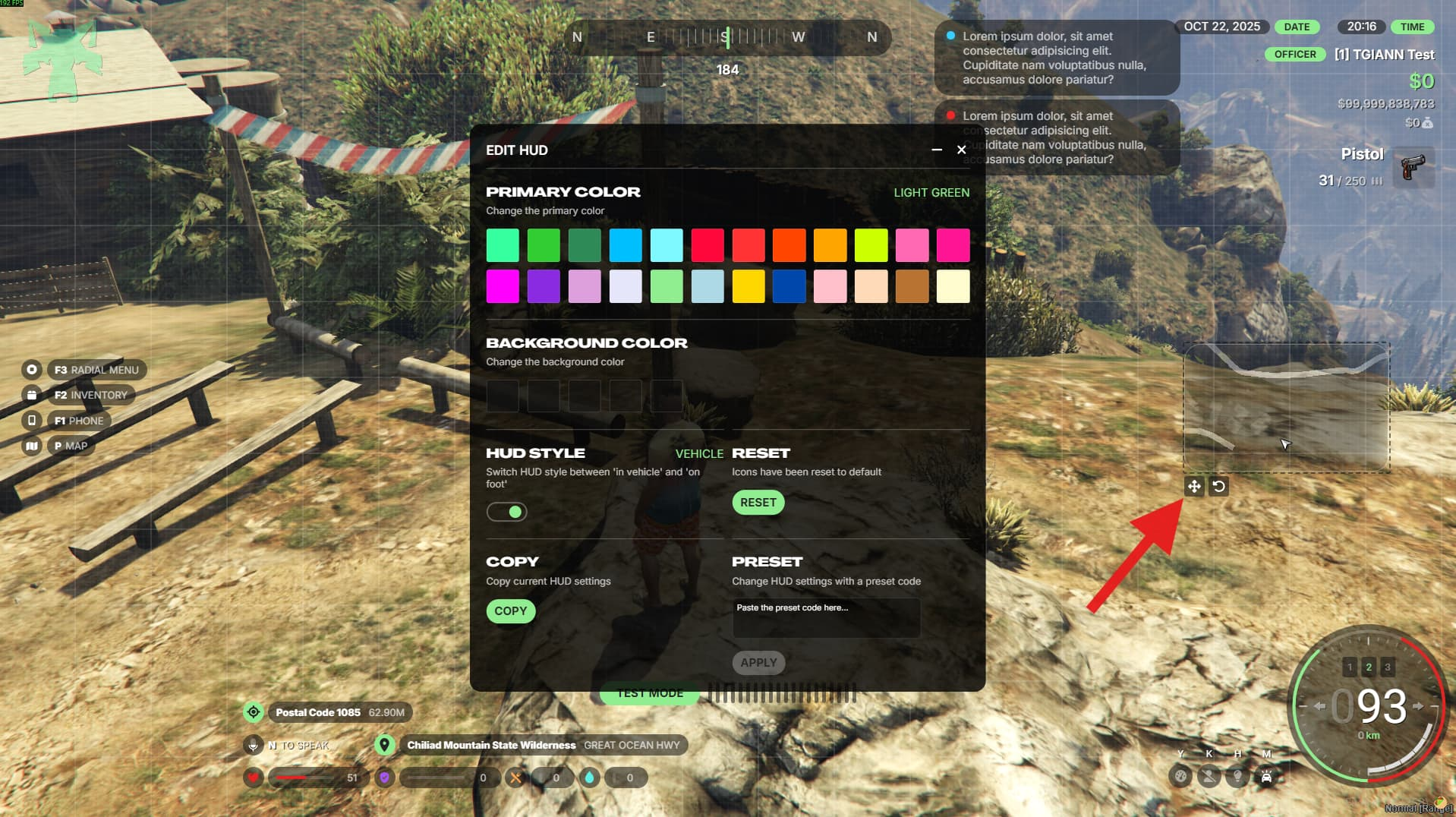
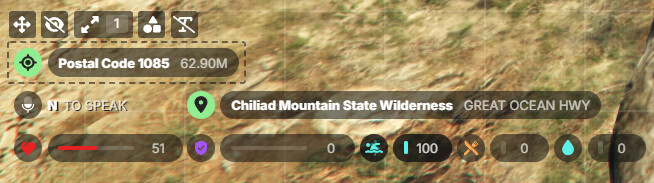
- In the customization menu, adjust the position, size, visibility, and type of every on-screen component.
- Even the minimap can be repositioned anywhere you like for a personalized layout.
- Server administrators can disable certain customization options (such as moving or hiding icons) directly from the config file.
Vehicle-Specific Huds
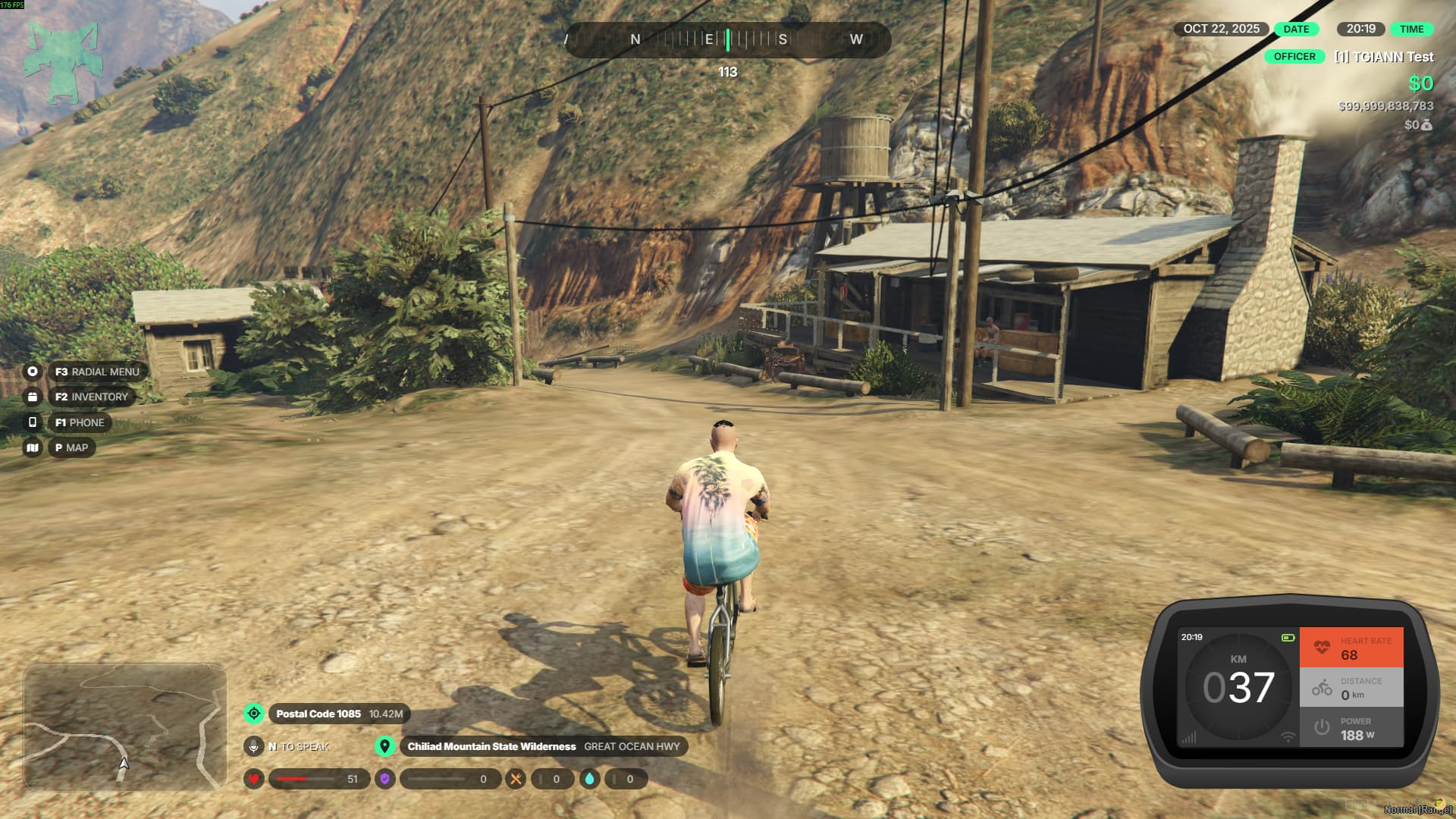
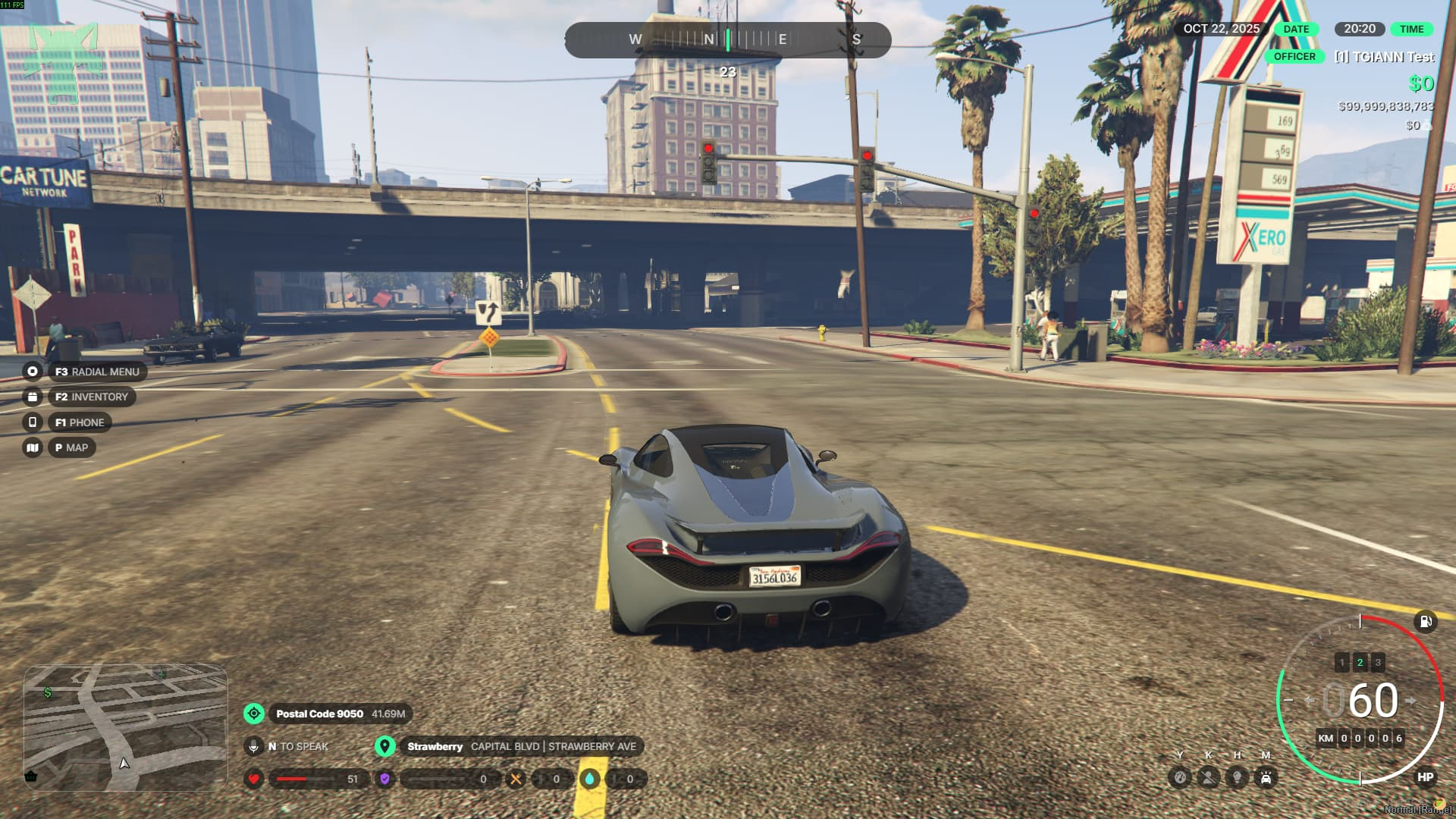
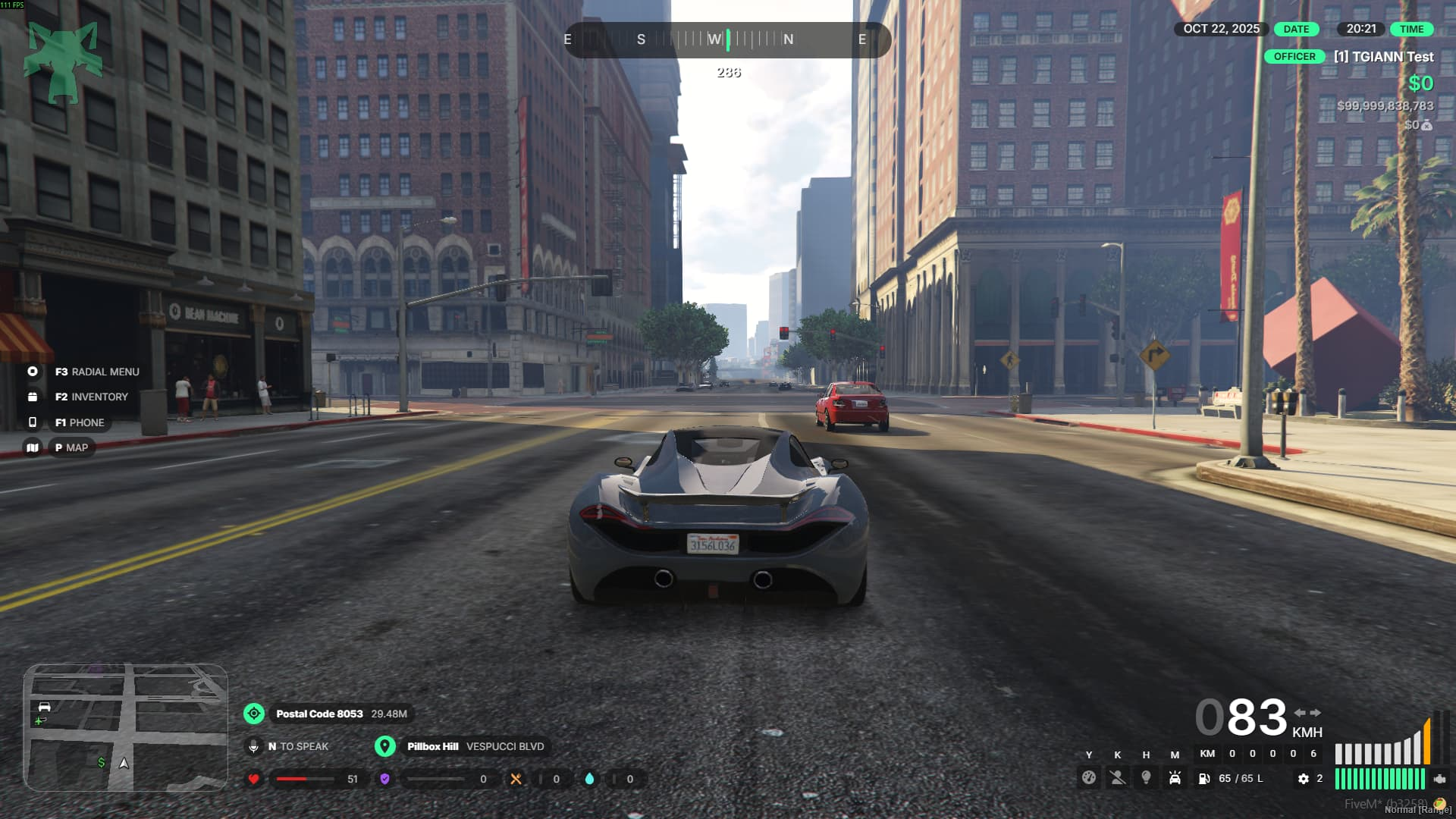
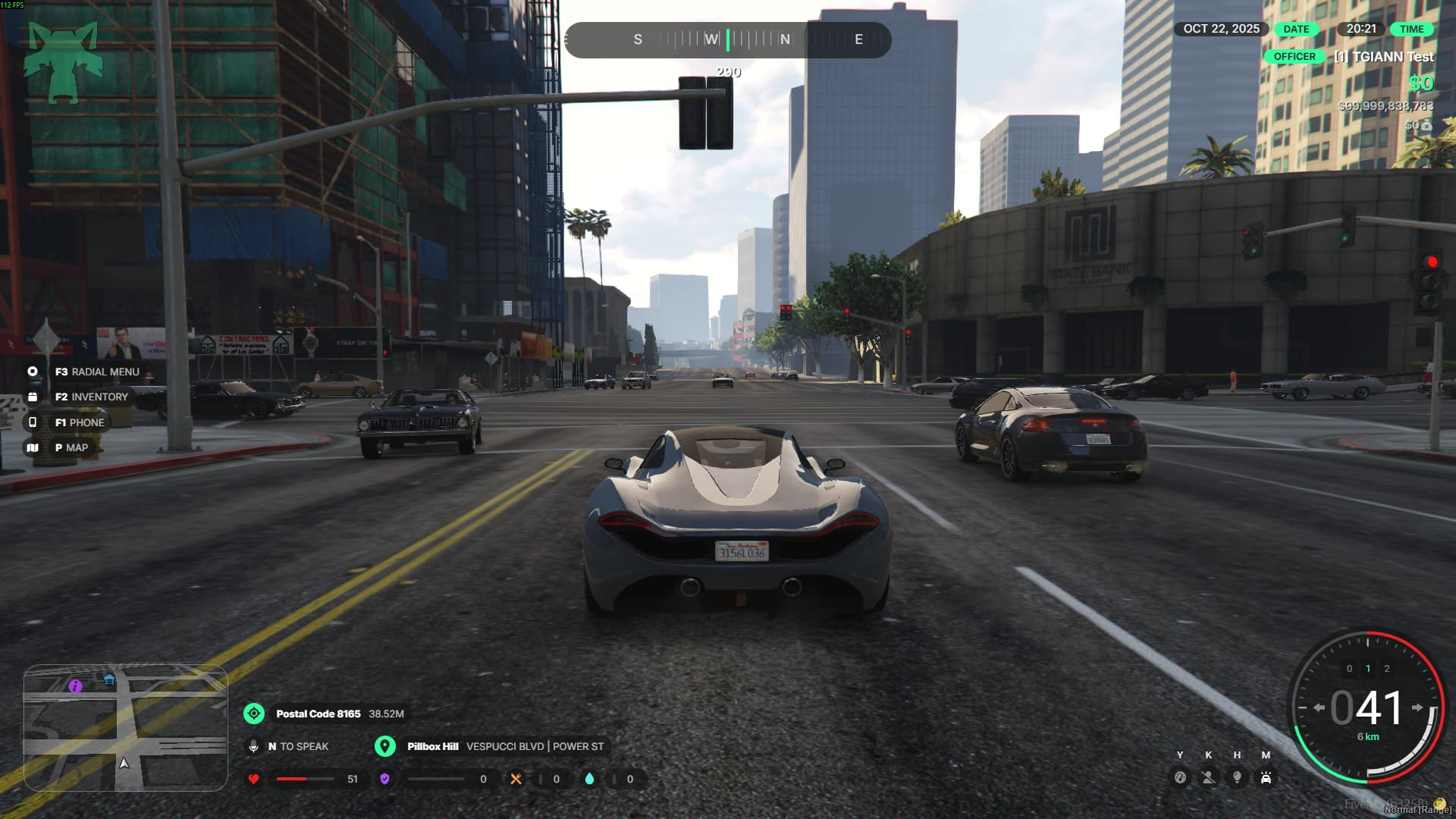
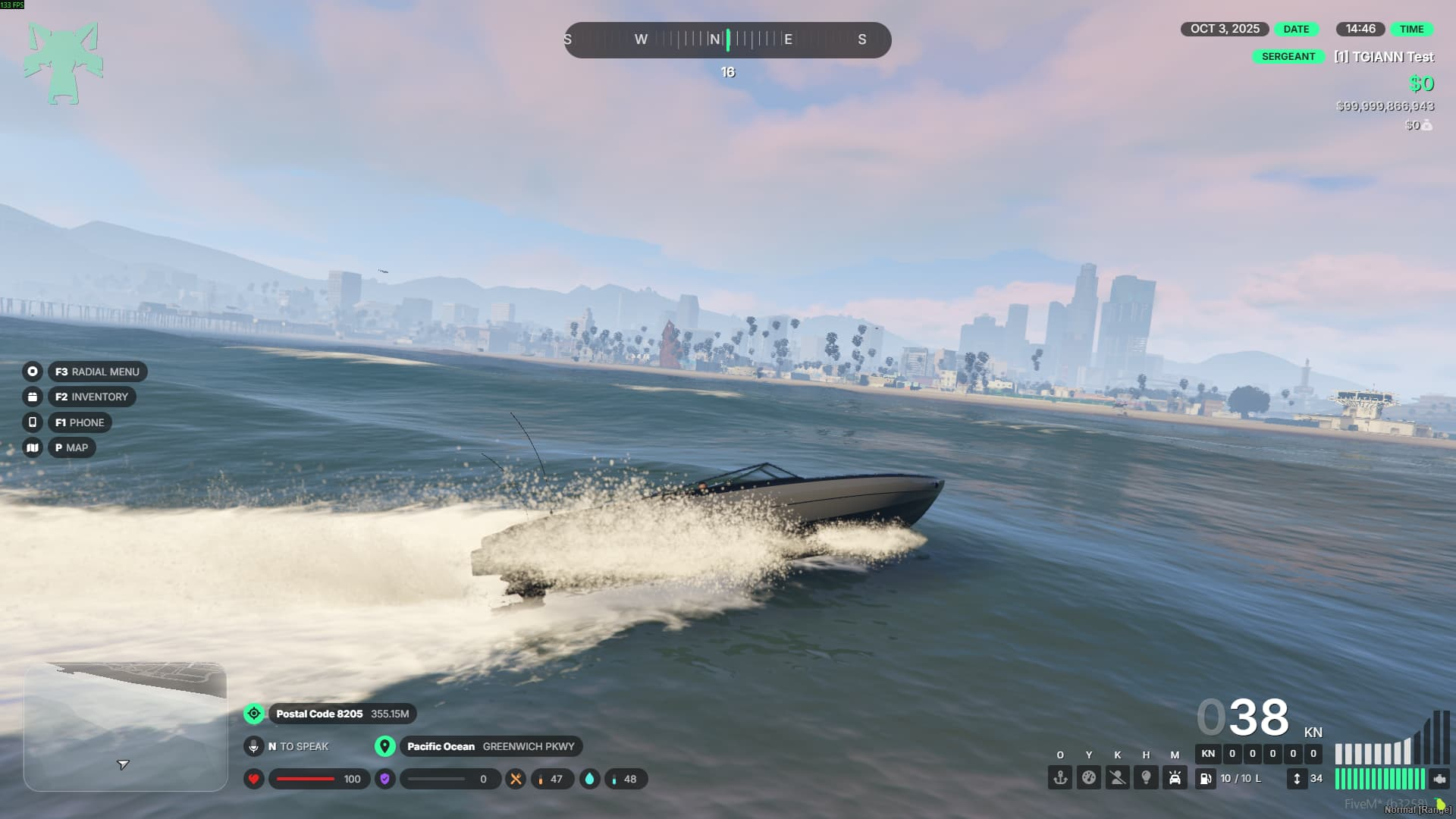
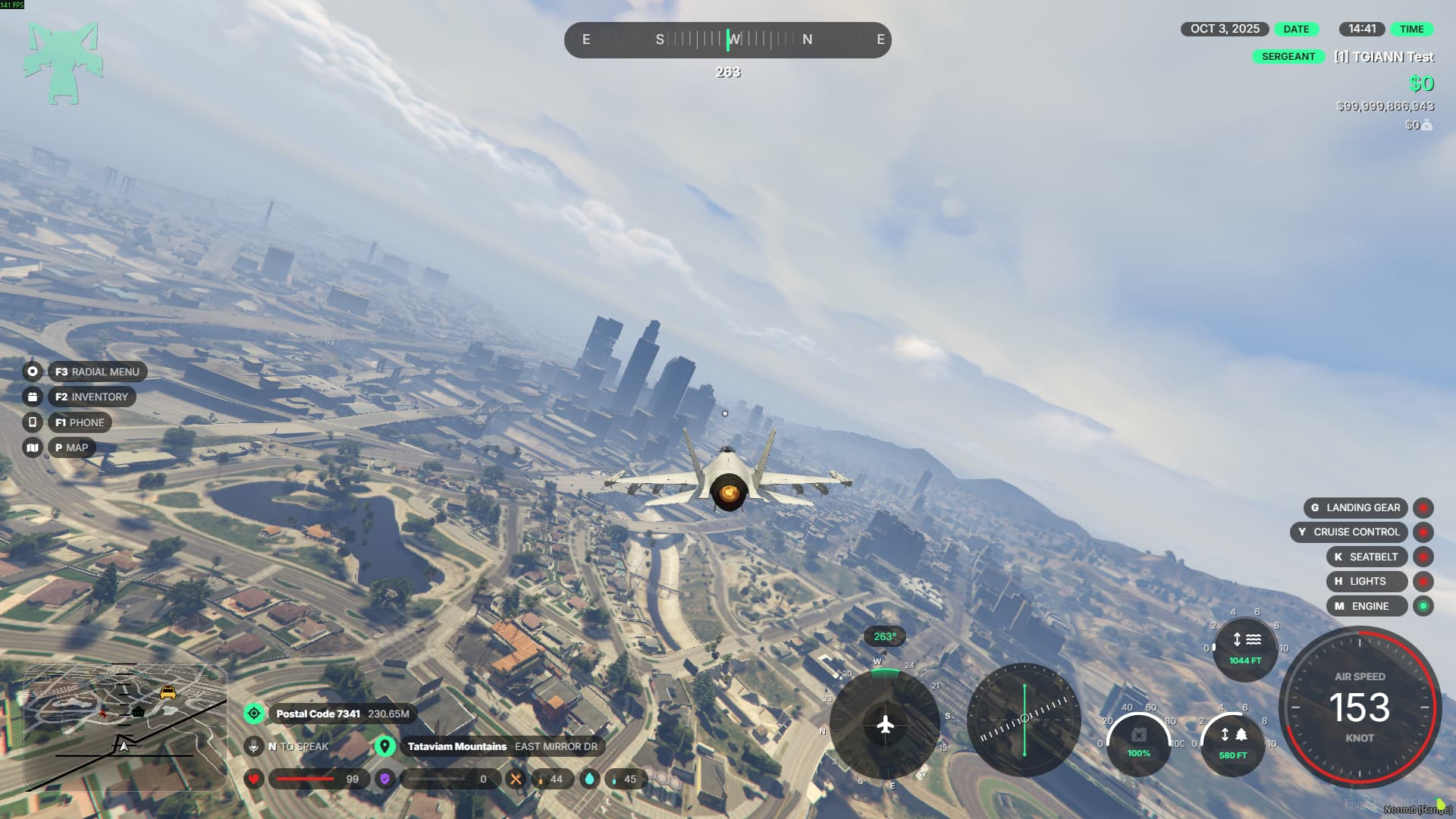
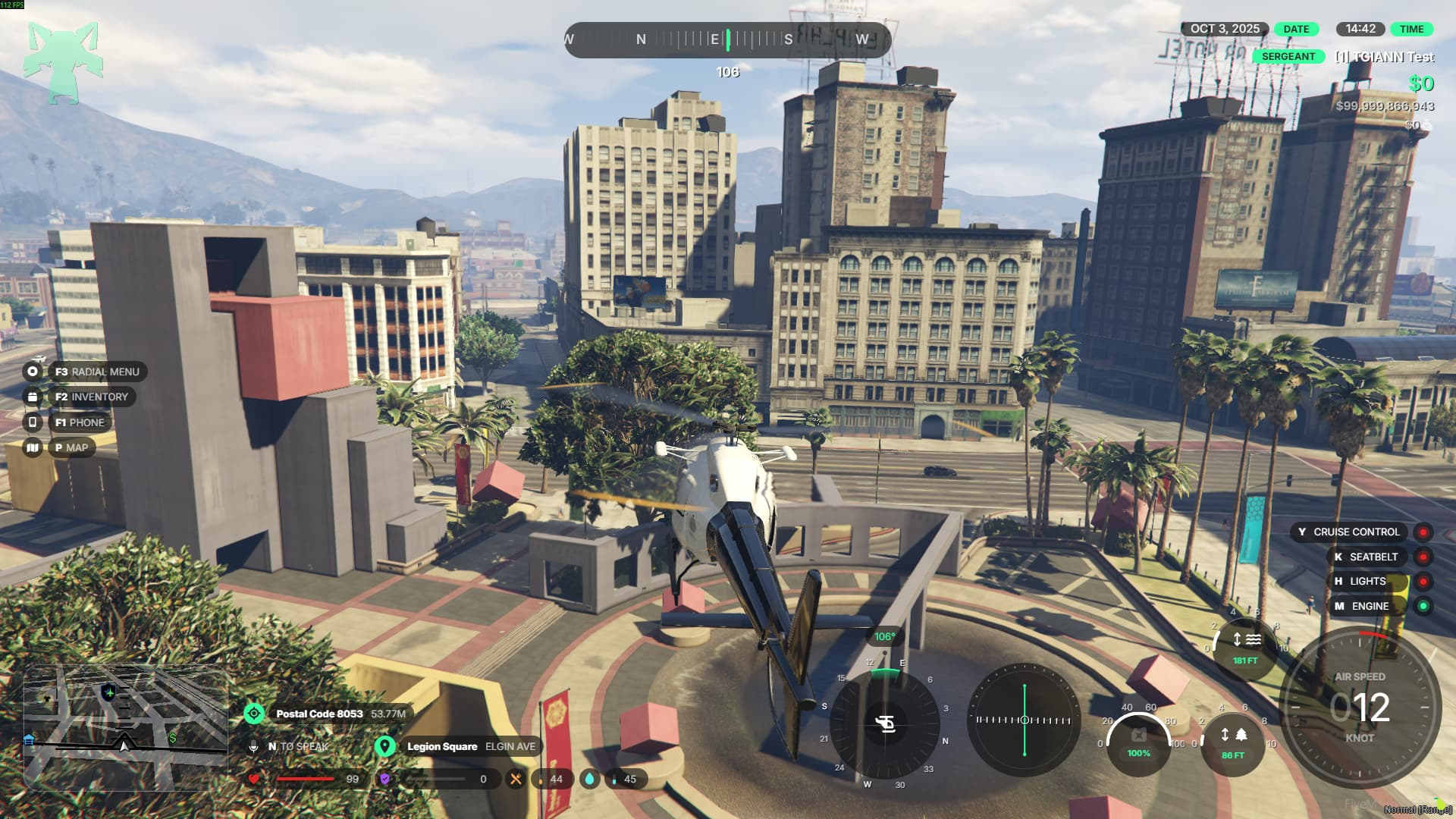
- There are three unique dashboard styles available for cars, and players can choose their preferred one from the customization menu.
- Bikes, helicopters, planes, and tanks each have their own specialized indicators, designed to match their vehicle type for a more immersive experience.
Crash & Seatbelt System
- When you crash, the impact intensity determines the outcome—your engine may stall, or you might even be thrown out of the windshield.
- The system includes two types of seatbelts:
- Standard Seatbelt: Protects you in most crashes, but at very high speeds, you can still be ejected from the vehicle.
- Racing Seatbelt: A stronger version that prevents ejection and offers full protection in any crash scenario.
- Depending on the crash’s severity and luck factor, your vehicle may also sustain mechanical damage or become temporarily disabled.
Multiple HUD Styles
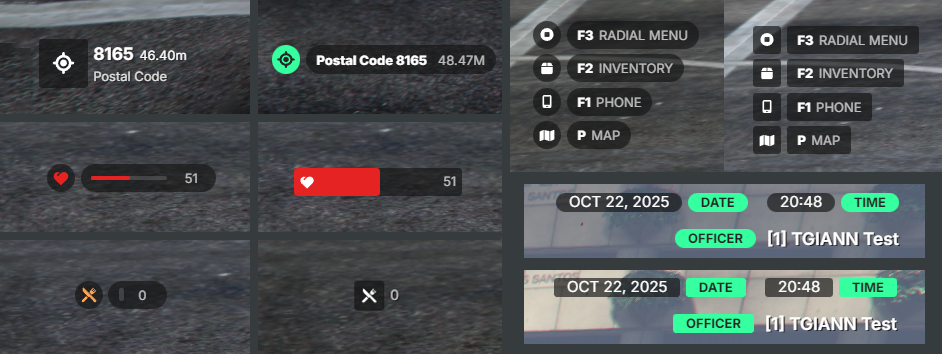
- Just like vehicle dashboards, other HUD components also come with multiple visual styles to choose from.
- Players can freely switch between these designs and pick the one that best fits their preference.
- You can see a few style examples in the images below.
Sharing HUD Customizations
- From the /hud menu, you can share your personalized HUD setup with other players or import someone else’s layout with a single click.
- This makes it easy to keep consistent styles across your team or quickly apply a design you like.
Requirements
- ESX, QB or QBOX
- tgiann-core (free)
Config File