ShowCase
tgiann-vehicleshop is a complete vehicle dealership system for FiveM: a modern showroom for players, stock, trade-ins, sell backs and player-owned dealerships, all managed from an in-game admin panel.
Instead of a flat vehicle list in a config file, every dealership is created and edited in game. Players walk up to a catalog point, look at the real car on the floor, paint it, open its doors, hear its engine, compare it and take it for a test drive before they buy.
Any dealership can also be run by players. The owner and the employees sell cars to customers standing next to them, run their own campaigns and coupons, and follow every sale from one tablet.
Main Features
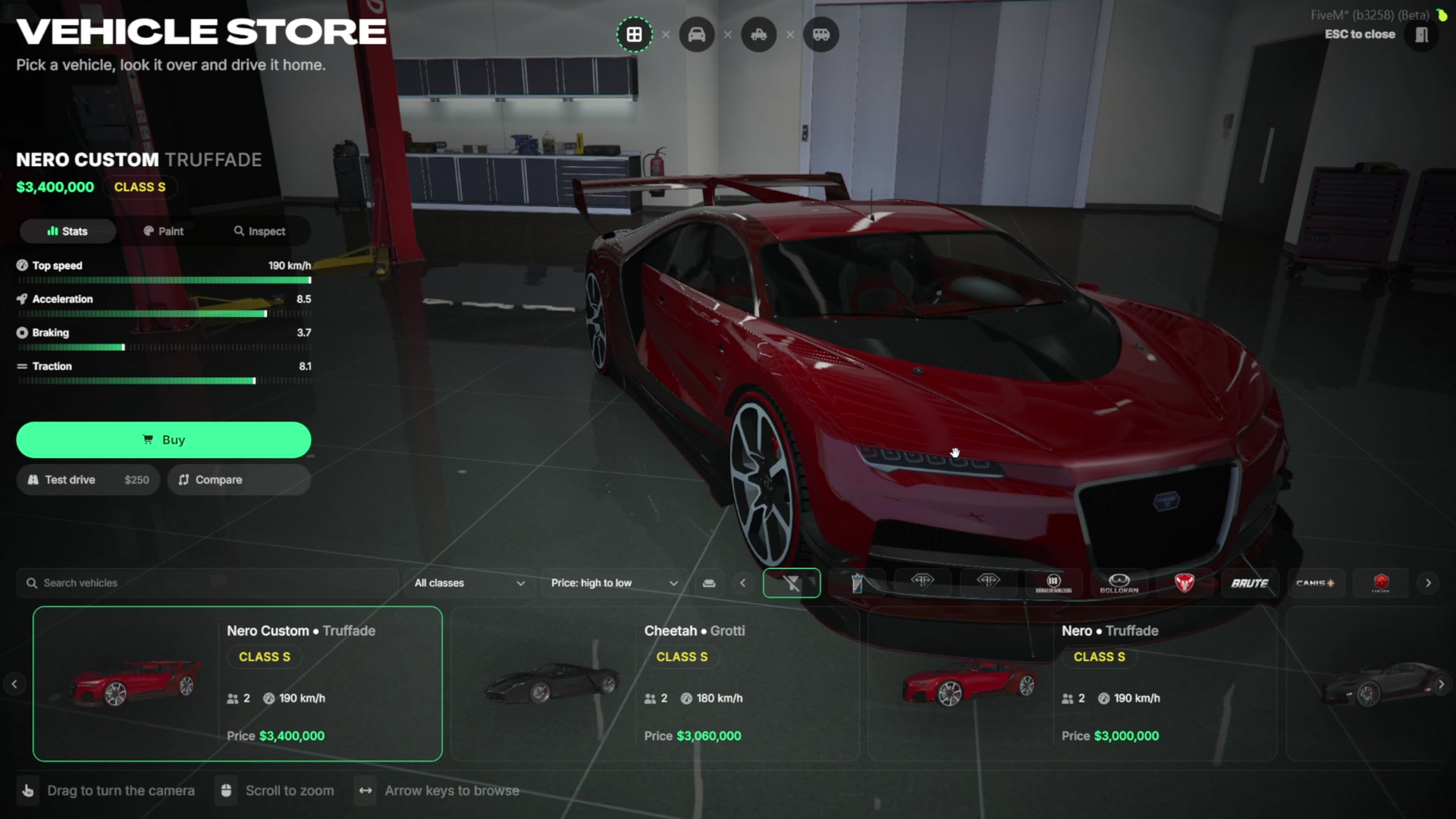
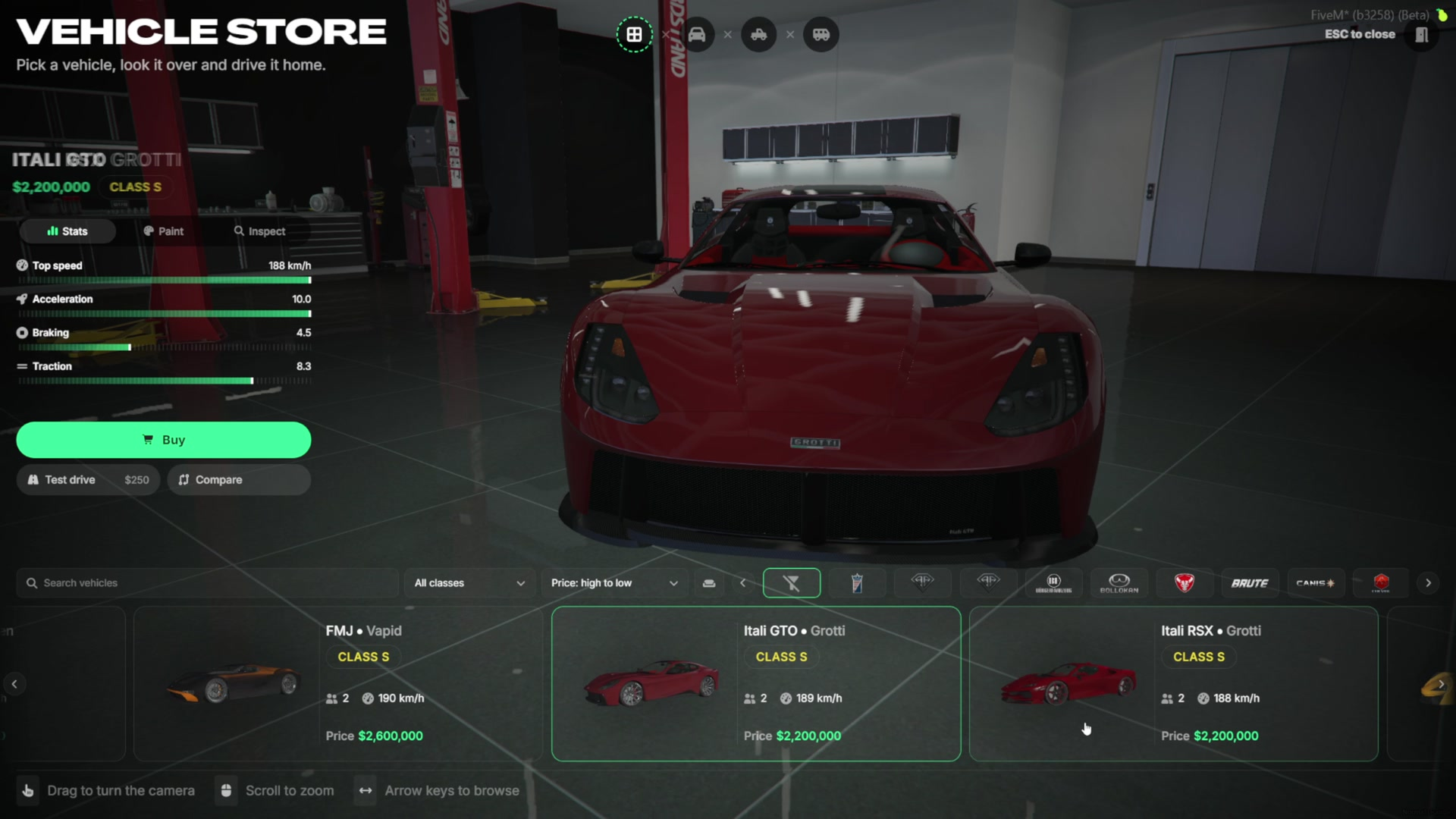
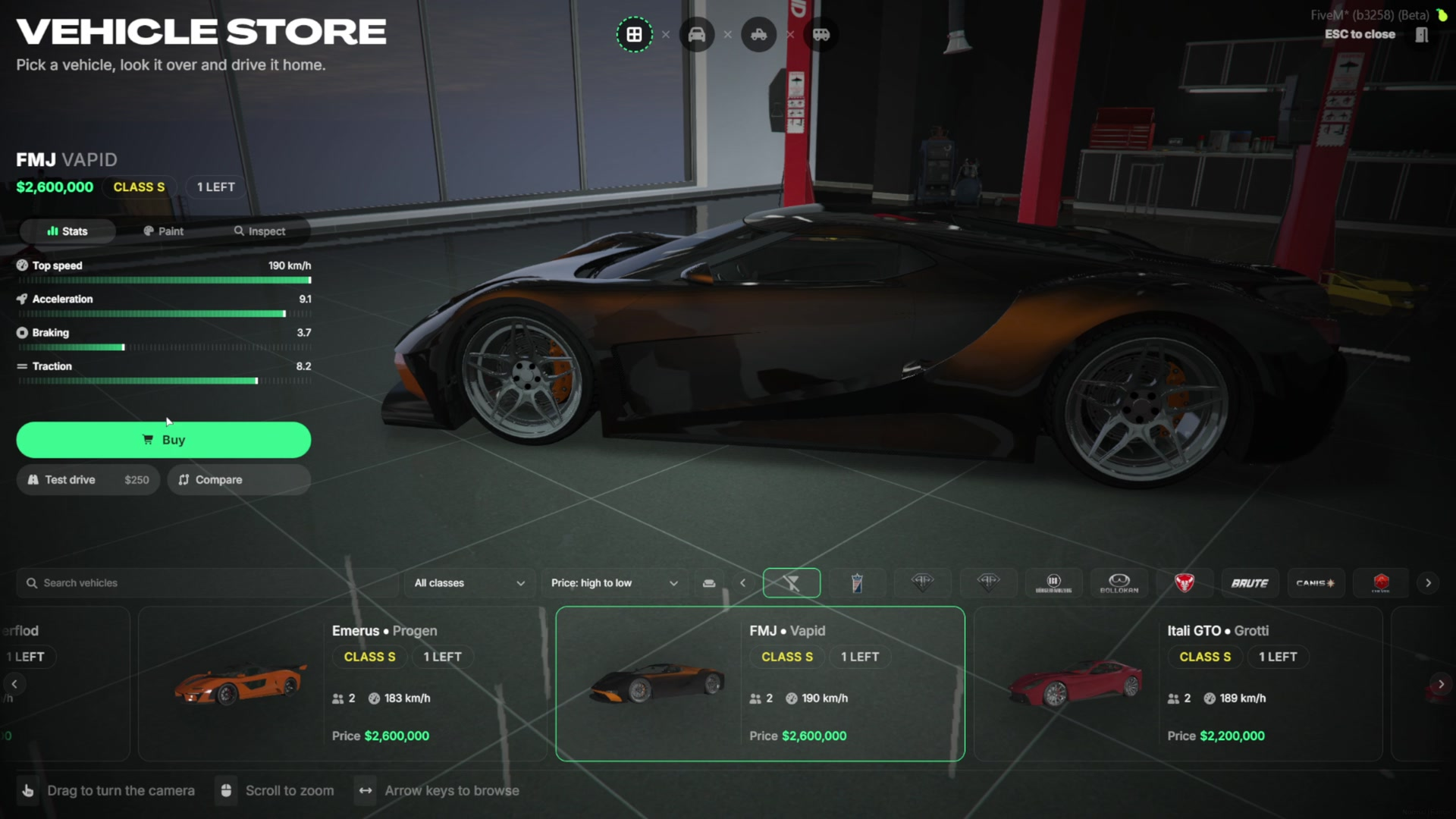
Live Showroom - The selected car stands on the floor with its real stats, and the camera can be turned, zoomed or left to circle on its own.
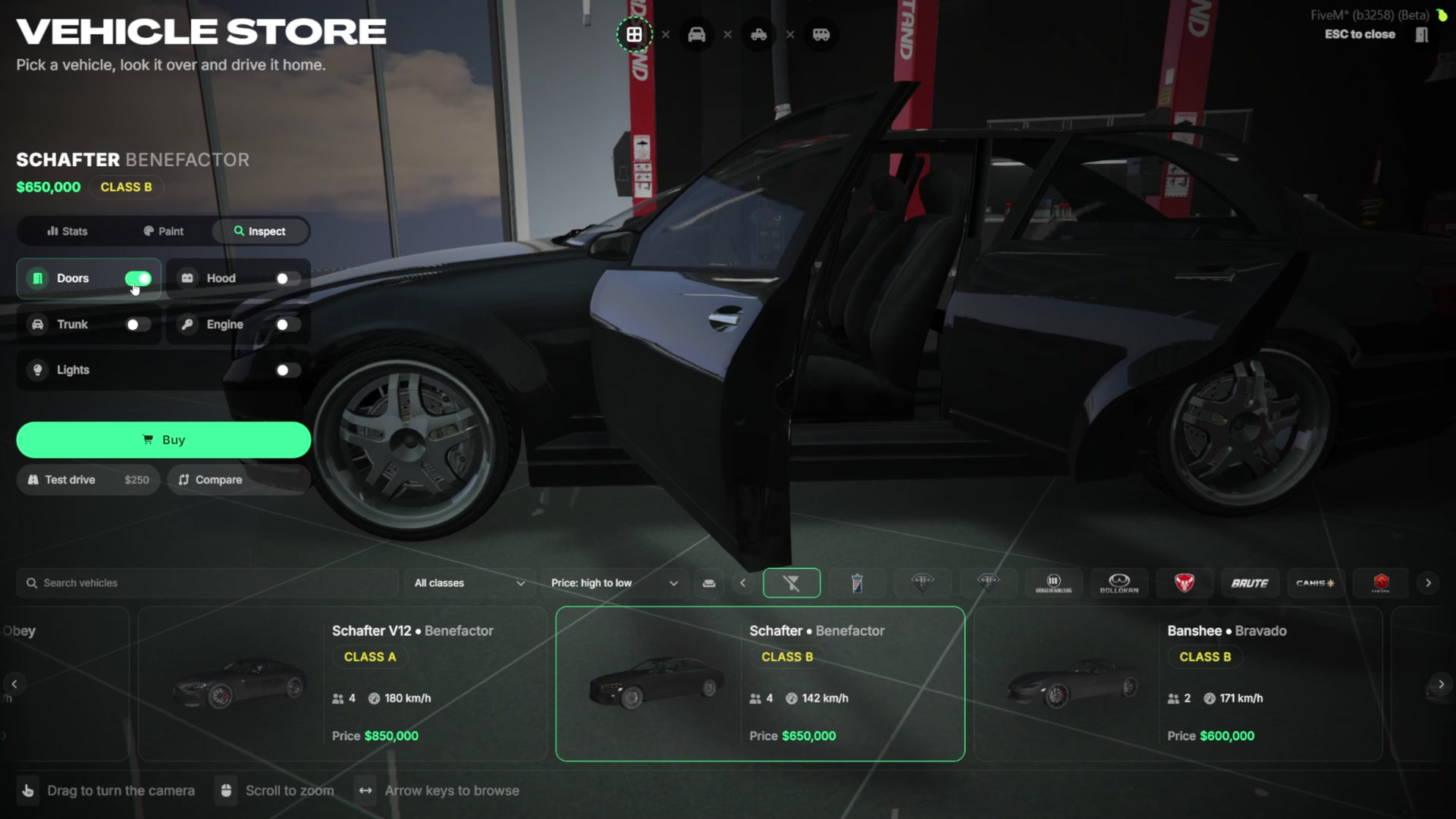
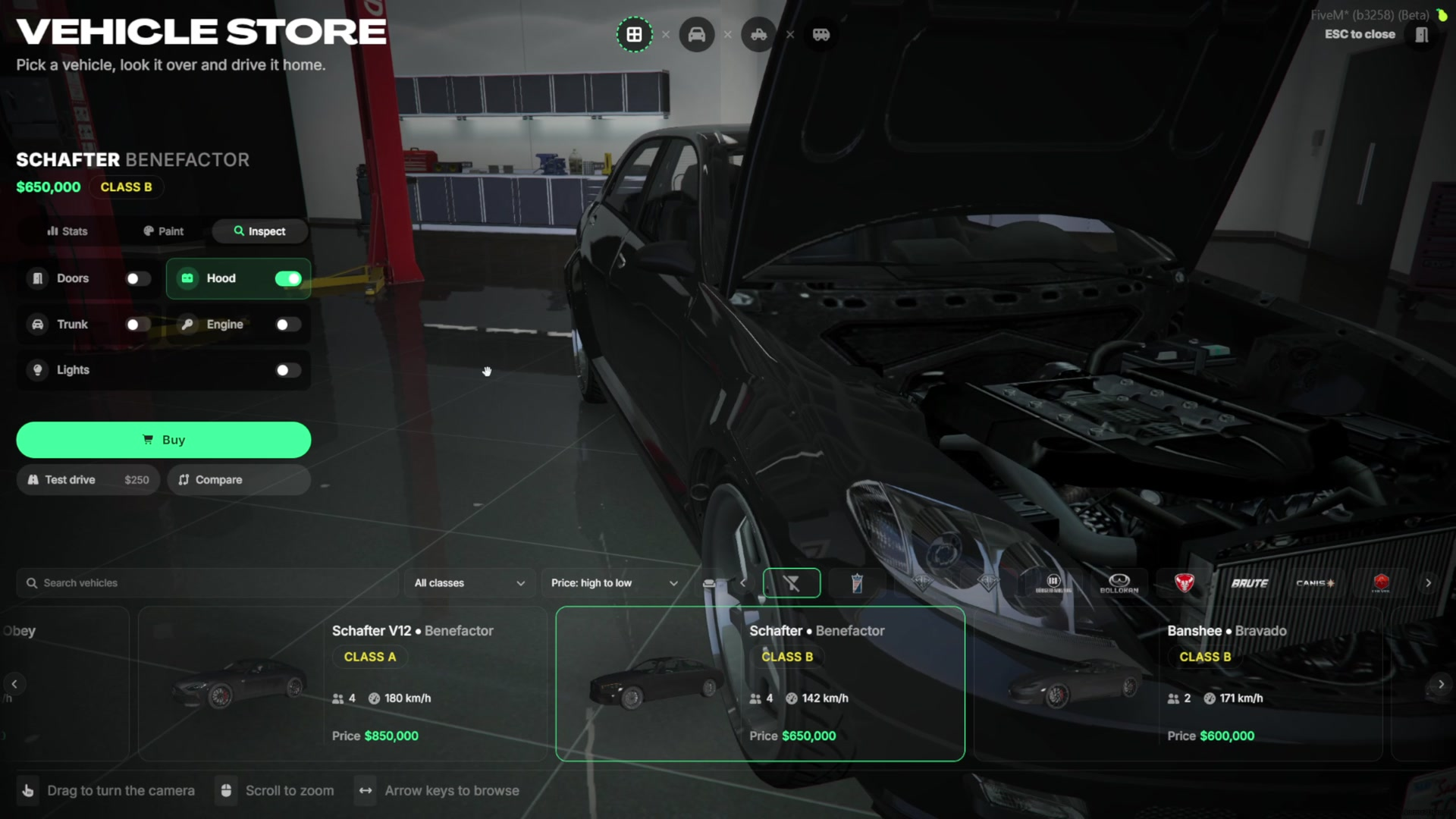
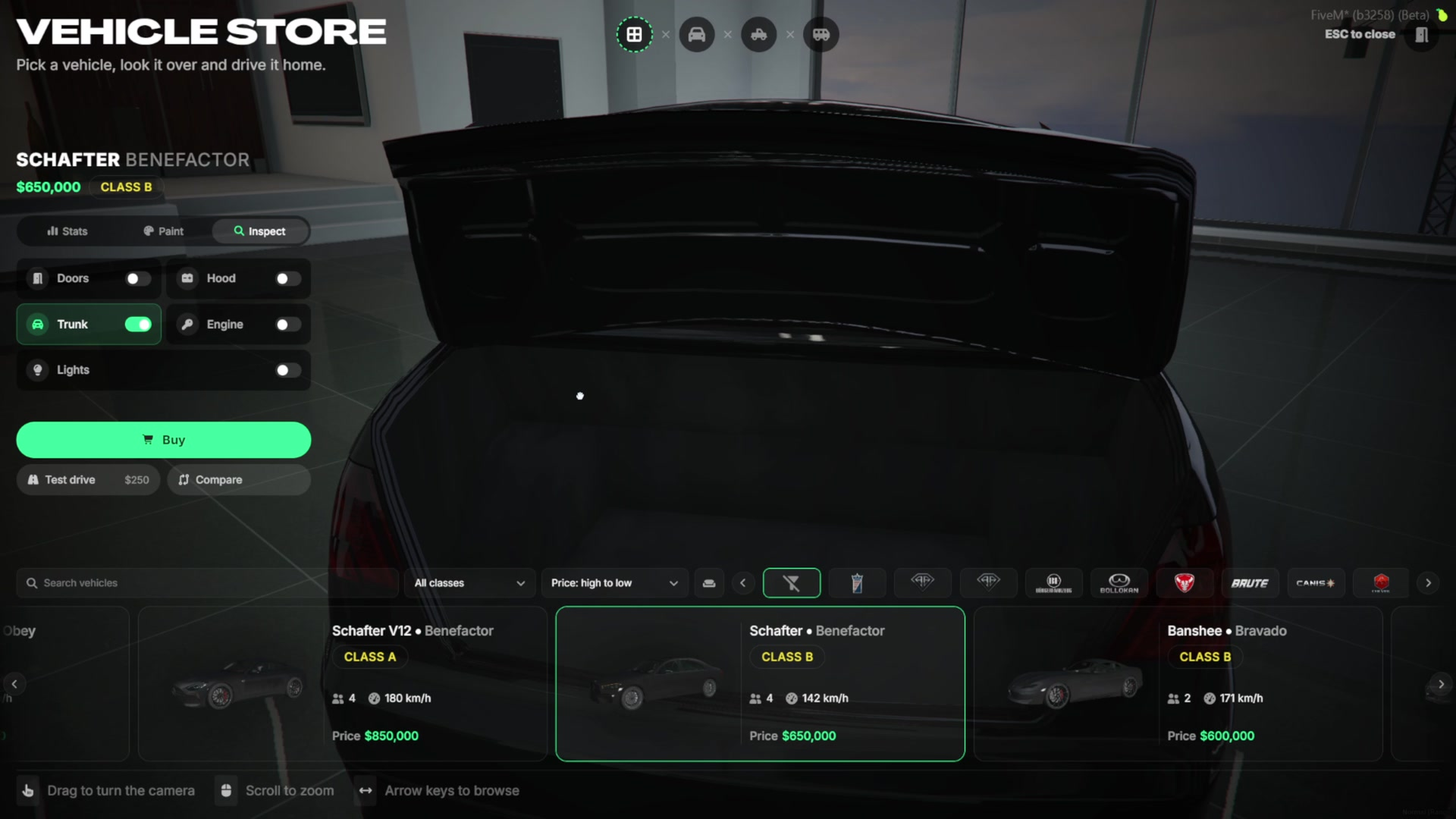
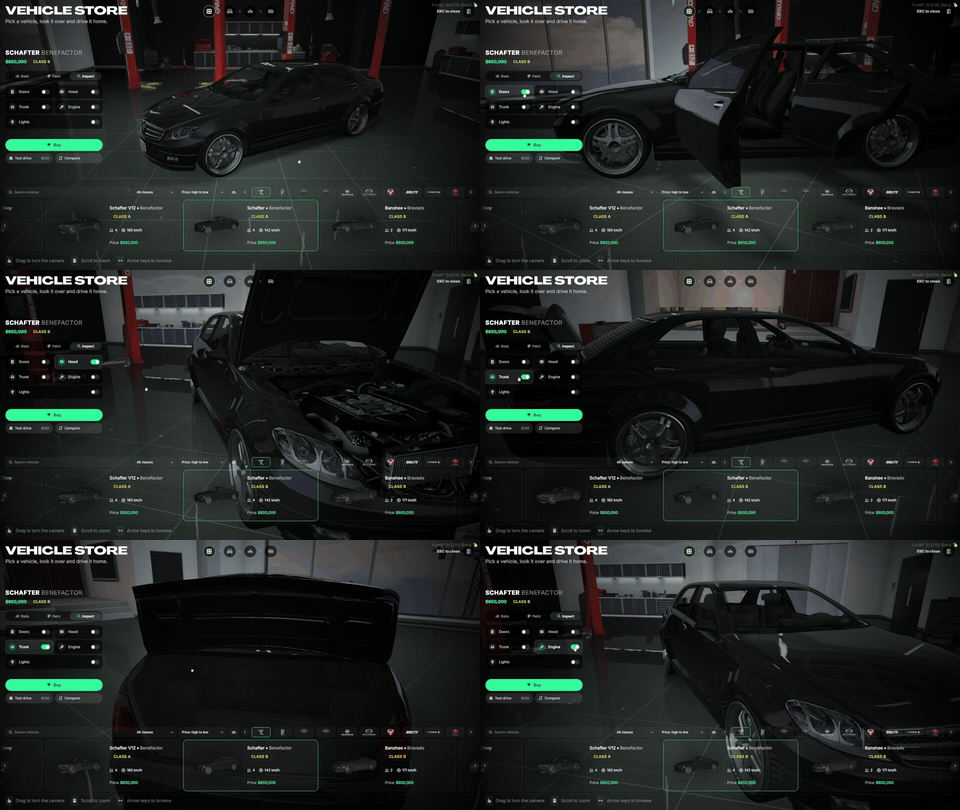
Paint & Inspect - Paint the car while browsing, open the doors, hood and trunk, start the engine, turn on the lights and look inside.
Search, Filter & Sort - Search by name, filter by class, maker and vehicle type, and sort by price, top speed or name.
Compare Vehicles - Pick up to three cars and compare their stats side by side.
Test Drive - Each dealership sets its own test drive price, length and allowed distance.
Coupons & Custom Plates - Buyers can enter a coupon code and pick their own plate for a fee.
Stock System - Shared stock lists with live counts. When the last one is sold, the car is out of stock for everyone.
Trade-In - Players can give the car they drive as part of the payment.
Sell Back - Players can sell their car back to the dealership for a share of its price.
Player-Owned Dealerships - Rent or buy a dealership, hire employees and sell cars to players in person.
Dealer Tablet - Selling, team, campaigns, coupons, sales report, sale log and business money in one screen.
Sale Modes - Decide whether customers buy at the shop screen, only from the staff, or both.
Vehicle Lists - Build a list once and give it to as many dealerships as you like, with per-dealership overrides.
Display Vehicles - Place showroom cars around the dealership with a gizmo, live in the world.
Campaigns - Put a dealership, a class or a few cars on sale for a limited time.
In-Game Admin Panel - Every dealership, point, list, stock, price and setting is edited in game and synced live, without a restart.
Vehicle Catalog
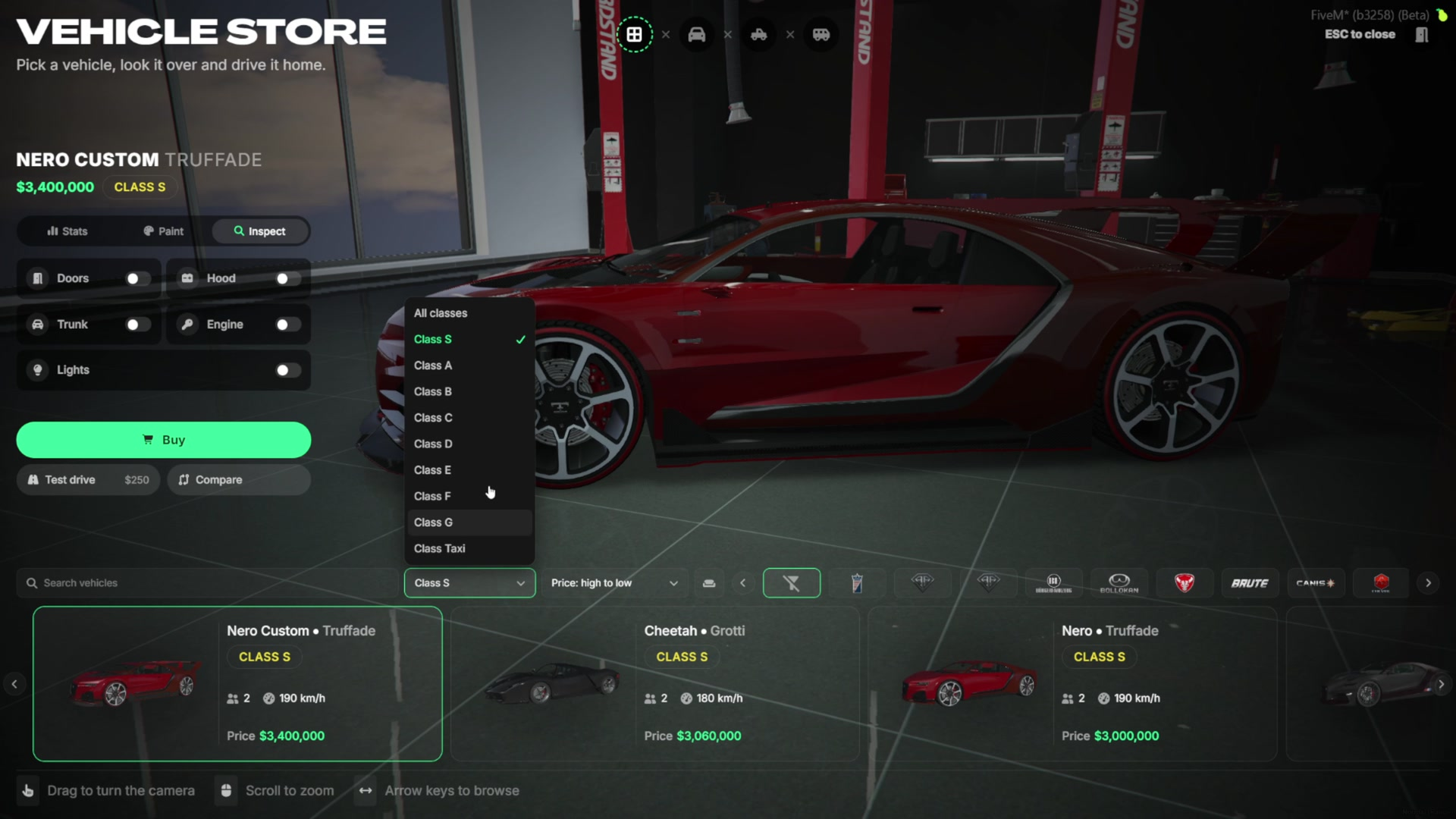
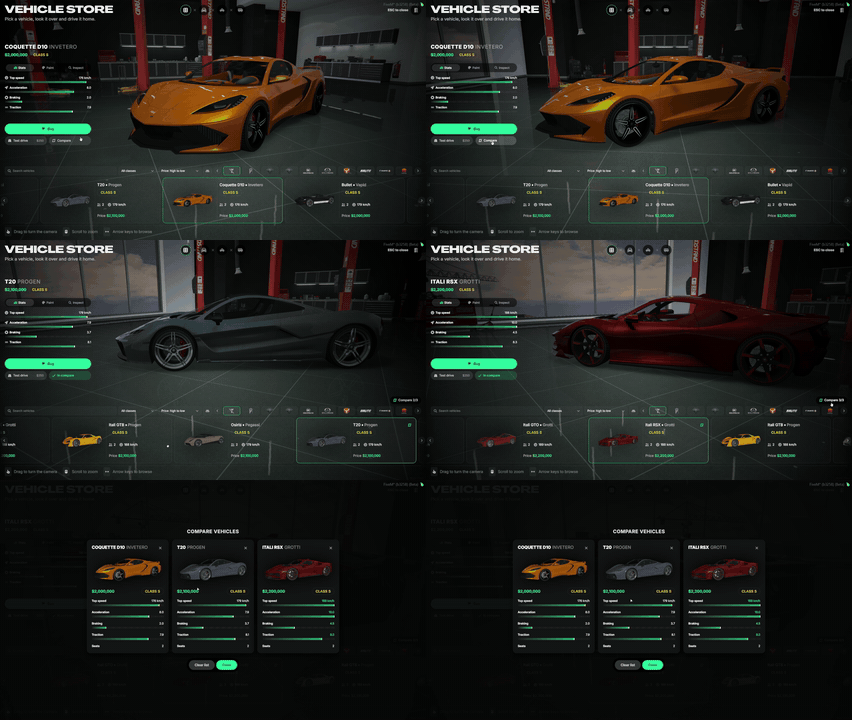
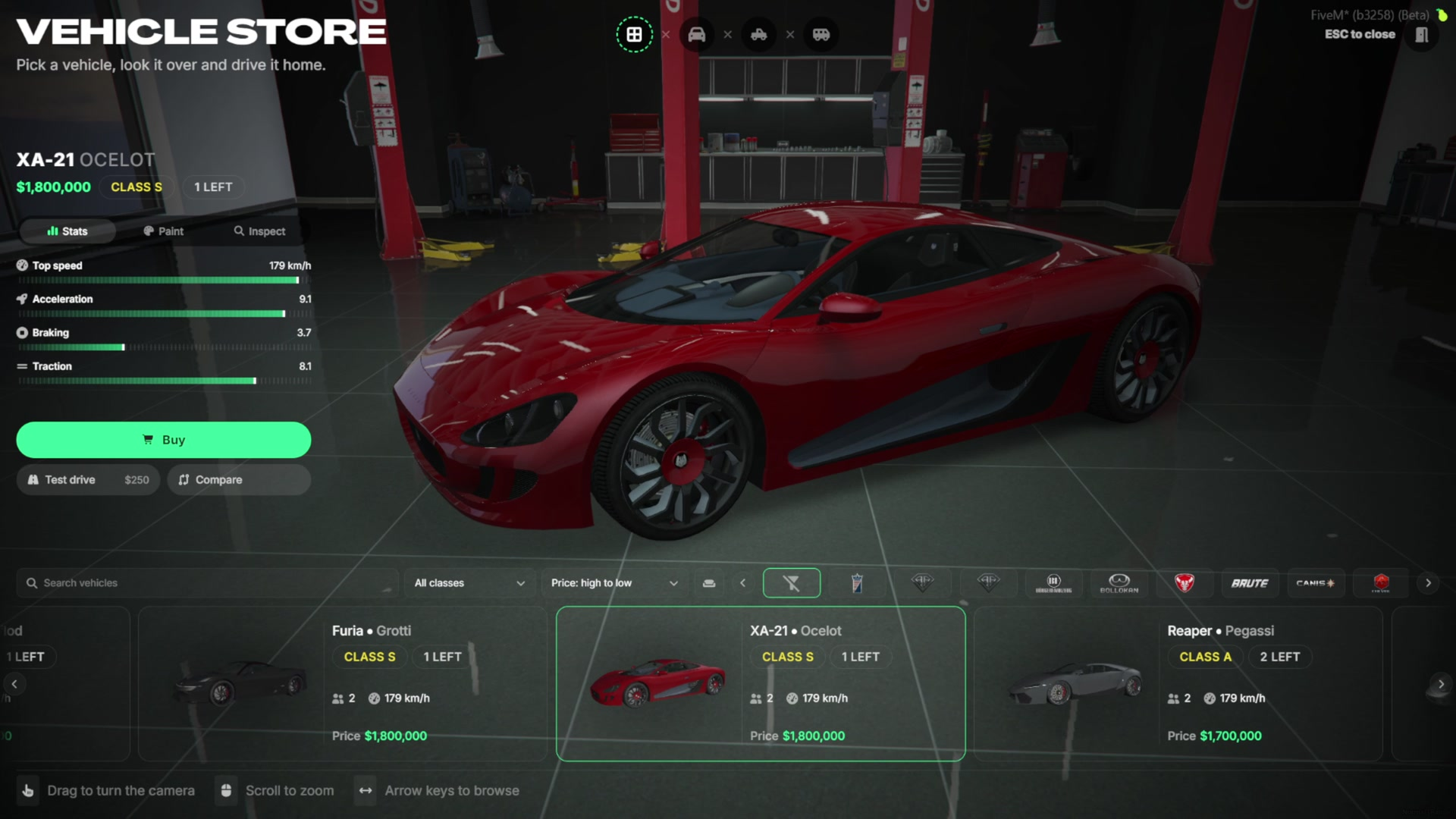
- Players open the catalog at a catalog point inside the dealership. The car they pick stands on the preview spot of that dealership.
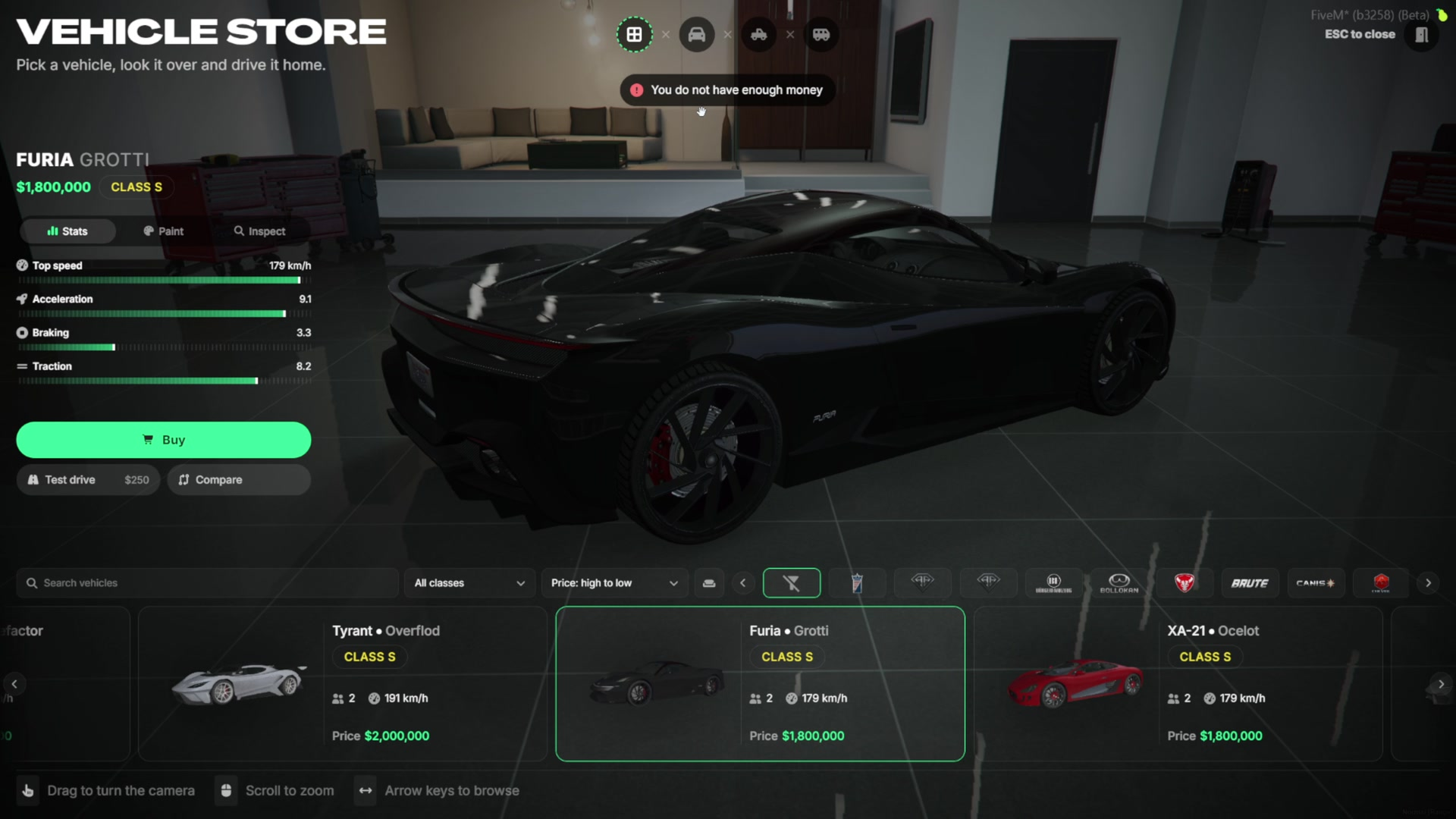
- The left side shows the car’s price, class, top speed, acceleration, braking and traction.
- The bottom strip lists every car of the dealership with its picture, seats, top speed and price.
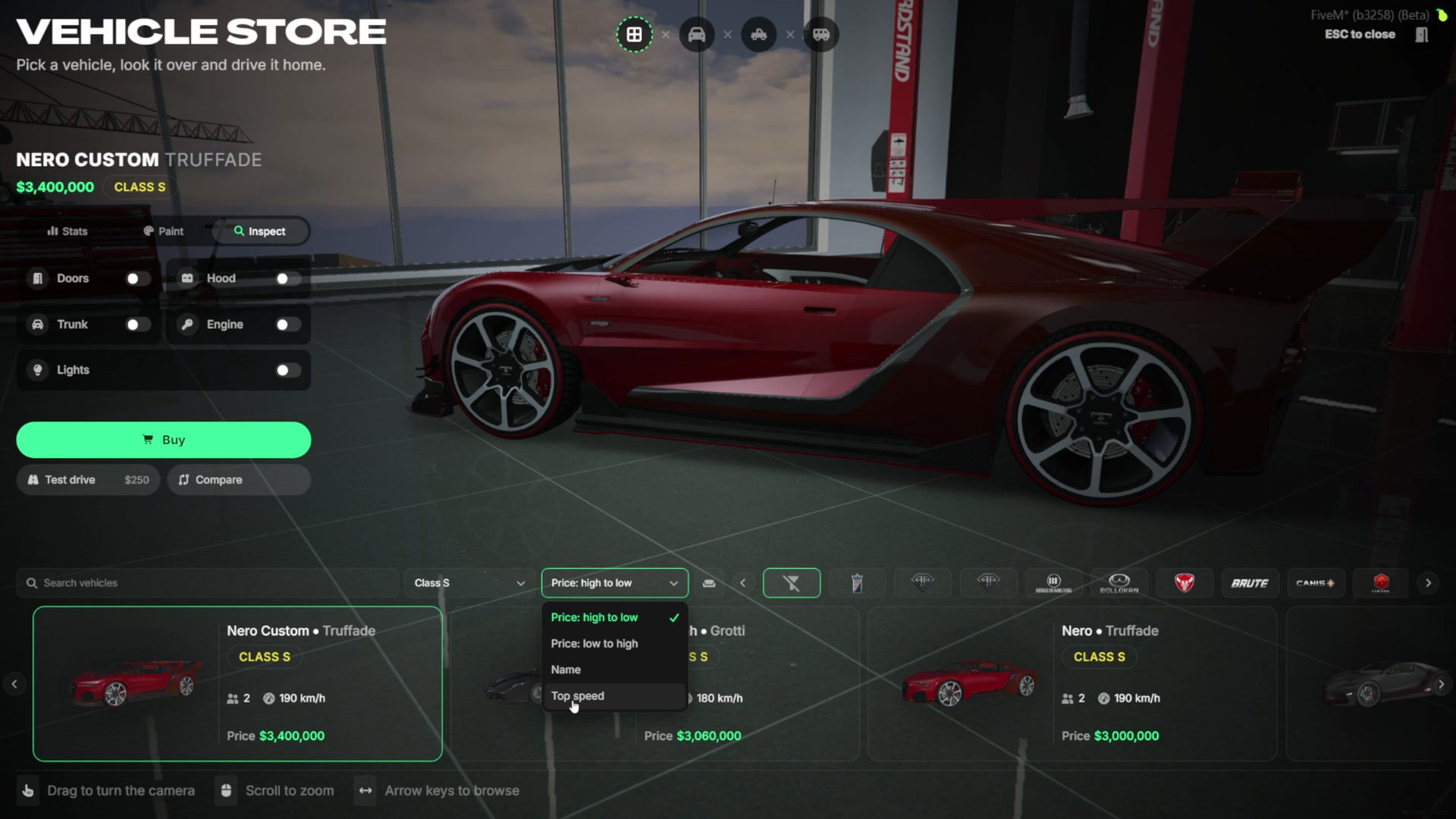
- Players can search by name, filter by class, pick a maker, switch between vehicle types (cars, SUVs, vans and more) and sort by price, top speed or name. One click clears every filter.
- The classes in the filter are the ones you create in the admin panel.
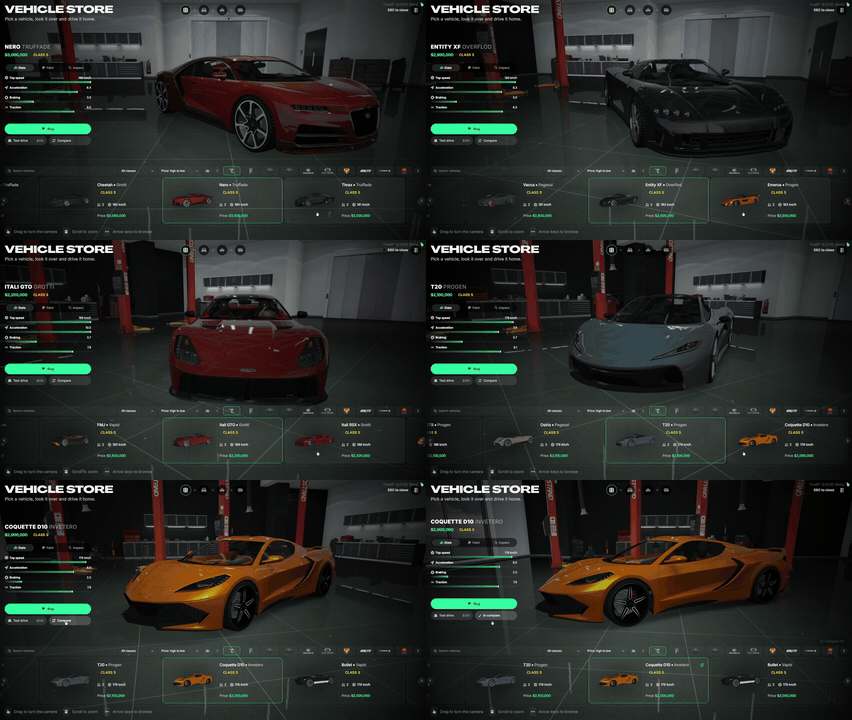
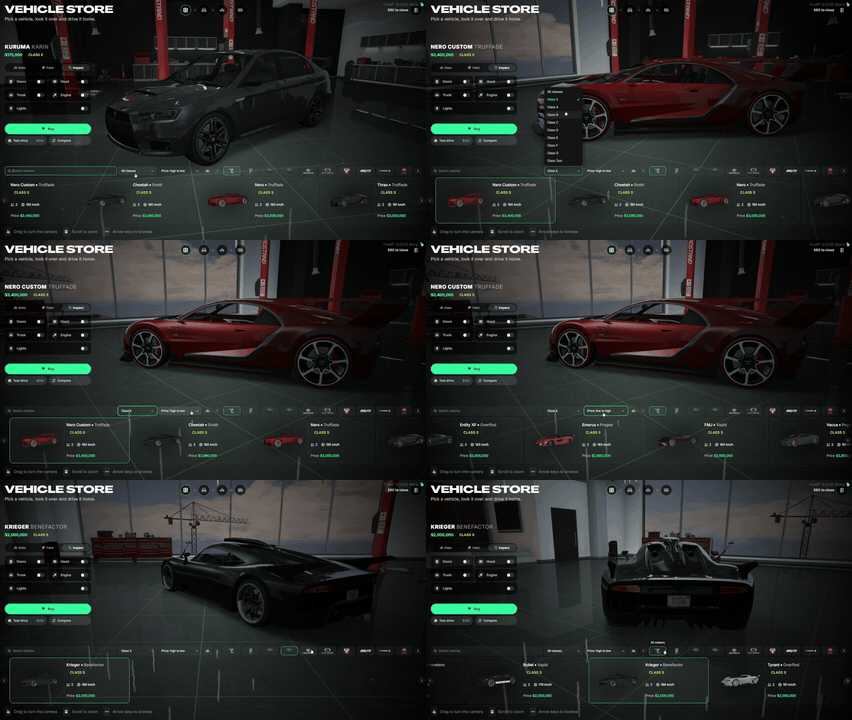
Paint & Inspect
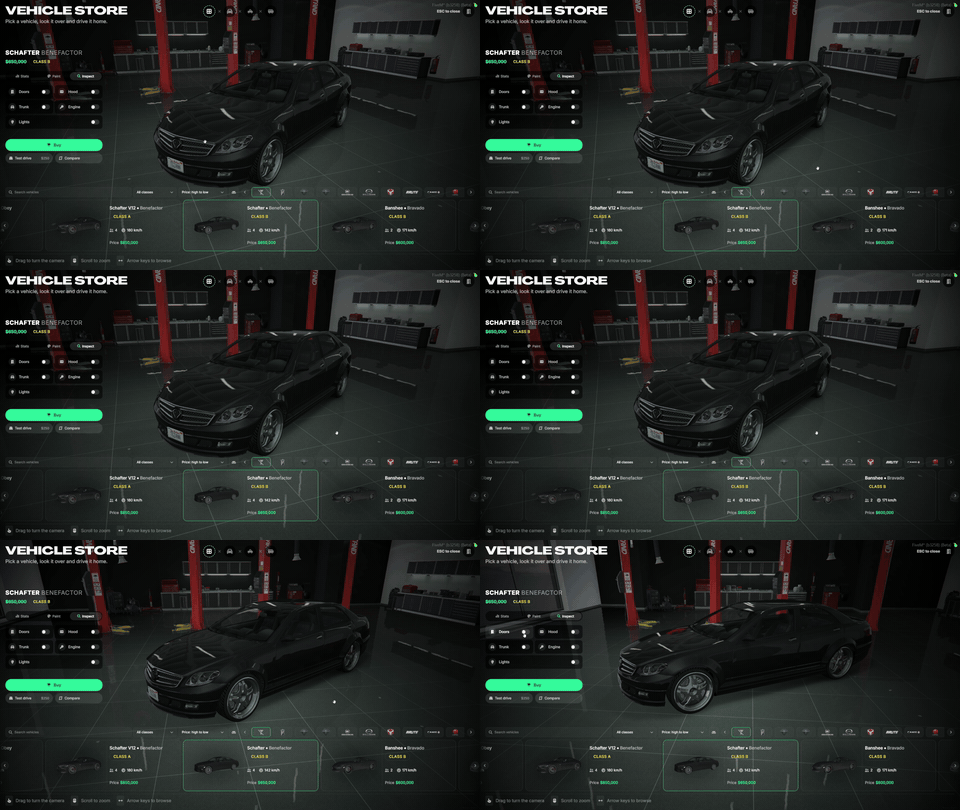
- Players can paint the car while they look at it. The chosen color stays while they browse other cars, and one click brings back the factory paint.
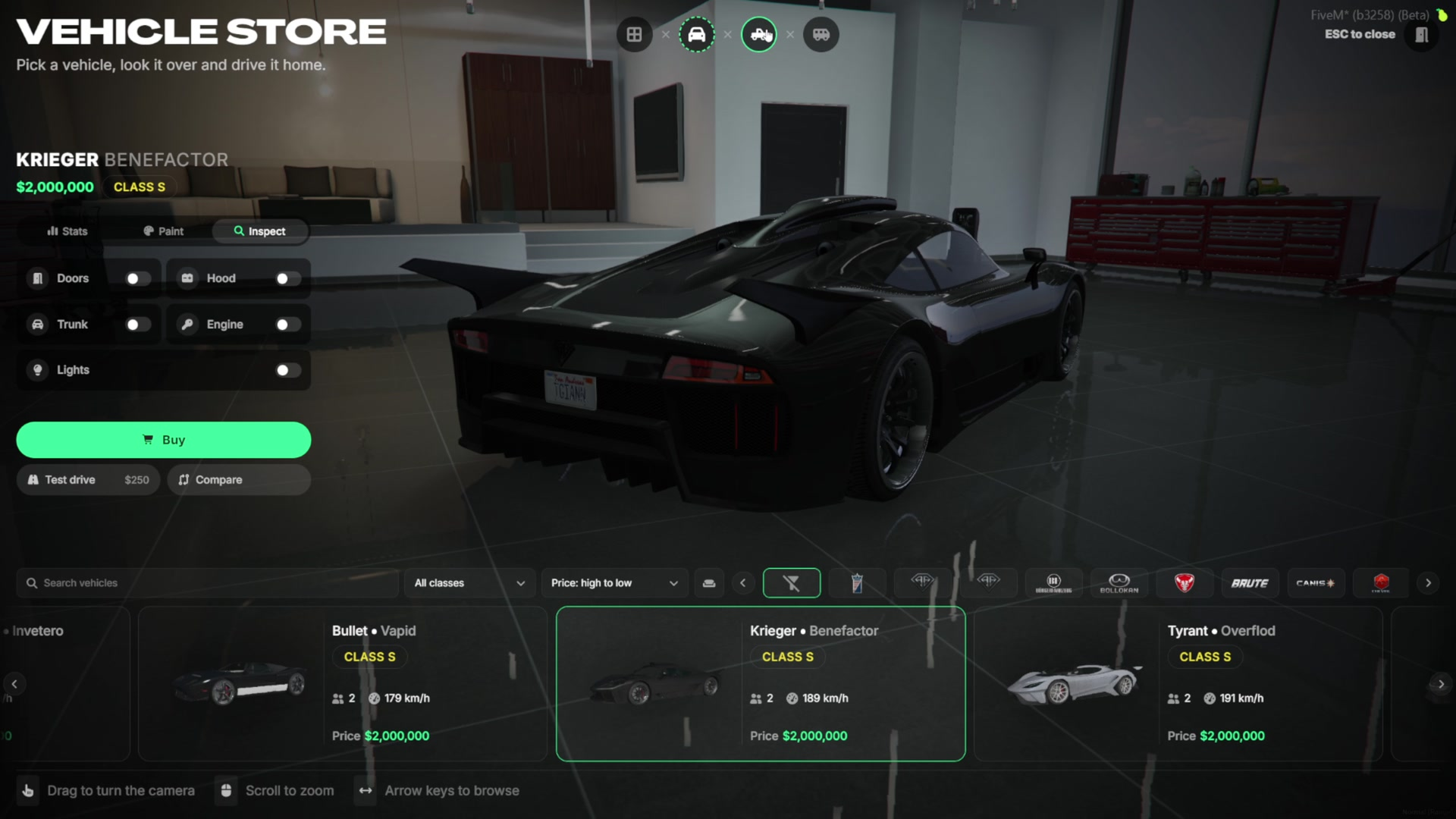
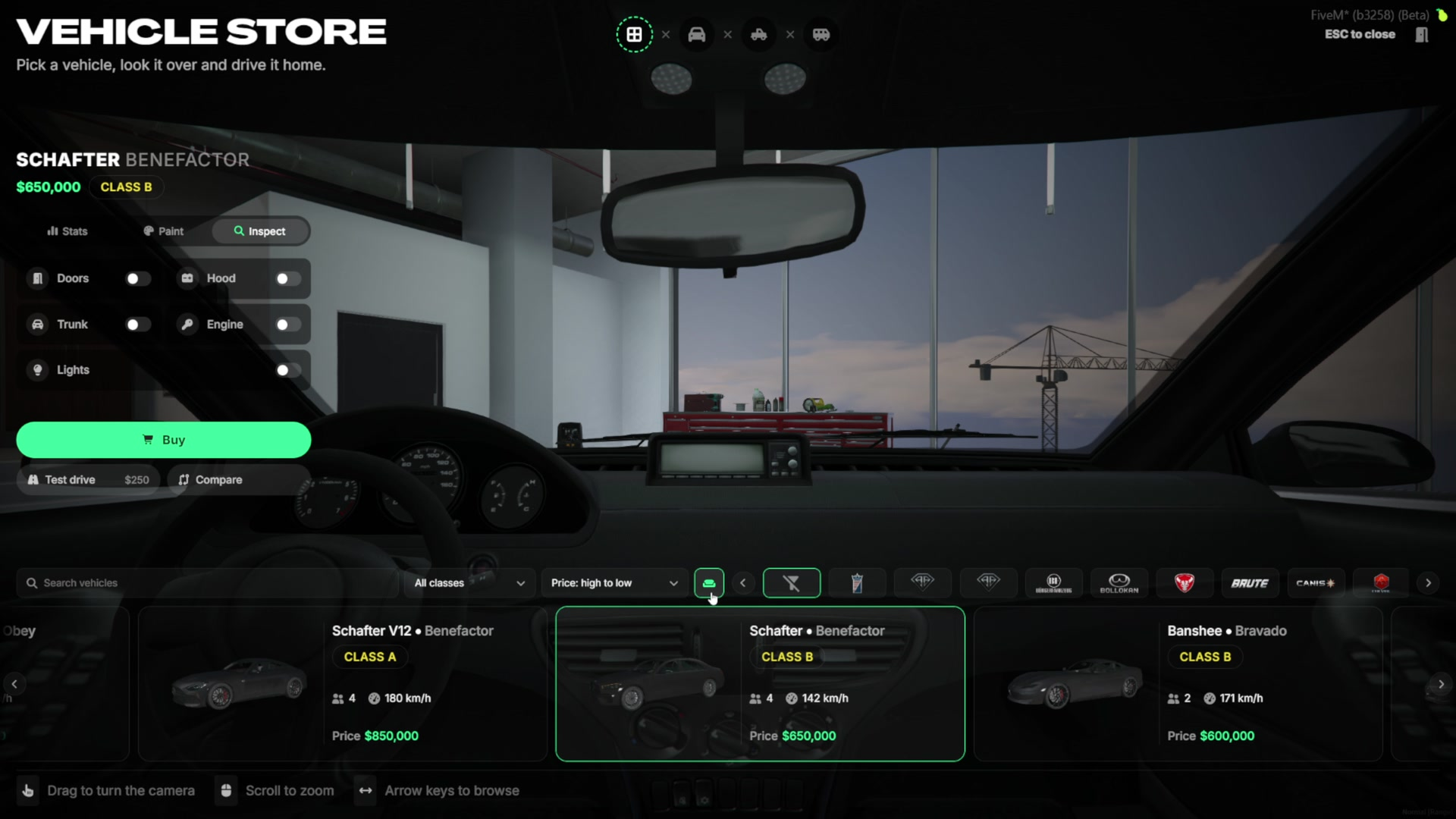
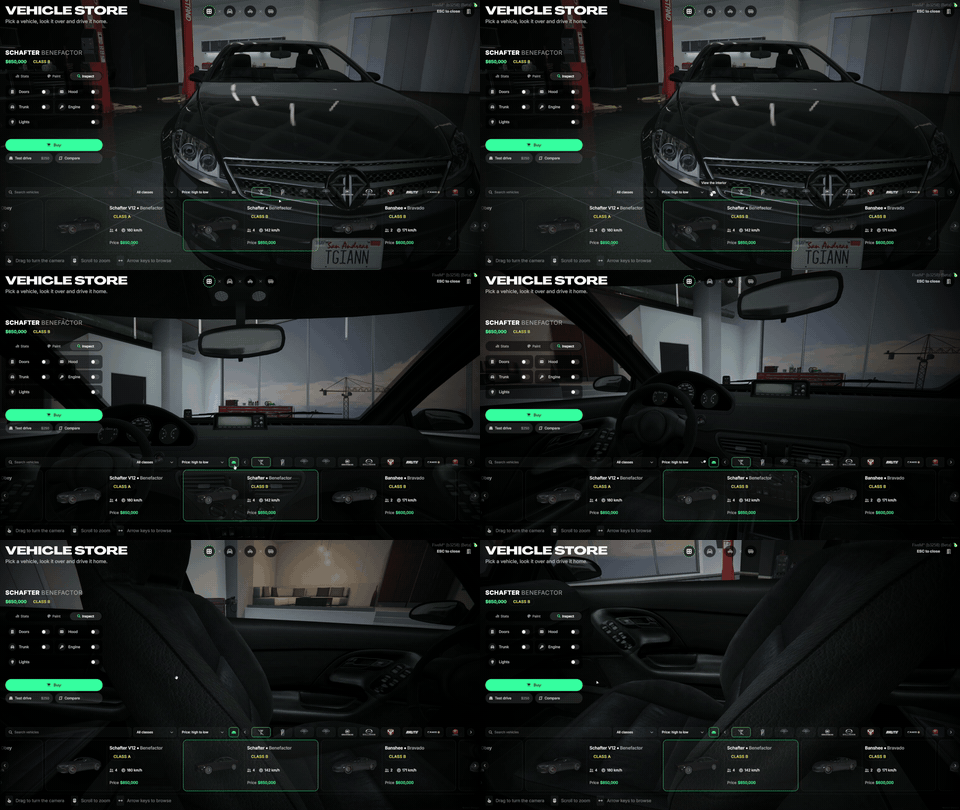
- The Inspect tab opens the doors, hood and trunk, starts the engine so players can hear it, and turns on the lights.
- The seat button moves the camera inside the car to show the interior.
- Drag to turn the camera and scroll to zoom. When the player lets go, the camera starts circling the car on its own after 7 seconds.
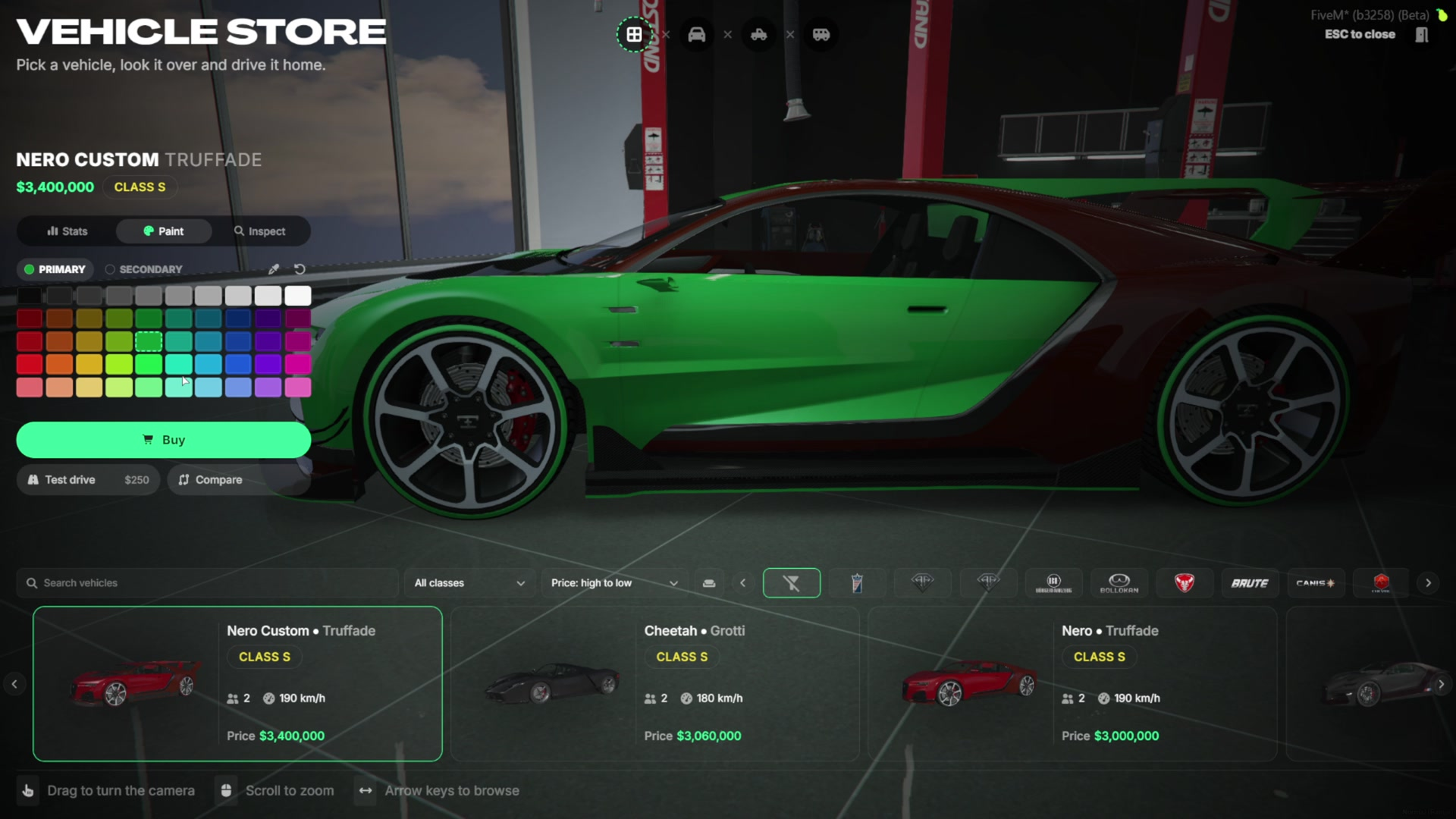
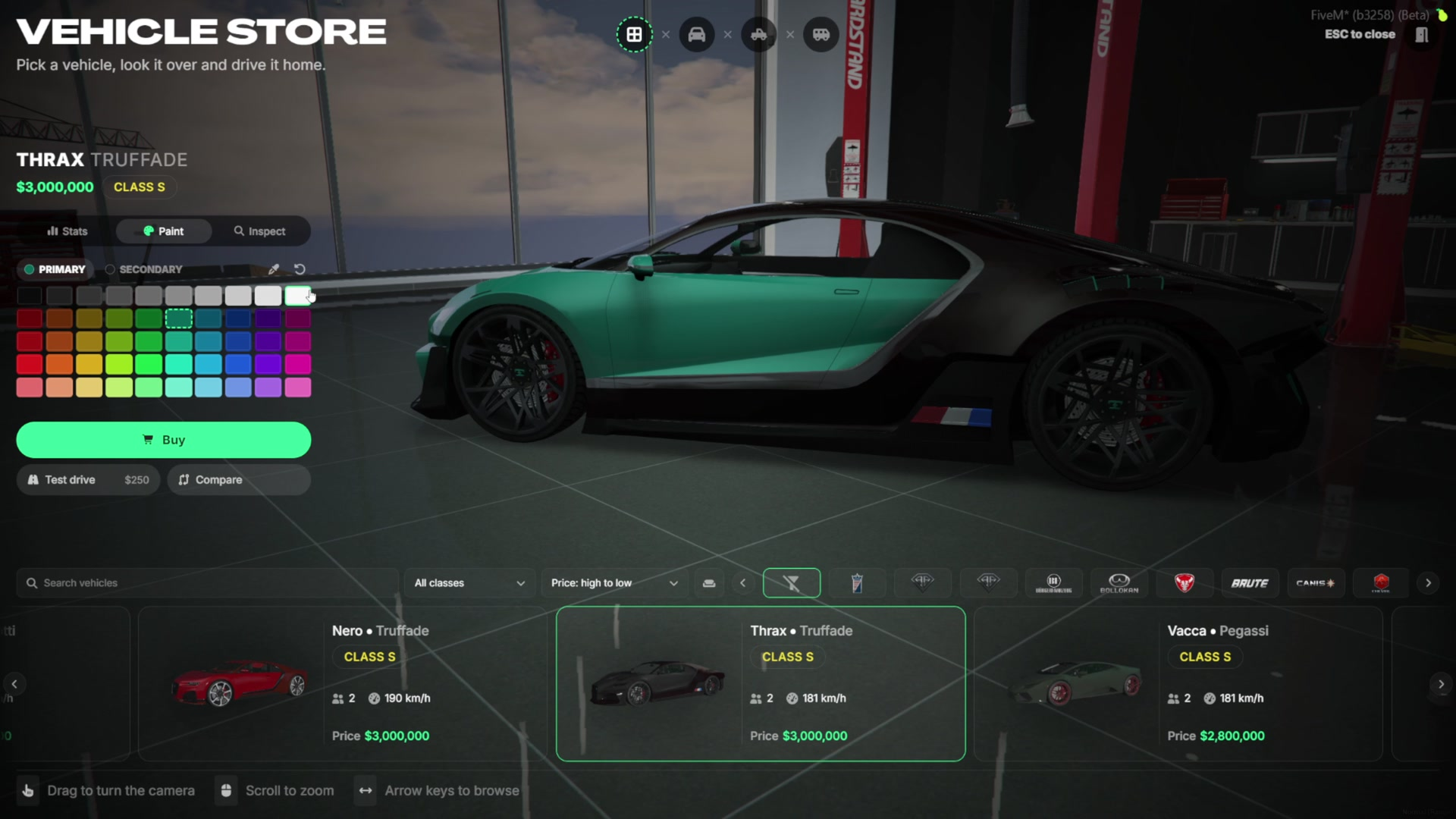
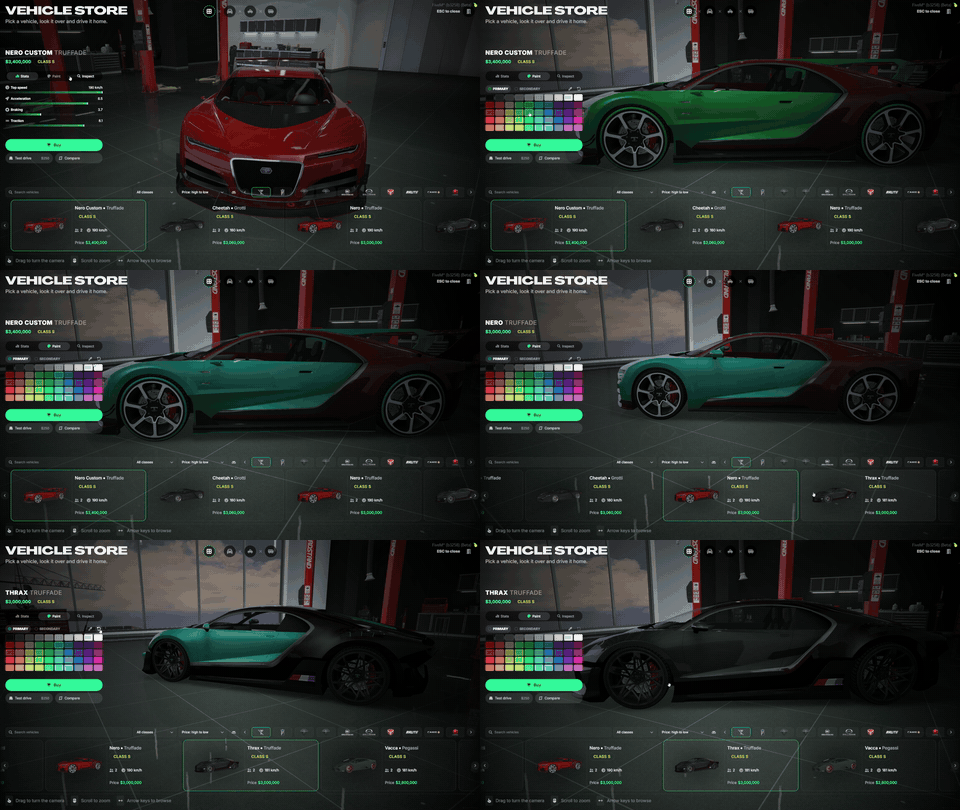
Compare Vehicles
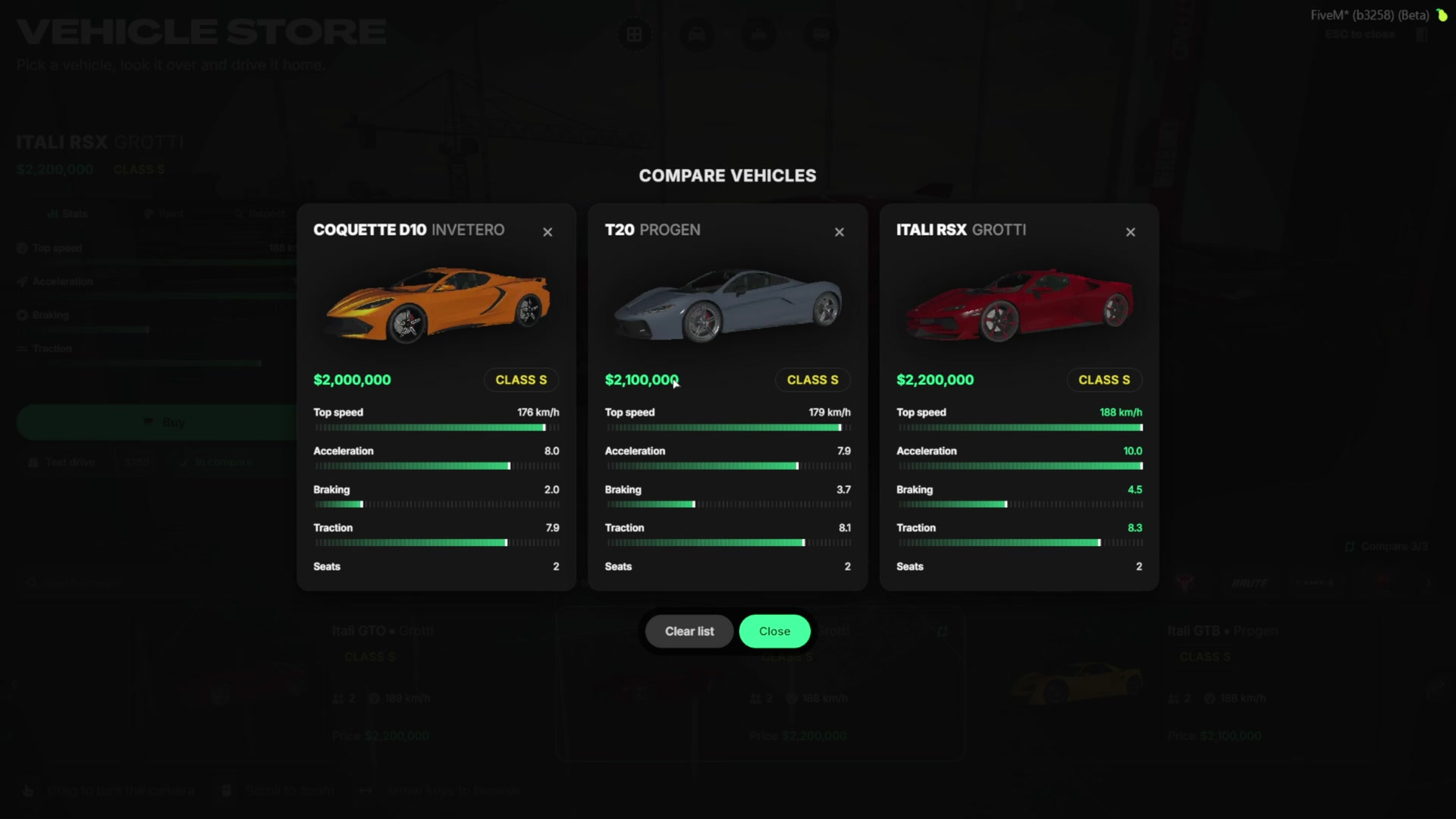
- Players can add up to three cars to the compare list and open them side by side.
- Every stat is shown for each car, so the fastest or the cheapest one is clear at a glance.
- A car can be removed and another one added at any time.
Test Drive
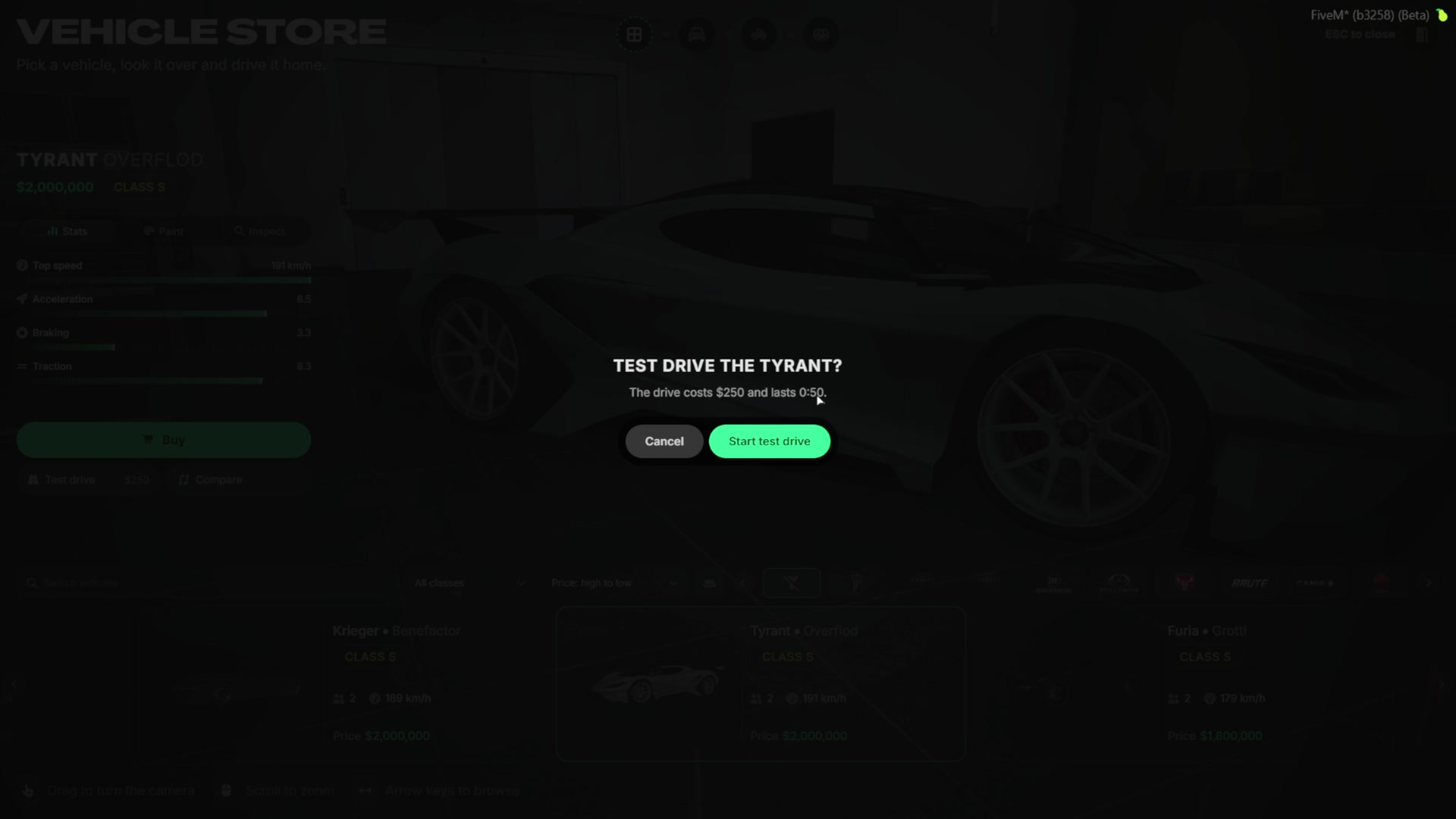
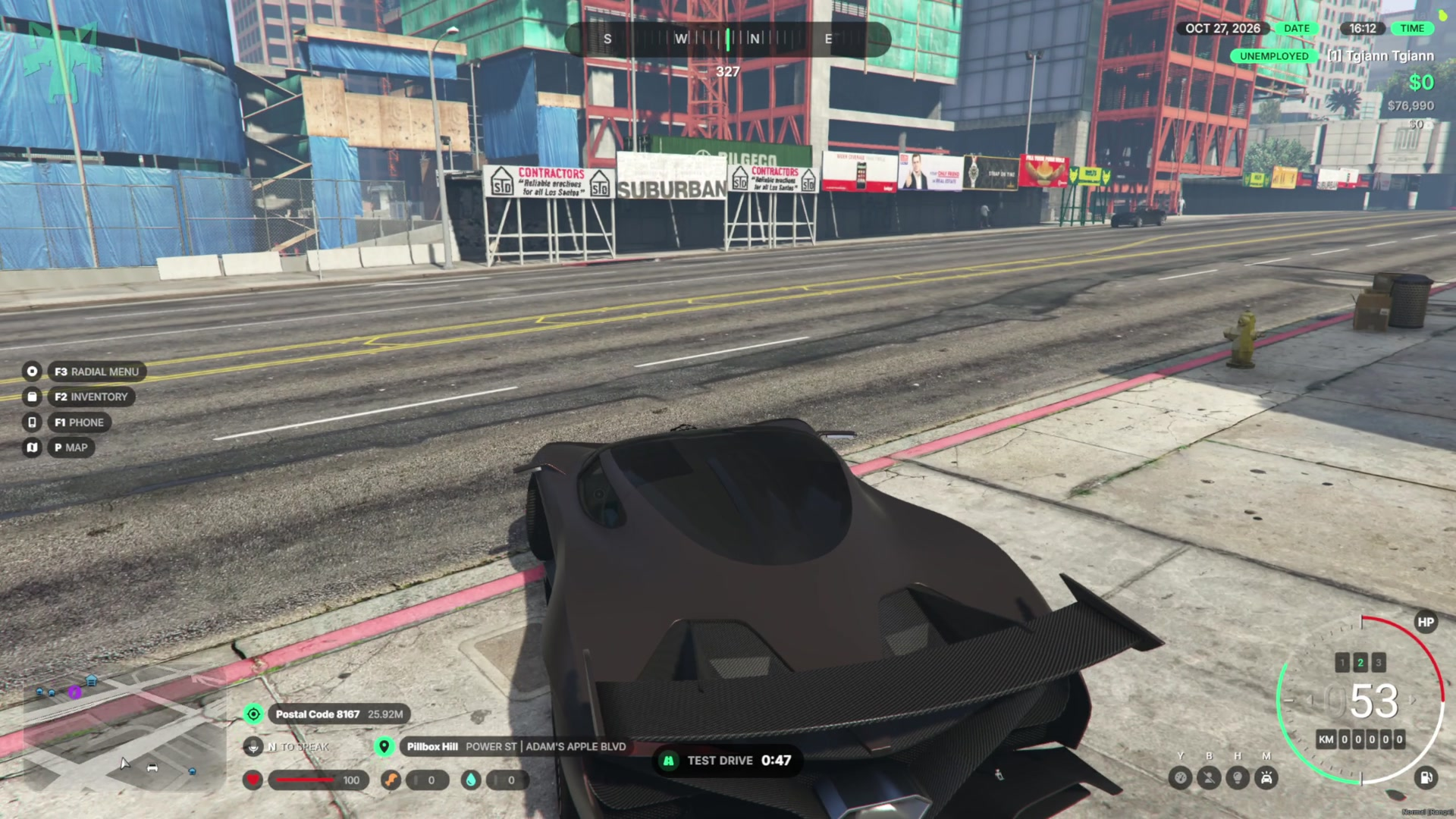
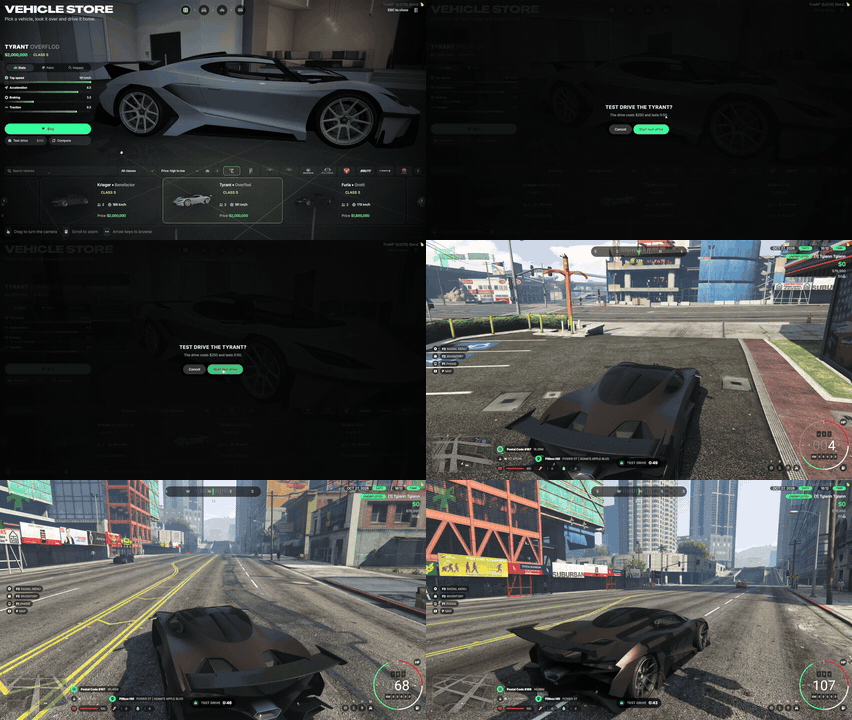
- Players can test drive a car before they buy it. The price and the length are shown before the drive starts.
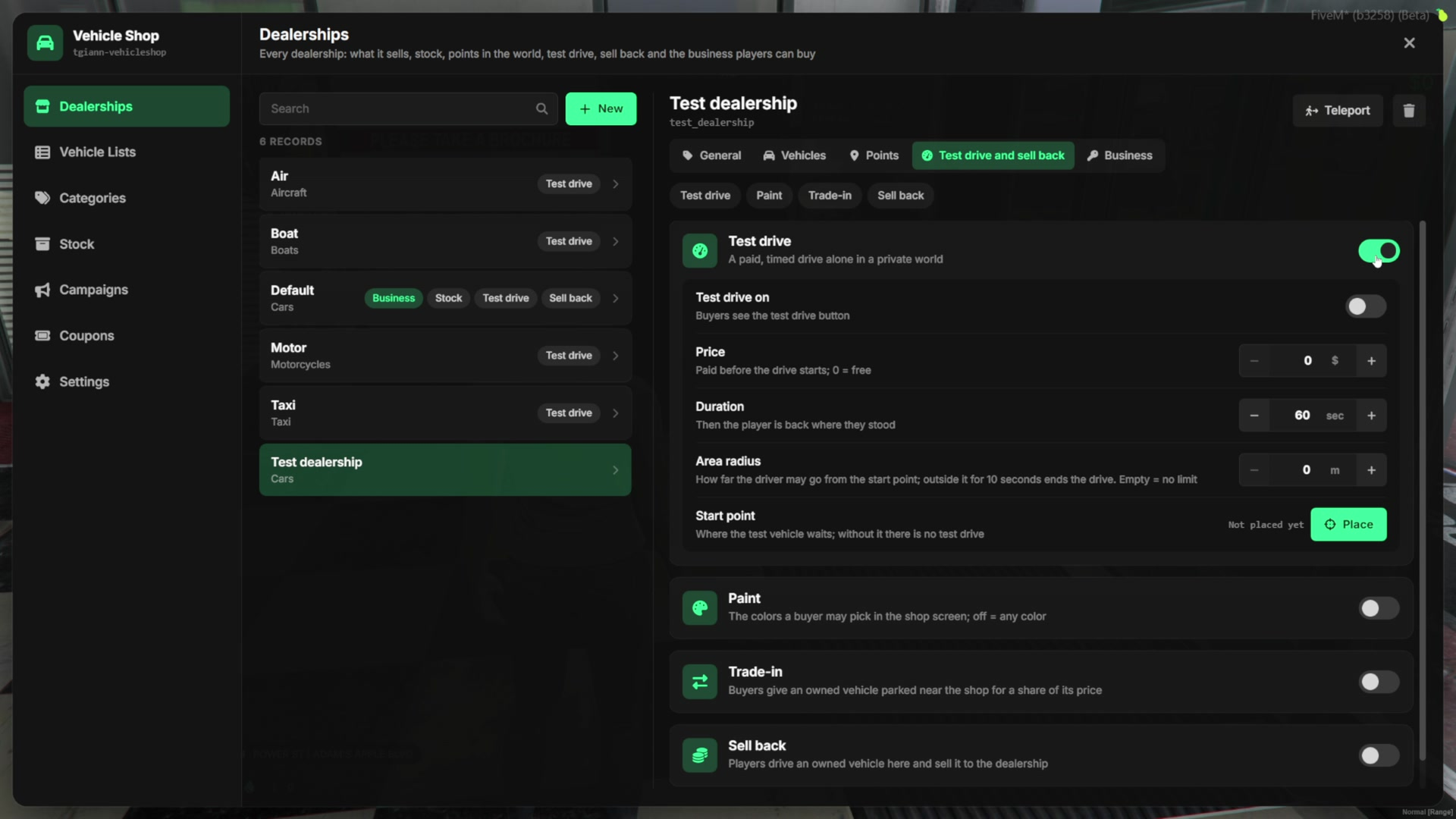
- Each dealership sets its own price, duration, start point and allowed distance. A driver who stays outside the allowed distance for 10 seconds ends the drive.
- Stepping out of the car ends the test drive early.
Buying a Vehicle
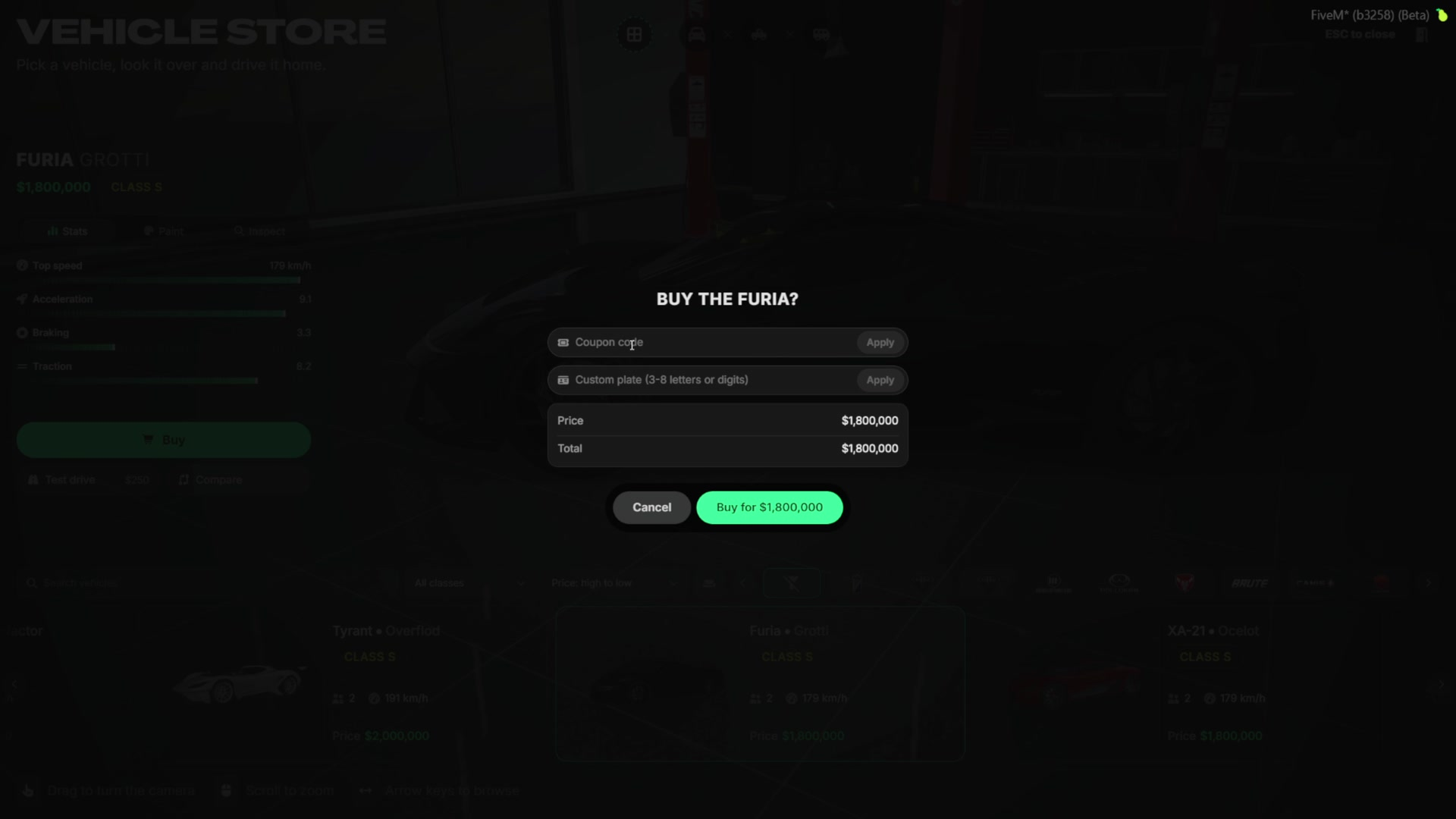
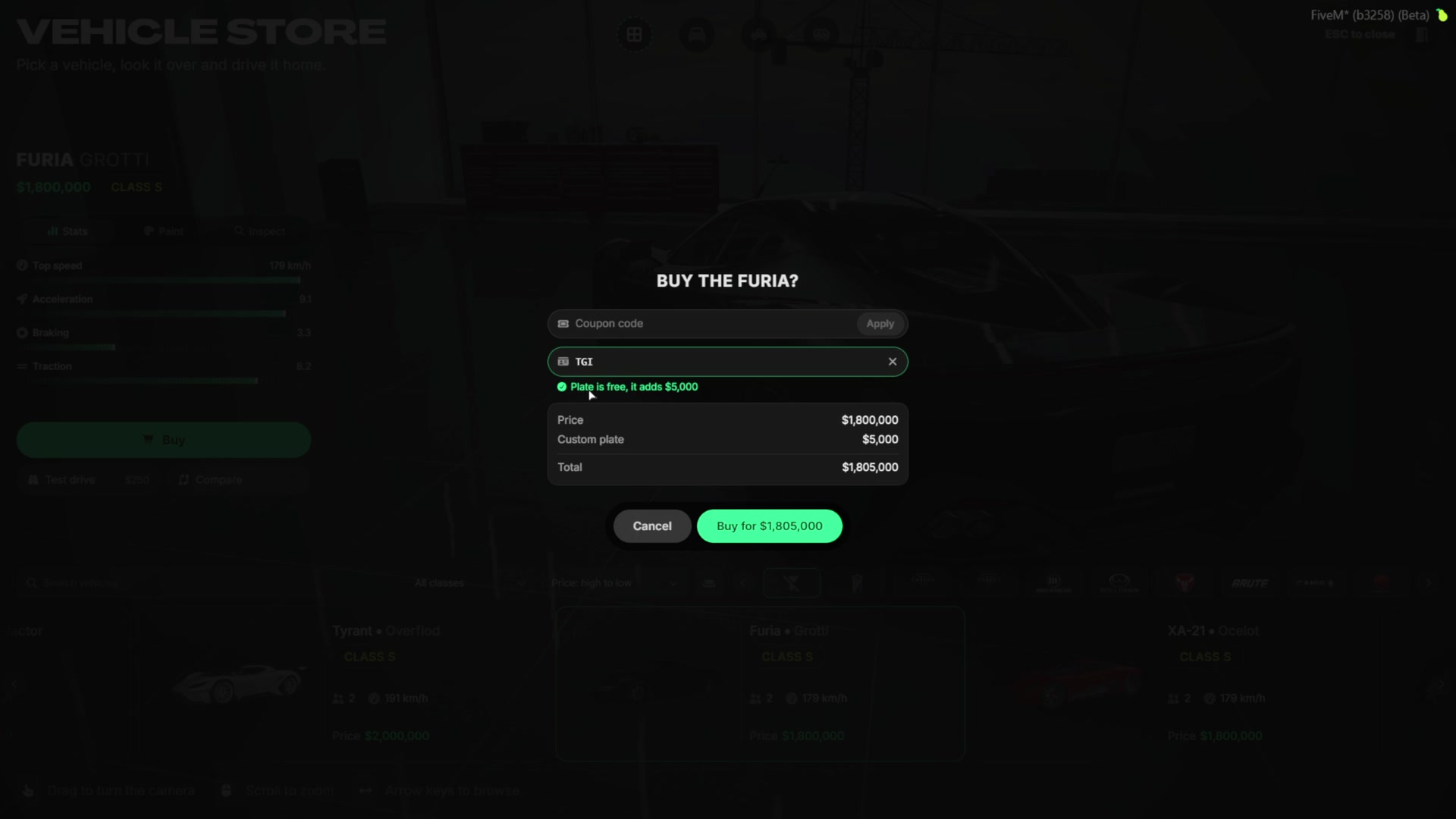
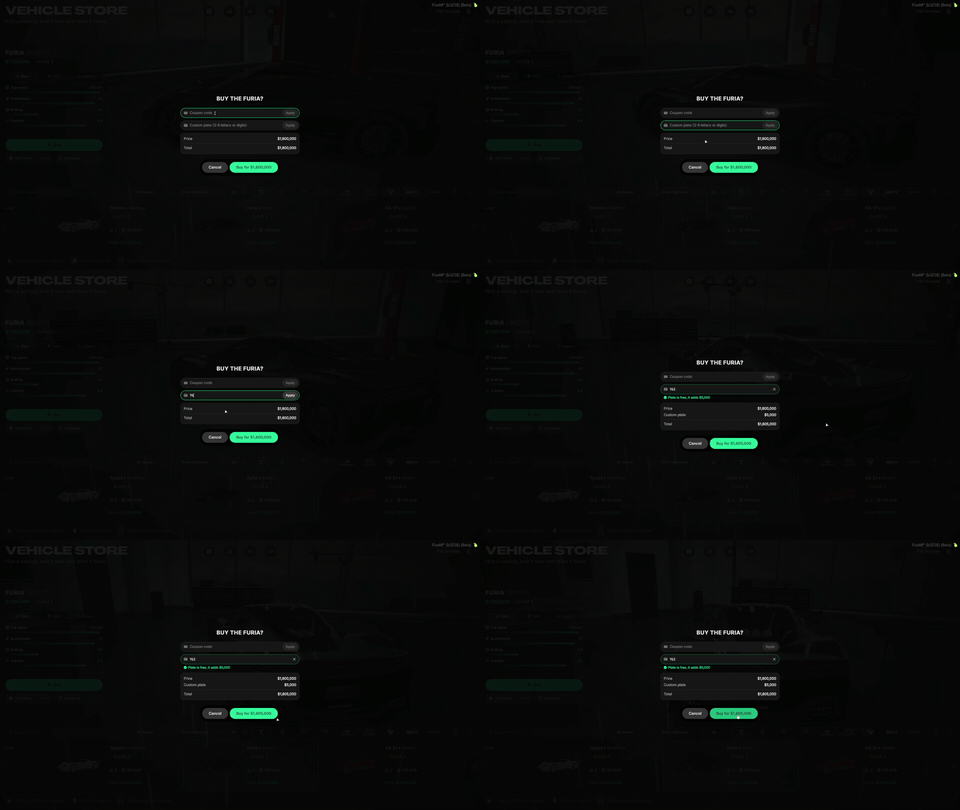
- The purchase window shows the full price before the player pays.
- Players can enter a coupon code created by the admin or by the dealership owner.
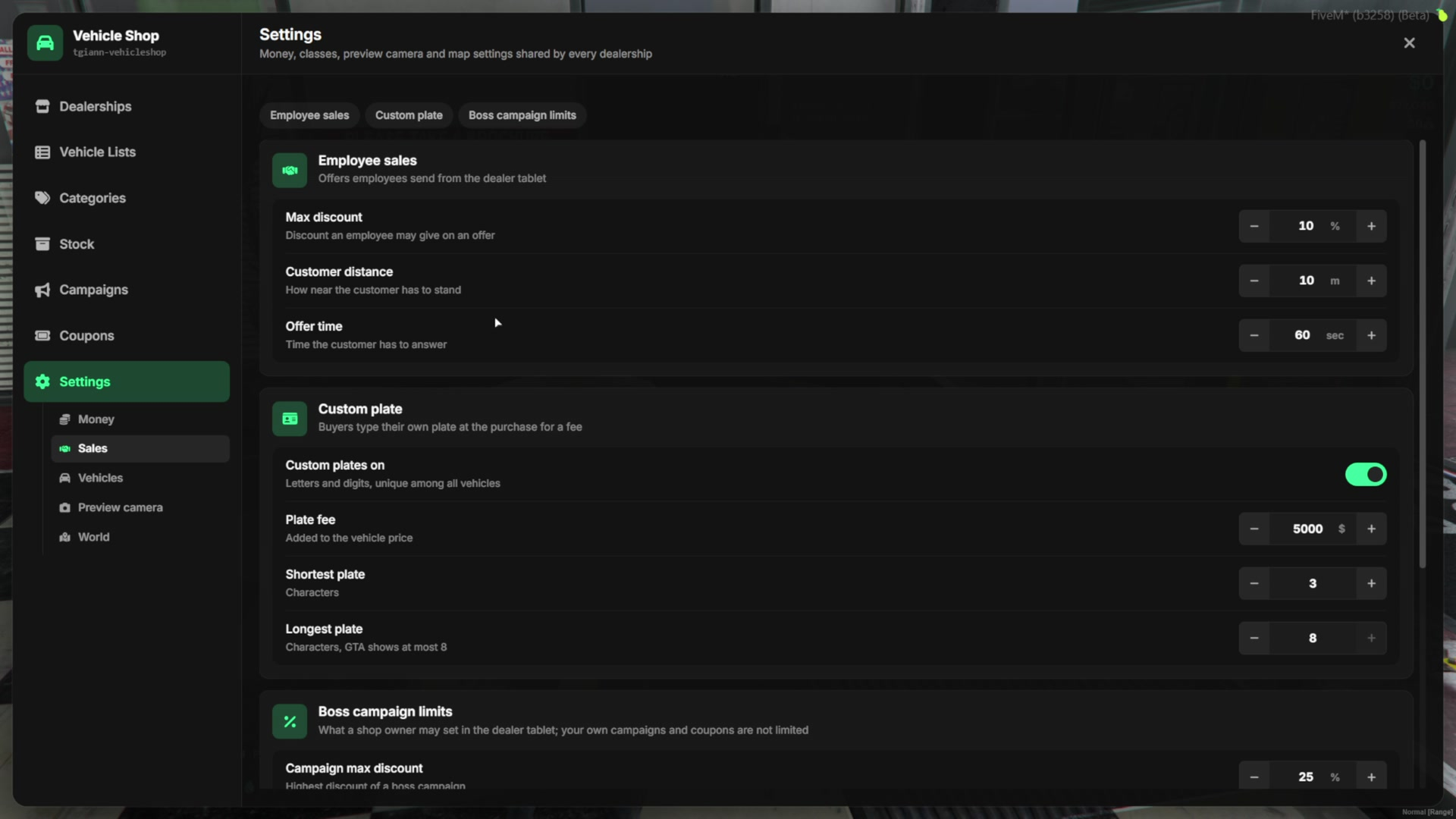
- Players can put their own plate on the car. By default it costs $5,000 and can be 3 to 8 characters long. The price and the limits are set in the admin panel.
- If the player does not have enough money, they are told before anything happens.
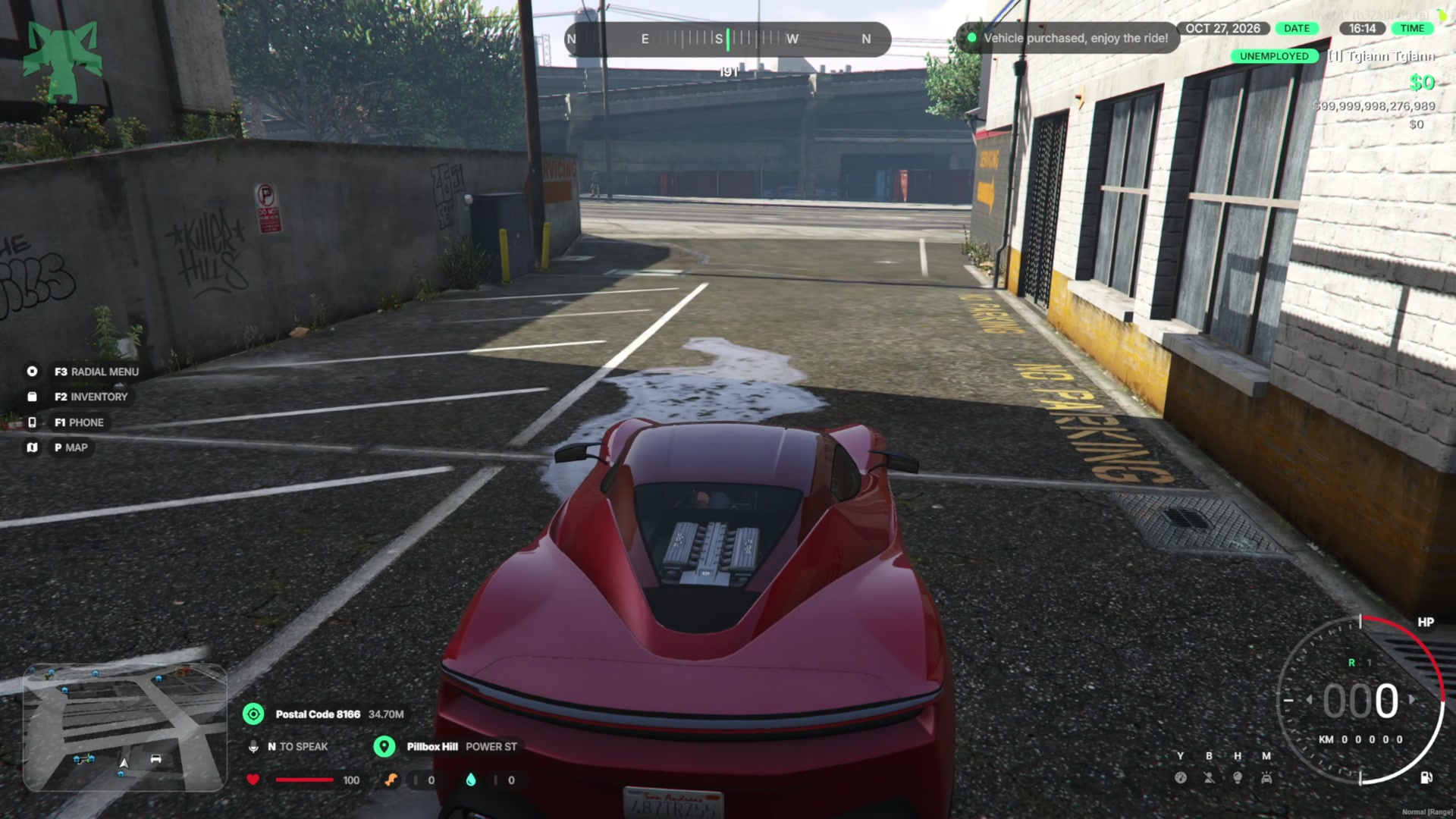
- After the purchase, the car waits at the dealership’s delivery point.
Stock System
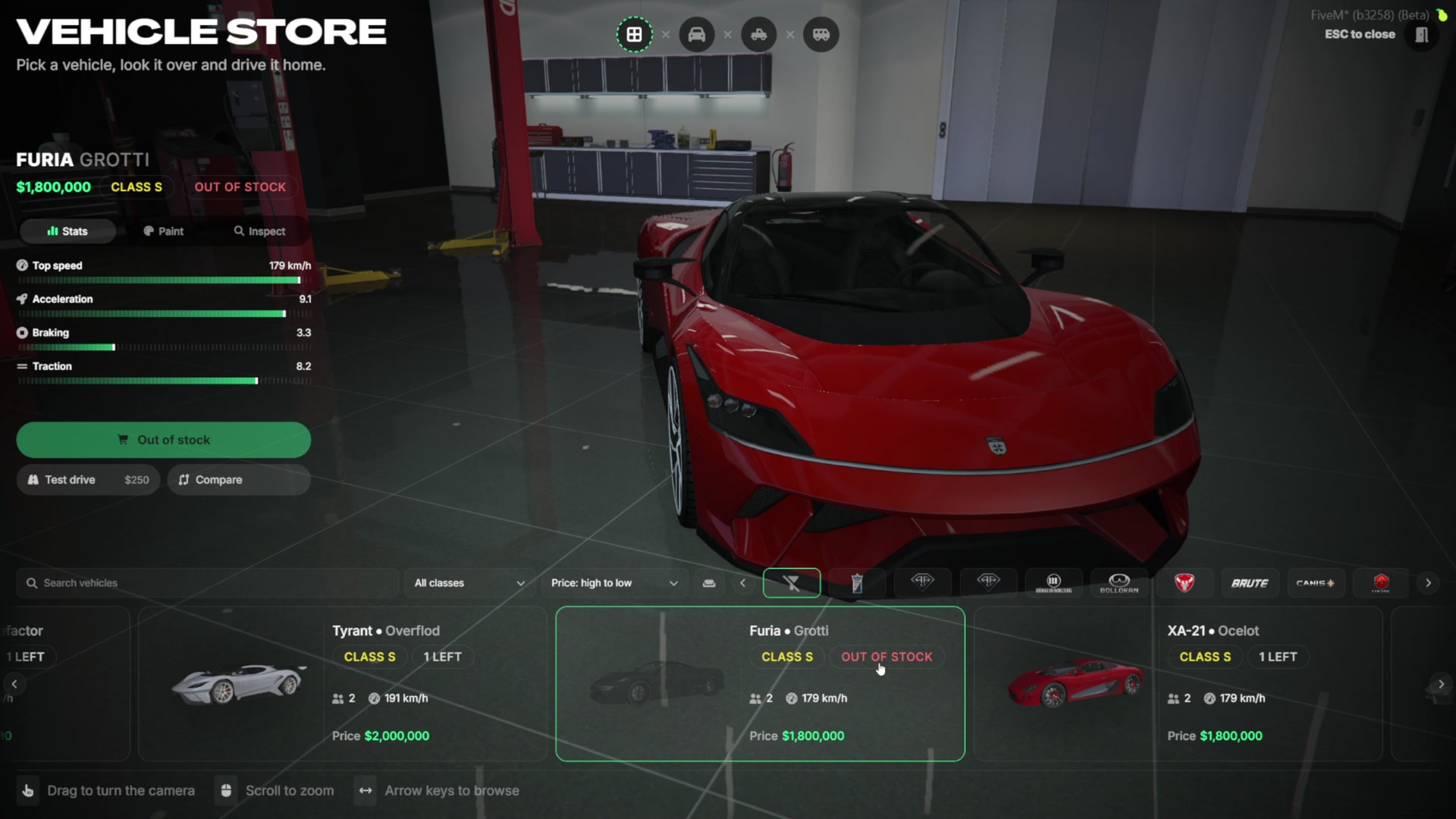
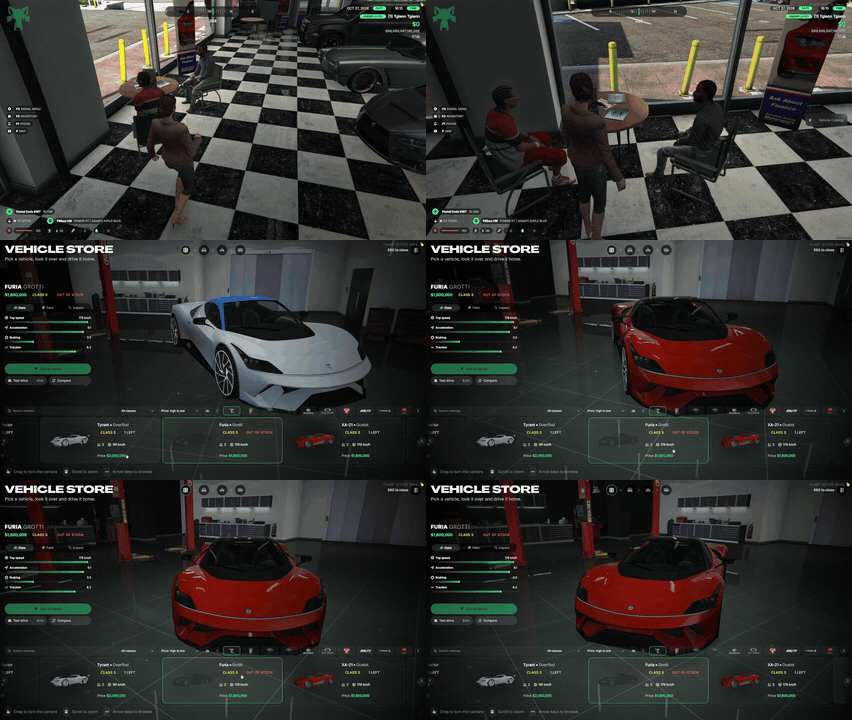
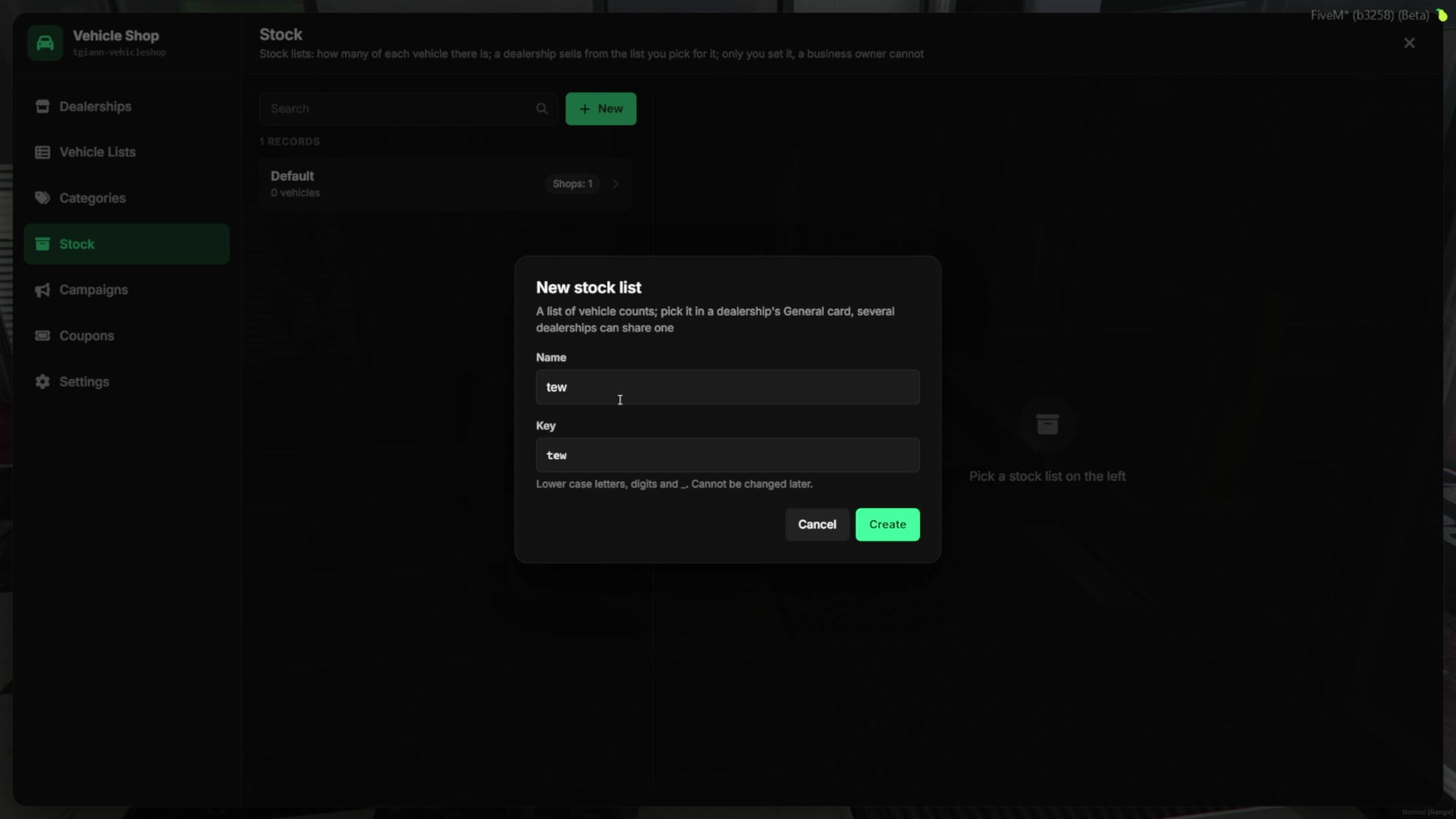
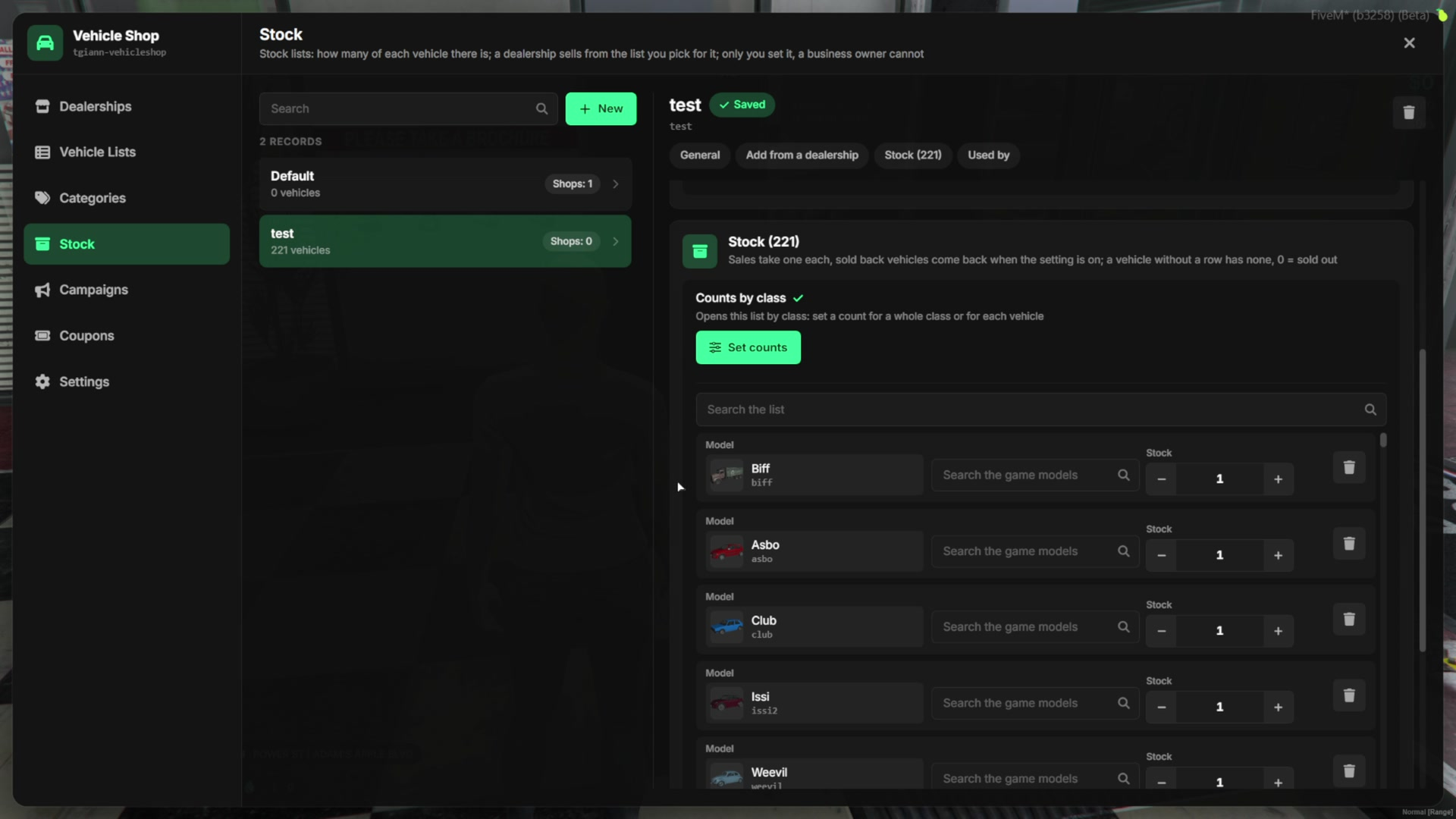
- Dealerships can run on stock. Every car shows how many are left, and the count changes live on every open screen.
- When the last one is sold, the car is shown as out of stock for everyone.
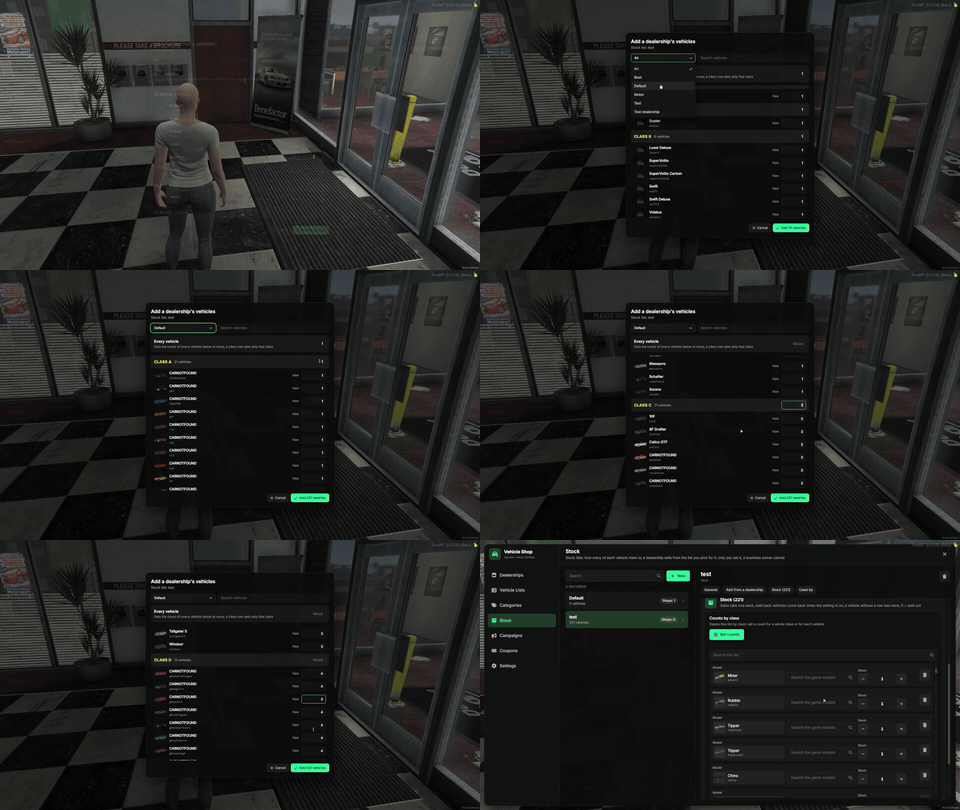
- Stock lives in stock lists, and several dealerships can share one list. A dealership without a list sells without limits.
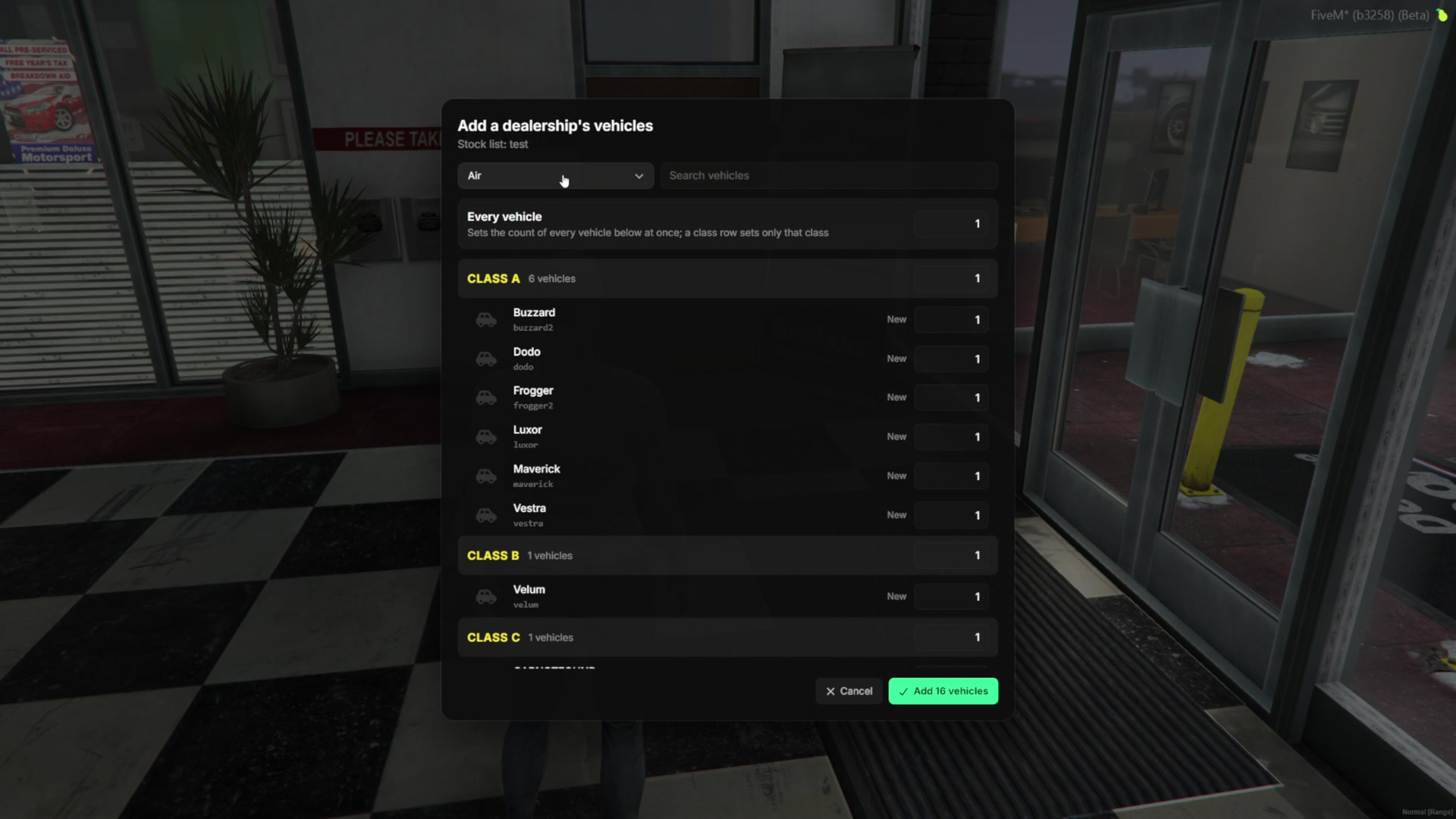
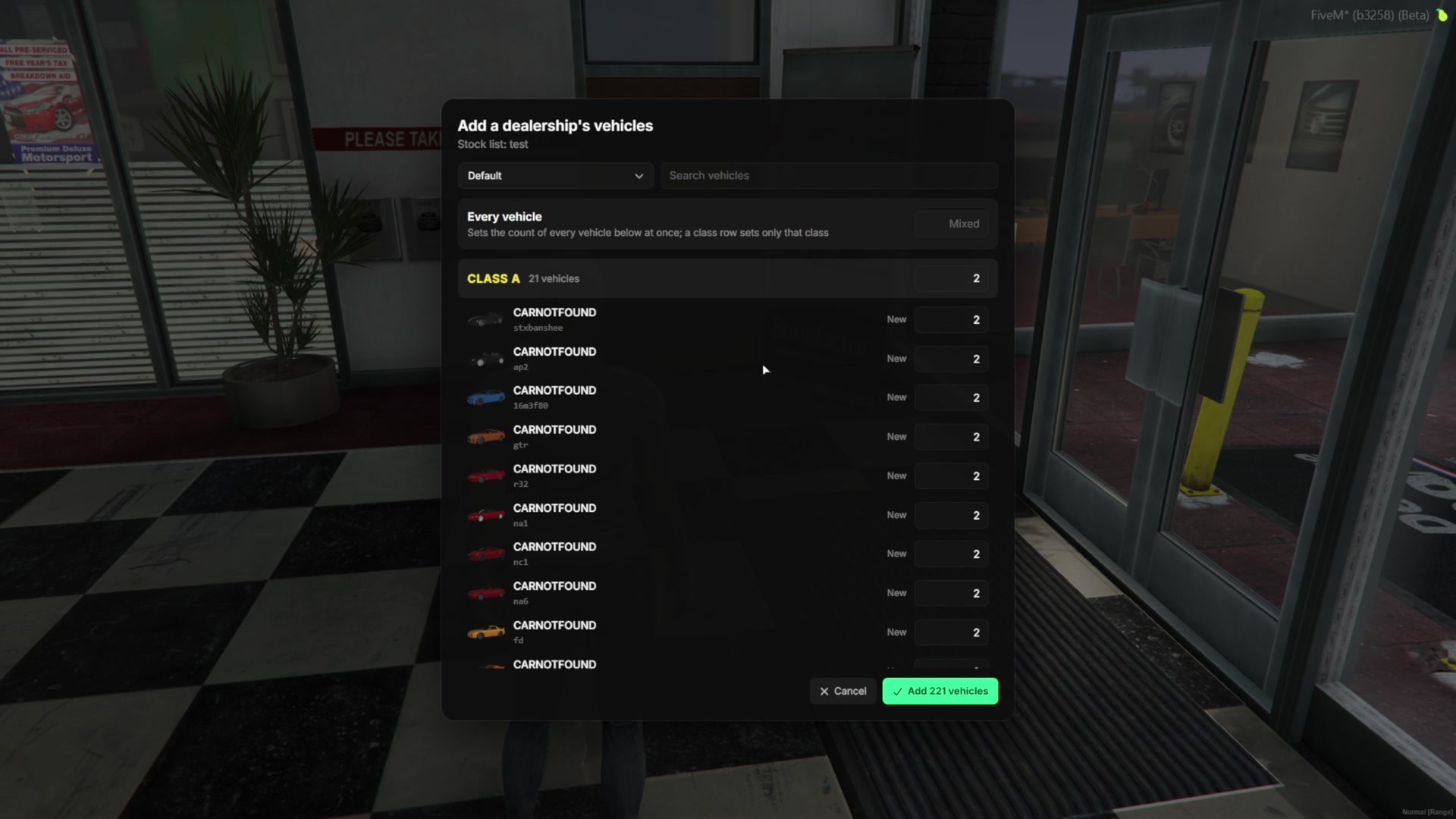
- Instead of adding cars one by one, a stock list can take every car of a dealership at once. Counts can be set per class or per car in one window.
- Cars sold back or traded in can return to the stock automatically.
Trade-In
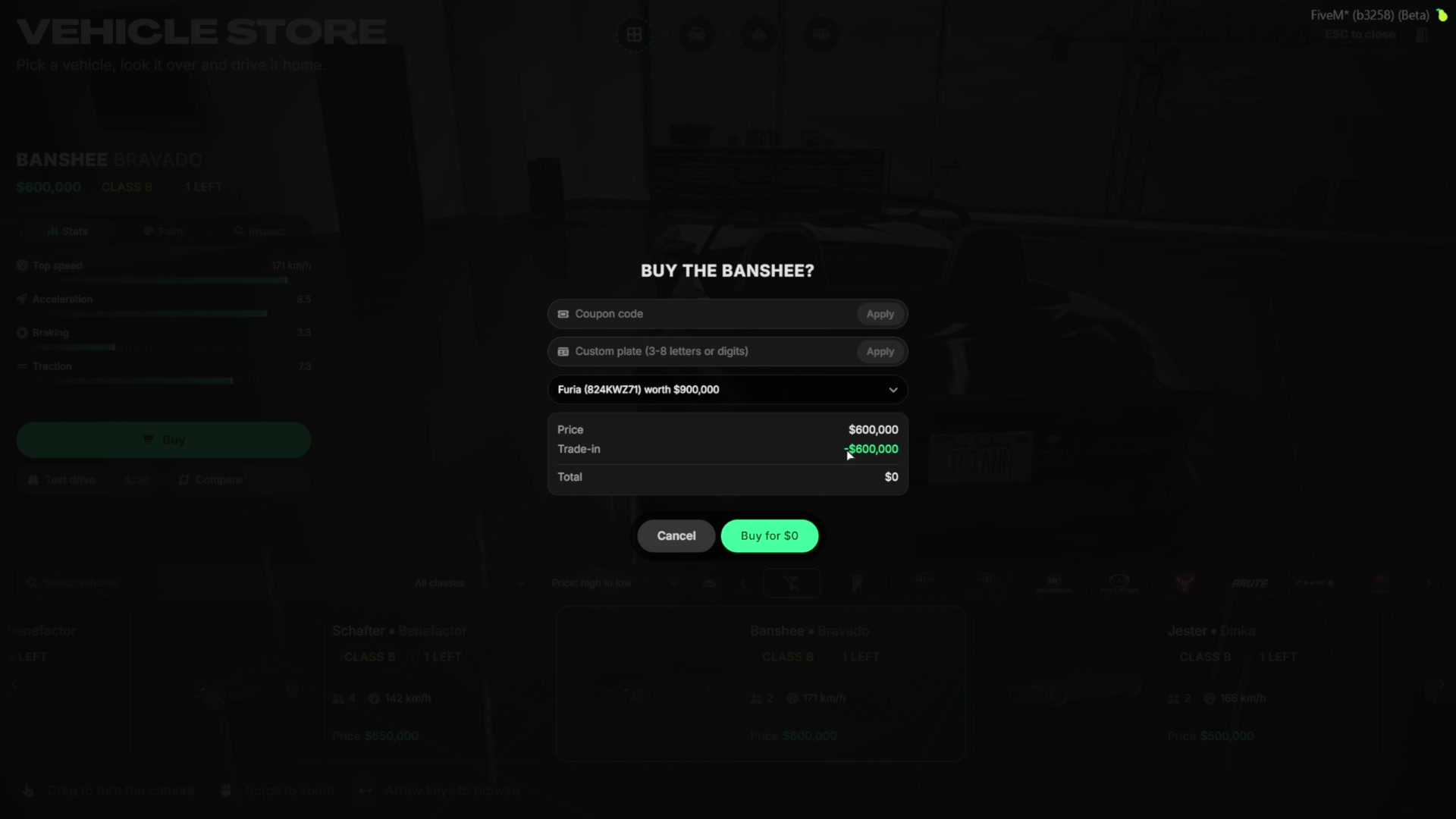
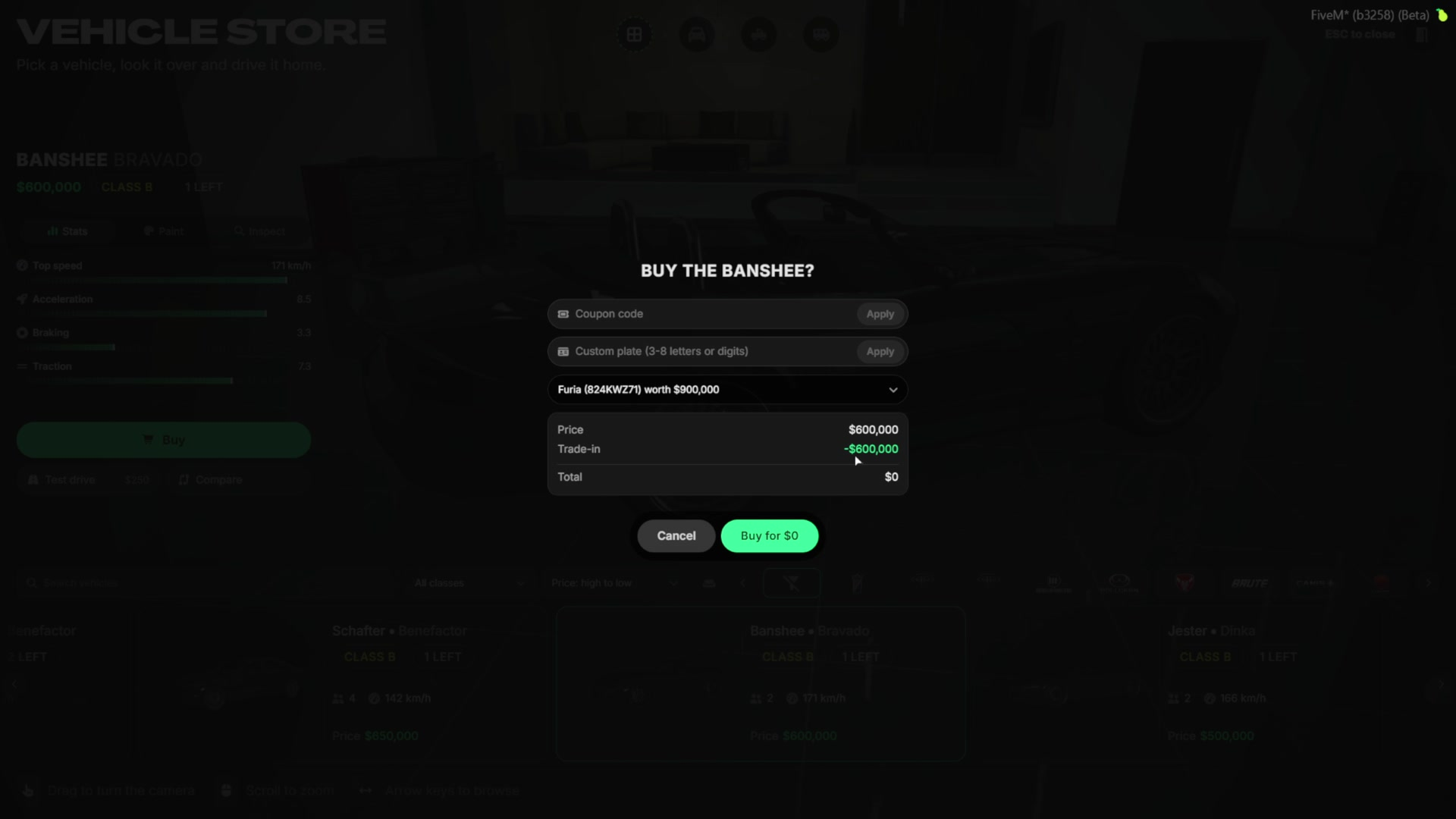
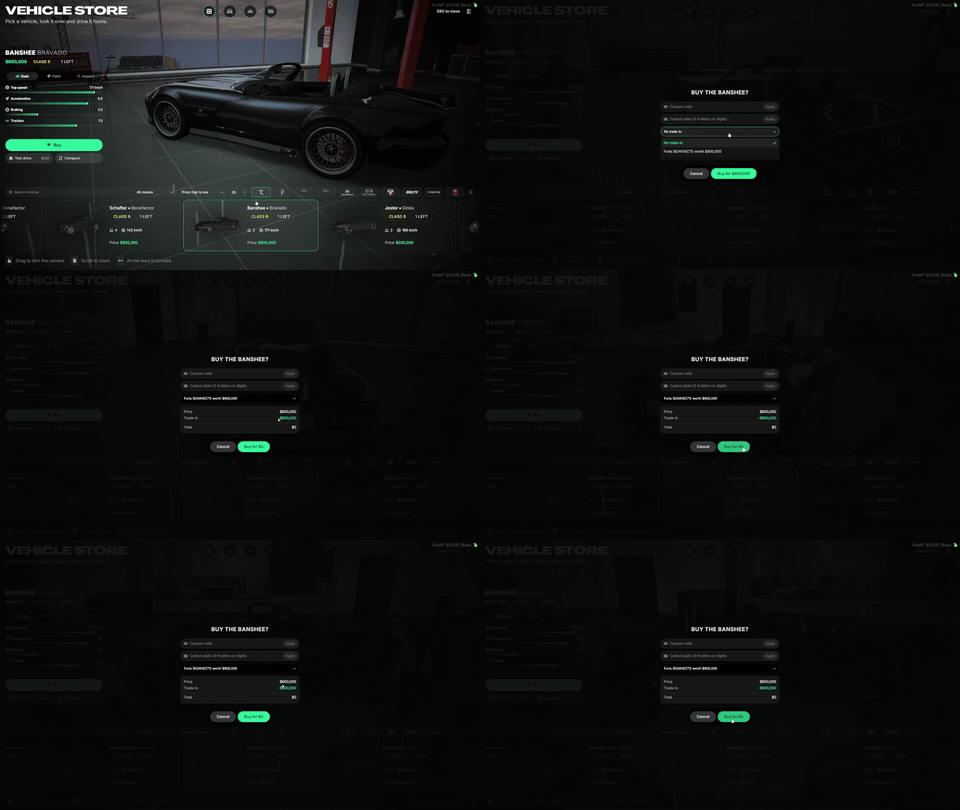
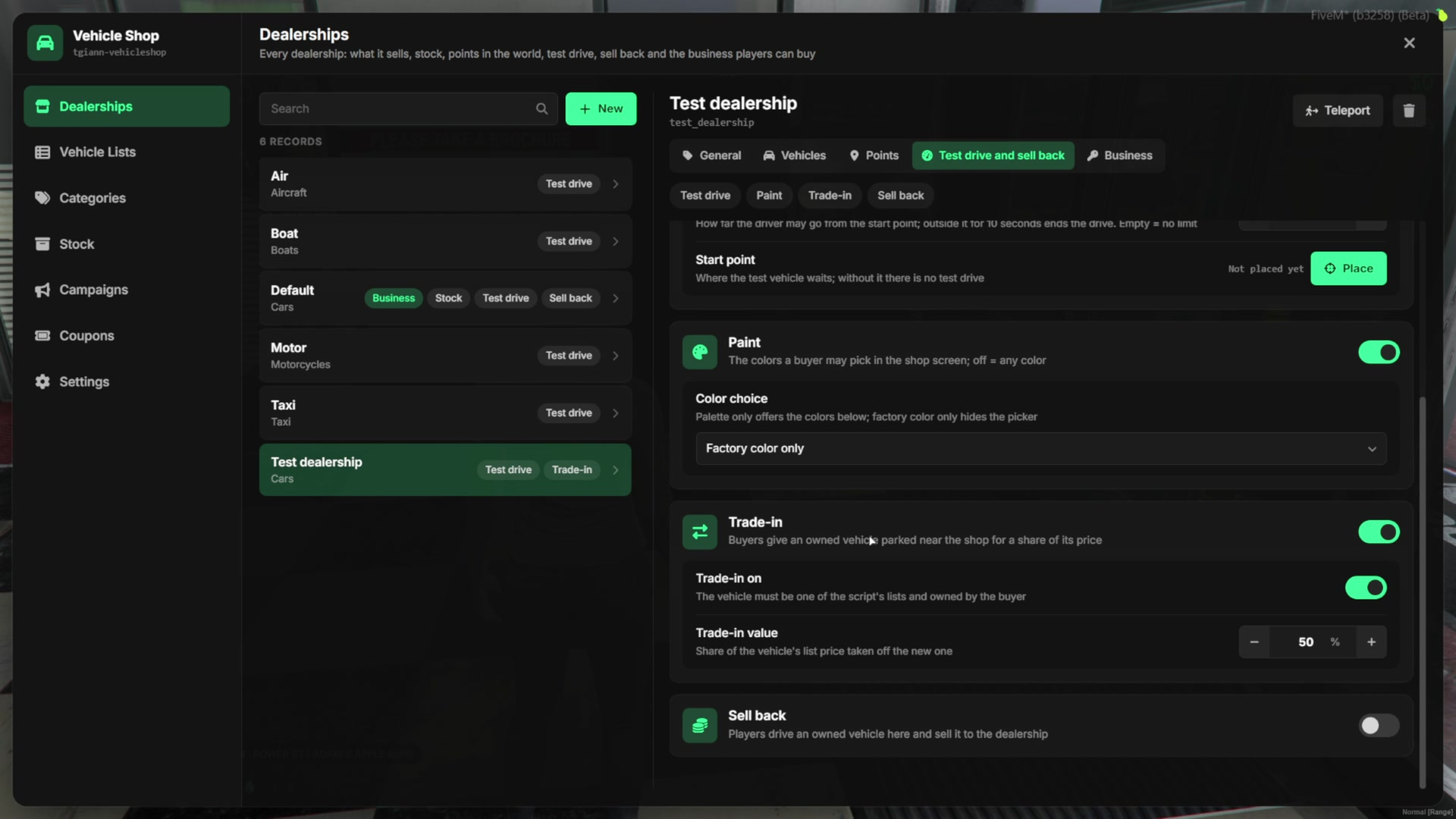
- Players can trade in the car they drive. They park it near the dealership and pick it in the purchase window.
- The car’s value is a share of its list price, set per dealership (50% by default), and it comes off the price of the new car.
- The traded car is removed from the street and from the database.
- For example, a car worth $900,000 can fully pay for a $600,000 car. The difference is not paid out.
Sell Back
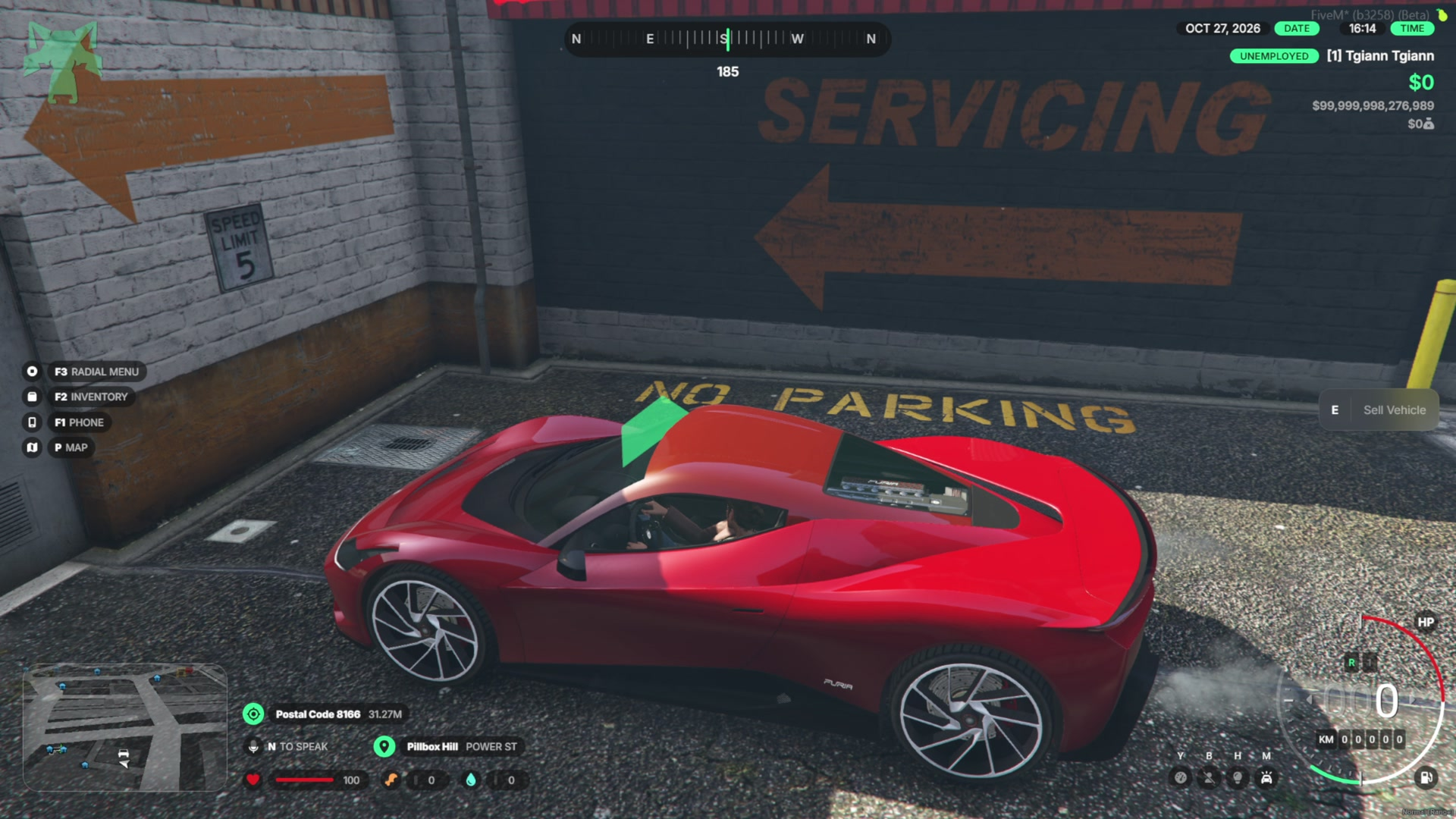
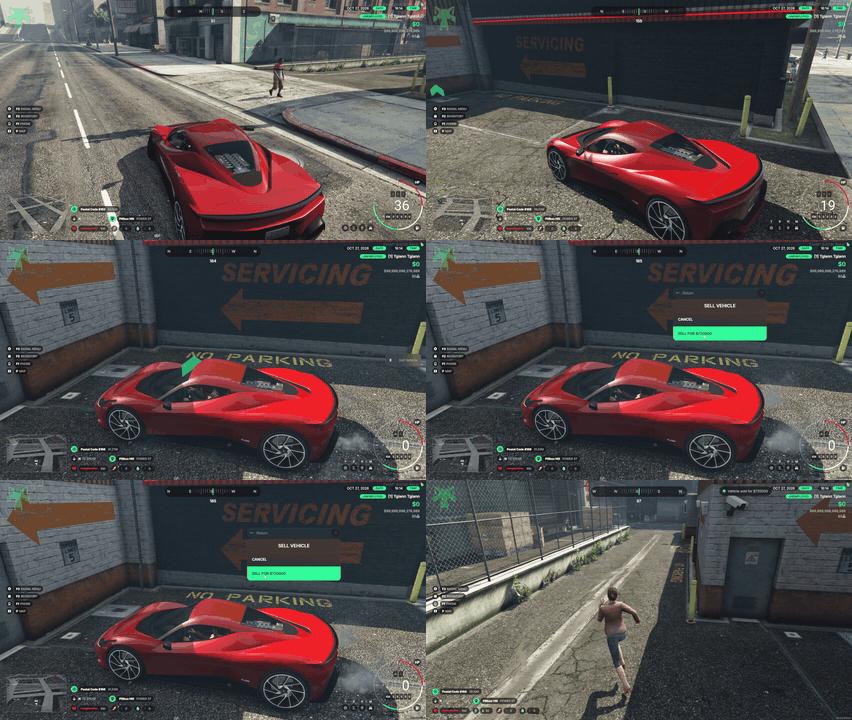
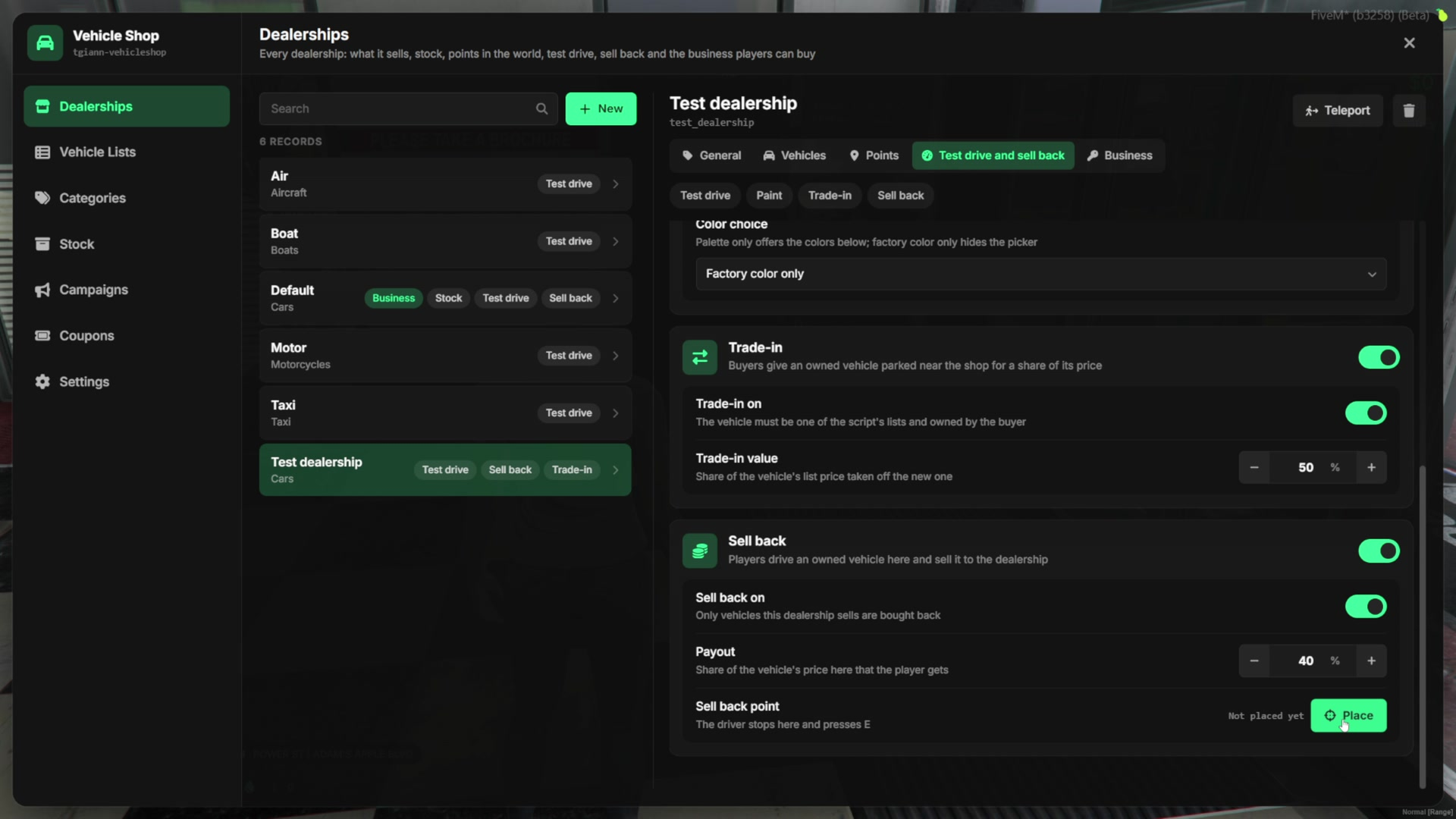
- Players can sell their car back to the dealership at its sell back point.
- The offer is a share of the car’s price, set per dealership. Only cars the dealership sells are bought back.
- Sell back can be turned off for every dealership at once from the settings.
Player-Owned Dealerships
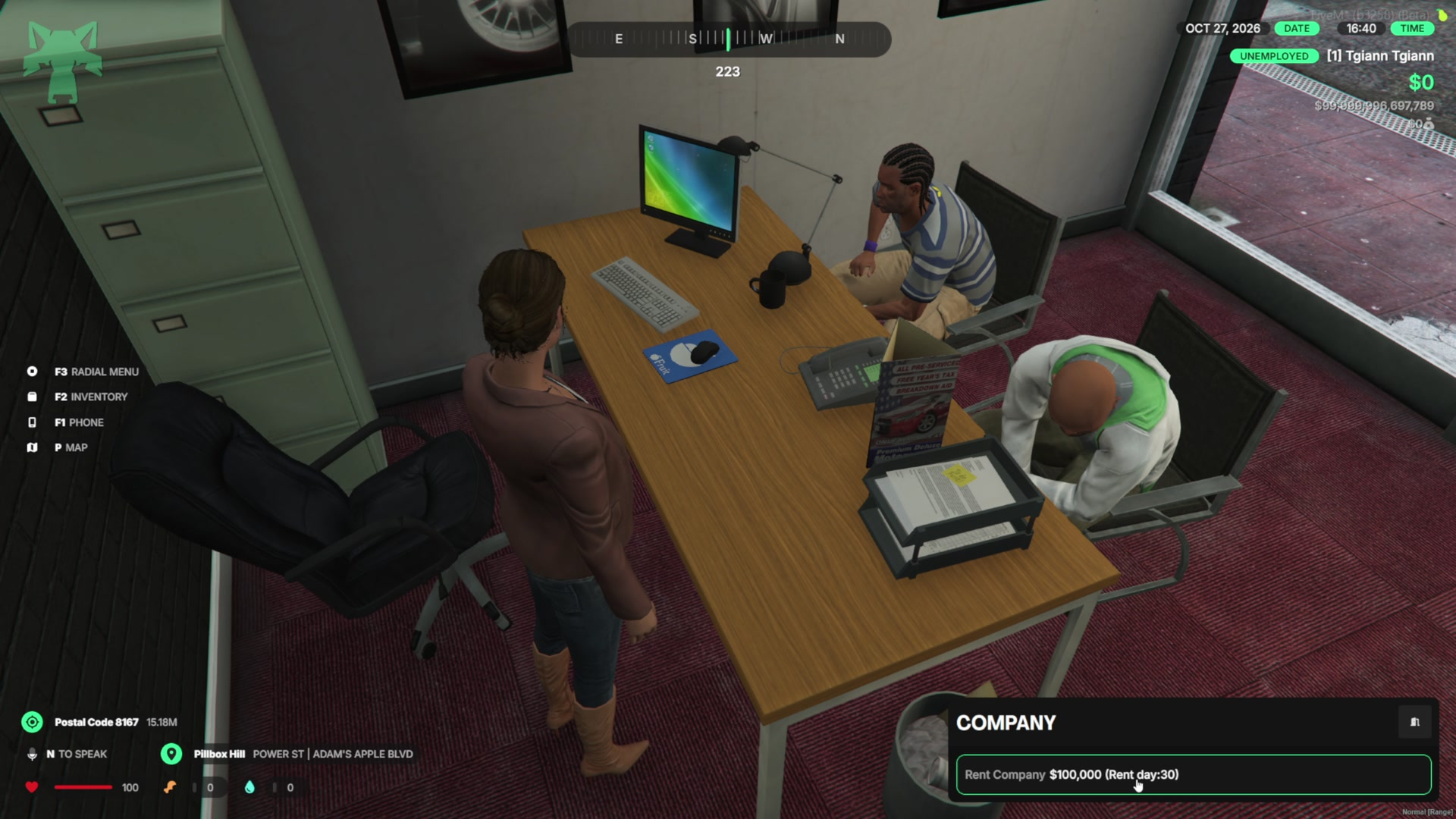
- Any dealership can be a player business. Players rent or buy it at its office.
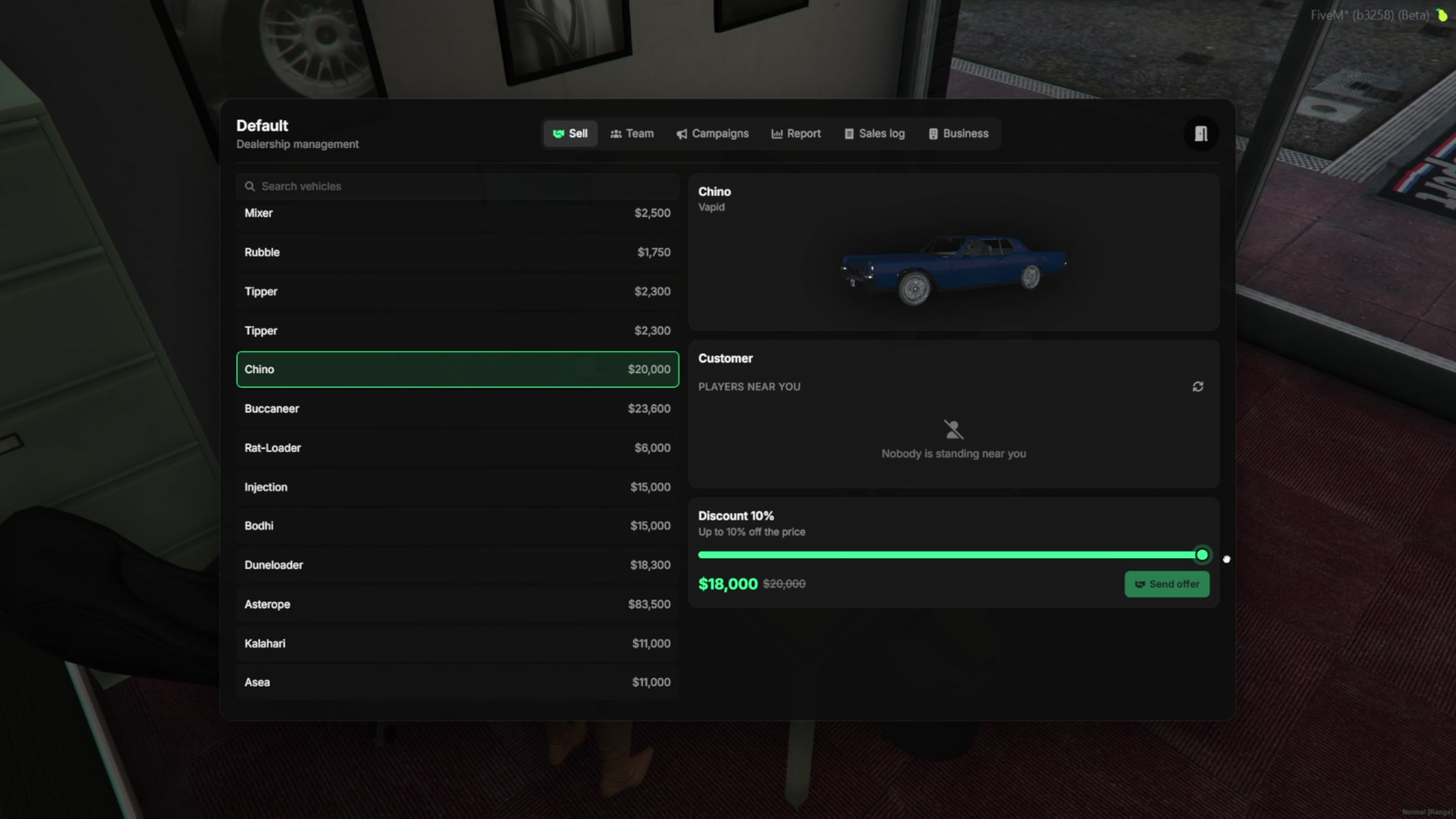
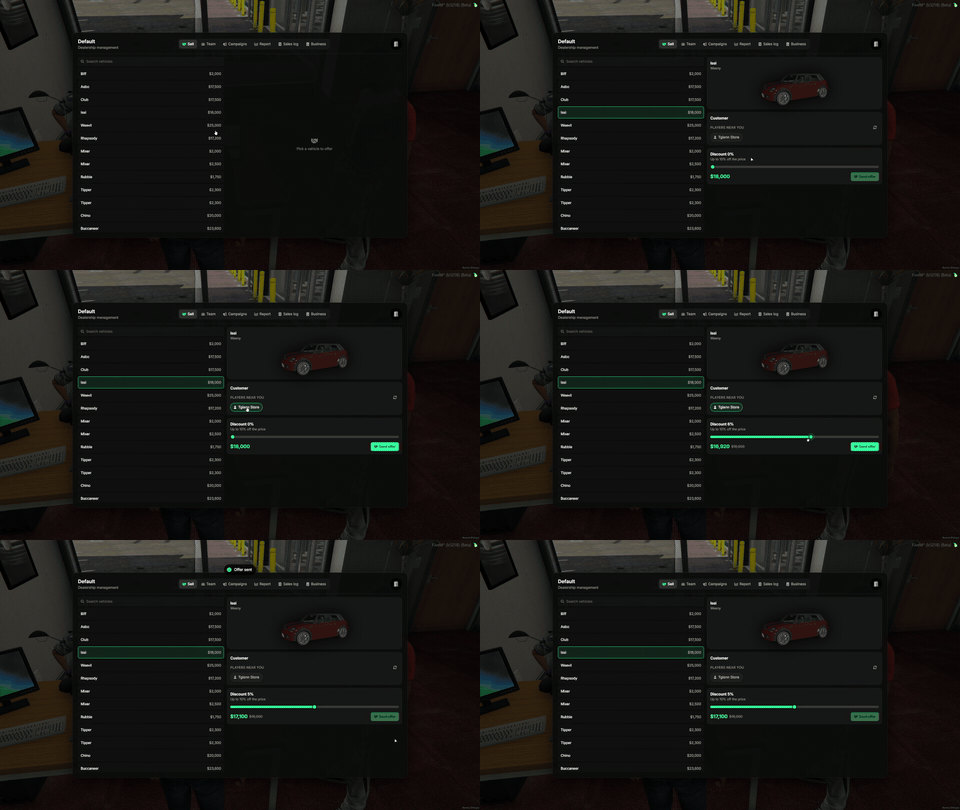
- The owner and the employees use the dealer tablet. Employees only see the sell tab.
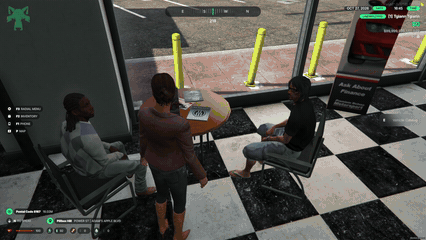
- Sell a car to a customer standing next to you, with a discount up to the limit set by the admin (10% by default).
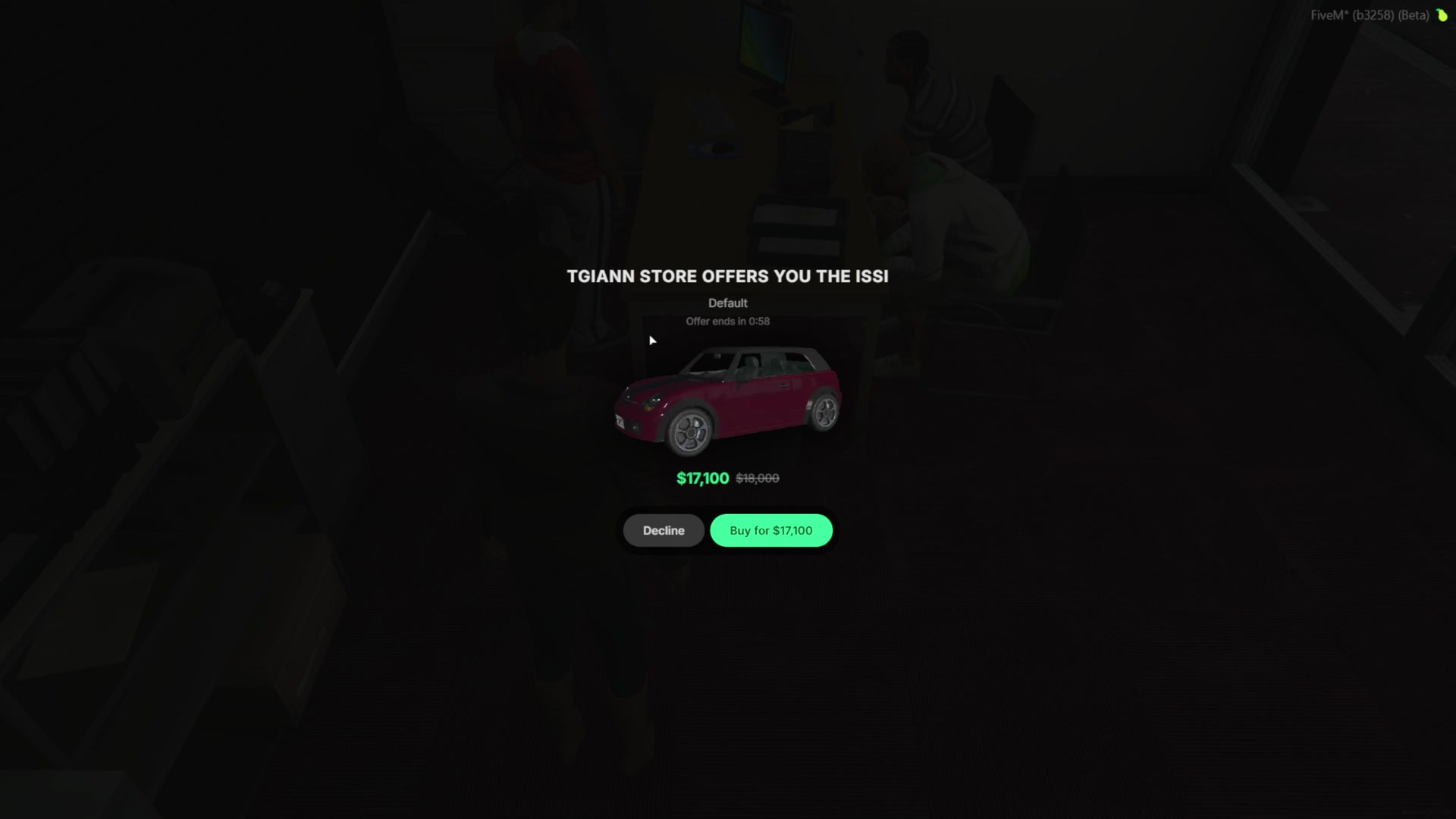
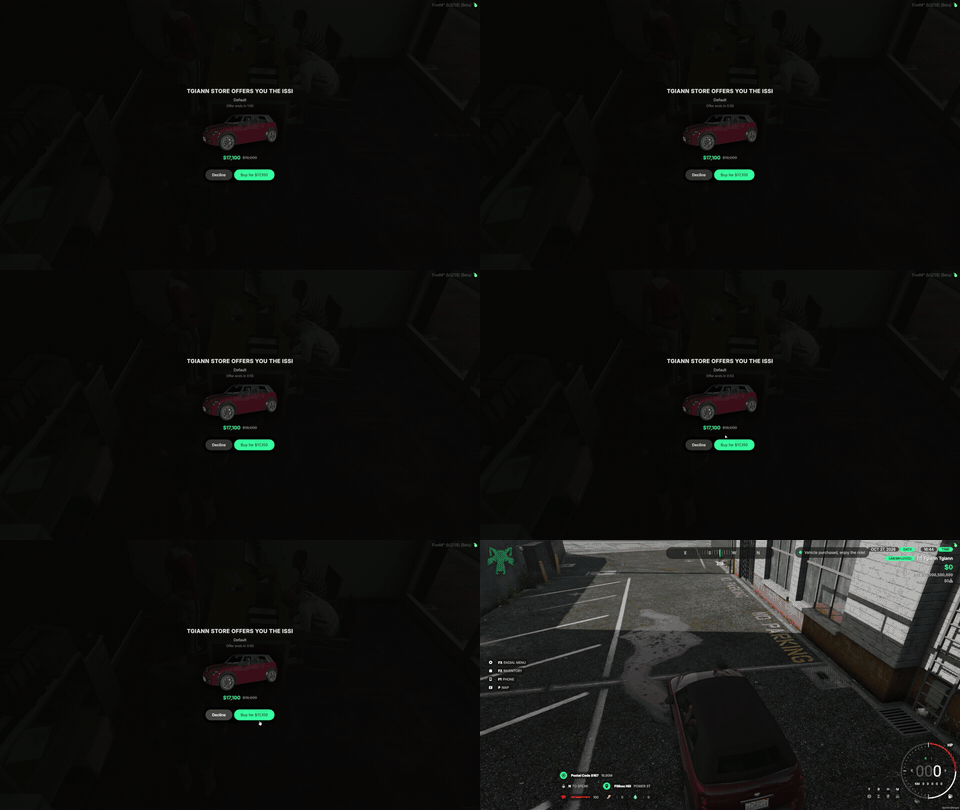
- The customer sees the car, the price and the discount, and has 60 seconds to accept or decline. The seller is told when the offer is declined.
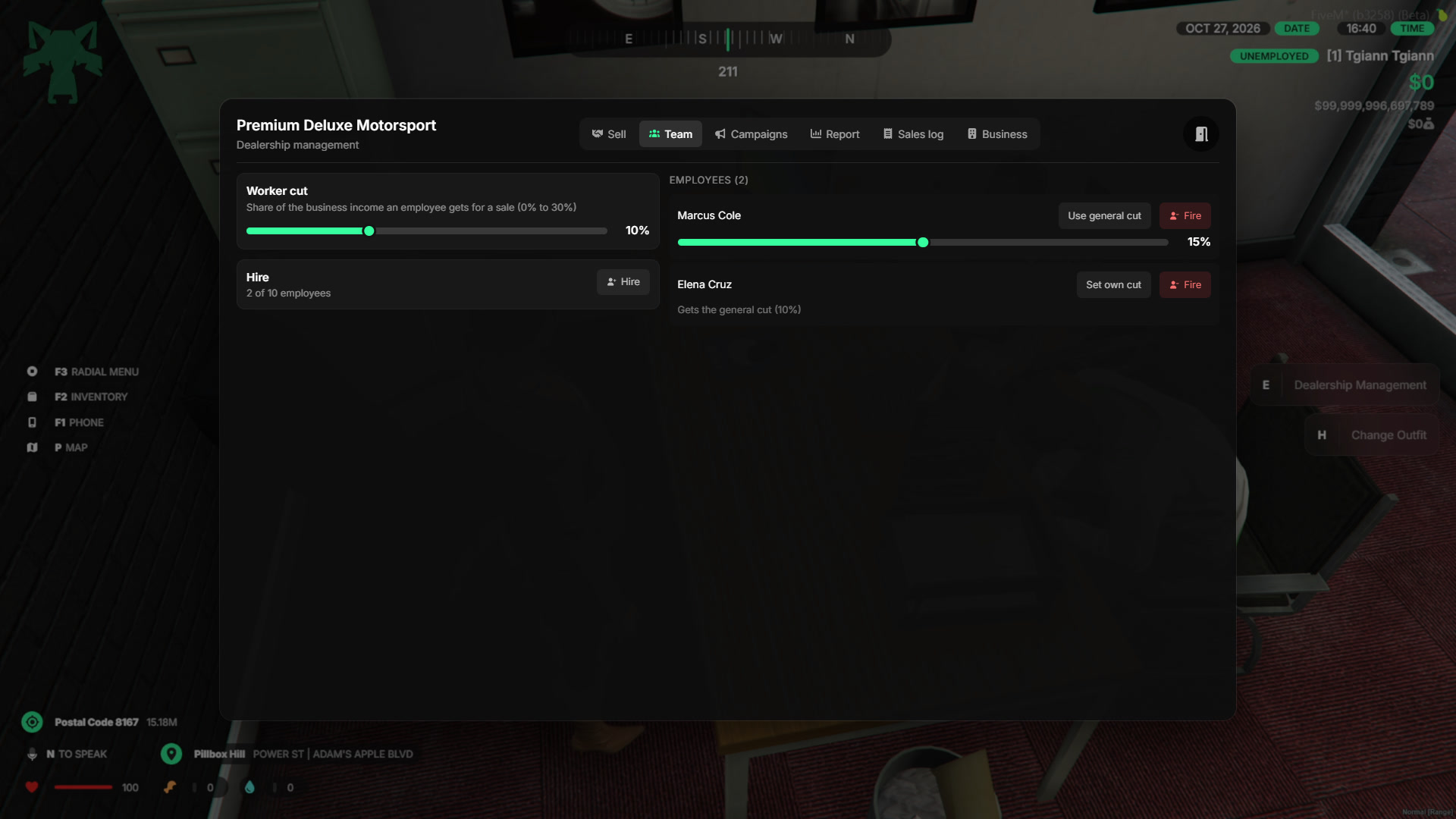
- The owner sets the cut each employee earns from their sales, in the range set by the admin, and can hire or fire employees.
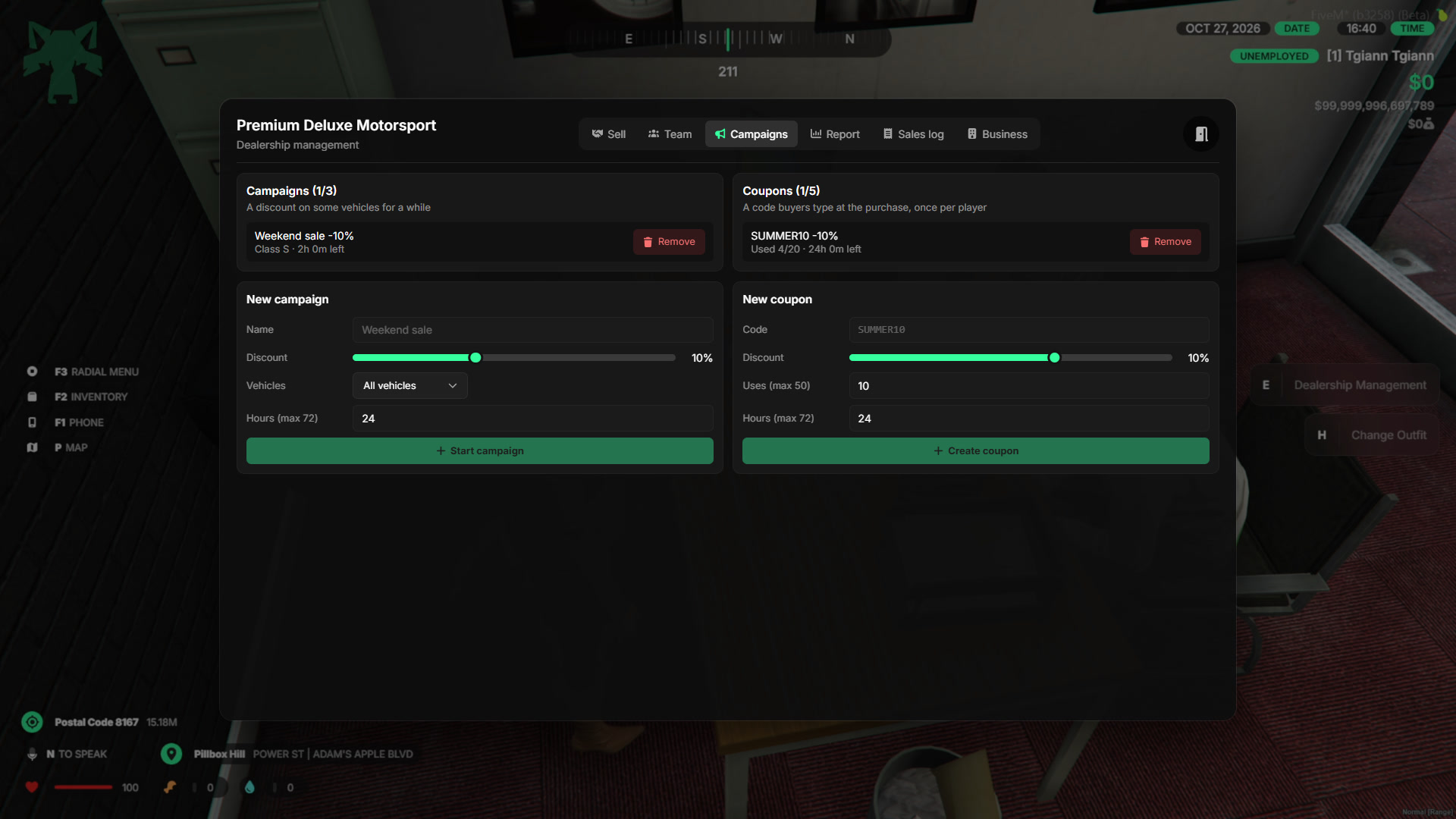
- The owner can run campaigns and coupons for their own dealership, inside the admin’s limits.
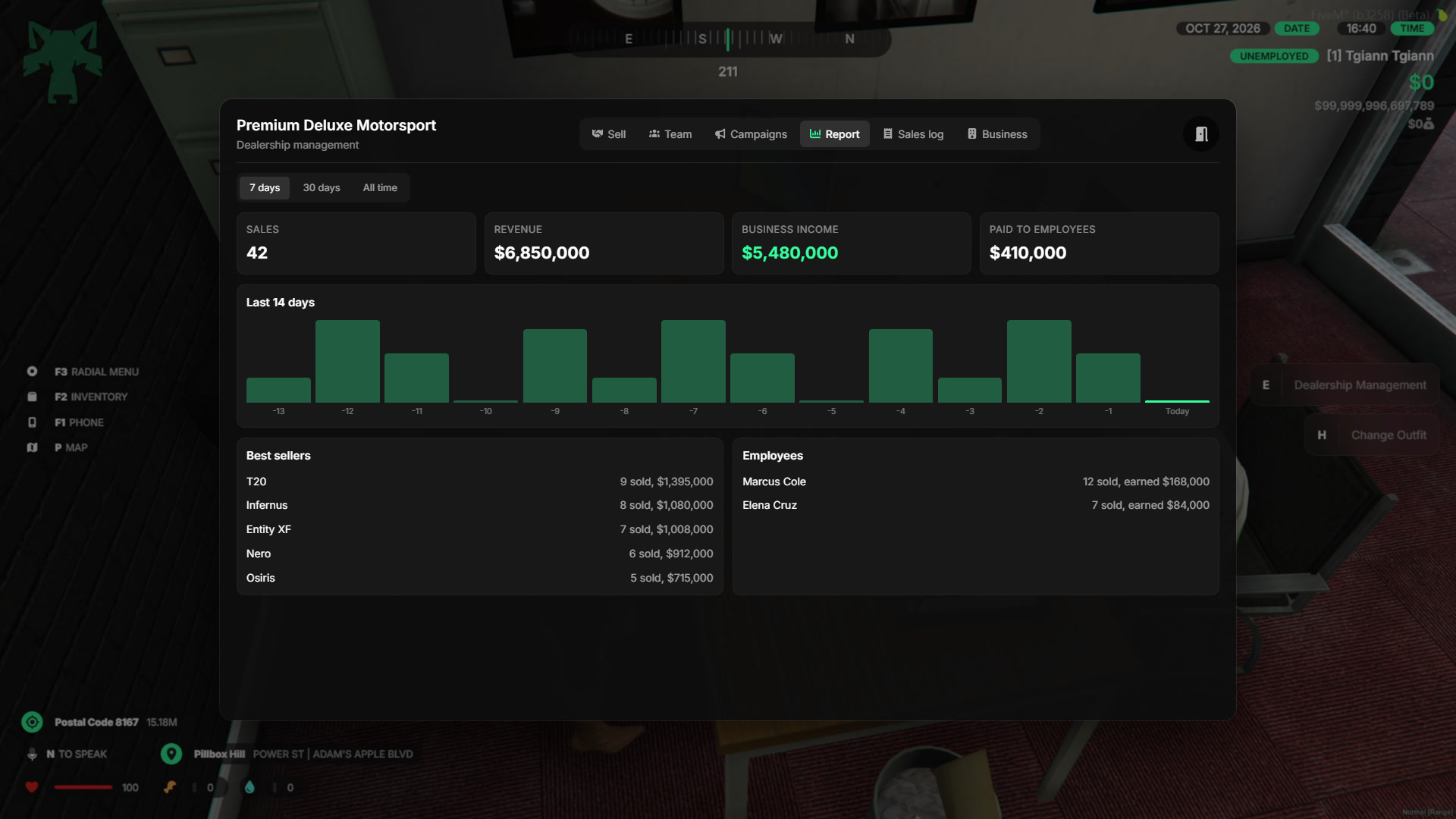
- The report shows sales, revenue, business income and employee earnings for the last 7 days, 30 days or all time, with the best sellers.
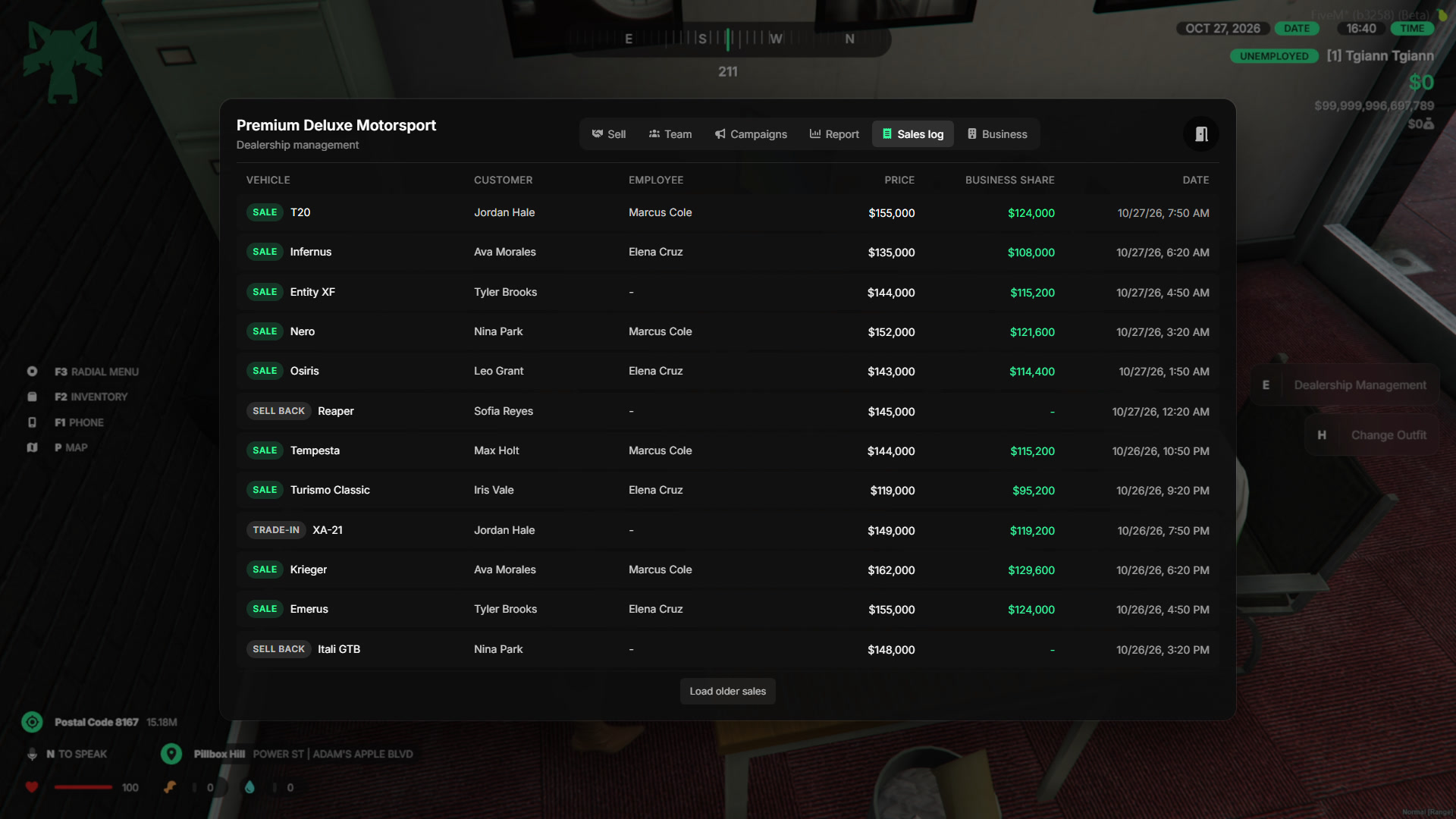
- The sale log lists every sale, trade-in and sell back with the customer, the employee and the price.
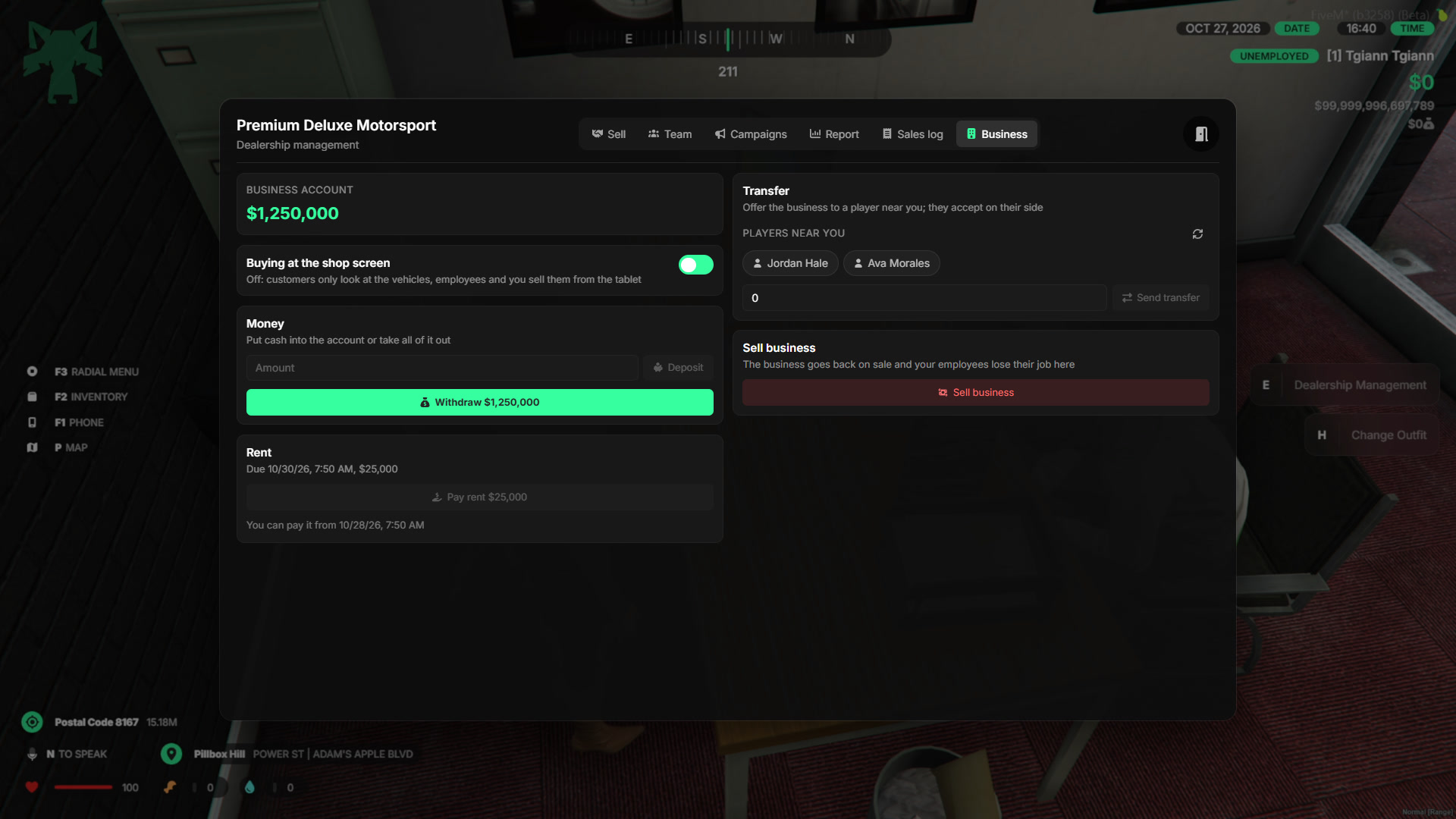
- The business tab shows the account balance, and lets the owner deposit, withdraw, pay the rent, transfer the business to another player (for a price or for free) or sell it back.
Sale Modes
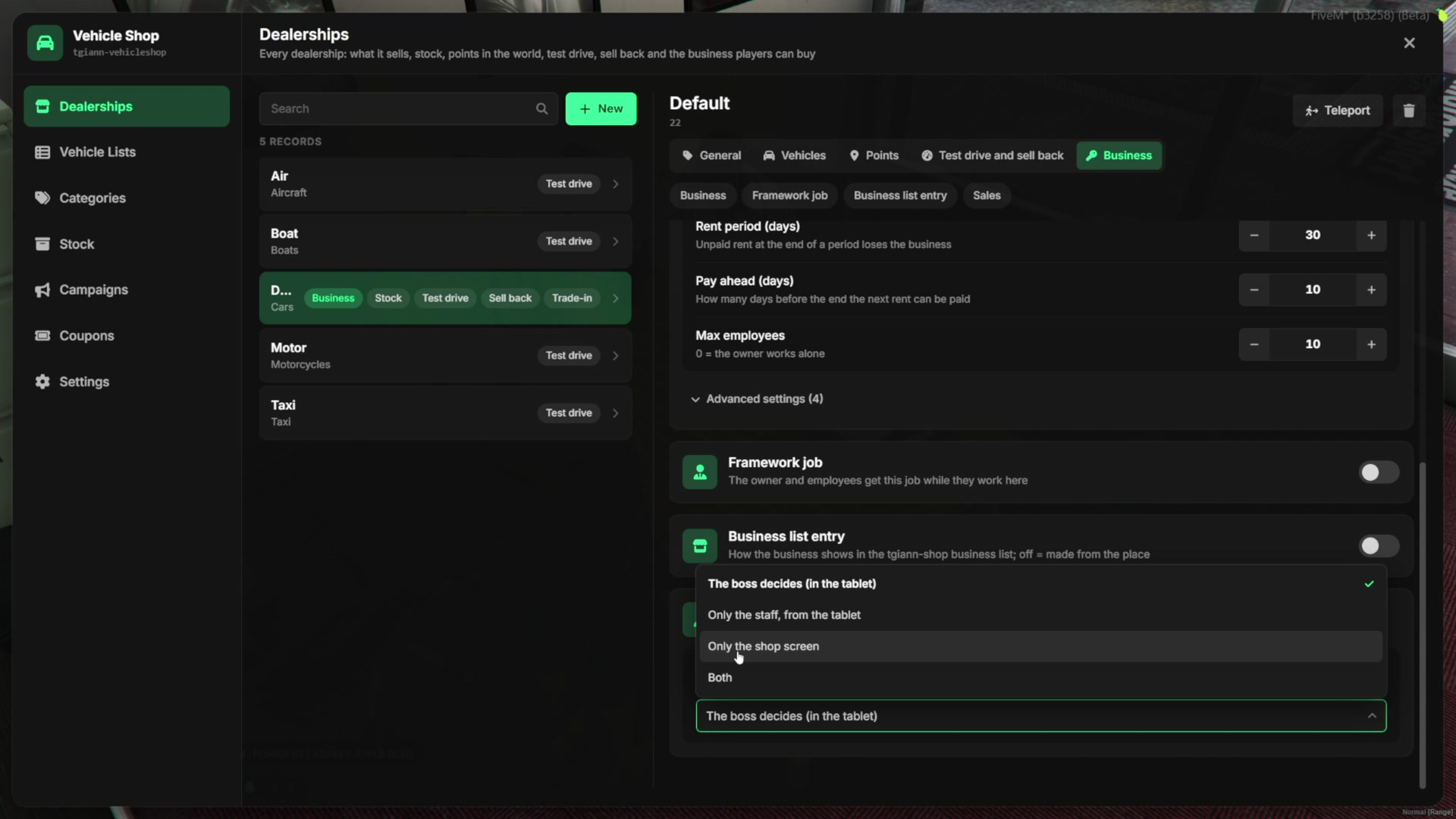
- You decide how customers buy in a player-owned dealership:
- The boss decides - The owner turns buying at the shop screen on or off from the tablet.
- Only the staff - Customers can look and test drive, but only employees can sell them a car.
- Only the shop screen - Customers buy by themselves, the tablet does not send offers.
- Both - Customers can buy by themselves or from an employee.
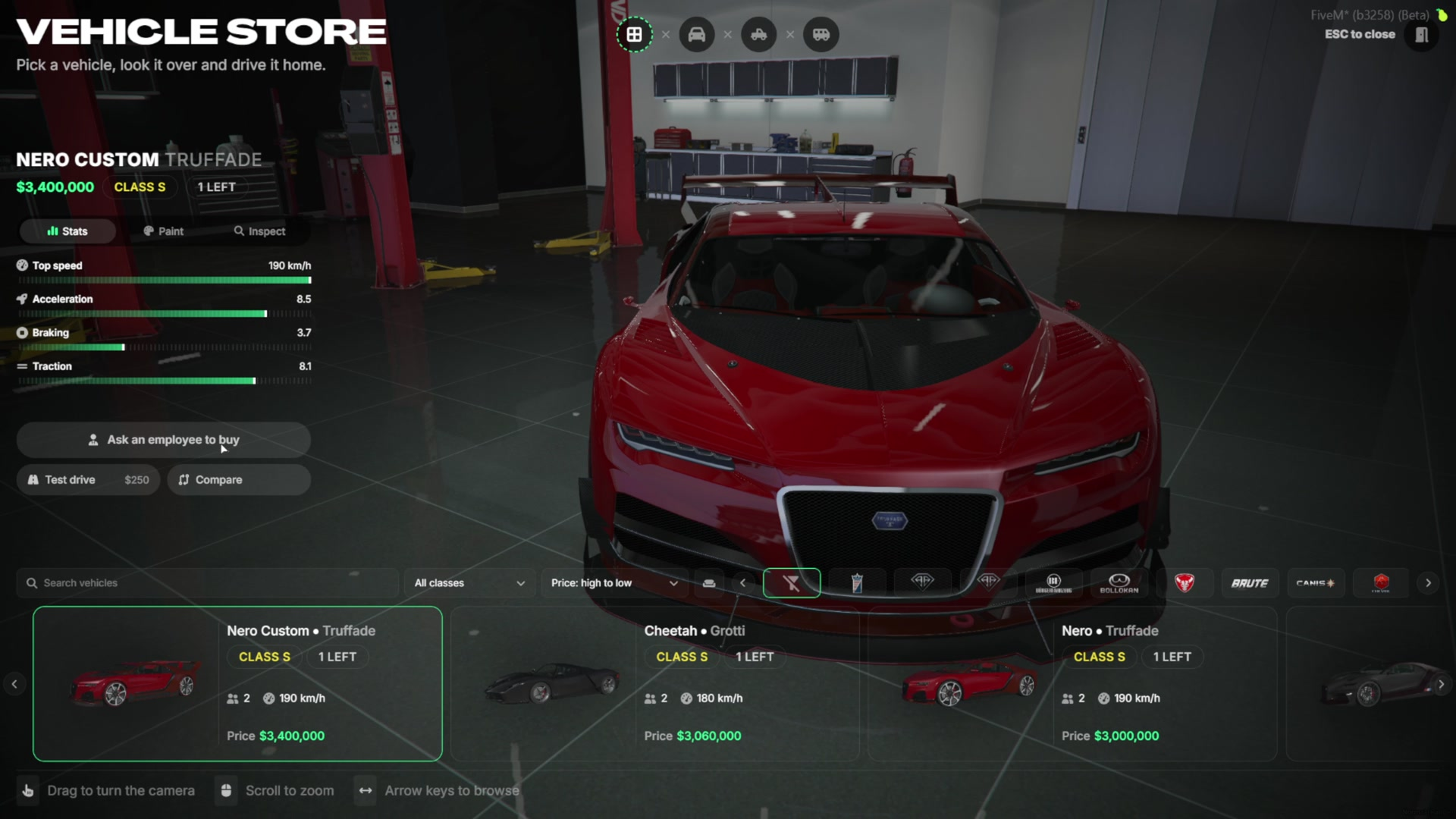
- When buying is off, the buy button turns into “Ask an employee to buy”. Switching it back brings the button back instantly on every open screen.
In-Game Admin Panel
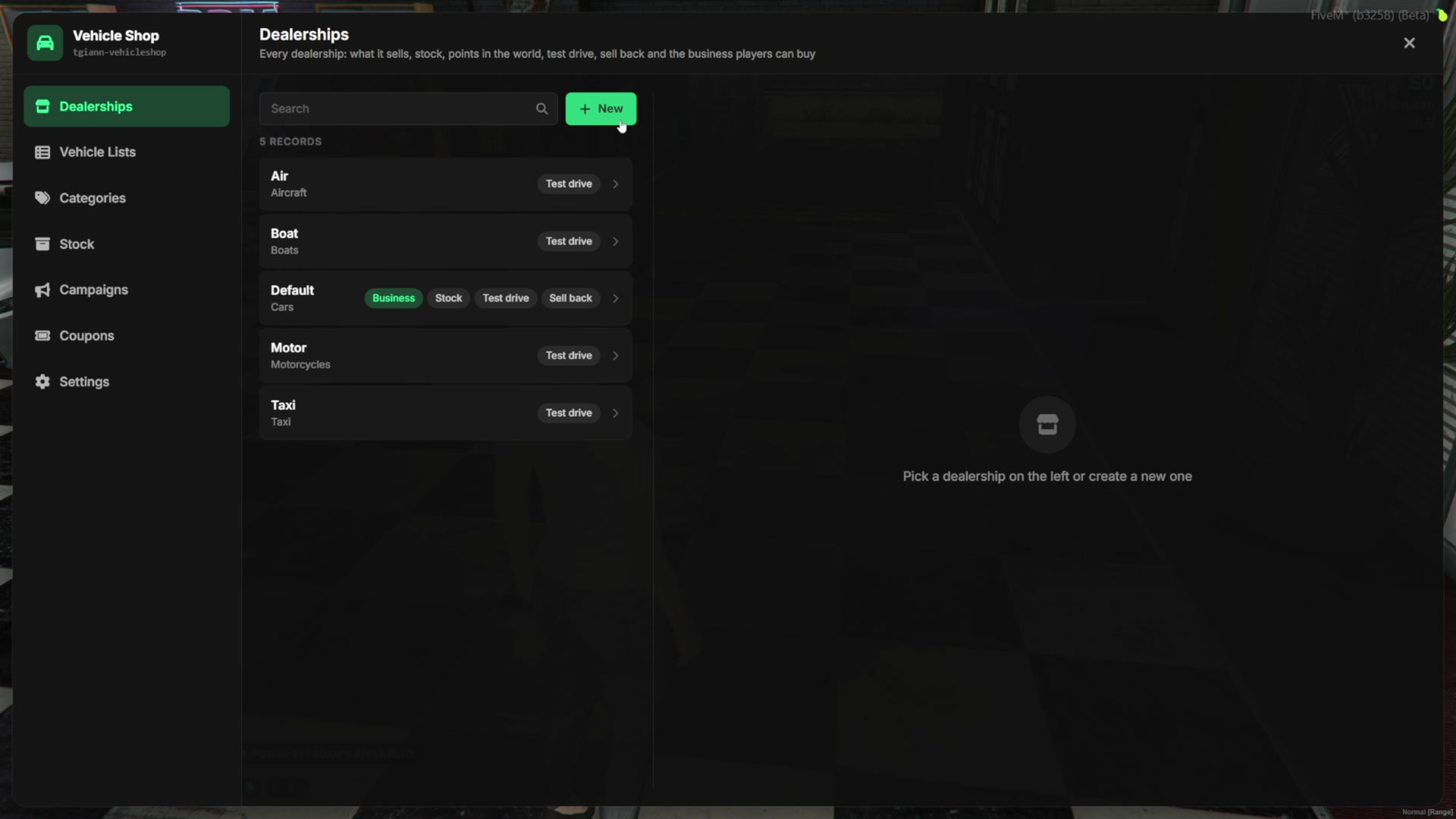
- Everything is set up in game with /vehshopadmin. Changes are saved and synced to every player live, without a restart.
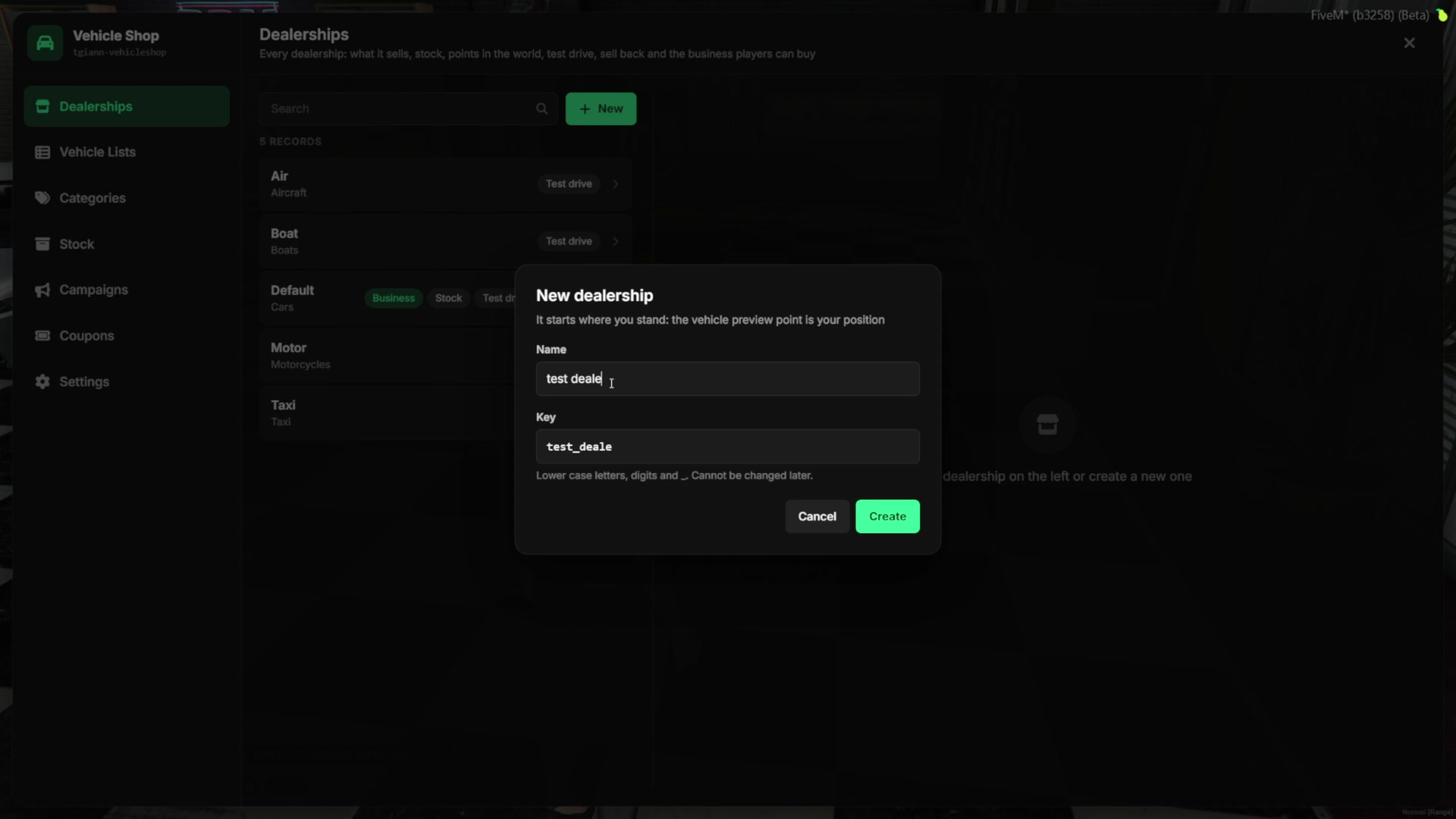
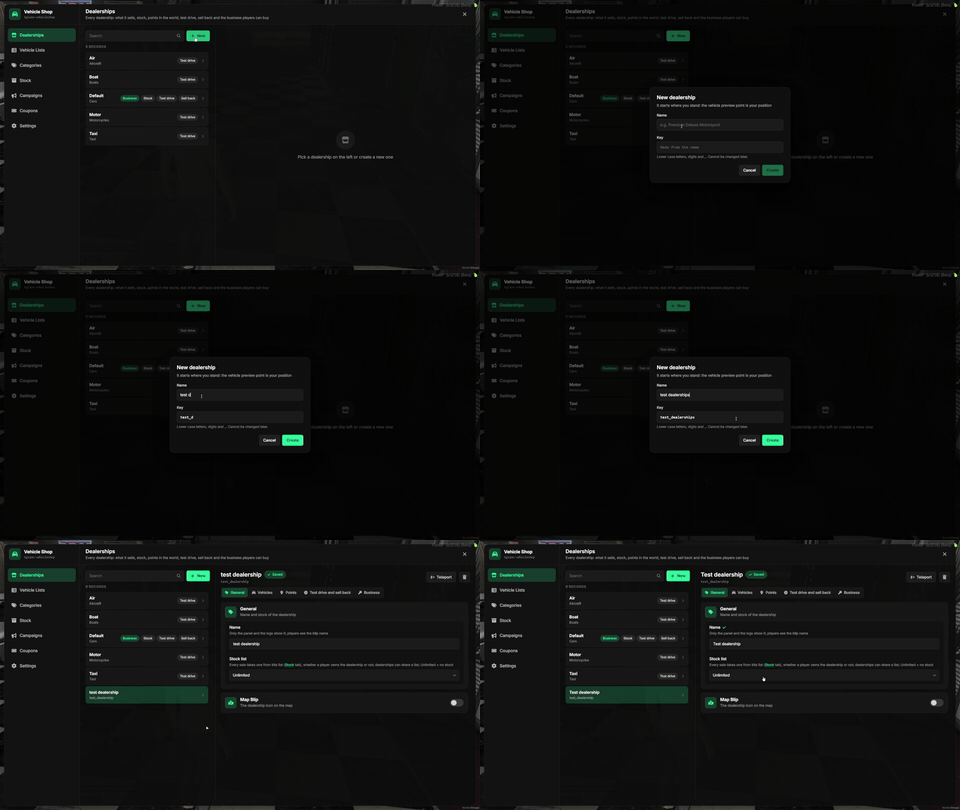
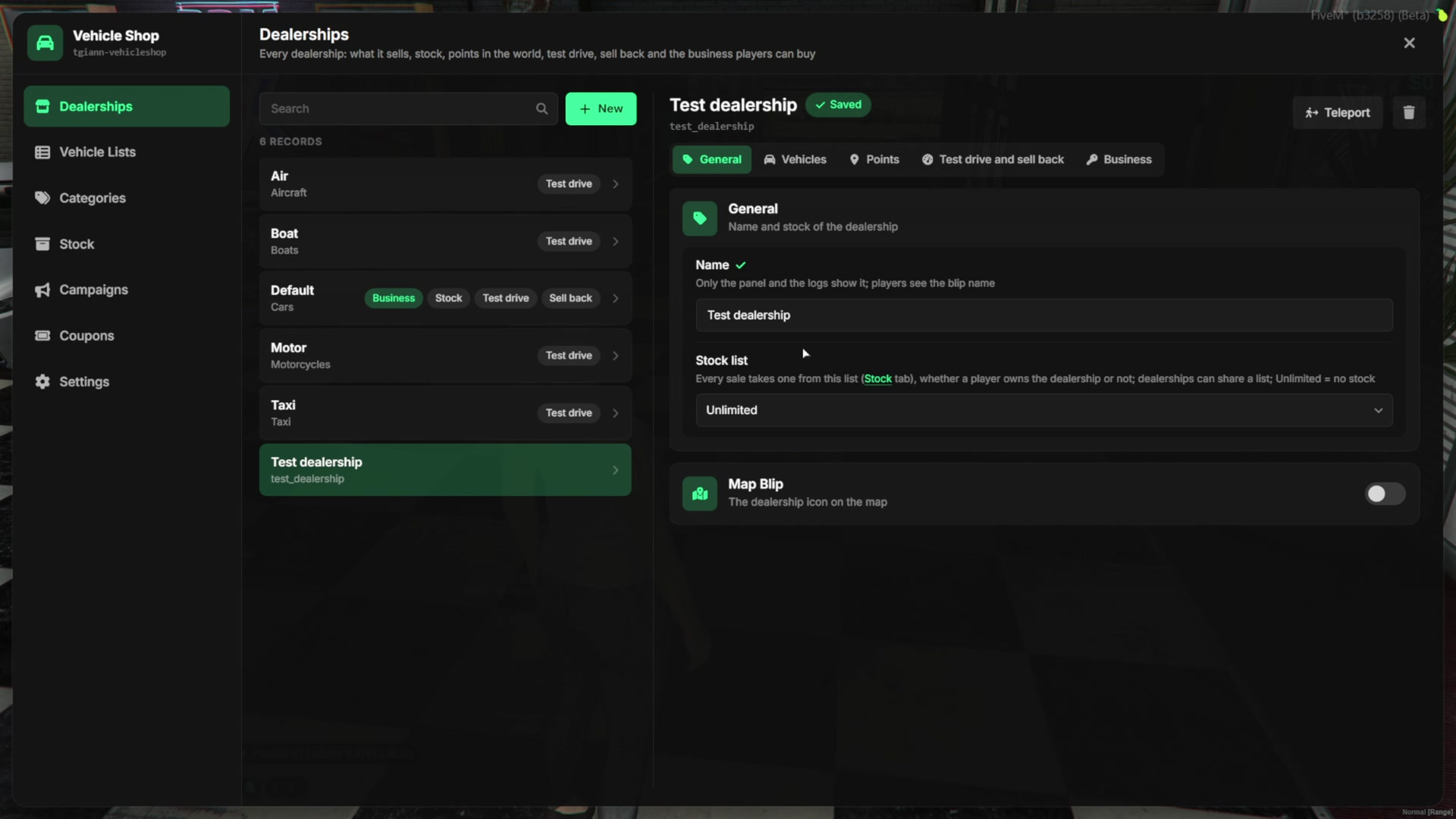
- Every dealership is one entry: cars, boats, aircraft, motorcycles, taxis or anything else. A new one is created in seconds where you stand.
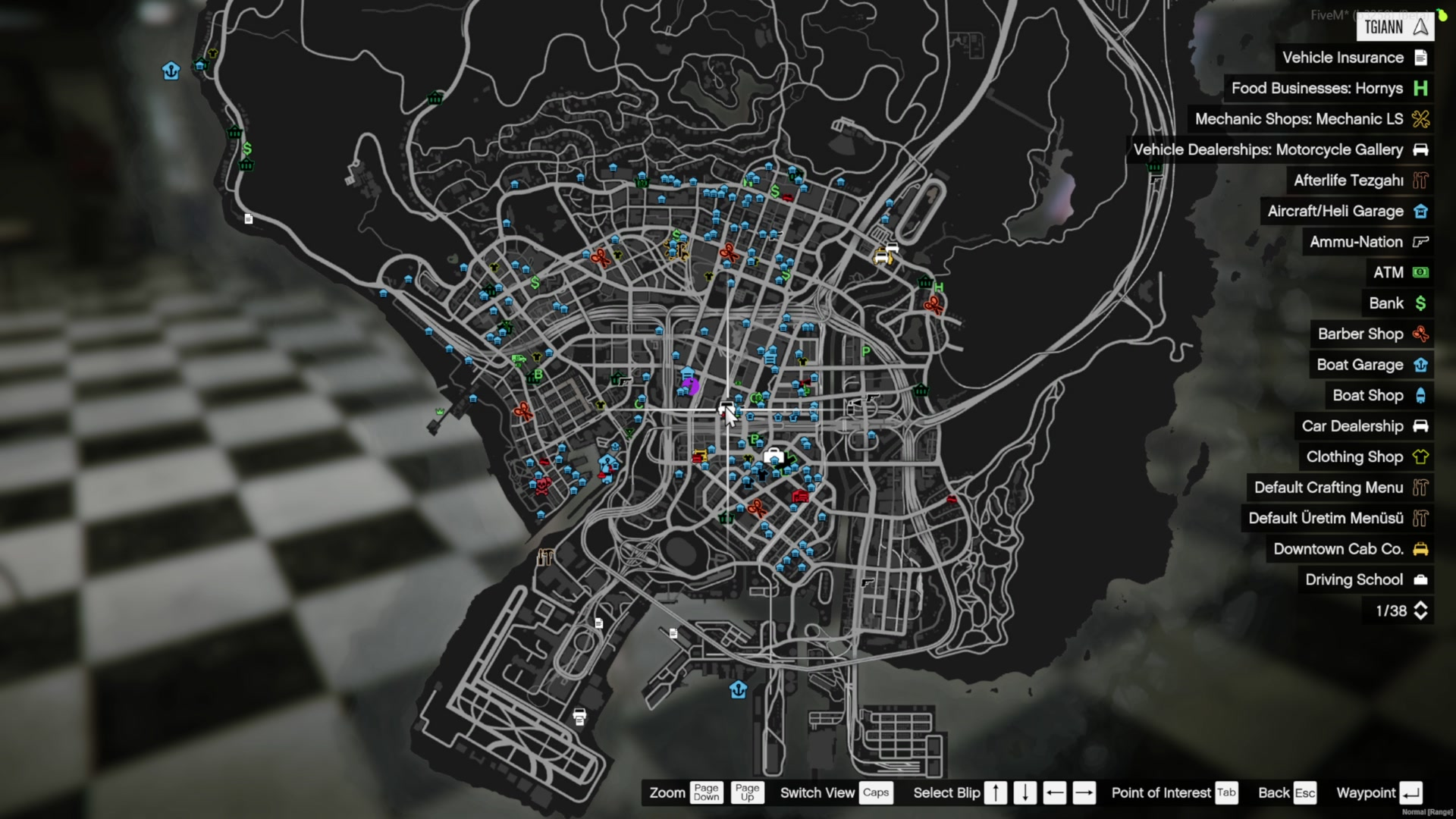
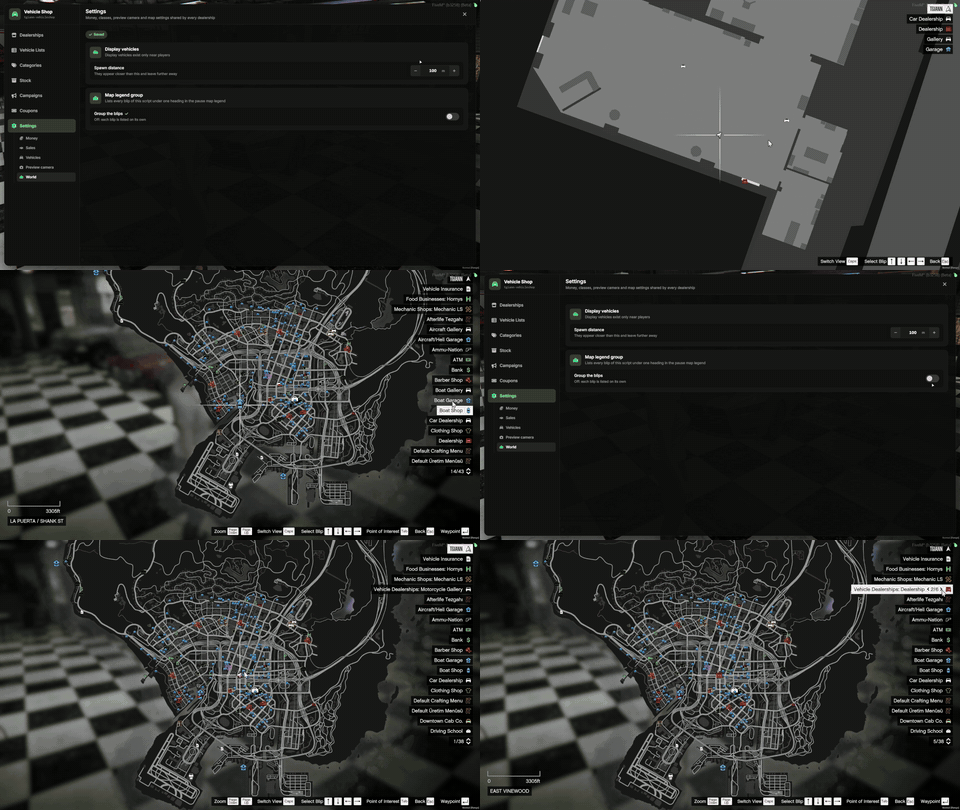
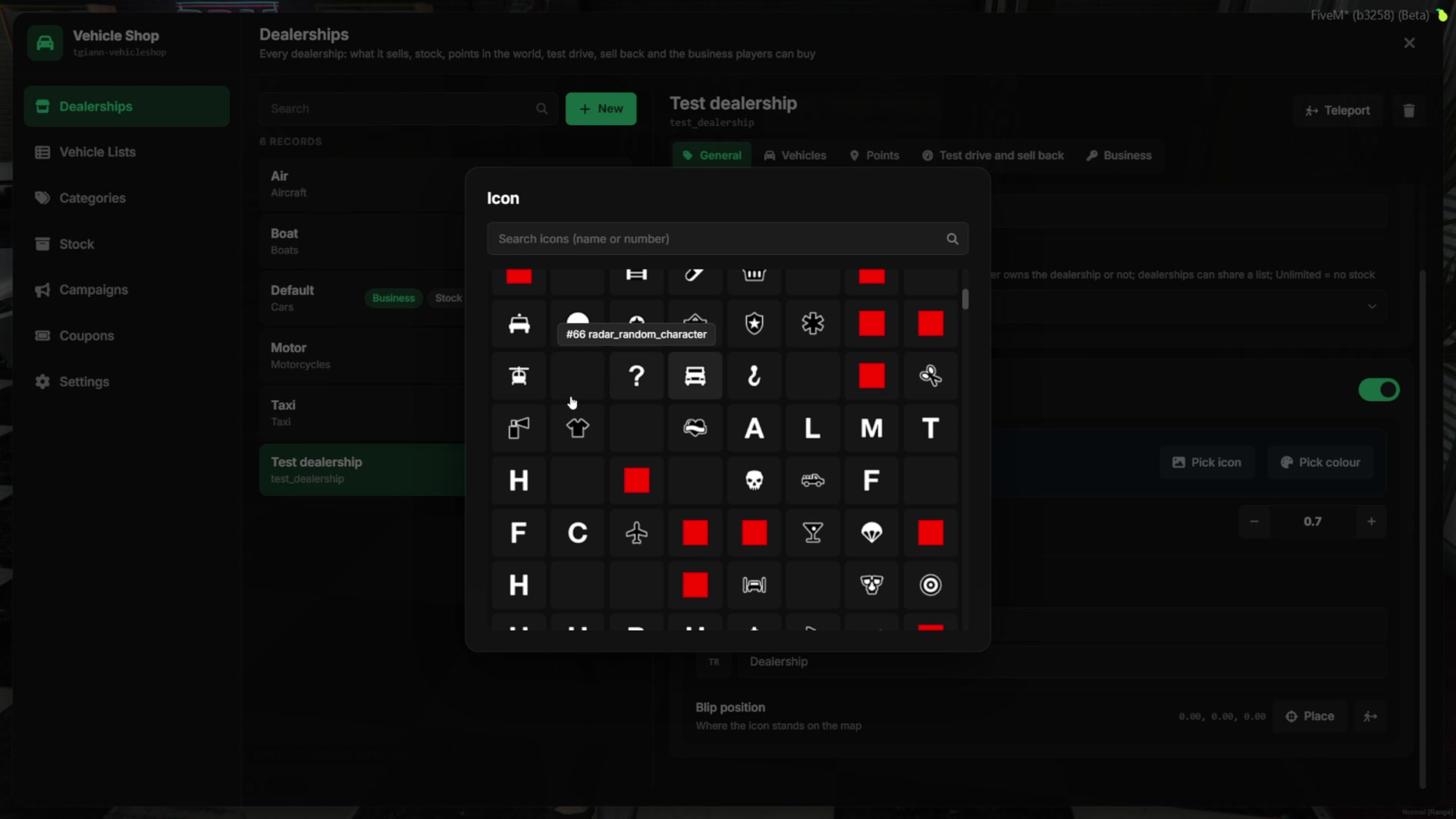
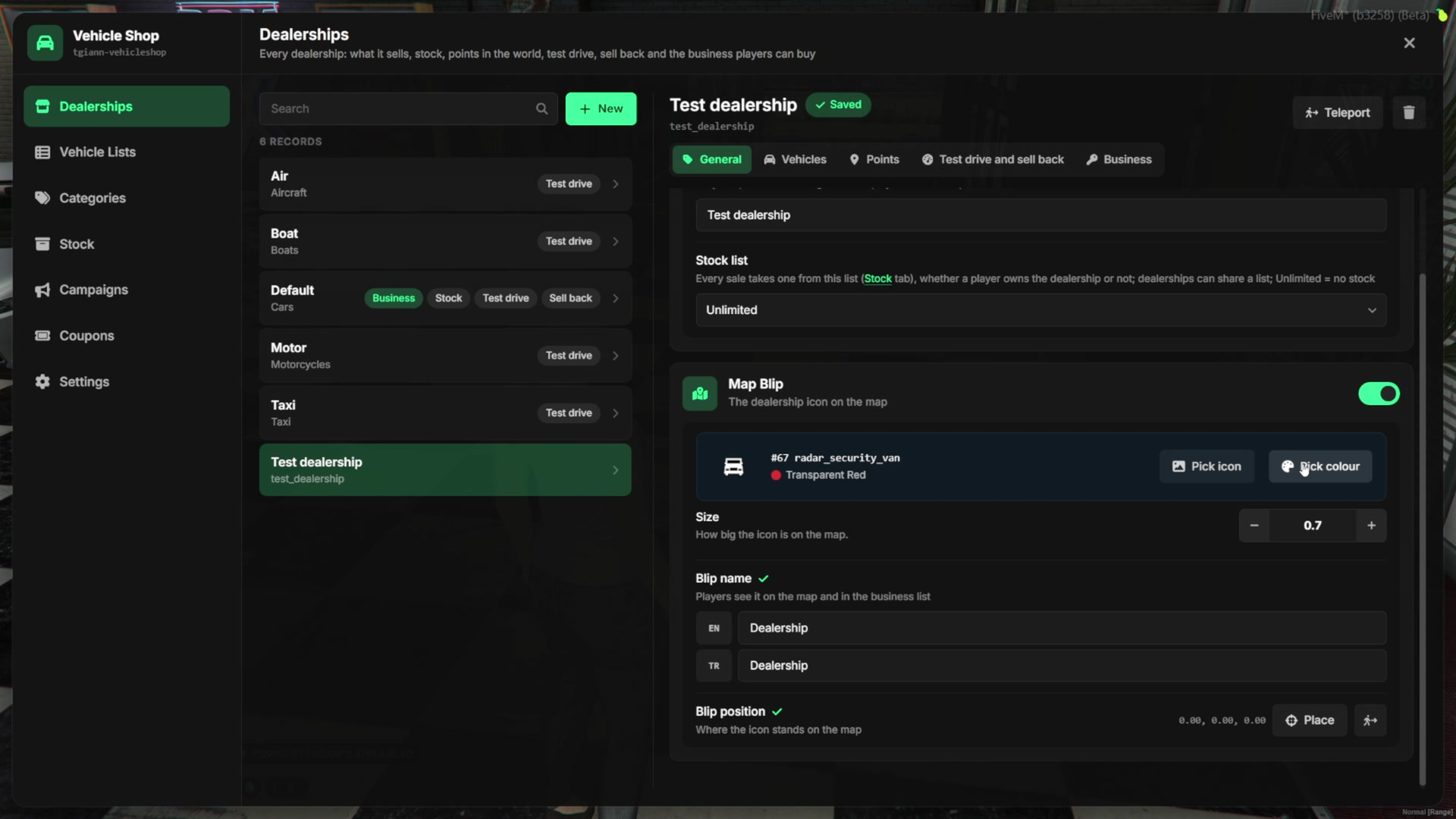
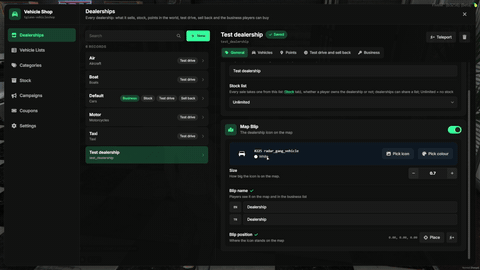
- Each dealership has its own name, stock list and map blip: icon, color, size, a name in every language, and its position picked on the map with E.
Vehicles & Vehicle Lists
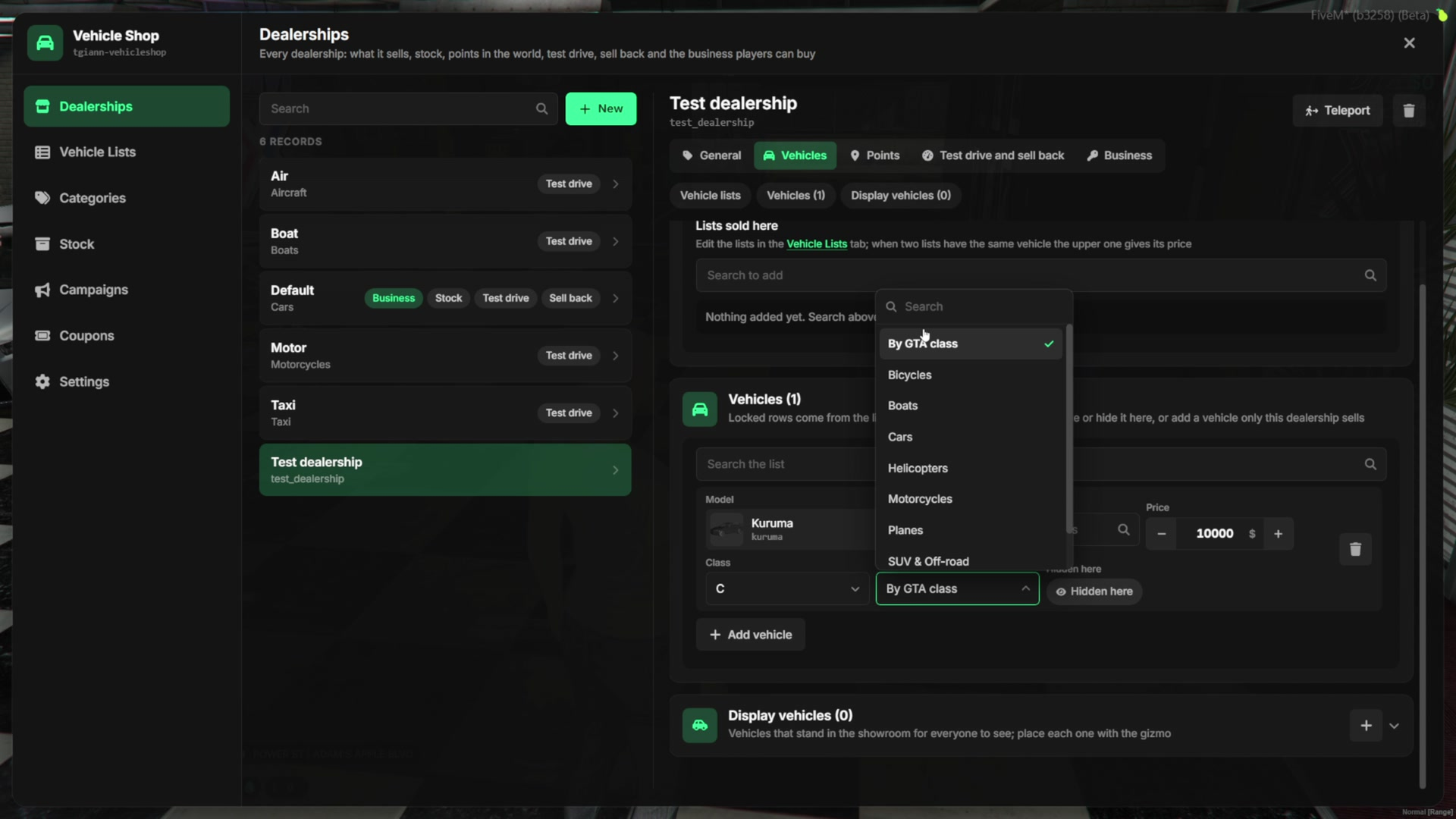
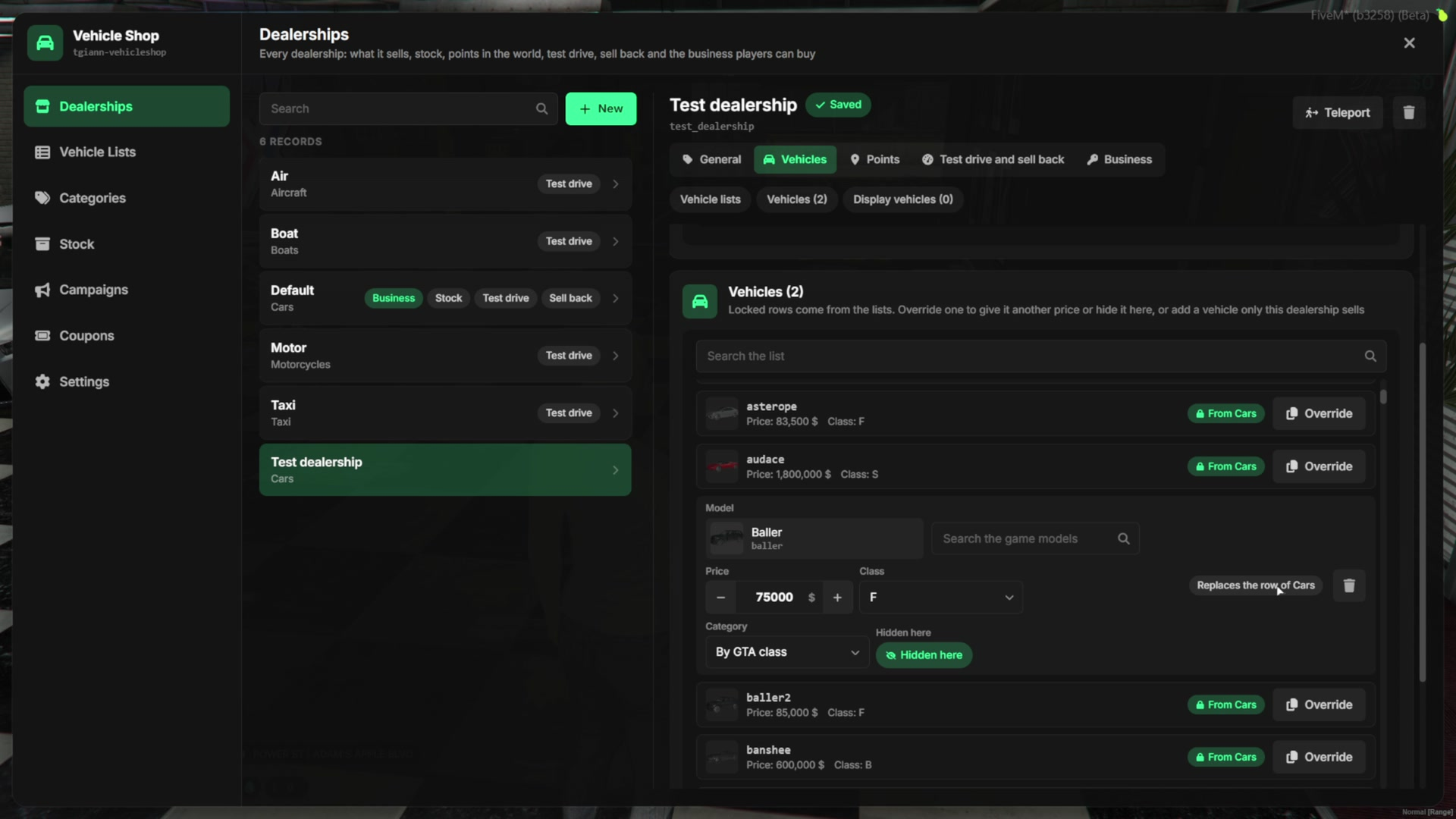
- Add cars to a dealership by hand with their price, class and category, or hide a car from the catalog.
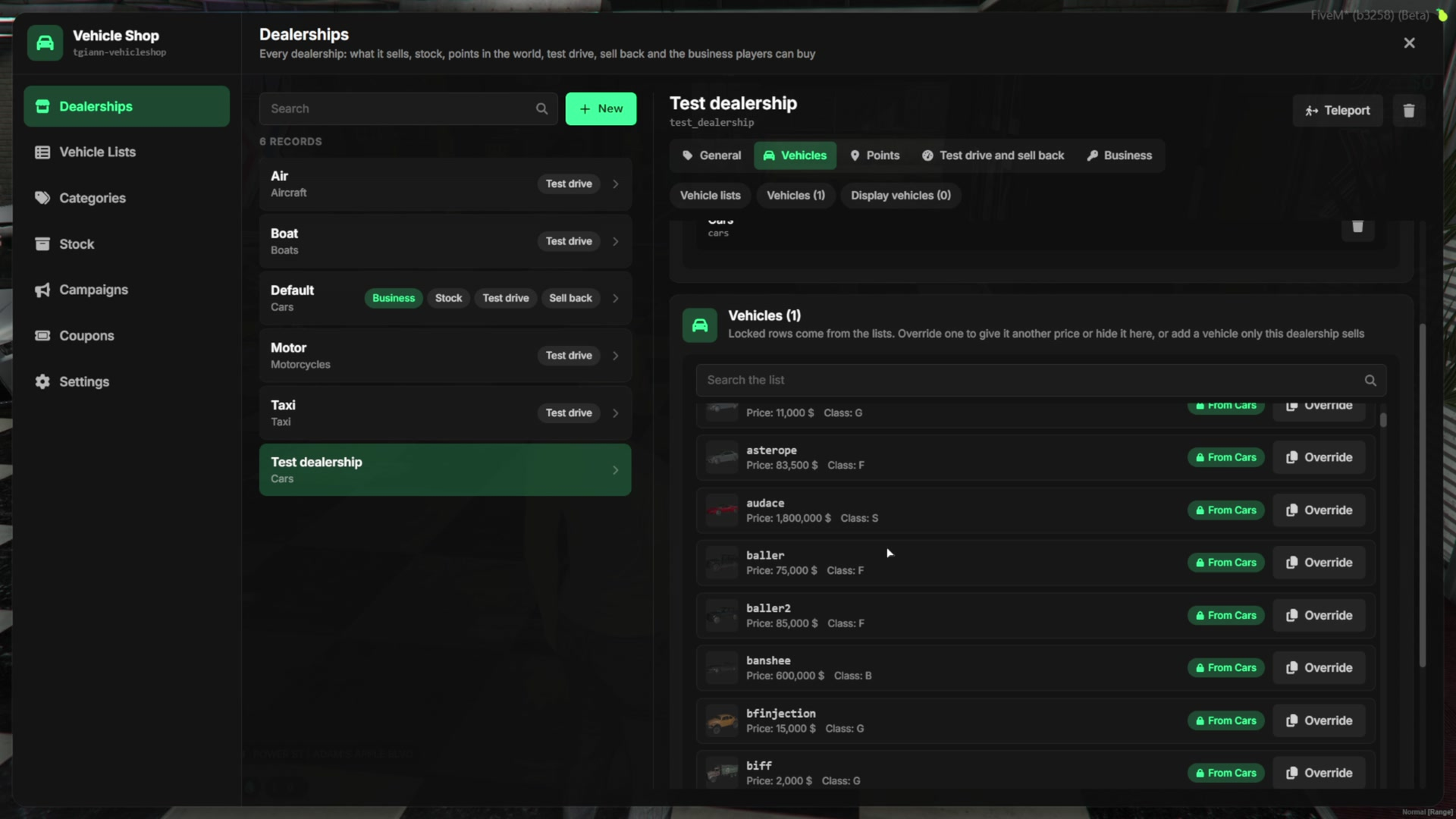
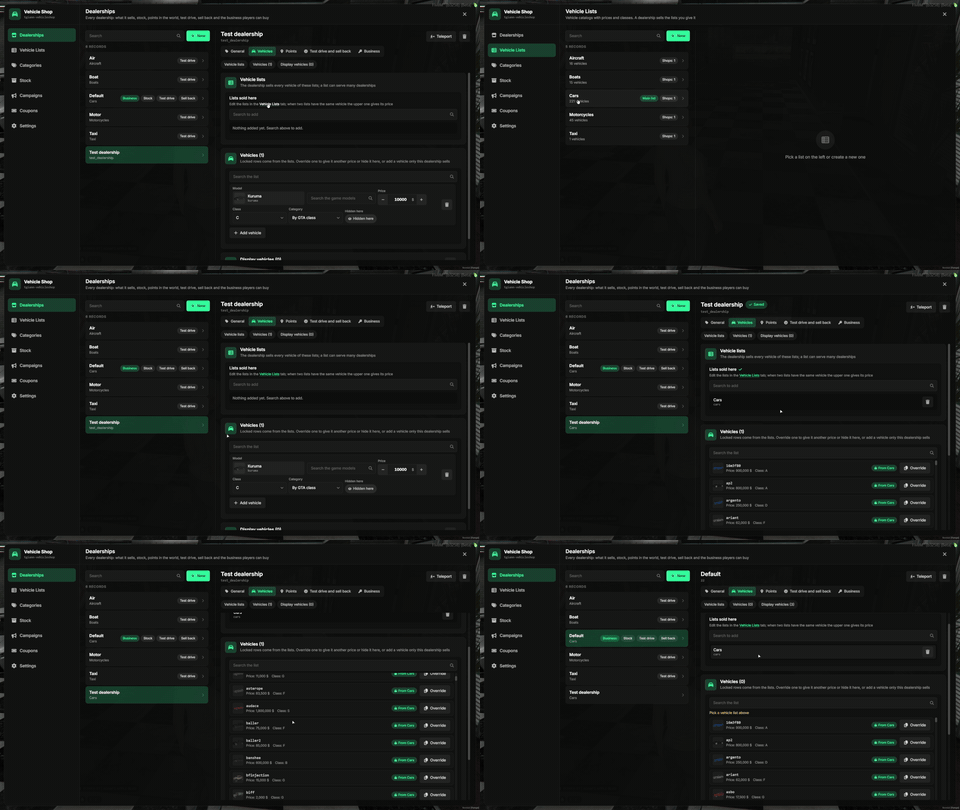
- Build a vehicle list once and give it to as many dealerships as you like. Editing the list updates every dealership that uses it.
- Inside one dealership you can override a car of a list: change its price or class, or take it out, without touching the list.
Display Vehicles
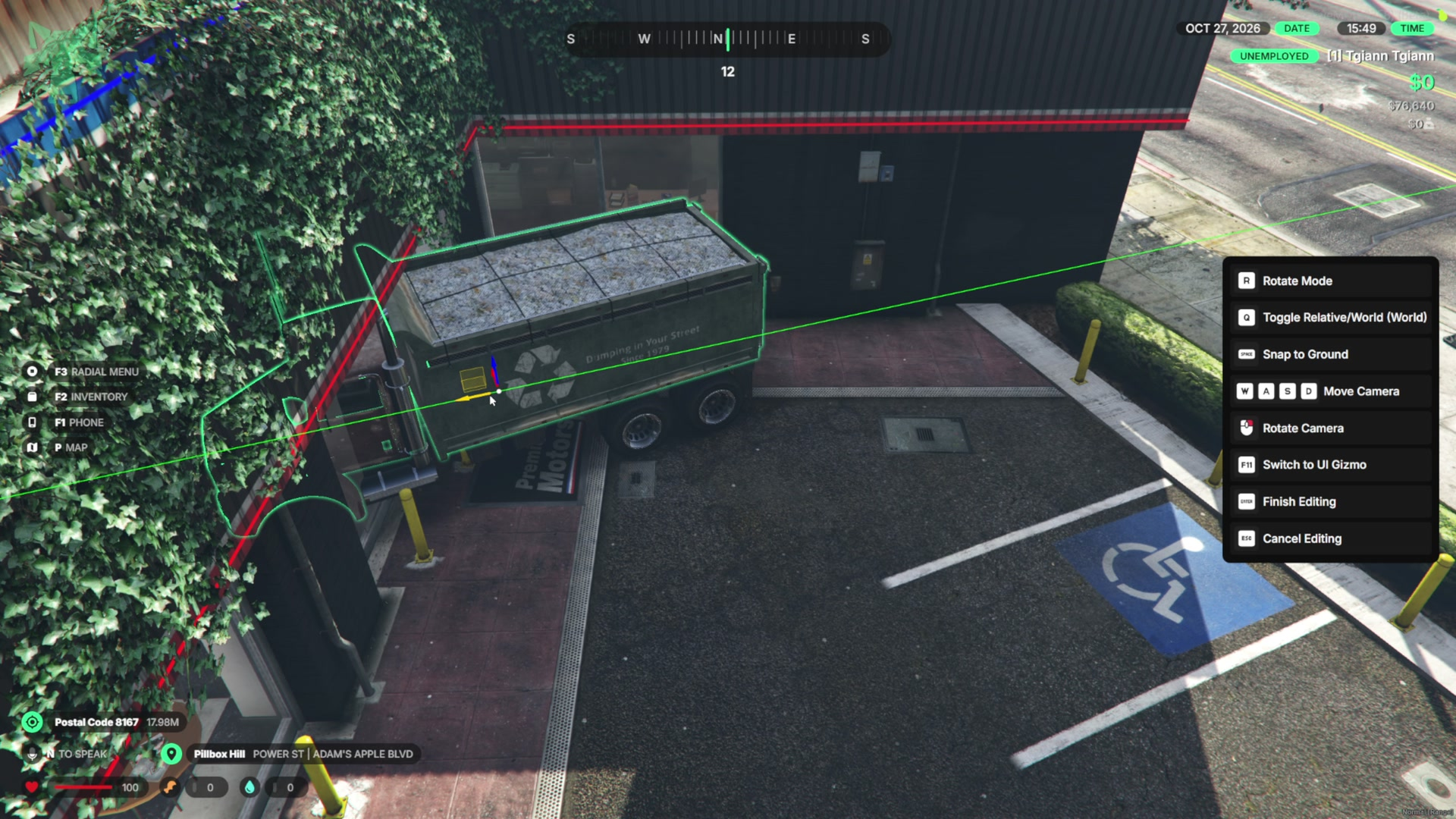
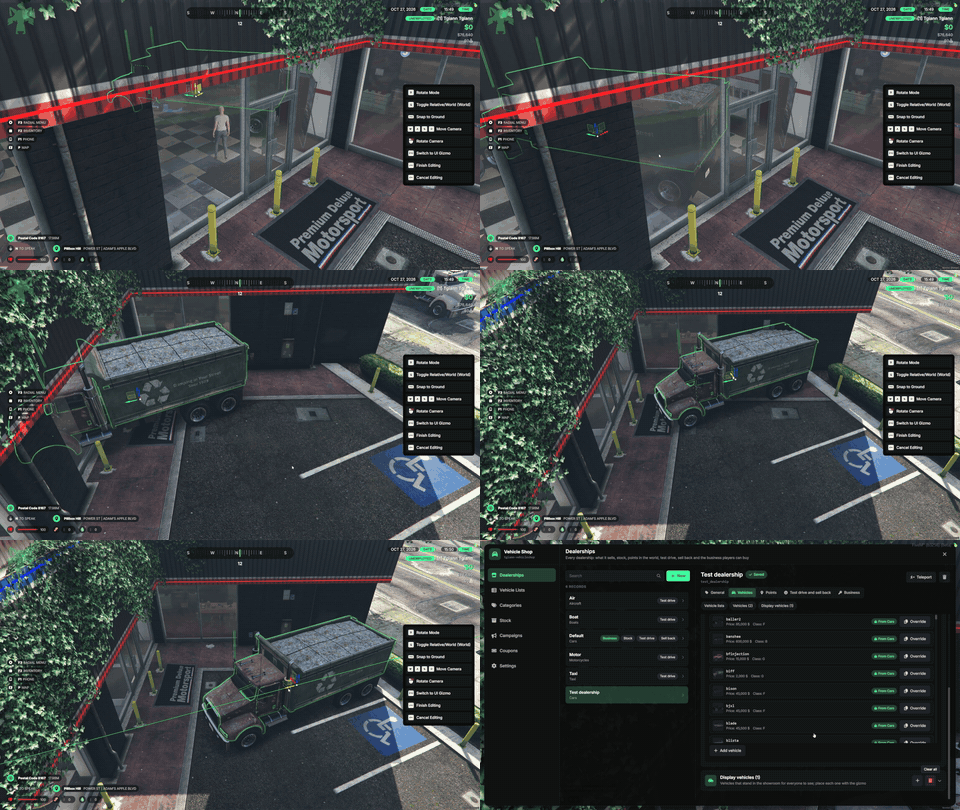
- Put display cars around the dealership, inside or outside. Each one is placed and turned with a gizmo right where it should stand.
- Change the model, teleport to a display car, or remove them all with one click.
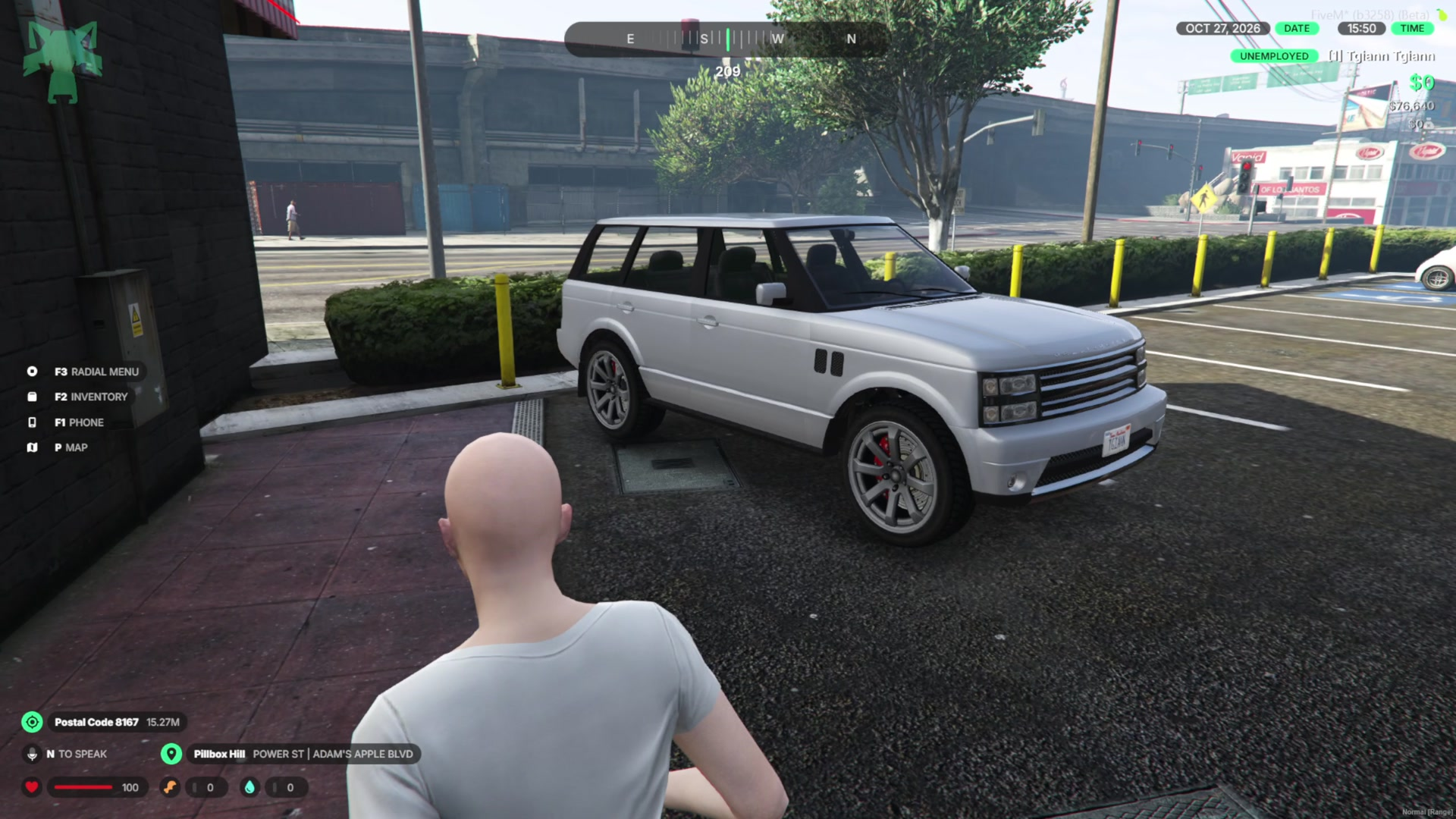
- Display cars only spawn for players nearby (100 meters by default).
Points & Services
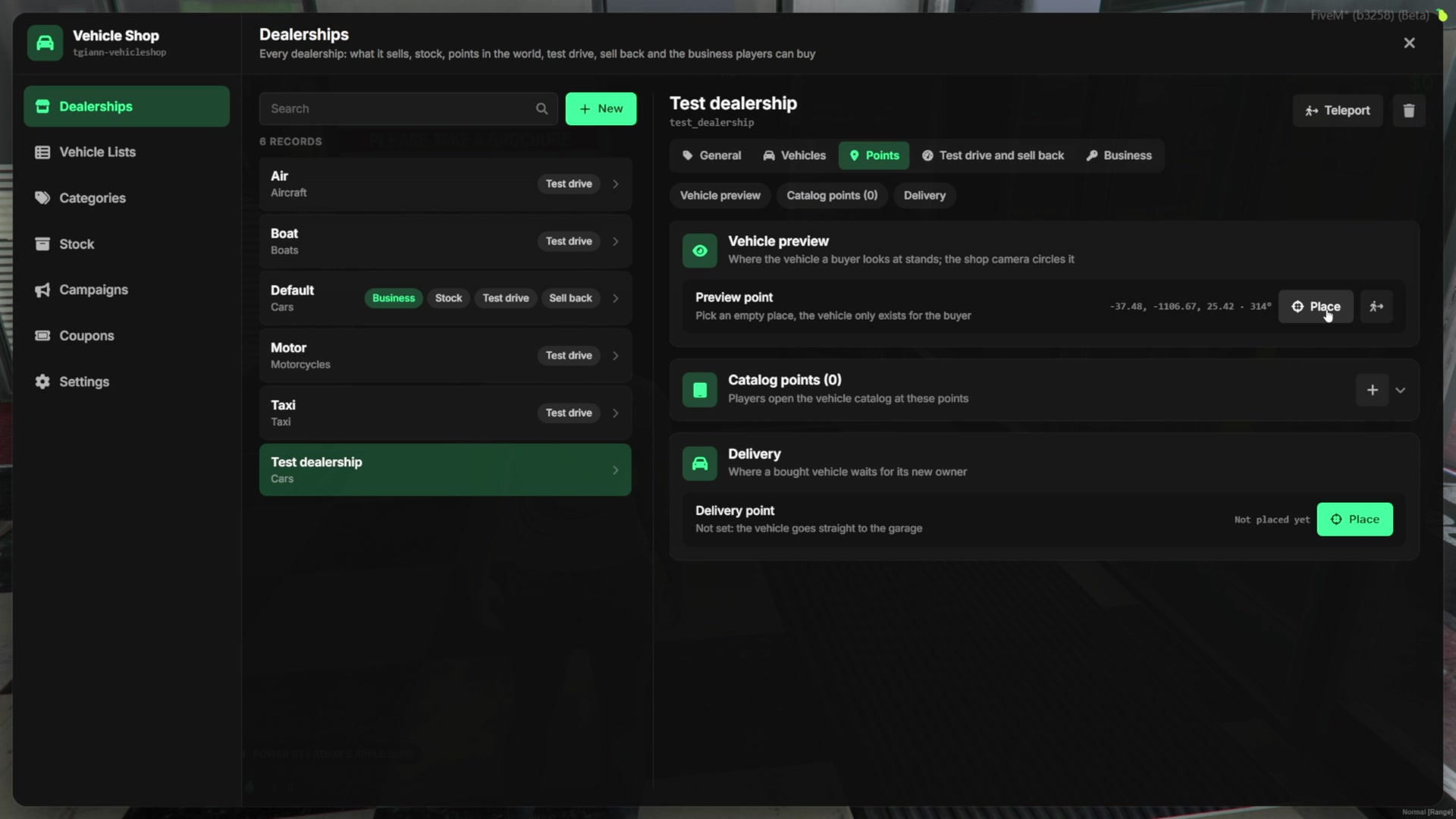
- Set the preview spot, the catalog points and the delivery point of each dealership in the world.
- Test drive, paint, trade-in and sell back each have their own card per dealership.
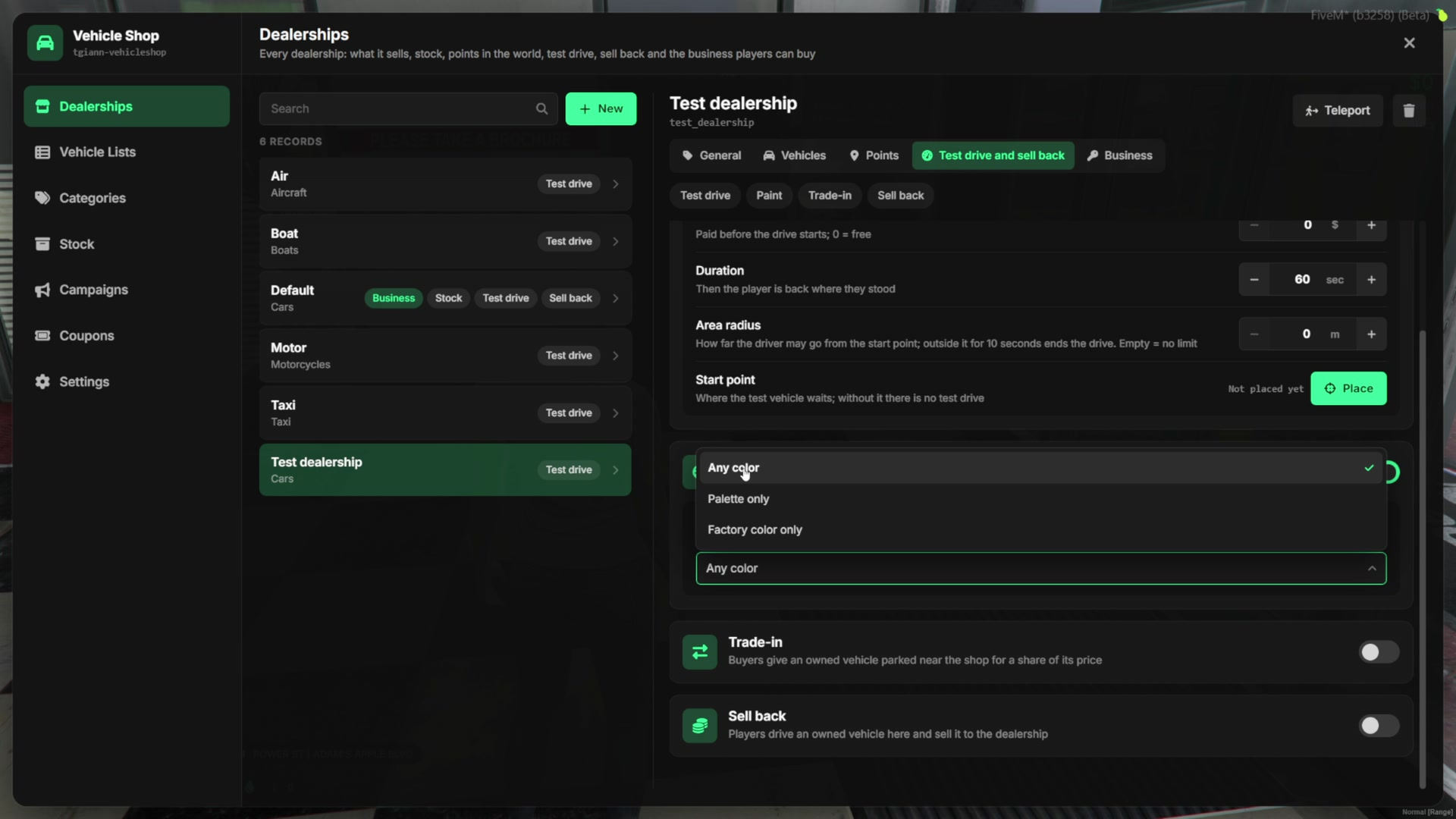
- The paint card decides whether buyers can pick any color, only a palette you build, or only the factory color.
Business Settings
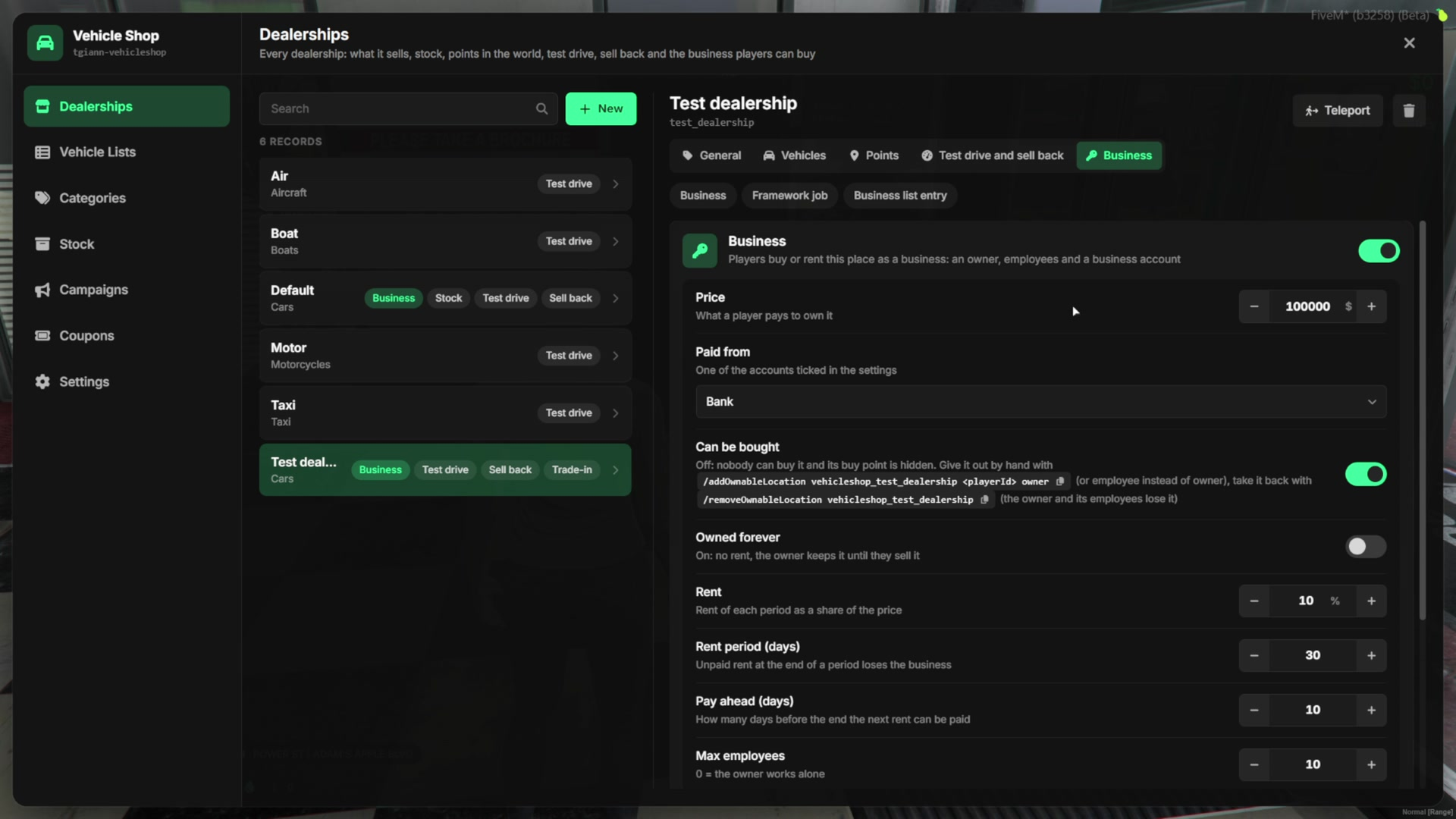
- Turn on the business for a dealership and set its price, the account it is paid from, and whether it can be bought.
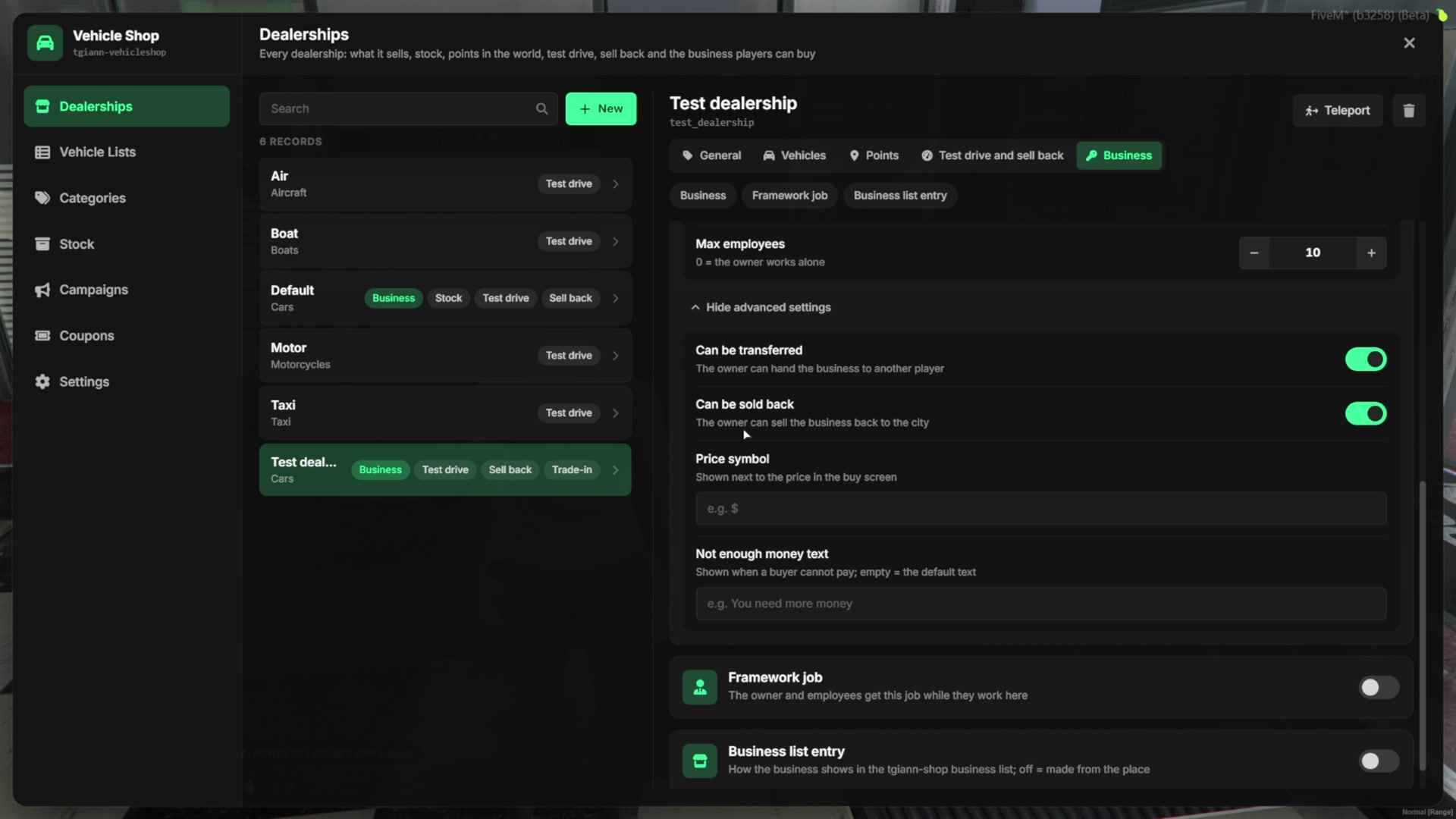
- Players can own it forever or rent it. Set the rent period, how many days ahead the rent can be paid, the rent price and the maximum number of employees.
- Decide whether the business can be transferred or sold back, show a custom currency symbol and a custom “not enough money” message.
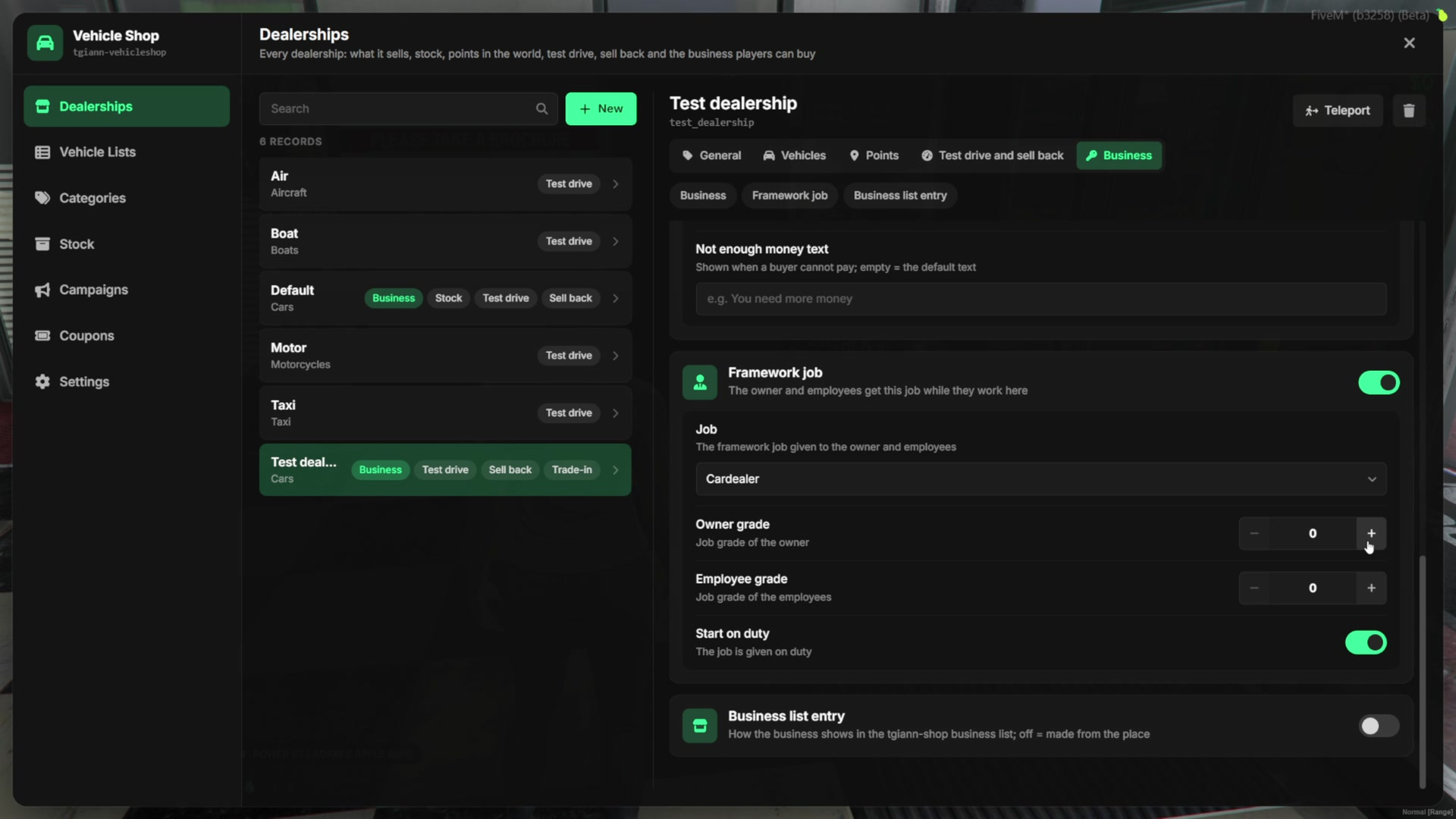
- Give the owner a framework job when they buy it, with the owner and employee grades you choose, and start them on duty.
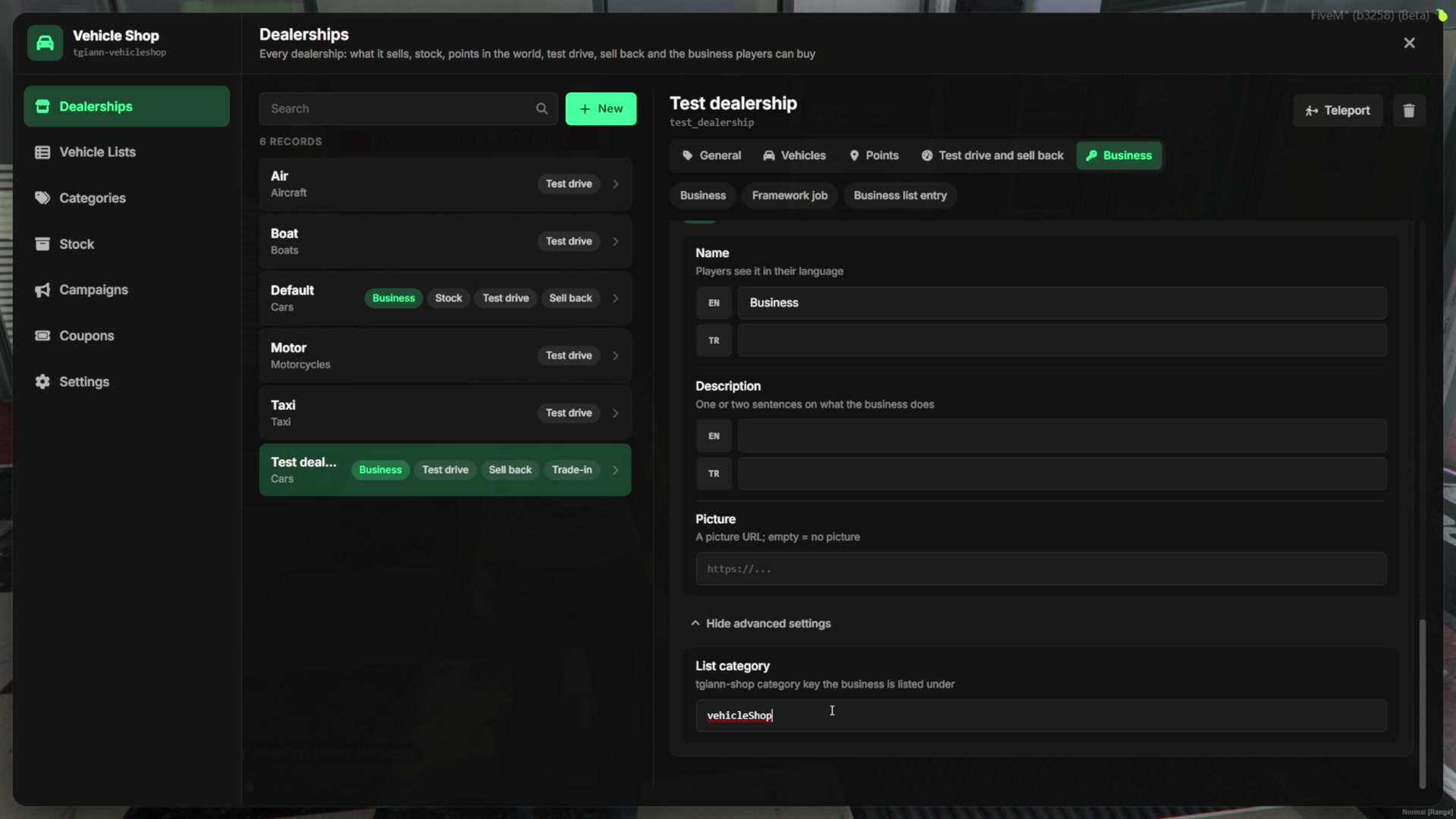
- With Business list entry, the dealership is listed in the business section of
tgiann-shopwith its own name, description, picture and category.
Campaigns & Coupons
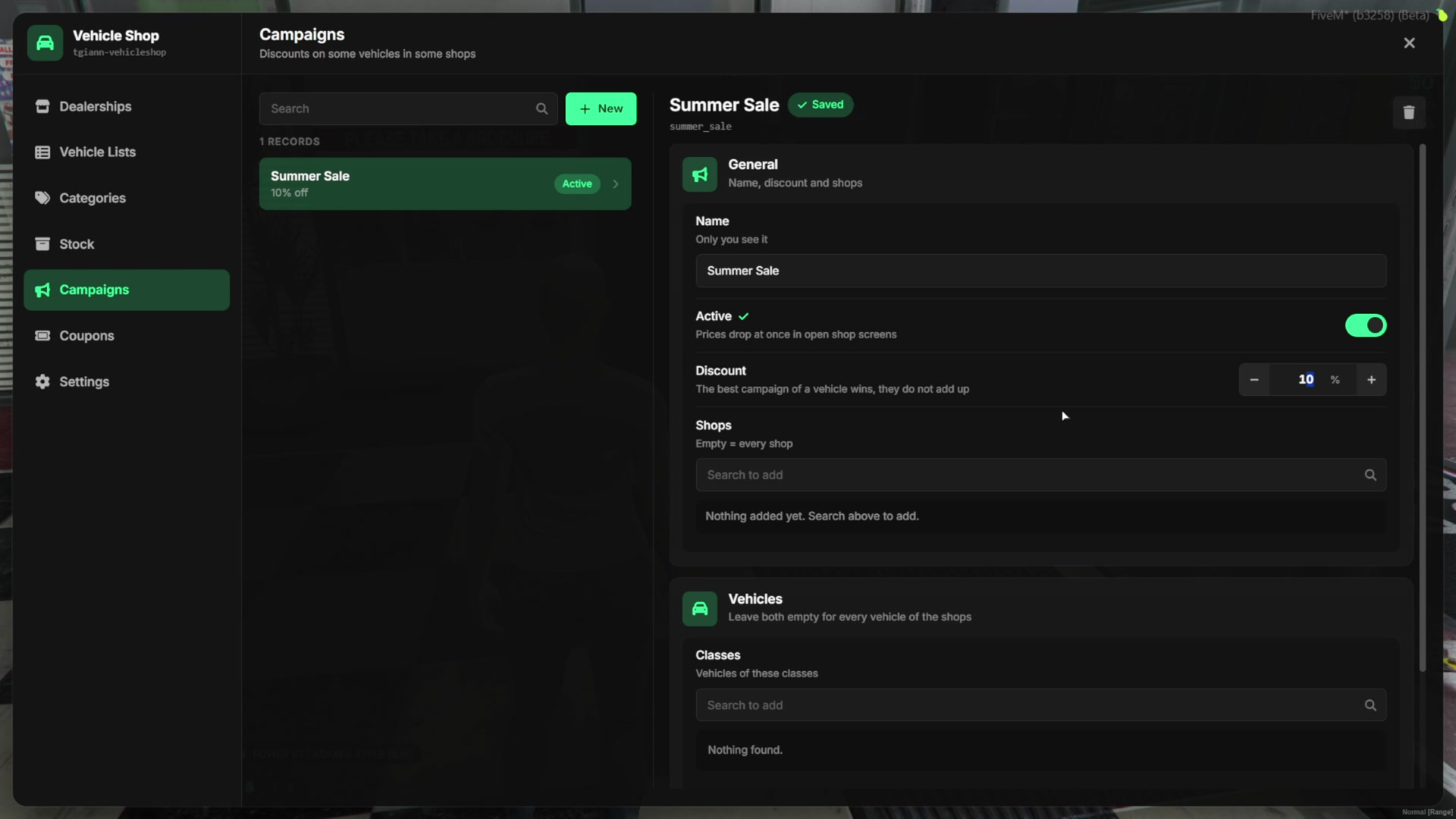
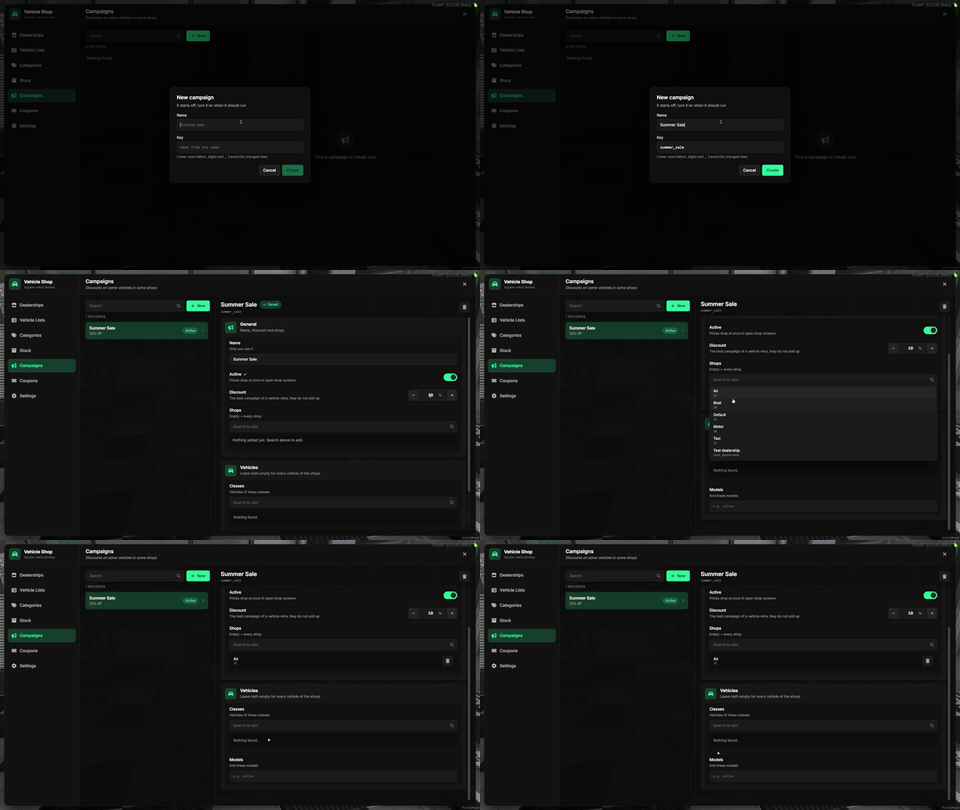
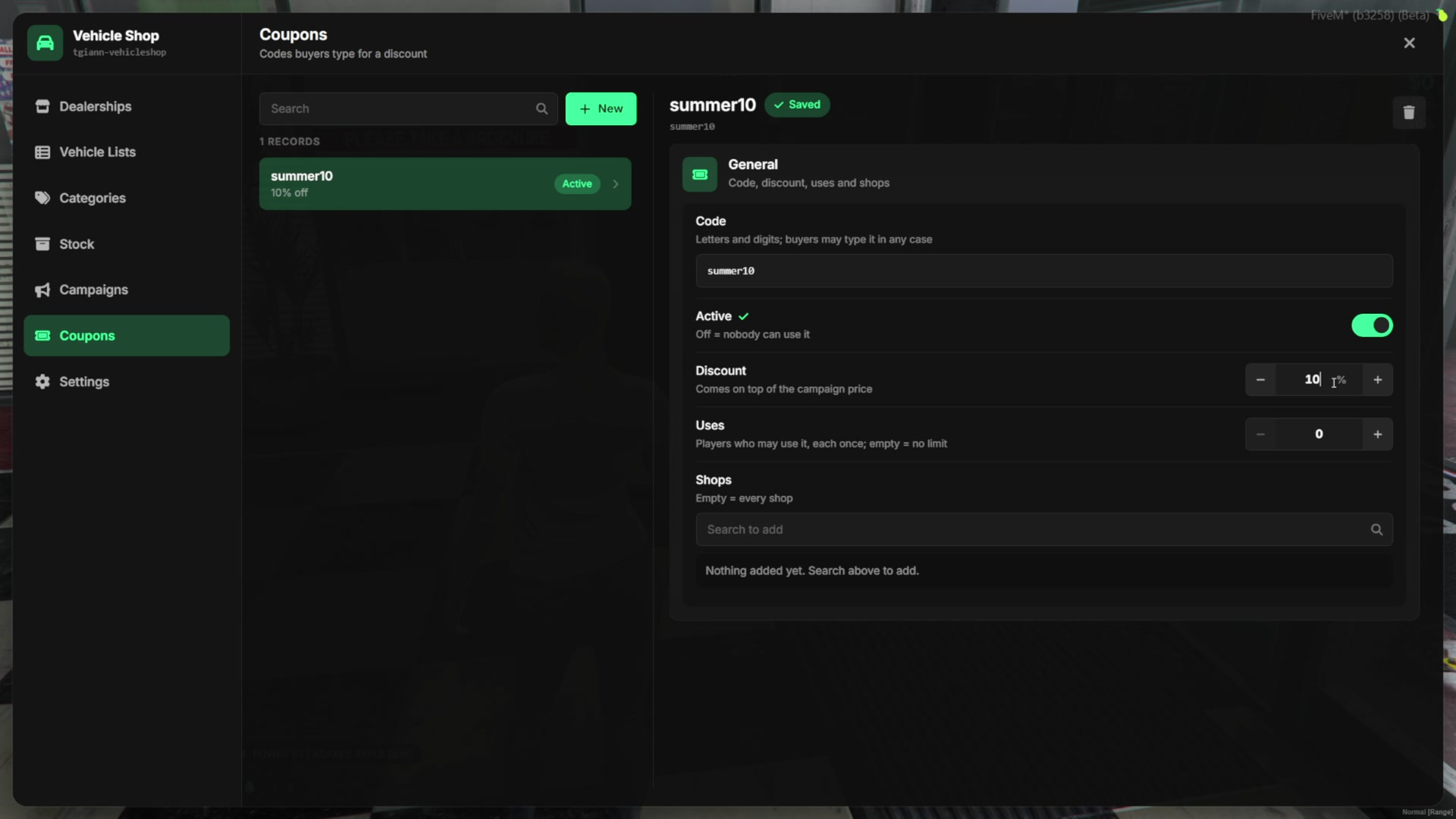
- Campaigns put a discount on every dealership, on selected dealerships, or only on some classes or cars. Prices drop at once on every open shop screen.
- Coupons have a code, a discount, a use limit and the dealerships they work in. Each player can use a coupon once.
- Dealership owners can run their own campaigns and coupons from the tablet, inside the limits set in the settings.
Categories & Classes
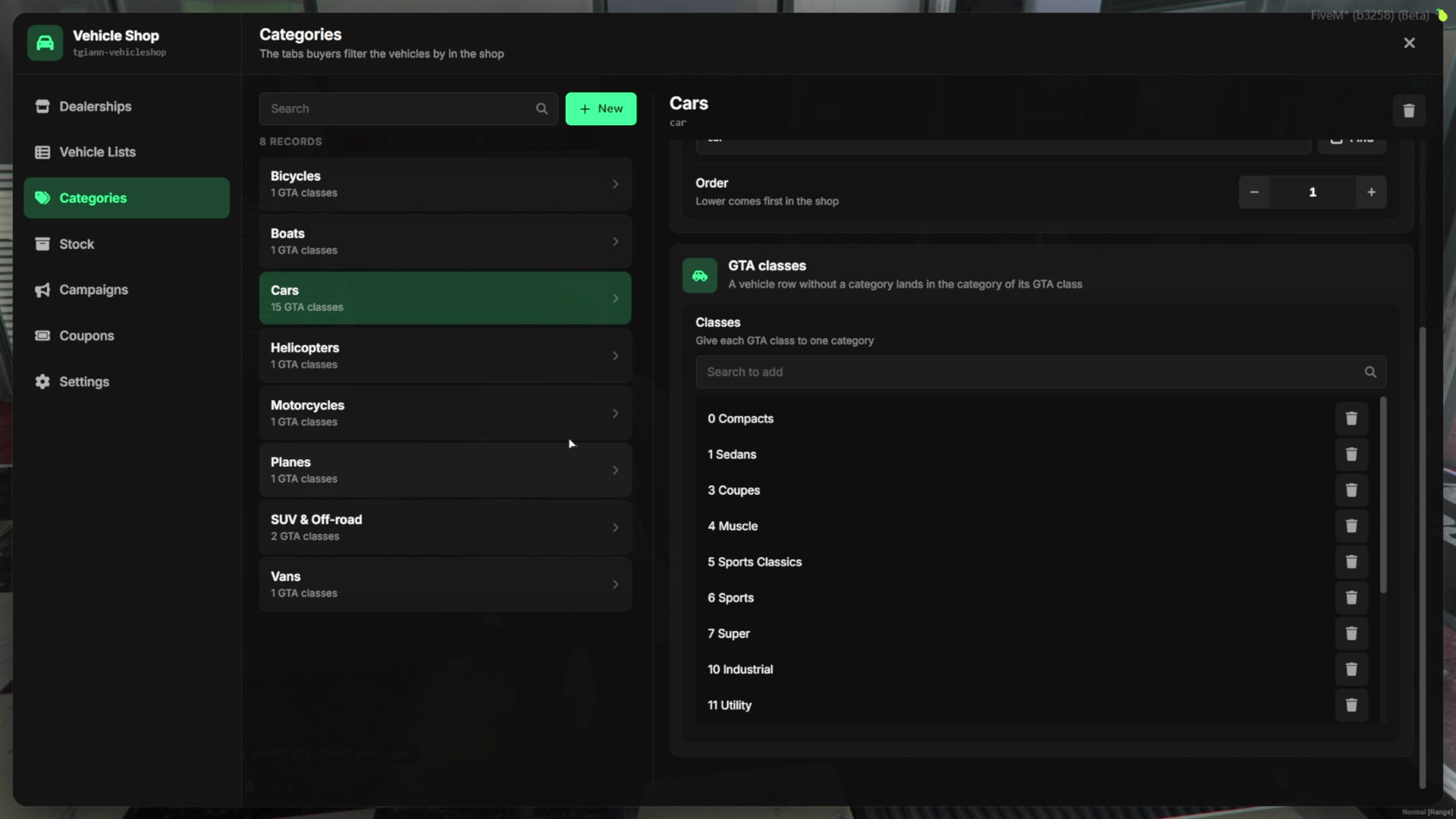
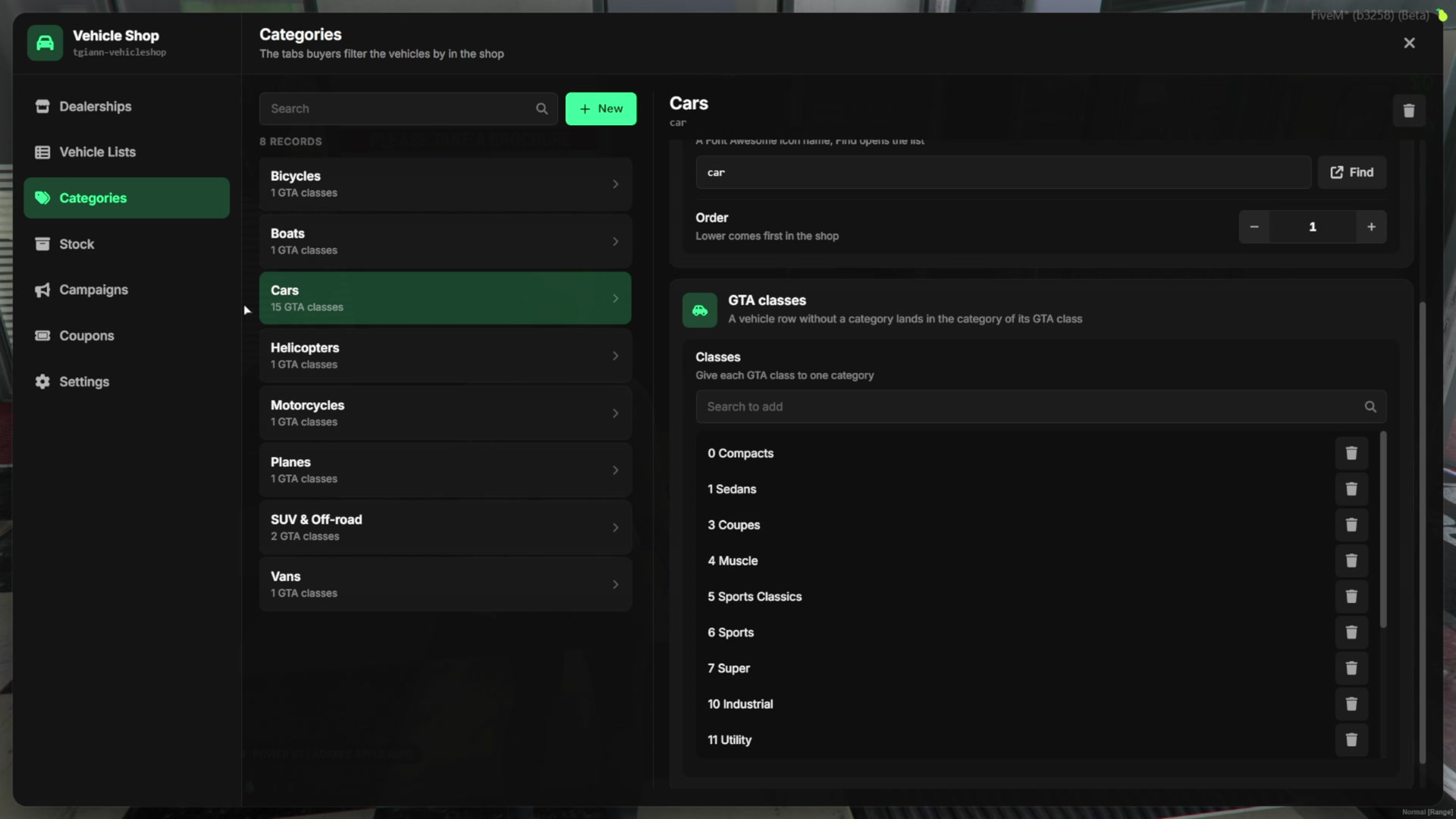
- Categories group cars by GTA class and are ready to use. You can change them or create your own.
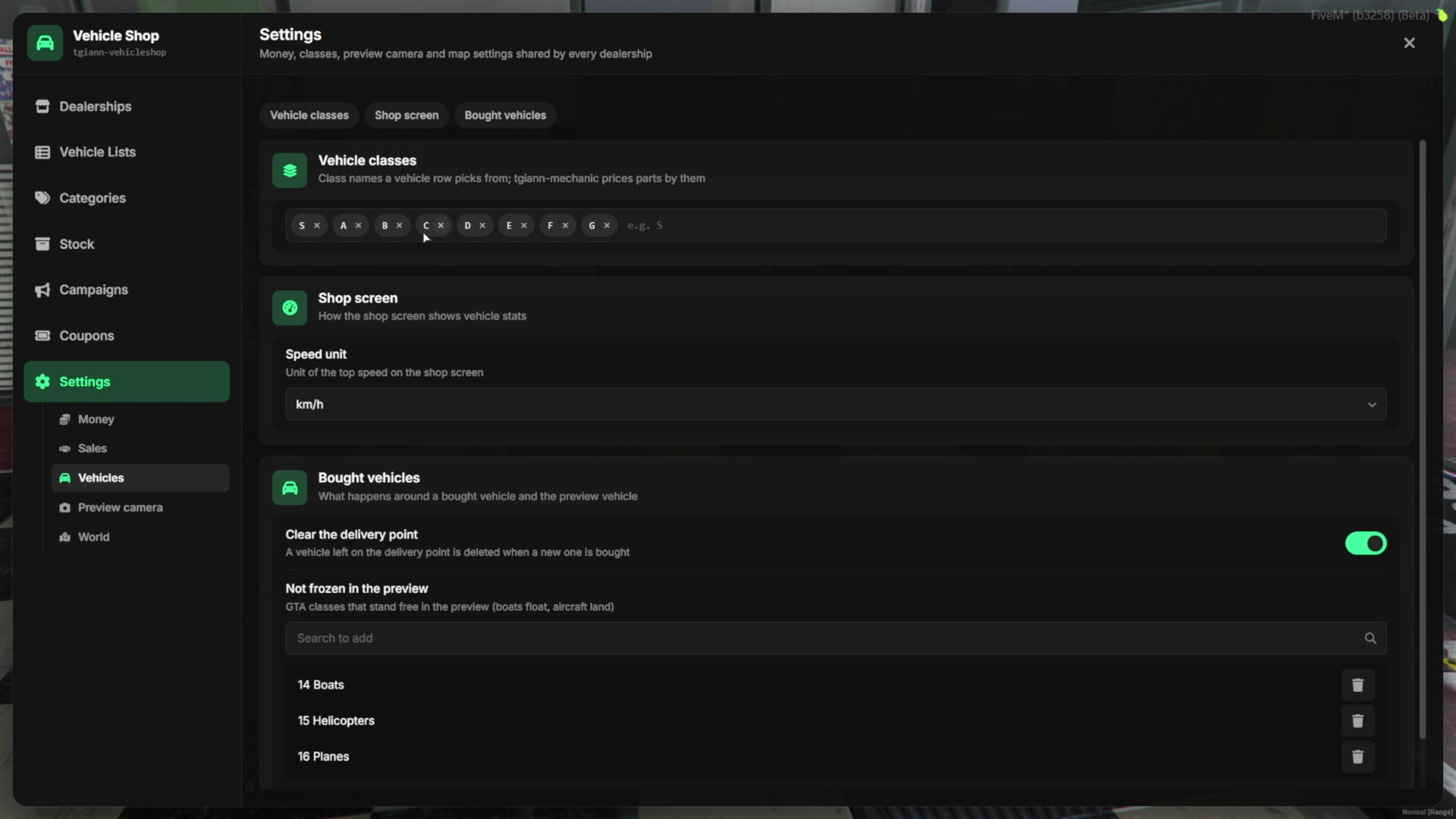
- Vehicle classes (S, A, B, C and more) are your own labels, shown in the catalog and used in the class filter. Create custom ones, for example a class only for taxis.
Settings
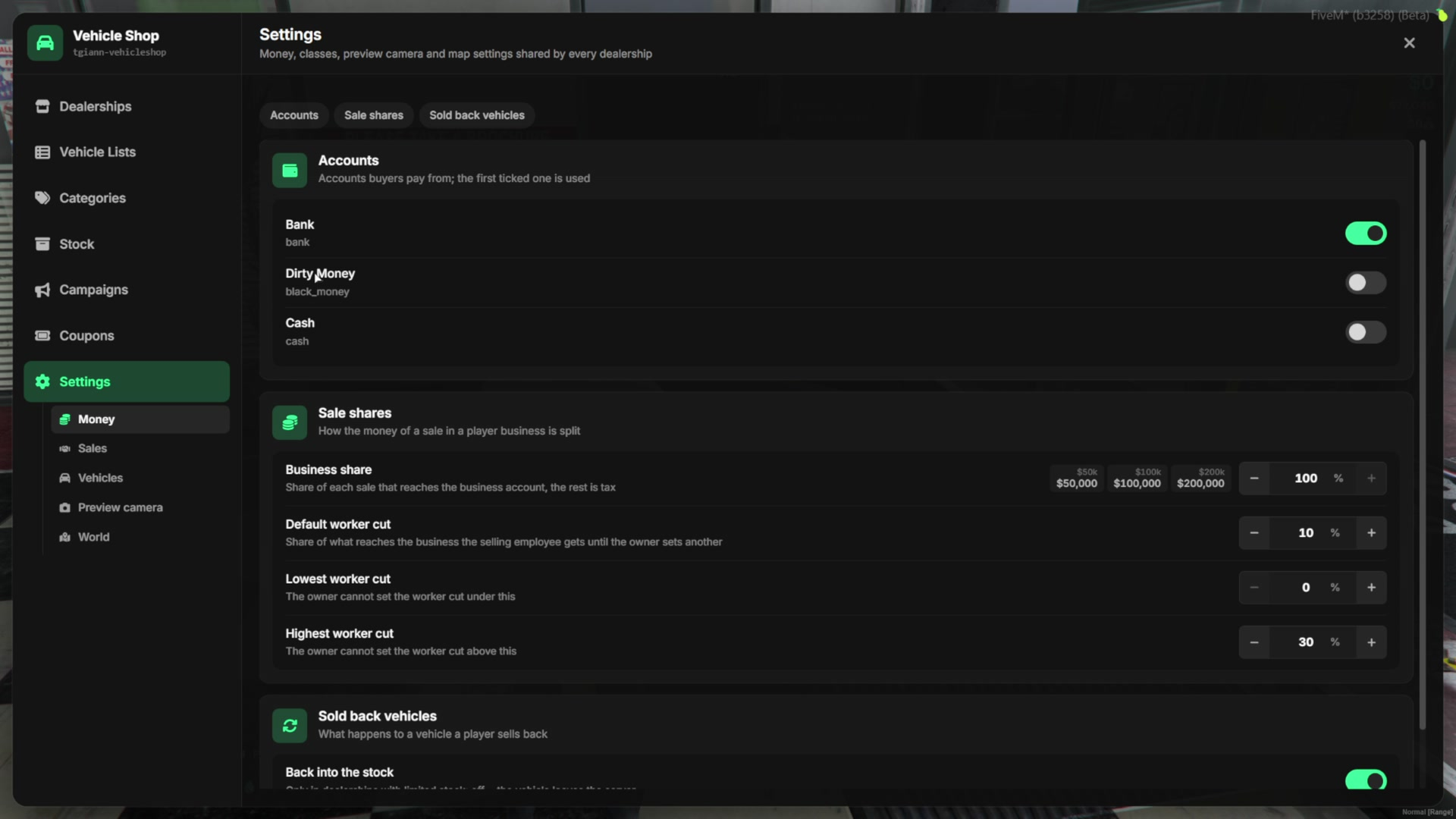
- Payment accounts buyers can pay from (bank, cash, dirty money).
- The money split of a sale: the business share and the employee cut range.
- Employee sales: the maximum discount, the distance to the customer and how long an offer stays open.
- Custom plate price and length, and the limits for owners’ campaigns and coupons.
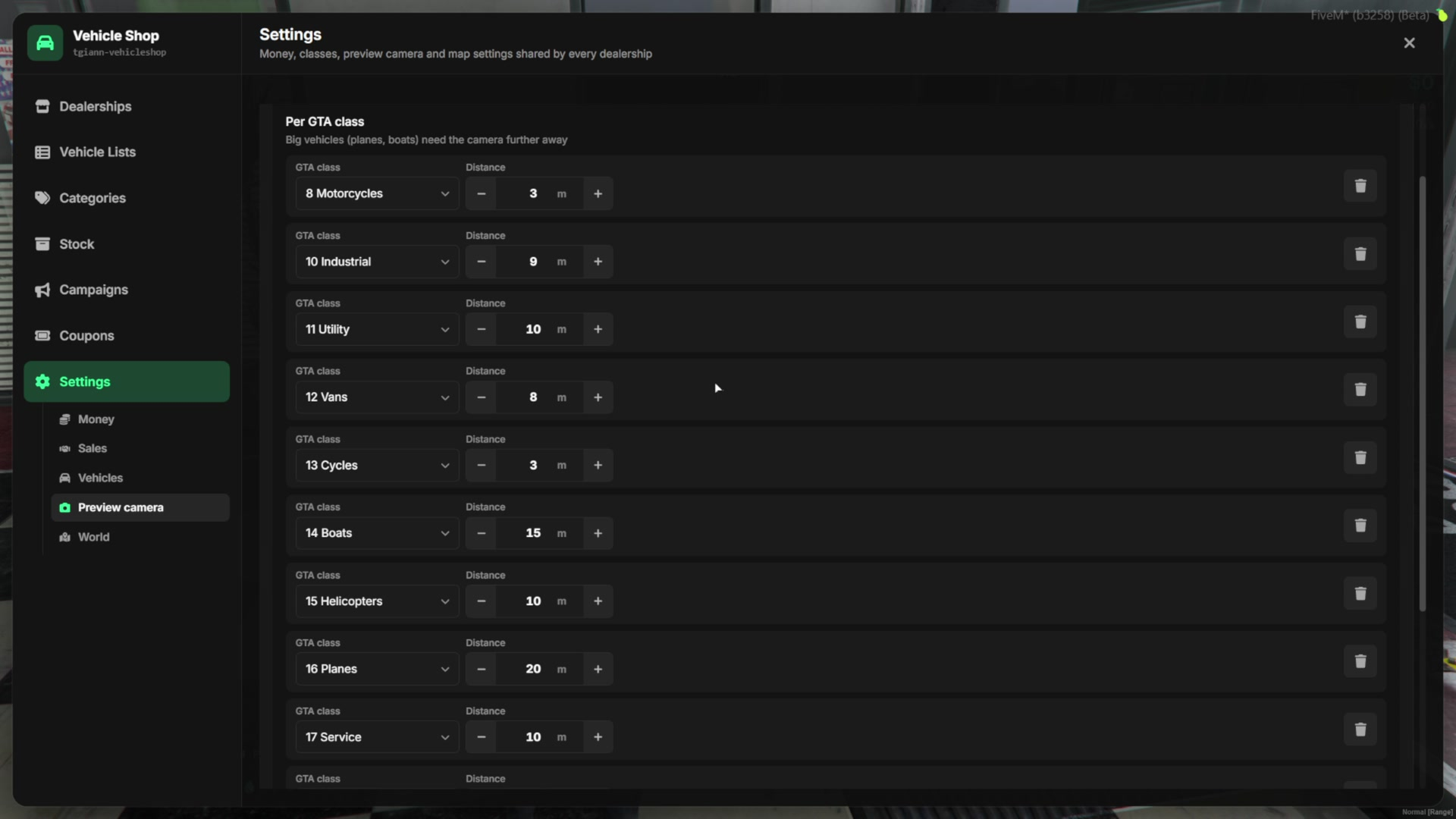
- The speed unit (km/h or mph), whether a car standing on the delivery point is cleared, which classes stay frozen in the preview (boats, helicopters, planes) and the preview camera distance per GTA class.
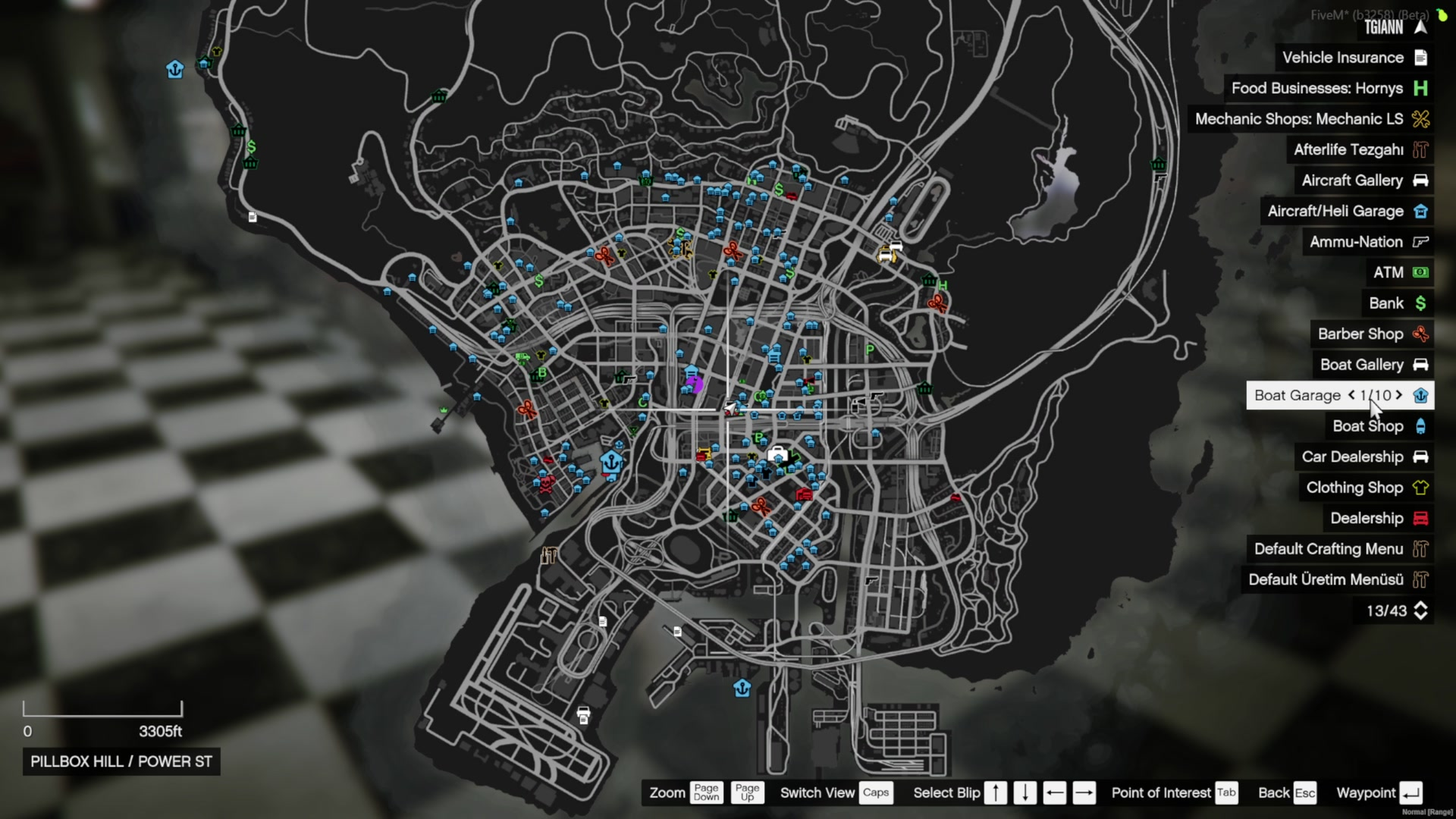
- Map blips of all dealerships can be shown one by one or grouped under one category.