Interactive Vehicle Control System

ShowCase
FEATURES
- The menu can be accessed via command, keybind, or exports.
- The vehicle can still be driven while the UI is open.
- Keyboard shortcuts for opening/closing doors and the hood, and for changing seats.
- Dynamic UI indicator that adapts based on the number of seats in the vehicle.
- Quick seat changing with the
/seatcommand. - Real-time updates while the UI is open (e.g., the UI updates automatically when a door is opened or closed).
- Fully synchronized with other players.
- Mouse mode for those who prefer not to use the UI.
- When mouse mode is active, you can interact directly by clicking on vehicle parts with your mouse (e.g., clicking on a door to open or close it).
- Camera mode: You can enable camera mode if desired. While active, moving the mouse to the edges of the screen rotates the camera around the vehicle, allowing you to use mouse mode more effectively.
HUD display for a standard vehicle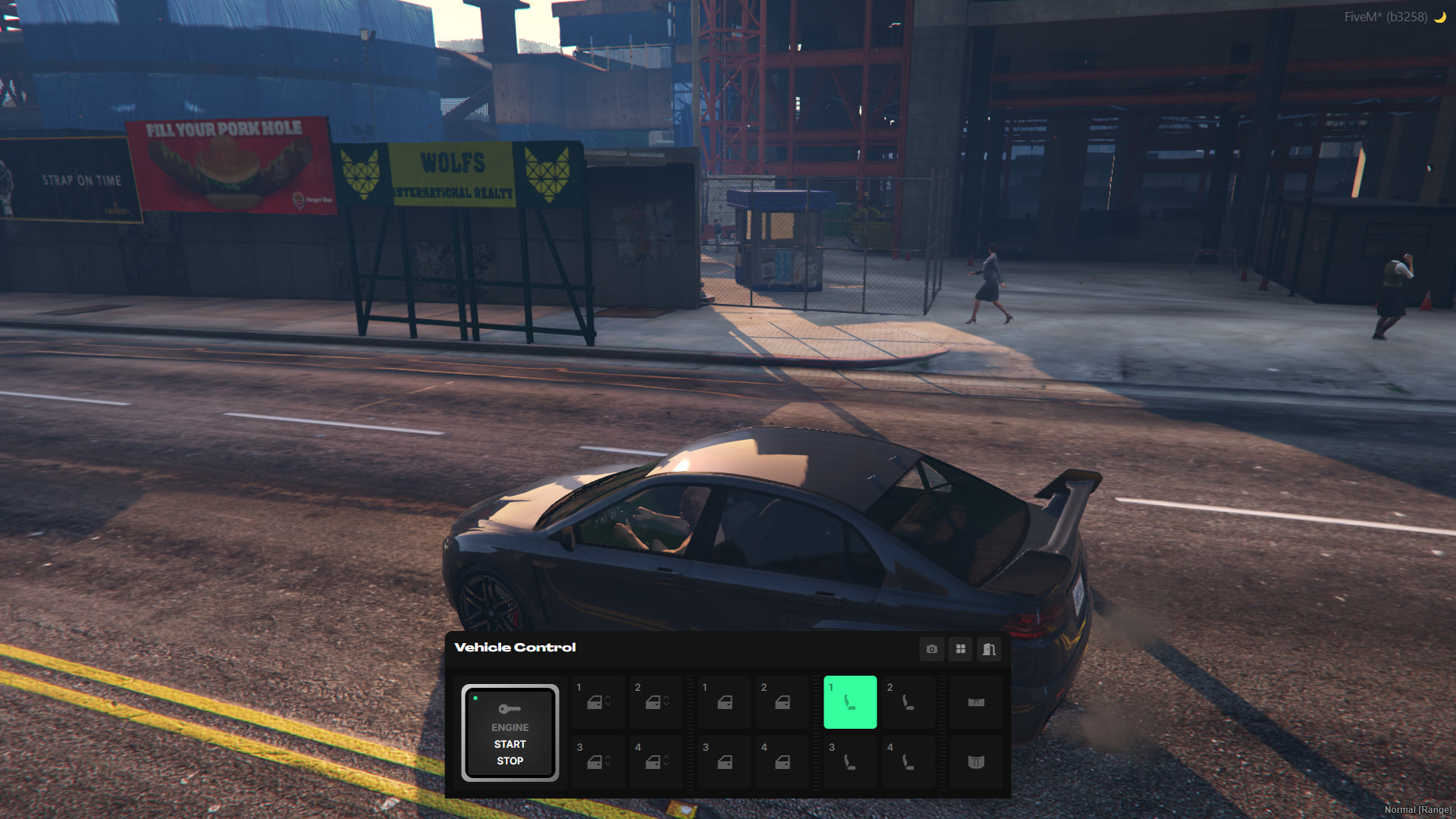
Mouse mode(Open) 1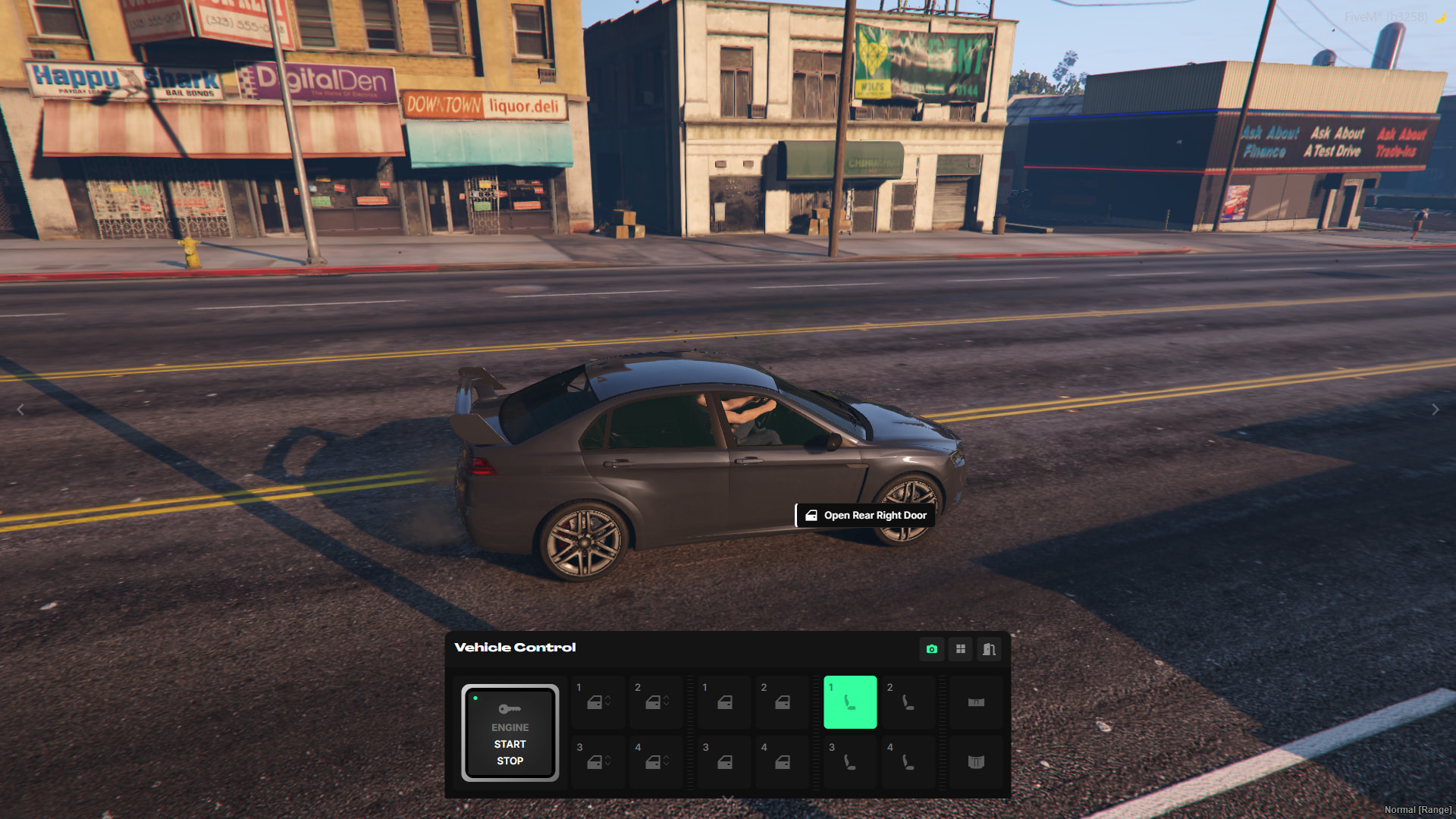
Mouse mode(Close) 2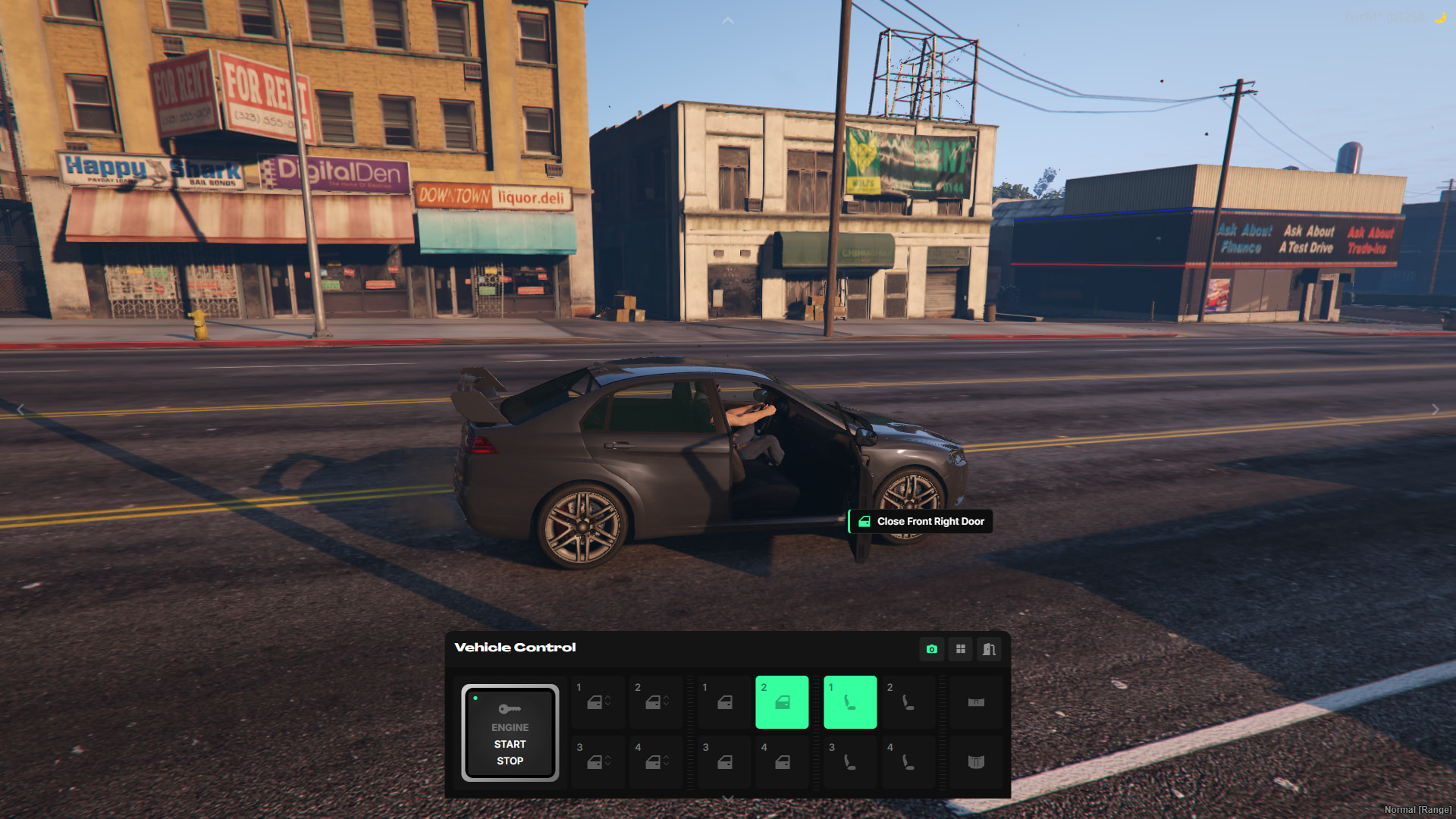
UI for those in the passenger seat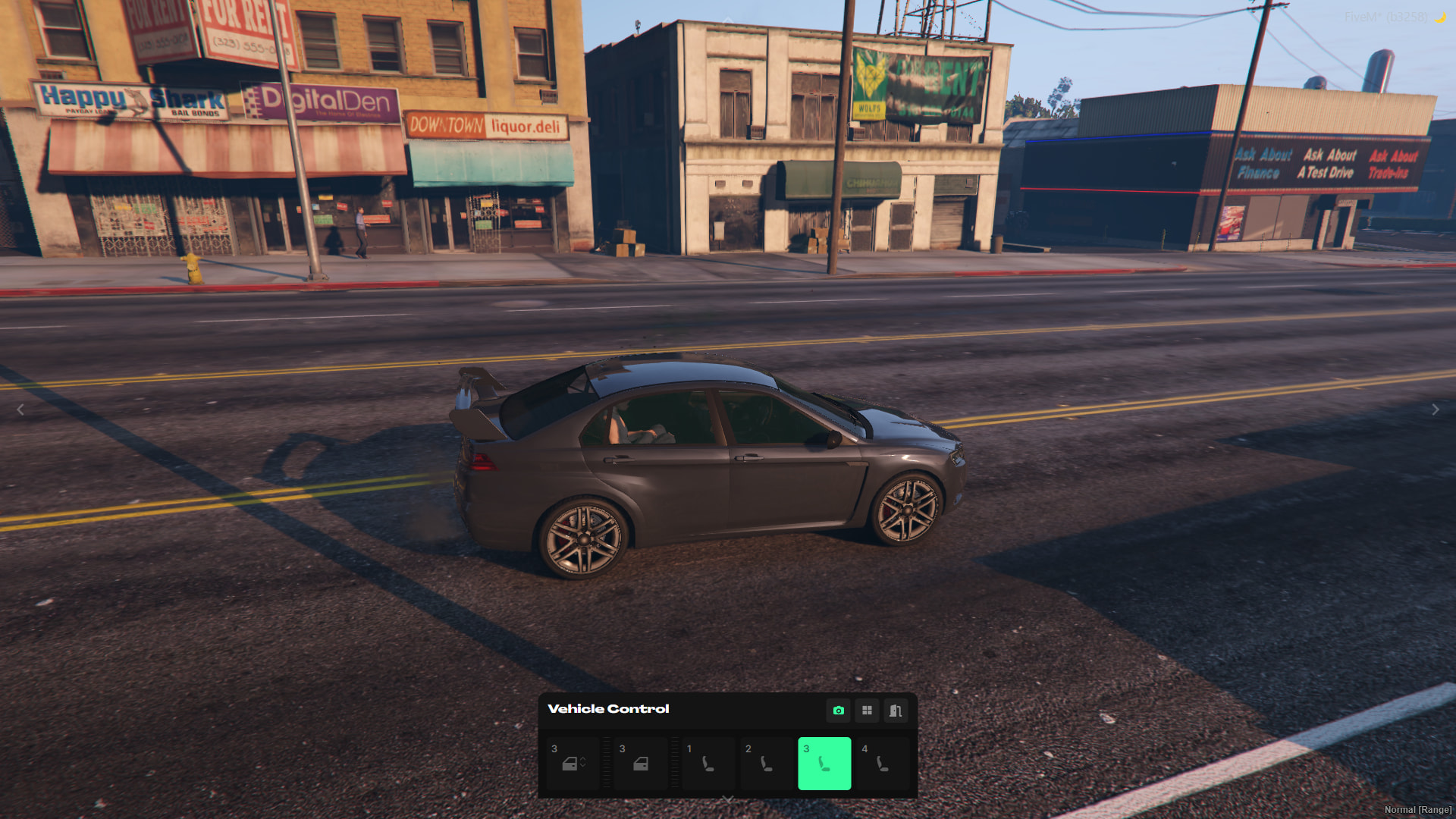
motorcycle UI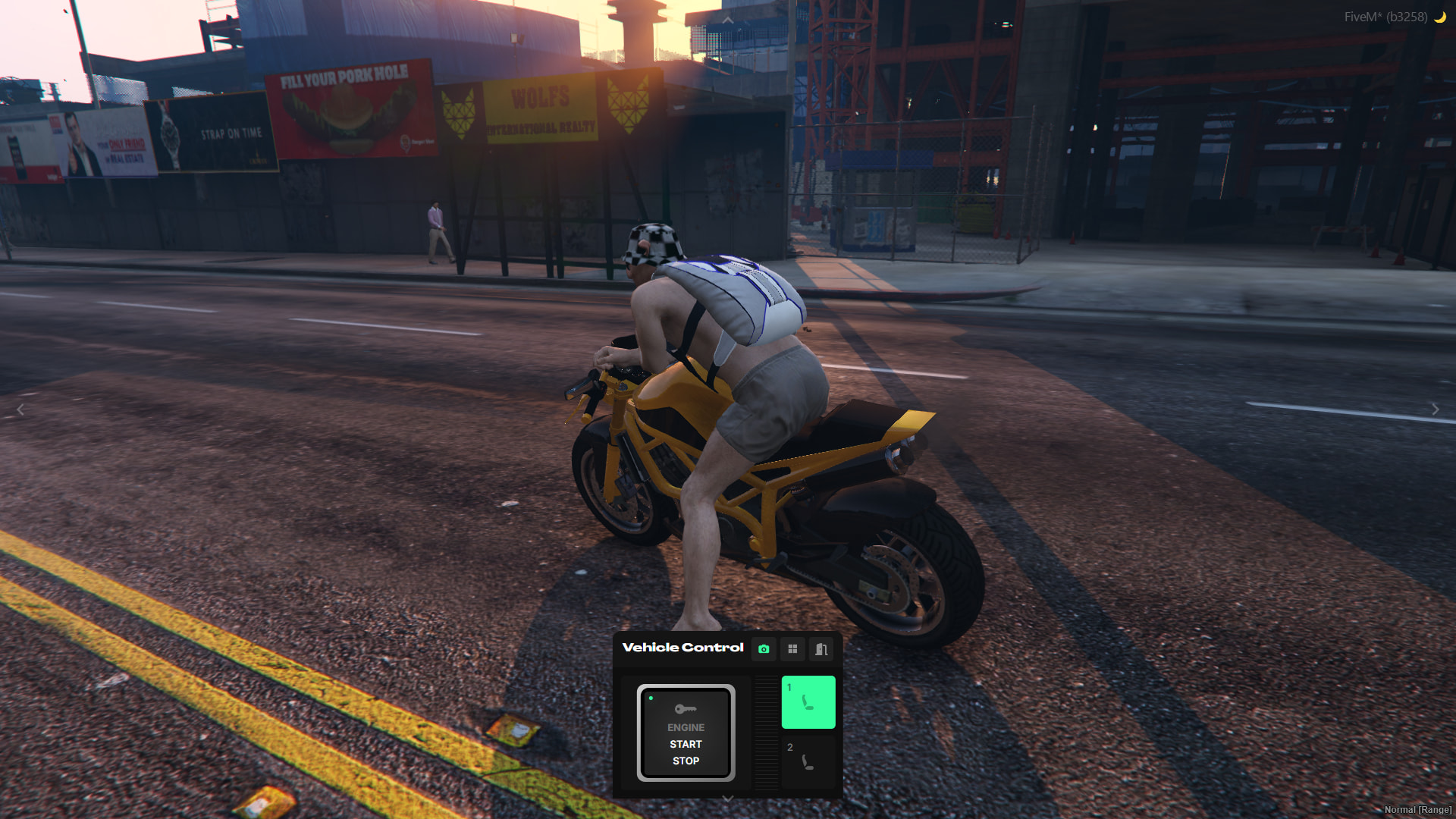
UI for vehicles with many seats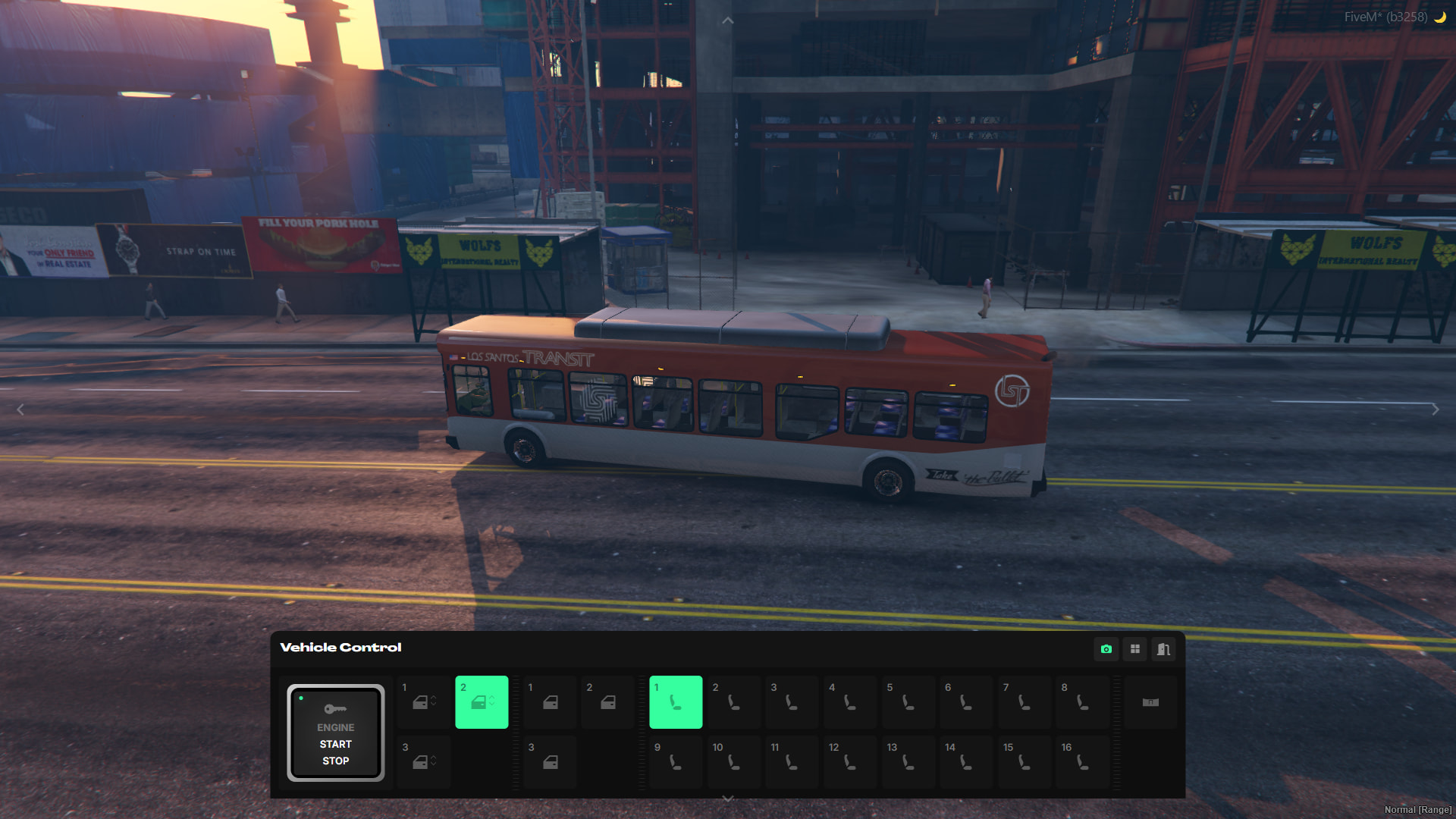
Requirements
- tgiann-core (free)
- ox_lib